
Upload an image
Choose a JPG, PNG, or WEBP image from your device.
Use the blur image tool to soften one selected area in a JPG, PNG, or WEBP file and review the processed result in your browser.
Source image
Choose an image to see the source preview.
Result
A blur image tool applies a softening effect to part of an image so details in that selected area become less visible. This utility is built for a focused edit: choose a supported file, mark one rectangular area, render the change, and review the result.
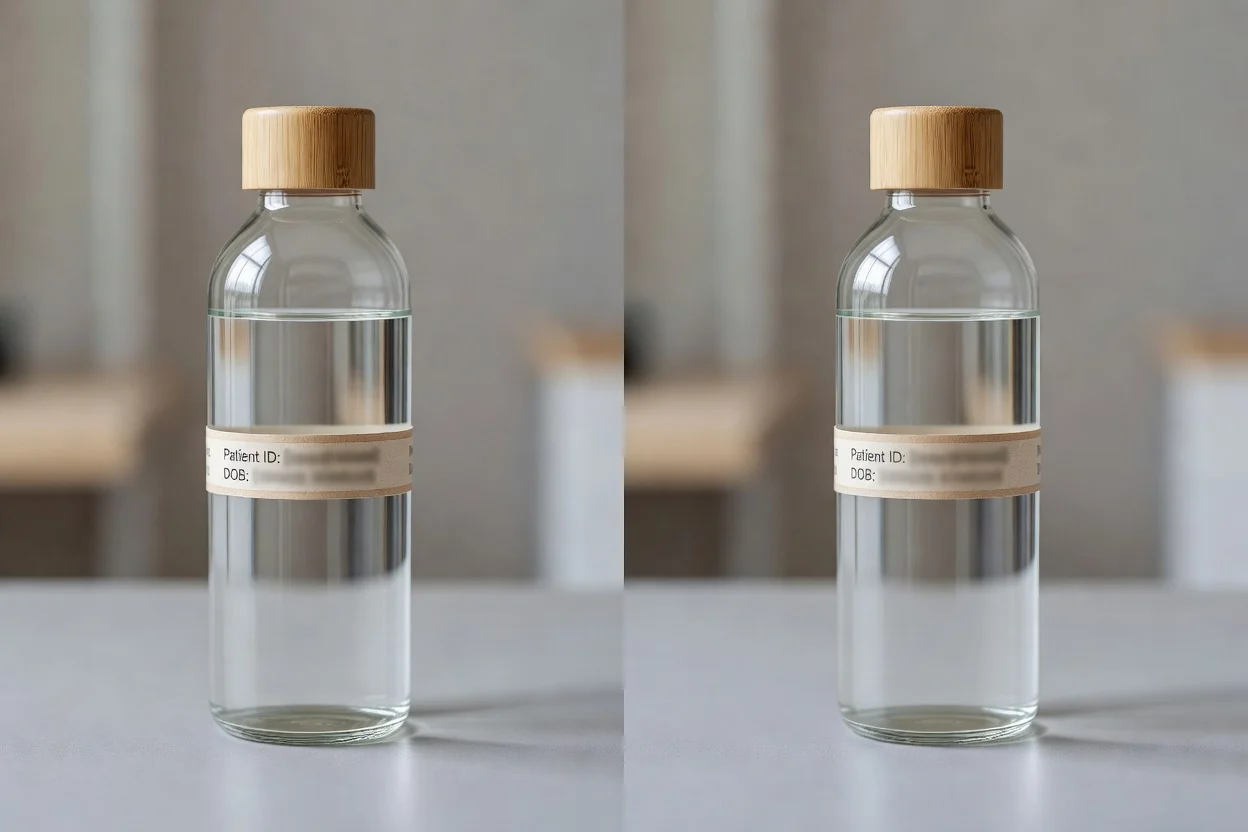
Blur part of an image online in a short, reviewable process.
Choose a JPG, PNG, or WEBP image from your device.
Drag to mark the rectangular area that should receive the blur effect.
Render the edit so the selected area is softened in the preview.
Technical behavior for input files, processing controls, and the downloadable output.
Upload a JPG, PNG, or WEBP image to begin the blur task.
The tool creates a processed output file for review after the selected area is blurred.
Controls support selecting one rectangular area, rendering the result, and using local processing in the browser.
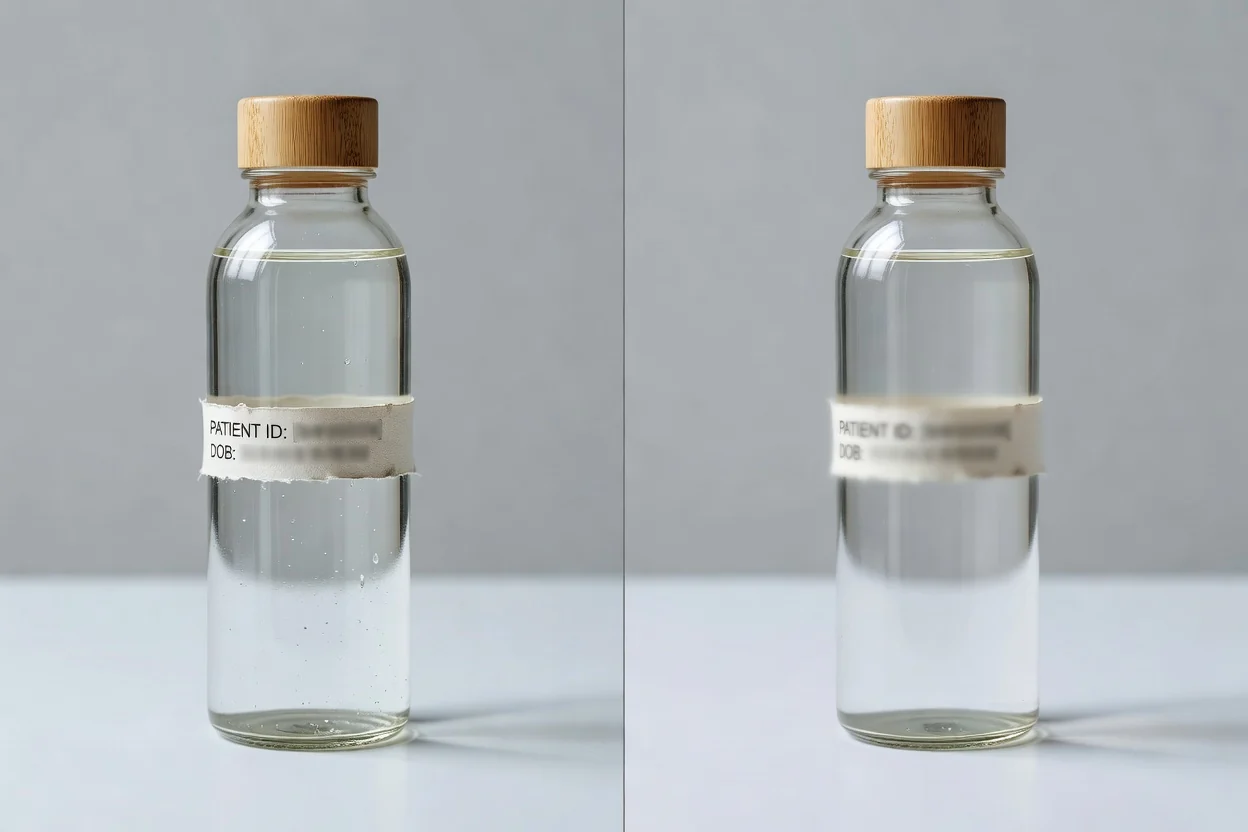
Focused controls help you blur part of an image without setting up a complex editor.
Mark one rectangular region on the image and apply blur only to that chosen area.
Render the edit and inspect the result before saving the processed file.
Process the image locally in the browser for a straightforward online workflow.
Use common image inputs including JPG, PNG, and WEBP for the blur task.
Practical ways creators, marketers, and teams use the tool when they need a quick image adjustment.
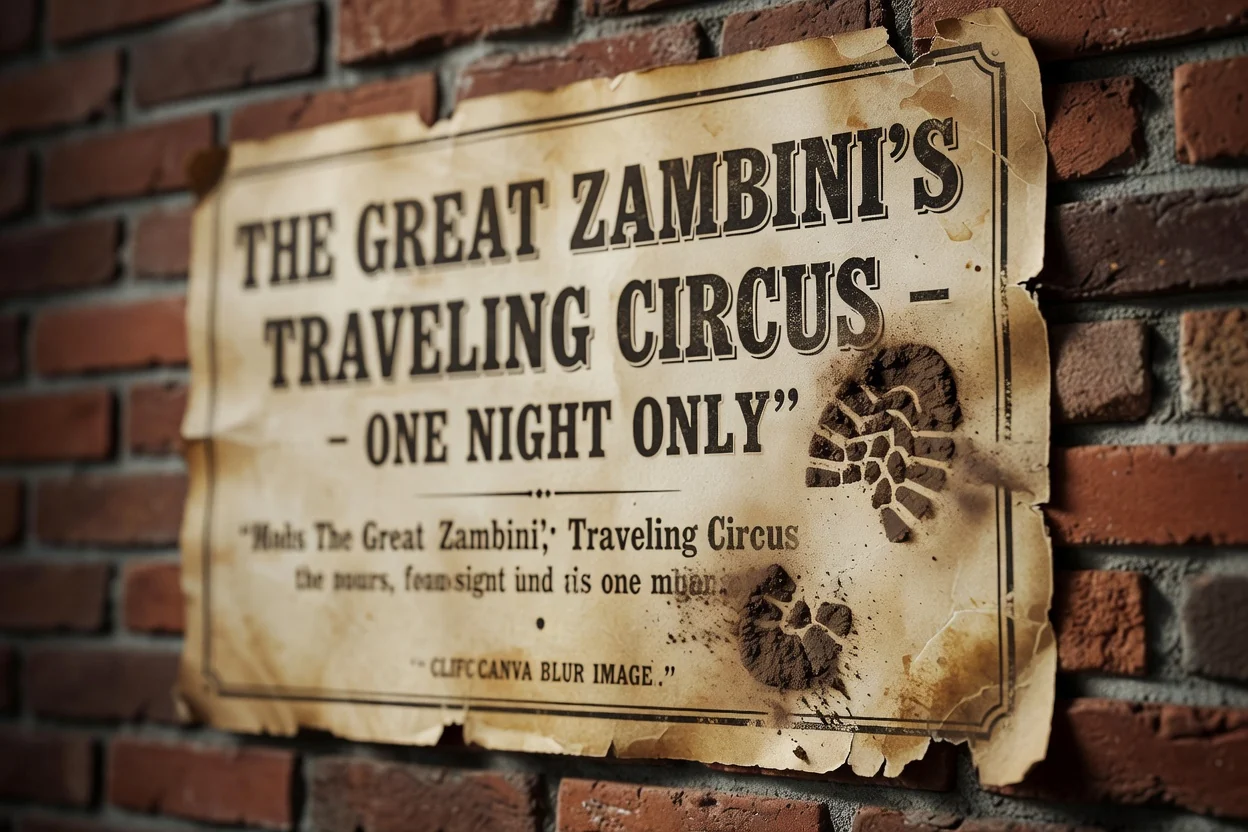
Blur one selected area of an image to reduce attention on a background detail, label, or small visual distraction.
Prepare a rendered result for a presentation, campaign draft, or internal review where one area should be less prominent.
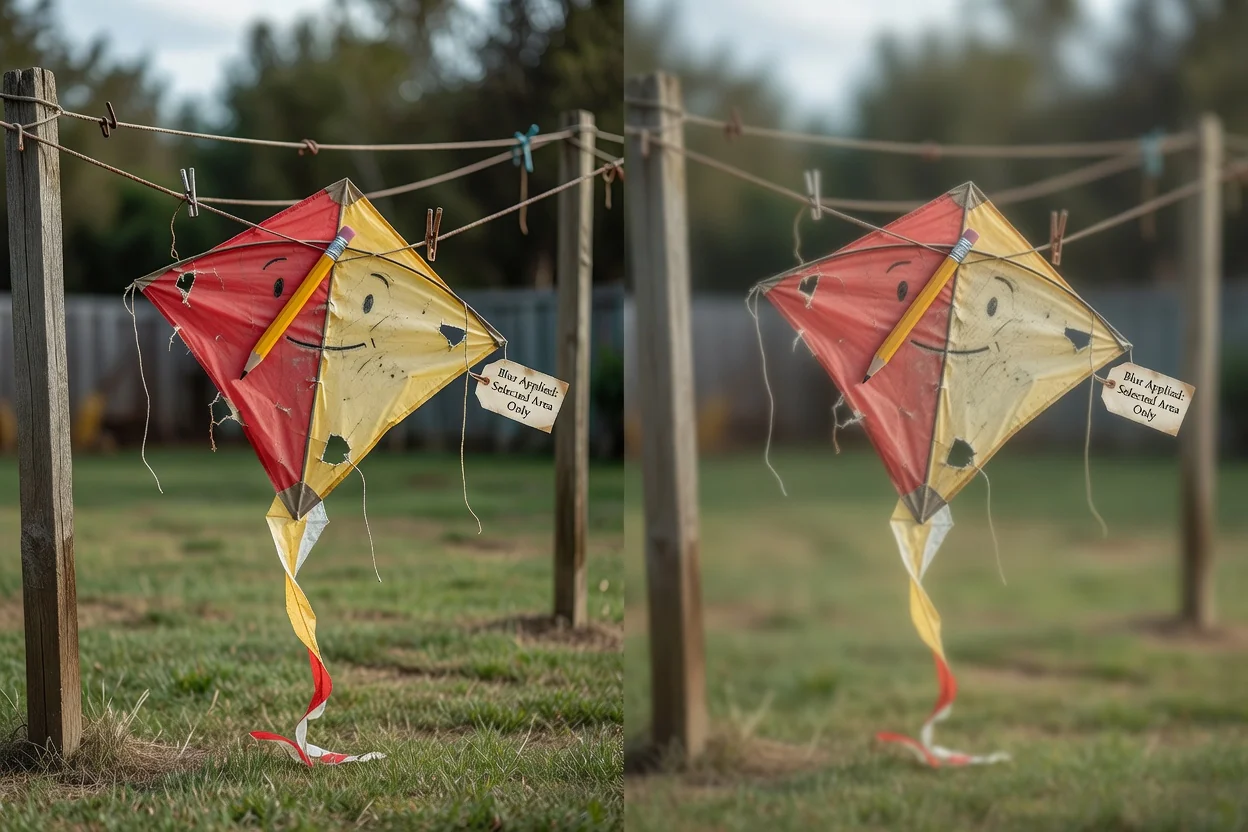
Process an image locally in the browser when the task is a simple selected-area blur rather than a full editing session.
Understand these limits before treating a blurred source image as finished.
One rectangular area can be selected per output. Repeat the process if you need separate blurred areas in separate results.
Blur can make details harder to read, but it is not a guaranteed secure redaction method for highly sensitive information in the source file.
The final appearance depends on the original image content, selected area, and blur rendering.
Common questions about using the blur image tool and what to expect from the output.
Other ClipCanva utilities that support nearby image-editing tasks.
Upload a supported image, select the area to soften, render the edit, and review the processed result.