
Upload the image
Choose a WEBP image that you want to transform with the deep fried effect.
Use the deep fried meme generator to push a WEBP image into a loud, crunchy meme style with an adjustable fry level and a reviewable result before saving.
Source image
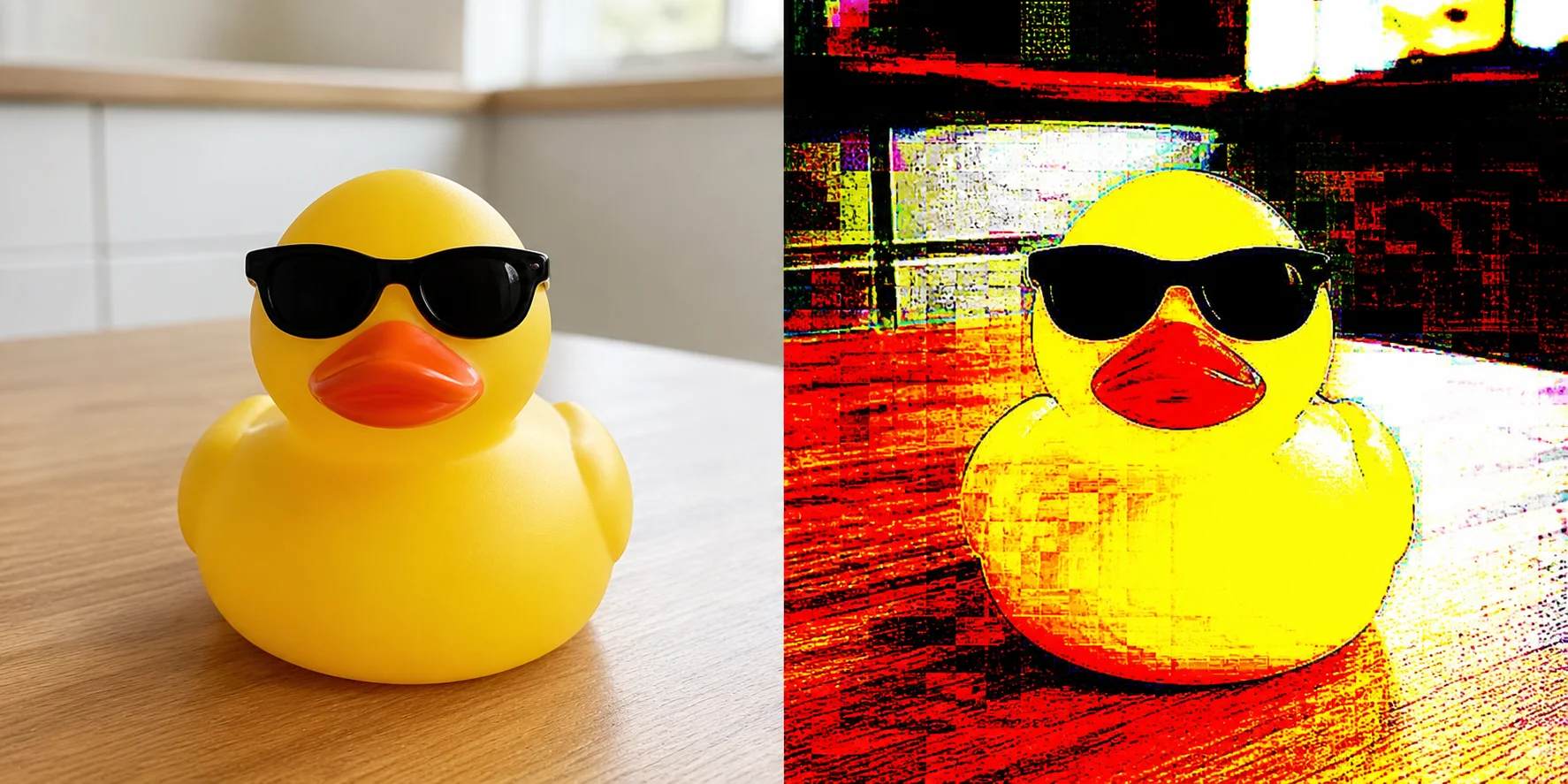
Result
A deep fried meme generator applies an exaggerated distortion and degradation effect to an image so it looks over-processed, noisy, and intentionally chaotic. This tool focuses on one task: turning a supported WEBP file into a processed result that you can review and download.
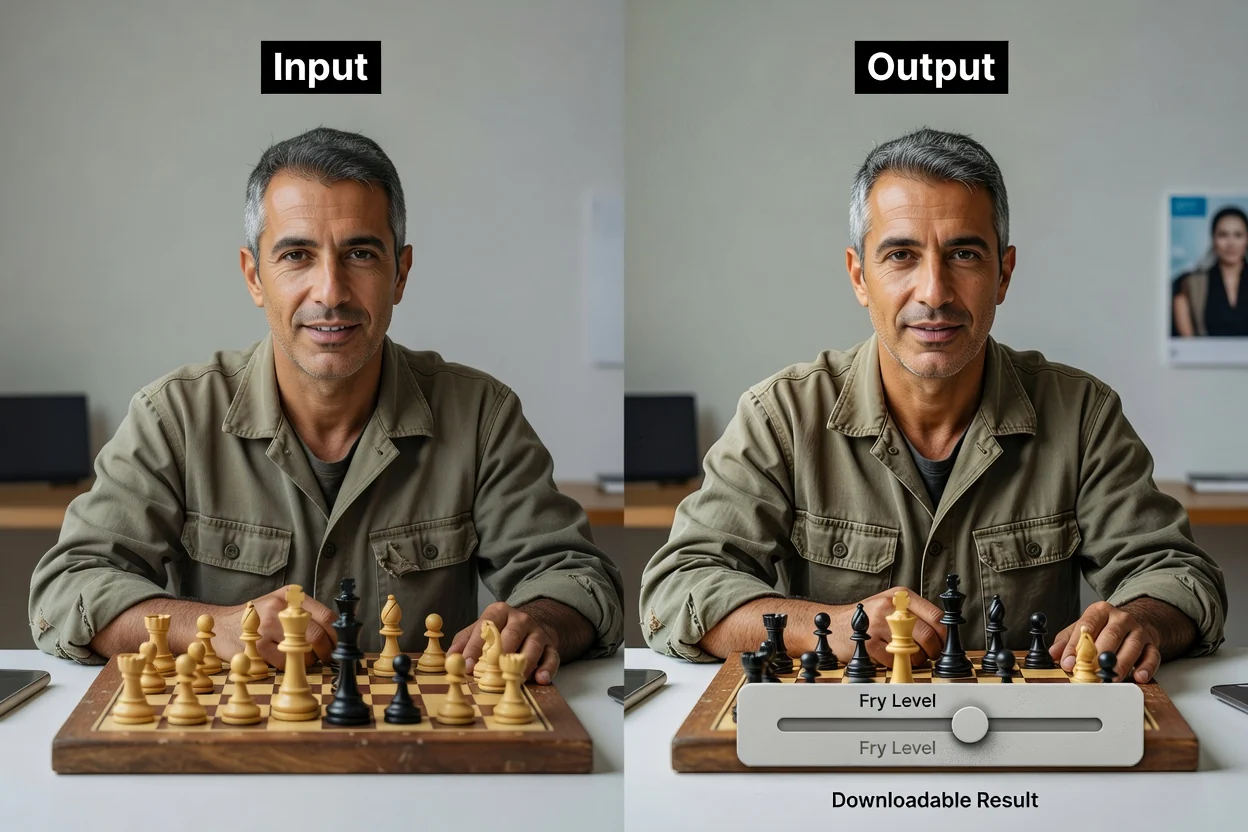
The workflow keeps the task short: upload an image, choose the effect strength, then process the file and review the result.
Choose a WEBP image that you want to transform with the deep fried effect.
Adjust the fry level to make a deep fried meme with either a lighter or more extreme degraded look.
Run the fry and download action to process the image and create the output file.
The workspace accepts a supported upload, applies the selected effect strength, and creates a processed output for review.
Input must be a WEBP image. The uploaded file is used as the source for the deep fried effect.
The output is a processed result for review with a downloadable output file after the fry operation completes.
Available controls include fry level, fry and download, and browser-based editing. These controls cover the full task from intensity selection to processed file creation.
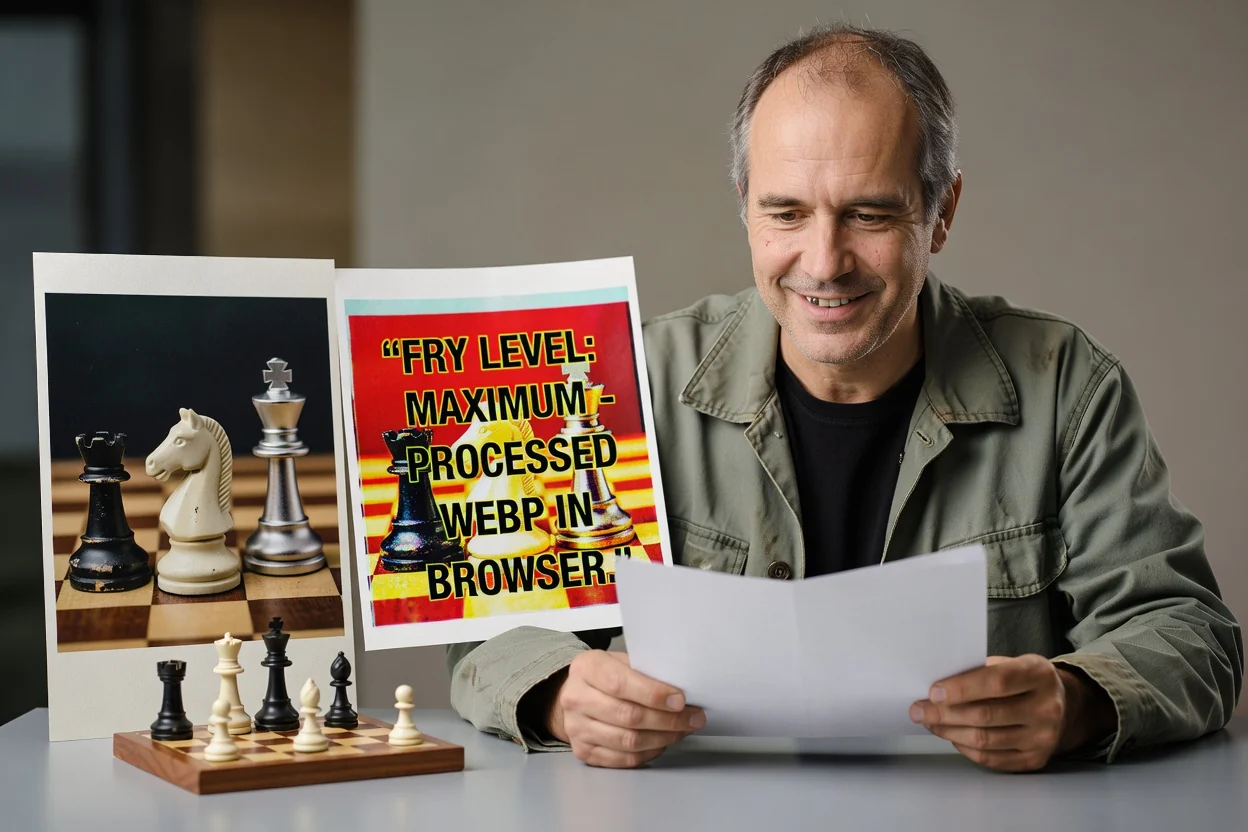
Controls are built around quick browser-based editing, so you can make a deep fried meme without a multi-step design setup.
Tune the intensity of the effect before processing so the result matches the level of distortion you want.
Apply the effect and save the processed output file from the same workflow once the result is ready.
Work directly in the browser with a focused image-processing workspace for the deep fried meme effect.
Use the tool to fry image online when you need a fast, reviewable transformation from a supported WEBP upload.
Use the tool when you need to transform an image into a deliberately over-processed meme style for a specific creative task.
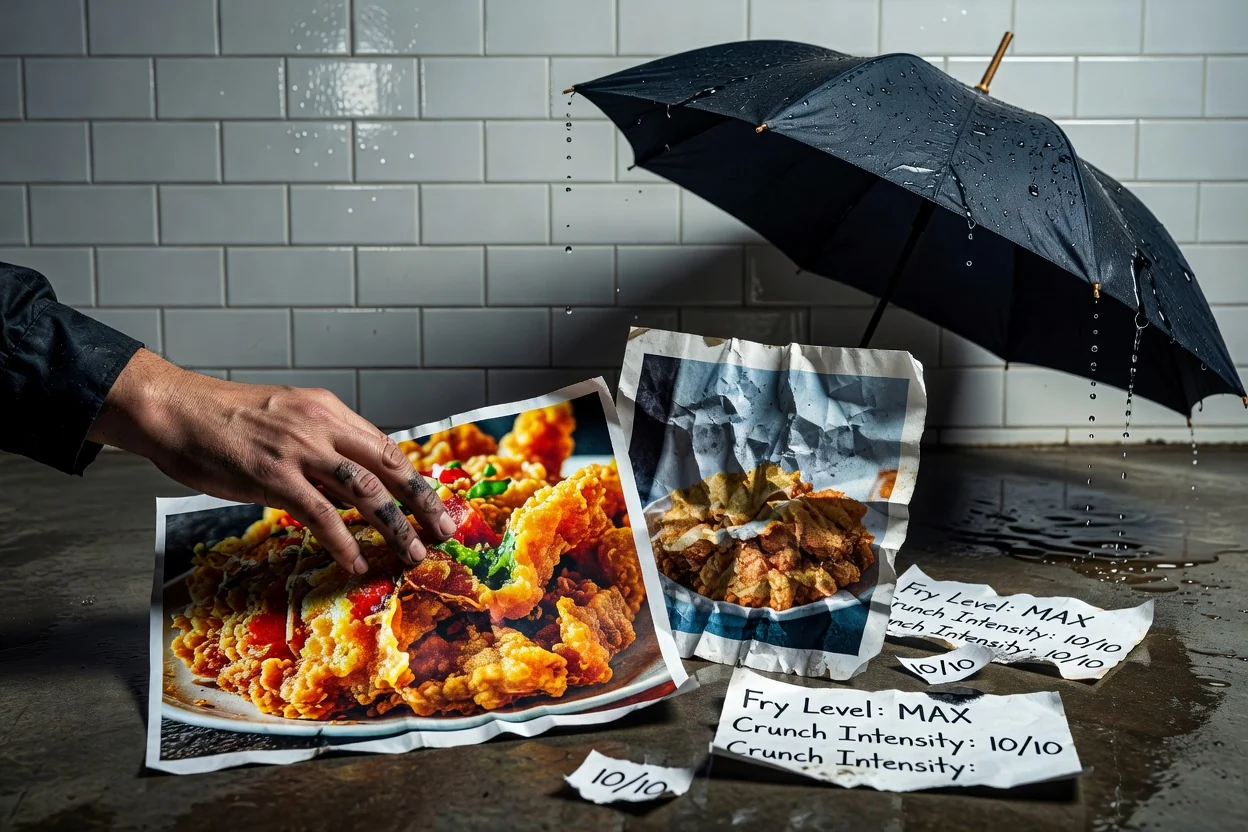
Make a deep fried meme by increasing the fry level until the image has the exaggerated crunchy look you want.
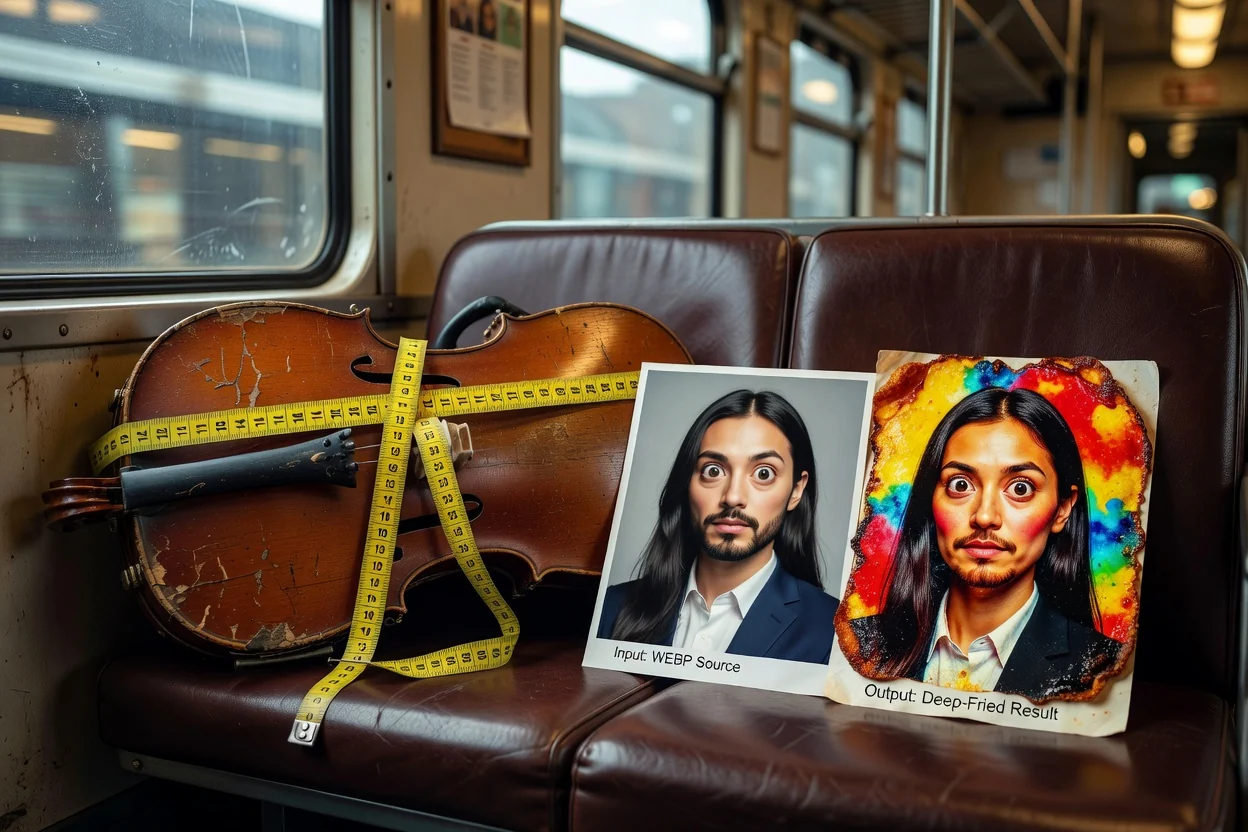
Use fry and download when you need a processed file ready for review, sharing, or further editing elsewhere.
Use browser-based editing to fry image online without setting up a separate desktop editor for this single effect.
This tool is intentionally focused on full-image processing, so check the source file before applying the effect.
The effect is applied to the entire image and does not support brush-based adjustments or selective area masking.
The downloaded image is intentionally degraded by design, so keep the original source if you need a clean copy later.
Only WEBP input is supported for this utility. Other file types need to be converted before they can be processed here.
Answers to common questions about using the deep fried meme generator and what to expect from the processed result.
If your image needs preparation before or after frying, these related utilities can help with adjacent editing steps.
Upload a WEBP image, set the fry level, and process it into a deep fried meme-style result you can review and save.