
Add your image
Choose a JPG, JPEG, or PNG file in the tool, or add a set of supported files for batch checking.
Use the Amazon AI image tagger to prepare a JPG, JPEG, or PNG image with the exact XMP keyword needed for review before you continue your marketplace workflow.
Drop final JPG or PNG files to inspect their XMP metadata. Nothing is uploaded.
dc:subject (XMP)Keywordcontains-synthetic-performerThe Amazon AI image tagger is a focused utility for adding and verifying the required XMP keyword on supported image files. It is built for creators and teams who need a simple metadata step before uploading or archiving visual content.

Follow a short, review-first process to tag and verify each image.
Choose a JPG, JPEG, or PNG file in the tool, or add a set of supported files for batch checking.
Run the check to see whether the required metadata keyword is already present or needs to be applied.
Apply the Amazon synthetic performer XMP tag when needed, then review the processed file state.
Use these input, control, and output expectations to prepare the file correctly.
Upload a supported JPG, JPEG, or PNG image file for processing.
The tool creates a processed output for review and provides an exportable file containing the applied or verified metadata.
Available controls cover the exact XMP keyword, batch checking and tagging, and local file processing for supported files.

The tool keeps the tagging task narrow so the result is easy to inspect before you use it elsewhere.
Apply the required Amazon synthetic performer XMP tag as an exact metadata keyword rather than a loose text note.
Process multiple supported files for batch checking and tagging when you need a consistent metadata pass across a set of assets.
Use local file processing controls in the browser to prepare supported files for review without extra setup steps.
Review the processed result after tagging so you can confirm the expected keyword state before exporting the final file.
Use the tool when a clear image metadata step is needed before handoff, upload, or review.

Add the exact XMP keyword to a supported image so the file carries the intended metadata marker.

Check AI person keyword presence across one or more files and prepare tagged outputs for review.
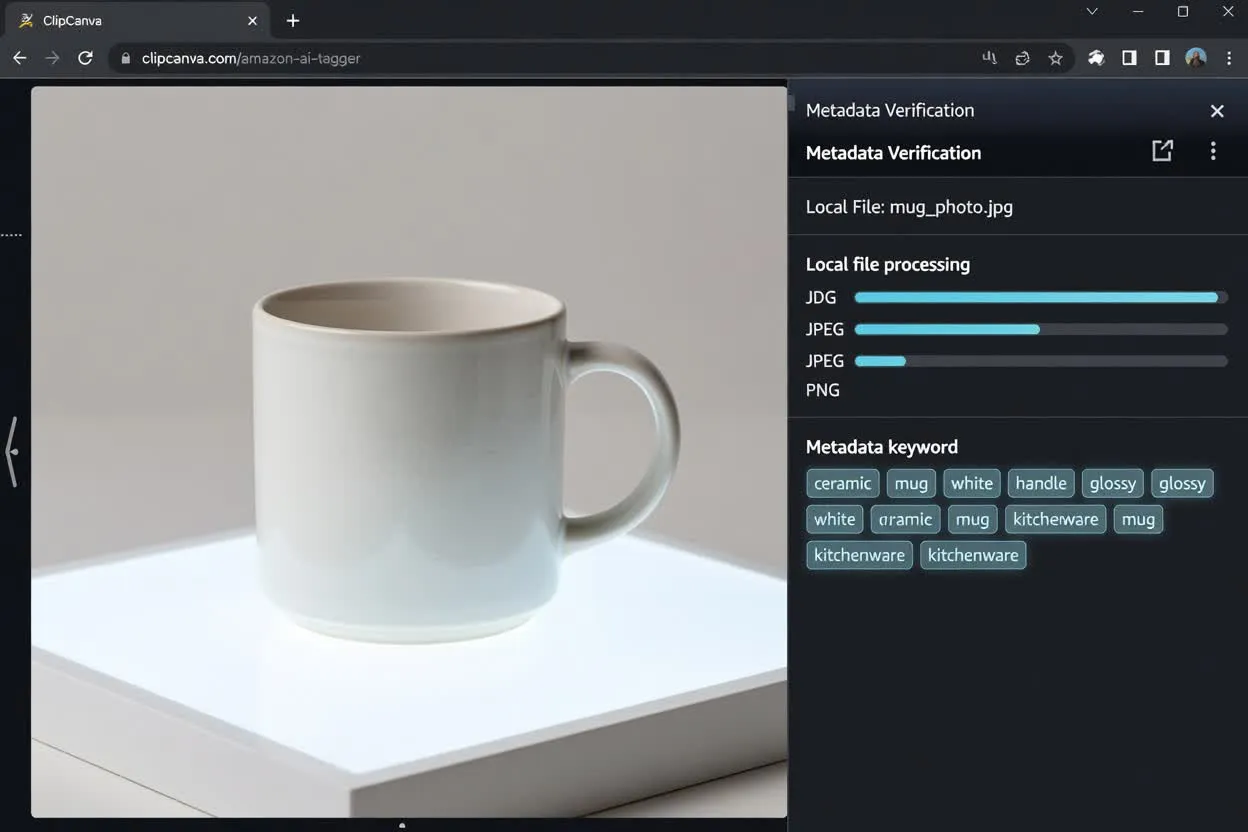
Handle the metadata step in the browser with local file processing controls for JPG, JPEG, and PNG assets.
This utility is designed for metadata preparation, not for interpreting image origin or replacing marketplace instructions.
This tool prepares and verifies metadata; it does not determine whether a person in the source image was generated by AI or provide legal advice.
Amazon requirements and upload controls can change by content type, marketplace, and workflow. Check the current instructions in Seller Central before relying on a submission path.
Use the final exported file. Later editing, compression, or format conversion can remove the XMP keyword from the source-derived result.
Common questions about using the Amazon AI image tagger and reviewing the metadata result.
Other focused utilities can help with adjacent image preparation and metadata review tasks.
Add a supported file and use the Amazon AI image tagger to prepare the metadata result for review.