


Partez-vous d’un texte ou d’un fichier ?
Les briefs axés sur le texte et ceux axés sur l’image conviennent à des modèles différents. Adapter l’entrée évite de devoir lutter avec le modèle par la suite.
Répertoire des modèles
Recherchez et filtrez les modèles d’IA connectés à ClipCanva. La page de chaque modèle explique ce qu’il accepte en entrée, ce qu’il produit en sortie et les usages auxquels il convient.
Filtrez selon le travail d’image ou de vidéo, ou recherchez un modèle par son nom.
9 ressources correspondantes trouvées.
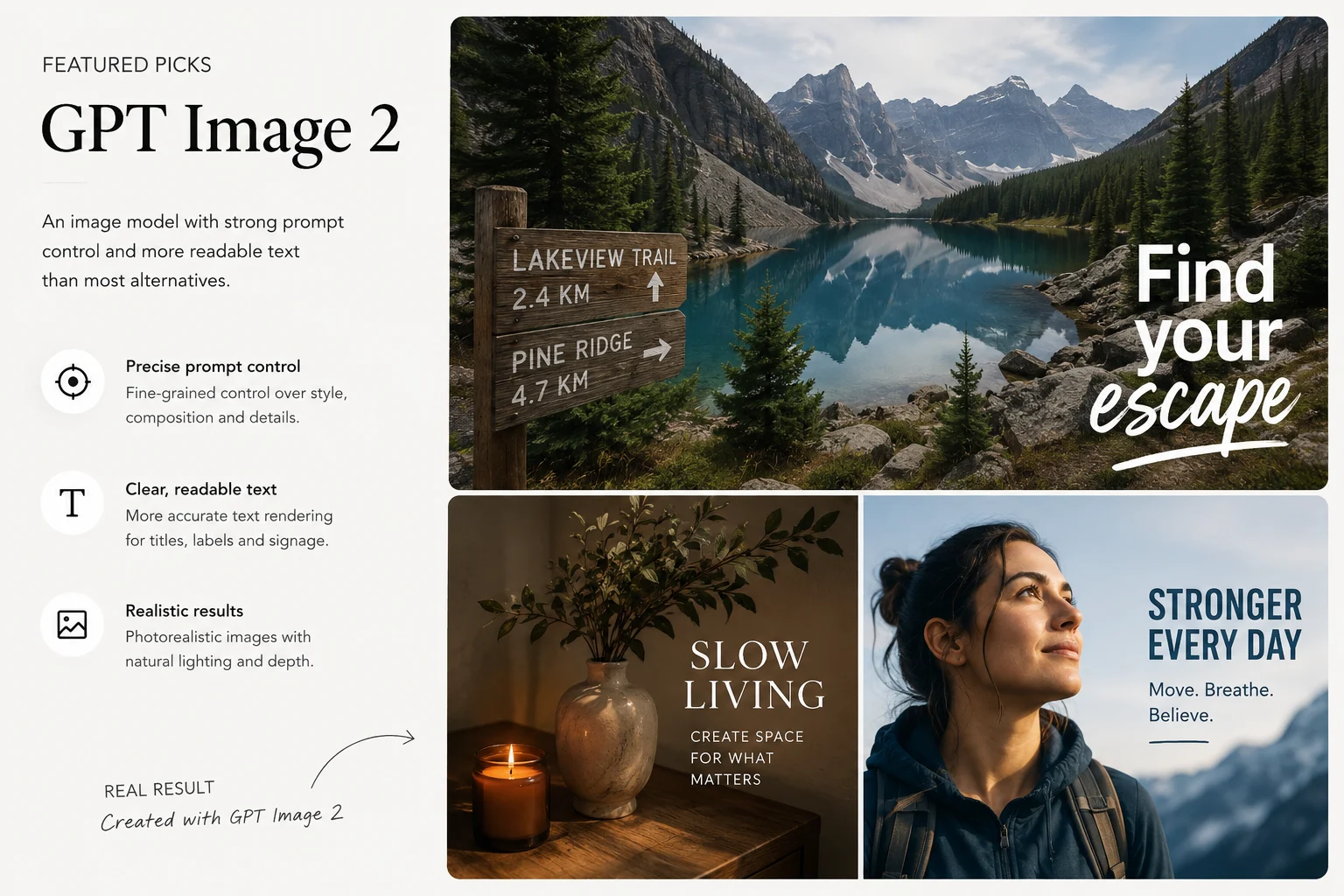
Consultez les entrées prises en charge et les flux de création d’images de GPT Image 2.
Bientôt disponible : suivez les capacités image et vidéo de FLUX 3, les actualités de l'API KIE et sa prochaine prise en charge sur ClipCanva.
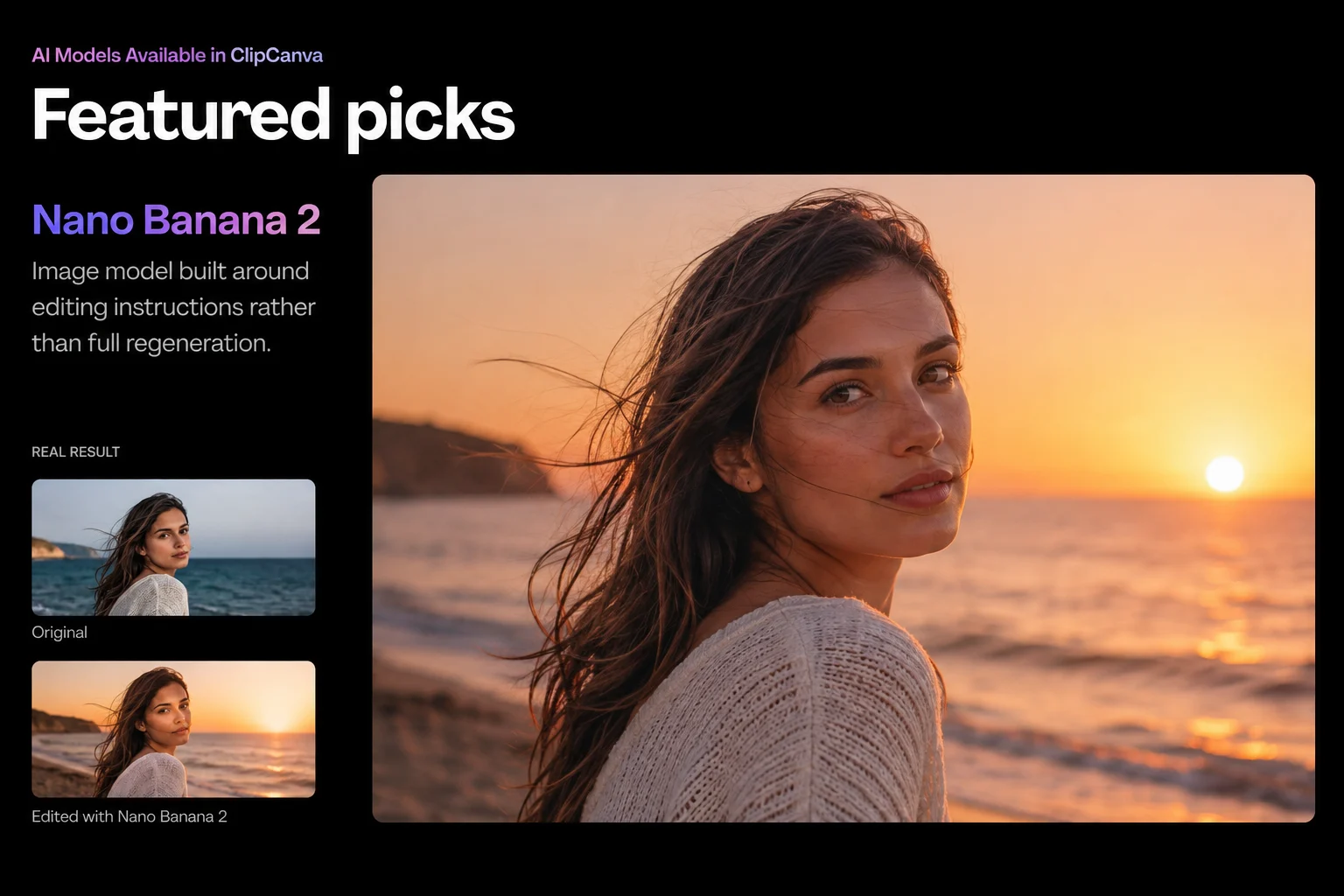
Image AIConsultez les entrées prises en charge et les flux de création d’images de Nano Banana 2.
Image AIConsultez les entrées prises en charge et les flux de création d’images de Seedream 5.0 Pro.
Vidéo AIConsultez les entrées prises en charge et les flux de création de vidéos de Veo 3.1.
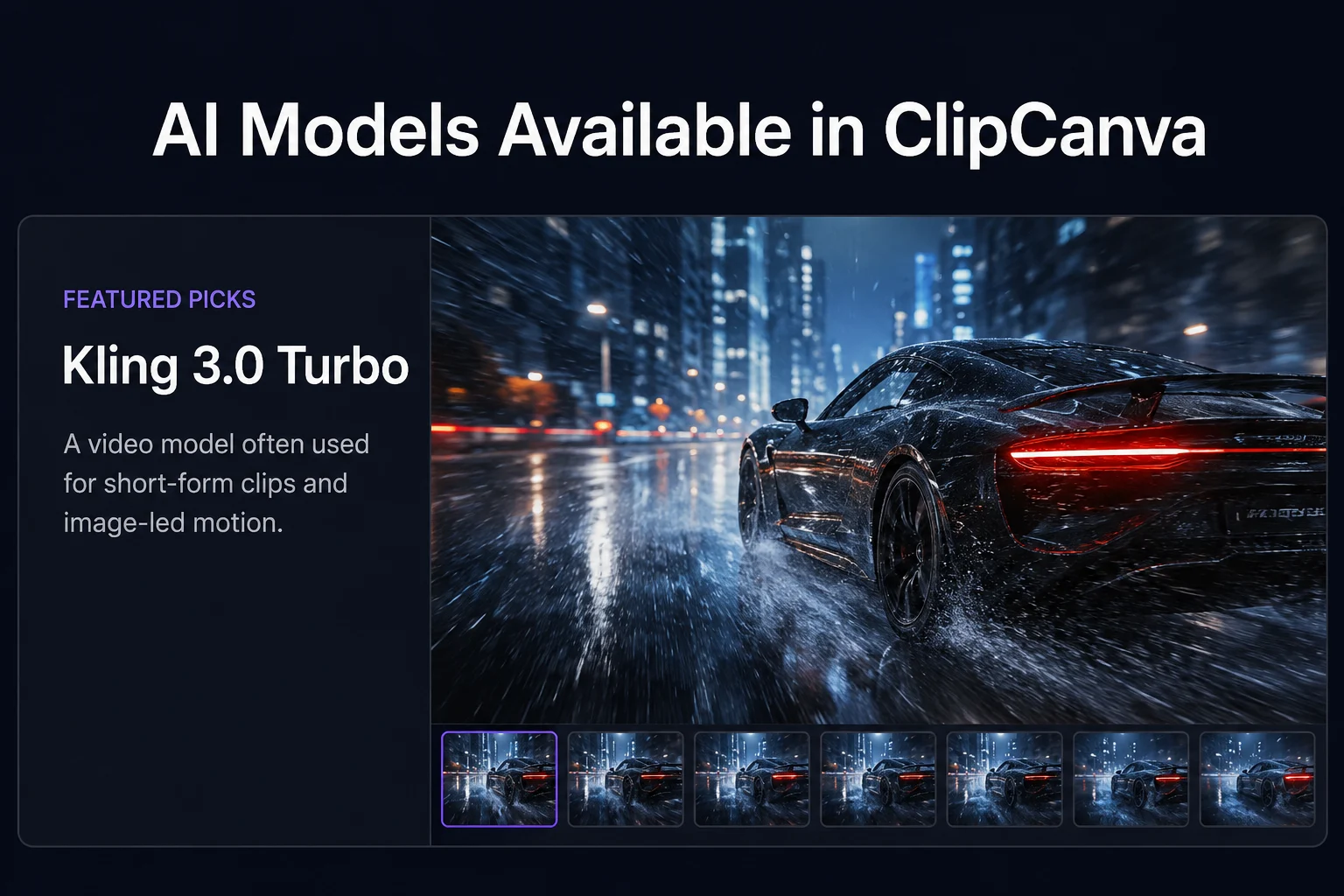
Vidéo AIConsultez les entrées prises en charge et les flux de création de vidéos de Kling 3.
Vidéo AIConsultez les entrées prises en charge et les flux de création de vidéos de Seedance 2.0 Mini.
Vidéo AIConsultez les entrées prises en charge et les flux de création de vidéos de ClipCanva Video Pro.
Vidéo AIGénérez des vidéos à partir de texte ou d’images avec PixVerse V6, disponible dans ClipCanva via Kie.
Il s’agit de l’index des modèles de génération disponibles dans les flux de travail ClipCanva. Chaque entrée renvoie vers une page de modèle qui décrit les entrées acceptées, les sorties produites, les commandes disponibles dans l’interface et le coût en crédits d’une exécution, afin de vous aider à choisir avant de dépenser quoi que ce soit.
Commencez par le résultat dont vous avez besoin.
Associez un modèle aux ressources dont vous disposez déjà.
Des points de départ courants pour le travail sur l’image et la vidéo.
Quatre questions pour réduire rapidement la liste.
Les briefs axés sur le texte et ceux axés sur l’image conviennent à des modèles différents. Adapter l’entrée évite de devoir lutter avec le modèle par la suite.
Le texte dans les images générées varie beaucoup selon les modèles. Si les libellés comptent, choisissez un modèle réputé pour la précision des consignes et vérifiez le premier résultat.
Le coût en crédits par exécution est indiqué sur chaque page de modèle. Pour de nombreuses itérations, une exécution moins coûteuse vous permet de tester plus de versions.
Les limites de durée des clips diffèrent selon les modèles. Vérifiez la durée prise en charge par un modèle avant de planifier une scène autour de celle-ci.
Questions courantes sur le choix parmi les modèles disponibles.
Filtrez les modèles d’IA selon le travail d’image ou de vidéo, ouvrez une page de modèle et vérifiez ses entrées et son coût avant de générer.