
01
Upload Your Image
Upload any photo or image you want to transform. Higher resolution inputs produce better transformation results.
Upload any image and transform it with AI. Change styles, add elements, modify backgrounds, or reimagine your visuals with simple text prompts.
Choose the best model or workflow for this task.
Transform existing images into something entirely new. From style transfers to object modifications, unlock limitless creative possibilities.
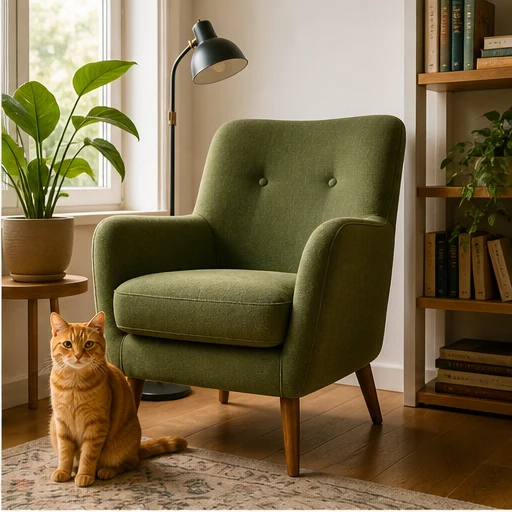
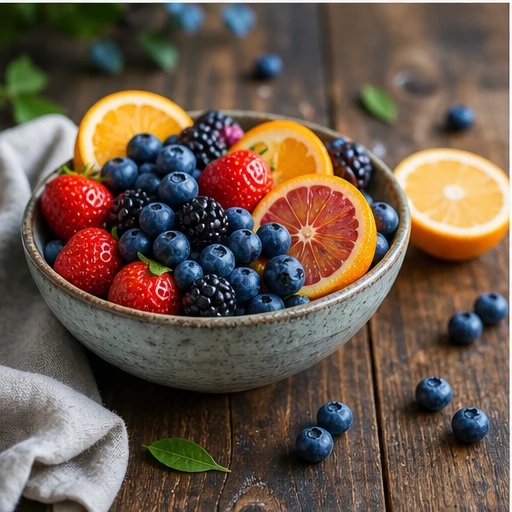
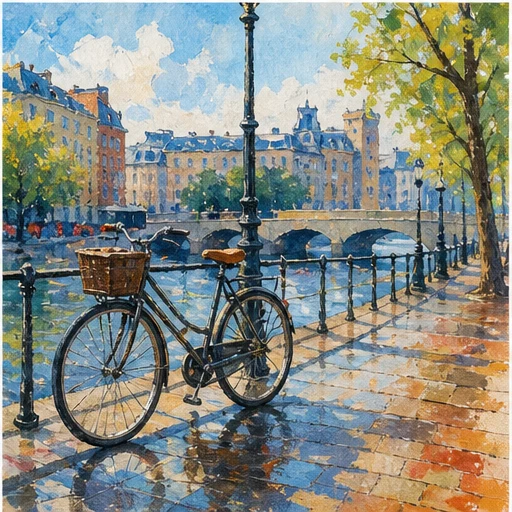
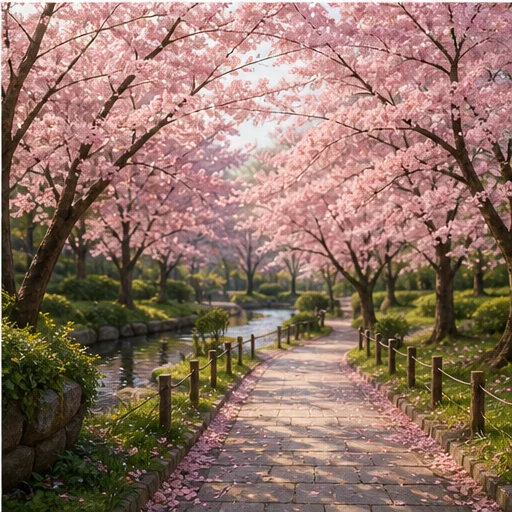
From upload to transformed image in minutes:
Upload any photo or image you want to transform. Higher resolution inputs produce better transformation results.
Write a text prompt describing the transformation you want. Change style, add elements, replace backgrounds, or reimagine the image.
Click generate and receive your transformed image in seconds. Download in high resolution, ready for use.
Transform your image into any artistic style. Apply the look of famous paintings, specific artists, or any visual aesthetic.
Select any area of your image to modify. Remove unwanted objects, add new elements, or change specific details.
Replace backgrounds seamlessly. Place subjects in new environments while maintaining proper lighting.
Maintain your original image's layout, subjects, and perspective while changing styles and elements.
Explore more AI-powered tools
Free images include a watermark. Upgrade for clean outputs, faster generation, and commercial use.
Starter Pack
A one-time credit pack for trying image, music, and short video generation.
Creator
Monthly plan · 1,500 credits renew each month
GPT Image 2 Unlimited
Use code FOUNDING6 at Stripe Checkout: $19/month for your first 6 months, then $29/month.
Pro
Monthly plan · 4,000 credits renew each month
Studio
Monthly plan · 12,000 credits renew each month
Secure checkout · Subscriptions renew automatically · See refund eligibility
Team
For agencies, production teams, and custom volume needs.
Everything you need to know about Image to Image AI
Upload any image and see the magic of AI-powered transformation.