
Importez votre image
Sélectionnez une image JPG, PNG ou WebP sur votre appareil et chargez-la dans le convertisseur.
Utilisez le convertisseur d’images en niveaux de gris pour transformer une image prise en charge en tons de gris équilibrés dans votre navigateur, puis examinez le résultat avant d’enregistrer le fichier de sortie.
Image source
Choisissez une image pour afficher l’aperçu de la source.
Résultat
Un convertisseur d’images en niveaux de gris transforme les informations colorimétriques d’une image importée en tons de gris, créant un résultat monochrome tout en préservant la structure de l’image.
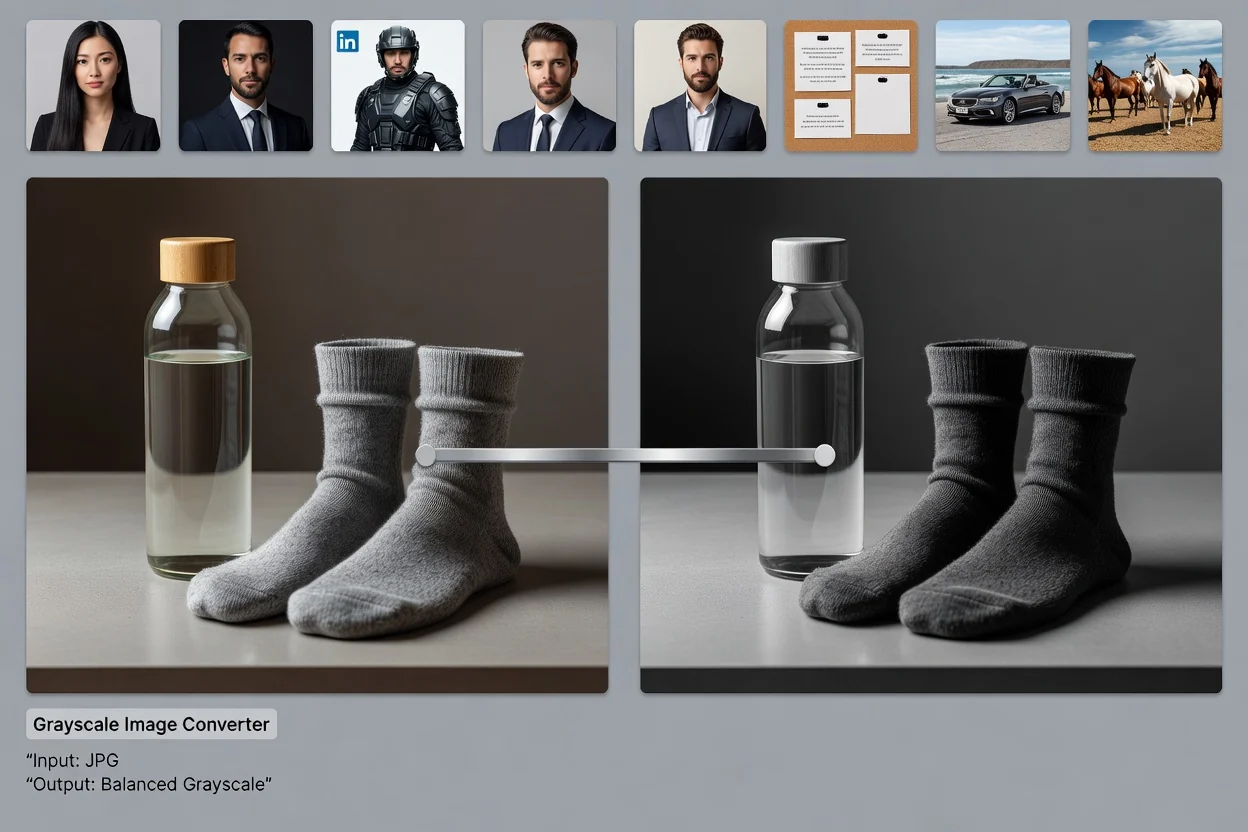
Le processus se concentre sur une seule tâche : convertir une image en niveaux de gris et examiner le résultat traité.
Sélectionnez une image JPG, PNG ou WebP sur votre appareil et chargez-la dans le convertisseur.
Traitez l’image avec une conversion par luminance équilibrée afin de transformer les valeurs de couleur en tons de gris.
Examinez le résultat dans l’aperçu afin de vérifier que le contraste, les détails et la transparence sont corrects.
Le convertisseur accepte les formats d’image courants du Web et renvoie un résultat traité à examiner avant de l’enregistrer.
Importez une image JPG, PNG ou WebP. La conversion s’applique à l’intégralité du canevas du fichier importé.
La sortie est un résultat en niveaux de gris que vous pouvez examiner avant de l’enregistrer comme fichier de sortie téléchargeable.
Les commandes disponibles comprennent la conversion par luminance équilibrée, le traitement exécuté sur votre appareil et la conservation de la transparence pour les sources transparentes prises en charge.
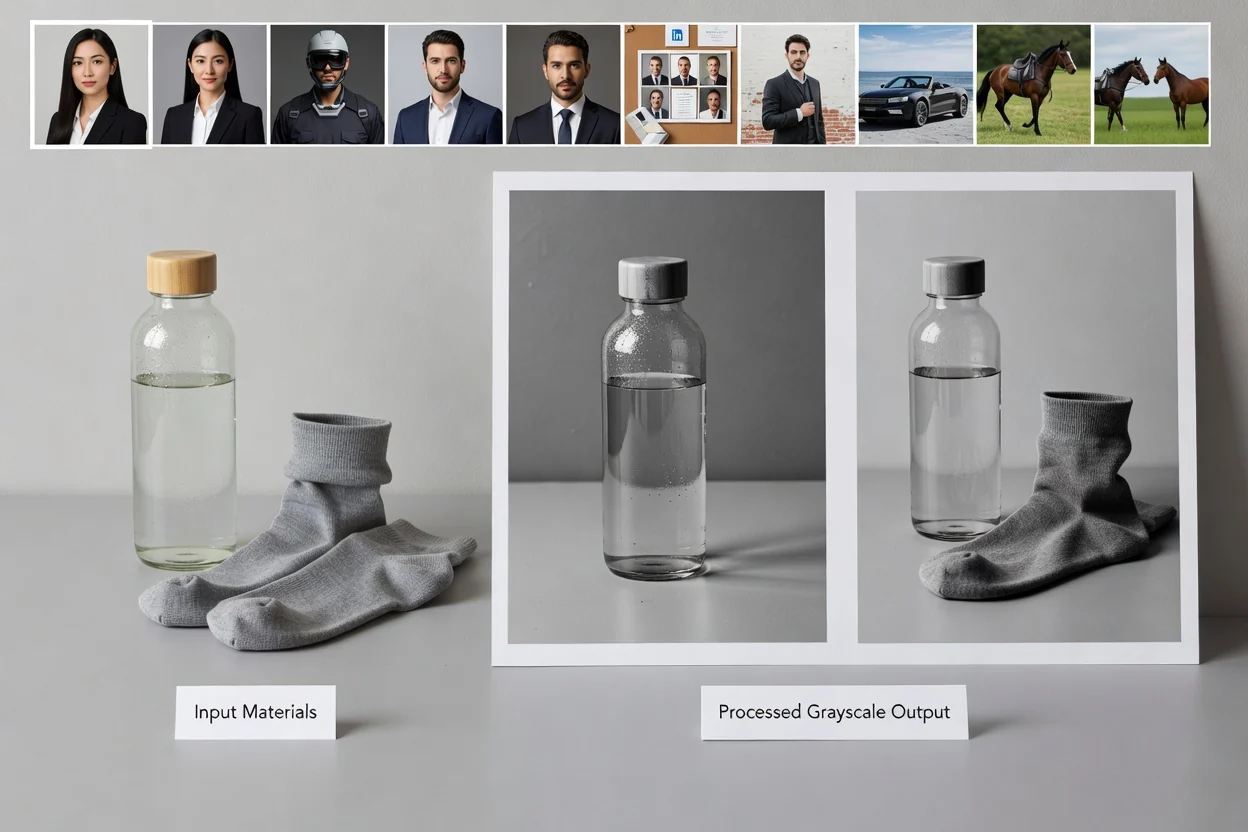
Les commandes visent à produire un résultat net en niveaux de gris sans ajouter d’étapes de retouche supplémentaires.
La conversion équilibre les informations des canaux rouge, vert et bleu en valeurs de gris basées sur la luminance afin de conserver un contraste lisible.
Le traitement s’exécute dans votre navigateur sur votre appareil, ce qui vous aide à accomplir la tâche sans éditeur de bureau distinct.
Pour les fichiers PNG et WebP contenant des pixels transparents, le convertisseur conserve la transparence au lieu de la remplacer par un arrière-plan uni.
Utilisez-le comme convertisseur d’images noir et blanc lorsque vous avez besoin d’une gamme tonale plus douce qu’un effet de seuillage brutal à deux couleurs.
Les raisons courantes de traiter une image par conversion en niveaux de gris concernent les flux de travail de marque, éditoriaux et de production.

Transformez des visuels de produits, des portraits ou des visuels de campagne lorsqu’une image en niveaux de gris convient mieux à une mise en page, un tableau d’inspiration ou un style de publication.
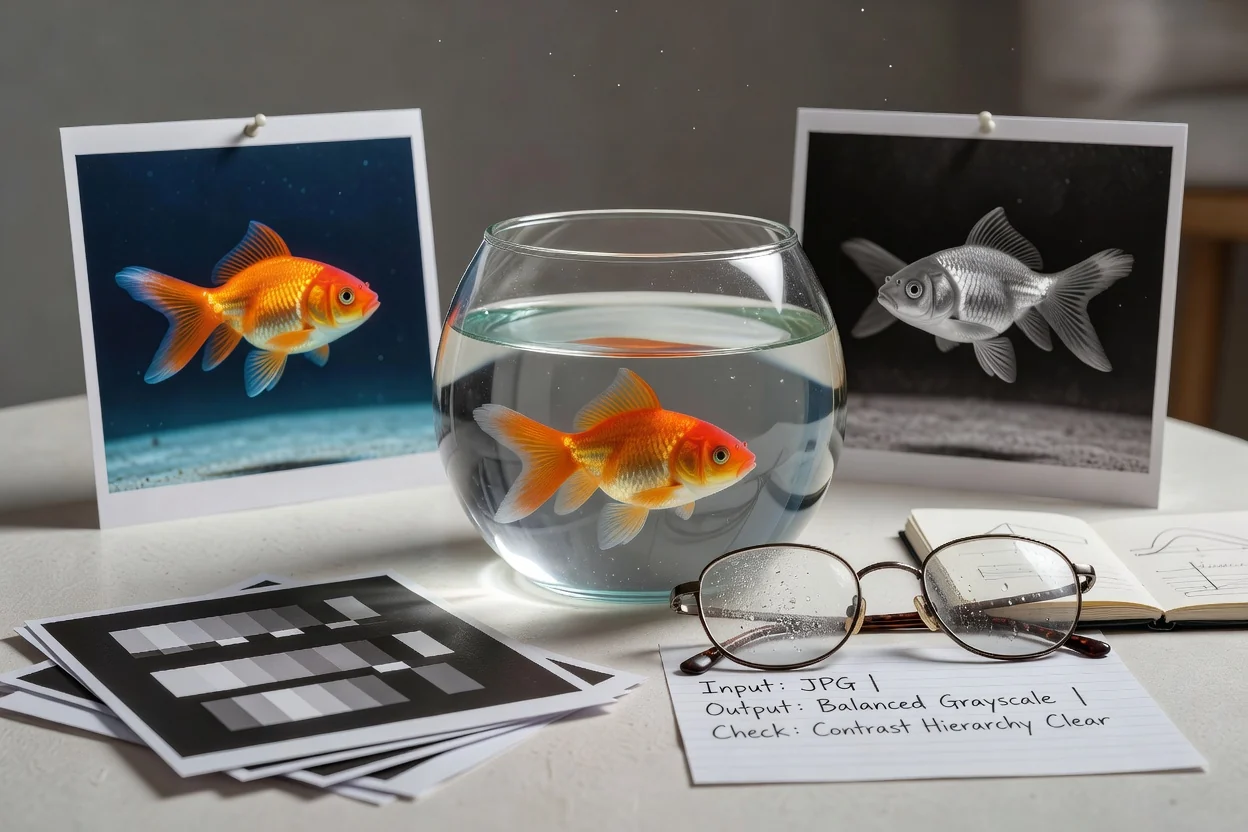
Utilisez la luminance équilibrée pour vérifier si le contraste et la hiérarchie restent clairs lorsque les repères de couleur sont supprimés.
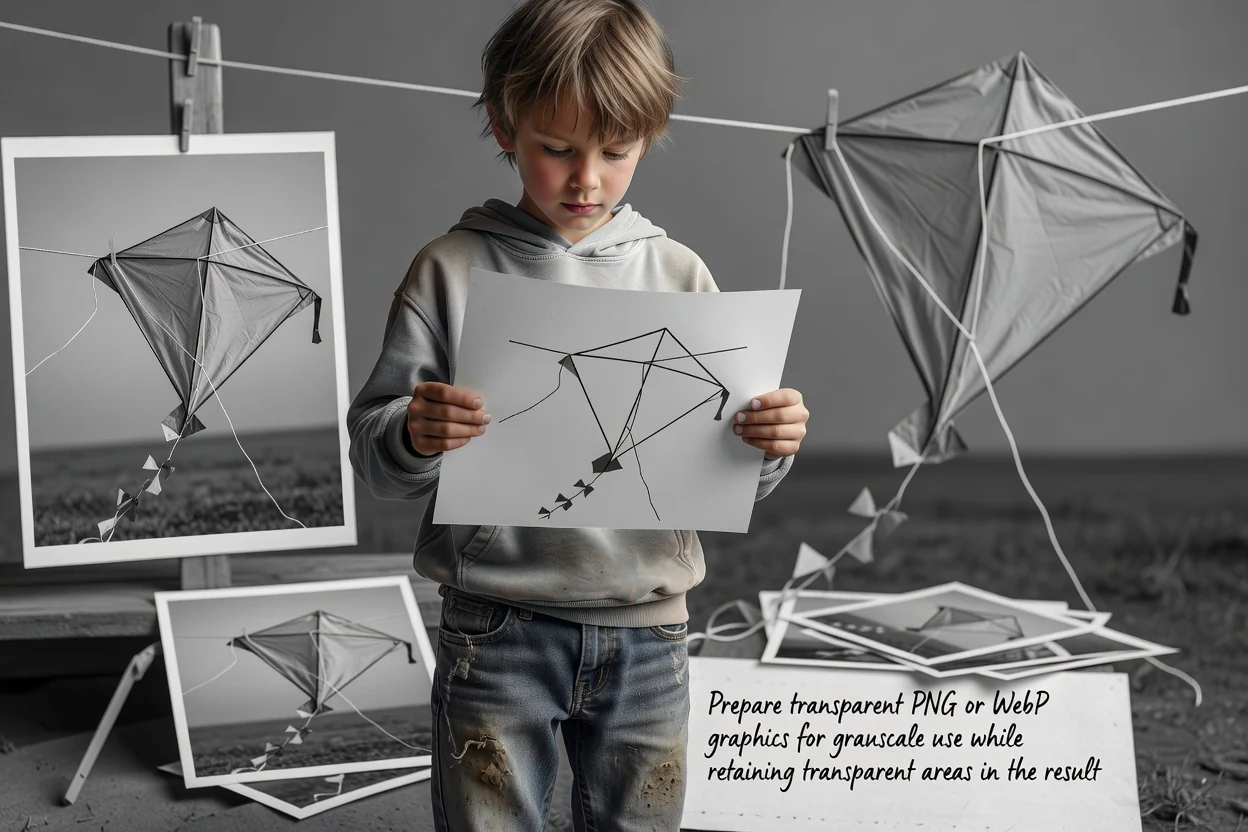
Préparez des graphismes PNG ou WebP transparents pour une utilisation en niveaux de gris tout en conservant les zones transparentes dans le résultat.
L’outil est conçu pour une conversion simple de l’image entière en niveaux de gris à partir d’un fichier source pris en charge.
La conversion affecte l’intégralité de l’image source. Elle n’applique pas les niveaux de gris uniquement à une zone, un calque, un sujet ou un arrière-plan sélectionné.
Une fois qu’une source a été enregistrée en niveaux de gris, le convertisseur ne peut pas reconstituer les couleurs d’origine à partir de ce fichier en niveaux de gris.
Les résultats dépendent de la qualité, de la résolution, de la transparence et de la compression du fichier source que vous importez.
Réponses aux questions fréquentes sur l’utilisation du convertisseur d’images en niveaux de gris pour les fichiers JPG, PNG et WebP.
Utilisez ces utilitaires associés lorsque votre tâche d’image nécessite un autre type de format ou d’ajustement visuel.
Importez une image prise en charge, transformez-la en niveaux de gris, examinez le résultat et enregistrez le fichier de sortie lorsqu’il est prêt.