
Upload referencebilledet
Vælg det billede, du har tilladelse til at redigere, og kontrollér, at motivet, indramningen og området, der kræver ændring, er tydelige.
Upload et billede, vælg hele billedet eller et udvalgt område, og beskriv derefter den lokale ændring, mens resten af motivet bevares til gennemsyn.
Nano Banana Inpaint er et ClipCanva-workflow til at ændre et udvalgt område i et uploadet referencebillede med en skriftlig instruktion. Brug det, når kompositionen allerede fungerer, men et objekt, baggrundsområde, en overflade eller visuel detalje har brug for en fokuseret ny version.
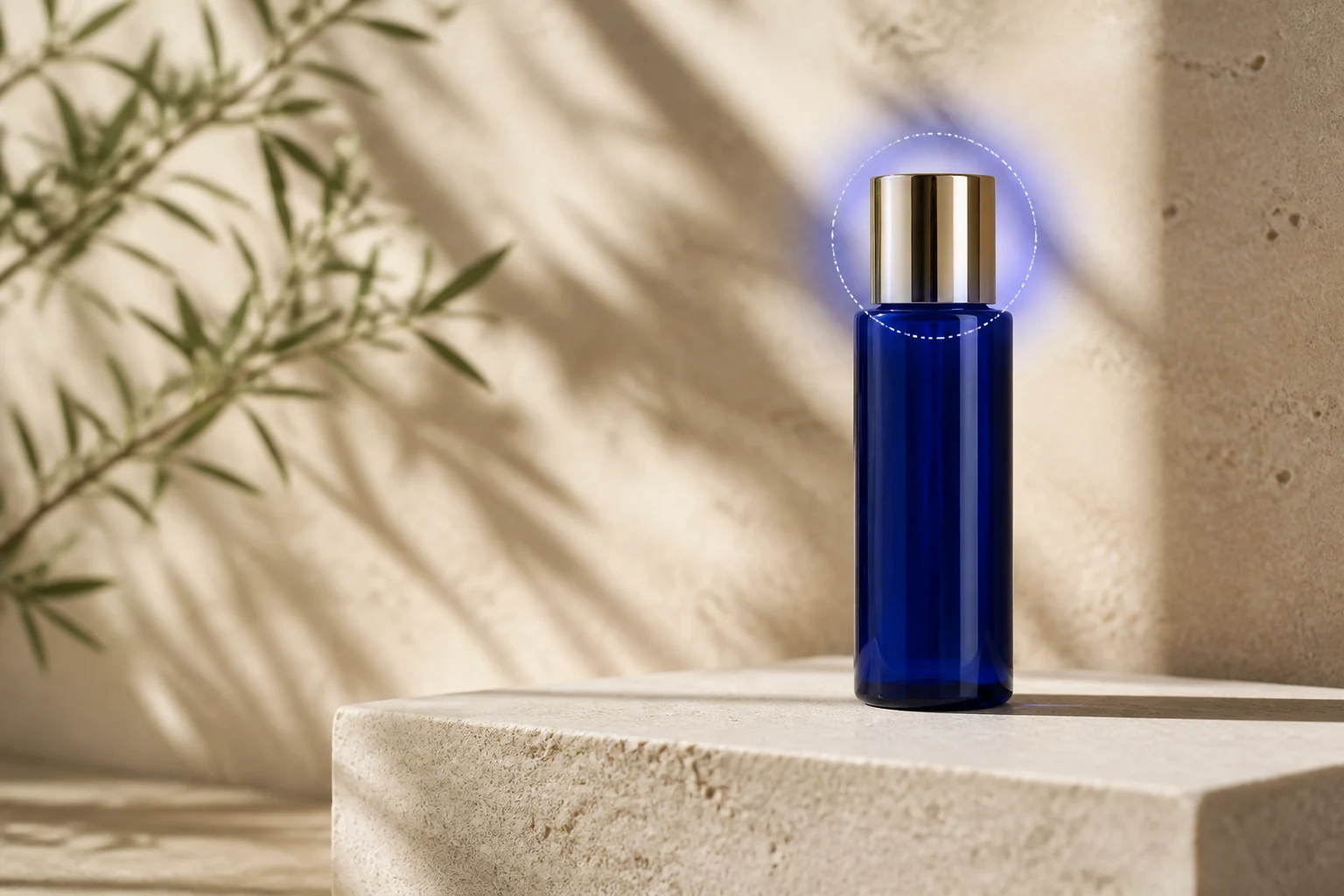
Hold den ønskede ændring snæver, så det er lettere at vurdere, hvordan det redigerede område falder sammen med originalbilledet.
Vælg det billede, du har tilladelse til at redigere, og kontrollér, at motivet, indramningen og området, der kræver ændring, er tydelige.
Vælg redigering af hele billedet til en bred ændring, eller markér et udvalgt område, når kun ét objekt, en overflade eller baggrundssektion skal ændres.
Skriv en redigeringsinstruktion, der angiver, hvad der skal fjernes, udskiftes, repareres eller tilføjes, herunder materiale, belysning, farve og omgivende kontekst, når det er relevant.
Sammenlign resultatet med originalbilledet, og forfin derefter instruktionen eller markeringen, hvis kanten, motivet eller belysningen kræver endnu et forsøg.
Billedredigeringsværktøjet samler reference, områdevalg, redigeringsinstruktion og outputkontroller til én fokuseret ændring.
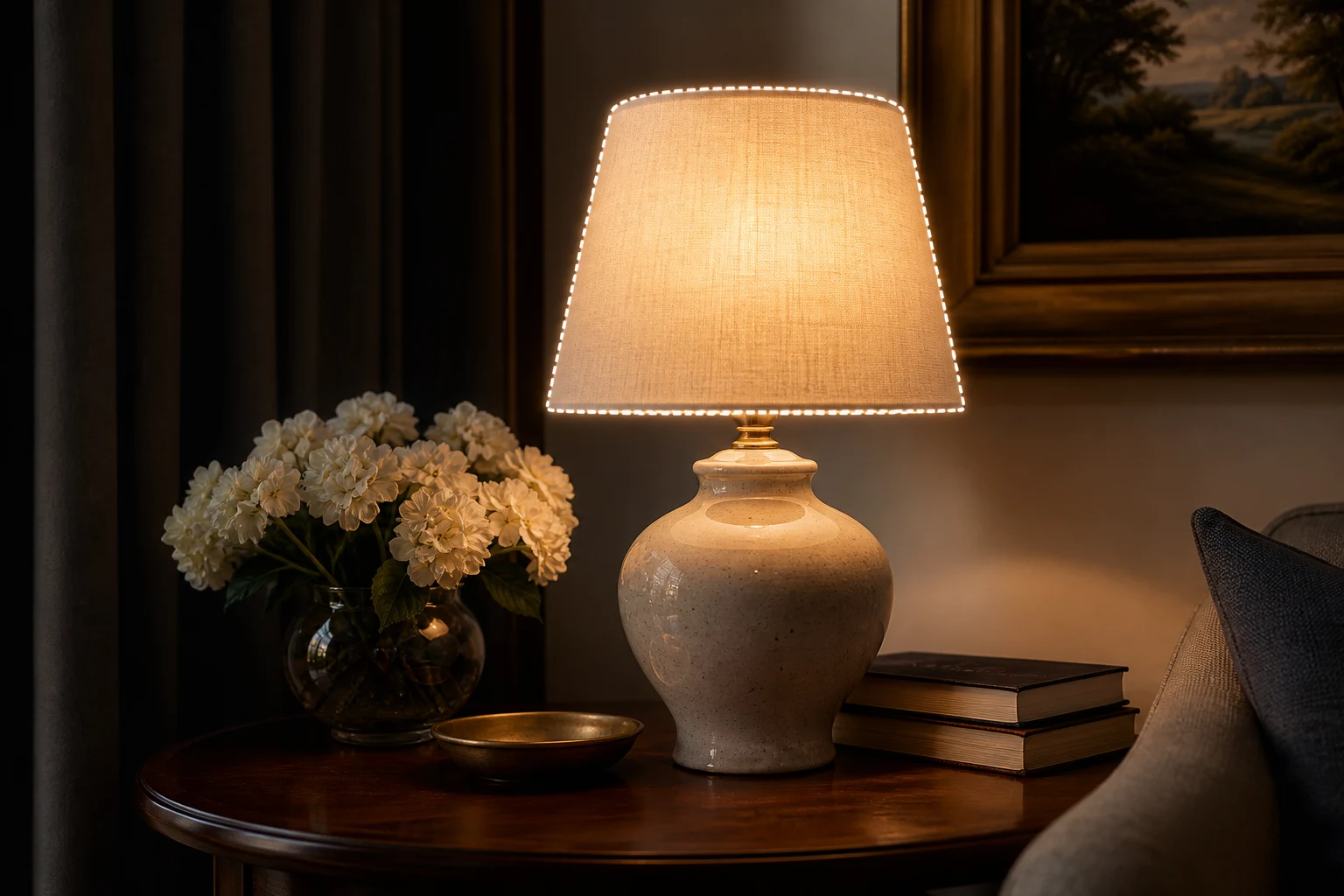
Markér den del af billedet, der skal ændres, når du har brug for en lokal redigering i stedet for at bede systemet om at fortolke hele kompositionen på ny.
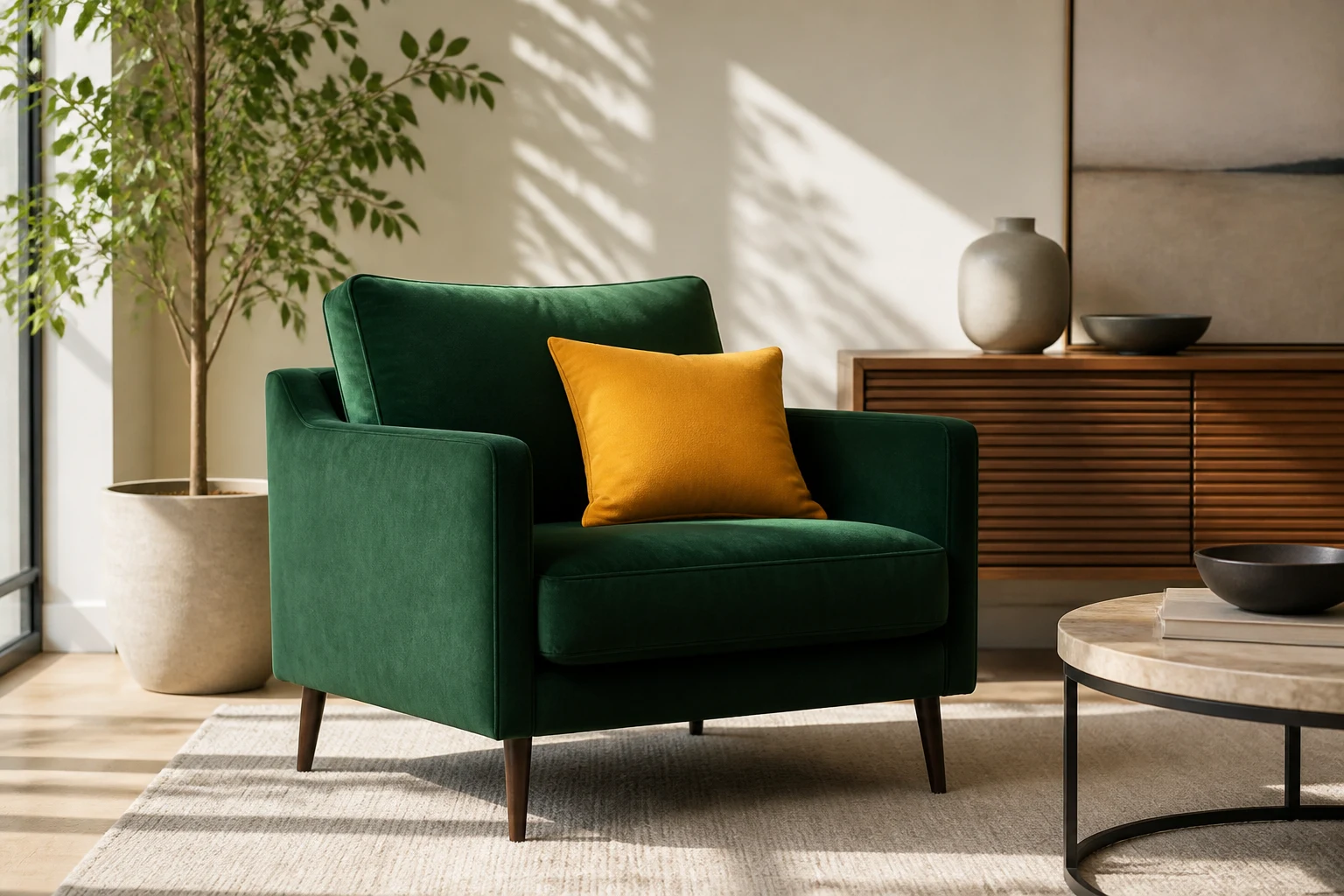
Beskriv objektet eller detaljen, den ønskede ændring, materiale, belysning og baggrundskontekst, så det redigerede område får en praktisk retning.
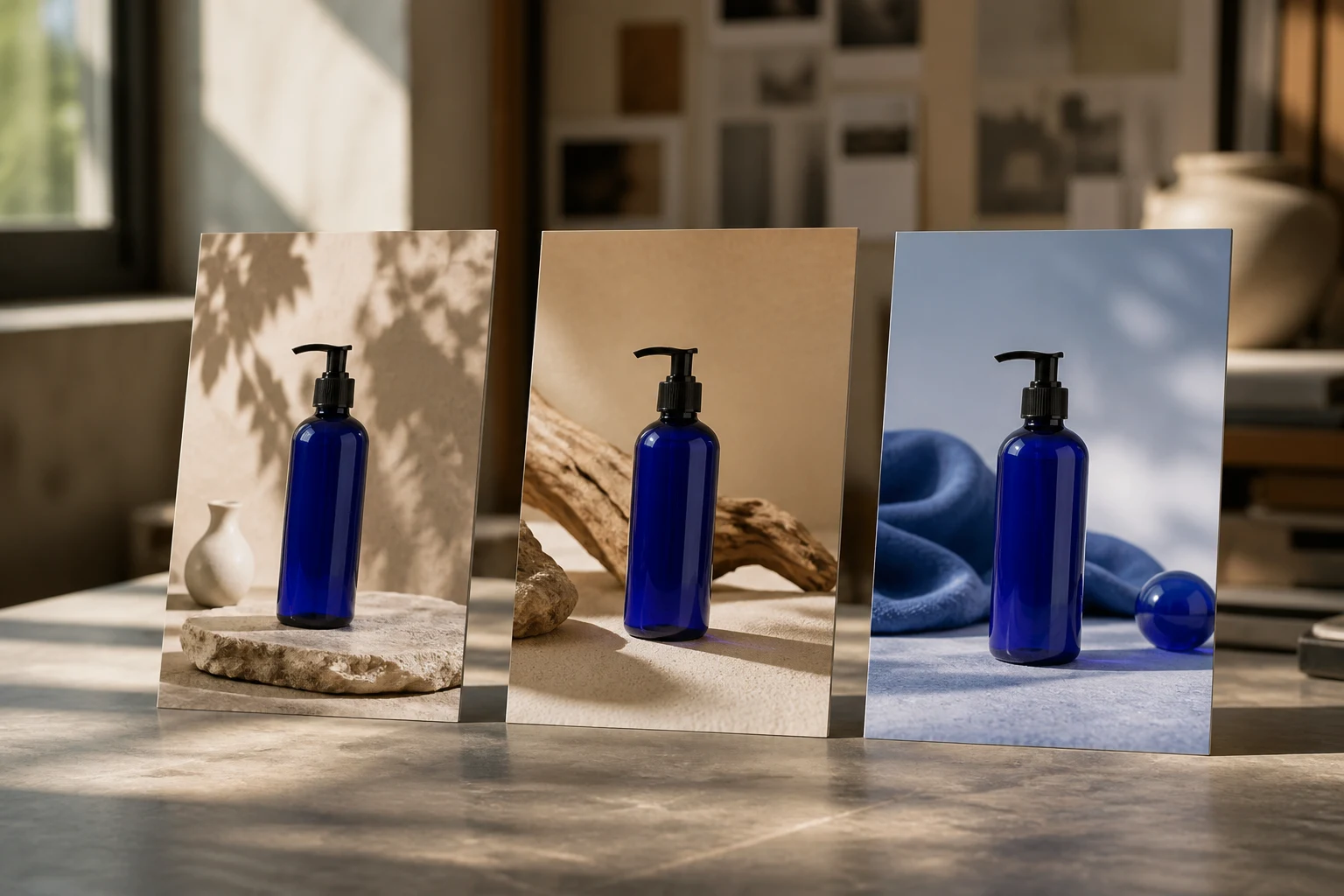
Brug de tilgængelige billedindstillinger for billedformat, opløsning, antal resultater og kvalitet, når det opdaterede motiv har en bestemt destination.
Brug en fokuseret lokal redigering, når det originale billede er brugbart, men én sektion kræver en ny visuel retning.
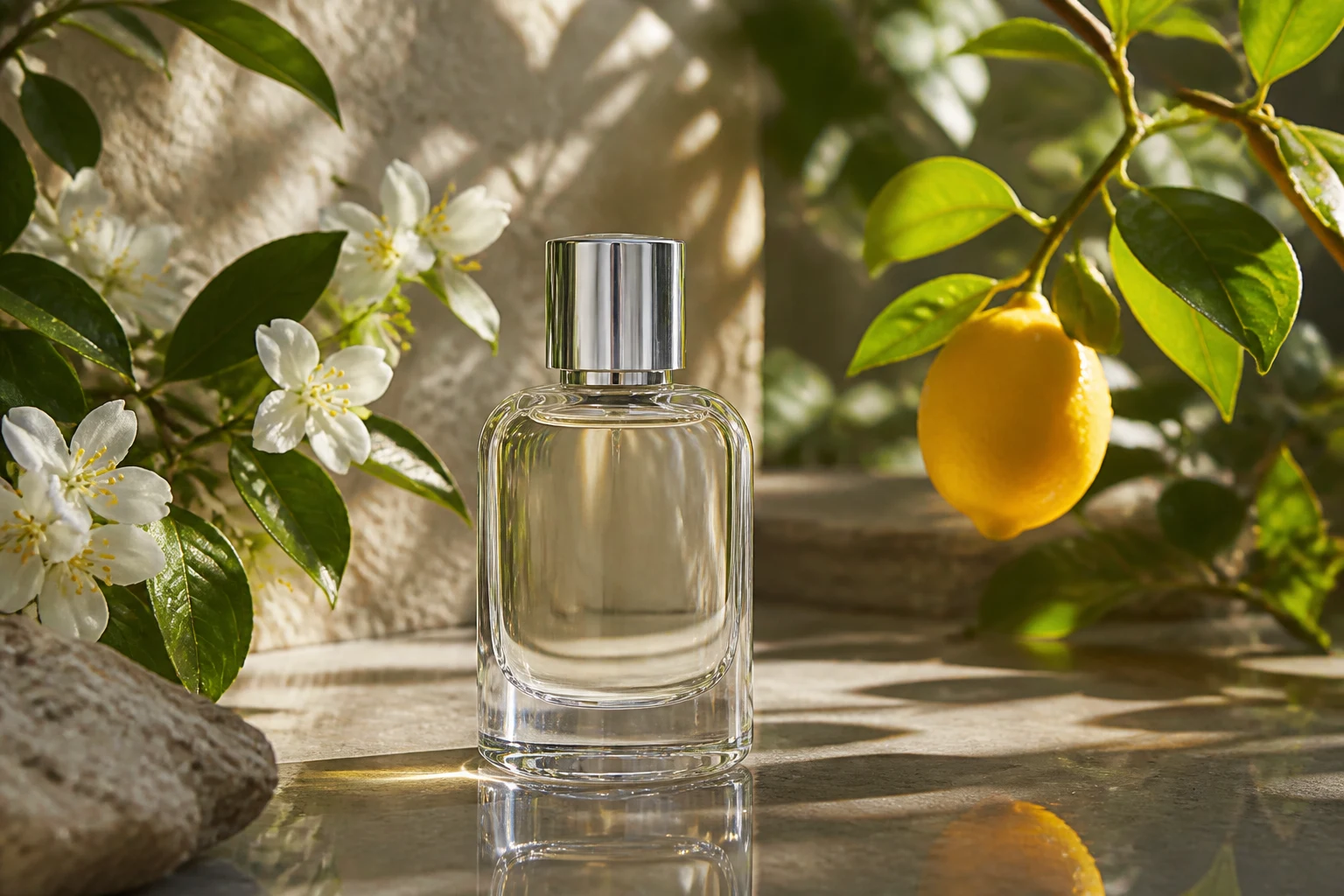
Udskift en rekvisit, overflade, farve, et etiketområde eller en lille forstyrrende baggrundsdetalje, mens du bevarer den produktindramning, der allerede fungerer.

Forfin et lille objekt, en baggrundssektion, en tøjdetalje eller en kant i et portræt- eller livsstilsbillede, før du bruger det i et koncept- eller kampagneudkast.
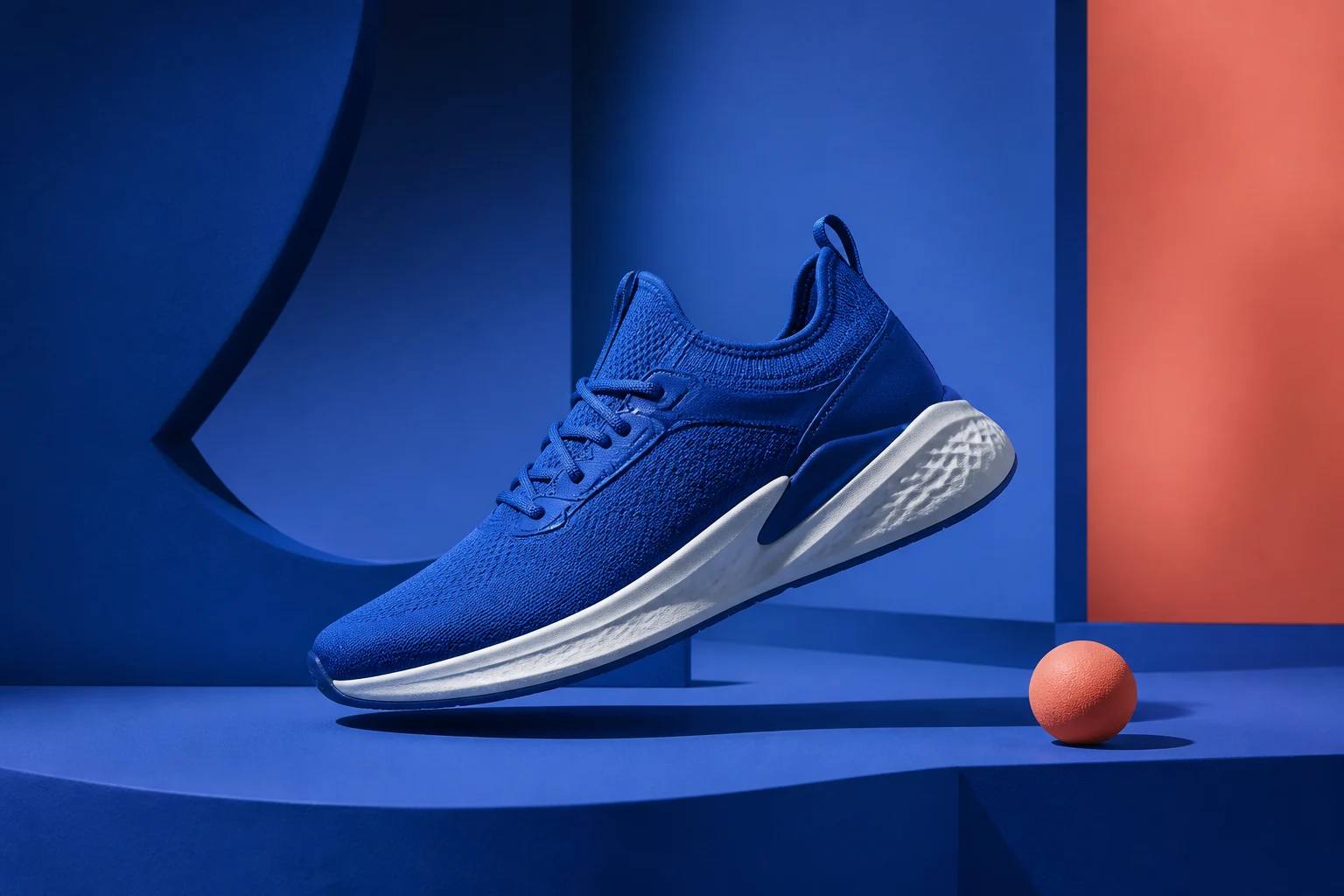
Lav en målrettet redigering af et opslag, miniaturebillede, banner eller annoncekoncept i stedet for at generere hele billedet igen, når kun ét visuelt element ændres.
Gennemse både det ændrede område og de urørte omgivelser, fordi en lokal redigering kan skabe synlige problemer med kanter, belysning eller sammenhæng.
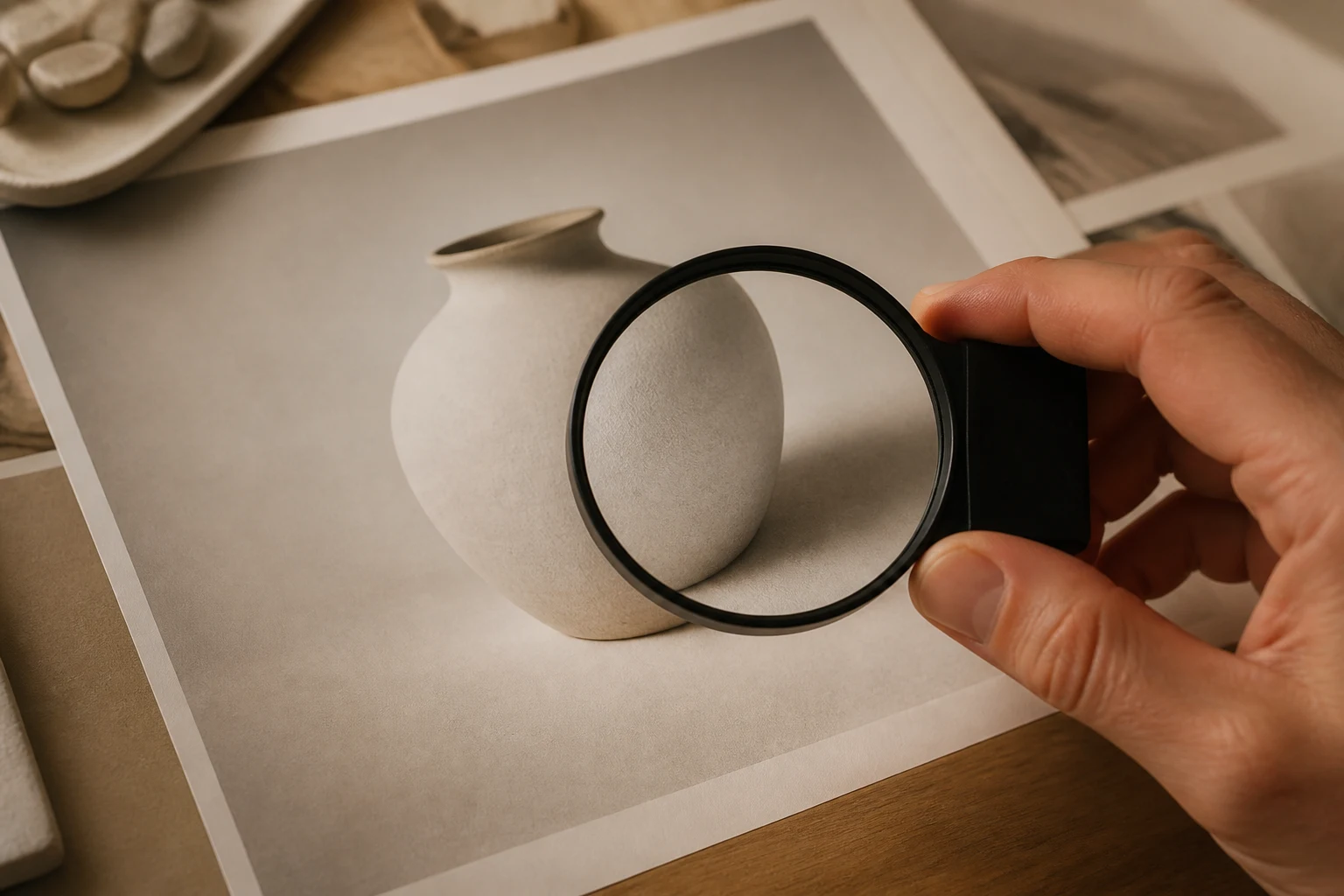
Kontrollér kanterne, hvor det udvalgte område møder originalbilledet, for samlinger, haloer, pludselige teksturændringer eller fejlplacerede detaljer.
Bekræft, at hovedmotiv, positur, produktform, komposition og vigtige umarkerede detaljer fortsat er egnede til den tilsigtede brug.
Sammenlign skygger, refleksioner, farvetemperatur, korn, tekstur og perspektiv mellem redigeringen og det omgivende billede.
Bekræft, at det opdaterede billede har det rette billedformat, den rette opløsning, beskæring og sikre zone til kanalen eller præsentationen.
En billedredigering af et udvalgt område er en genereret variation, så den bevarer muligvis ikke alle originale pixel, teksturer eller visuelle sammenhænge nøjagtigt.
En redigering kan ændre nærliggende skygger, refleksioner, teksturer eller kanter, især når det valgte område overlapper et komplekst objekt eller motiv.
Hænder, ansigter, gentagne mønstre, transparente materialer, fin tekst og kompleks geometri kan kræve endnu en markering eller manuel rettelse.
Upload kun billeder, du ejer eller har tilladelse til at redigere, og kontrollér brand-, produkt- og tredjepartsrettigheder, før du udgiver resultatet.
Svar om AI-inpainting, redigering af udvalgte områder, instruktioner, billedresultater og hvad du skal kontrollere, før du bruger et opdateret motiv.
Upload et referencebillede, du har tilladelse til at bruge, markér det udvalgte område, beskriv den lokale ændring, og generér derefter en redigering, du kan gennemse nøje.