01
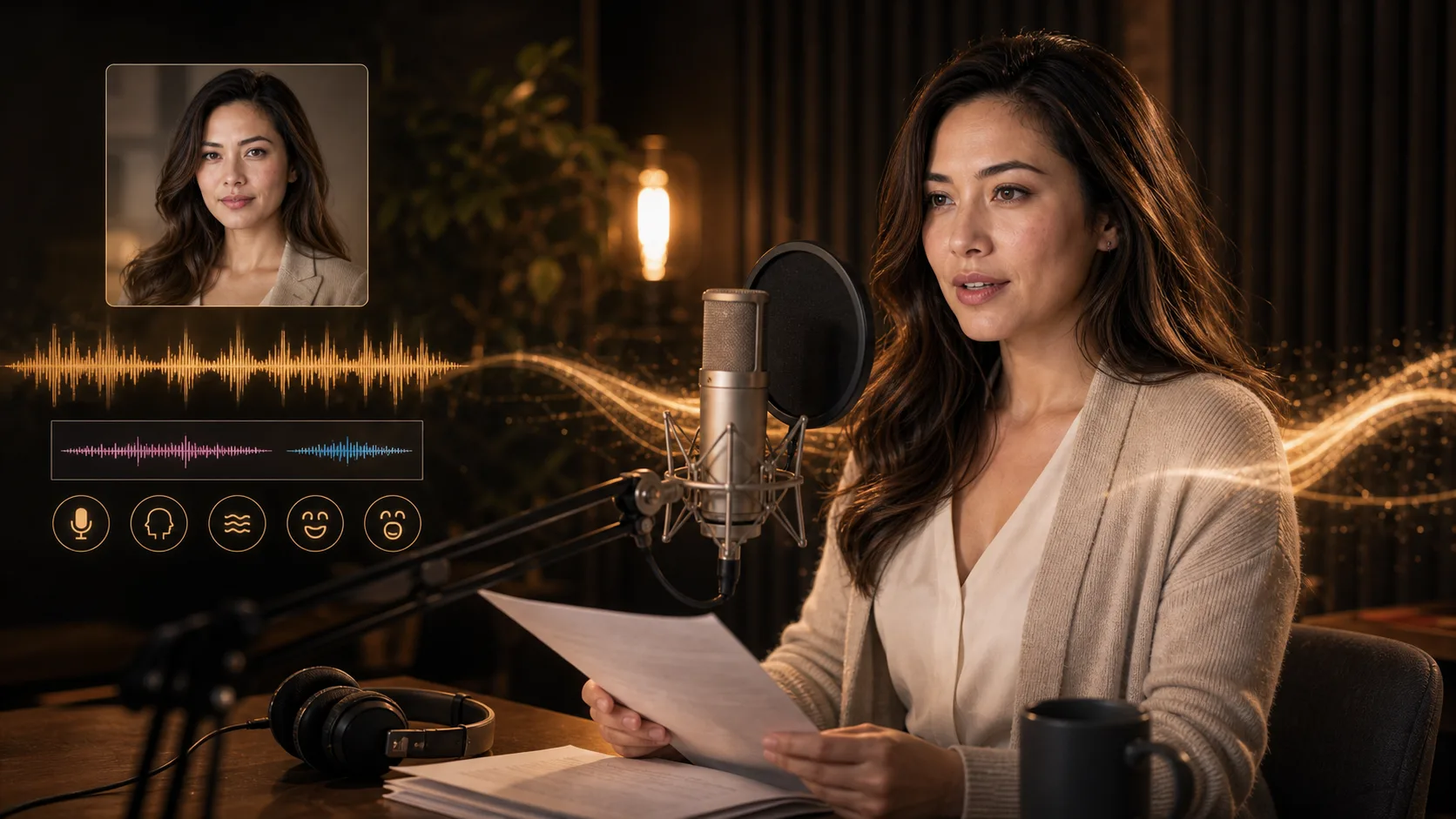
Tilføj kildevideoen
Upload en video, eller indsæt en tilgængelig video-URL. Vælg optagelser med et tydeligt, synligt ansigt, der taler.
Tilføj en eksisterende video af en taler og den tale, den skal matche. Generér en video med tilpassede mundbevægelser, og kontrollér resultatet.
Kildevideo og taleaudio
Upload filer, eller indsæt URL'er til hostede medier.
Videoformat
MP4/WebM/MOV
Lydkilde
MP3/WAV/M4A
Synkroniseringsstatus
Venter på medier
Tilføj begge mediekilder før generering
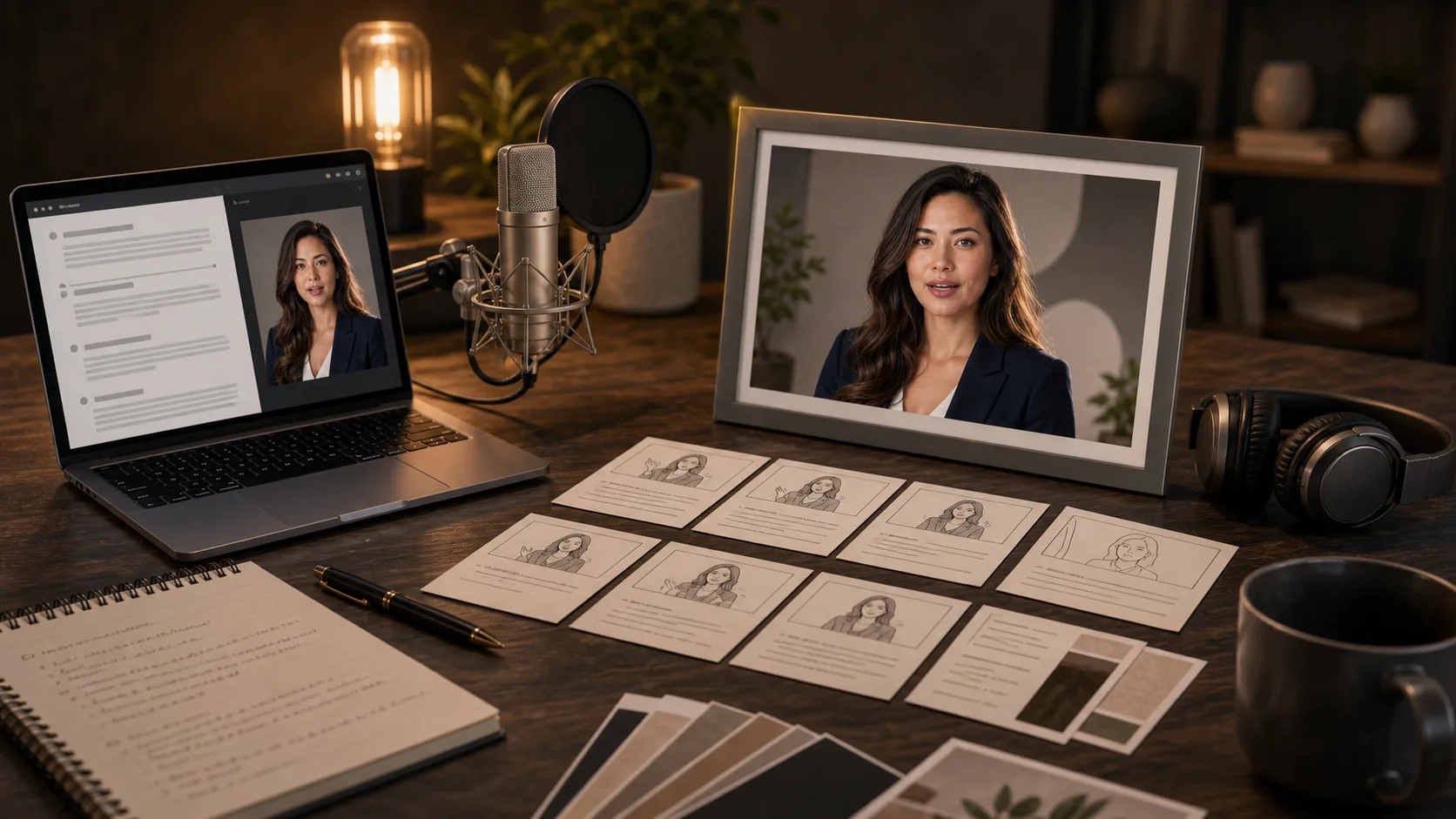
Forbered en video af en taler og optaget eller genereret tale til et produktbudskab, en lektion eller en karakterreplik. Dette er idéer til planlægning, ikke bevis på genererede resultater.
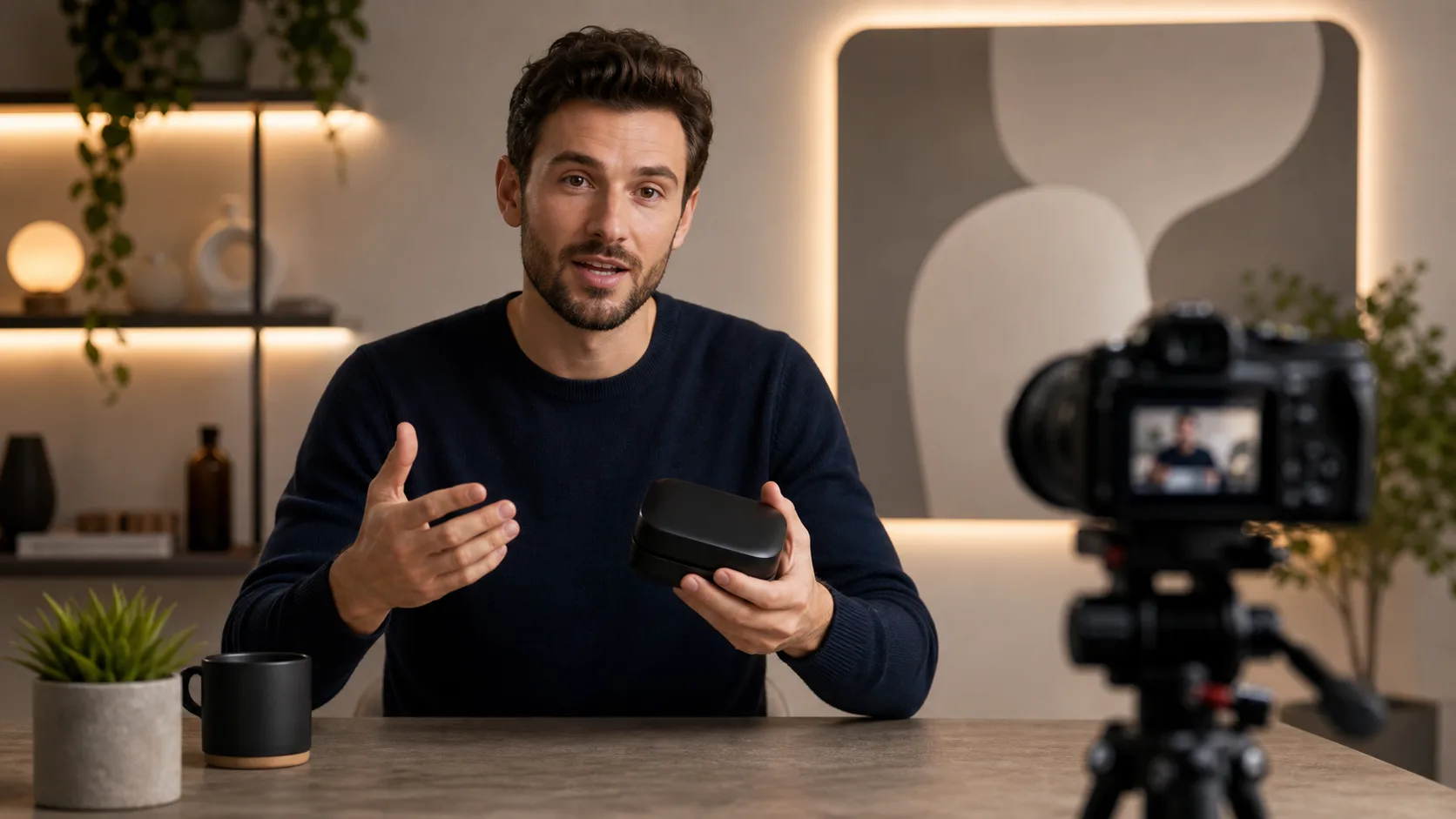

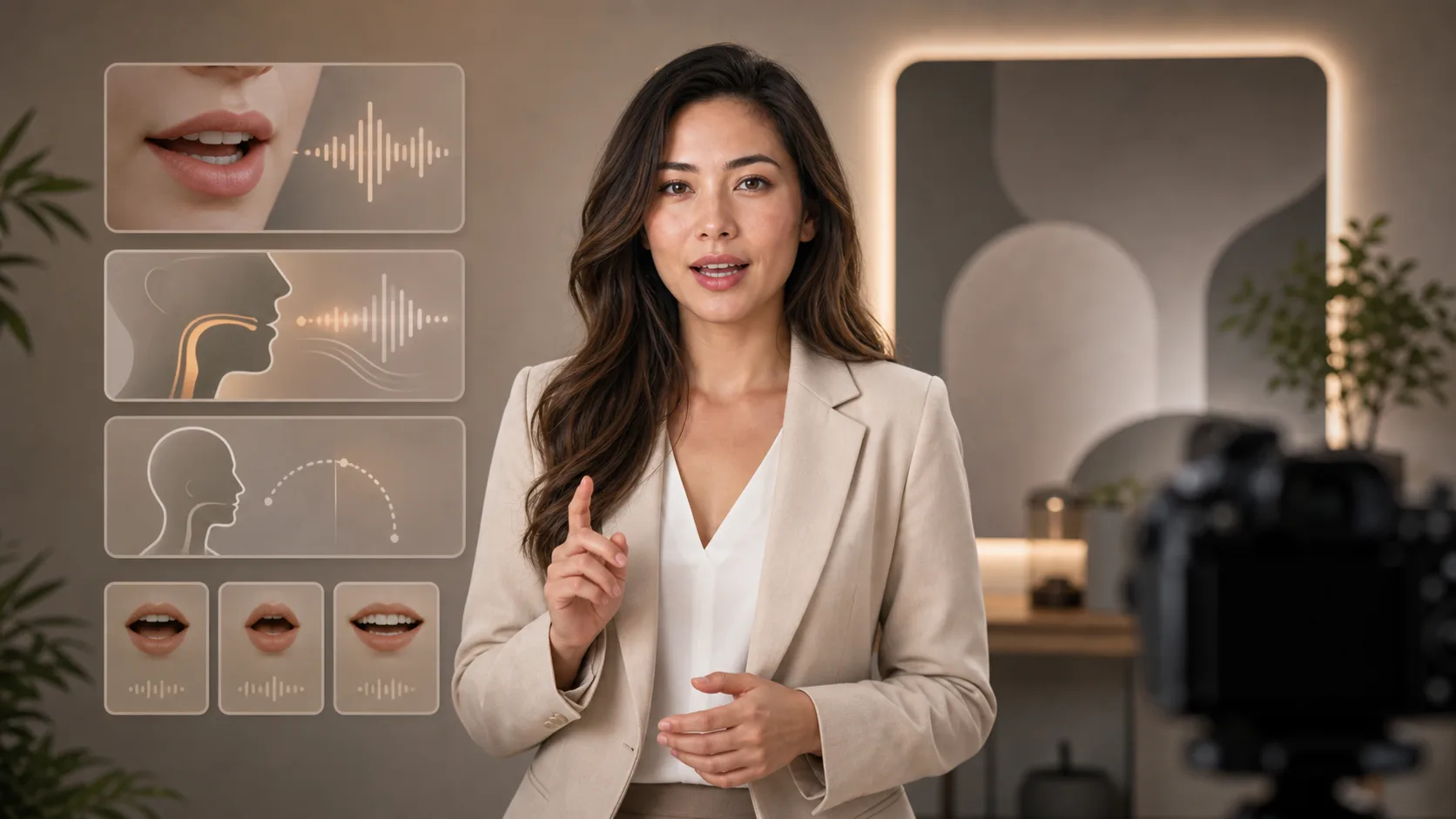
Både en eksisterende video og et lydspor er nødvendige; en tekstinstruktion eller et portræt alene er ikke nok.
Upload en video, eller indsæt en tilgængelig video-URL. Vælg optagelser med et tydeligt, synligt ansigt, der taler.
Upload din indtaling, eller indsæt en tilgængelig lyd-URL. Lyt først, og tjek, at de ønskede ord er tydelige.
Indsend begge kilder, og vent på resultatet. Hold inputfilerne tilgængelige, mens opgaven kører.
Se på mundens timing, ansigtet, pauserne og slutningen. Hvis noget ser forkert ud, så forkort eller forbedr kildematerialet, før du prøver igen.
Brug et optaget eller genereret talespor; siden laver ikke indtastet tekst direkte om til indtaling.
Start med optagelser frem for at bede siden skabe en person ud fra et billede eller en tekstinstruktion.
Tilføj hver mediekilde via dens uploadfunktion, eller indsæt dens tilgængelige URL.
Afspil den returnerede video, og kontrollér ansigtets konsistens og mundens timing. Automatisk undertekstning tilbydes ikke her.
Gå fra manuskript og stemmevalg til at generere video med en talende person.
Gratis billeder har vandmærke. Opgrader for rene output, hurtigere generering og kommerciel brug.
Startpakke
En engangs kredit pakke til at prøve billede, musik og kort video generation.
Skaber
Månedlig plan · 1.500 kreditter fornys hver måned
GPT Image 2 Unlimited
Indtast koden FOUNDING6 i Stripe Checkout: $19/måned de første 6 måneder, derefter $29/måned.
Pro
For clean, faster outputs
Studie
Månedlig plan · 12.000 kreditter fornys hver måned
Sikker betaling · Abonnementer fornyes automatisk · Se betingelser for tilbagebetaling
Hold
For agenturer, produktionshold og brugerdefinerede volumen behov.
Forbered begge kilder, og forstå begrænsningerne før behandling.
Tilføj video og lyd, og kontrollér de genererede mundbevægelser.