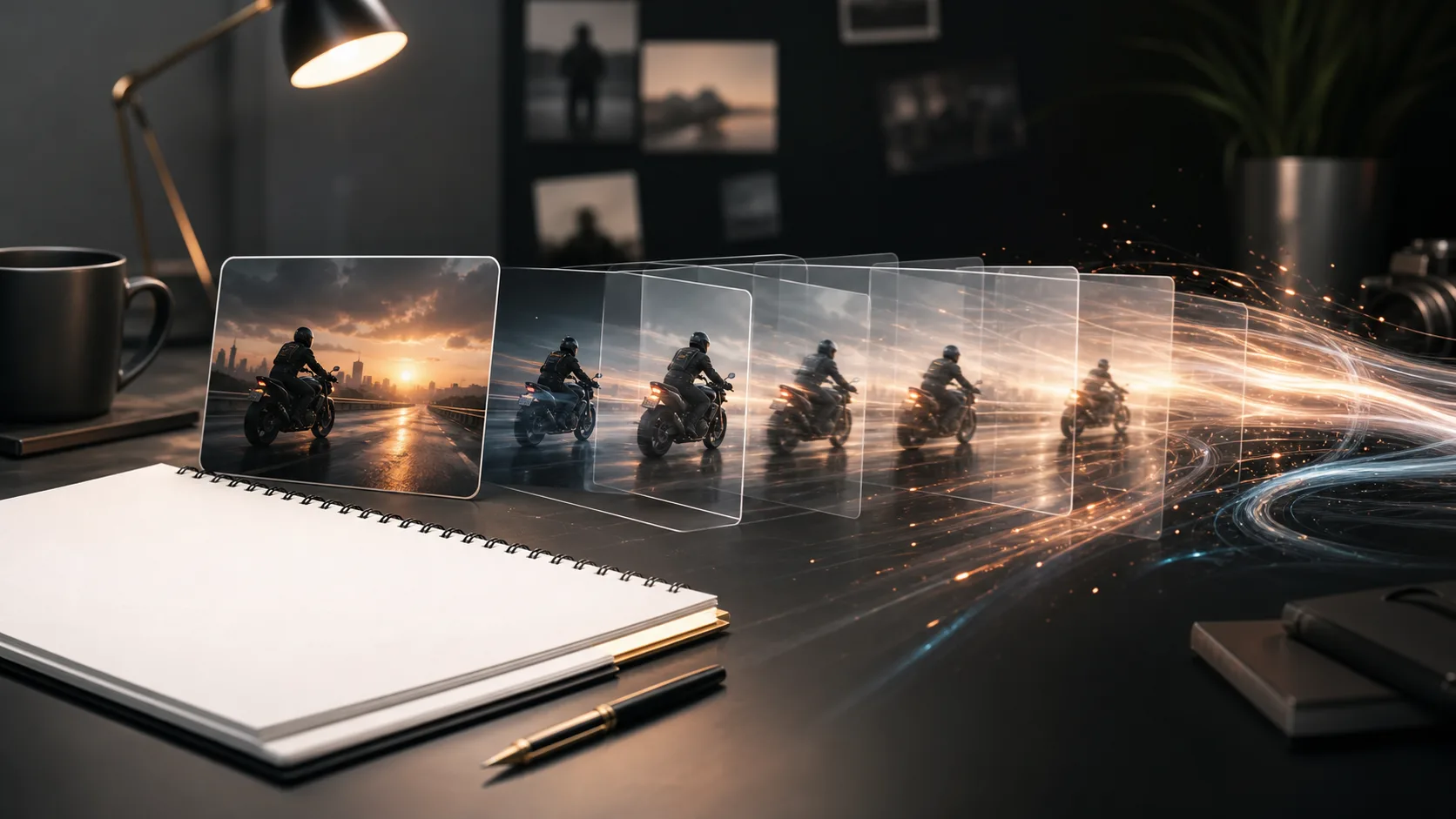
Free AI Script Generator for YouTube, TikTok, Ads & Product Demos

Turn a rough idea into a structured video, podcast, ad, training, or product demo script. Create hooks, scene beats, voiceover, on-screen text, and a clear call to action before production.

Video ScriptsYouTubeTikTokAdsTrainingProduct DemosPodcast Scripts

Script Workspace

Start a new draft or reopen a recent script.

Need Inspiration? Try these topics...

How ClipCanva drafts your script

A simple flow from rough idea to chat-ready script brief.

Step 1

Write your brief

1

Describe the video idea. Add a reference file if it helps.

Brief

Create a 30-second launch video for a skincare brand focused on simple routines and sensitive skin.

Optional: add a reference file

Step 2

Refine in chat

2

Continue with an editable script outline.

Turn this into a video script.

Hook

Here is a simple way for first-time skincare buyers to move from idea to a clear video message: Create a 30-second launch video for a new skincare brand focused on simple routines and sensitive skin.

Scene plan

Start with the problem in one sharp line.

The AI Script Generator for Every Video Format

Create drafts for creator content, YouTube videos, TikTok / Reels clips, podcast segments, product videos, ads, and internal training without starting from a blank page.

What to include for a stronger script

A few concrete details help the script land closer to the video you actually want to make.

01

Format and length

Choose whether the draft is for YouTube, TikTok / Reels, an ad, training, a product demo, or a podcast script.

02

Audience and angle

Name who the video is for and what they should understand, feel, or do after watching.

03

Key points to cover

Add the claims, examples, product details, or talking points that must appear in the script.

04

Call to action

Tell the generator whether the script should drive a click, signup, purchase, demo, or follow.

Why Use an AI Script Generator?

Structured Script Drafts

Generate hooks, voiceover, scene beats, on-screen text, and calls to action from one brief.

Built for Video Formats

Shape scripts for YouTube, TikTok, Reels, ads, training videos, product demos, and podcasts.

On-screen Text Ideas

Get short captions and visual cues that help editors turn the script into a watchable video.

Multi-language Planning

Plan drafts in common campaign languages before adapting the final video for each market.

Udforsk relaterede værktøjer

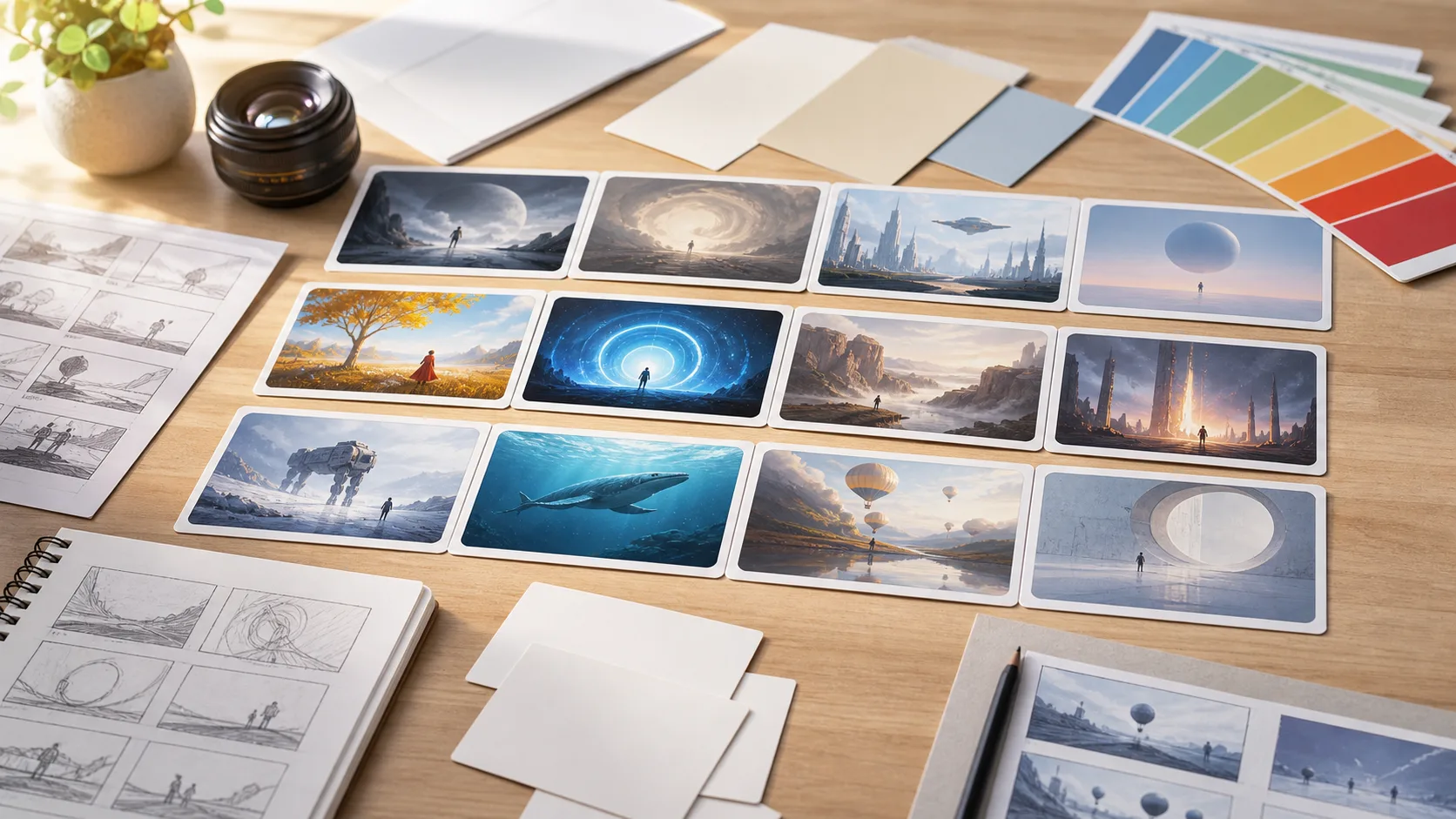
Move from script planning to concept frames, short clips, and finished video assets.

Vælg din plan

Gratis billeder har vandmærke. Opgrader for rene output, hurtigere generering og kommerciel brug.

Startpakke

$9

En engangs kredit pakke til at prøve billede, musik og kort video generation.

  • 600 kreditter
  • Op til 100 billeder
  • Op til 7 korte videoer
  • Kreditter gældende i 30 dage
  • Ingen vandmærker

Skaber

$19/mo

Månedlig plan · 1.500 kreditter fornys hver måned

  • 1.500 kreditter pr. måned
  • Op til 250 billeder/måned
  • Op til 18 korte videoer/måned
  • Fungerer med ClipCanva Pro og andre kreditmodeller
  • Prioriteret kø
  • Fællesskabsstøtte
  • Ingen annoncer
  • Ingen vandmærker

Pro

$39/mo

For clean, faster outputs

  • 4.000 kreditter pr. måned
  • Op til 660 billeder/måned
  • Op til 50 korte videoer/måned
  • Fungerer med ClipCanva Pro og andre kreditmodeller
  • Højeste prioritets kø
  • Lås ClipCanva Pro op
  • Ingen annoncer
  • Ingen vandmærker
  • Avanceret raffinaderi

Studie

$99/mo

Månedlig plan · 12.000 kreditter fornys hver måned

  • 12.000 kreditter pr. måned
  • Op til 2.000 billeder/måned
  • Op til 150 korte videoer/måned
  • Fungerer med ClipCanva Pro og andre kreditmodeller
  • Højeste prioritets kø
  • Fuldt privatliv
  • Tidlig adgang til nye funktioner
  • Prioriteret støtte

Månedlige planer forny kreditter hver fakturering cyklus. Årlige planer give 12 måneders kreditter upfront og spare 17%. Anvendelse skøn er baseret på de billigste understøttede billede og video modeller; præmiemodeller, højere resolutioner, længere videoer, reference-baseret generation, og avancerede værktøjer bruger flere kreditter.

Hold

For agenturer, produktionshold og brugerdefinerede volumen behov.

Kontakt os

AI Script Generator FAQ

Common questions before drafting your first video script.

What can I create with an AI script generator?
You can draft scripts for YouTube videos, TikTok and Reels clips, product demos, video ads, training videos, podcast segments, presentations, and explainers.
Why use a script generator AI instead of a blank document?
A script generator AI gives you a first structure: hook, intro, talking points, scene notes, on-screen text, and CTA. You still edit the draft for facts, voice, and claims before publishing.
What should I include in the prompt?
Include the topic, audience, goal, key points, length, tone, and any offer or call to action. The more specific the brief, the easier the script is to edit.
Can I turn the script into a video?
Yes. Copy the draft into ClipCanva's video tools, or use the visual direction and scene plan as a prompt for video generation.
Is the generated script ready to publish?
Treat it as a first draft. Check facts, brand voice, legal claims, and product details before recording or publishing.

Turn your script into a video

Use ClipCanva to move from script draft to visual concepts, generated scenes, and short-form video assets.