
01
Start med kilden
Upload den tydeligste godkendte kilde, før komprimering fjerner vigtige detaljer.
Upload ét foto, og beskriv ændringen med almindeligt sprog. Lav en tekststyret redigering af et produkt, portræt, rum eller gammelt foto, og kontrollér identitet, objekter, tekst og kontekst.
Upload ét foto, og beskriv ændringen med almindeligt sprog. Lav en tekststyret redigering af et produkt, portræt, rum eller gammelt foto, og kontrollér identitet, objekter, tekst og kontekst.
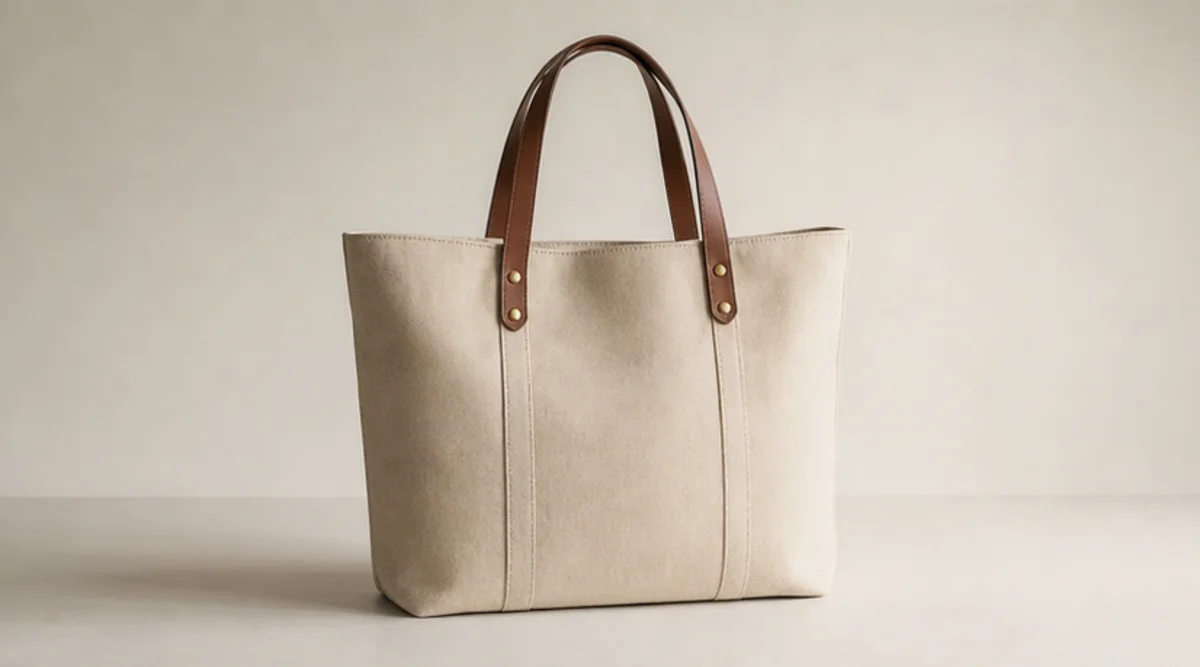
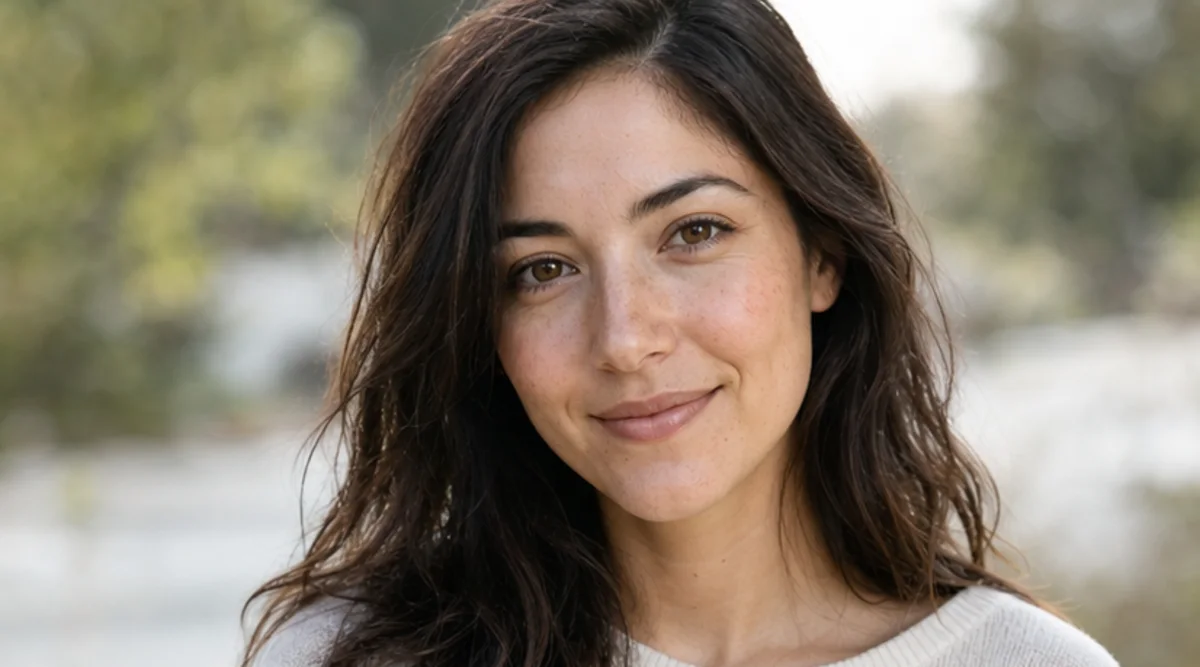
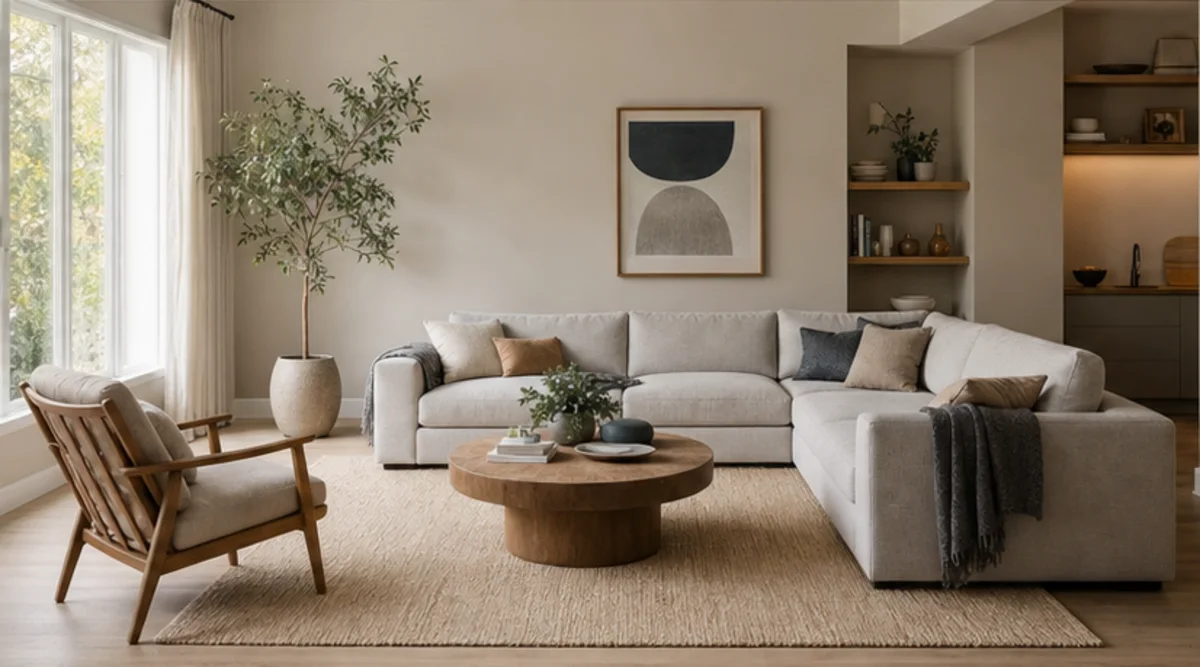
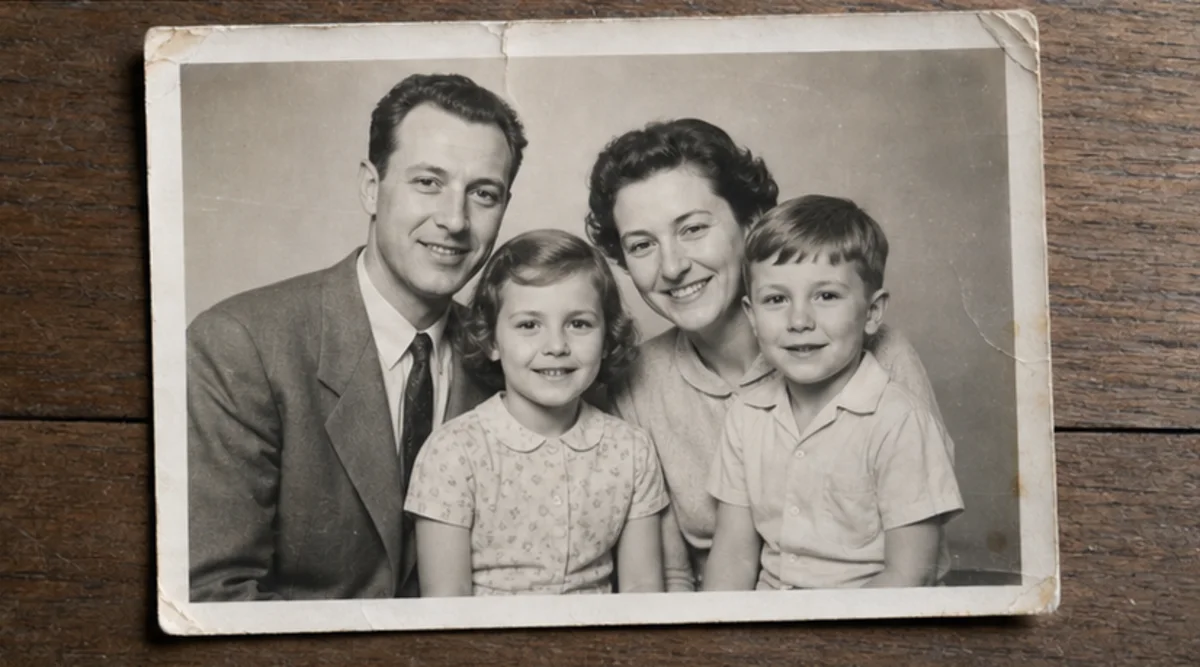
Upload ét foto, og beskriv ændringen med almindeligt sprog. Lav en tekststyret redigering af et produkt, portræt, rum eller gammelt foto, og kontrollér identitet, objekter, tekst og kontekst.
Upload den tydeligste godkendte kilde, før komprimering fjerner vigtige detaljer.
Beskriv ændringen og den identitet, de objekter, tekster, geometrier eller den baggrund, som ikke må ændres.
Generér én målrettet redigering uden at blande flere uvedkommende ændringer sammen.
Sammenlign resultat og original i fuld størrelse, og kontrollér ansigter, produkter, små objekter, tekst, kanter og kontekst.
Værktøjet følger tekstinstruktioner, men ansigter, produktgeometri, små objekter og tekst kan ændres. Det er ikke et pixelpræcist retoucheringsværktøj.
Brug en tydelig kilde, og angiv hvad der ikke må ændres. Sammenlign resultatet med originalen i fuld størrelse.
Upload kun billeder, du ejer eller har tilladelse til at redigere. Kontrollér resultatet før brug til identitet, produkt, arkiv eller offentlighed.
Gratis billeder har vandmærke. Opgrader for rene output, hurtigere generering og kommerciel brug.
Startpakke
En engangs kredit pakke til at prøve billede, musik og kort video generation.
Skaber
Månedlig plan · 1.500 kreditter fornys hver måned
GPT Image 2 Unlimited
Indtast koden FOUNDING6 i Stripe Checkout: $19/måned de første 6 måneder, derefter $29/måned.
Pro
For clean, faster outputs
Studie
Månedlig plan · 12.000 kreditter fornys hver måned
Sikker betaling · Abonnementer fornyes automatisk · Se betingelser for tilbagebetaling
Hold
For agenturer, produktionshold og brugerdefinerede volumen behov.
Upload ét foto, og beskriv ændringen med almindeligt sprog. Lav en tekststyret redigering af et produkt, portræt, rum eller gammelt foto, og kontrollér identitet, objekter, tekst og kontekst.
Upload ét foto, og beskriv ændringen med almindeligt sprog. Lav en tekststyret redigering af et produkt, portræt, rum eller gammelt foto, og kontrollér identitet, objekter, tekst og kontekst.