01
Start med en klar prompt
Skriv hvad du vil skabe, eller brug et referencebillede, så ClipCanva kan ramme motiv, stil og format.
Gør ideer, referencer og detaljerede prompts til tekst med billede til billede AI. Arbejd hurtigt i ClipCanva, juster stilen og eksportér resultater, der er klar til brug.
Brug billede til billede AI i ClipCanva til at omsætte ideer til billeder, justere detaljerne og arbejde videre med et klart visuelt resultat.


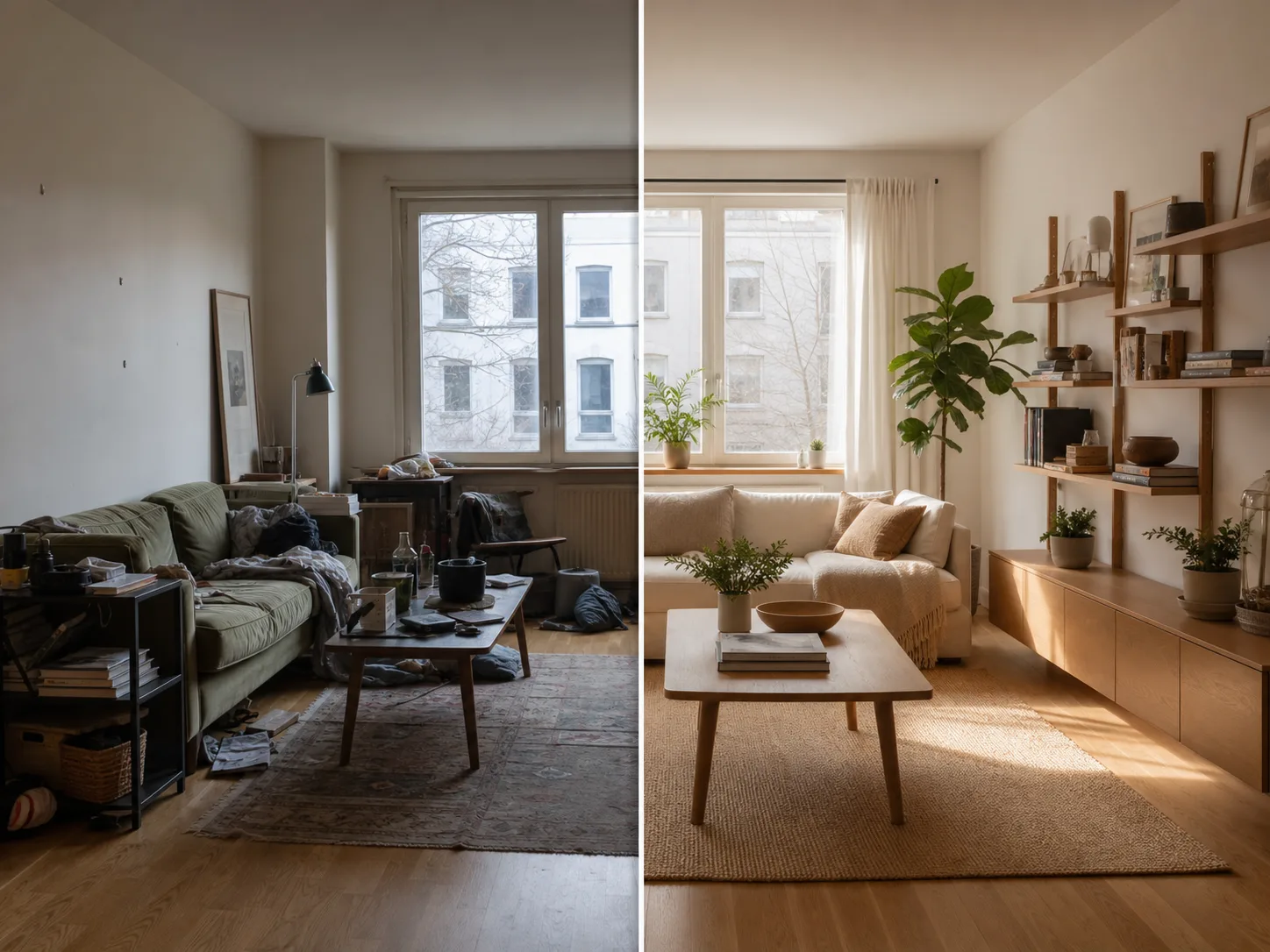
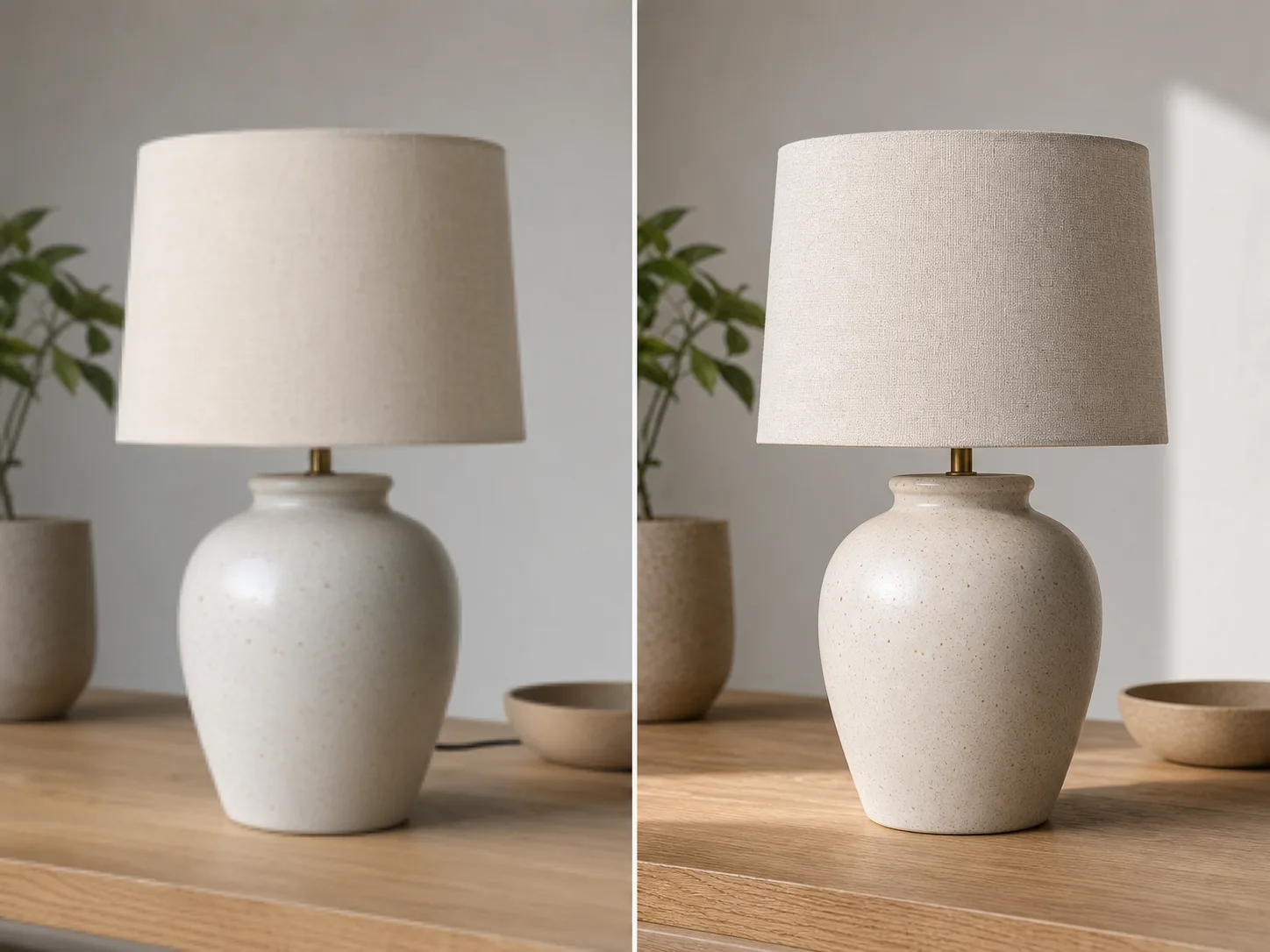
Start med en tydelig idé, vælg retning og finjuster resultatet, indtil det passer til dit projekt.
Skriv hvad du vil skabe, eller brug et referencebillede, så ClipCanva kan ramme motiv, stil og format.
Angiv stemning, komposition, farver, bevægelse og outputformat, så resultatet passer bedre til din idé.
Generer flere variationer, sammenlign dem og juster prompten for at få et mere præcist resultat.
Skriv hvad du vil skabe, eller brug et referencebillede, så ClipCanva kan ramme motiv, stil og format.
Angiv stemning, komposition, farver, bevægelse og outputformat, så resultatet passer bedre til din idé.
Generer flere variationer, sammenlign dem og juster prompten for at få et mere præcist resultat.
Eksportér resultatet til sociale medier, produktpræsentationer, kampagner eller kreativ gennemgang.
Brug disse ClipCanva-værktøjer sammen med billede til billede AI for at skabe og forfine dit indhold.
Gratis billeder har vandmærke. Opgrader for rene output, hurtigere generering og kommerciel brug.
Startpakke
En engangs kredit pakke til at prøve billede, musik og kort video generation.
Skaber
Månedlig plan · 1.500 kreditter fornys hver måned
GPT Image 2 Unlimited
Indtast koden FOUNDING6 i Stripe Checkout: $19/måned de første 6 måneder, derefter $29/måned.
Pro
For clean, faster outputs
Studie
Månedlig plan · 12.000 kreditter fornys hver måned
Sikker betaling · Abonnementer fornyes automatisk · Se betingelser for tilbagebetaling
Hold
For agenturer, produktionshold og brugerdefinerede volumen behov.
Svar på de mest almindelige spørgsmål om billede til billede AI.
Åbn ClipCanva, beskriv det ønskede resultat, og skab billeder med billede til billede AI på få trin.