
01
Start med kilden
Upload om muligt den bedste kildefil i stedet for et skærmbillede eller en gentagne gange komprimeret kopi.
Upload ét billede for at forstørre og forbedre den oplevede klarhed i produktfotos, portrætter, scanninger, miniaturebilleder og sociale materialer. Sammenlign med kilden før download.
Standardtilstand
Klar til upload
Forhåndsvis, sammenlign og download
Upload ét billede for at forstørre og forbedre den oplevede klarhed i produktfotos, portrætter, scanninger, miniaturebilleder og sociale materialer. Sammenlign med kilden før download.
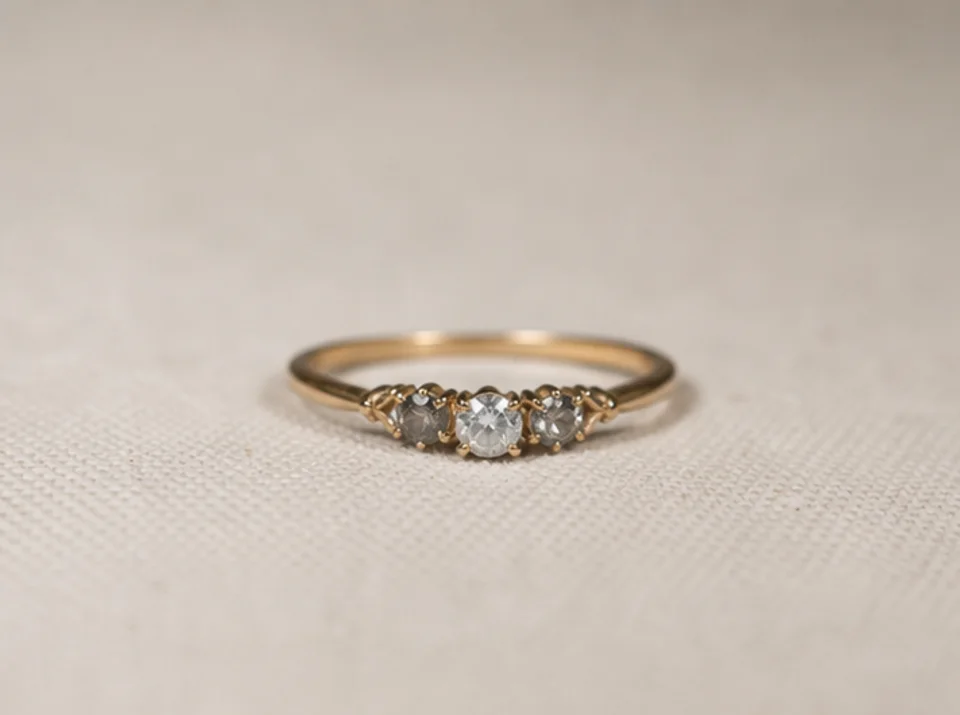

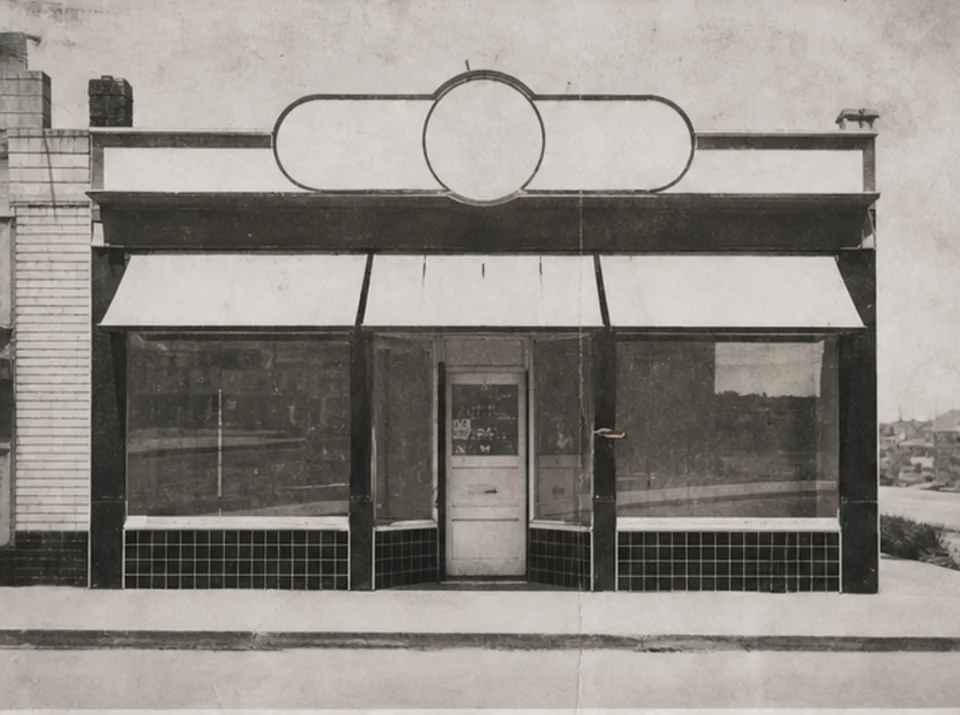

Upload ét billede for at forstørre og forbedre den oplevede klarhed i produktfotos, portrætter, scanninger, miniaturebilleder og sociale materialer. Sammenlign med kilden før download.
Upload om muligt den bedste kildefil i stedet for et skærmbillede eller en gentagne gange komprimeret kopi.
Vælg et praktisk mål på 2× eller 4× ud fra slutstørrelsen og de detaljer, der kan ses i kilden.
Kør forbedringen én gang, og behold originalen til direkte visuel sammenligning.
Sammenlign begge billeder i fuld størrelse med fokus på tekst, ansigter, produktgeometri, gentagne teksturer, glorier og arkivdetaljer.
Opskalering kan få kanter og teksturer til at se tydeligere ud, men kan ikke gendanne information, der ikke findes i kildebilledet.
Tekst, der allerede kan læses, kan blive tydeligere. Manglende eller ulæselige tegn kan ikke rekonstrueres pålideligt og skal kontrolleres mod en autoritativ kilde.
Fine teksturer og små former kan blive antaget under forbedringen. Sammenlign produkter, ansigter, dokumenter og arkivdetaljer med originalen.
Gratis billeder har vandmærke. Opgrader for rene output, hurtigere generering og kommerciel brug.
Startpakke
En engangs kredit pakke til at prøve billede, musik og kort video generation.
Skaber
Månedlig plan · 1.500 kreditter fornys hver måned
GPT Image 2 Unlimited
Indtast koden FOUNDING6 i Stripe Checkout: $19/måned de første 6 måneder, derefter $29/måned.
Pro
For clean, faster outputs
Studie
Månedlig plan · 12.000 kreditter fornys hver måned
Sikker betaling · Abonnementer fornyes automatisk · Se betingelser for tilbagebetaling
Hold
For agenturer, produktionshold og brugerdefinerede volumen behov.
Upload ét billede for at forstørre og forbedre den oplevede klarhed i produktfotos, portrætter, scanninger, miniaturebilleder og sociale materialer. Sammenlign med kilden før download.
Upload ét billede for at forstørre og forbedre den oplevede klarhed i produktfotos, portrætter, scanninger, miniaturebilleder og sociale materialer. Sammenlign med kilden før download.