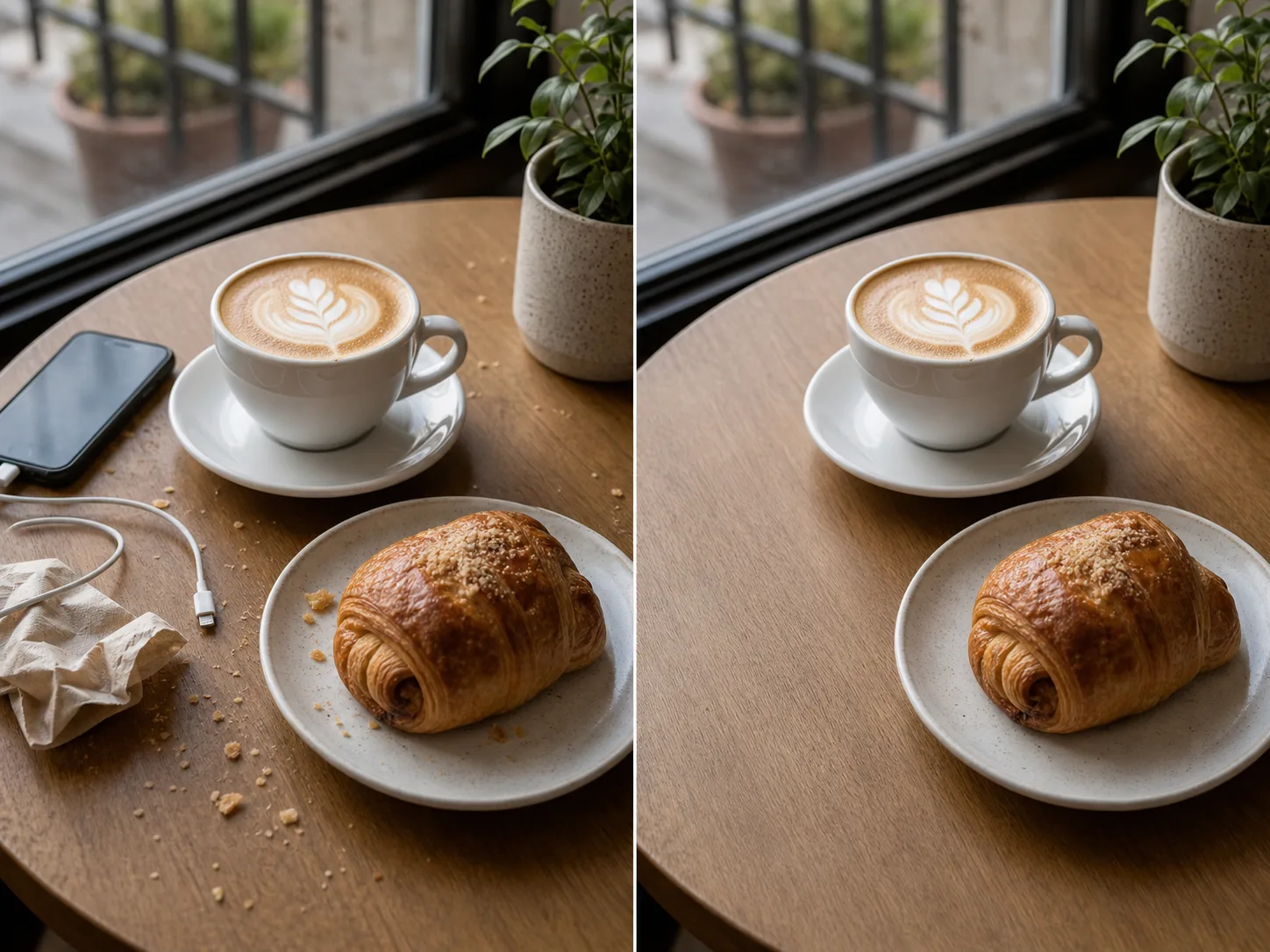
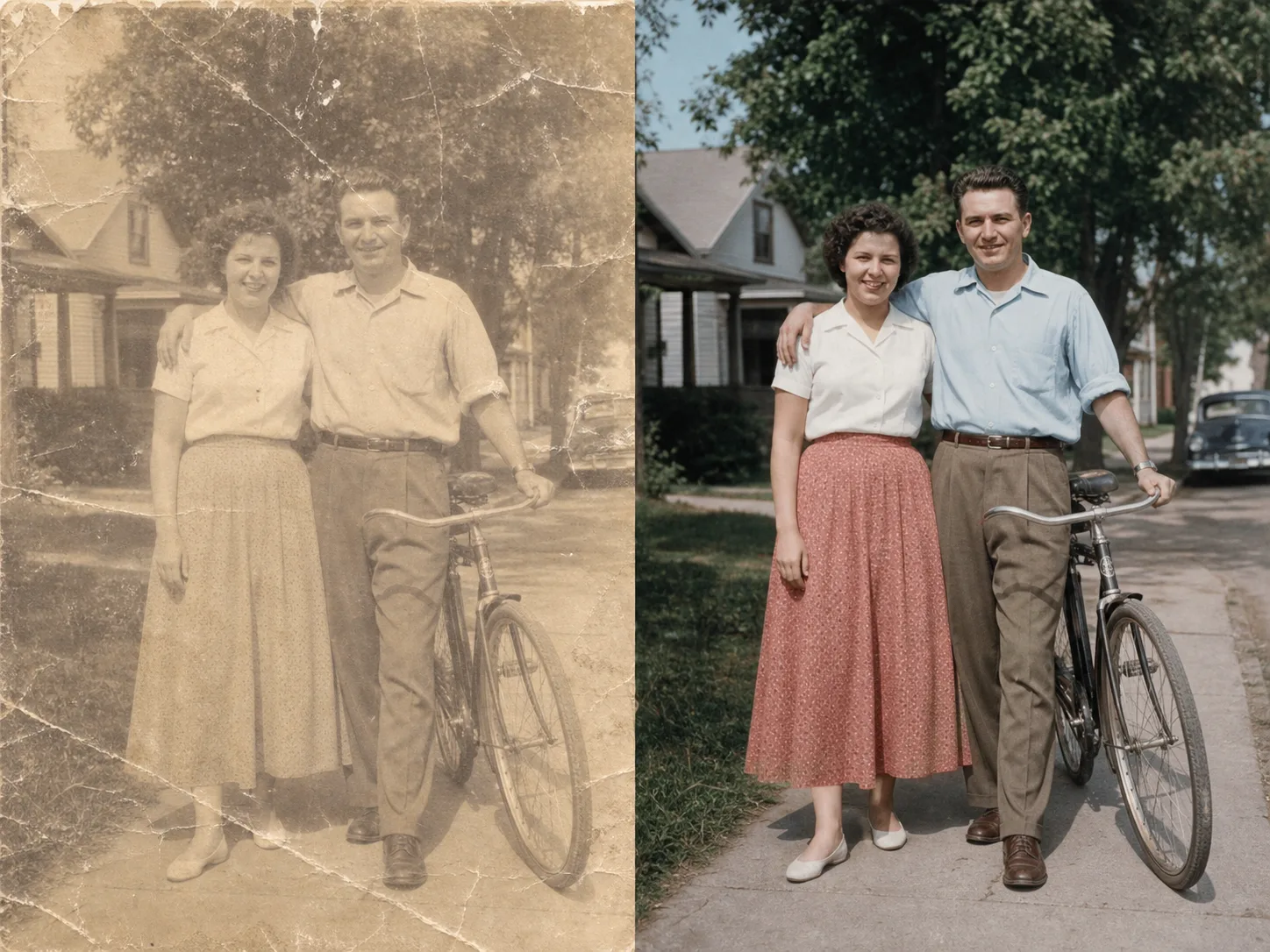
Ai Image Cleanup

Use AI image cleanup to upload one WEBP image, confirm the cleanup scope, and produce a processed result you can inspect before saving.

Built for one focused image-processing taskSupports WEBP inputHelps remove visible marks with guided review

Pro mode

Upload for review

Advanced controls appear after upload

Advanced after upload

The first view stays simple. Detailed controls appear only after the file type and rights confirmation are clear.

Small object distractions
Background marks or overlays
Prompt-guided cleanup
Review state for ambiguous marks

What Is an Ai Image Cleanup?

AI image cleanup is a focused image-processing utility that helps reduce unwanted marks, blemishes, or distracting areas in a supported picture. It is designed for creators, marketers, and teams who need a cleaner result from one uploaded image while keeping the task simple and reviewable.

Planned image cleanup definition example

How to Use an Ai Image Cleanup

A simple guided image cleanup flow keeps the task clear from file selection to review.

1

Upload the image

Add one supported WEBP image so it can be inspected for cleanup.

2

Confirm the cleanup scope

Confirm what should be cleaned and keep the requested scope focused on the unwanted marks or distractions.

3

Inspect the result

Process the image, review the result, and save the output file if it meets your needs.

Ai Image Cleanup Input, Output, and Controls

The tool accepts a supported image, processes the confirmed cleanup task, and returns an output you can inspect.

Starting file

WEBP image input is supported for this cleanup workflow.

Converted file

The tool provides a processed result for inspection and a downloadable output file after processing completes.

Controls

Available controls include uploading one image for inspection, confirming the cleanup scope, and using Pro controls when needed.

Planned image cleanup specification example

Ai Image Cleanup Features

Practical controls help keep the cleanup task clear from upload to result review.

Single-image inspection

Upload one WEBP file so the tool can inspect a single image without mixing multiple sources in the same task.

Scope confirmation

Confirm the area or cleanup intent before processing, which supports guided image cleanup for more deliberate edits.

Reviewable processing

Use Pro controls when needed for supported advanced handling, then review the processed result before using the output.

Mark reduction

Clean marks from a photo for presentation, listing, campaign, or content-review work when the source image is suitable.

When to Use an Ai Image Cleanup

Use the tool when a single image needs focused cleanup before it is shared, reviewed, or placed into a larger creative workflow.

Planned image cleanup use case one example

Marketing visuals

Clean marks from a photo before adding it to a campaign draft, landing page mockup, or social asset.

Planned image cleanup use case two example

Product presentation

Use guided image cleanup to reduce small distractions in product photos before stakeholder review.

Planned image cleanup use case three example

Creator edits

Upload one image for inspection and confirm the cleanup scope when a fast, focused correction is more useful than a full edit session.

Ai Image Cleanup Limitations

Cleanup quality depends on the source image and the visible context around the area being processed.

Source quality matters

Images with low detail, heavy blur, compression artifacts, or complex patterns may produce less predictable cleanup.

Single-image workflow

The tool processes one supported image at a time, so multi-image comparison or batch cleanup is outside this flow.

Review is still required

The processed result should be inspected before use, especially when cleaning faces, text, product details, or fine textures.

Ai Image Cleanup FAQ

Common questions about AI image cleanup and the available workflow.

How does AI image cleanup work here?
Upload a supported WEBP image, review the task, confirm the cleanup scope, and process the image. The tool returns a result for inspection and provides an output file when processing is complete.
Can I control what gets cleaned?
Yes. The tool is designed for guided image cleanup, so you can confirm what should be cleaned before processing instead of sending the image through an unclear one-step action.
Can it clean marks from a photo?
You can use it to clean marks from a photo when the source image gives the cleanup model enough visual information to rebuild the affected area. The final result depends on the source.
Is the tool free to use?
This page does not make an unqualified free-use promise. Use the current page and account prompts as the source of truth for any available access terms.

Use the Ai Image Cleanup

Upload a WEBP image, confirm the cleanup scope, and process an image to review the cleaned result.