


Har du allerede et materiale?
Har du intet at starte med, så brug en generator. Har du en fil, så brug en editor, så du bevarer det, der allerede fungerer.
Værktøjsoversigt
Søg i hele udvalget af AI-værktøjer, filtrér efter kategori, og åbn det, der passer til din opgave. Hvert værktøj angiver, hvad det modtager, og hvad det leverer, før du går i gang.
Brug filtrene og søgefeltet til at indsnævre oversigten, og åbn derefter et værktøj direkte.
Vælg et levende arbejdsområde eller få vist, hvad der kommer næste.
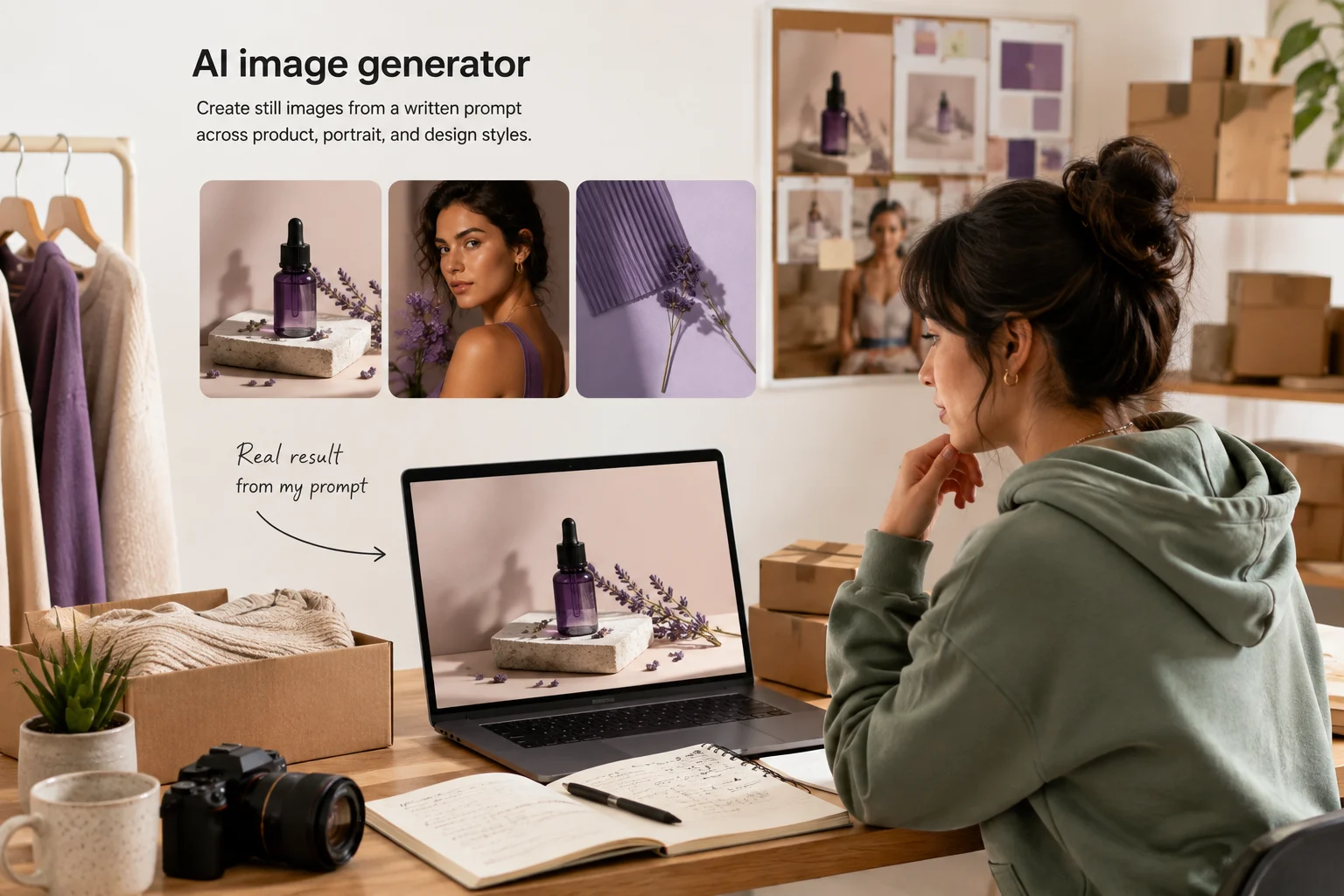
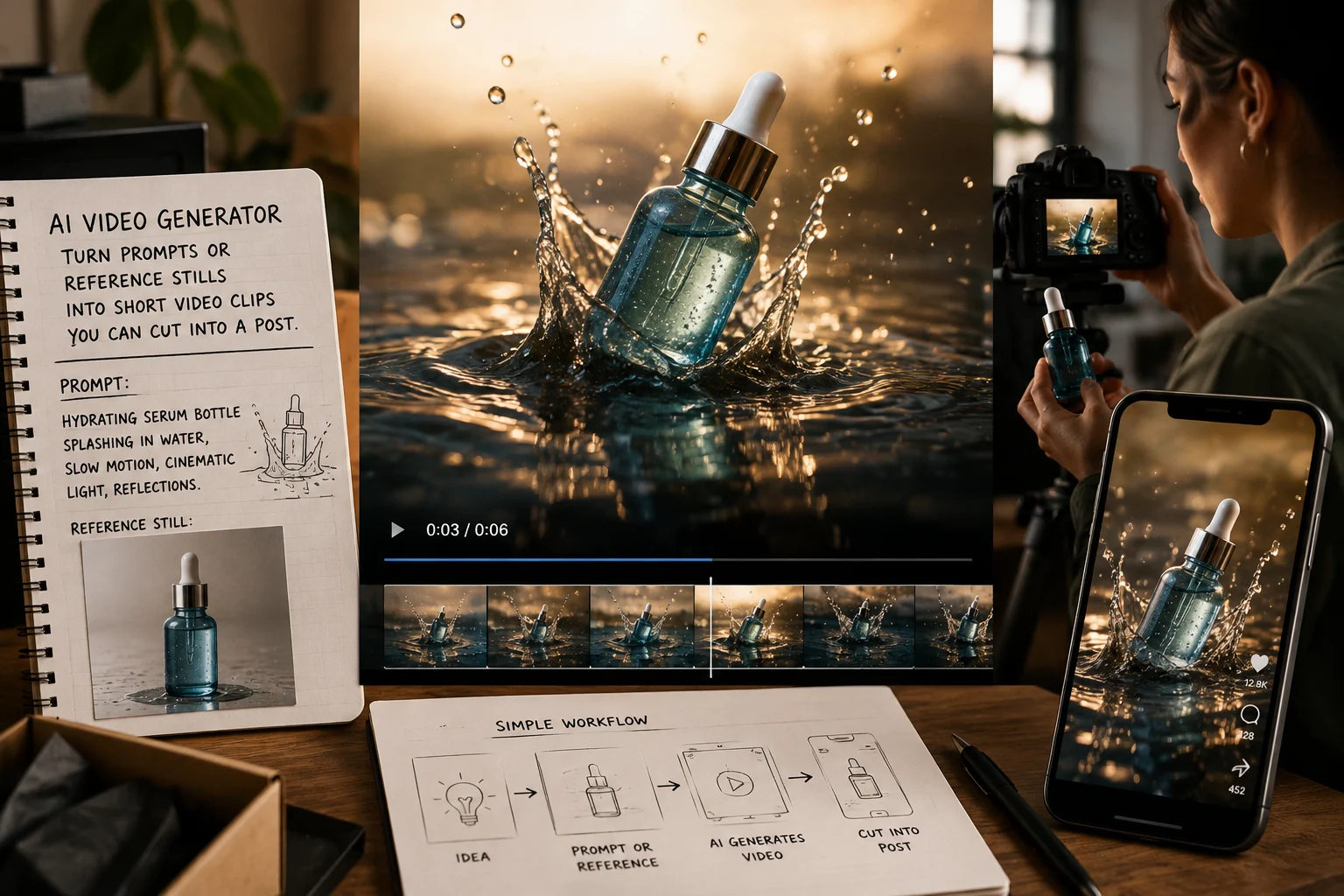
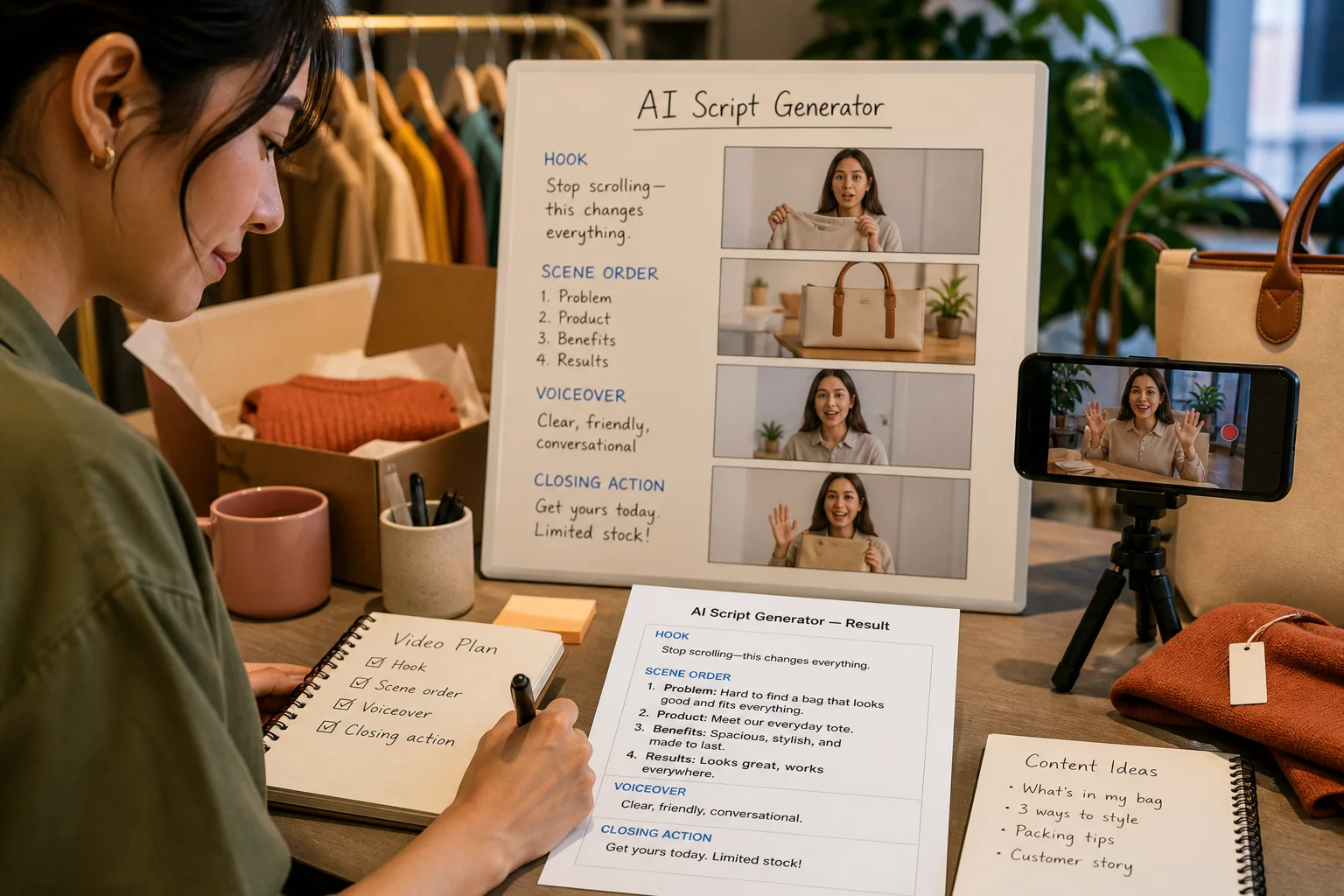
Start med live ClipCanva værktøjer til billedgenerering, videooprettelse, scriptskrivning og redigering af arbejdsgange.
Dette er oversigten over alle offentlige ClipCanva-værktøjer: generatorer, der skaber nye materialer, editorer, der ændrer en eksisterende fil, og konvertere, der ændrer et format. Den viser værktøjet, dets kategori og det, det producerer, så du kan vælge efter opgave frem for navn.
Tag udgangspunkt i den type arbejde, du udfører.
Vælg det værktøj, der passer til det, du allerede har.
Værktøjerne, folk åbner først, når et projekt endnu ikke har noget materiale.
Tre spørgsmål, der som regel peger på den rette side.
Har du intet at starte med, så brug en generator. Har du en fil, så brug en editor, så du bevarer det, der allerede fungerer.
Afgør først outputtet. Et lodret klip, et kvadratisk billede til en produktliste og en podcastintro kræver forskellige værktøjer.
Hvis du endnu ikke kan beskrive resultatet, så planlæg først manuskriptet eller prompten. Generering er billigere, når briefet er klart.
For et ensartet udtryk på tværs af mange materialer skal du starte med en skabelon i stedet for at skrive en ny prompt hver gang.
Almindelige spørgsmål om at finde det rette værktøj.
Søg i oversigten over AI-værktøjer efter navn, eller filtrér efter arbejde med billeder, video, lyd og e-handel.