
Upload portrætfotoet
Tilføj et tydeligt portrætfoto, hvor ansigtsområdet er synligt, og medtag derefter en prompt, der angiver de områder med glans, du vil reducere.
Opret med værktøjet til at fjerne ansigtsglans ved hjælp af et portrætfoto og en tydelig redigeringsprompt. Angiv visuel retning, motiv, miljø og slutformat for at skabe en naturligt udseende portrætredigering til dit projekt.
Værktøjet til at fjerne ansigtsglans hjælper dig med at omdanne et portrætfoto og en redigeringsprompt til en naturligt udseende portrætredigering. Det er udviklet til målrettet reduktion af glans, når du har brug for et renere ansigtsområde uden at ændre hele billedet.
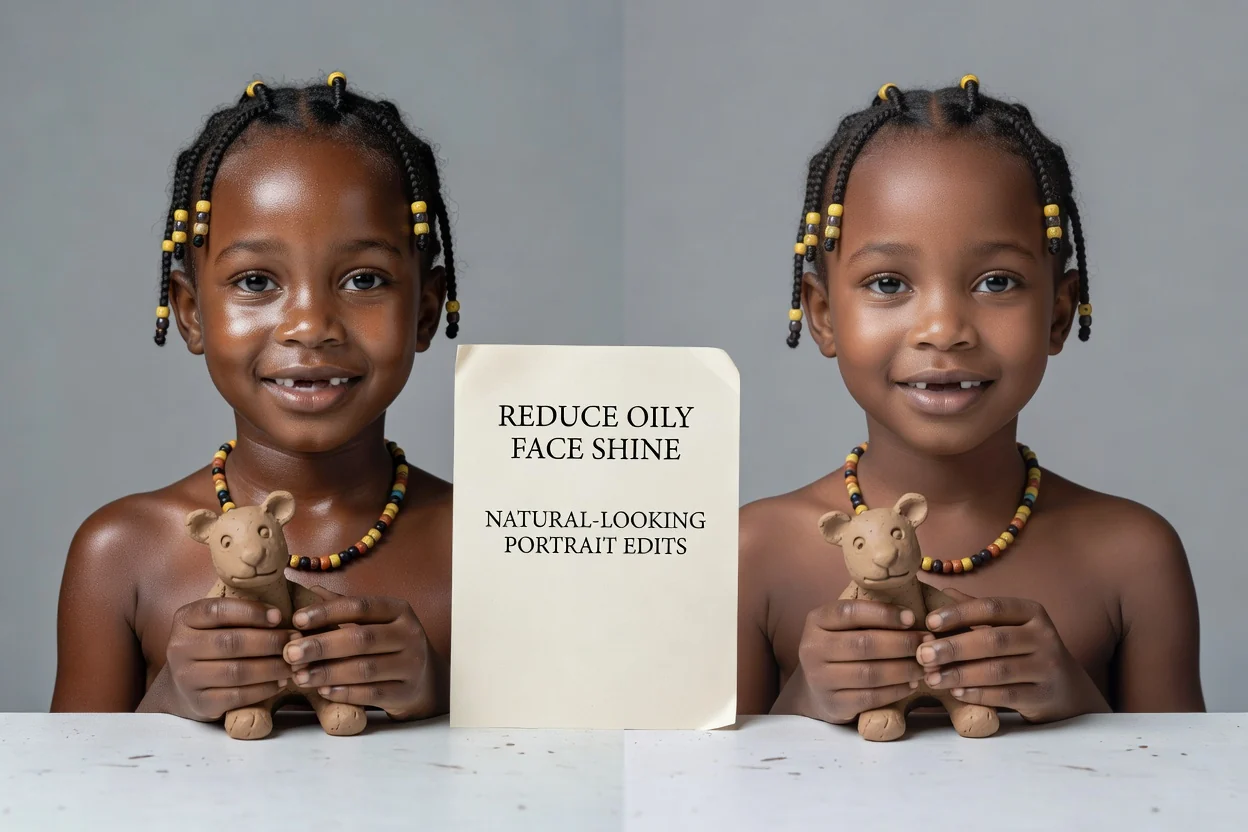
Følg et kort oprettelsesforløb fra upload af portræt til et resultat klar til gennemgang, og brug prompten til at styre, hvordan ansigtet skal forfines.
Tilføj et tydeligt portrætfoto, hvor ansigtsområdet er synligt, og medtag derefter en prompt, der angiver de områder med glans, du vil reducere.
Beskriv, om redigeringen skal virke diskret, mat, gennemarbejdet eller studieagtig, og nævn motivet og miljøet som kontekst.
Vælg det slutformat, der passer til dit projekt, opret derefter redigeringen, og gennemgå resultatet, før du bruger det.
Brug målrettede kontroller til at reducere fedtet ansigtsglans, mens billedets retning bevares i tråd med det portræt, du har brug for.
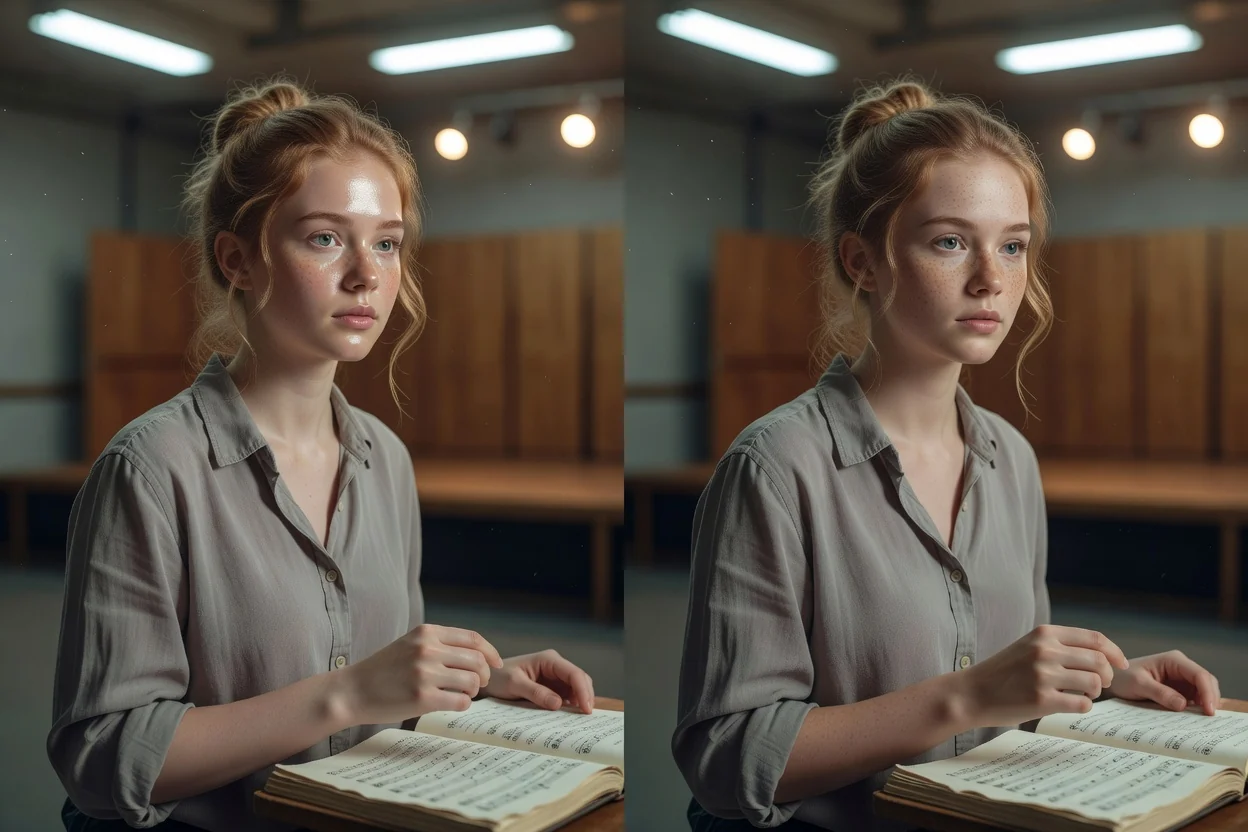
Beskriv, hvor glansen ses, hvor diskret redigeringen skal være, og om portrættet skal forblive naturligt, gennemarbejdet eller klar til studiet.
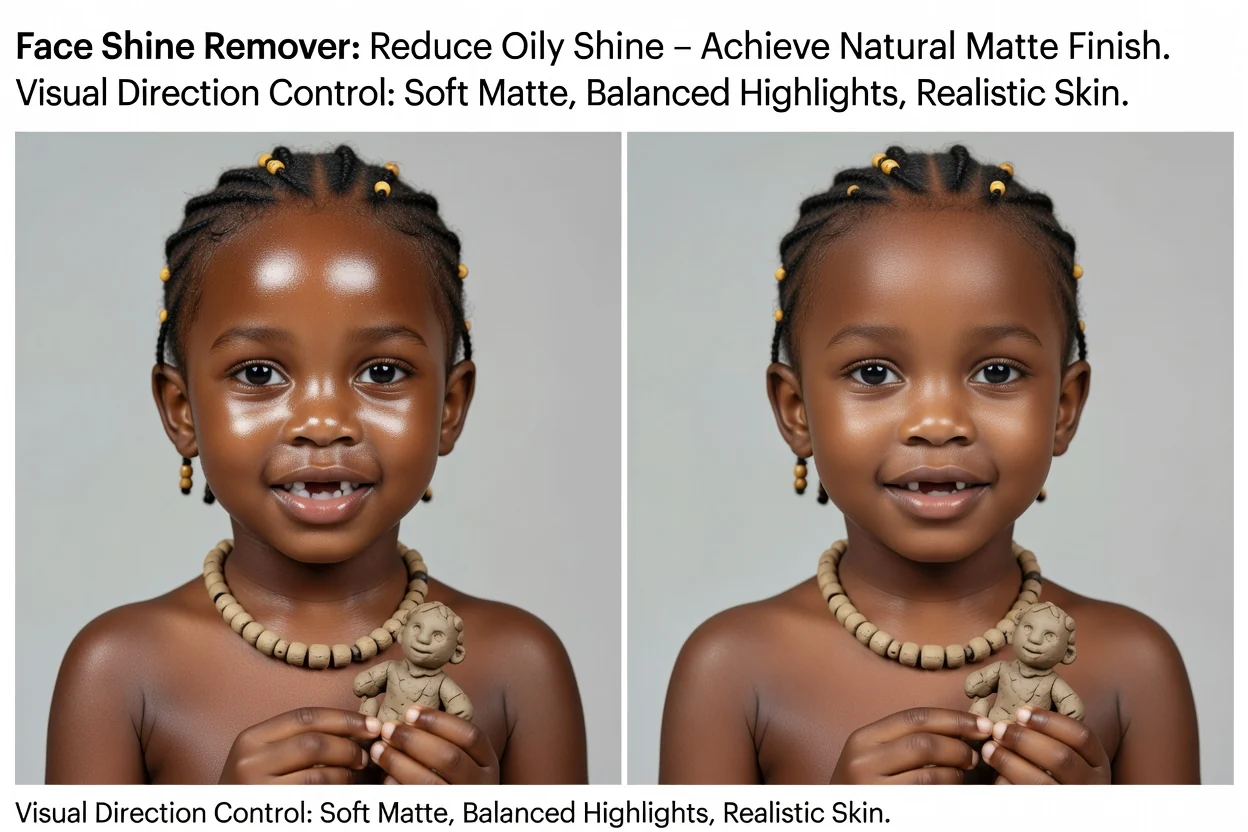
Styr billedet mod en blød mat finish, afbalancerede højlys og hud, der stadig ser realistisk ud frem for overredigeret.
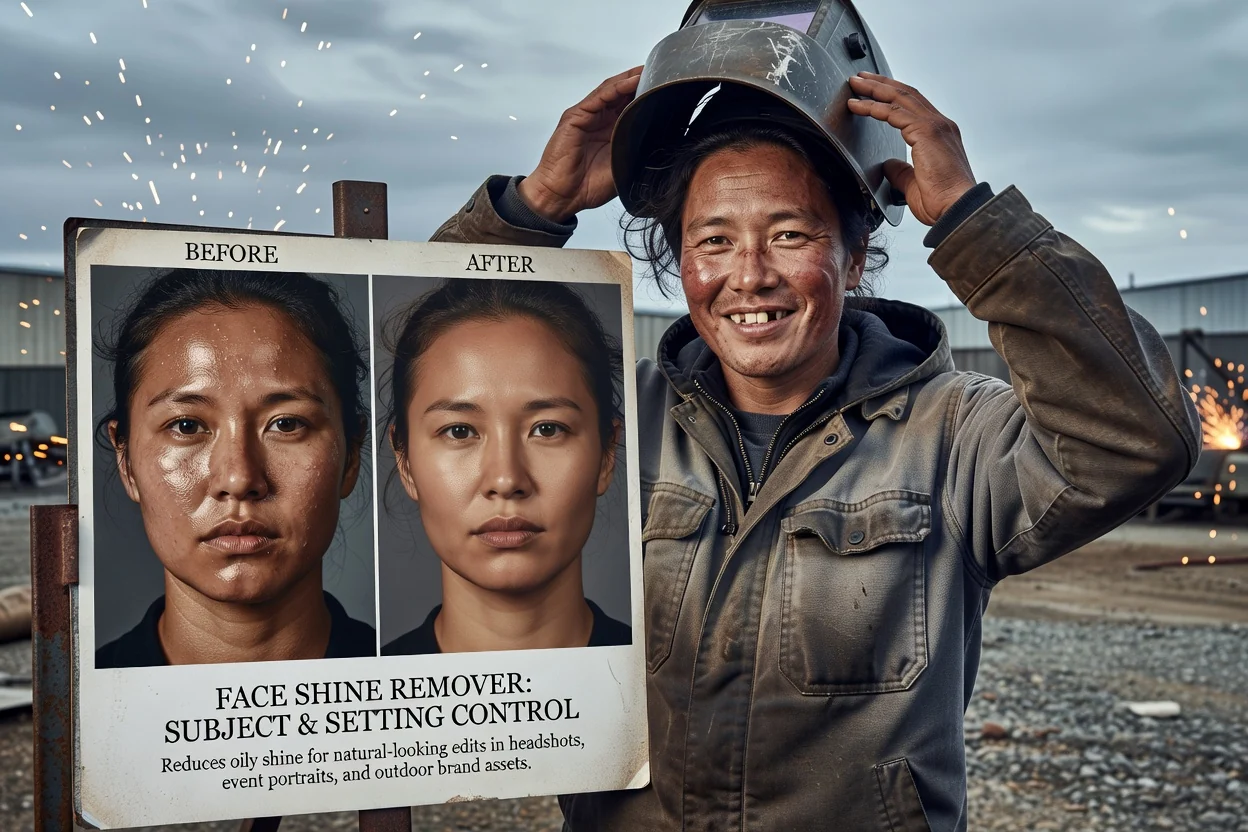
Henvis til motivet og miljøet, så redigeringen passer til et profilportræt, et begivenhedsportræt, en udendørs scene eller et brandingmateriale.
Opret portrætmaterialer, hvor et renere ansigtsresultat får motivet til at fremstå mere gennemarbejdet, mens det oprindelige miljø bevares.
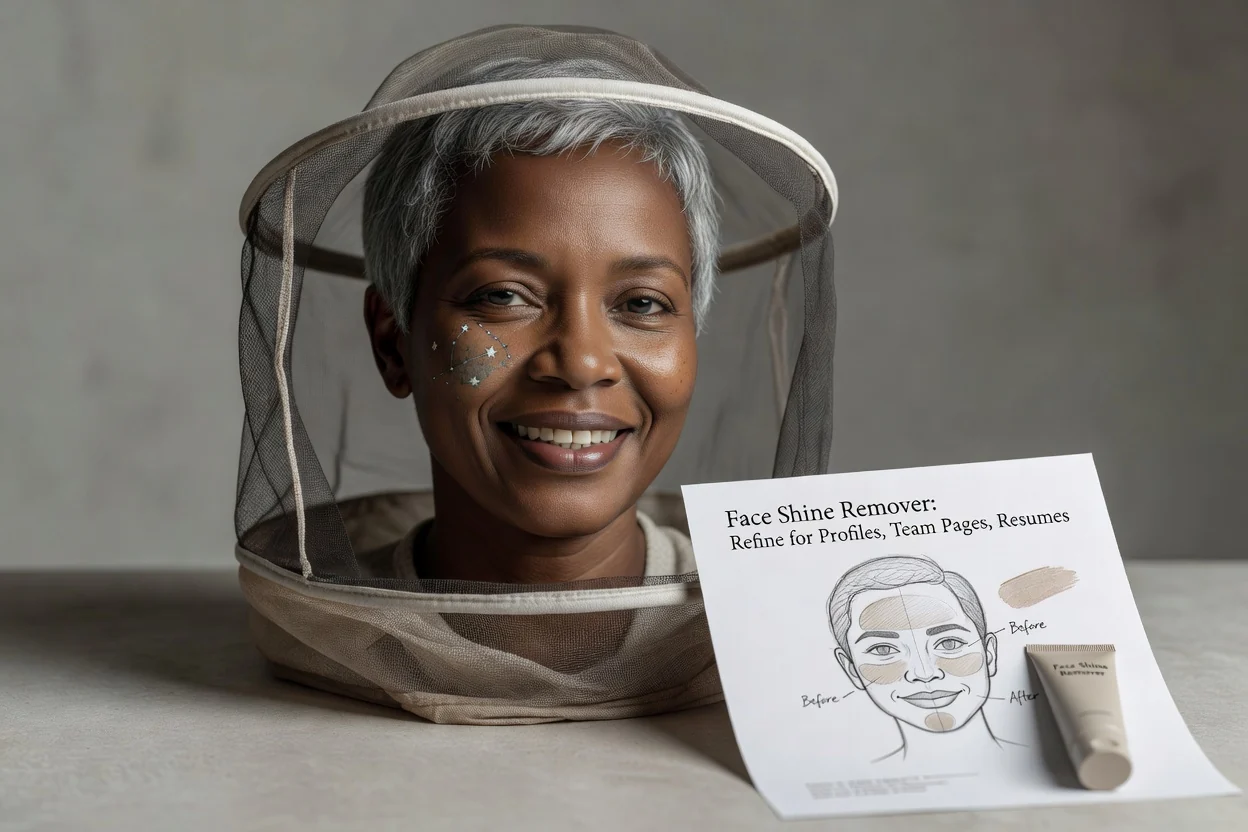
Forfin et professionelt portræt til profiler, teamsider, CV'er eller præsentationsmaterialer, hvor reduktionen af glans skal virke naturlig.
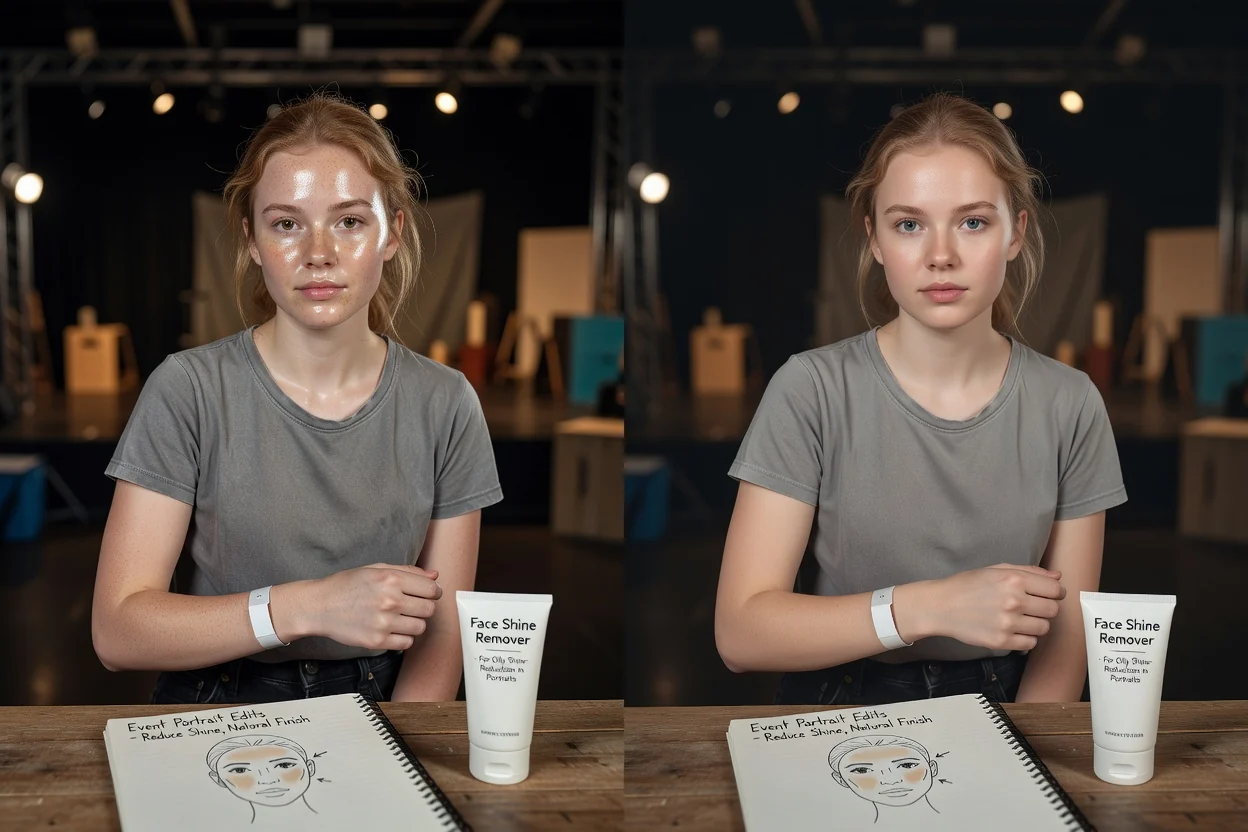
Forbedr portrætter fra konferencer, bryllupper, fester eller optagelser på lokation, hvor blitz eller kraftigt indendørs lys har skabt synlig glans.
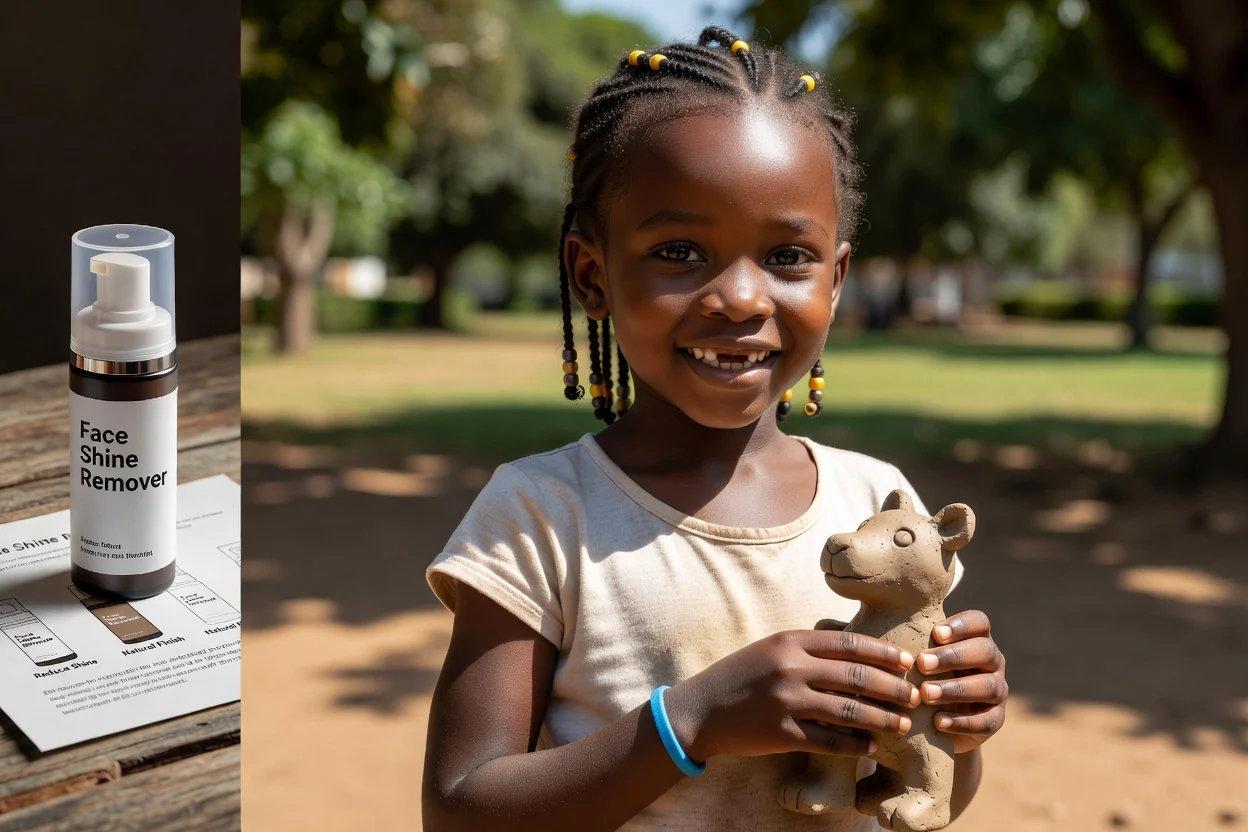
Afbalancér højlys i portrætter i dagslys, hvor sol, fugtighed eller reflekterende hudområder får ansigtet til at virke for blankt.
Før du bruger det redigerede portræt, skal du gennemgå ansigtsområdet og de omkringliggende detaljer, så finishen understøtter projektet frem for at distrahere fra det.
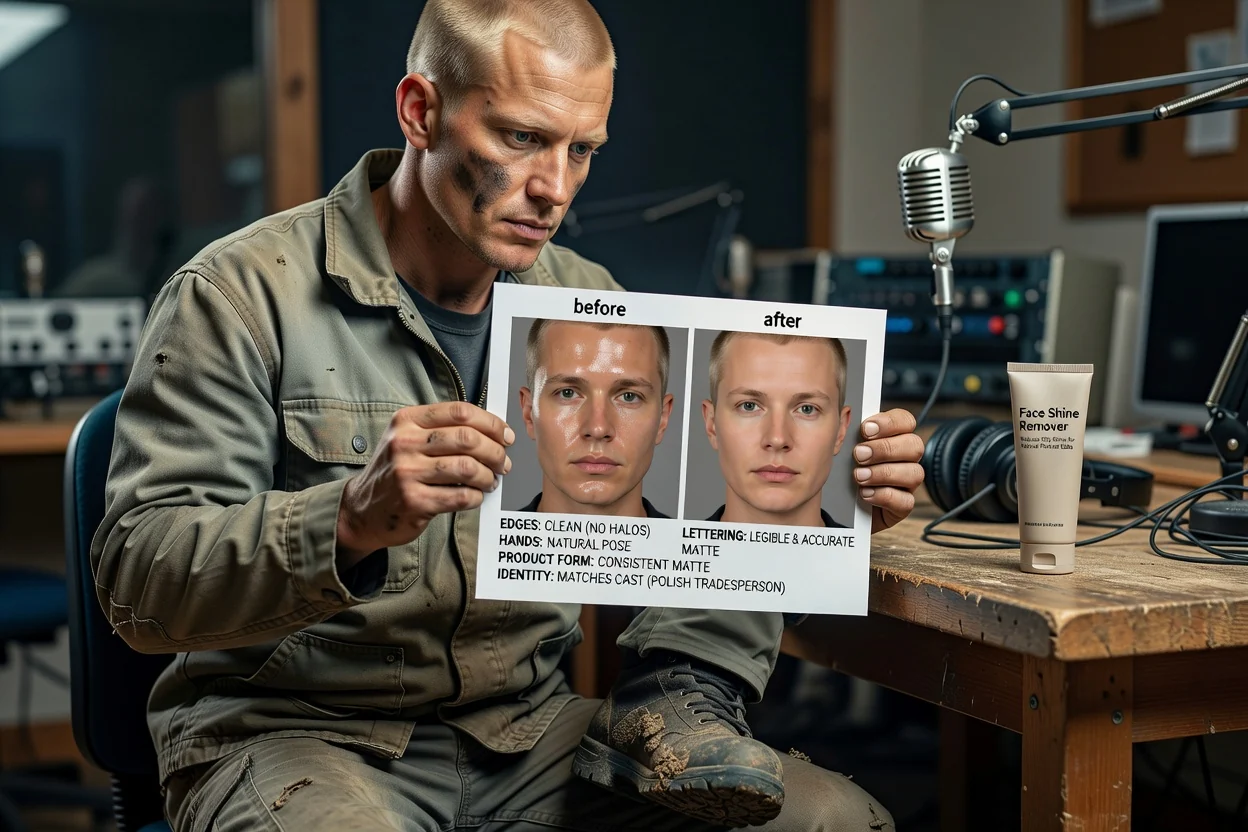
Sammenlign redigeringen med din opgavebeskrivelse, og bekræft, at reduktionen af glans passer til den tilsigtede portrætstil.
Kontrollér hudtekstur, ansigtsudtryk, øjne, hår, tilbehør og hudtone, så vigtige detaljer fortsat fremstår troværdige.
Bekræft, at den endelige beskæring og det endelige format fungerer til placeringen, f.eks. en profil, et opslag, en præsentation eller et kampagnemateriale.
Redigeringer af ansigtsglans afhænger af kildefotoet, belysningen og promptdetaljerne, så hvert resultat bør kontrolleres før brug.
Genererede resultater kan variere, især ved kraftige reflekser, fotos i lav opløsning, kraftig makeup eller kompleks belysning i ansigtet.
Vigtige detaljer som hudtekstur, ansigtsudtryk, hårgrænse, briller og baggrundskanter skal gennemgås, efter redigeringen er oprettet.
Svar på almindelige spørgsmål om værktøjet til at fjerne ansigtsglans, understøttede input og hvordan du styrer redigeringen.
Upload et portrætfoto, beskriv den reduktion af glans, du ønsker, og opret med værktøjet til at fjerne ansigtsglans for et renere portrætresultat.