ClipCanva
ClipCanva

AI Image to Image

Upload a reference image and turn it into a new AI-generated variation. Change the style, rebuild the scene, refresh a product photo, or explore multiple creative directions while keeping the parts that matter.

AI Image to Image Features

Transform an input image into polished AI variations for design, marketing, and content production.

Style Variations

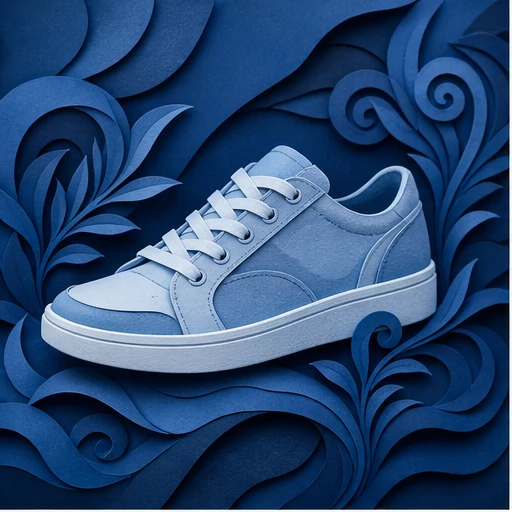
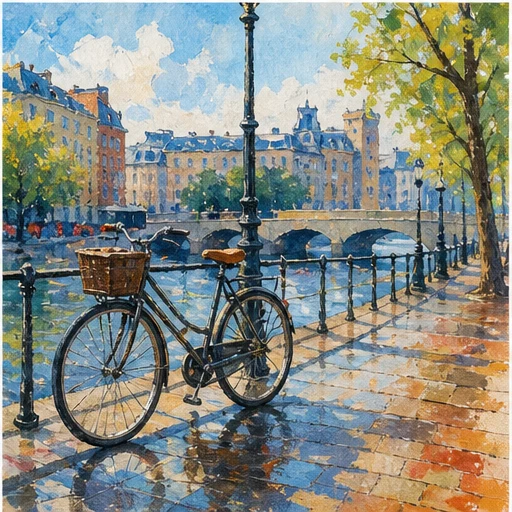
Convert one image into anime, cinematic, editorial, watercolor, 3D render, or photorealistic styles with prompt-based control.

Scene Redesign

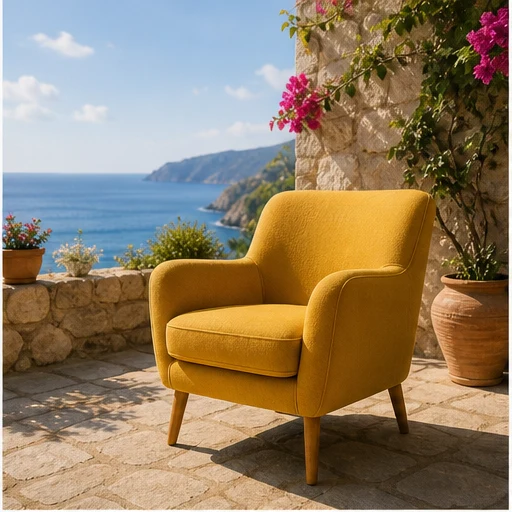
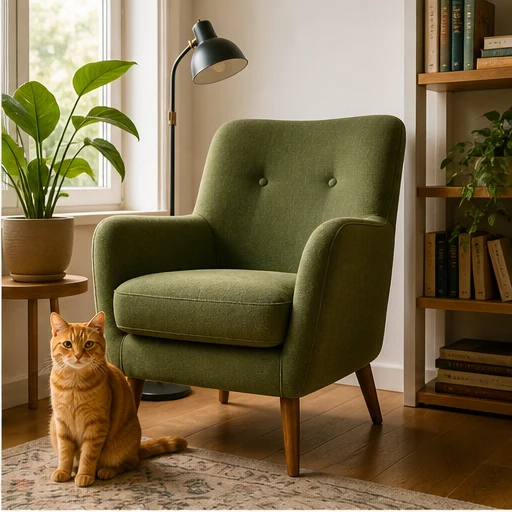
Move a subject into a new environment, refresh backgrounds, adjust lighting, or create a new mood from the same source image.

Product Visuals

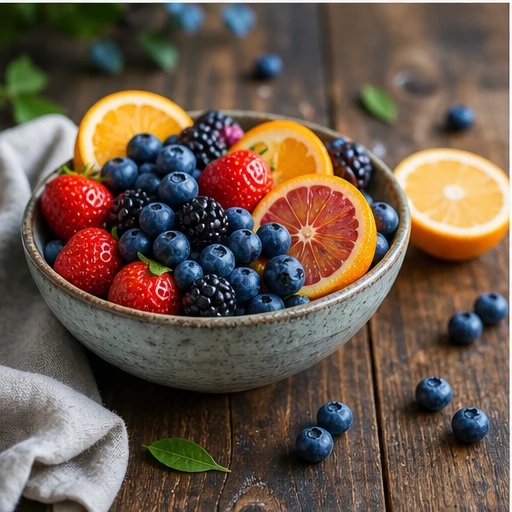
Use an existing product photo as the base for cleaner ecommerce images, lifestyle scenes, ad creatives, and social media variants.

Prompt Control

Describe what should change and what should stay consistent so the AI can balance creative transformation with visual continuity.

Fast Iteration

Generate multiple directions from a single uploaded image and compare options before choosing the strongest visual.

Creator Workflow

Start on the free tier, then use paid plans when you need more generations, higher throughput, or expanded production capacity.

Image Transformation

Turn One Image Into Many Creative Directions

ClipCanva helps creators and teams use image-to-image AI for practical visual tasks: campaign concepts, product photos, thumbnails, profile images, and style exploration.

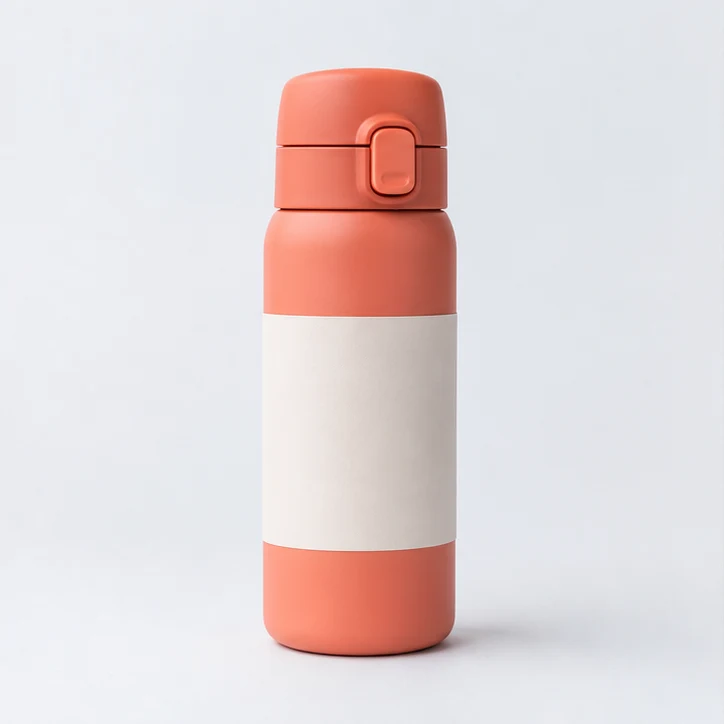
Reference image structure preserved

Keep the Reference

Use the uploaded image as visual context so composition, subject, pose, or product shape can guide the generated result.

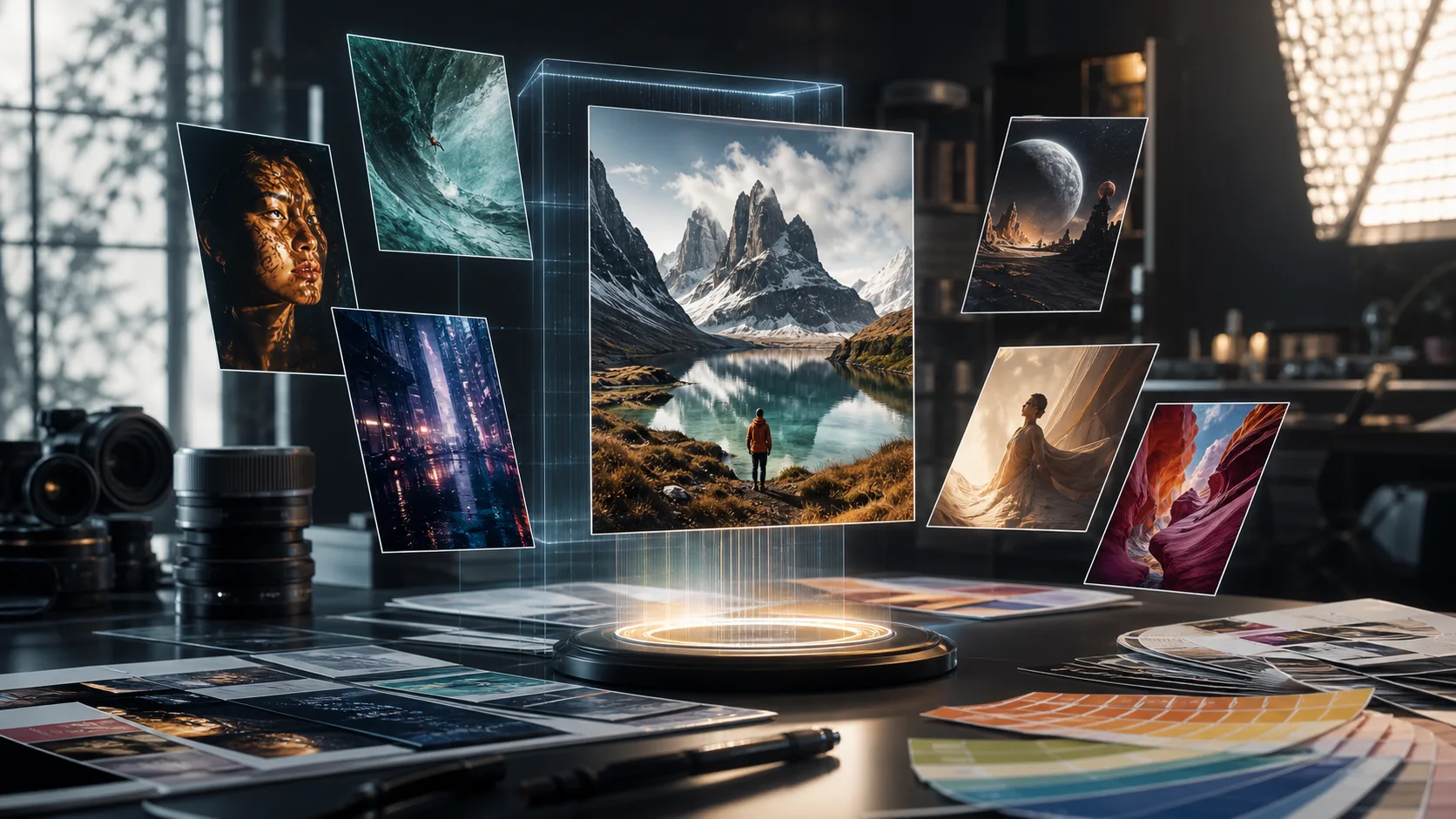
AI style direction options

Change the Creative Direction

Rewrite the visual language with prompts for style, background, lighting, camera angle, color palette, and mood.

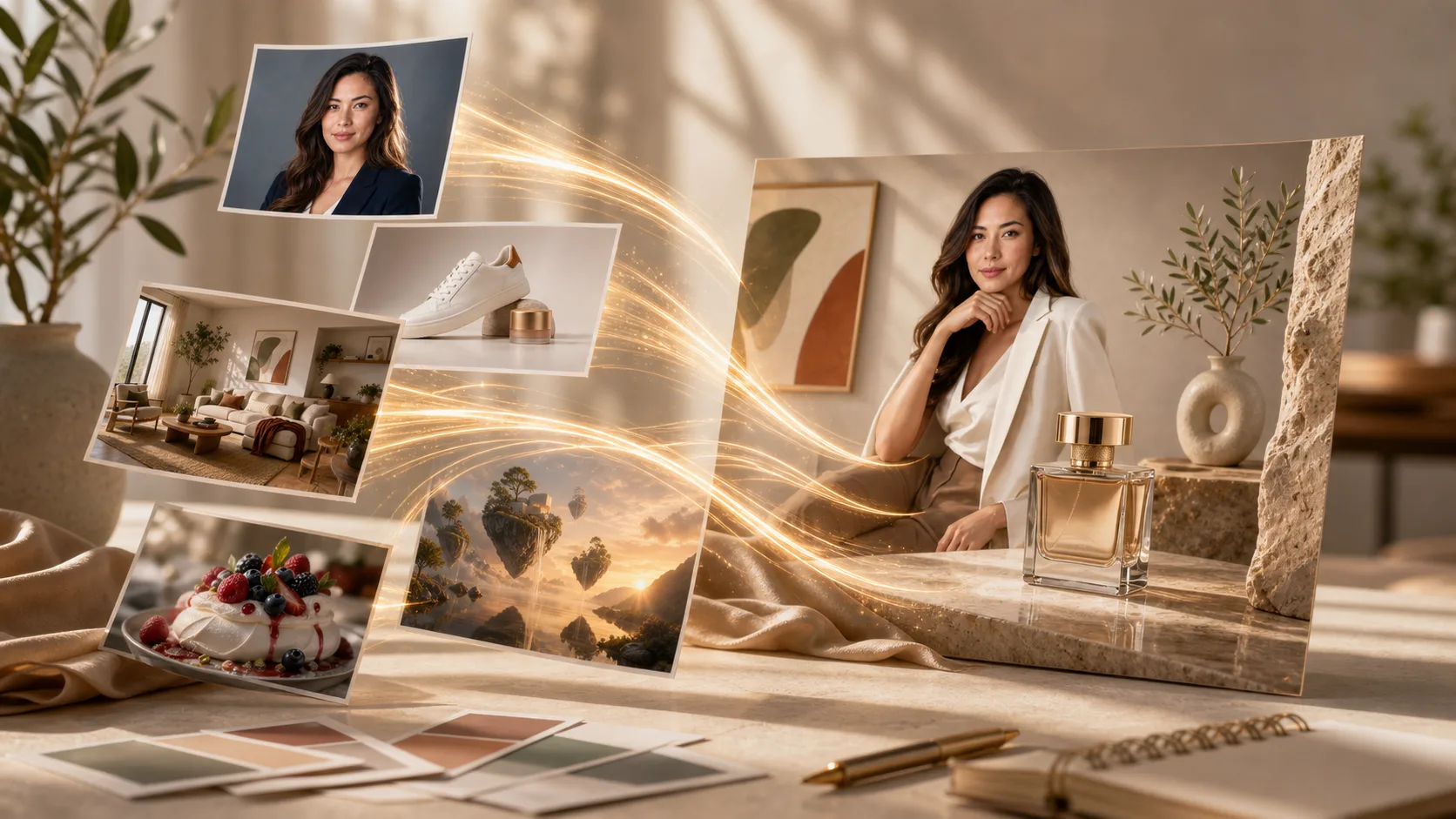
Multiple AI image variants

Produce Useful Variants

Create versions for ads, marketplaces, presentations, thumbnails, and social posts without starting every visual from scratch.

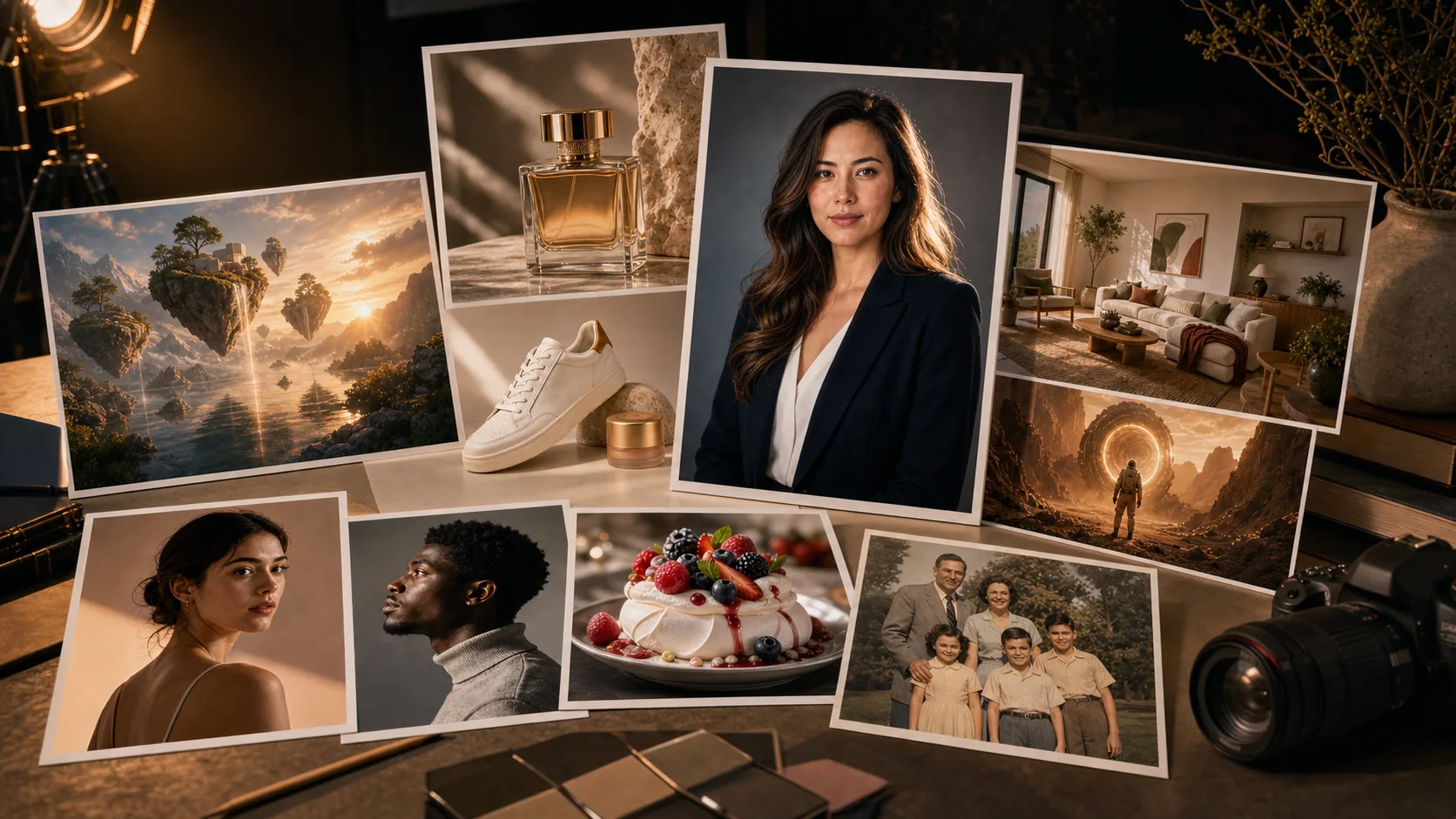
Polished AI image output

Move From Test to Final

Iterate quickly on rough ideas, then refine the best output for a polished image that matches your project goal.

How to Use AI Image to Image

Create a new AI variation from an existing image in three steps.

Upload image for AI transformation

Upload an Image

Choose a photo, product shot, sketch, portrait, or reference image that should guide the new result.

Describe image transformation prompt

Describe the Change

Write a prompt for the target style, scene, background, lighting, product setting, or creative variation you want.

Generate AI image variation

Generate and Refine

Create the transformed image, review the result, and adjust the prompt until the output fits your use case.

AI Image to Image FAQ

Answers about transforming uploaded images with ClipCanva.

What is AI Image to Image?
AI Image to Image uses an uploaded image as the starting point for a new AI-generated result. Instead of creating from text alone, the source image guides the subject, composition, pose, or product shape while your prompt controls the transformation.
What can I create with image-to-image AI?
You can create style variations, product lifestyle visuals, background changes, creative ad concepts, profile image variants, thumbnail ideas, and scene redesigns from an existing image.
Is ClipCanva AI Image to Image free?
ClipCanva includes free-tier access so you can try AI image generation and image transformation. Pricing plans are available when you need more generations or production capacity.
How is this different from text-to-image?
Text-to-image starts from a written prompt only. AI Image to Image starts from an uploaded image, which makes it better when you want to preserve a subject, product, pose, or layout while changing the style or scene.
Can I use it for product images?
Yes. Upload a product photo and prompt new backgrounds, lifestyle settings, ecommerce-style visuals, seasonal concepts, or ad creative variations.
What image formats can I upload?
Common web image formats such as JPG, PNG, and WebP are supported. For best results, start with a clear, high-quality source image.

Create Your Next AI Image Variation

Upload an image, describe the transformation, and generate a new visual direction with ClipCanva.