
Tilføj din prompt eller dit foto
Skriv en prompt, der beskriver gremlinens personlighed, kropsform, udtryk, tøj, rekvisitter og miljø, eller begynd med et referencefoto.
Skab billeder af drilske væsner ud fra en tekstprompt eller et referencefoto. Styr motiv, miljø, stemning og målformat, så resultatet passer til dit projektoplæg.
AI-gremlingeneratoren hjælper dig med at omdanne en prompt eller et referencefoto til et originalt væsenbillede. Brug den, når du har brug for et fokuseret gremlinkoncept med tydelig visuel retning samt vejledning om miljø og format.
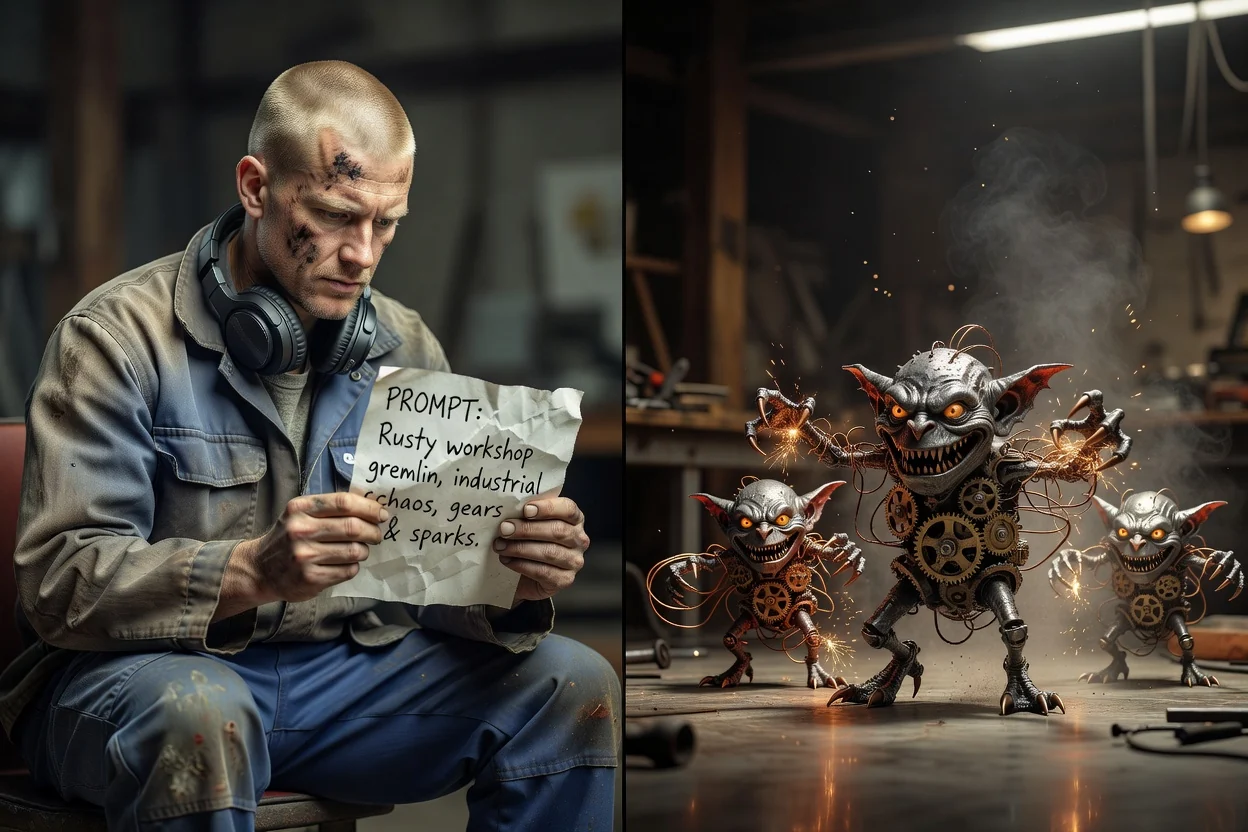
Gå fra en enkel idé til et tydeligere væsenkoncept ved at give generatoren konkret visuel vejledning.
Skriv en prompt, der beskriver gremlinens personlighed, kropsform, udtryk, tøj, rekvisitter og miljø, eller begynd med et referencefoto.
Brug promptdetaljer og visuel retning til at styre, om væsenet skal virke sødt, uhyggeligt, tegneserieagtigt, håndlavet eller filmisk.
Vælg motiv, miljø og målformat, så gremlin-karaktergeneratoren kan sigte mod det endelige anvendelsestilfælde.
Form billedet omkring det væsenkoncept, du har brug for, fra små karaktertræk til retning for hele scenen.
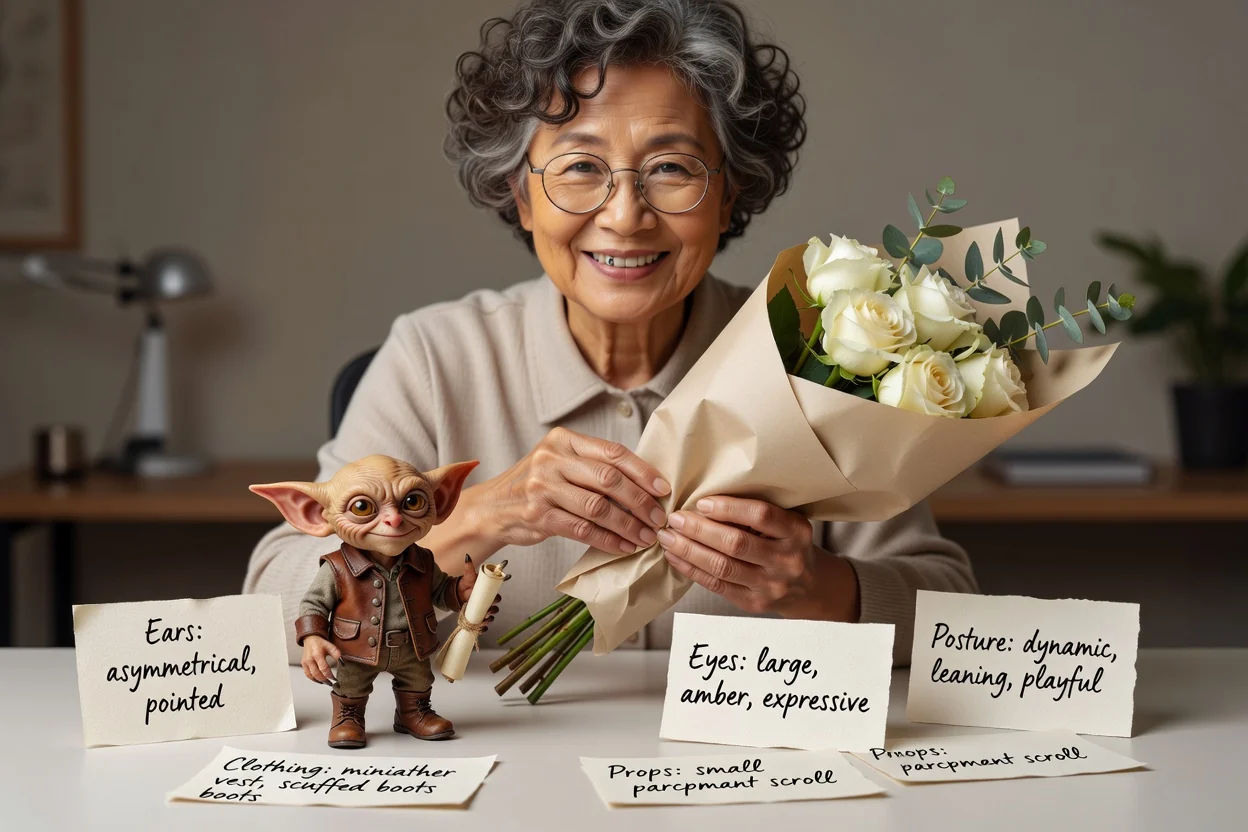
Beskriv ører, øjne, kropsholdning, rekvisitter, tøj, udtryk og stemning, så gremlin-karaktergeneratoren får en tydeligere kreativ retning.
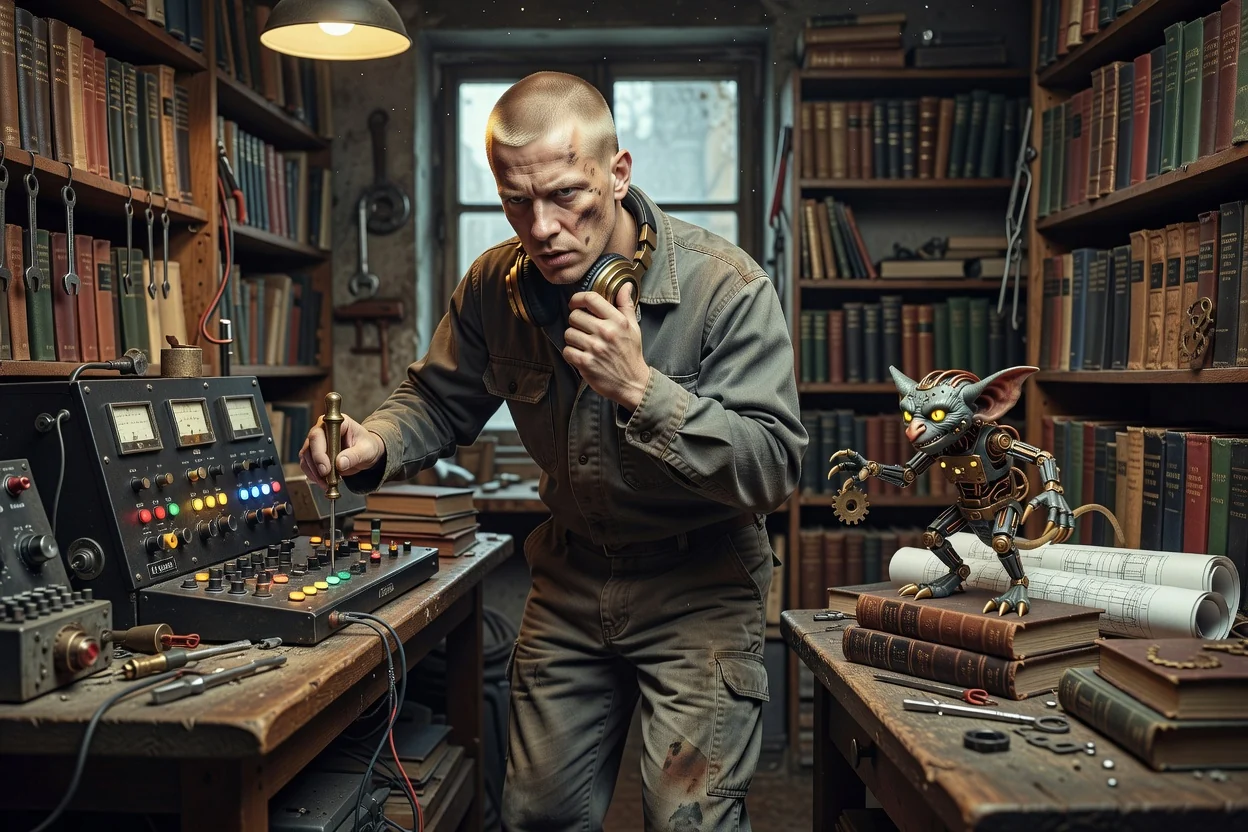
Placér væsenet i et værksted, bibliotek, ved en gadget-arbejdsbænk, i en gyde eller et andet miljø for at understøtte historien bag billedet.
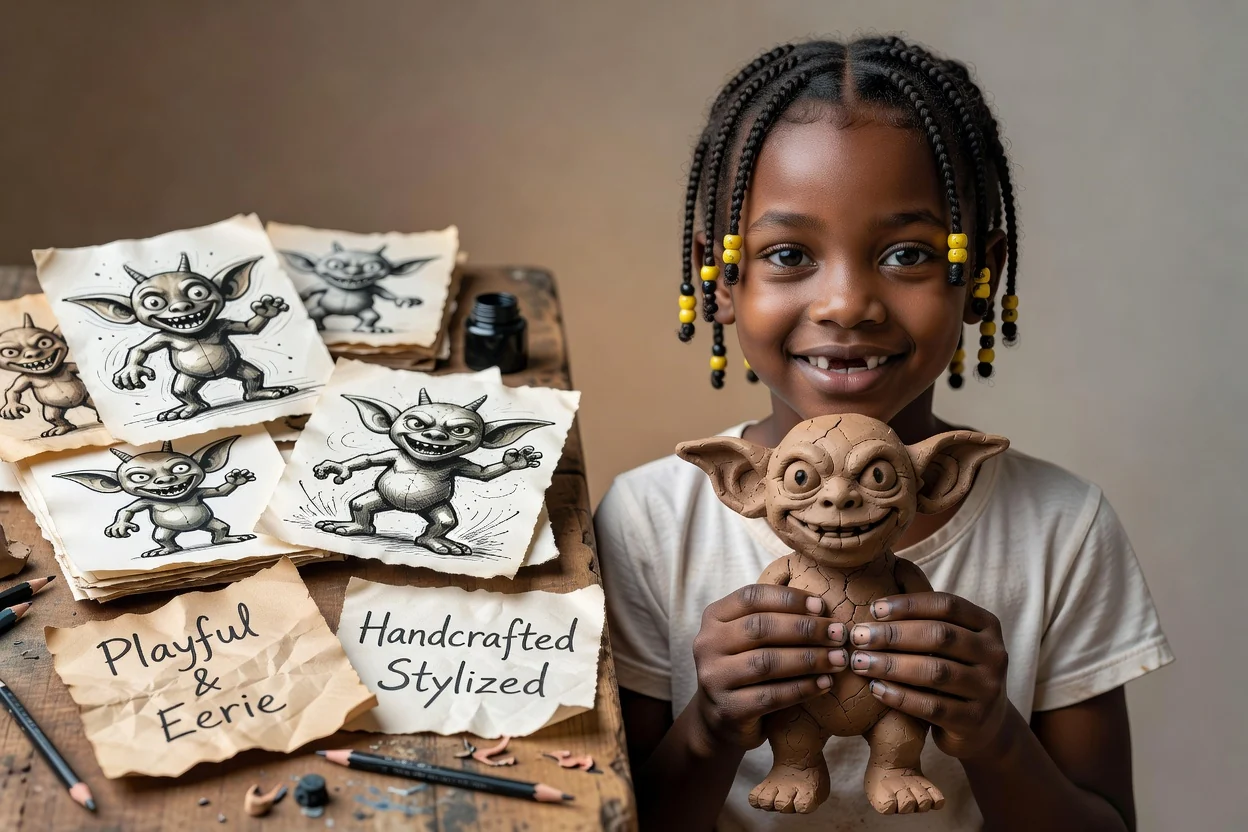
Angiv visuel retning for et legende, uhyggeligt, tegneserieagtigt, håndlavet eller stiliseret udtryk, mens forespørgslen fortsat er centreret om resultatet fra en generator til originale væsner.
Skab fokuserede væsenkoncepter til legende, sære eller historiedrevne visuelle projekter.
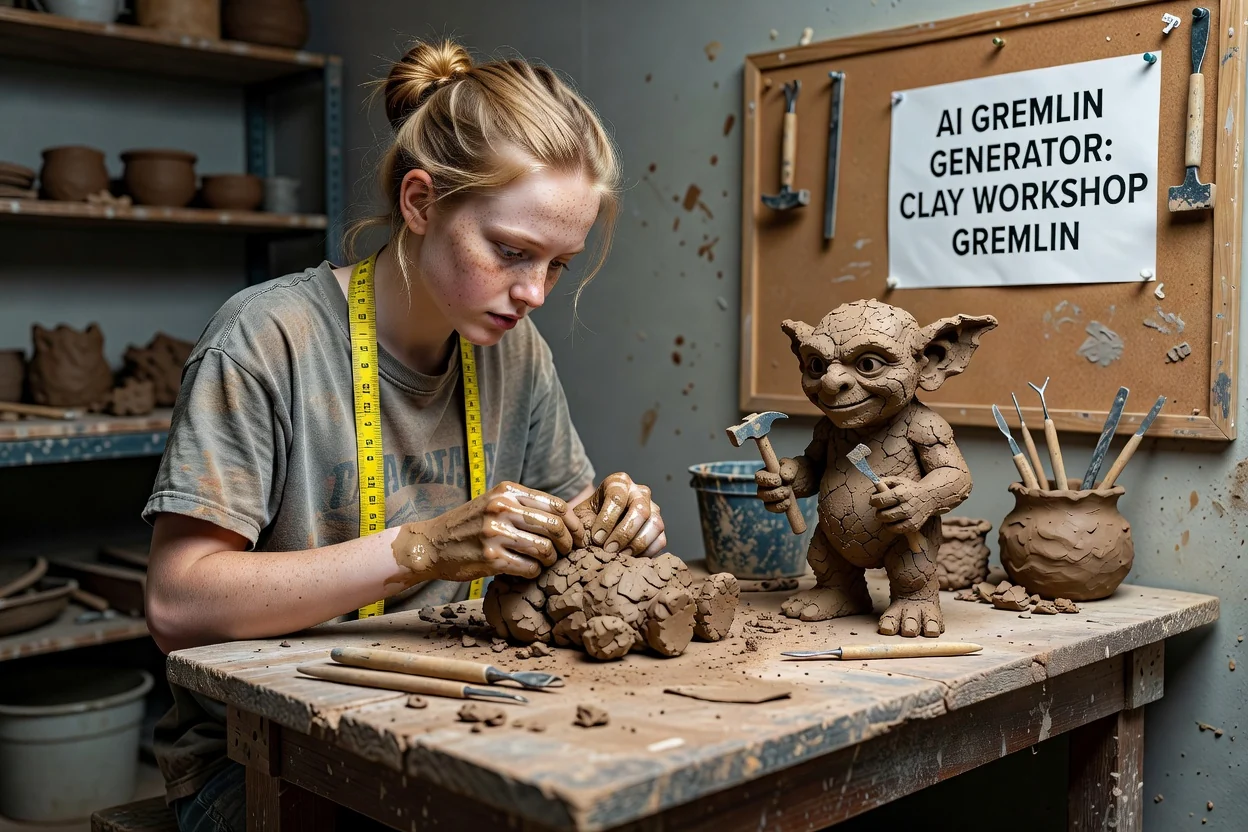
Brug resultatet til at udforske en mudret, håndlavet gremlin med værktøj, lerteksturer og et værkstedsmiljø.
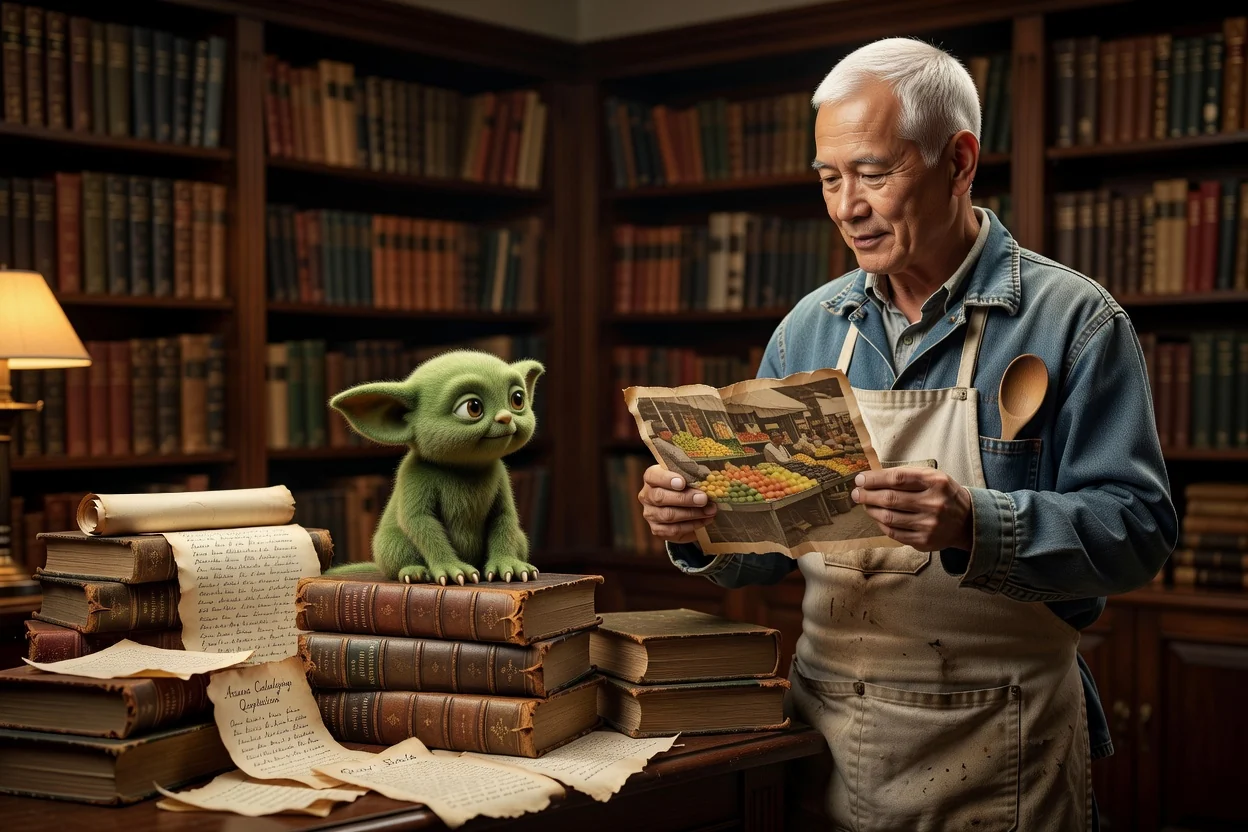
Skab et mere roligt væsenkoncept med bøger, blød belysning, reoler og et nysgerrigt udtryk.
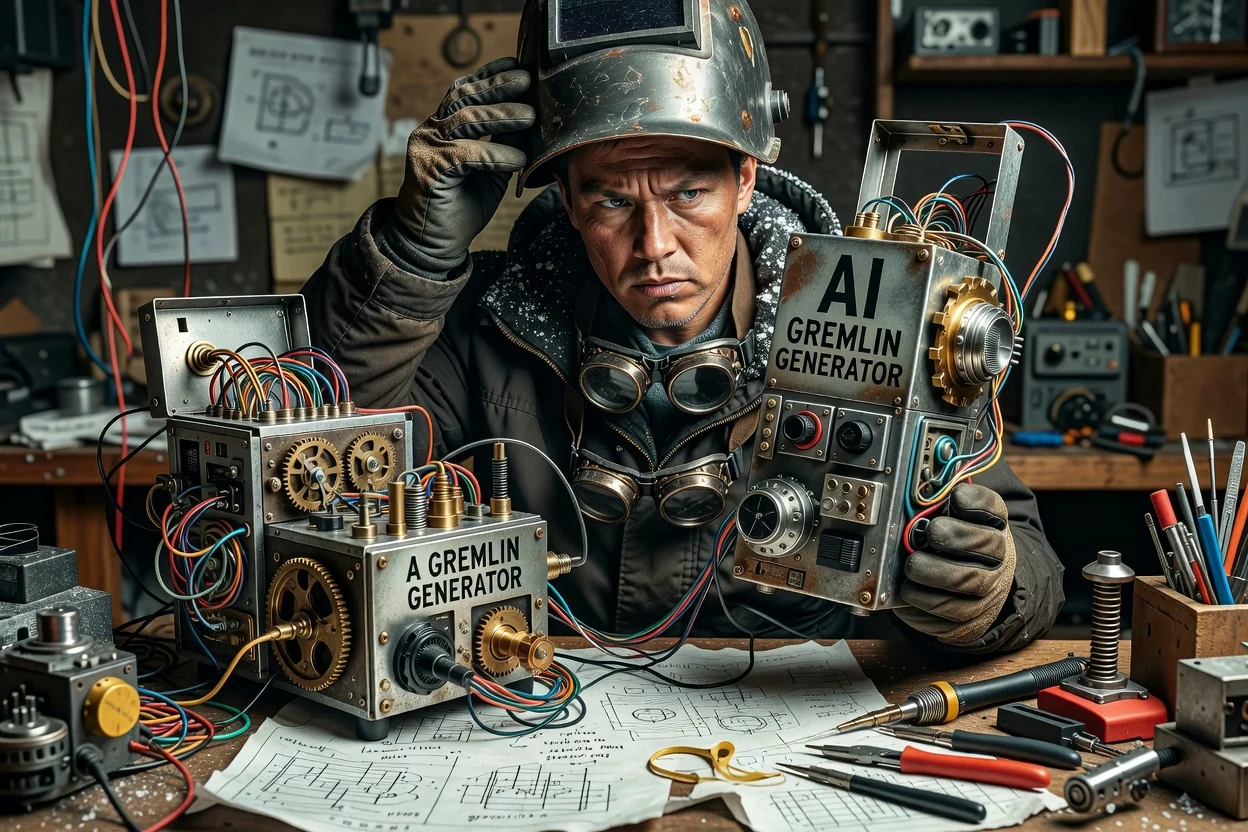
Byg en gadget-mekaniker i tegneseriestil med sære apparater, ledninger, beskyttelsesbriller og udtryksfulde positurer.
Før du deler resultatet eller placerer det i et projekt, bør du gennemgå billedet i forhold til oplæggets praktiske krav.
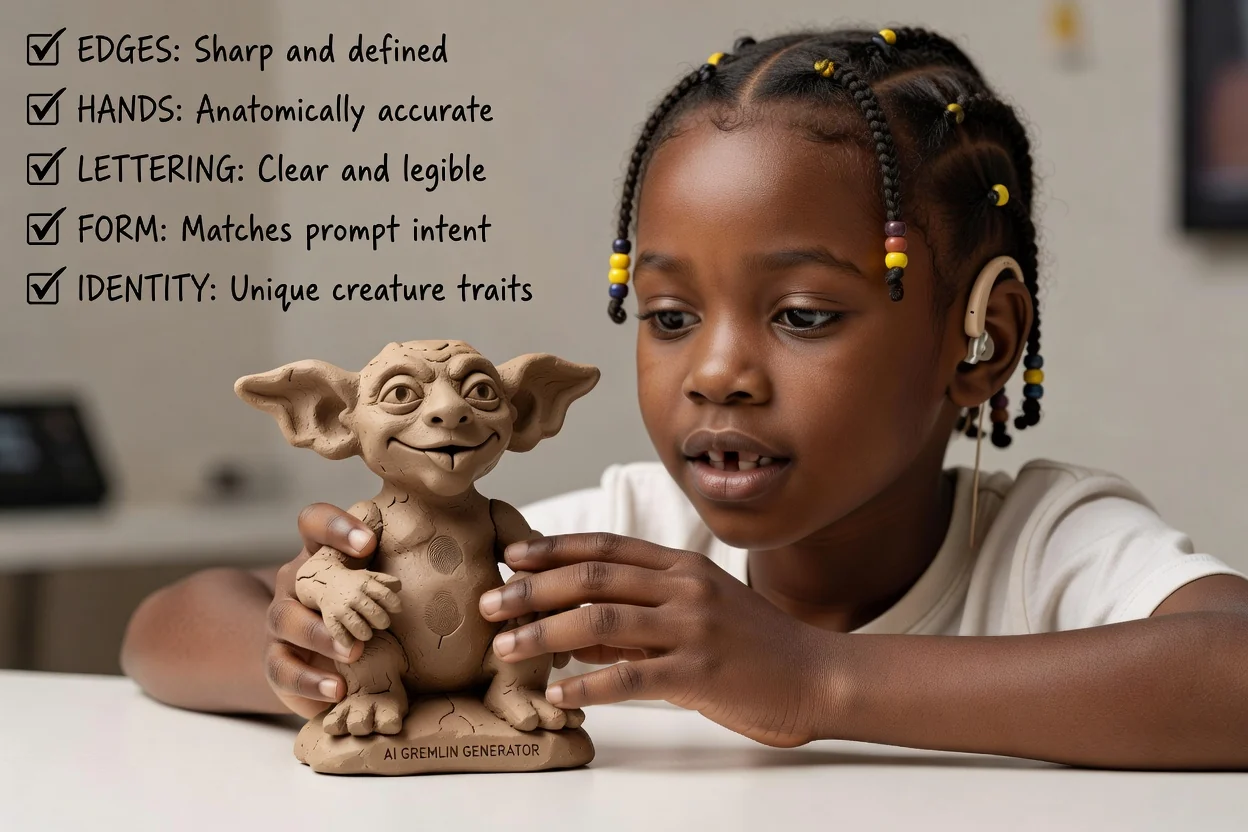
Sammenlign væsenet, tonen og miljøet med det oprindelige oplæg, før du går videre.
Kontrollér øjne, hænder, rekvisitter, signaler i påklædningen og andre detaljer, der betyder noget for karakterkonceptet.
Bekræft, at beskæring og format passer til stedet, hvor billedet skal bruges.
Genererede resultater kan variere, så afsæt tid til at sammenligne resultater og forfine prompten, hvis et projekt kræver et meget bestemt væsen, en rekvisit eller beskæring.
Det samme oplæg kan give forskellige kompositioner, udtryk eller stilvalg. Gennemgå resultaterne, før du bruger dem i et afsluttende arbejdsforløb.
Små tilbehørsdele, ansigtstræk, tekst på rekvisitter og præcise kostumedetaljer kan kræve forfinelse af prompten og nøje kontrol.
Svar på almindelige spørgsmål, før du begynder at skabe.
Omdan din prompt eller dit referencefoto til et originalt billede af et gremlin-væsen til dit næste koncept, din kampagne eller dit historieelement.