AI image model guide

Nano Banana

Explore Nano Banana artificial intelligence facts, Nano Banana AI context, and Google Nano Banana availability before planning an image task.

0 / 2000
  • Exact Nano Banana identity
  • Nano Banana 2 as the labeled alternative
  • Human review before publishing
Model definition

What Is Nano Banana?

What is Nano Banana: it is Google Gemini 2.5 Flash Image generation and editing, documented here for model comparison.

Category
AI image model
Output
Generated images
Best for
Image model evaluation
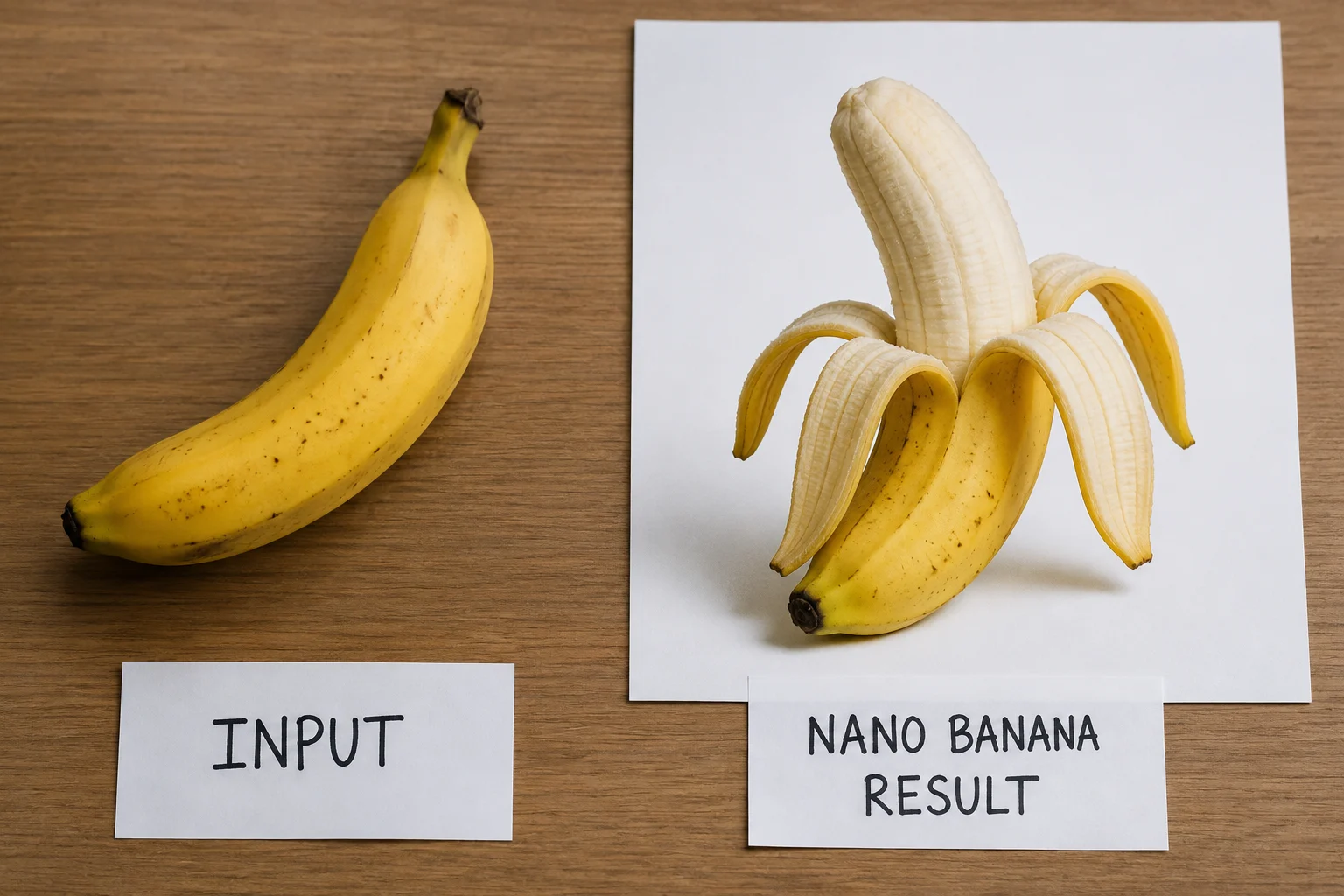
Nano Banana model overview example

What the Image Model Can Do

Review the capabilities connected with Nano Banana artificial intelligence, Nano Banana AI, and Google Nano Banana planning needs.

Nano Banana text-to-image capability example

Text-to-image planning

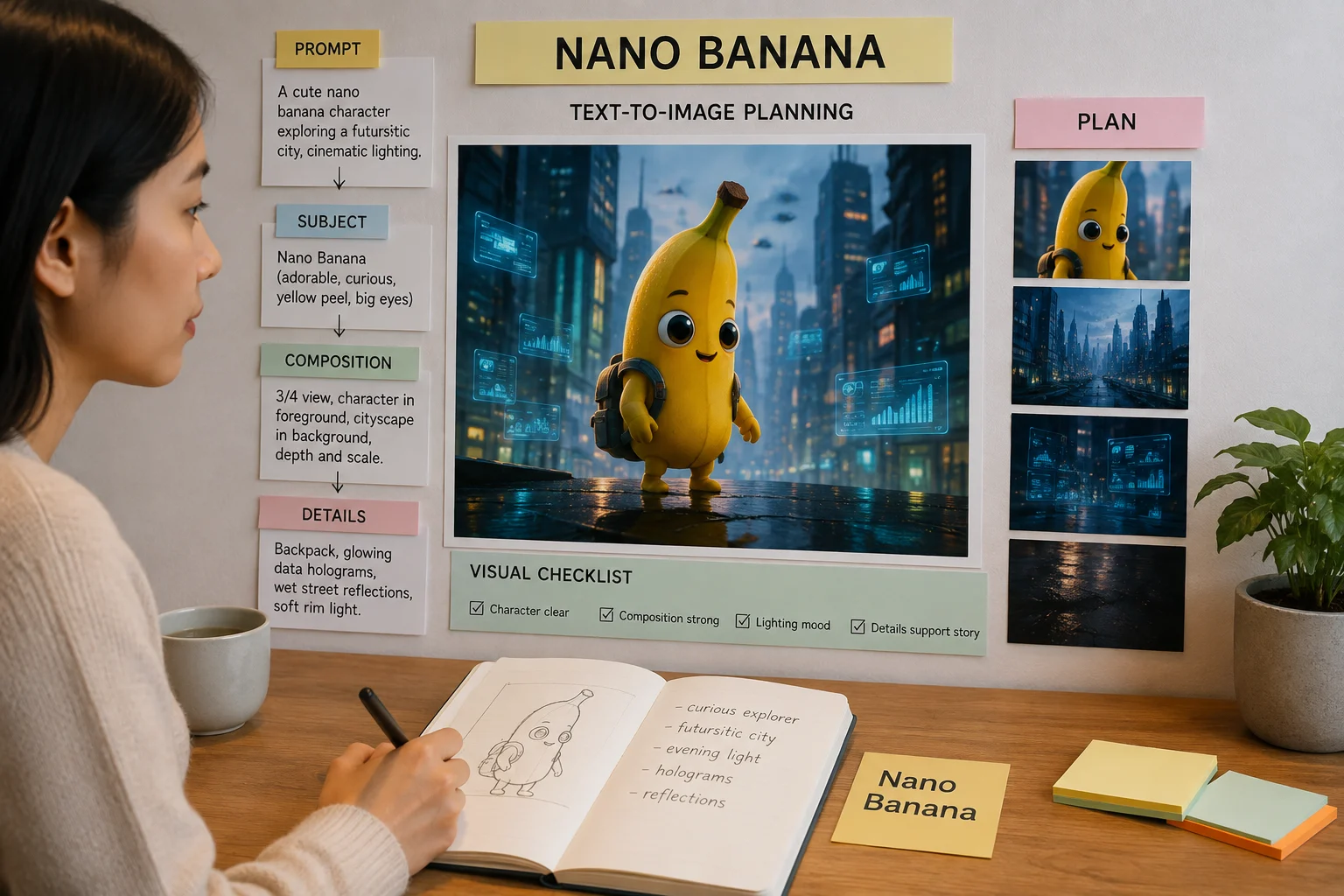
Assess text-to-image capability by comparing the prompt, subject, composition, and visible details against the intended brief.

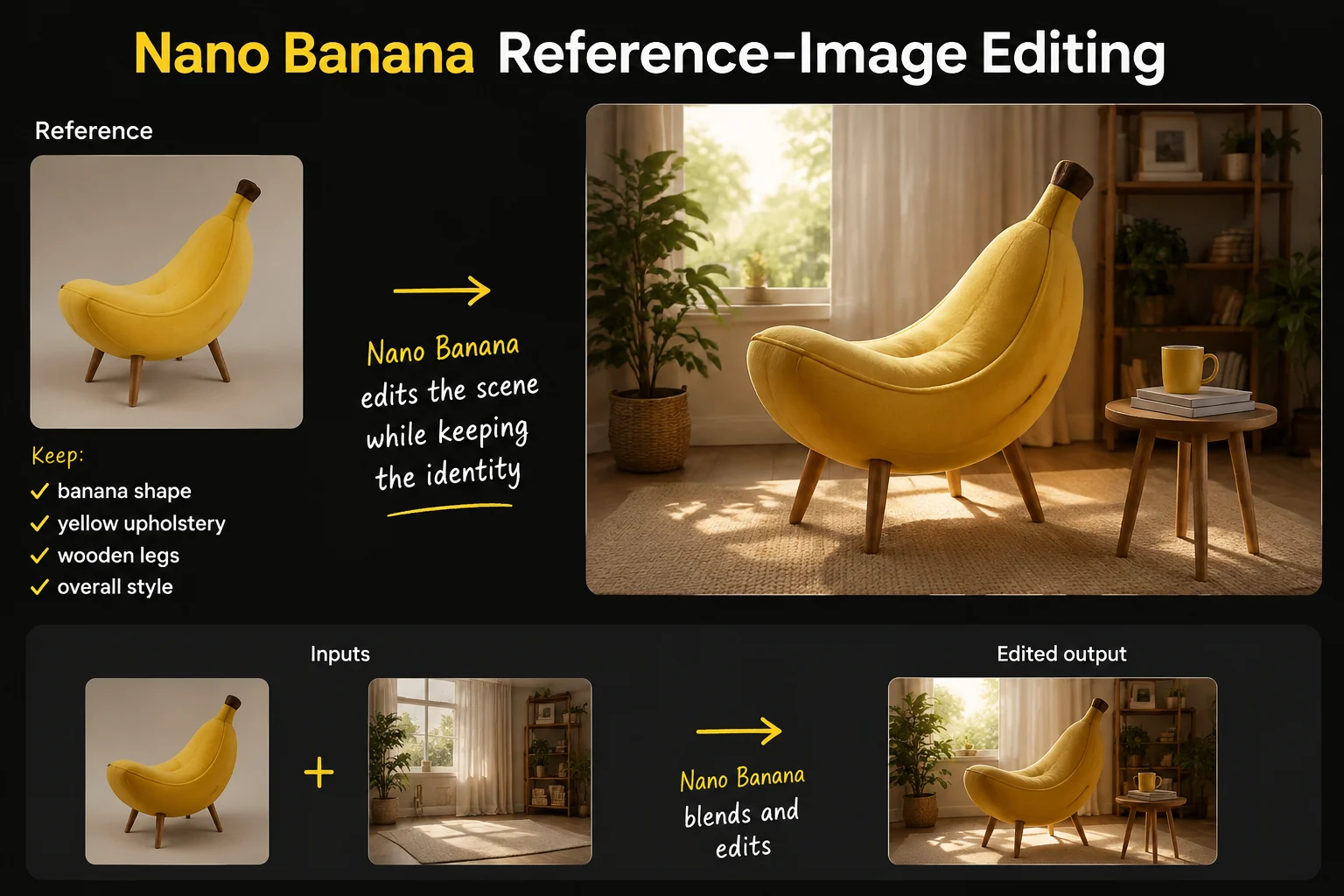
Nano Banana reference-image editing example

Reference-image editing

Use reference-image editing expectations to judge whether identity, product shape, styling, and scene details remain usable.

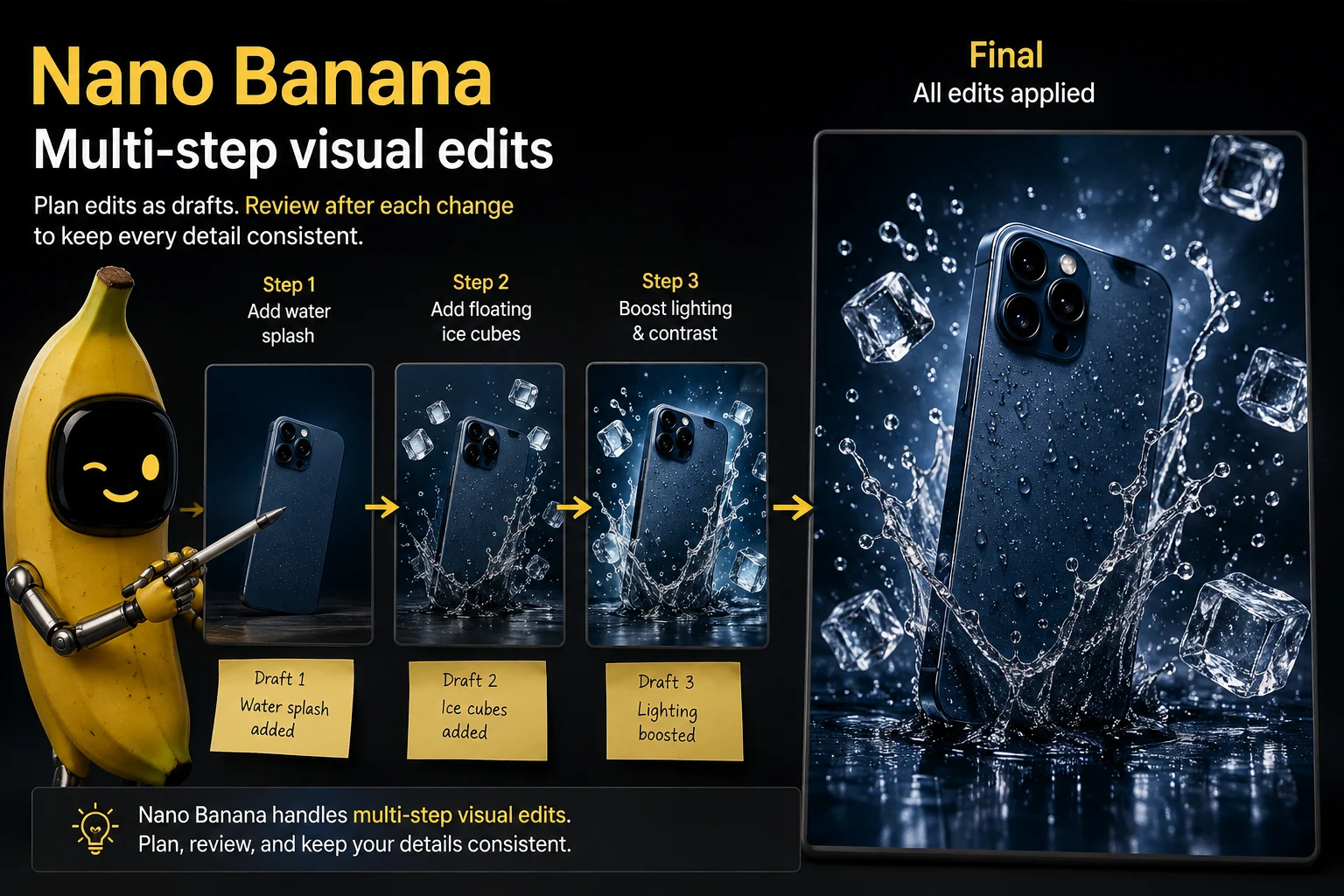
Nano Banana multi-step visual edit example

Multi-step visual edits

Plan multi-step visual edits as drafts that need review after each change, especially when details must stay consistent.

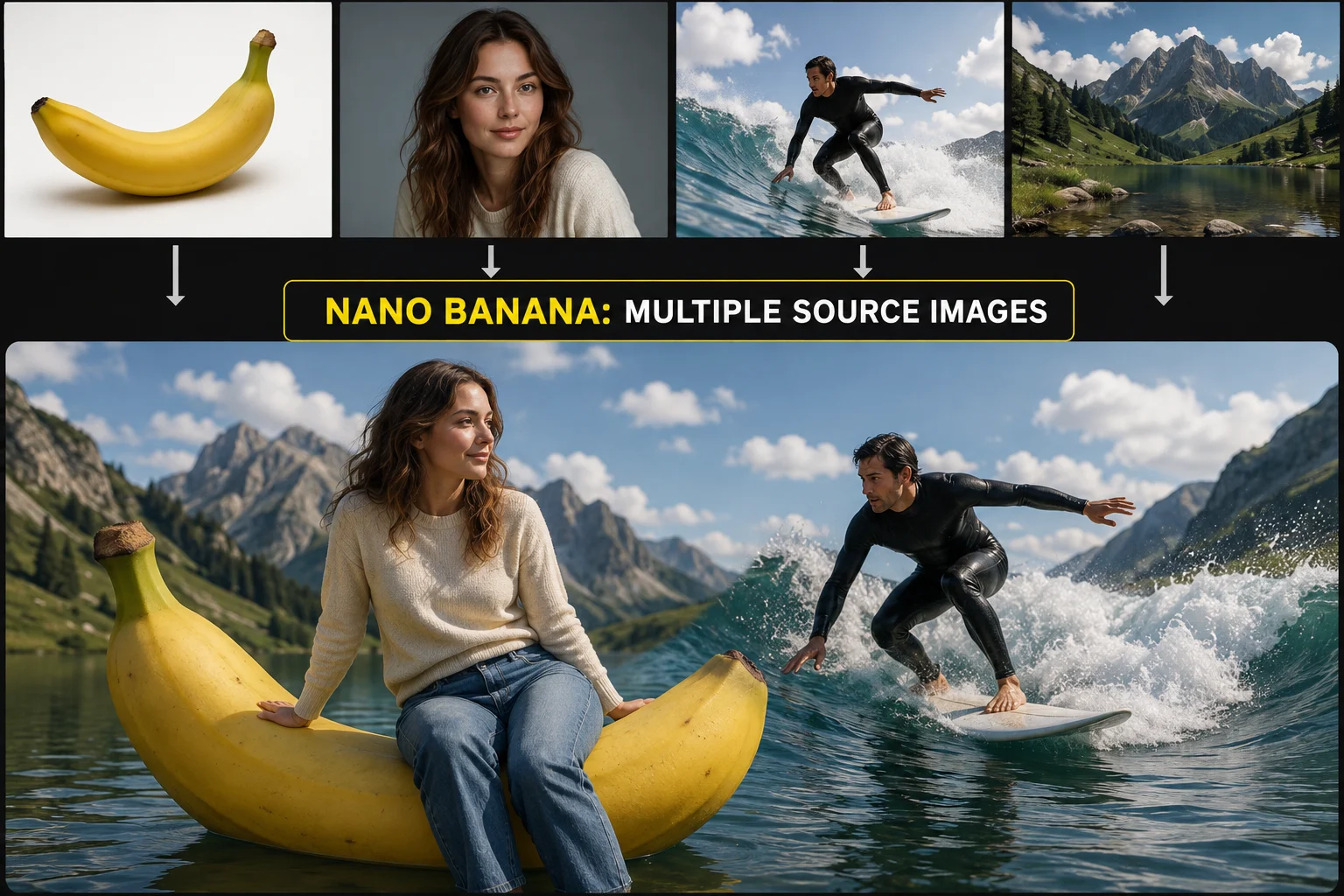
Nano Banana multiple source image combination example

Multiple source images

Compare multi-image composites for source fit, perspective, lighting, and content conflicts before using them in a campaign.

Inputs, Controls, and Outputs

Use a prompt and optional reference image as input, then treat the visible controls as the only verified options.

Input

Begin with a specific prompt, then add a reference image only when the current page exposes that option.

Controls

Controls are limited to the labeled Nano Banana 2 generator and the options visible before submission.

Output

Outputs are generated images or reference-guided image edits that require review before publication.

How to Use Nano Banana

How to use Nano Banana starts with a clear prompt, but execution here follows the labeled Nano Banana 2 generator.

1

Define the deliverable

State the image purpose, audience, subject, setting, style direction, and destination before opening the generator.

2

Prepare the prompt

Write the prompt in concrete language and gather only the reference assets supported by the current generator.

3

Set verified options

Select only the controls that are visible instead of assuming provider options that are not exposed here.

4

Review and iterate

Compare outputs, inspect details, and revise the weakest instruction before running another variation.

Image Use Cases

Use cases should be matched to a clear deliverable, supported inputs, and a review plan before production.

Portrait restyling

Plan portrait restyling with a defined look, reference expectations, and checks for facial consistency.

Product scene variations

Explore product scene variations while reviewing shape, label accuracy, lighting, and background fit.

Social image concepts

Draft social image concepts with a clear message, platform crop, and visual hierarchy to inspect.

Multi-image composites

Plan multi-image composites by checking source compatibility, scale, perspective, and final composition.

Image Output Review

Treat each result as a draft, then review it against the brief, brand requirements, and publishing format.

Prompt and reference fit

Confirm that the subject, setting, action, and composition match the original prompt and campaign need.

Text and fine details

Inspect small text, hands, product edges, faces, backgrounds, and other fine details for visible issues.

Product and brand accuracy

Verify product appearance, logos, claims, packaging, and brand elements against approved source material.

Dimensions and crop

Check dimensions, crop, safe areas, and destination format before moving the asset into production.

Availability and Limits

Availability is alternative: the exact connector is not exposed, results vary, and human review is required before use.

Alternative availability

The exact original Nano Banana connector is not verified, and the generator on this page runs Nano Banana 2.

Variable results

The same prompt or reference can produce different details, composition, and styling across separate runs.

Model labeling boundary

Keep the exact model page separate from the executable alternative, and do not label Nano Banana 2 output as Nano Banana output.

Facts verified

Nano Banana FAQ

Answers cover Nano Banana identity, inputs, workflow, availability, and review expectations for image planning.

What is Nano Banana?
Nano Banana is the name associated with Google Gemini 2.5 Flash Image generation and editing, and this page summarizes the exact model identity for comparison.
What can the model do?
Documented capabilities include text-to-image planning, reference-image editing, multi-step visual edits, and combining multiple source images for review.
How do I use Nano Banana on ClipCanva?
To understand how to use Nano Banana on ClipCanva, define the image goal, write a clear prompt, add supported references, then follow the labeled alternative model state.
Which inputs are supported?
The supported input modes to plan around are a text prompt and a reference image, while the visible controls on the page remain the source of truth.
Is the exact model available here?
An exact Nano Banana connector is not verified in ClipCanva, and the embedded generator is clearly labeled as Nano Banana 2 instead.
What should I review after generation?
Review prompt fit, text and fine details, product or brand accuracy, dimensions, and crop before treating any generated image as ready to publish.

Plan your image workflow

Explore Nano Banana facts, confirm the labeled Nano Banana 2 alternative, and plan enough time for careful output review.