
01
Start with the source
Upload the best available source image rather than a screenshot or repeatedly compressed copy when possible.
Upload one image to enlarge it and improve perceived clarity for product photos, portraits, scans, thumbnails, and social assets. Compare the result with the source before downloading or publishing.
Default
Ready for upload
Preview, compare, then download the finished file.
Upload one image to enlarge it and improve perceived clarity for product photos, portraits, scans, thumbnails, and social assets. Compare the result with the source before downloading or publishing.
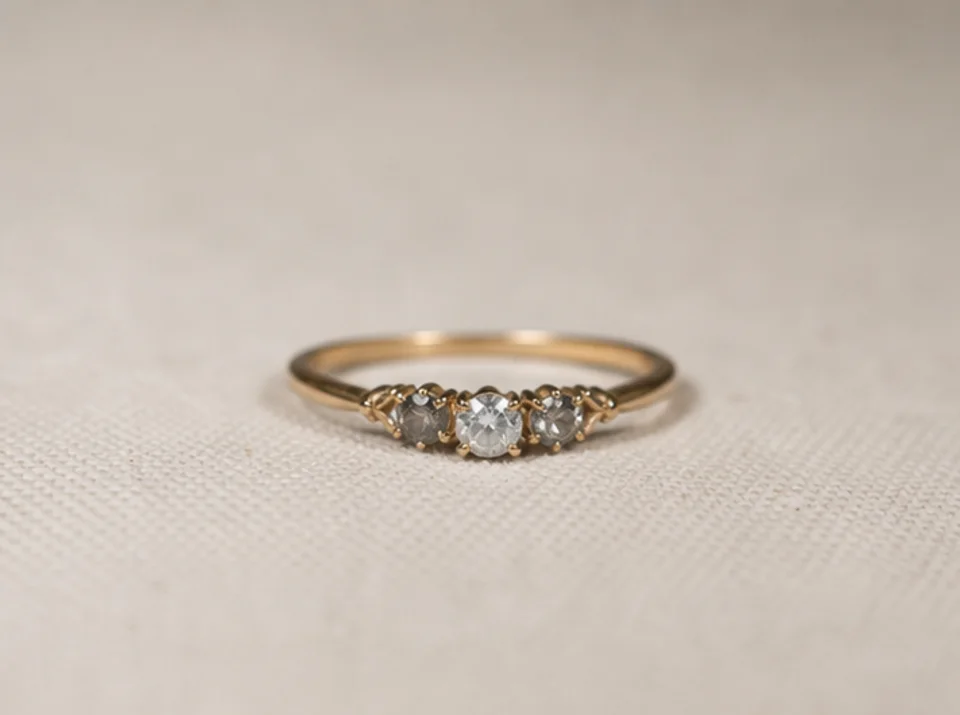

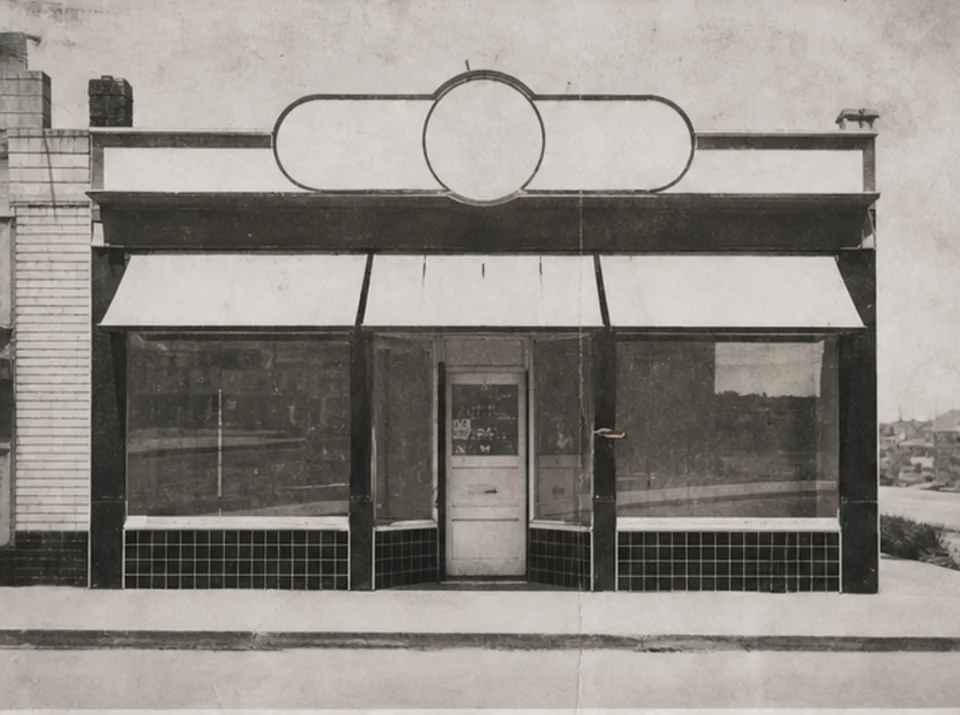

Upload one image to enlarge it and improve perceived clarity for product photos, portraits, scans, thumbnails, and social assets. Compare the result with the source before downloading or publishing.
Upload the best available source image rather than a screenshot or repeatedly compressed copy when possible.
Choose a practical 2× or 4× output goal based on the final display size and the detail visible in the source.
Run the enhancement once and keep the original available for a direct visual comparison.
Compare both images at full size, focusing on text, faces, product geometry, repeated texture, halos, and archival details.
Upscaling can improve perceived edges and texture, but it cannot recover information that is not present in the source image.
Existing readable text may become cleaner. Missing or unreadable letters cannot be reconstructed reliably and must be checked against an authoritative source.
Fine texture and small shapes may be inferred during enhancement. Compare the output with the original before relying on products, faces, documents, or archival details.
Free images include a watermark. Upgrade for clean outputs, faster generation, and commercial use.
Starter Pack
A one-time credit pack for trying image, music, and short video generation.
Creator
Monthly plan · 1,500 credits renew each month
GPT Image 2 Unlimited
Use code FOUNDING6 at Stripe Checkout: $19/month for your first 6 months, then $29/month.
Pro
Monthly plan · 4,000 credits renew each month
Studio
Monthly plan · 12,000 credits renew each month
Secure checkout · Subscriptions renew automatically · See refund eligibility
Team
For agencies, production teams, and custom volume needs.
Upload one image to enlarge it and improve perceived clarity for product photos, portraits, scans, thumbnails, and social assets. Compare the result with the source before downloading or publishing.
Upload one image to enlarge it and improve perceived clarity for product photos, portraits, scans, thumbnails, and social assets. Compare the result with the source before downloading or publishing.