
Enter the brief
Add the topic, runtime, and audience brief so the planner understands the idea, viewer, and time limit.
TikTok script planning
Plan a TikTok-ready written draft from a topic, runtime, and audience brief. The TikTok Script Generator helps you inspect the hook, short scene flow, voiceover notes, and closing ask before you record or move into video production.
The TikTok Script Generator is a planning tool for turning a topic, runtime, and audience note into a written TikTok outline. It focuses on the parts you need before production: a strong opening, a compact sequence of scenes, voiceover direction, and a clear closing action.
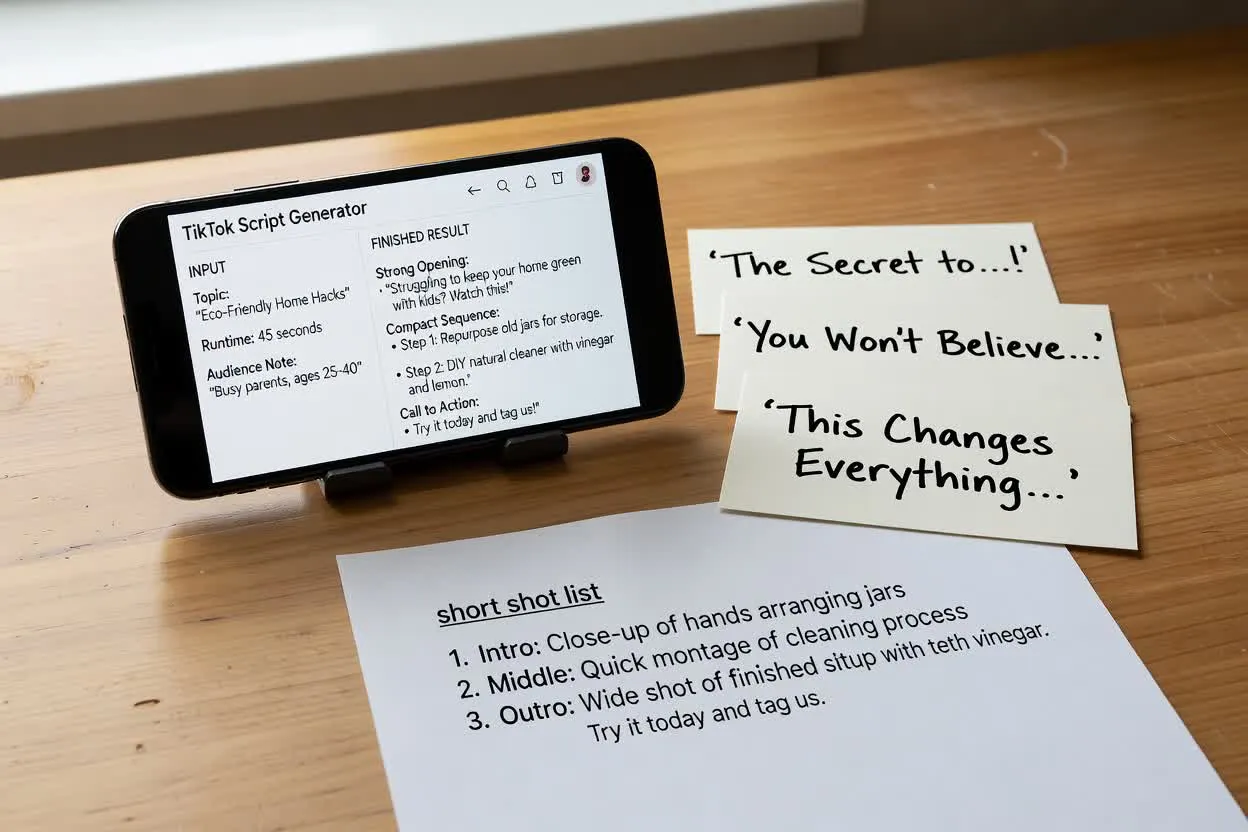
Move from brief to reviewable script plan in a few focused steps.
Add the topic, runtime, and audience brief so the planner understands the idea, viewer, and time limit.
Choose the format, tone, audience, and closing action to guide the TikTok hook script and overall structure.
Inspect the hook, shot sequence, voiceover notes, and closing ask, then adjust anything that feels off before production.
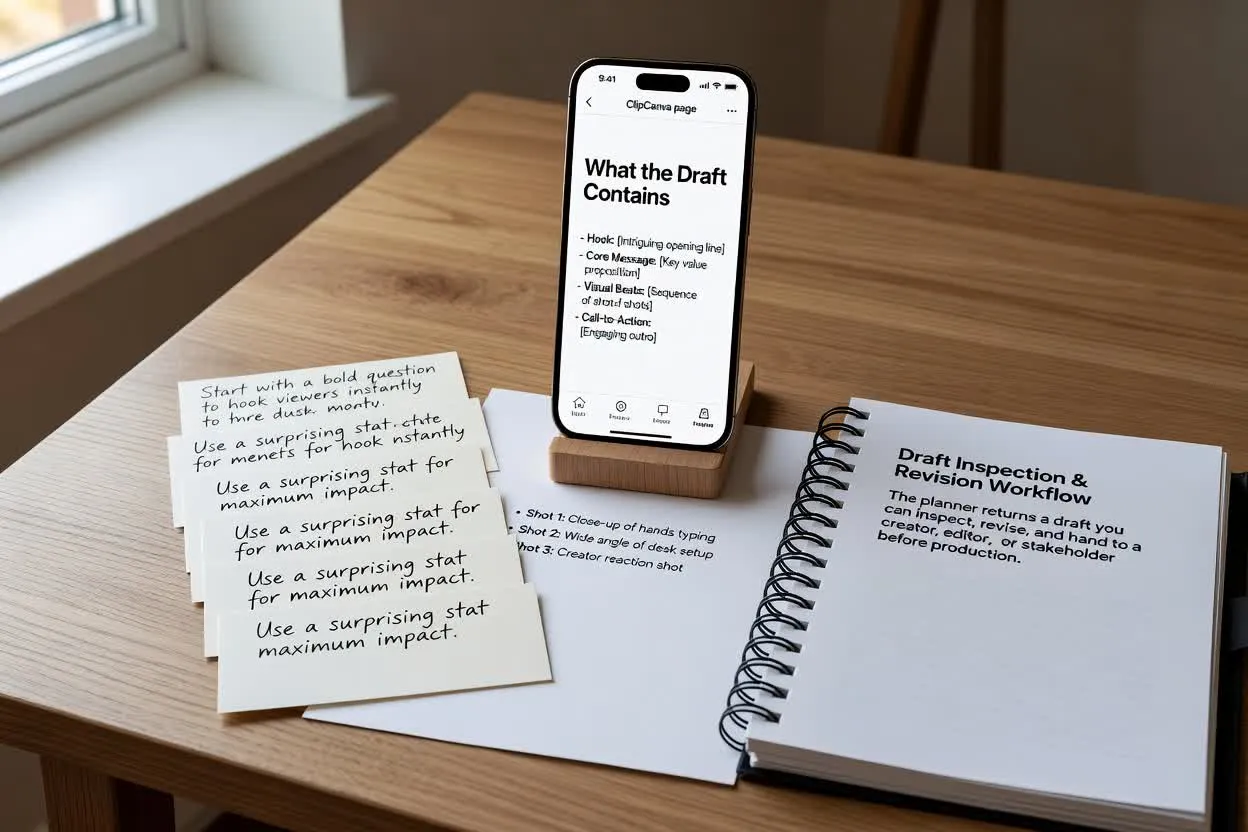
The planner returns a draft you can inspect, revise, and hand to a creator, editor, or stakeholder before production.
Opening lines designed to earn attention quickly and set up the reason to keep watching.
A short TikTok shot list that breaks the idea into simple visual beats for filming or later production planning.
Suggested narration or on-screen speaking notes aligned with each scene.
Adjust the planning inputs so the script matches the creative constraint you actually need to solve.
Choose the overall structure for the idea, such as a quick tip, product demo, or direct response outline.
Set the target length so the scene count and voiceover pace fit the time available.
Guide the writing style toward educational, playful, urgent, polished, or another tone that fits your brand.
Use the script planner when you need a structured starting point for common TikTok formats.
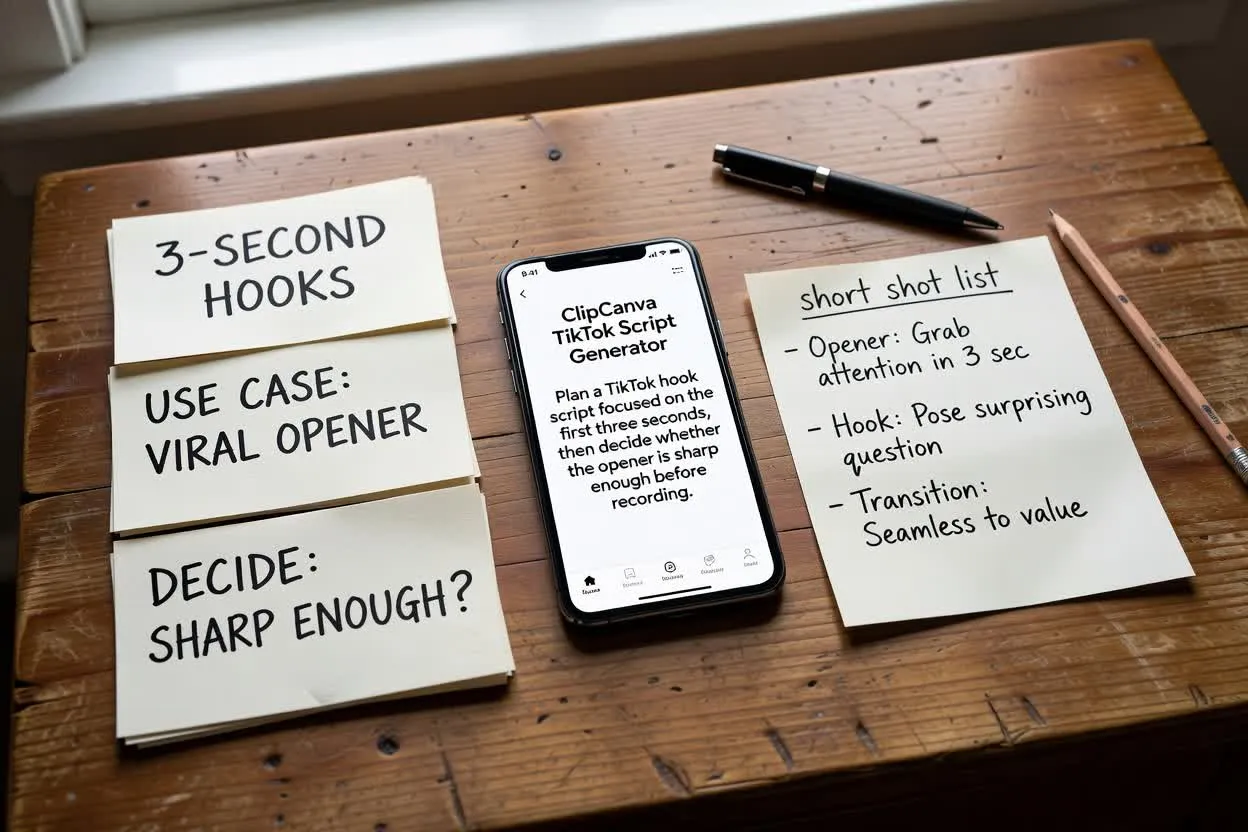
Plan a TikTok hook script focused on the first three seconds, then decide whether the opener is sharp enough before recording.
Open the script planner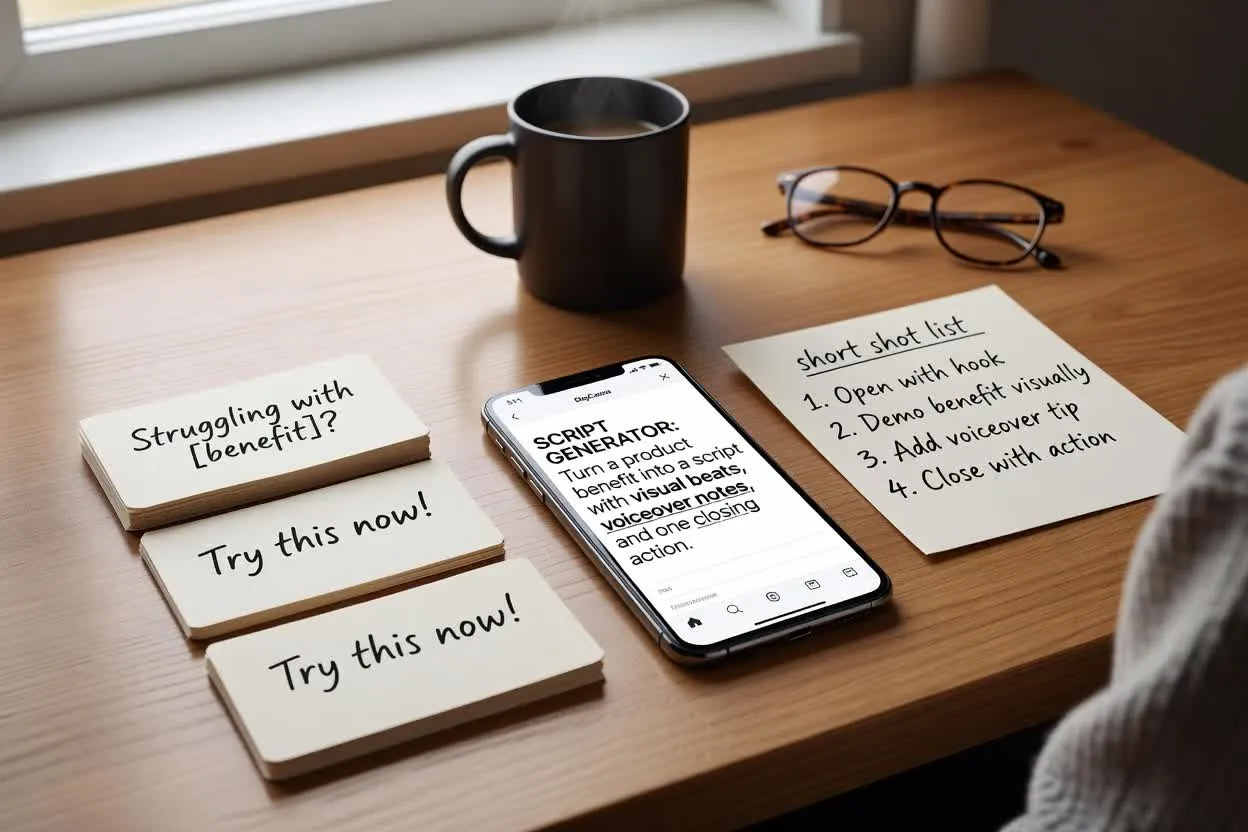
Turn a product benefit into a script with visual beats, voiceover notes, and one closing action.
Open the script planner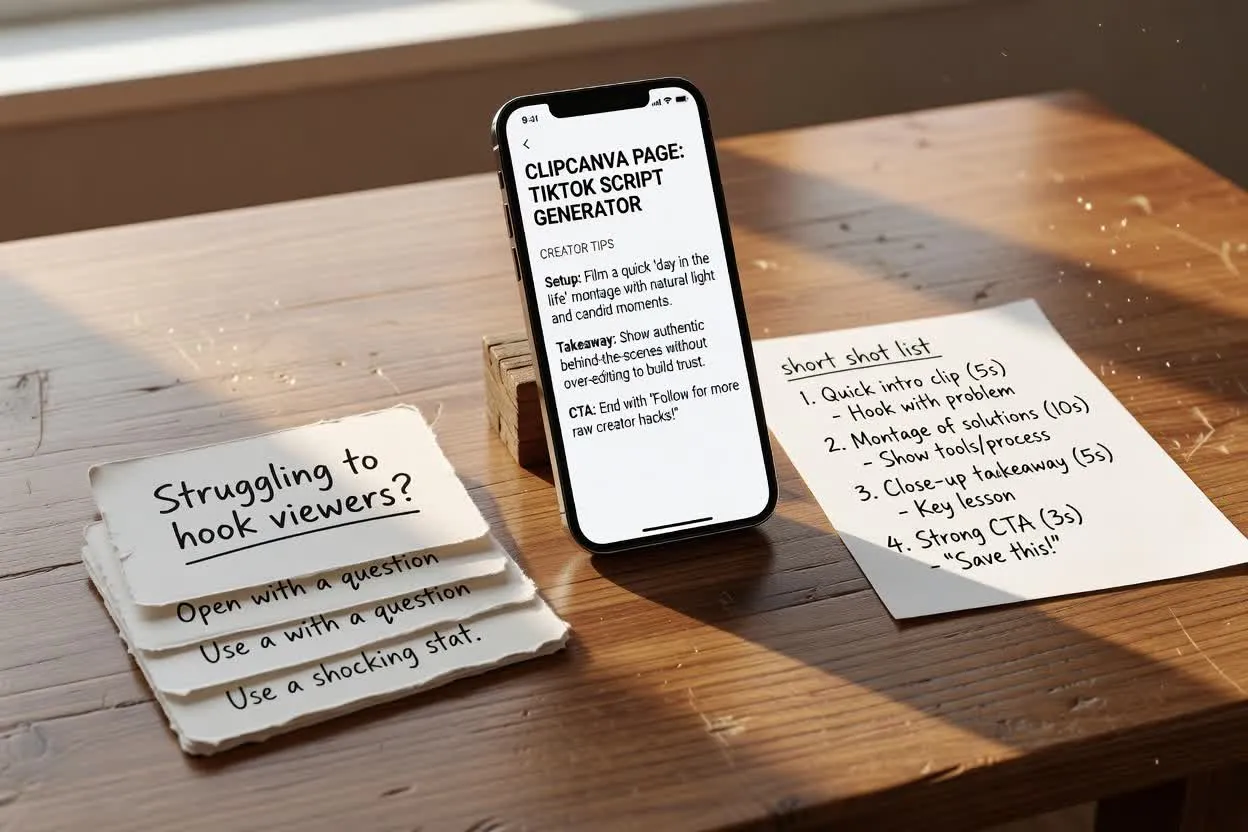
Outline a creator tip as a short TikTok shot list with a concise setup, useful takeaway, and clear closing ask.
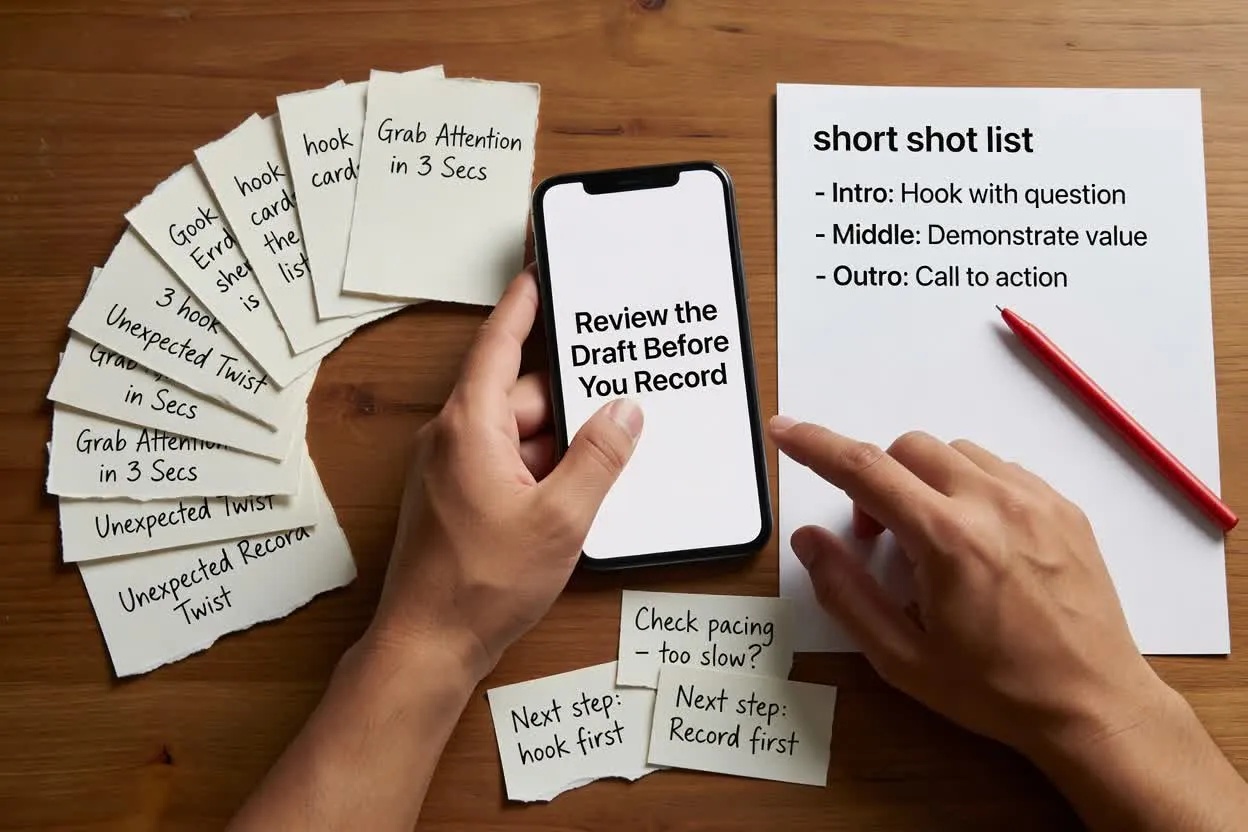
Open the script plannerBefore recording, inspect the plan for clarity, pacing, and a single next step.
Check whether the hook is specific to the audience, clear within the first moments, and connected to the promised payoff.
Confirm the number of scenes matches the selected runtime and does not overload the edit.
Make sure the closing ask has one closing ask, rather than several competing instructions.
Use the result as a planning draft, not as a finished production asset or proof of performance.
The planner prepares written direction only. You still need to film, edit, render, or create the final video elsewhere.
Product claims, statistics, pricing, and time-sensitive statements should be verified before recording or publishing.
Common questions about using the planner for TikTok scripting work.
Bring your topic, runtime, and audience brief, then plan with the TikTok Script Generator before you record.