
Add the campaign brief
Enter the product, audience, and offer brief, including the promise, proof points, and any required wording.
Ad script planning
Plan a written ad draft from your product, audience, and offer brief. Use the AI Ad Script Generator to shape hooks, proof points, the offer, and a clear closing ask before you record or generate video elsewhere.
The AI Ad Script Generator is a planning tool for writing an ad script before production. It turns a product, audience, and offer brief into a structured draft you can inspect, revise, and use as a guide for recording or later video creation.
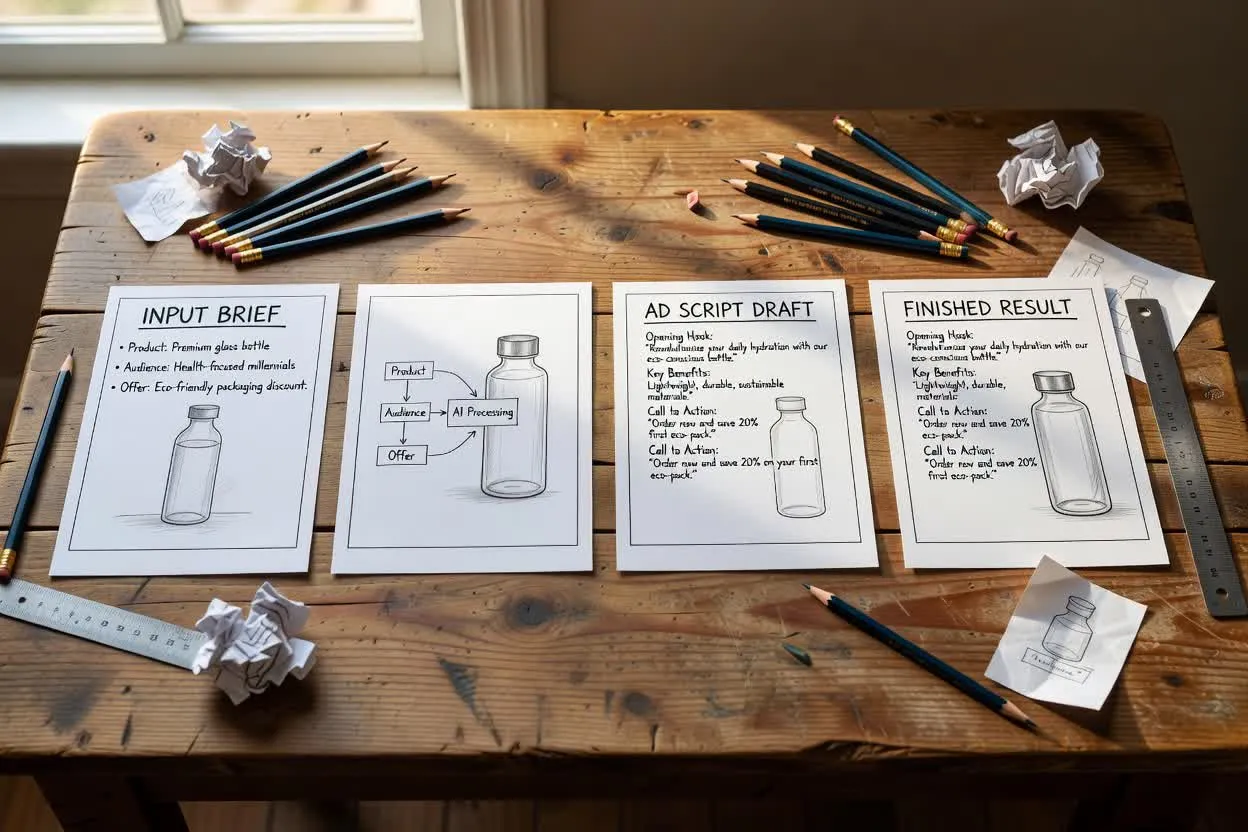
Move from brief to reviewable ad structure in a few planning steps.
Enter the product, audience, and offer brief, including the promise, proof points, and any required wording.
Choose the ad format, runtime, tone, audience, and closing action so the plan fits the intended placement.
Review the video ad script structure, then edit the hooks, proof, offer, and closing ask before production.
The planner returns an offer-focused ad draft organized for quick review before production.
Multiple opening angles help you compare which hook best fits the audience problem, desire, or objection.
Proof lines summarize reasons to believe, such as features, use cases, or supporting details supplied in the brief.
The offer section frames what viewers get, why it matters now, and how it connects to the ad promise.
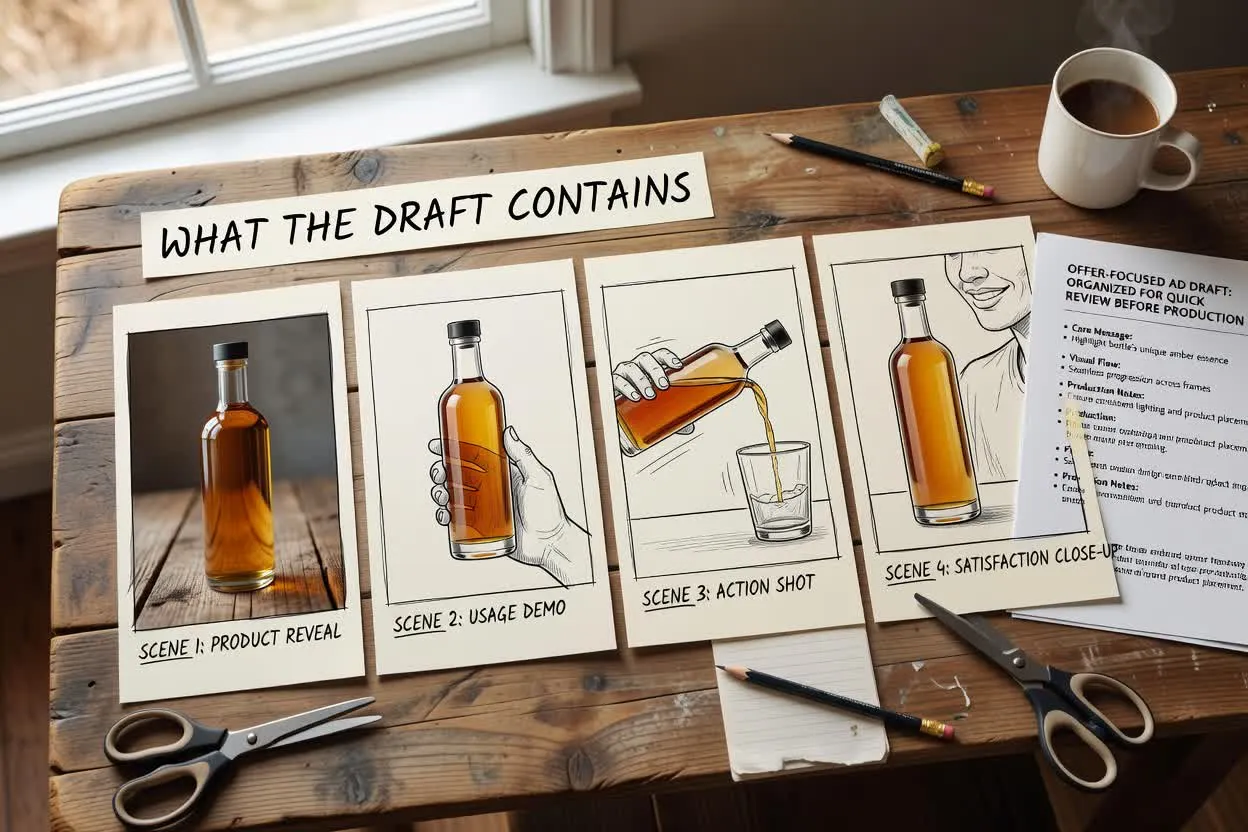
Tune the draft around the ad you need to write, not around a generic template.
Choose a format that matches where the ad will appear, such as a short product pitch, offer spot, or retargeting message.
Set the intended runtime so the planner can keep the number of lines and beats realistic for the spot length.
Pick a tone that fits the brand and audience, from direct and punchy to warm, practical, or premium.
Use the planner when you need a script that turns an offer into a clear spoken or on-screen ad structure.
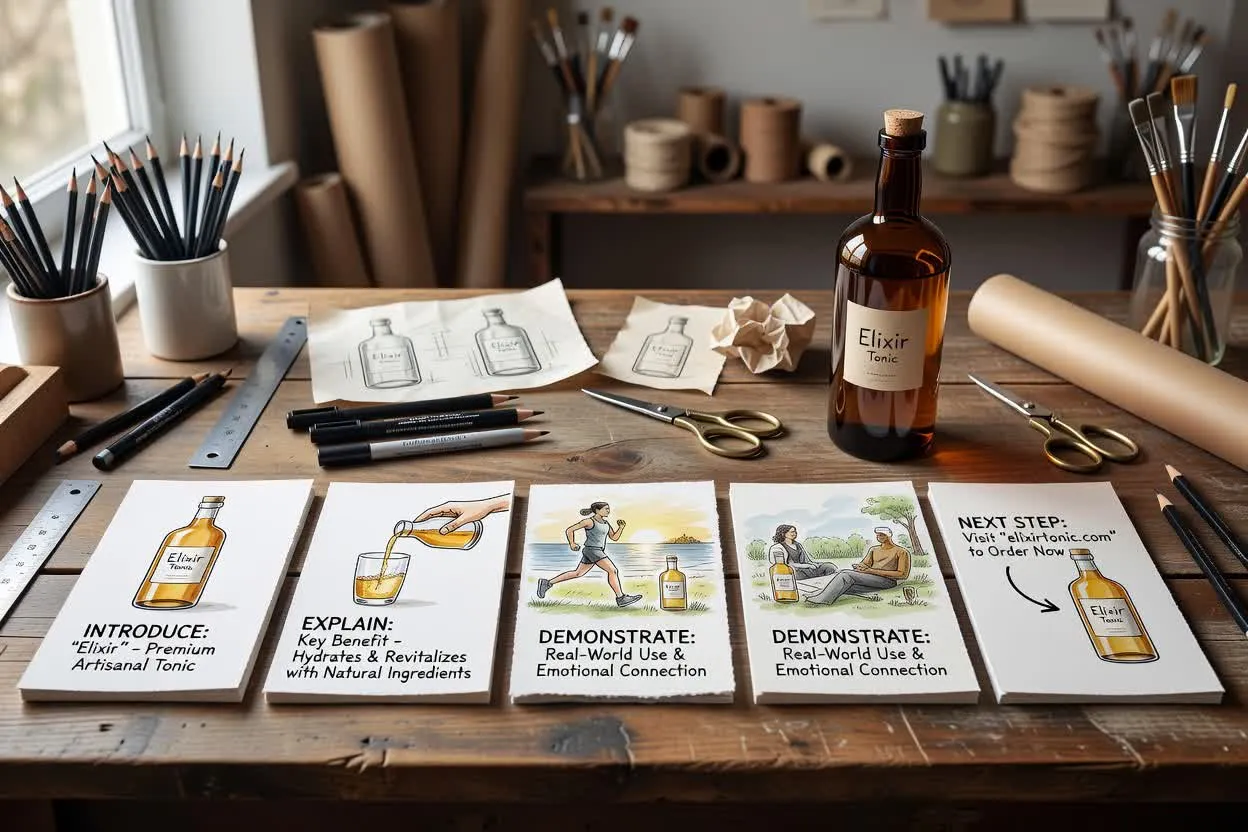
Plan a video ad script that introduces a product, explains the key benefit, and ends with a direct next step.
Open the script planner
Write an offer-focused ad draft around a launch, discount, bundle, trial, or seasonal reason to act.
Open the script planner
Shape a script for viewers who already know the brand, with more emphasis on proof, objection handling, and the closing action.
Open the script plannerBefore recording, inspect the draft for message focus and production fit.
Check whether the hook matches the audience’s pain point, desire, awareness level, or reason to pay attention.
Inspect whether the number of beats or scenes fits the selected runtime without feeling rushed.
Confirm the script ends with one closing ask, so the viewer is not given competing next steps.
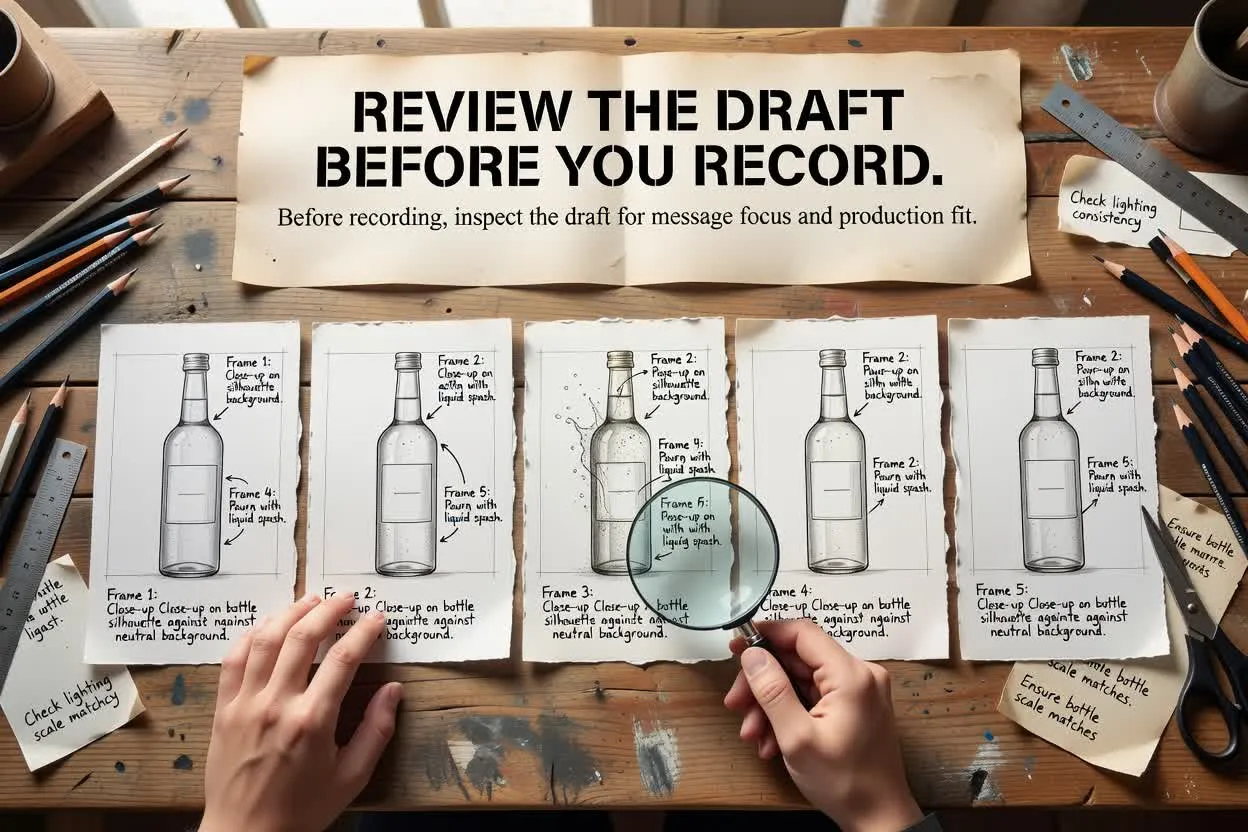
Use the planner as a writing aid, then verify and refine the draft before using it in a campaign.
The result is a written draft only. It does not record footage, render video, place ads, or create finished creative assets.
Product claims, testimonials, discounts, availability, and performance statements need verification before publication.
Answers to common planning questions before you use the page.
Bring your product, audience, and offer brief, then plan with the AI Ad Script Generator and review the written ad structure before you produce the video.