
Write the idea in one line
Say what the video teaches or shows, who it is for, and roughly how long it should run. Runtime shapes the section count.
YouTube planning
Describe the video you want to make and the YouTube script generator plans the cold open, intro, section order, retention cues, voiceover notes, on-screen text, title options, and ending CTA.
It plans a watchable video before you turn on a camera. Write the idea and target runtime in one box, and it returns an ordered script built around how viewing behaves: a cold open that earns the click, an intro that sets the promise, sections that deliver it, and callbacks in between.
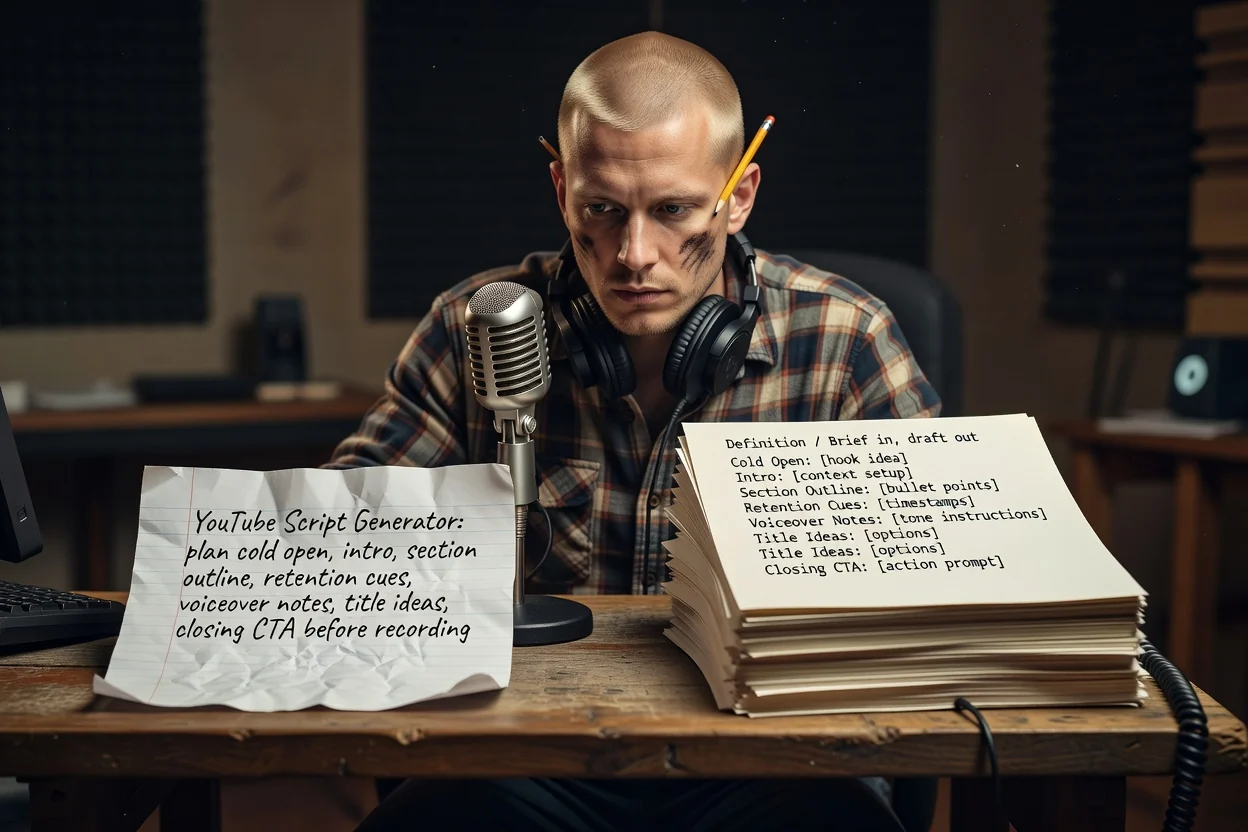
Three steps from an idea to a recordable outline.
Say what the video teaches or shows, who it is for, and roughly how long it should run. Runtime shapes the section count.
Attach screenshots or product shots so the plan can name what appears on screen. Attachments require a signed-in account.
Review the sections in order, cut anything that repeats, then regenerate with a sharper premise if the promise is unclear.
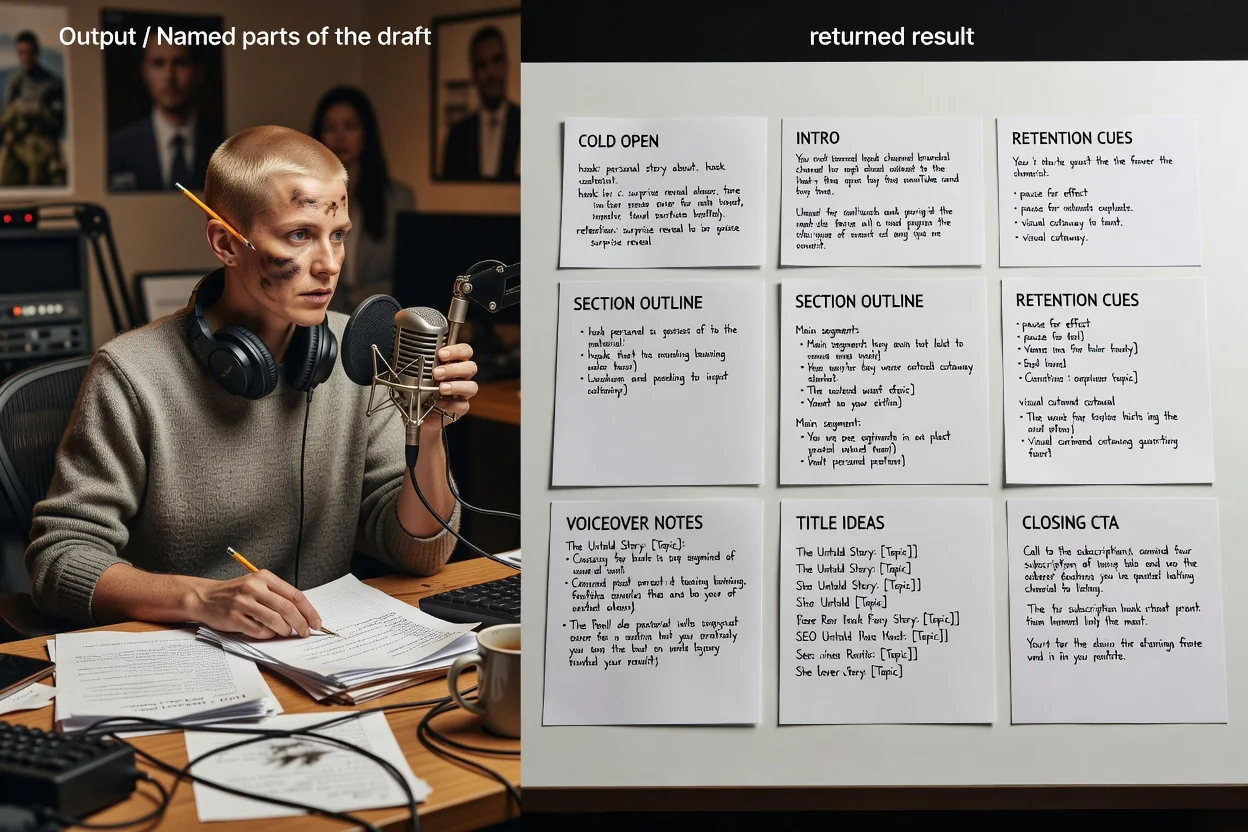
Each part maps to a moment in the finished video.
The first seconds before any branding, written to show the payoff rather than describe it.
The promise up front, then an ordered list of sections with what each one covers.
Lines placed between sections that reference the payoff, so viewers have a reason to stay.
Spoken lines kept separate from captions and labels, so you can record and edit without rewriting.
Several title options for the same video, plus the closing ask you want viewers to act on.
This planner takes one open brief, so the wording you choose is the control surface.
Naming a target length, such as an 8-minute tutorial or a 45-second Short, changes how many sections the outline carries.
Say whether it is a long-form video or a vertical Short. Shorts collapse into a hook, one payoff, and a CTA.
Name who is watching and how much they already know, so the intro does not over-explain or skip context.
Attach visuals you plan to show so on-screen text and section notes point at real assets.
Briefs that fit this planner well.
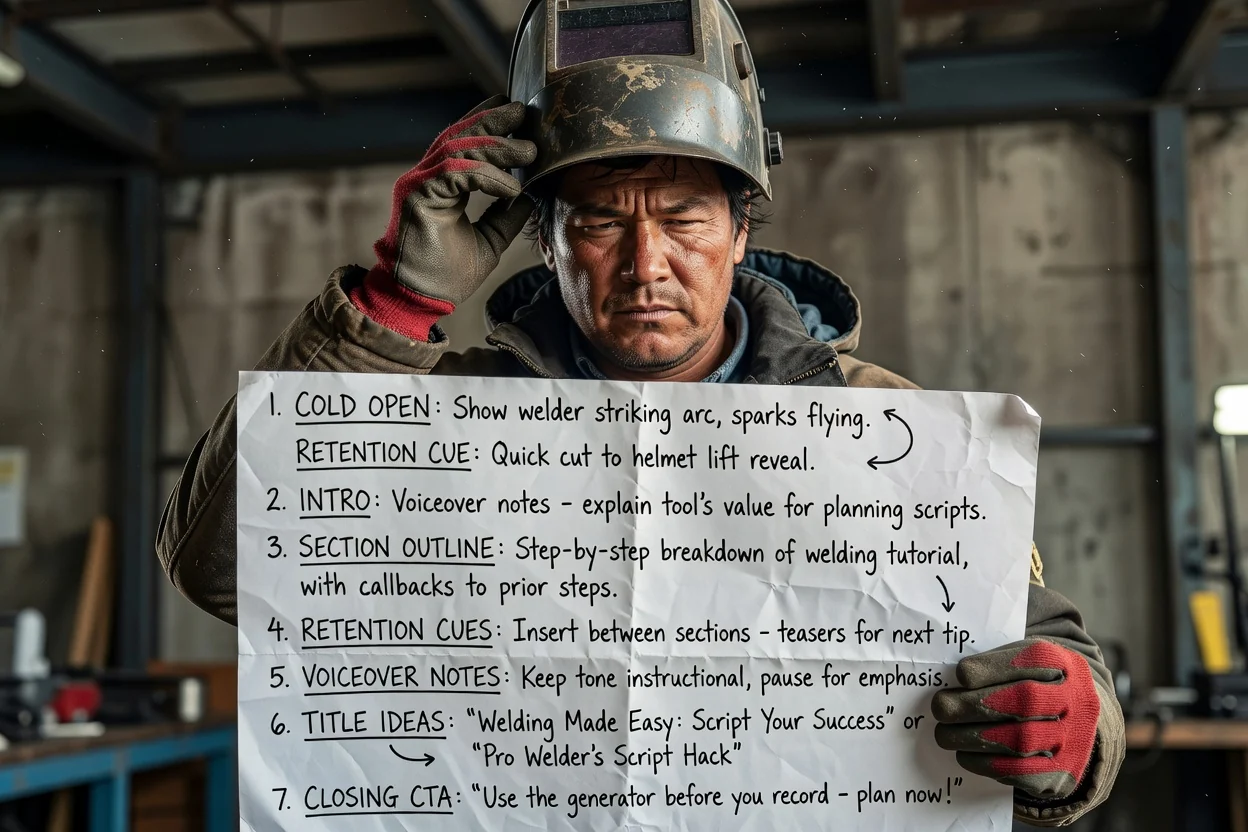
Turn a multi-step process into ordered sections with retention callbacks between each step.
Plan a tutorial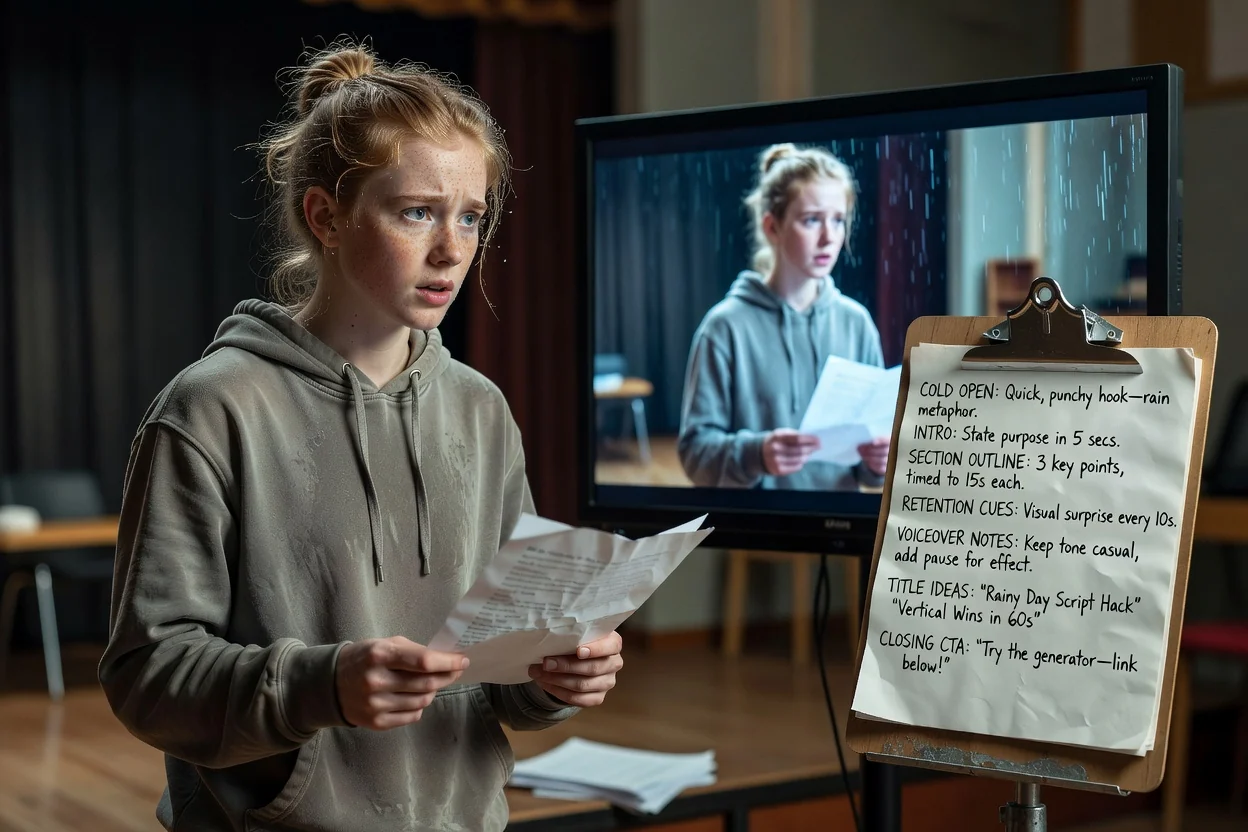
Compress one idea into a cold open, a single payoff, and a closing ask that fits a vertical slot.
Plan a Short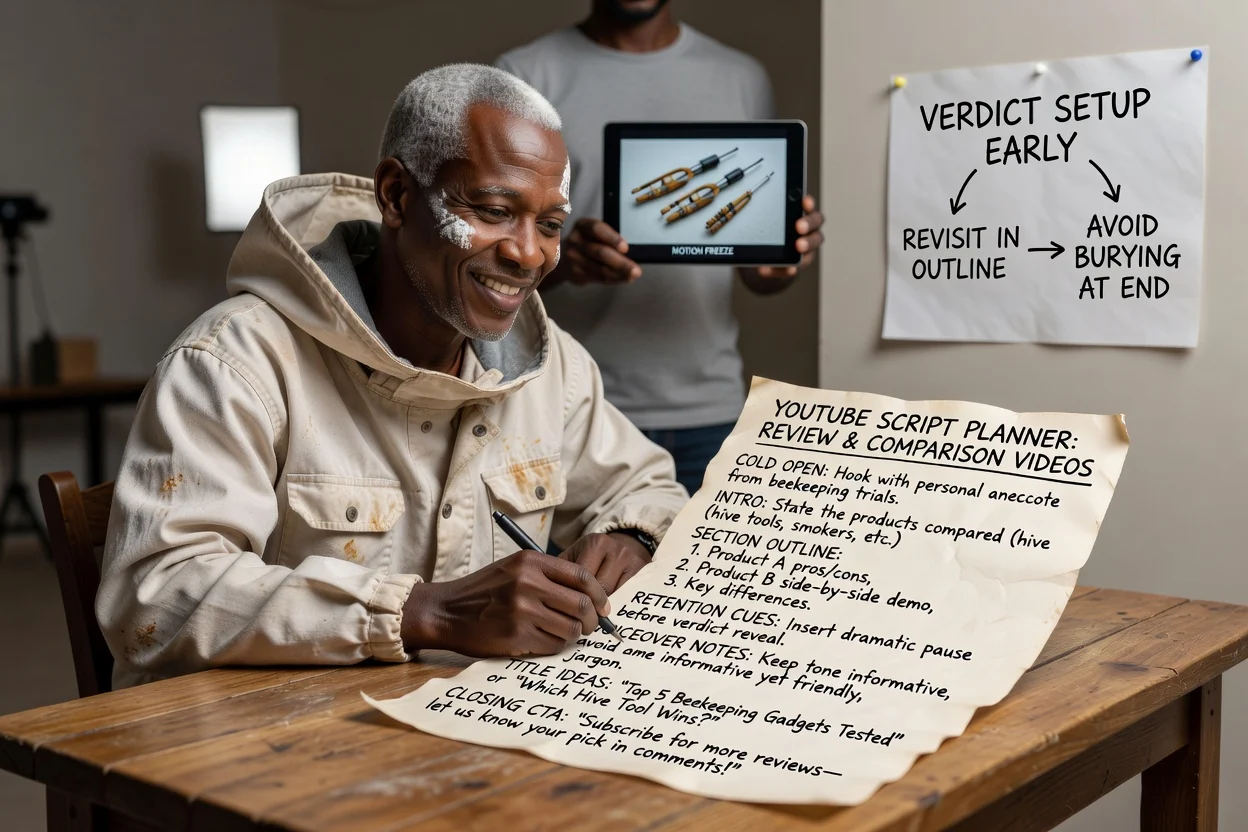
Plan the section order so the verdict is set up early and revisited instead of buried at the end.
Plan a review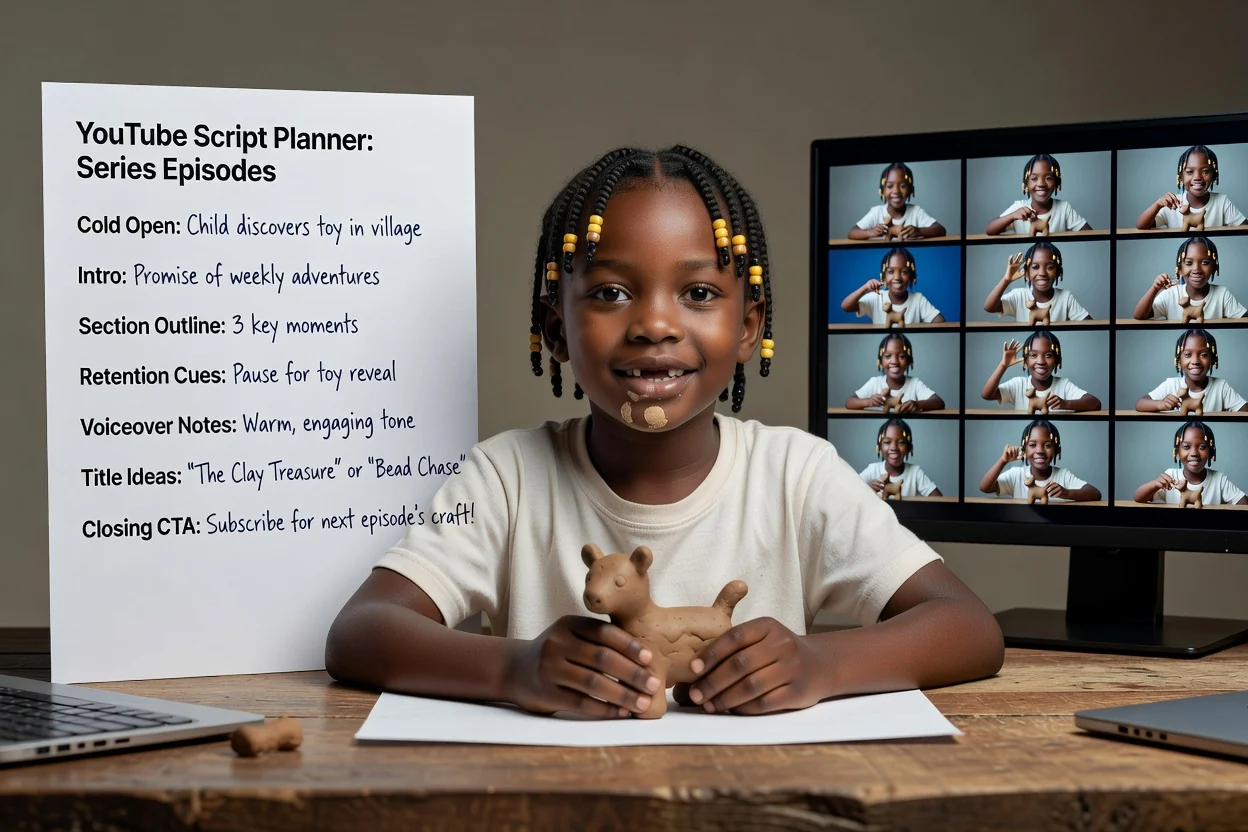
Reuse one brief structure across episodes so the intro promise and CTA stay consistent.
Plan an episodeFour passes that save a reshoot.
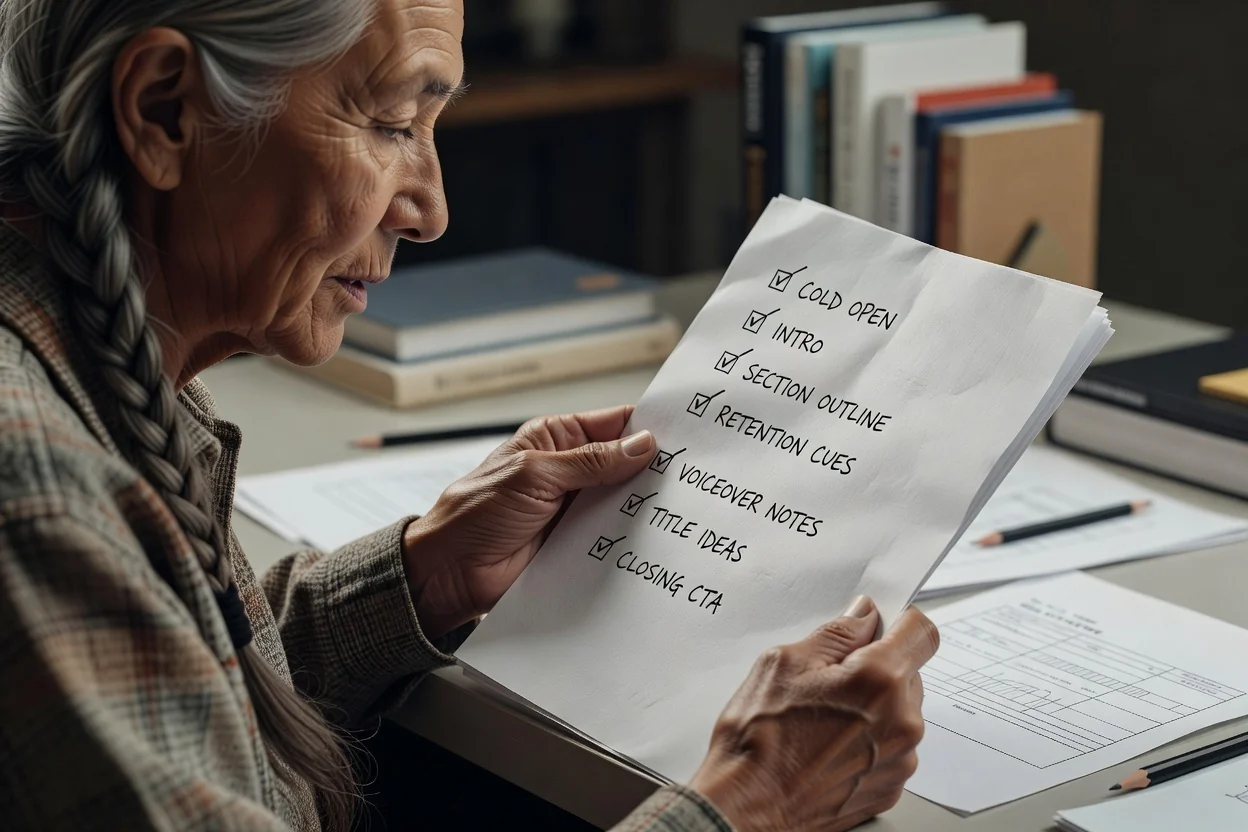
If the first line explains instead of showing, rewrite it around the most visual moment in the video.
The intro should state one thing the viewer gets. If it lists three, split the video.
Too many sections for the length means rushed delivery. Remove sections rather than trimming each one.
One clear ask outperforms a stacked list of subscribe, comment, and link requests.
Where this planner stops.
The output is a written outline. Recording, generating footage, and editing are separate steps.
Title ideas are drafts to react to, not tested headlines. Judge them against your own channel history.
Any product claim, statistic, or step order in the outline should be checked against your source before publishing.
Common questions about planning a YouTube video before recording.
Give the YouTube script generator one idea and a runtime, then get a cold open, section outline, and CTA you can record.