
Add the brief
Enter the topic, audience, runtime, tone, format, and the closing action you want the viewer to take.
Written explainer planning
Plan with the Explainer Video Script Generator before you record or create visuals. Enter a topic, audience, and runtime brief, then inspect a structured explainer outline with the problem, analogy, teaching steps, and closing ask.
The Explainer Video Script Generator is a planning tool for shaping an explainer idea into a practical written structure. It helps you organize what the viewer needs to understand, why it matters, how the concept can be explained, and what action should come next.
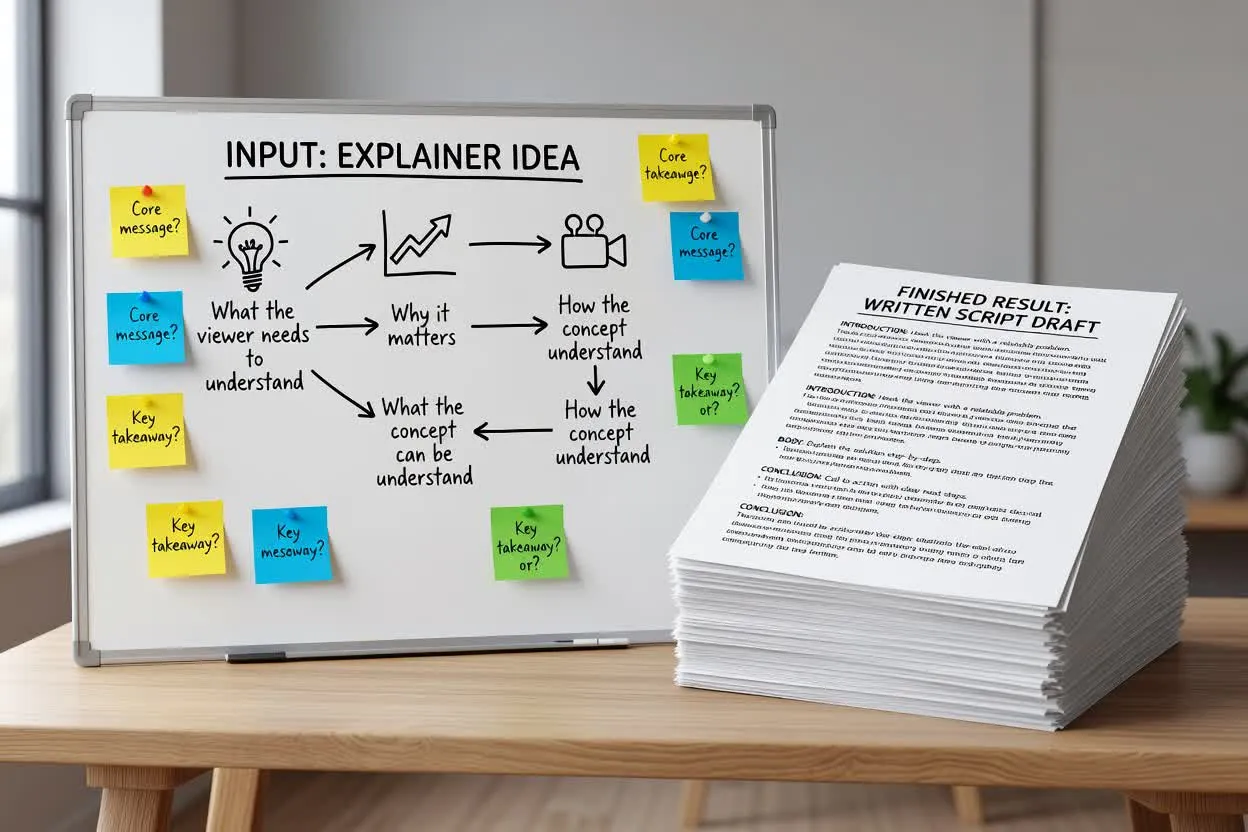
Move from a rough brief to an explainer script plan you can review before recording.
Enter the topic, audience, runtime, tone, format, and the closing action you want the viewer to take.
Review how the planner frames the problem, introduces an analogy, and breaks the explanation into teachable steps.
Refine the wording, remove unsupported claims, and make sure the step-by-step teaching plan fits the intended video length.
The planner returns a written draft that gives your explainer script a teachable path from attention to action.
A concise setup that names the viewer’s problem and why it deserves attention.
A comparison or analogy that makes the topic easier to understand before the detailed steps begin.
A step-by-step teaching plan that breaks the explanation into clear moments for narration or scene planning.
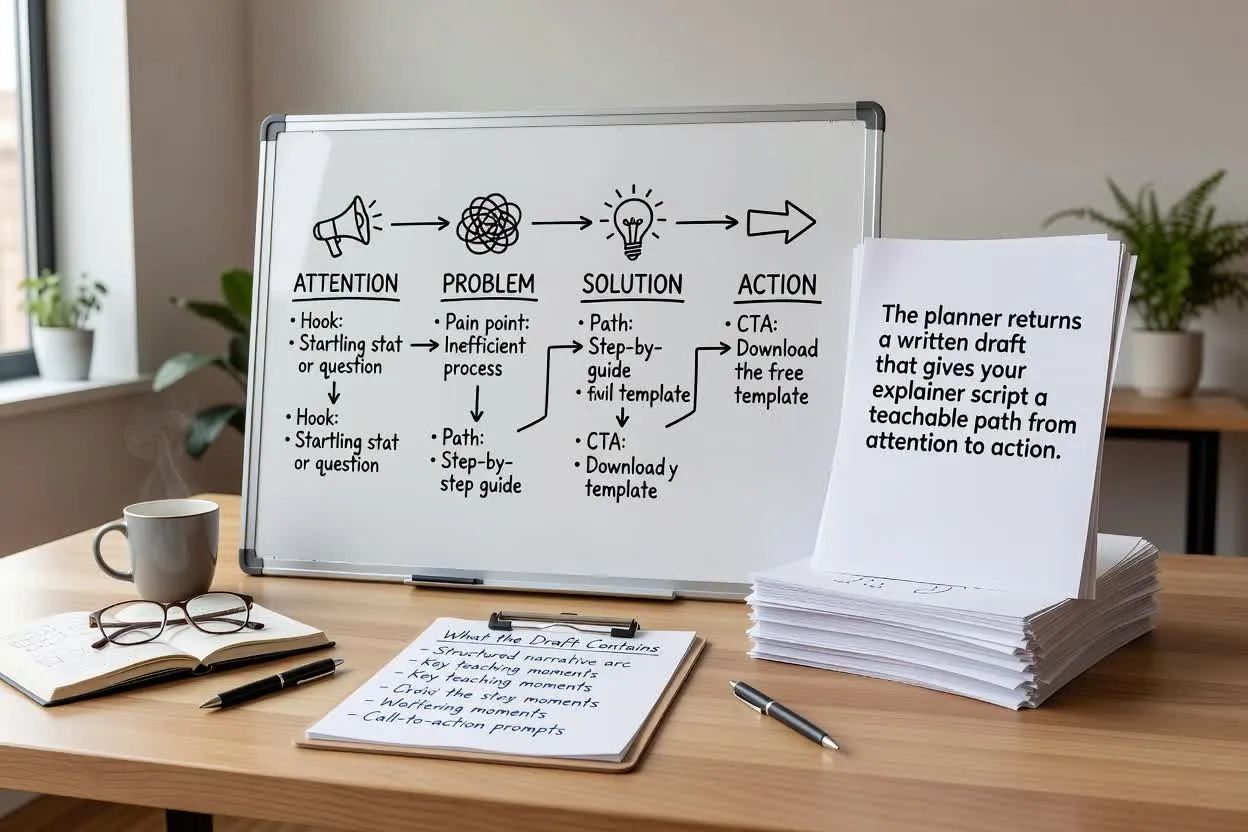
Adjust the planning inputs that affect how the script is shaped, paced, and closed.
Choose the format that matches the intended delivery, such as a product explainer, training lesson, or short educational walkthrough.
Set an approximate runtime so the plan fits the amount of explanation your audience can reasonably follow.
Select a tone that matches the brand or lesson style, from direct and practical to friendly and conversational.
Use the planner when the script needs to teach, clarify, or introduce something before visuals are made.
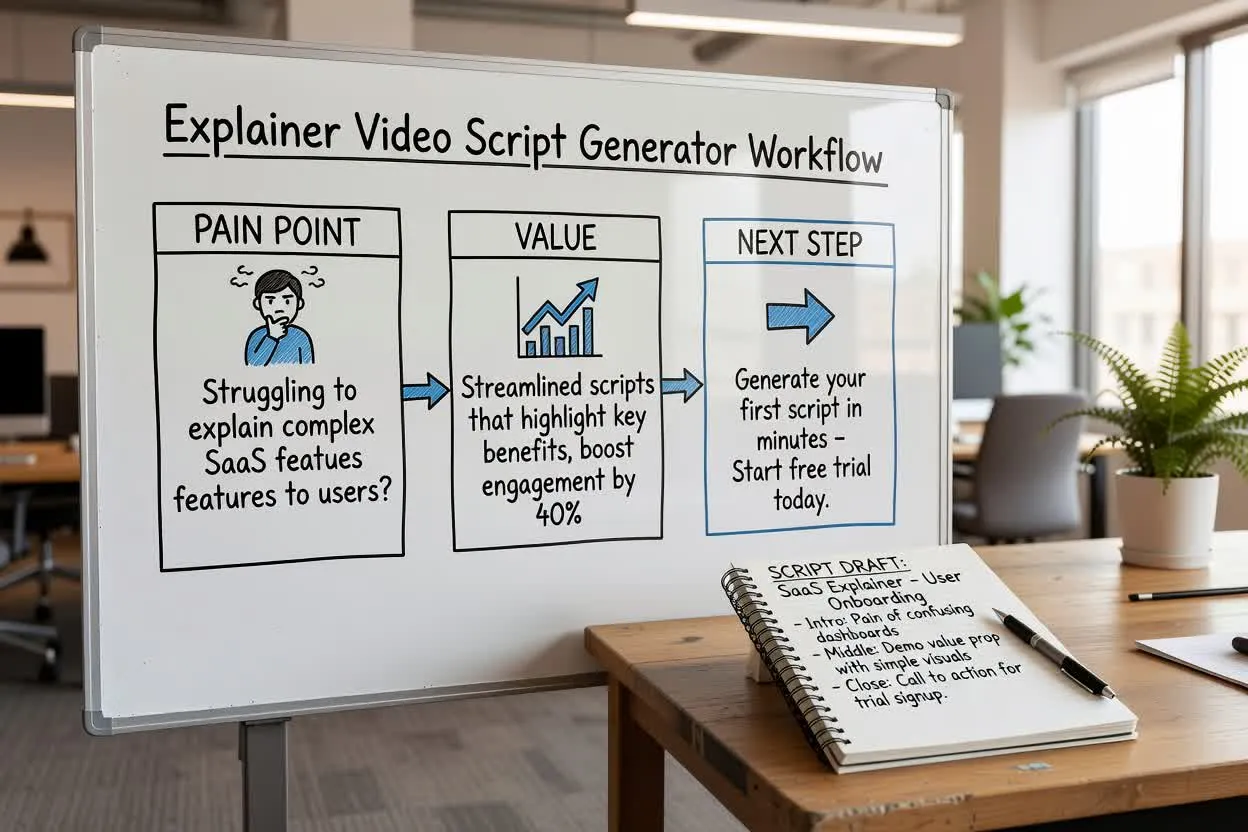
Plan a short product explanation that introduces the pain point, shows the value, and ends with one next step.
Open the script planner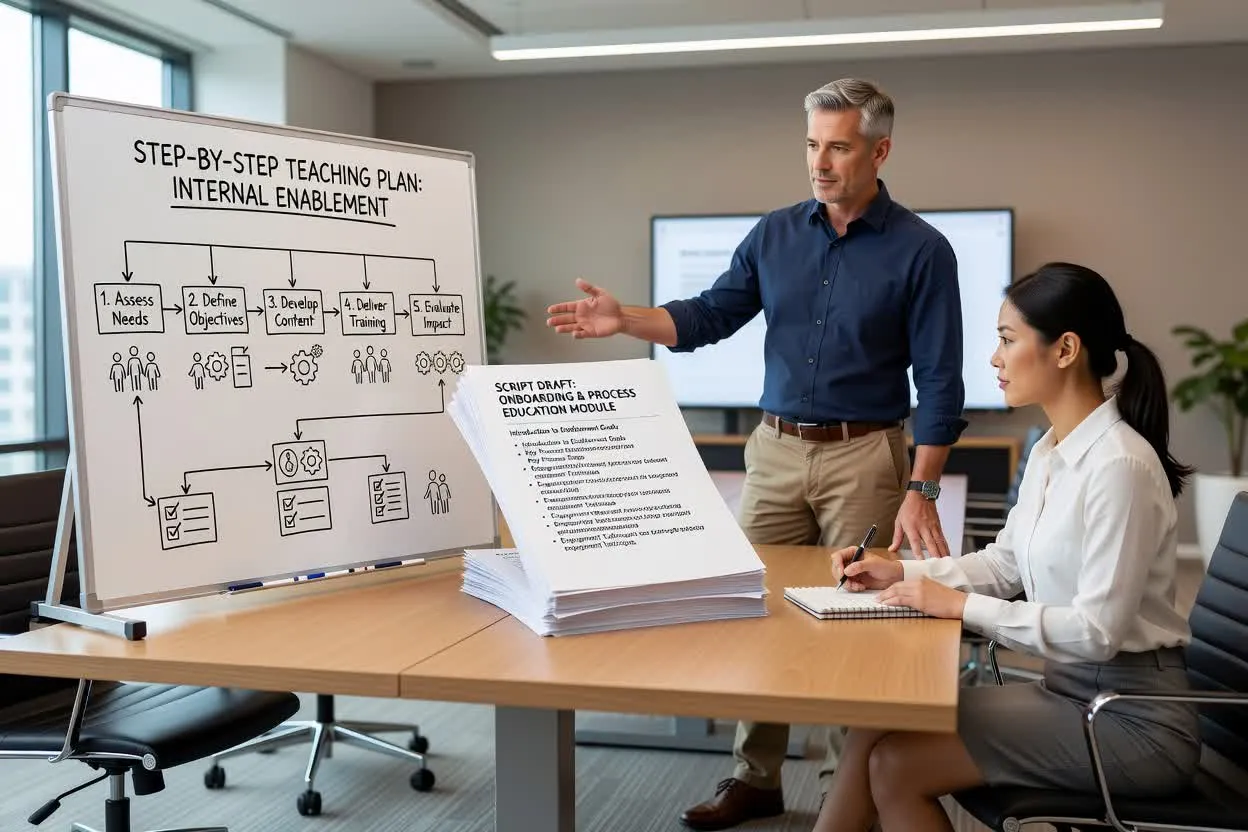
Create a step-by-step teaching plan for onboarding, internal enablement, or process education.
Open the script planner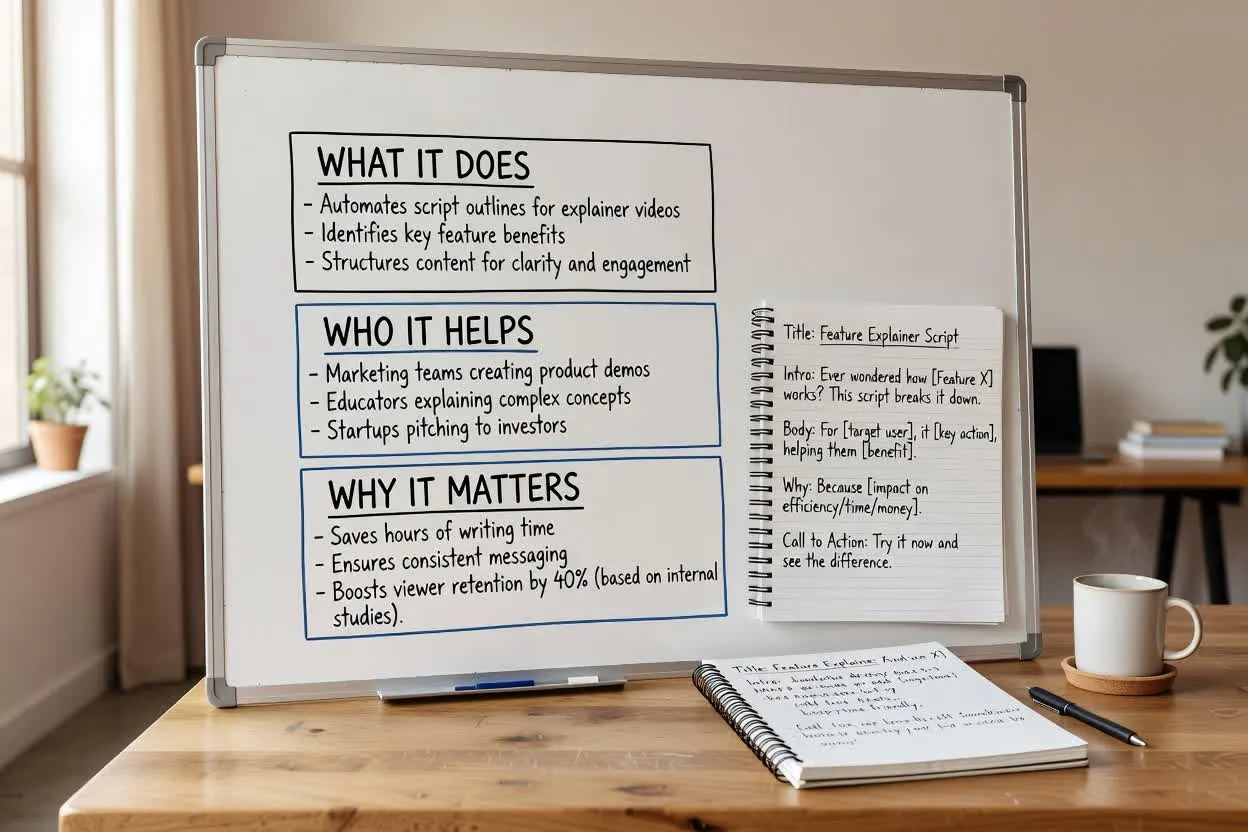
Shape a product education script that explains what a feature does, who it helps, and why it matters.
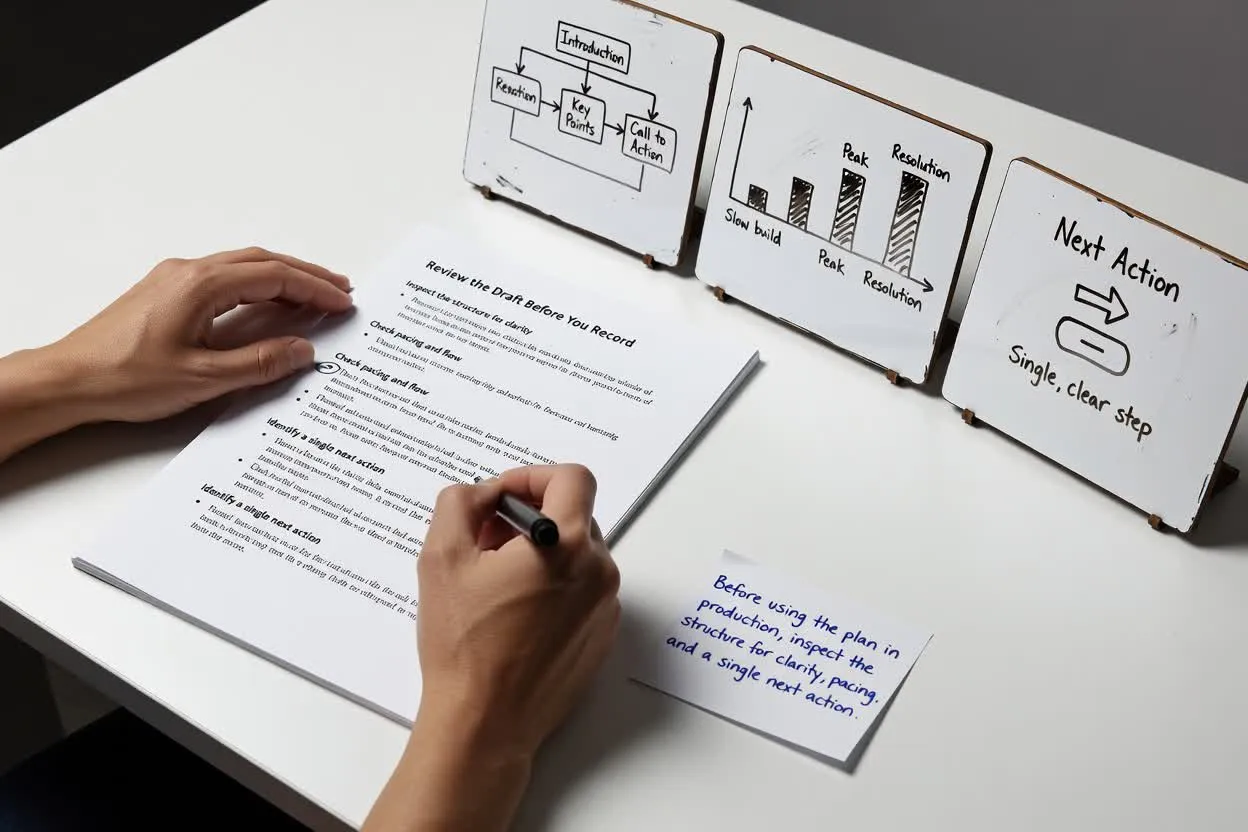
Open the script plannerBefore using the plan in production, inspect the structure for clarity, pacing, and a single next action.
Confirm the hook matches the audience’s real problem and does not start too broadly.
Check whether the number of moments or scenes feels realistic for the selected runtime.
Keep the ending focused on one closing ask so the viewer knows what to do next.
Use the result as a planning draft, not as a finished asset or verified source of truth.
The tool plans written structure only. It does not record narration, render visuals, or produce a finished video file.
Any product benefits, statistics, comparisons, or promises in the draft need to be checked against your own approved sources.
Common questions about using the Explainer Video Script Generator to plan a written explainer script.
Start with your topic, audience, and runtime brief, then inspect the planned explanation before you record or build the video.