
Añade la fuente
Empieza con un prompt o sube una imagen de personaje que defina la figura, la pose, el vestuario o la referencia visual que quieres explorar.
Crea clips cortos con estilo de coleccionable a partir de un prompt o una imagen de personaje. Define el sujeto, el entorno, la dirección visual y el formato de destino para una presentación de figura de acción que se ajuste al briefing de tu proyecto.
El generador de vídeos de figuras de acción con IA ayuda a convertir un prompt o una imagen de personaje en un clip corto con estilo de coleccionable. Está pensado para creadores y equipos que necesitan un resultado visual inspirado en juguetes y centrado en un proyecto concreto.
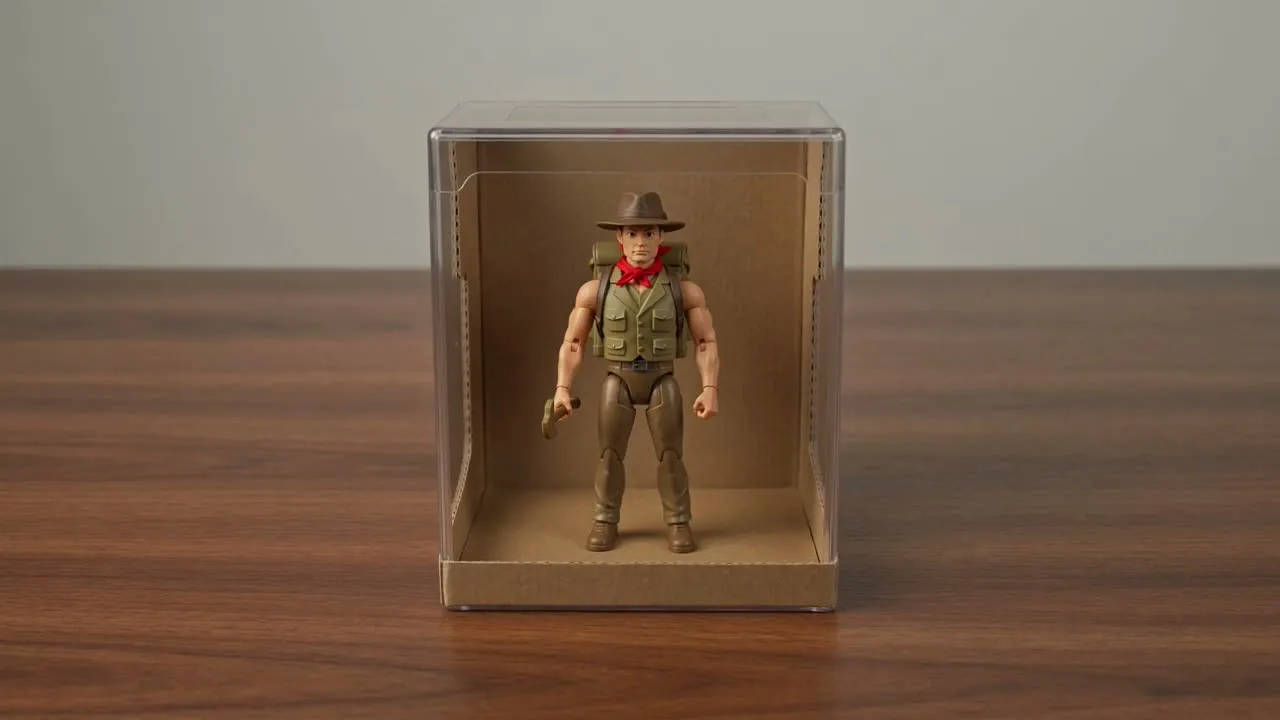
Pasa de la idea inicial a un resultado corto con estilo de coleccionable proporcionando al generador la información que necesita para dar forma a la escena.
Empieza con un prompt o sube una imagen de personaje que defina la figura, la pose, el vestuario o la referencia visual que quieres explorar.
Especifica el detalle del prompt, la dirección visual, el sujeto, el entorno y el formato de destino para que la escena tenga un objetivo creativo claro.
Genera el clip y revisa después si se ajusta al briefing, los detalles importantes y el recorte antes de usarlo en tu proyecto.
Controla la configuración creativa de un flujo de trabajo de generador de vídeos de juguetes con IA sin complicar demasiado el briefing.
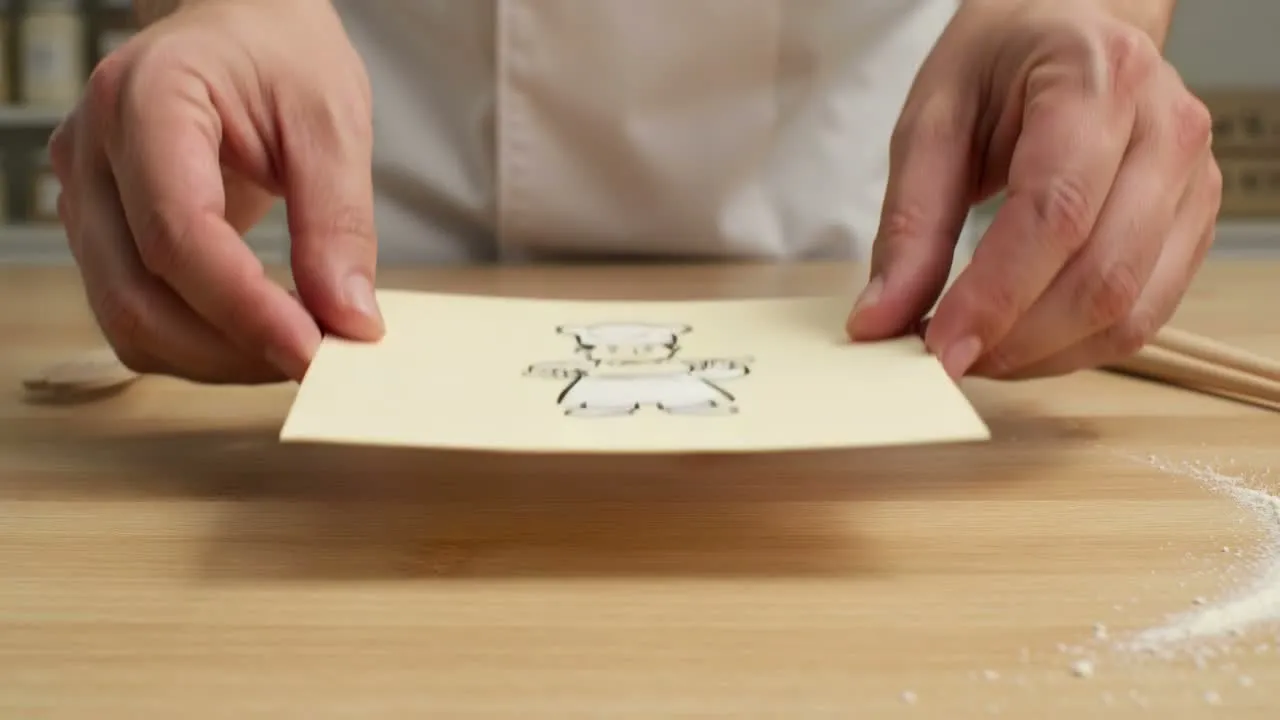
Describe el personaje, el estilo de los accesorios, el fondo, el ambiente y el acabado tipo juguete para que la escena tenga una dirección clara.
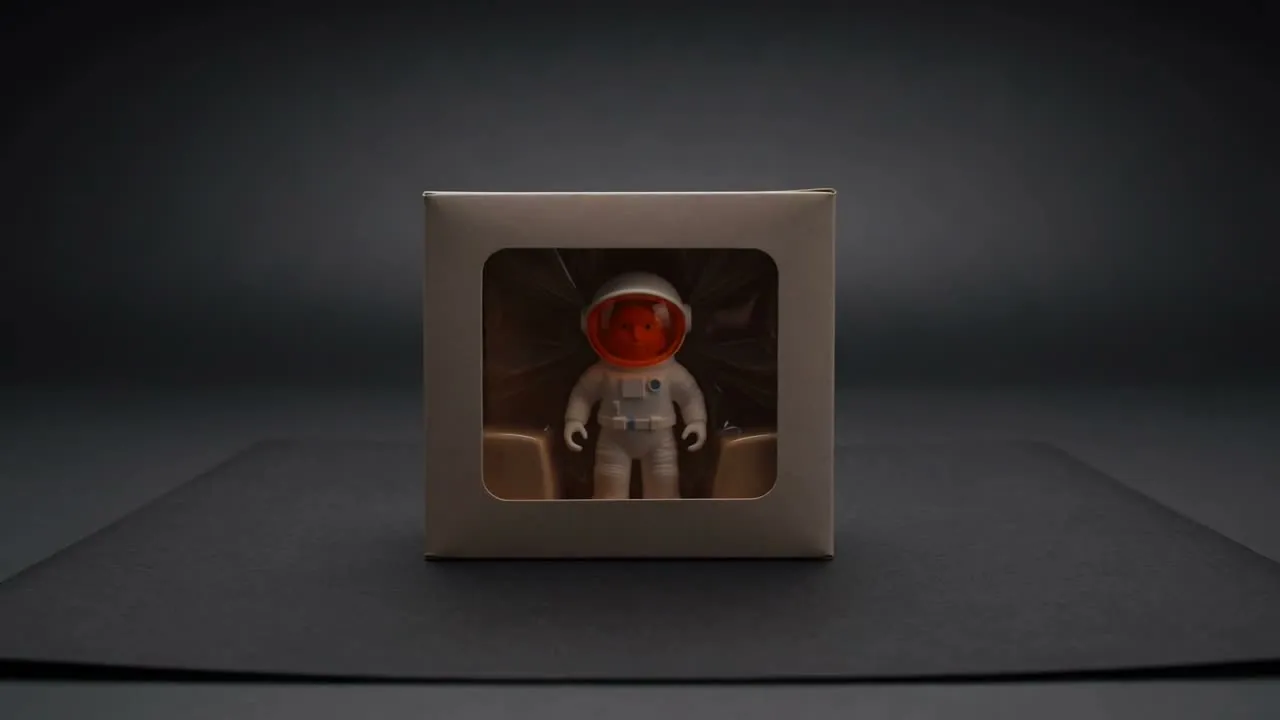
Indica si el resultado debe parecer un coleccionable en caja, una vista giratoria de estudio, una presentación de embalaje o una toma lúdica de producto.
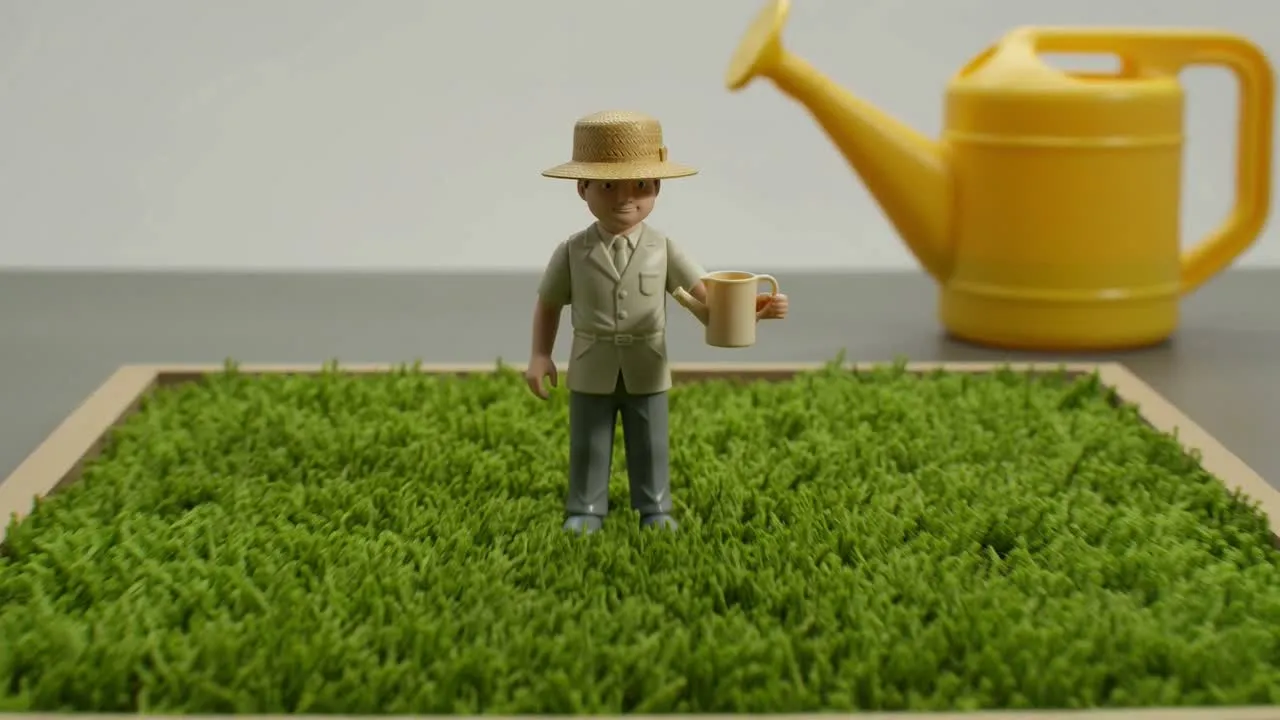
Elige los detalles del sujeto y del entorno más importantes, y adapta el formato de destino al lugar donde se utilizará el clip.
Usa el resultado como un recurso visual específico para conceptos, campañas y exploraciones creativas listas para presentar.
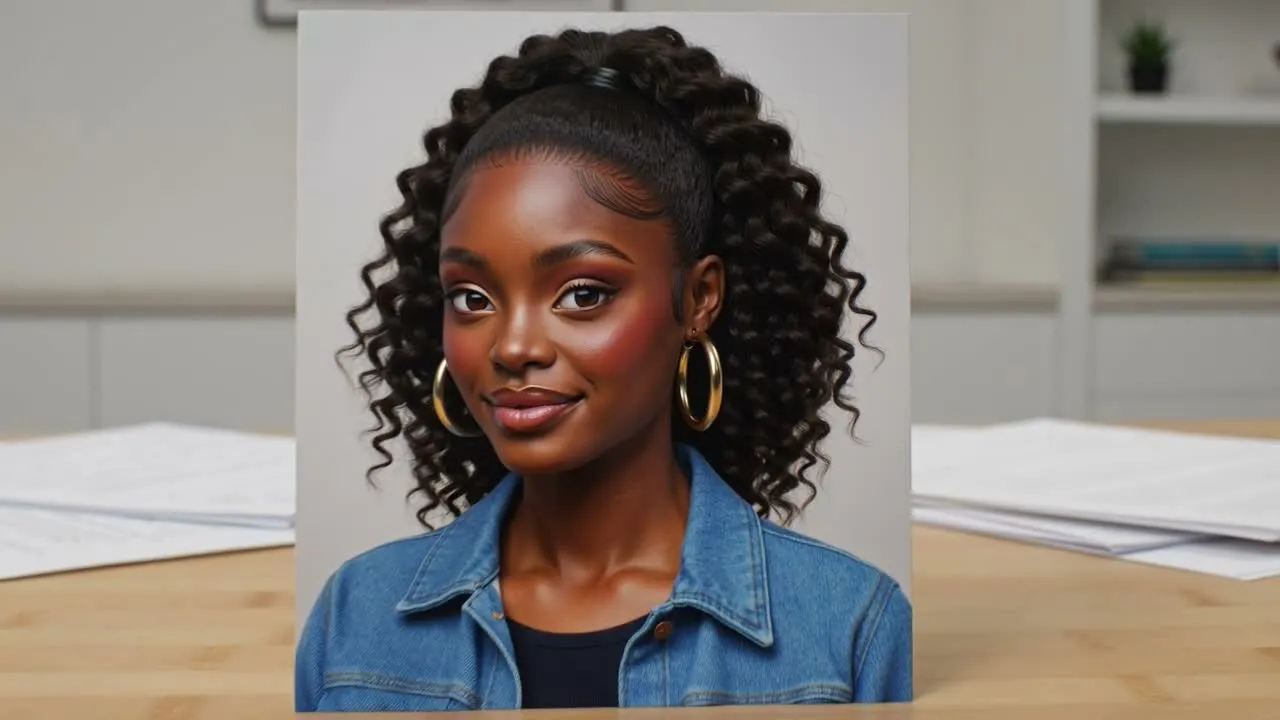
Crea un vídeo de figura de acción a partir de una foto cuando ya tengas una imagen de personaje y necesites un concepto de movimiento inspirado en juguetes.
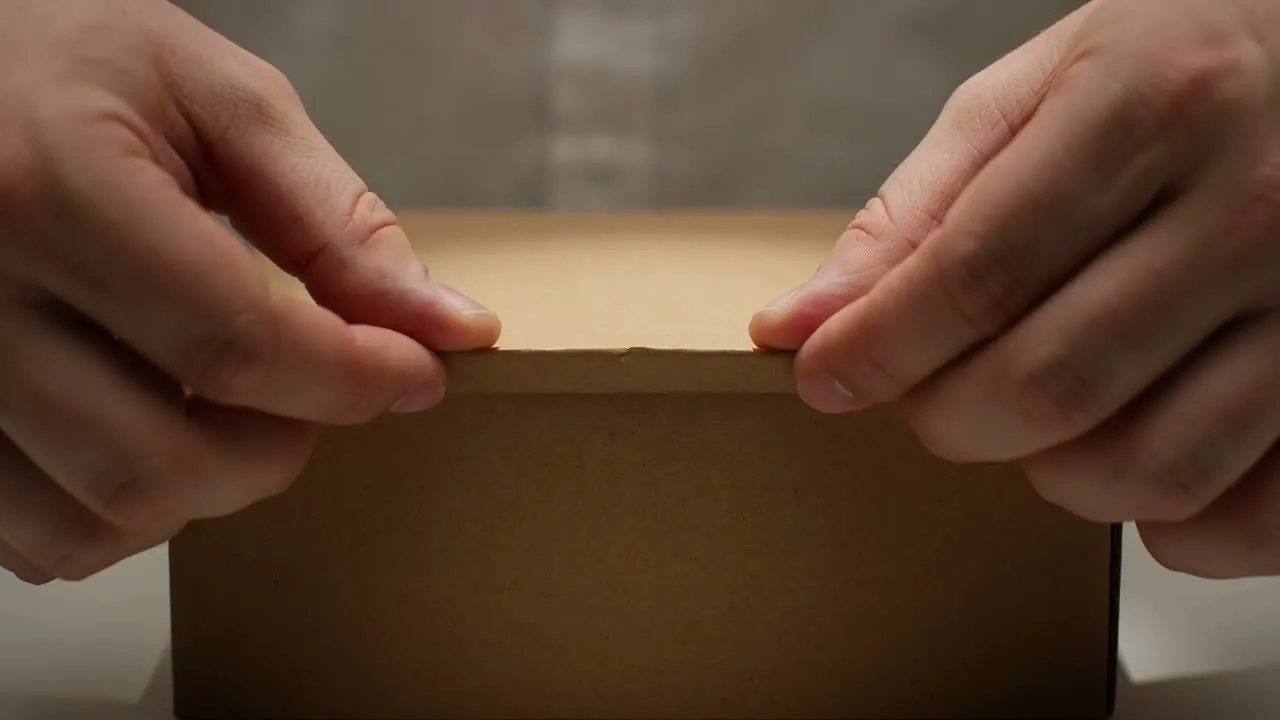
Crea breves momentos de presentación que muestren al personaje como un producto coleccionable, adecuados para ideas de lanzamiento y maquetas de campaña.
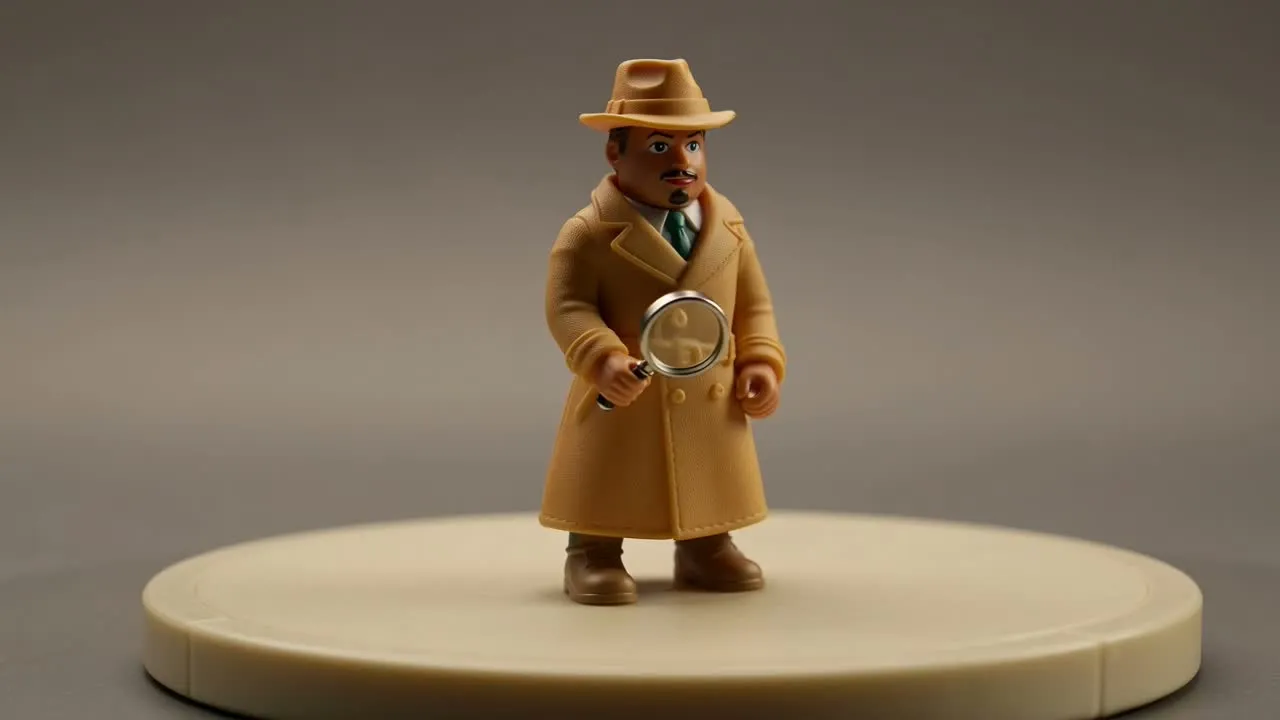
Muestra al personaje desde varios ángulos o en una disposición de exhibición para explorar el aspecto y la personalidad de la figura.
Antes de usar el resultado, revisa el clip generado comparándolo con las partes más importantes de tu briefing.
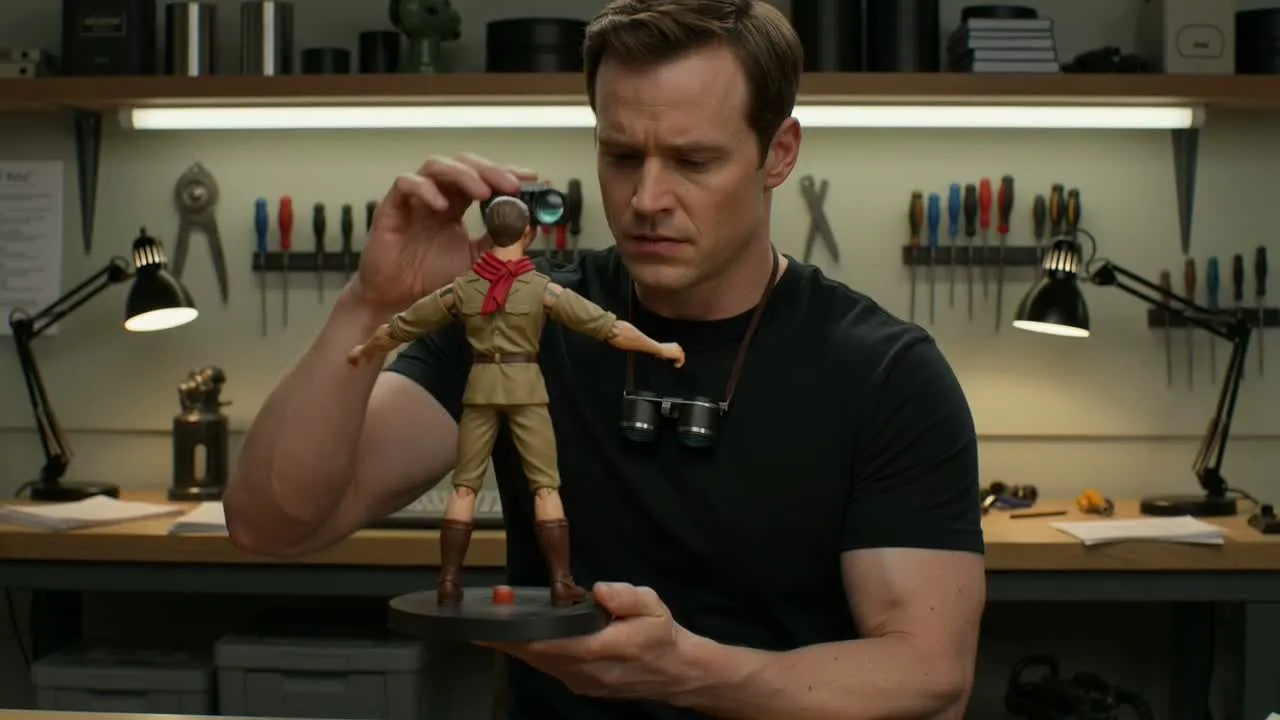
Compara el clip con el briefing de campaña, concepto o contenido para asegurarte de que el estilo de coleccionable respalda el mensaje previsto.
Comprueba los rasgos del personaje, las claves del vestuario, los accesorios, los elementos del fondo y otros detalles que deben mantenerse claros.
Confirma que el recorte y el formato de destino funcionan para la ubicación, ya sea una publicación en redes sociales, una presentación o una referencia de producción.
Este generador está diseñado para clips centrados en el estilo de coleccionable, pero requiere revisión humana antes de usarse en un proyecto.
Los resultados generados pueden variar entre intentos, especialmente cuando el prompt solicita características de juguete, accesorios, poses o detalles de embalaje muy específicos.
Las características pequeñas del personaje, los elementos parecidos a texto, los accesorios y las referencias visuales sensibles para la marca deben revisarse cuidadosamente antes del uso final.
Respuestas a preguntas habituales antes de crear con el generador de vídeos de figuras de acción con IA.
Usa un prompt o una imagen de personaje, guía el aspecto de coleccionable y revisa el resultado generado según las necesidades de tu proyecto.