
01
Sube tu imagen
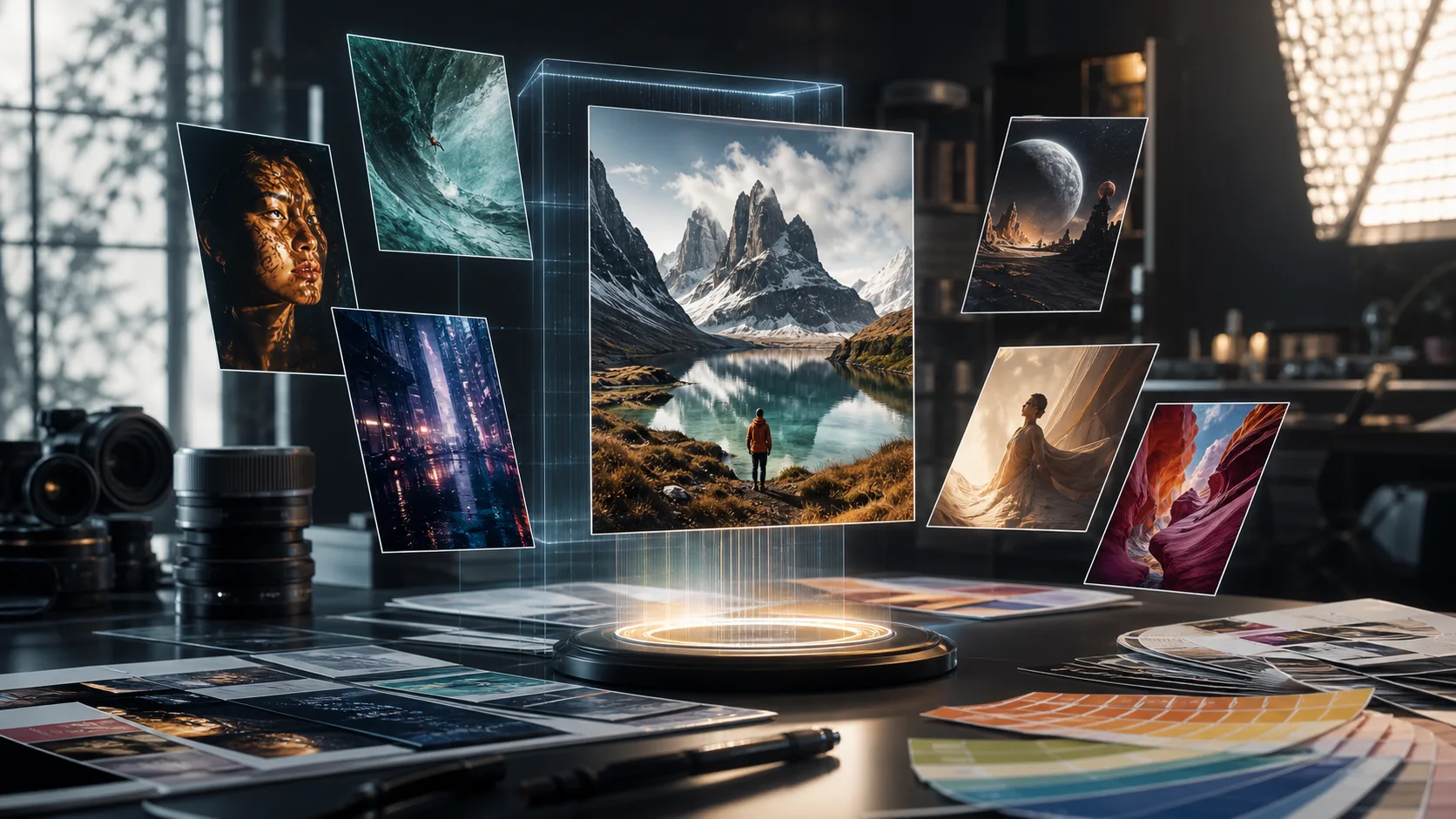
Sube cualquier foto o imagen que quieras transformar. Las entradas de mayor resolución producen mejores resultados de transformación.
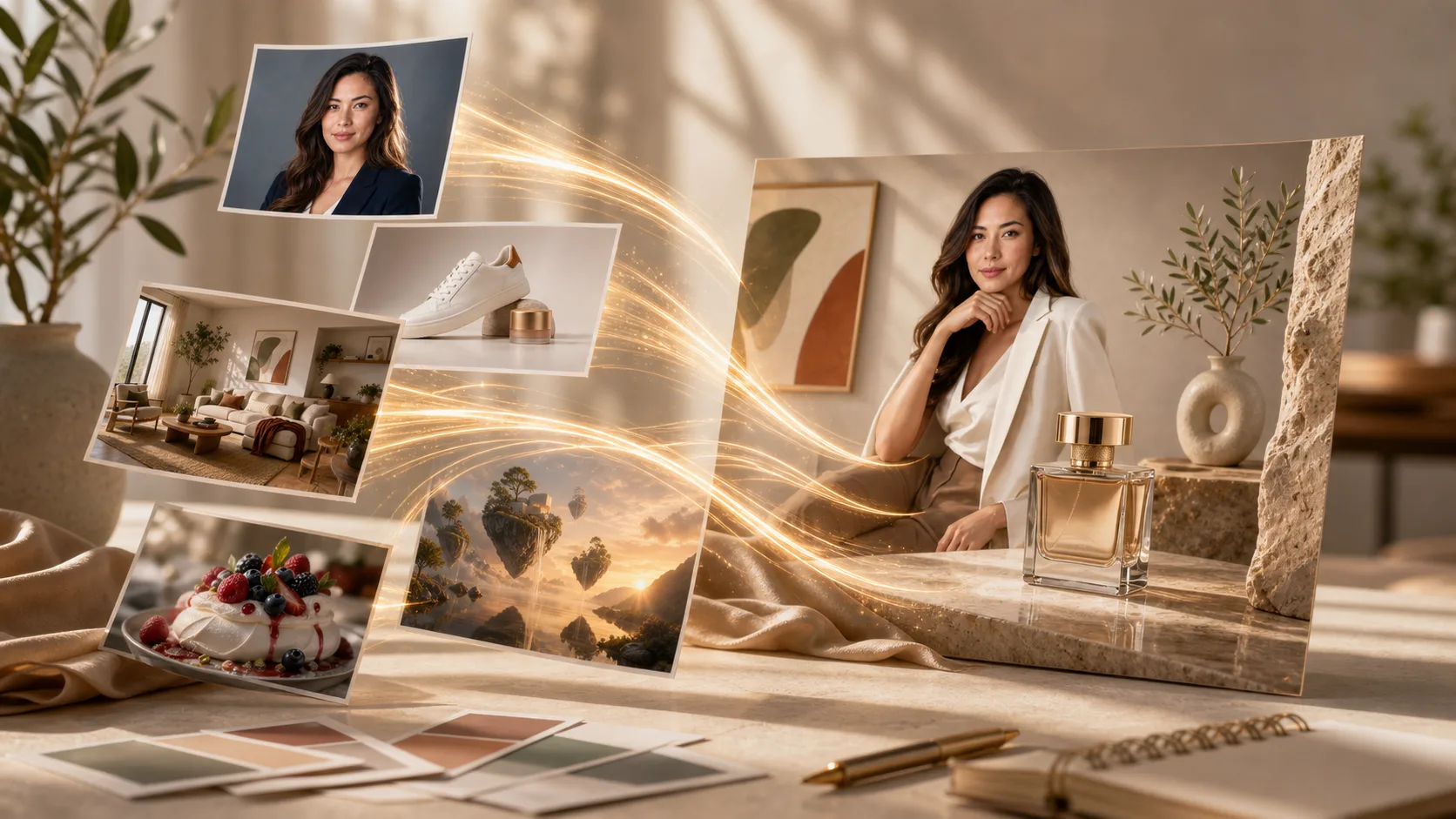
Sube cualquier imagen y transfórmala con AI. Cambia estilos, añade elementos, modifica fondos o reinventa tus visuales con simples prompts de texto.
Choose the best model or workflow for this task.
Transforma imágenes existentes en algo completamente nuevo. Desde transferencias de estilo hasta modificaciones de objetos, desbloquea posibilidades creativas casi ilimitadas.
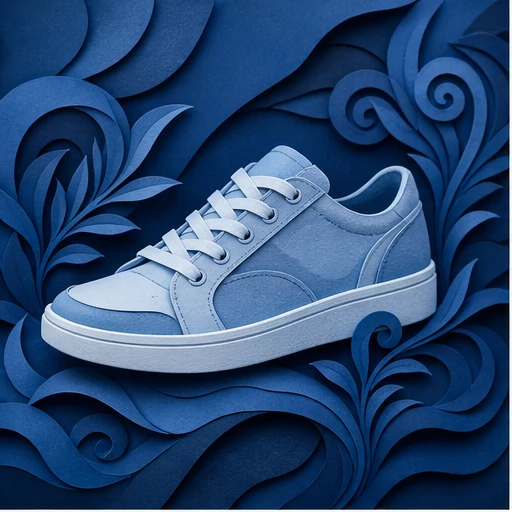
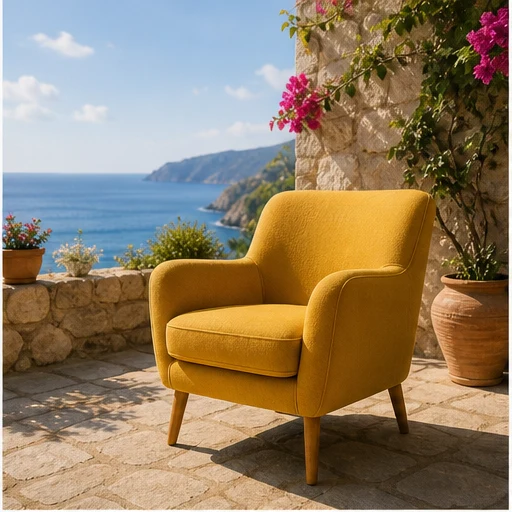
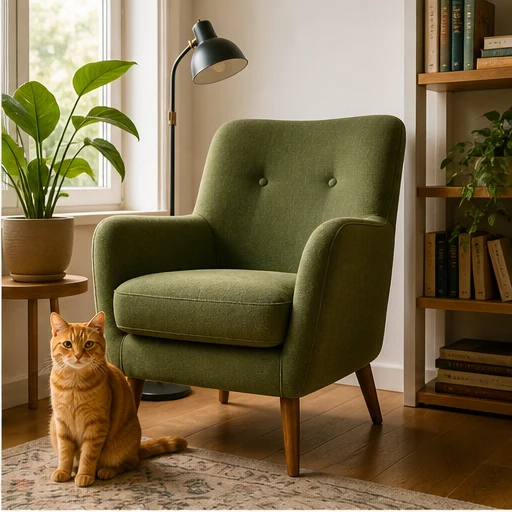
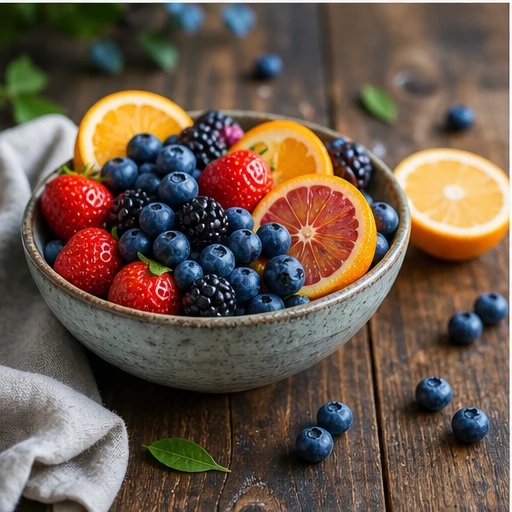
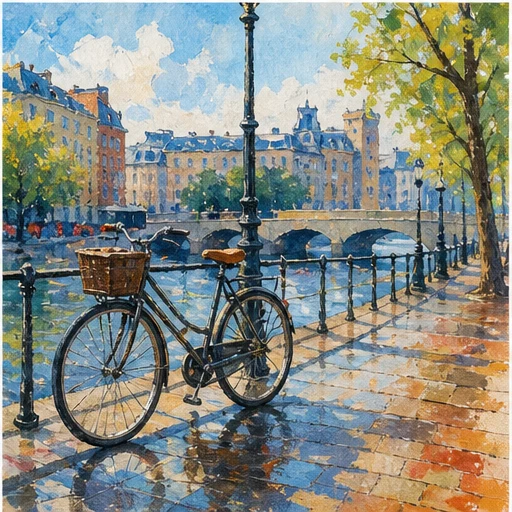
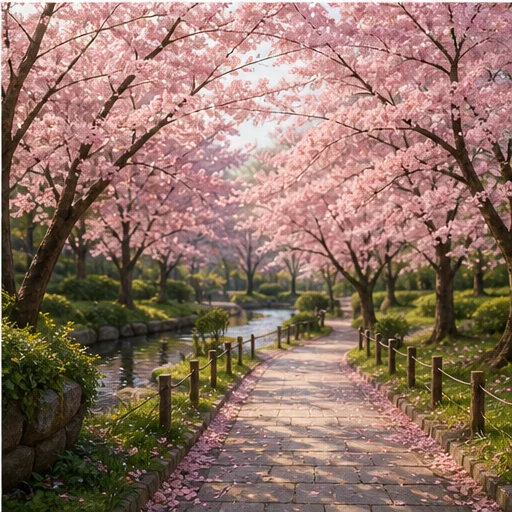
De la subida a la imagen transformada en minutos:
Sube cualquier foto o imagen que quieras transformar. Las entradas de mayor resolución producen mejores resultados de transformación.
Escribe un prompt de texto describiendo la transformación que quieres. Cambia el estilo, añade elementos, reemplaza fondos o reinventa la imagen.
Haz clic en generar y recibe tu imagen transformada en segundos. Descárgala en alta resolución, lista para usar.
Transforma tu imagen en cualquier estilo artístico. Aplica el aspecto de pinturas famosas, artistas concretos o cualquier estética visual.
Selecciona cualquier zona de tu imagen para modificarla. Elimina objetos no deseados, añade elementos nuevos o cambia detalles específicos.
Sustituye fondos de forma fluida. Coloca sujetos en nuevos entornos manteniendo una iluminación correcta.
Mantén el diseño, los sujetos y la perspectiva de la imagen original mientras cambias estilos y elementos.
Explora más herramientas impulsadas por AI
Las imágenes gratuitas incluyen marca de agua. Mejora tu plan para obtener salidas limpias, generación más rápida y uso comercial.
Paquete inicial
Un paquete único de créditos para probar generación de imágenes, música y videos cortos.
Creador
Para crear imágenes, música y videos cortos ligeros.
GPT Image 2 Unlimited
Introduce el código FOUNDING6 en Stripe Checkout: $19/mes durante los primeros 6 meses y después $29/mes.
profesional
Para resultados limpios y más rápidos
estudio
Para producción de video regular y trabajo creativo de alto volumen.
Pago seguro · Las suscripciones se renuevan automáticamente · Ver condiciones de reembolso
equipo
Para flujos de producción compartidos y equipos con mayor volumen.
Todo lo que necesitas saber sobre Image to Image AI
Sube cualquier imagen y descubre la potencia de la transformación impulsada por AI.