
Describe la idea
Escribe en lenguaje sencillo lo que quieres ver. Nombrar el sujeto y el propósito importa más que la longitud.
Planificación de prompts
Describe una idea inicial, elige el tipo de imagen, estilo, modelo de destino y relación de aspecto, y el generador de prompts de imagen crea un prompt estructurado, una versión breve y un prompt negativo que puedes copiar.
Área de prompts
De idea a prompt de imagen listo para copiar
Escribe una frase simple. El generador añadirá estructura, estilo, luz y composición.
Copia el resultado o ábrelo en el generador de imágenes.
Tu prompt de imagen listo para copiar aparecerá aquí.
Describe una idea de imagen para generar un prompt.
Usa este prompt como punto de partida y afínalo después de ver la primera imagen.
Usar en el generadorConvierte una descripción breve en lenguaje de prompt que un modelo de imágenes puede interpretar. En lugar de adivinar la formulación, defines el tipo de imagen, estilo visual, modelo de destino y relación de aspecto, y recibes un prompt que indica el sujeto, la composición, la iluminación y qué dejar fuera del encuadre.
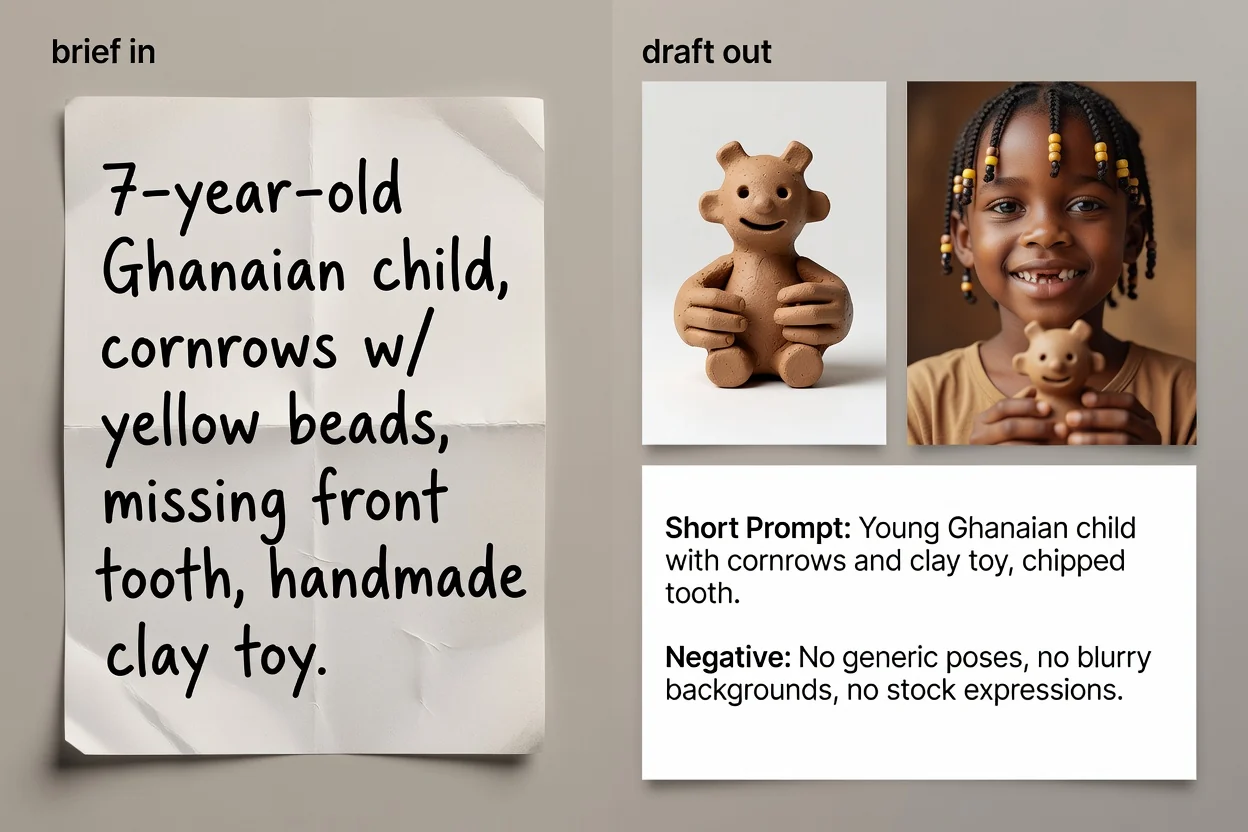
Cuatro pasos desde una idea hasta texto de prompt listo para copiar.
Escribe en lenguaje sencillo lo que quieres ver. Nombrar el sujeto y el propósito importa más que la longitud.
Elige el tipo de imagen y el estilo visual para que el prompt use el vocabulario adecuado para esa categoría.
Selecciona el modelo que piensas usar y la relación de aspecto, para que la formulación y el encuadre coincidan con el destino.
Crea el prompt, revísalo y, si quieres, ejecuta la mejora con IA para perfeccionar la redacción y añadir detalles que faltan.
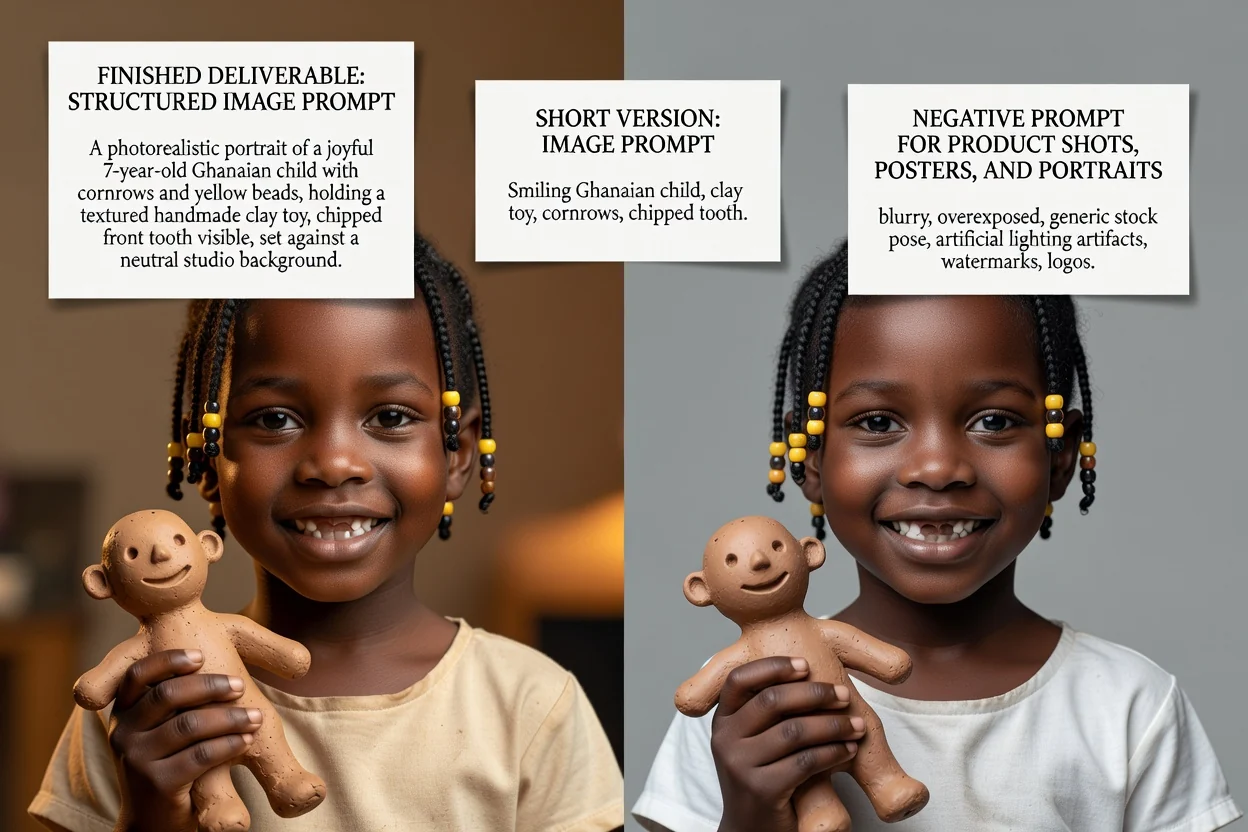
Tres versiones de prompt para tres situaciones distintas.
El prompt completo con el sujeto, la composición, la iluminación, el estilo y el encuadre detallados en orden.
Una versión opcional reescrita que mejora la formulación y completa los vacíos de la descripción breve.
Una versión condensada para interfaces con límites de entrada ajustados o para iterar rápidamente.
La lista de elementos que deben quedar fuera de la imagen, como texto, marcas de agua o detalles distorsionados.
Cada control cambia la redacción, no solo la etiqueta.
Foto de producto, retrato, póster, logotipo, gráfico para redes sociales o ilustración. Define qué términos de composición aparecen.
Fotorrealista, cinematográfico, editorial, minimalista, renderizado 3D o anime; determina el lenguaje de iluminación y renderizado.
GPT Image, Midjourney, Flux, Stable Diffusion o DALL-E. Las convenciones de redacción difieren entre ellos.
Cuadrado, horizontal, vertical o retrato, para que el encuadre y el espacio negativo se adapten a la ubicación final.
Tareas habituales que empiezan aquí.
Escribe prompts que indiquen superficie, iluminación y espacio negativo para que el producto deje sitio al texto del titular.
Crear un prompt de producto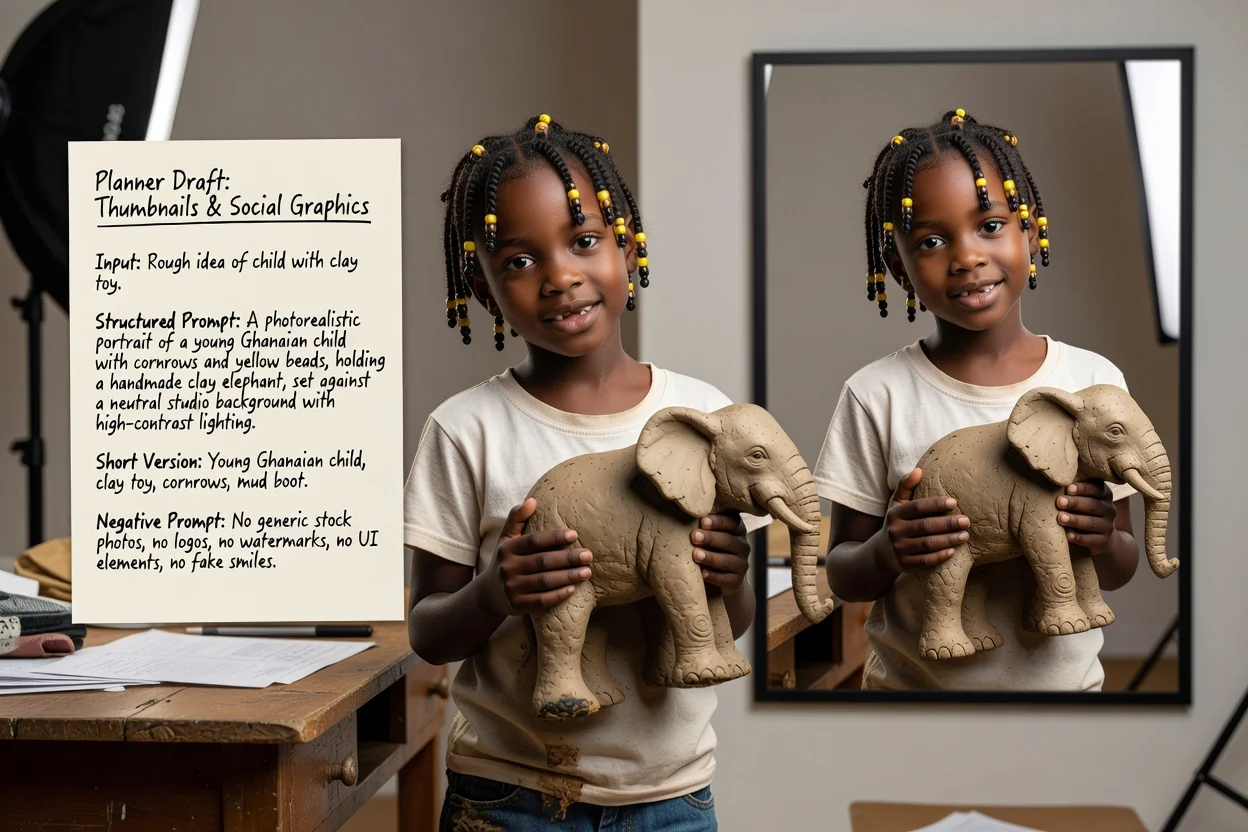
Define una relación vertical u horizontal y un estilo de alto contraste para que el resultado se vea bien en tamaños pequeños.
Crear un prompt para redes sociales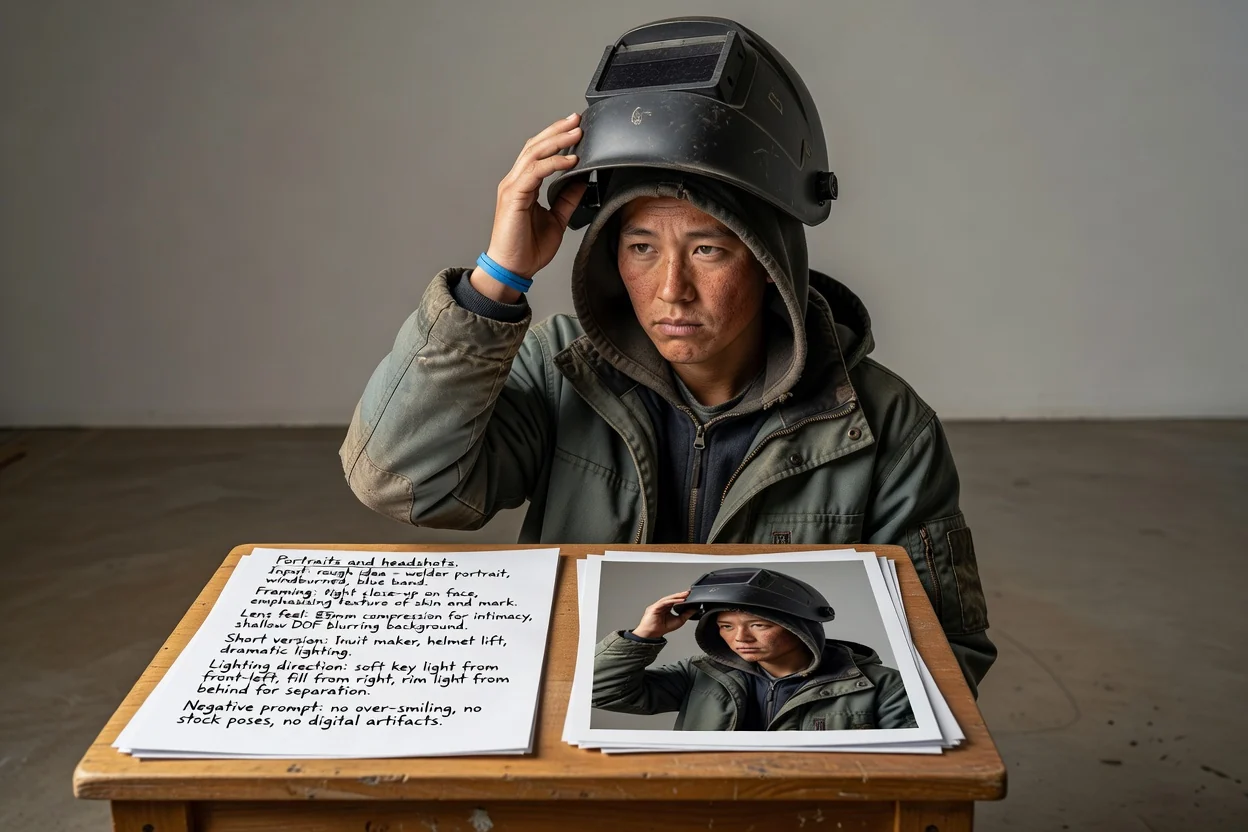
Describe el encuadre, el efecto del objetivo y la dirección de la iluminación en vez de confiar en que el modelo adivine el aspecto.
Crear un prompt de retrato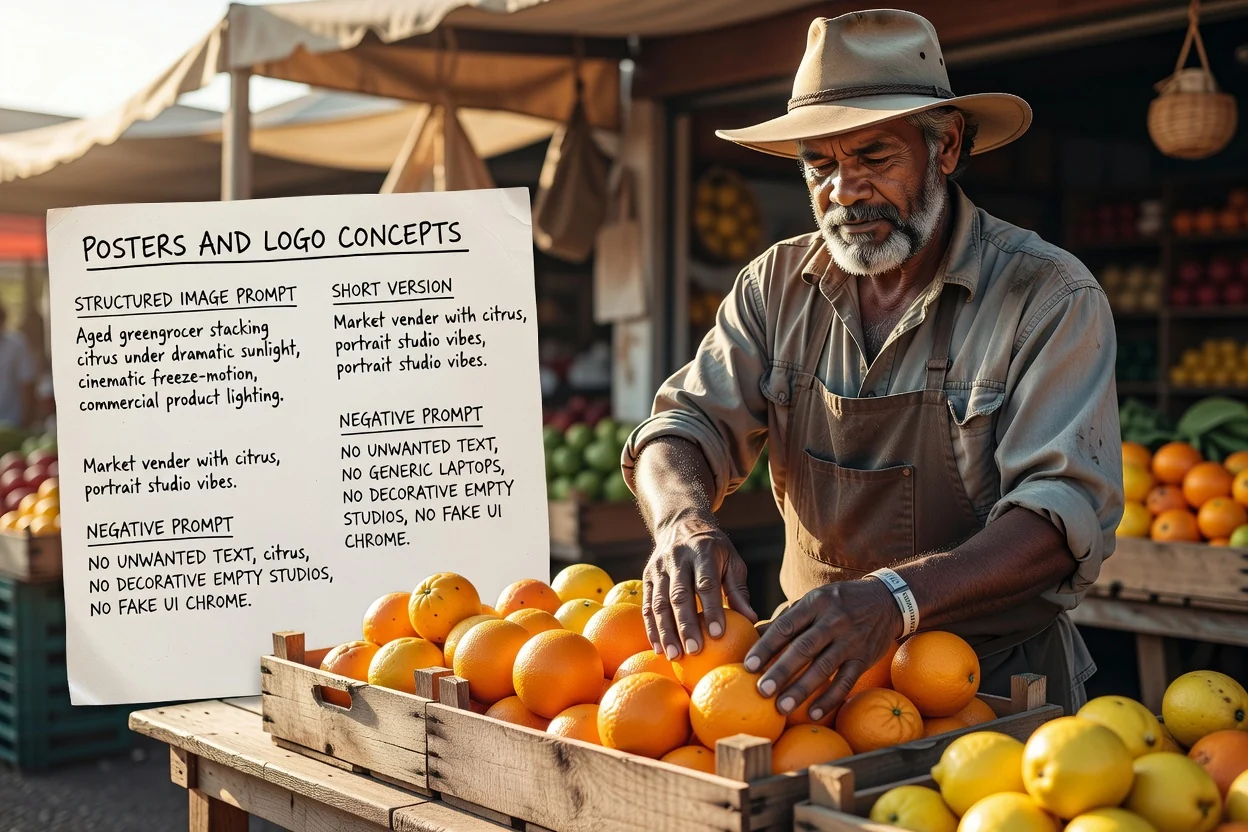
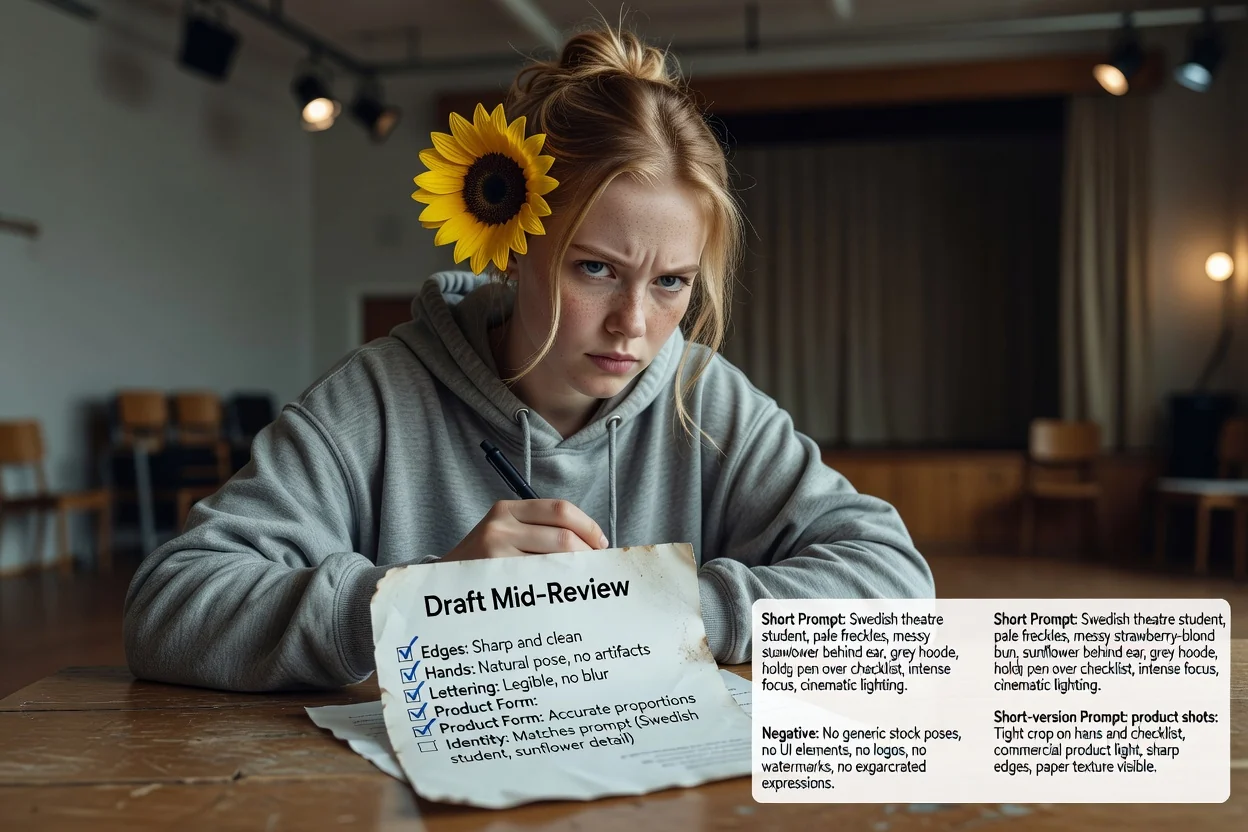
Planifica desde el principio la composición y el espacio para la tipografía, y usa el prompt negativo para controlar el texto no deseado.
Crear un prompt de pósterCuatro comprobaciones rápidas que reducen los reintentos.
Si el prompt describe dos sujetos que compiten, divídelo en dos prompts en vez de llenar un solo encuadre.
Una relación vertical necesita lenguaje de composición vertical. Las discrepancias son la causa más común de recortes incómodos.
Si después colocarás texto sobre la imagen, asegúrate de que el prompt pida espacio negativo en el lugar adecuado.
Elimina exclusiones que no necesites realmente, porque los prompts negativos demasiado largos pueden aplanar el resultado.
Límites que conviene conocer antes de depender de esta herramienta.
La generación de la imagen ocurre en un flujo de trabajo de imágenes. Este paso solo produce el texto que envías allí.
El mismo prompt da resultados distintos según los modelos y sus versiones. Considera el primer resultado como una prueba.
Pedir una redacción exacta dentro de una imagen suele fallar. En su lugar, planifica añadir tipografía real durante la composición.
Preguntas frecuentes sobre cómo escribir prompts para modelos de imágenes con IA.
Dale al generador de prompts de imagen una idea inicial y obtén un prompt completo, uno breve y un prompt negativo para probar.