01
Añade el vídeo original
Sube un vídeo o pega una URL de vídeo accesible. Elige una grabación en la que se vea claramente el rostro de la persona que habla.
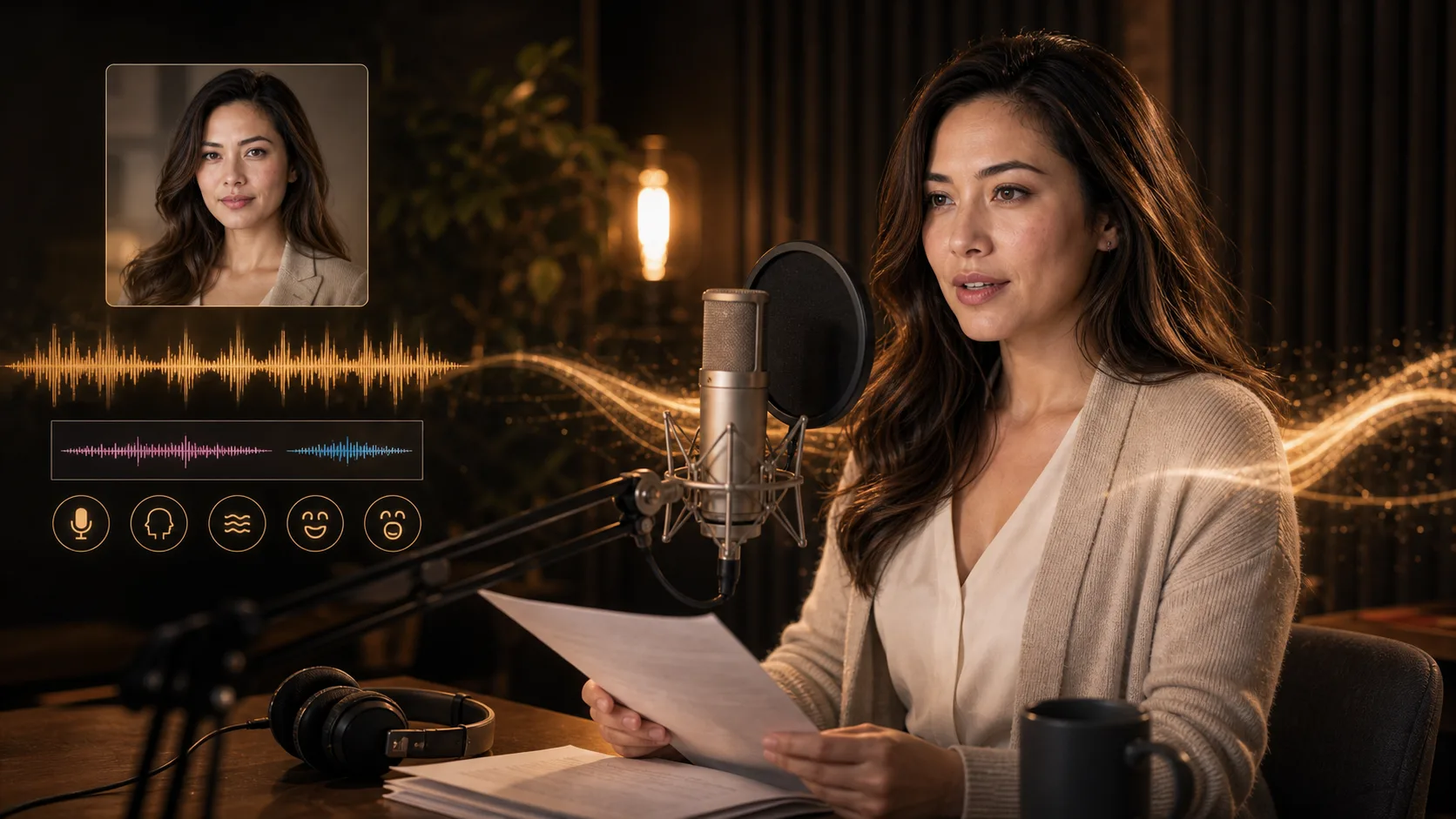
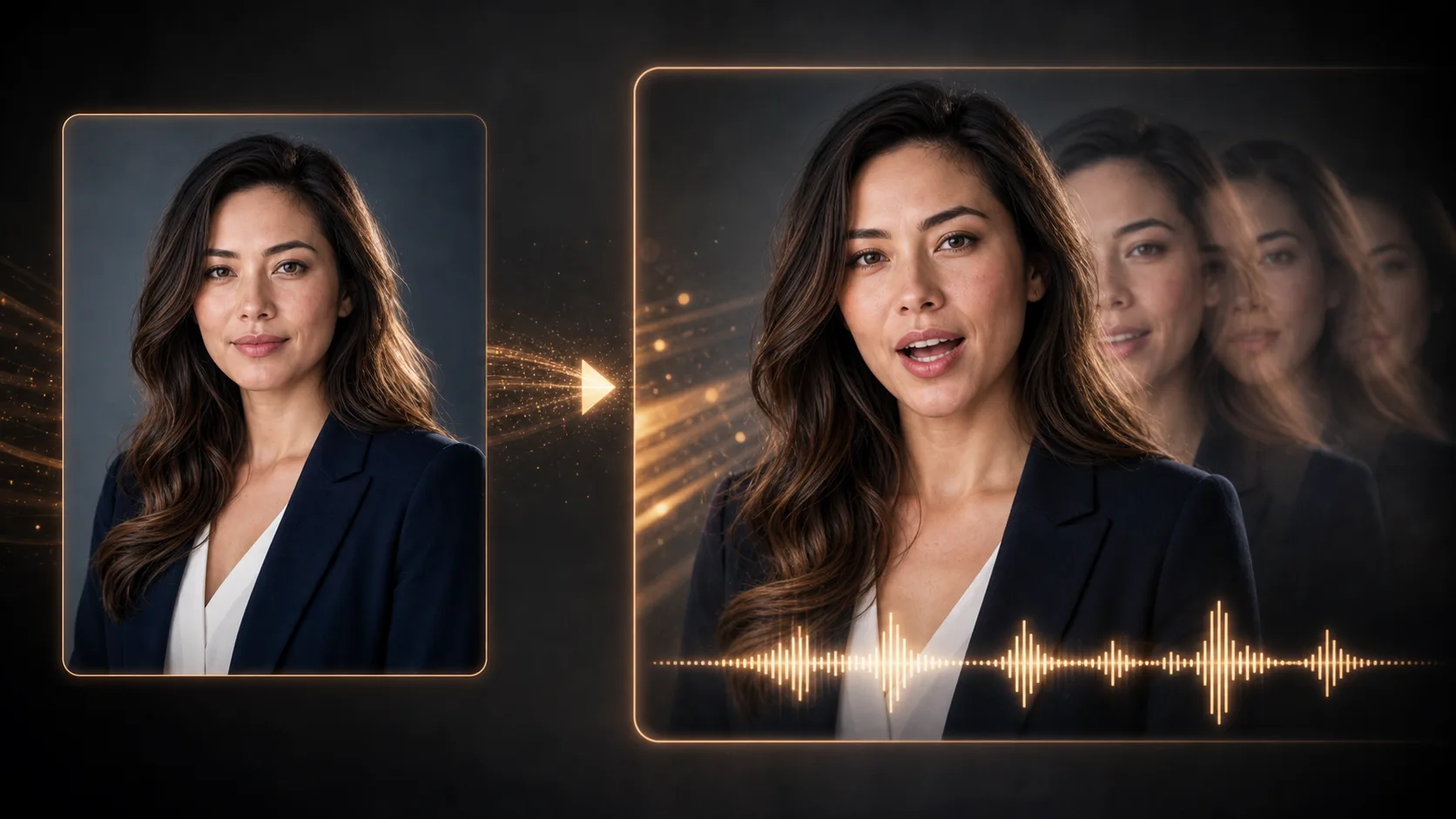
Añade un vídeo existente de una persona hablando y el audio de voz que quieres sincronizar. Genera un vídeo con los movimientos de la boca ajustados y revisa el resultado.
Vídeo original y audio de voz
Sube archivos o pega URL de medios alojados.
Formato de vídeo
MP4/WebM/MOV
Fuente de audio
MP3/WAV/M4A
Estado de sincronización
Esperando los medios
Añade ambas fuentes de medios antes de generar
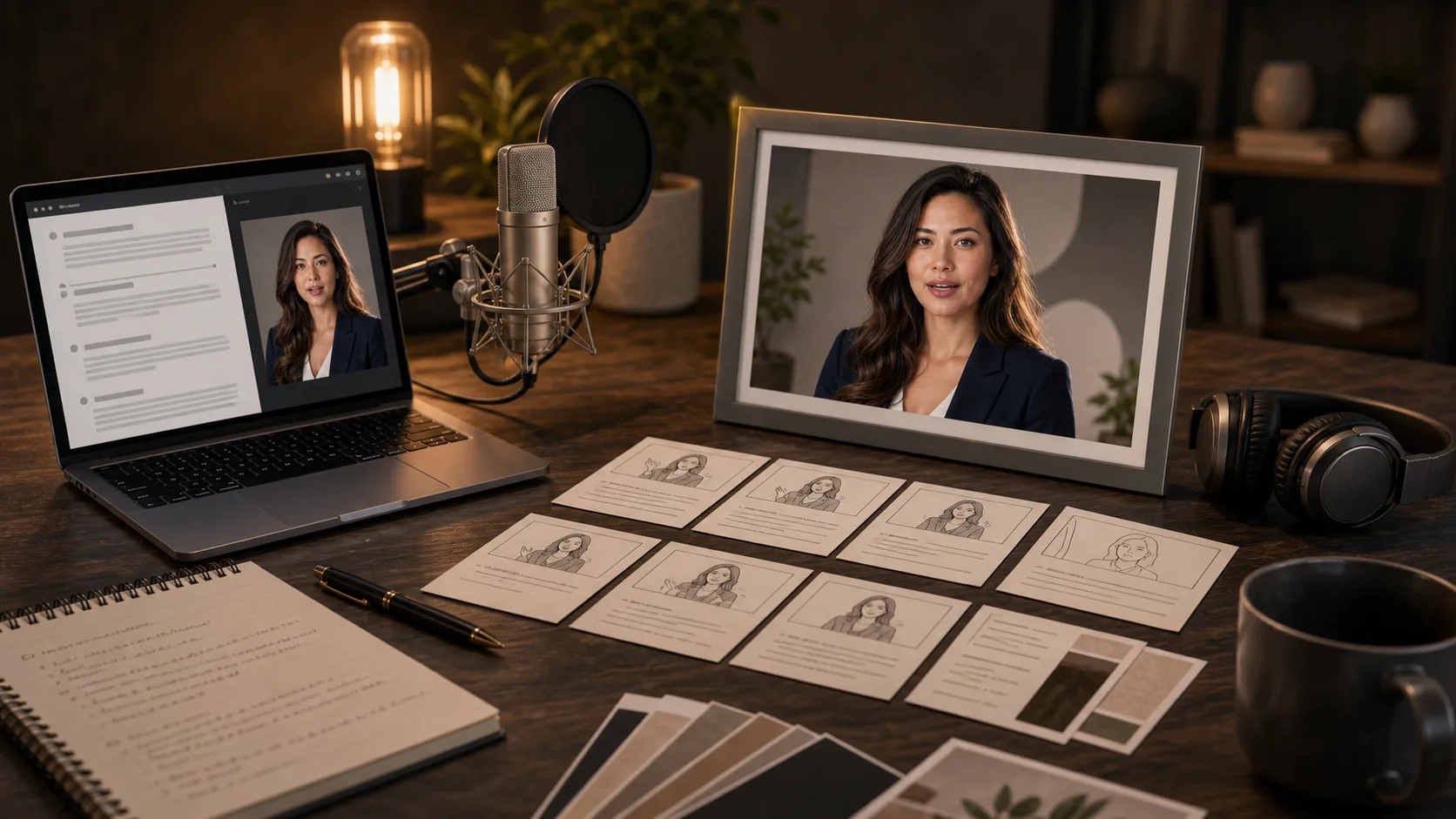
Prepara un vídeo de una persona hablando y una voz grabada o generada para presentar un producto, dar una clase o interpretar a un personaje. Son ideas de planificación, no pruebas de resultados generados.
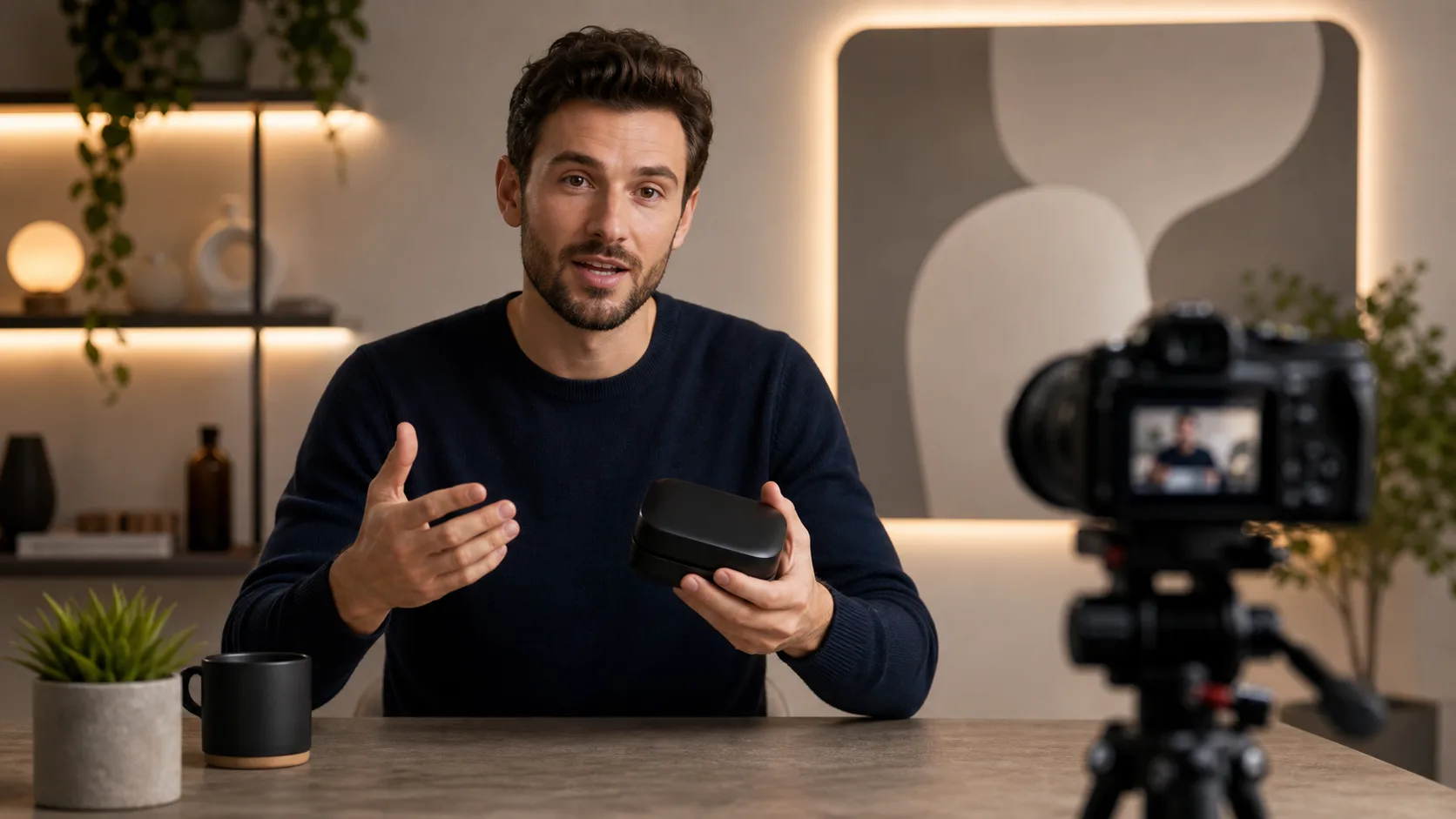
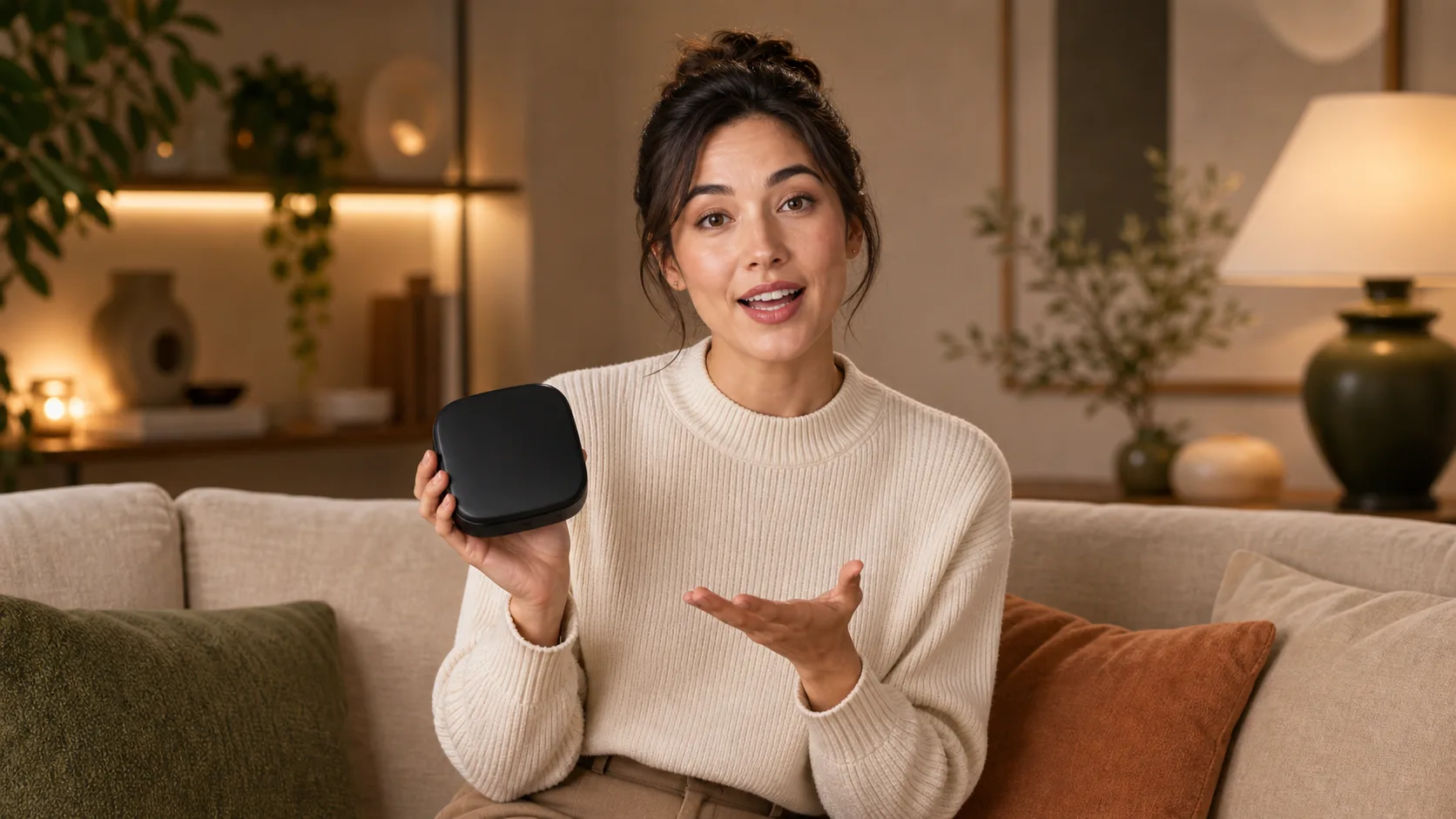
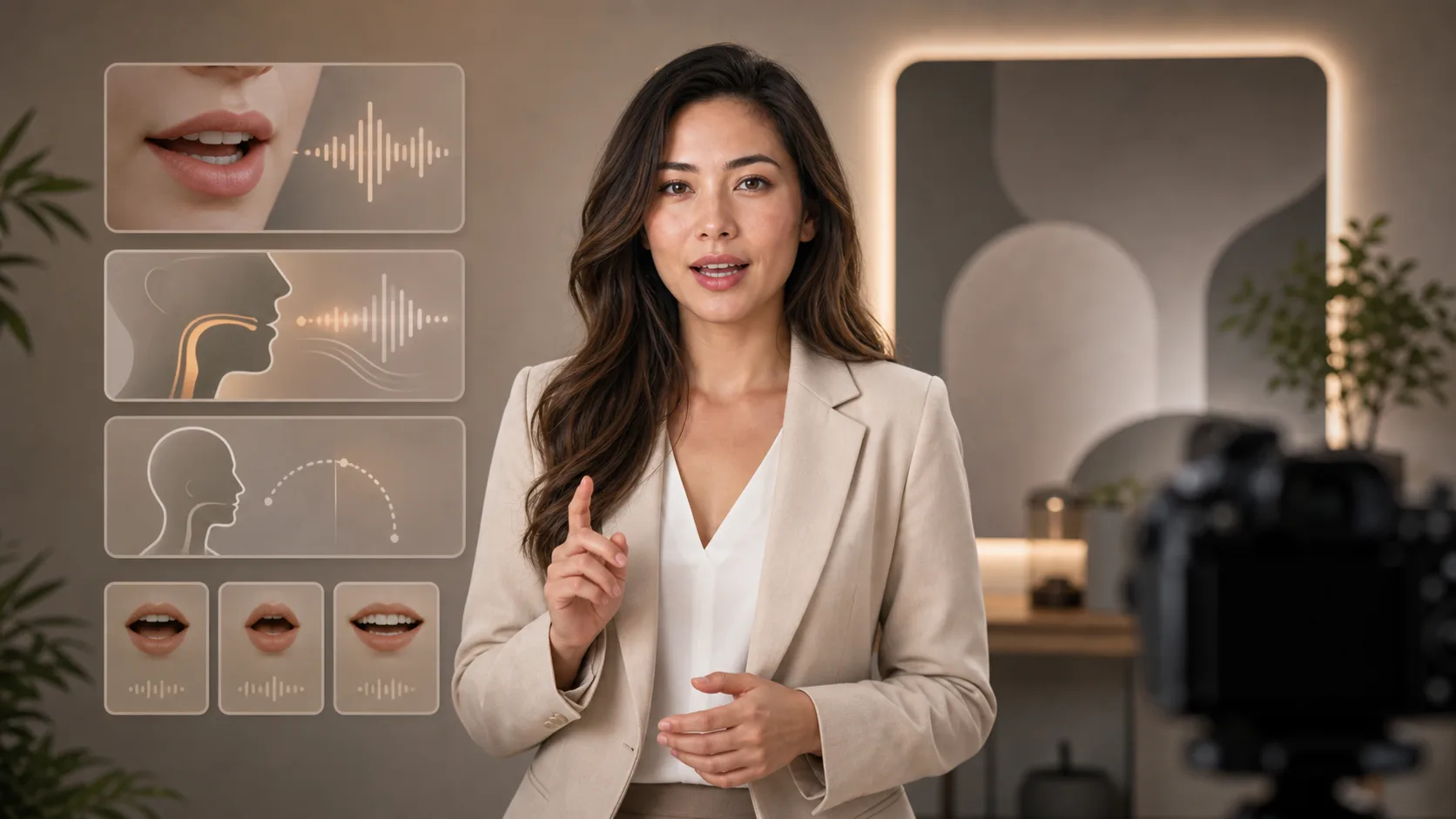
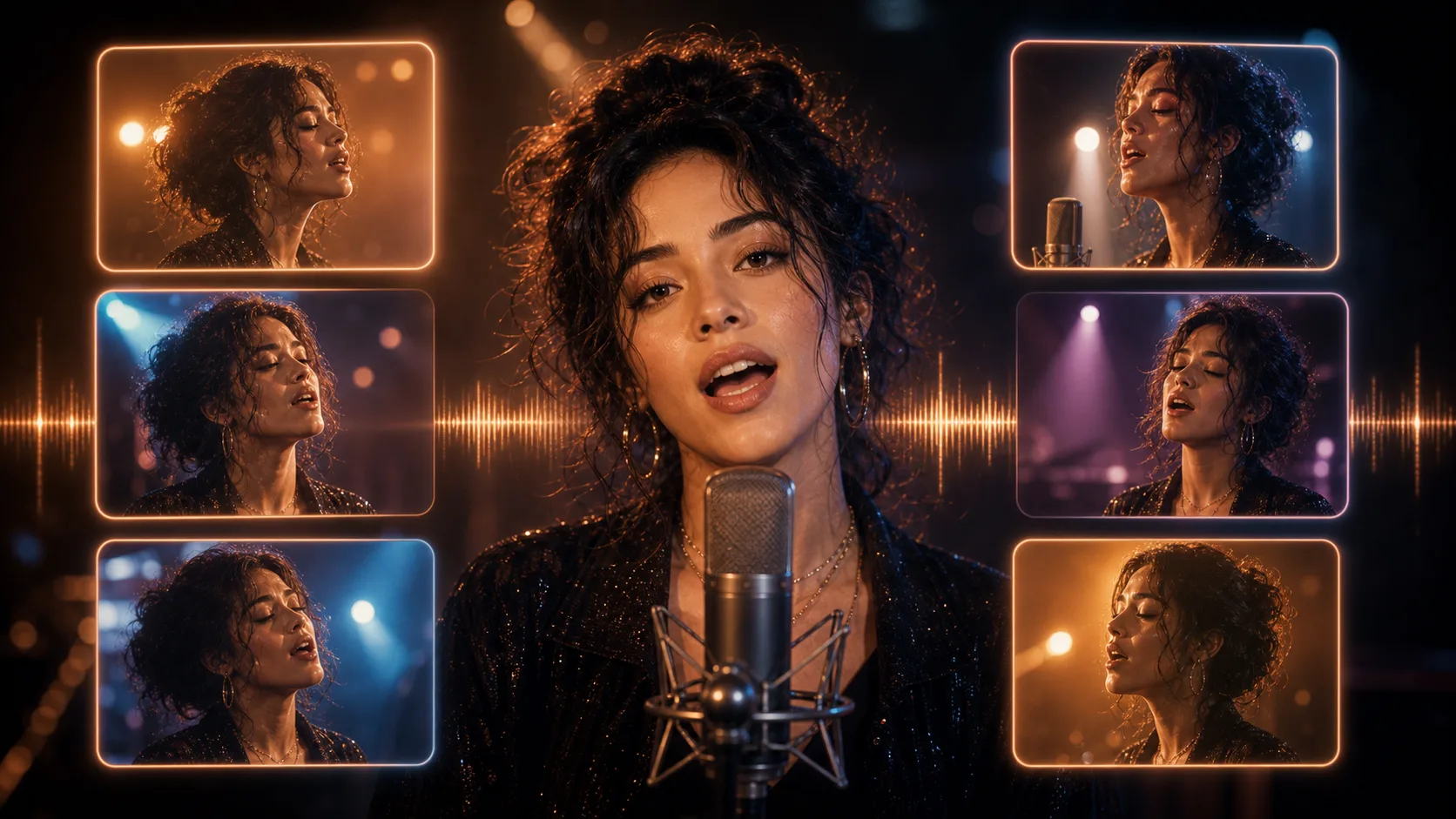
Se necesitan un vídeo existente y una pista de audio; una instrucción de texto o un retrato por sí solos no bastan.
Sube un vídeo o pega una URL de vídeo accesible. Elige una grabación en la que se vea claramente el rostro de la persona que habla.
Sube tu narración o pega una URL de audio accesible. Escúchala primero y comprueba que las palabras se entiendan con claridad.
Envía ambos archivos de origen y espera el resultado del procesamiento. Mantén los archivos accesibles mientras se ejecuta la tarea.
Revisa la sincronización de la boca, el rostro, las pausas y el final. Si el resultado no es adecuado, acorta o mejora el material original antes de volver a intentarlo.
Usa una pista de voz grabada o generada; esta página no convierte directamente el texto escrito en narración.
Empieza con una grabación existente; esta página no crea una persona a partir de una imagen o una instrucción.
Añade cada archivo con su control de subida o pega su URL accesible.
Reproduce el vídeo recibido y revisa la coherencia del rostro y la sincronización de la boca. Aquí no se generan subtítulos automáticamente.
Prepara el guion y la voz y continúa con la creación de un vídeo de una persona hablando a cámara.
Las imágenes gratuitas incluyen marca de agua. Mejora tu plan para obtener salidas limpias, generación más rápida y uso comercial.
Paquete inicial
Un paquete único de créditos para probar generación de imágenes, música y videos cortos.
Creador
Para crear imágenes, música y videos cortos ligeros.
GPT Image 2 Unlimited
Introduce el código FOUNDING6 en Stripe Checkout: $19/mes durante los primeros 6 meses y después $29/mes.
profesional
Para resultados limpios y más rápidos
estudio
Para producción de video regular y trabajo creativo de alto volumen.
Pago seguro · Las suscripciones se renuevan automáticamente · Ver condiciones de reembolso
equipo
Para flujos de producción compartidos y equipos con mayor volumen.
Prepara ambas fuentes y conoce las limitaciones antes de procesarlas.
Añade tu vídeo y audio y revisa los movimientos de la boca generados.