



Generación de texto a vídeo
Convierte una indicación de texto en un clip de vídeo generado y después revisa el movimiento, el detalle del sujeto y la lógica de la escena según el briefing.
Revisa las capacidades, entradas, controles, límites y disponibilidad actual de Google Veo 3.1 antes de planificar una tarea de vídeo con IA.
Veo 3.1 es un modelo de vídeo de Google DeepMind para generación a partir de texto e imágenes, con posicionamiento de audio y vídeo nativos.
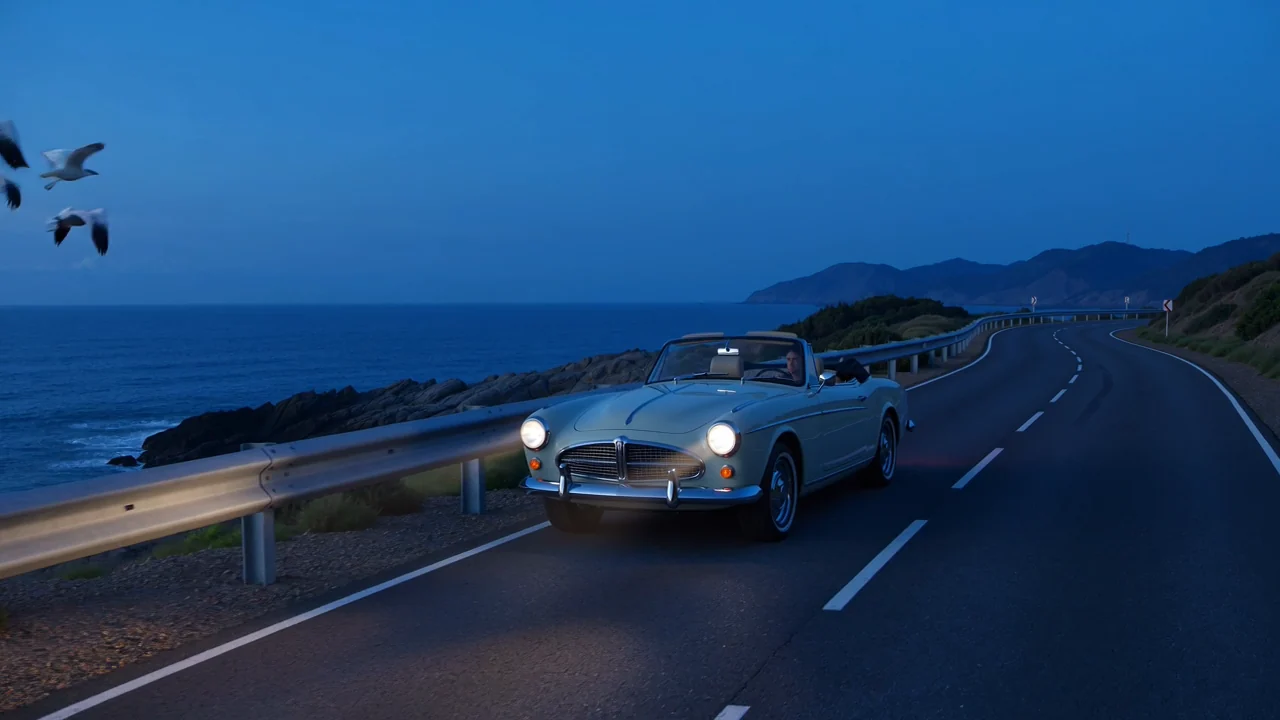
Estas capacidades ayudan a los equipos a evaluar la adecuación del modelo, manteniendo los datos del proveedor separados de promesas de producto no respaldadas.
Convierte una indicación de texto en un clip de vídeo generado y después revisa el movimiento, el detalle del sujeto y la lógica de la escena según el briefing.
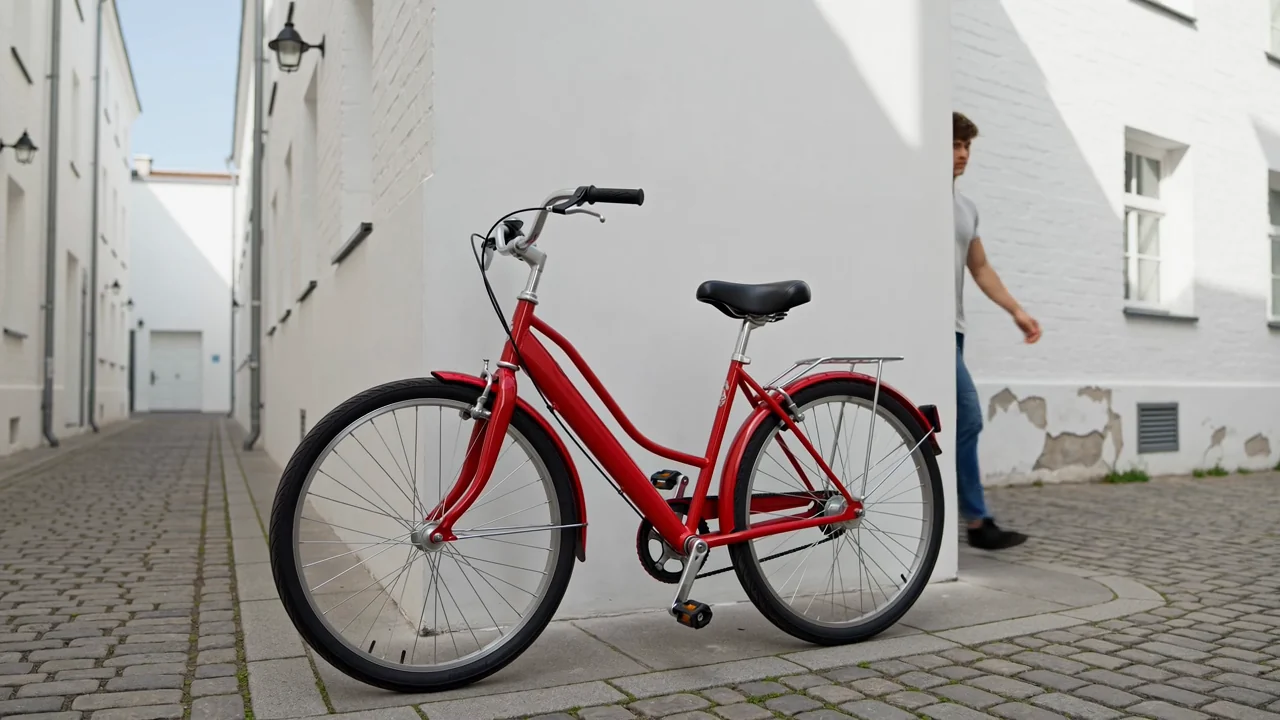
Añade una imagen de referencia cuando el modelo conectado lo admita para guiar la apariencia del sujeto, la composición o la dirección visual.
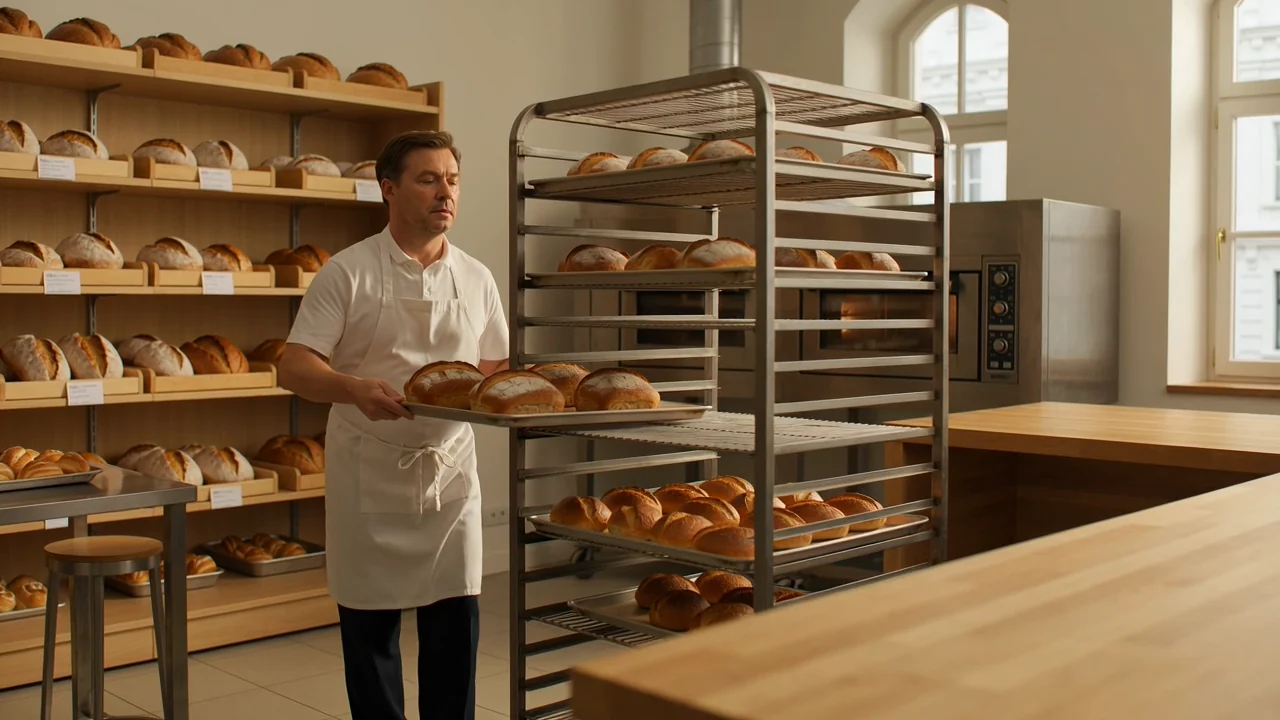
Usa detalles de cámara e indicaciones para describir el encuadre, el movimiento, la atmósfera y la acción antes de comparar el resultado generado.

Evalúa la salida nativa de audio y vídeo del modelo como un recurso preliminar, con revisión humana de la sincronización, la claridad y la adecuación al destino.
Descubre cómo acceder a Google Veo 3.1 en esta página activa y relaciona cada entrada con los controles que se muestran en ella.
Empieza con una indicación de texto específica y añade una imagen de referencia solo si esa entrada está disponible antes del envío.
Usa el selector de modelo, la relación de aspecto, la duración, la resolución y las opciones de imagen de referencia visibles antes del envío.
Espera clips de vídeo generados o vídeos guiados por referencias que aún requieren revisión de formato, continuidad y adecuación al briefing.
Sigue este flujo de trabajo para aprender a usar Veo 3.1 sin salir de los controles actualmente disponibles en ClipCanva.
Indica el propósito del vídeo, la audiencia, el sujeto, el entorno, el movimiento y el formato de destino antes de empezar a escribir la indicación.
Escribe una indicación concreta y reúne solo los recursos de imagen de referencia que Veo 3.1 admite actualmente aquí.
Elige entre el selector de modelo, la relación de aspecto, la duración, la resolución y los controles de referencia visibles antes de enviar.
Genera un borrador, compáralo con el briefing y revisa una instrucción débil o una elección de control cada vez.
Estos casos de uso son adecuados para equipos que comparan un modelo de vídeo con IA con un entregable, una audiencia y un requisito de revisión claros.
Crea borradores de anuncios cinematográficos de productos con dirección controlada del sujeto, atmósfera visual y un criterio de revisión claro.
Prueba ideas de vídeos sociales verticales con escenas guiadas por indicaciones, dirección de referencia y comprobaciones de formato antes de publicar.
Explora pruebas de personajes y escenas en las que la continuidad, el movimiento, el estilo y la adecuación a la indicación requieren una revisión humana minuciosa.
Desarrolla conceptos narrativos audiovisuales como borradores iniciales que requieren revisión de sincronización, claridad y datos factuales.
Usa una revisión estructurada antes de publicar, porque los clips generados pueden contener problemas visuales, factuales o de formato.
Confirma que el sujeto, la acción, el encuadre y la narrativa siguen la indicación original y el uso previsto.
Inspecciona personas, productos, fondos, movimiento de cámara, transiciones y continuidad de escena para detectar problemas visibles.
Comprueba los elementos de marca y los detalles factuales con el material de origen aprobado antes de publicar.
Revisa la duración, la resolución, el recorte, la relación de aspecto y los requisitos de destino según el canal final.
Mantén diferenciadas la disponibilidad, los controles visibles, los límites del modelo y la responsabilidad de publicación al evaluar clips generados.
Veo 3.1 está conectado hoy en ClipCanva, y sus opciones activas son la fuente de referencia para la disponibilidad.
Los resultados varían entre ejecuciones, por lo que la misma entrada puede cambiar detalles, composición, movimiento, sincronización o calidad general de la escena.
ClipCanva ofrece sus propios controles de duración, resolución, indicación y referencia basados en Kie, en lugar de todas las funciones de la API de Gemini.
Datos verificados
Encuentra respuestas concisas sobre identidad, acceso, entradas, necesidades de revisión, disponibilidad y controles de duración de vídeo previstos.
Compara modelos de vídeo con IA similares por compatibilidad de entradas, controles disponibles, comportamiento de salida, necesidades de revisión y disponibilidad.
Empieza con una indicación clara, confirma el acceso y los controles actuales, genera un borrador y reserva tiempo para revisar cuidadosamente el resultado.