
上传文件
从您的设备中选择一张JPG、PNG、WEBP或AVIF格式的图片。
使用这款便捷的浏览器工具,为JPG、PNG、WEBP或AVIF格式的图片进行颜色反转。上传图片,查看处理结果,在获得满意效果后保存最终文件。
原始图片
选择图片后即可预览原图。
处理结果
反转图片颜色是指将每个可见像素转换为其RGB相反色,从而创建原始图片的负片风格版本。本工具专为此功能设计:上传支持的图片文件,应用全图像颜色反转,检查结果后保存。
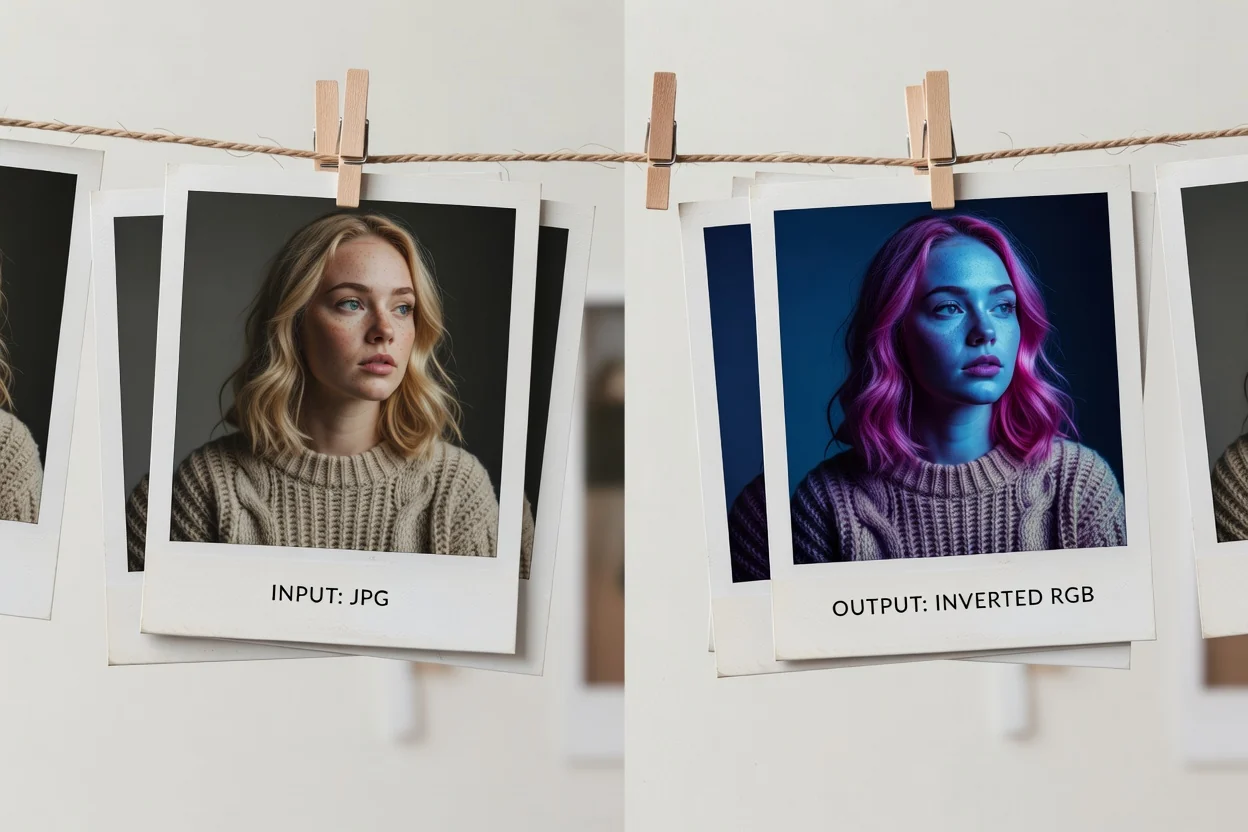
通过图片颜色反转在线工具,只需简单几步即可处理图片。
从您的设备中选择一张JPG、PNG、WEBP或AVIF格式的图片。
图片颜色反转工具会在整张图片上应用RGB相反色转换,同时保留透明度。
检查处理结果以确认反转效果。
本工具接受支持的图片文件,并生成一个在处理后可预览的结果图像。
上传一张JPG、PNG、WEBP或AVIF格式的图片。
输出为一个可供预览的颜色反转结果图像,随后可下载输出文件。
支持的控制方式是固定的:RGB相反色转换、整图覆盖、保留透明度。不提供强度、通道、遮罩或区域控制功能。
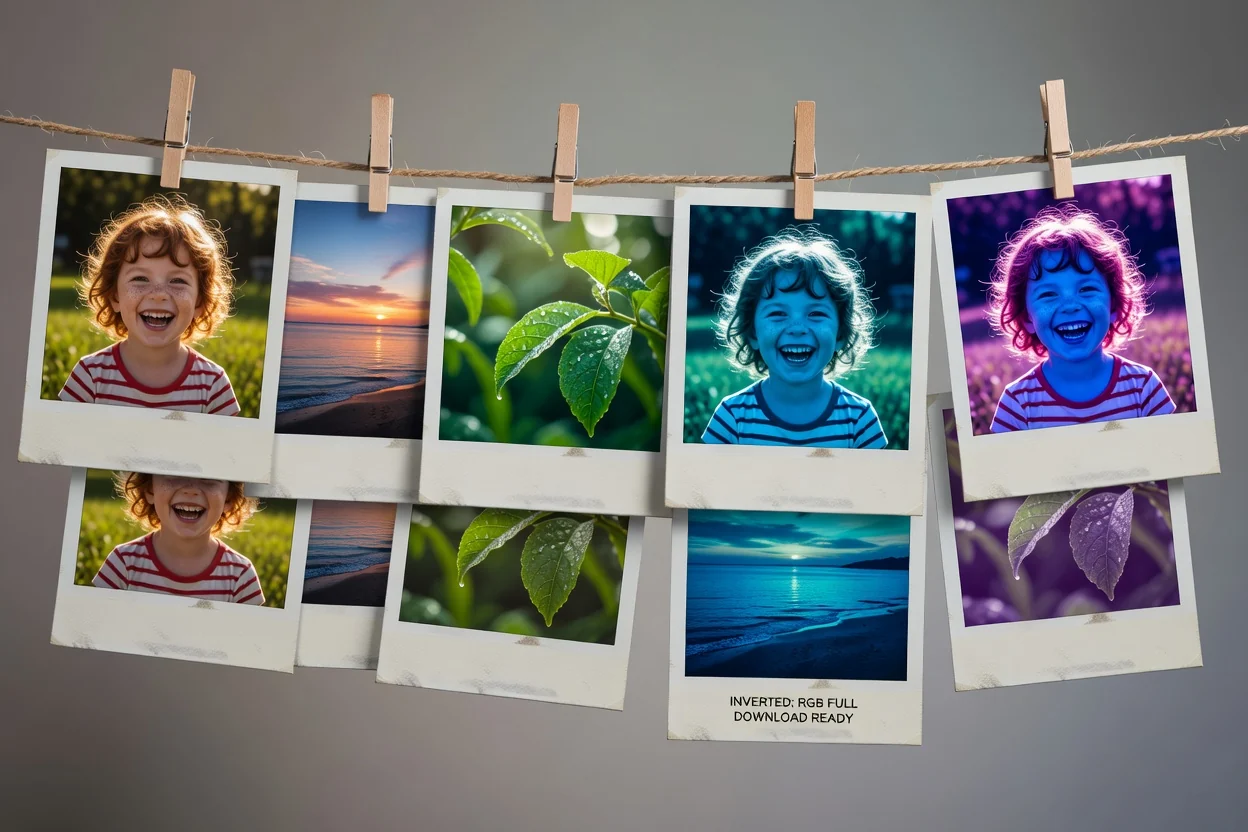
本图片颜色反转工具旨在提供直接、可预览的结果,无需额外的编辑步骤。
可见像素被转换为其RGB相反色,为整个文件创造出清晰的颜色反转效果。
反转效果将应用于整个图像,因此结果是基于完整的原图,而非选定区域。
具有透明度的图片将在保留透明区域的同时,对可见的颜色数据进行反转。
处理完成后,您可以在保存输出文件前检查结果。
当您需要对整张图片进行快速且结果可预测的颜色变换,并对可见像素和透明度进行可预期处理时,请使用此在线图片颜色反转工作流。
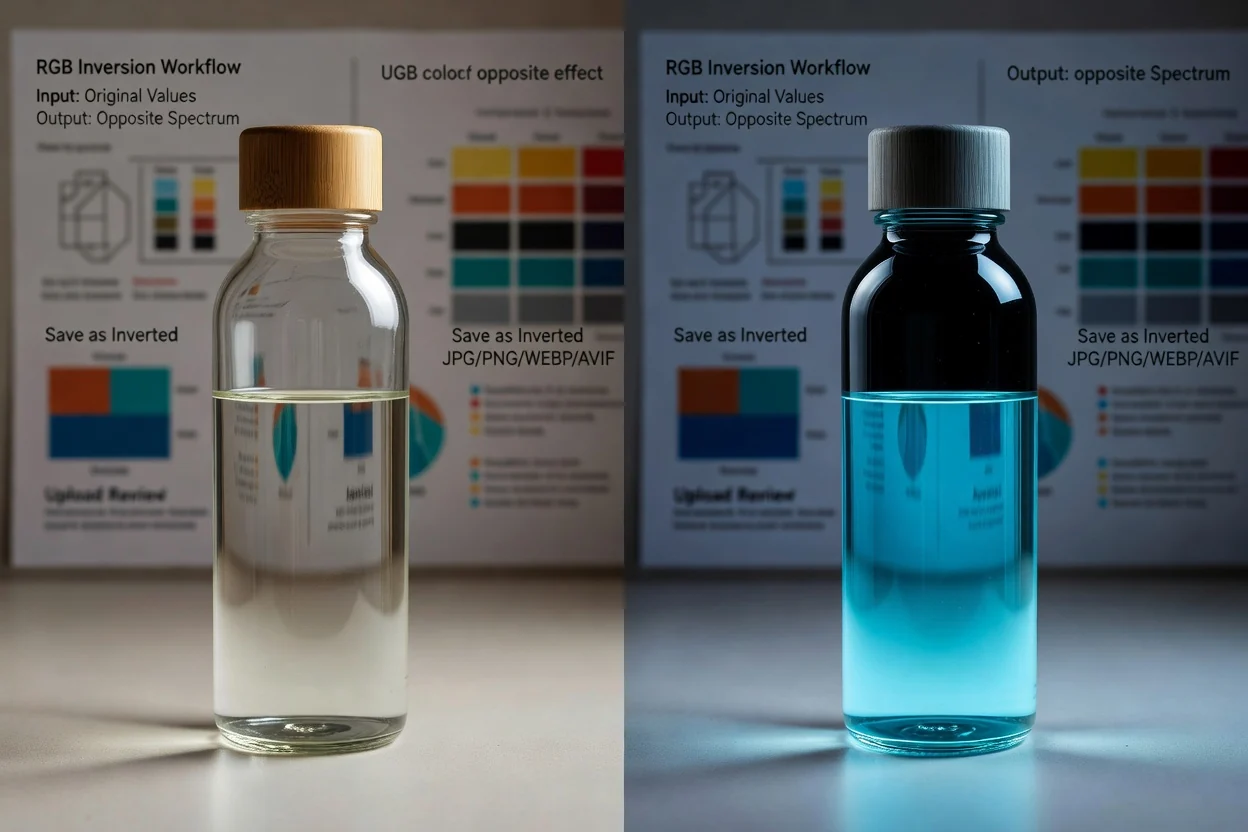
通过将可见的RGB值转换为其相反色,创建负片风格的图像。

为图形、模型图、预览图或营销素材等的整个画幅应用相同的颜色变换。
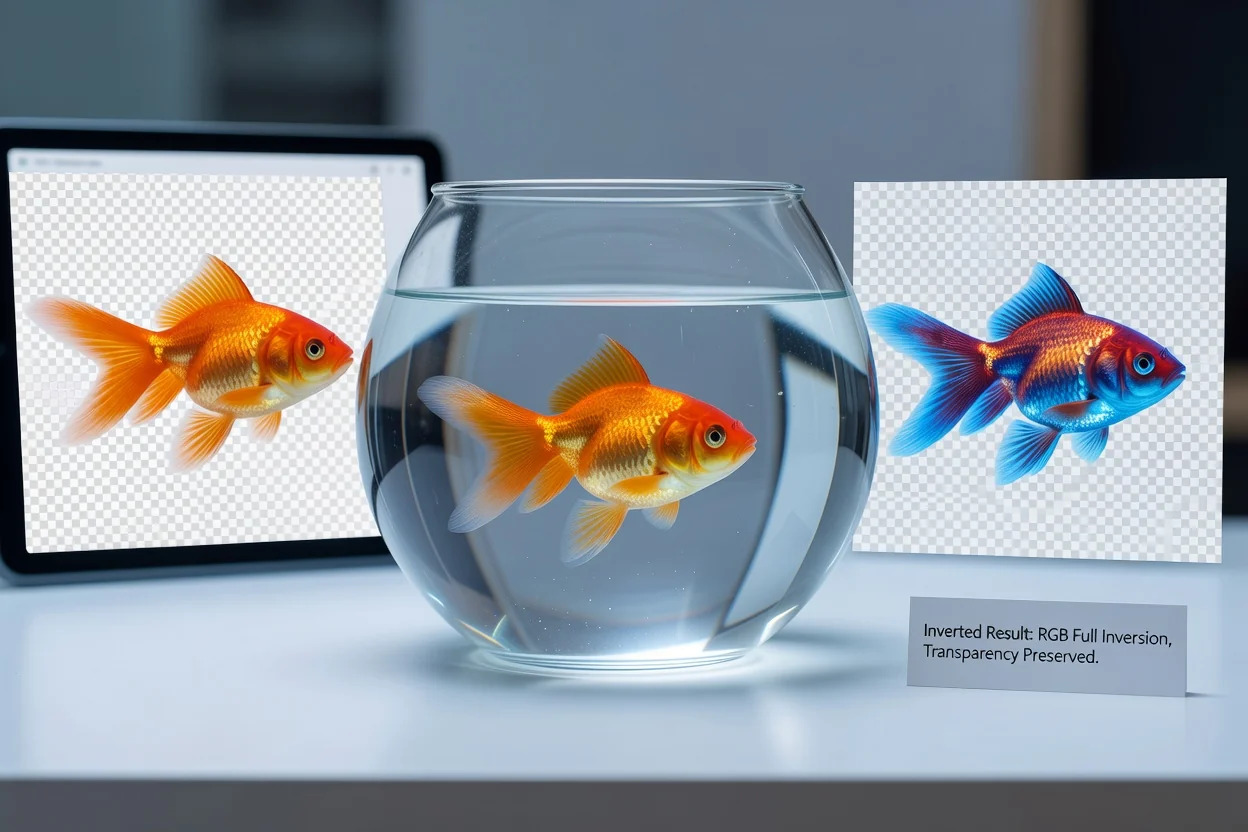
处理具有透明背景的PNG或WEBP图像,同时保持其透明区域在结果中完好无损。
本工具功能设计专一,使用一致的色彩反转方法处理源图像。
本工具执行固定的RGB反转,不提供反转强度调整或红、绿、蓝通道的单独控制。
反转效果应用于整个源图像。不支持选择性遮罩、画笔编辑和区域处理。
仅支持JPG、PNG、WEBP和AVIF作为输入格式。其他格式的源文件需要先进行转换。
关于使用本工具反转图片颜色的常见问题解答。
其他专注于图像文件处理的工具,可以在相同工作流中对图像进行预备或收尾工作。