
描述你的想法
用平实的语言写出你想看到的内容。明确主体和目的比长度更重要。
提示词规划
描述你的初步想法,选择图像类型、视觉风格、目标模型和宽高比,图像提示生成器将为你撰写结构化的提示词、简短版本以及负面提示词以供复制。
提示词工作台
把想法变成可复制的图片提示词
写一句粗略想法即可,工具会补充结构、风格、光线和构图。
复制结果,或直接打开图片生成器。
它能把简短描述转换为图像模型可以理解的提示语言。你不用再猜测措辞,只需设定图像类型、视觉风格、目标模型和宽高比,就能得到一个明确说明主体、构图、光源以及需要排除元素的提示词。
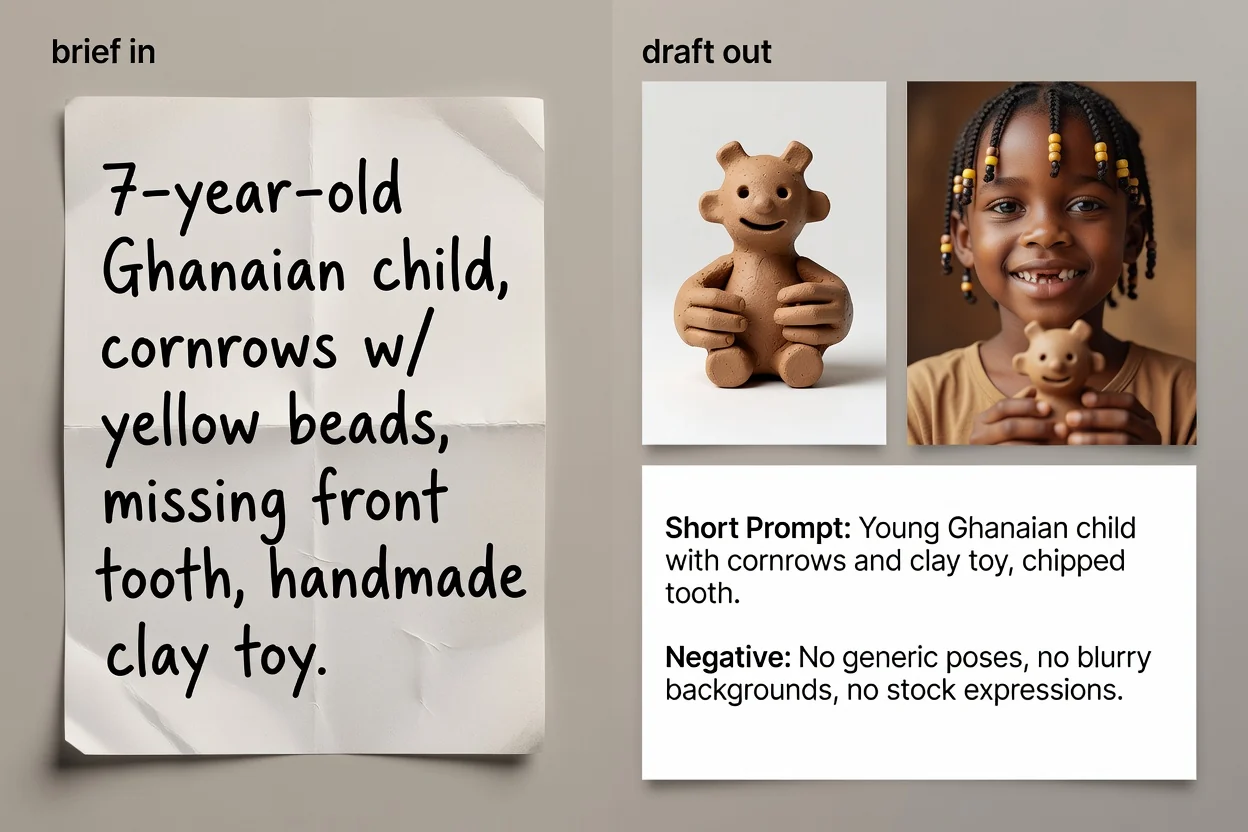
从想法到可复制文本的四步流程。
用平实的语言写出你想看到的内容。明确主体和目的比长度更重要。
选择图像类型和视觉风格,以便提示词能使用该类别的正确术语。
选择你计划使用的模型和宽高比,使措辞和构图匹配最终目的地。
生成提示词,审阅它,可选择运行 AI 优化来精炼措辞并补充缺失的细节。
针对三种不同场景的三个提示词版本。
完整的提示词,按顺序详细说明了主体、构图、光源、风格和画面布局。
一个可选的改写版本,它会精炼措辞并填补简短描述可能遗漏的细节。
为输入框有严格限制的界面或需要快速迭代的场景准备的压缩版本。
需要从图像中排除的内容列表,例如文字、水印或扭曲的细节。
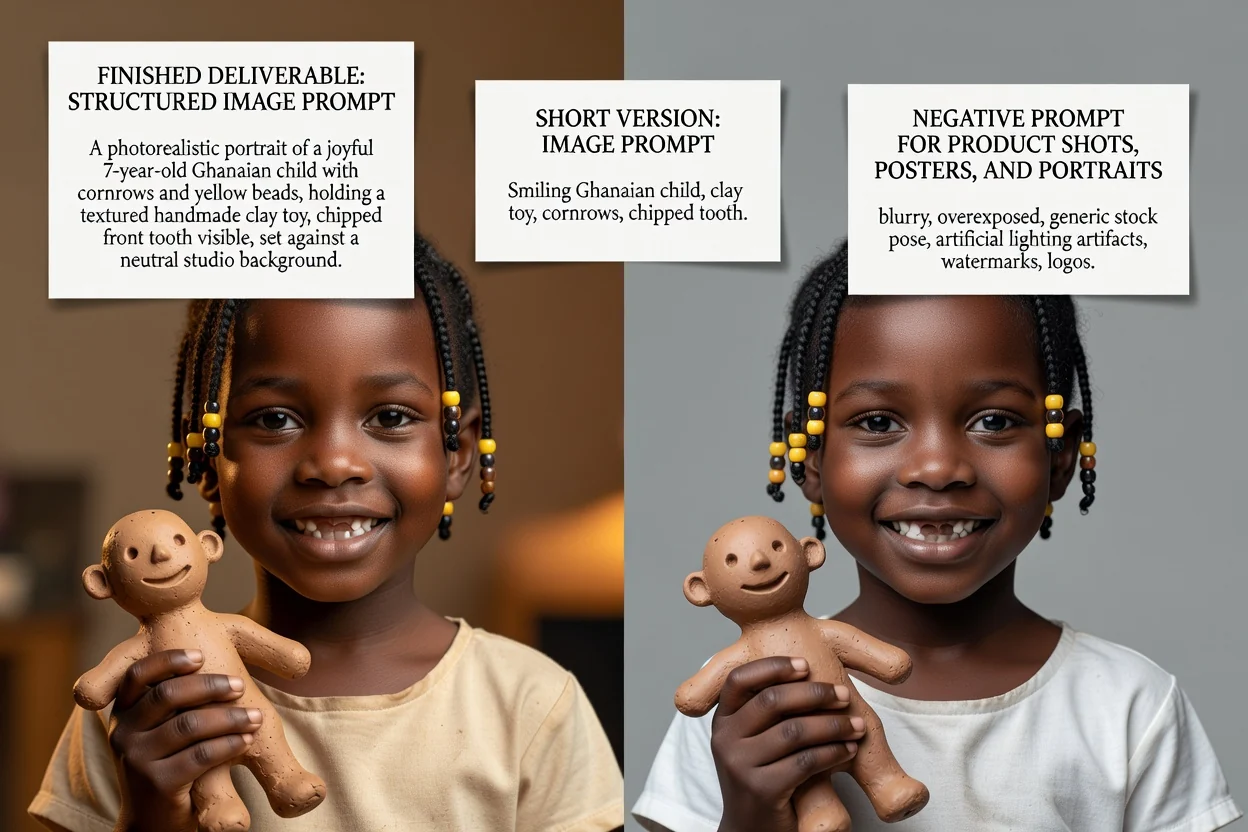
每个控件都会改变最终的措辞,而不仅仅是标签。
产品照片、人像、海报、Logo、社交媒体图片或插图。这部分设置了所使用的构图术语。
写实摄影、电影感、编辑风、极简风、3D渲染或动漫风格,这决定了光源与渲染效果的语言。
GPT Image、Midjourney、Flux、Stable Diffusion 或 DALL-E。不同模型间的措辞惯例有所差异。
正方形、宽幅、竖幅或人像尺寸,确保构图和留白适合最终展示场景。
从这里开始的常见任务。
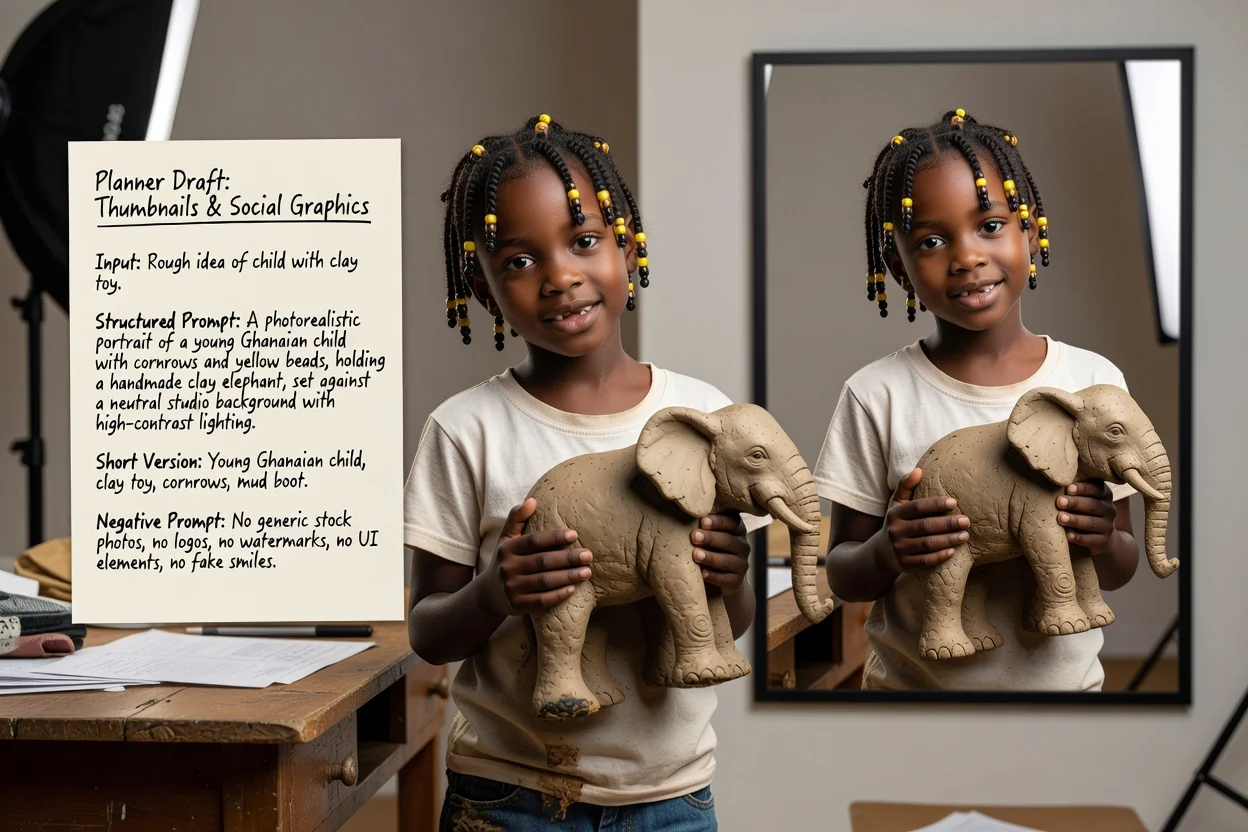
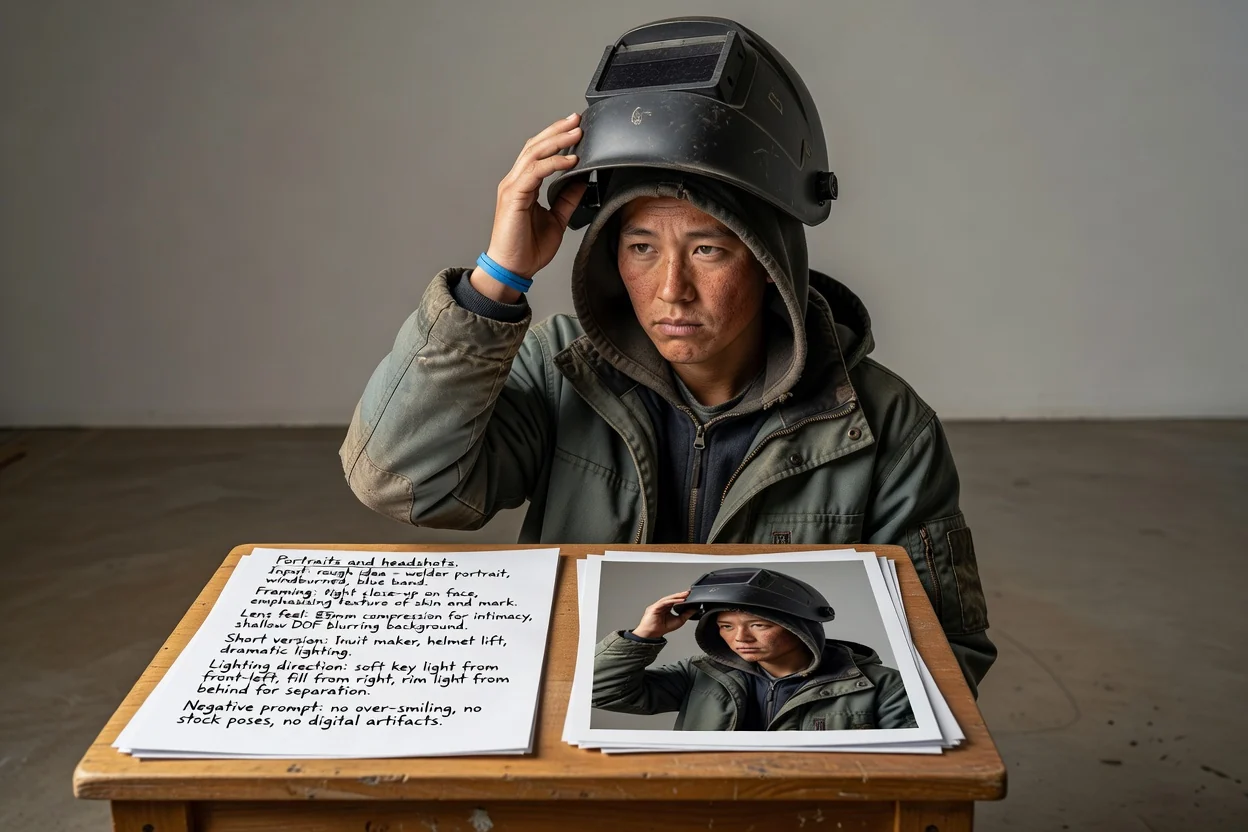
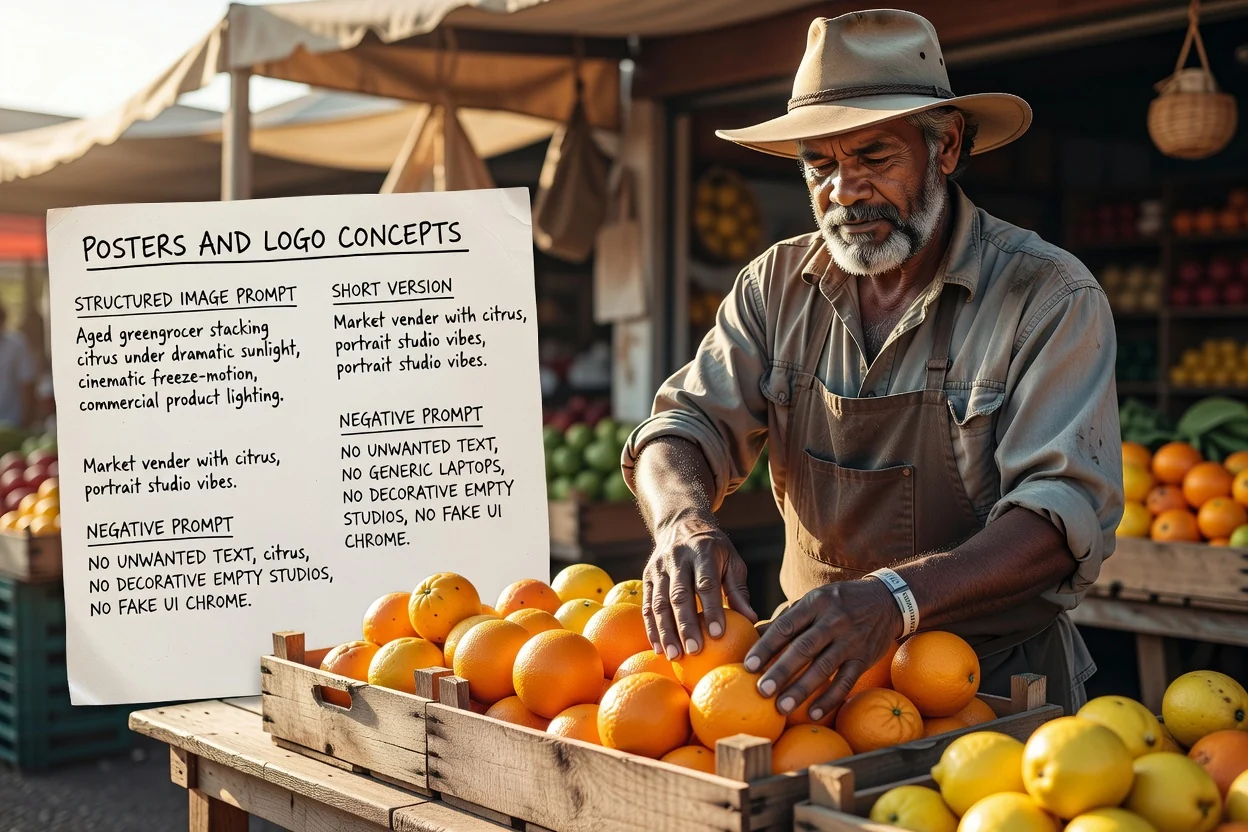
四个快速检查点,可以减少重试次数。
如果提示词描述了两个相互竞争的主体,应将其拆分为两个提示词,而不是填充在一个拥挤的画面中。
竖幅比例需要匹配竖幅构图的措辞。不匹配是导致画面裁剪不协调最常见的原因。
如果后续需要在图像上添加文字,请确保提示词要求在相应位置预留负空间。
删除你实际上不需要的排除项,因为过长的负面提示词可能会使结果变得平淡。
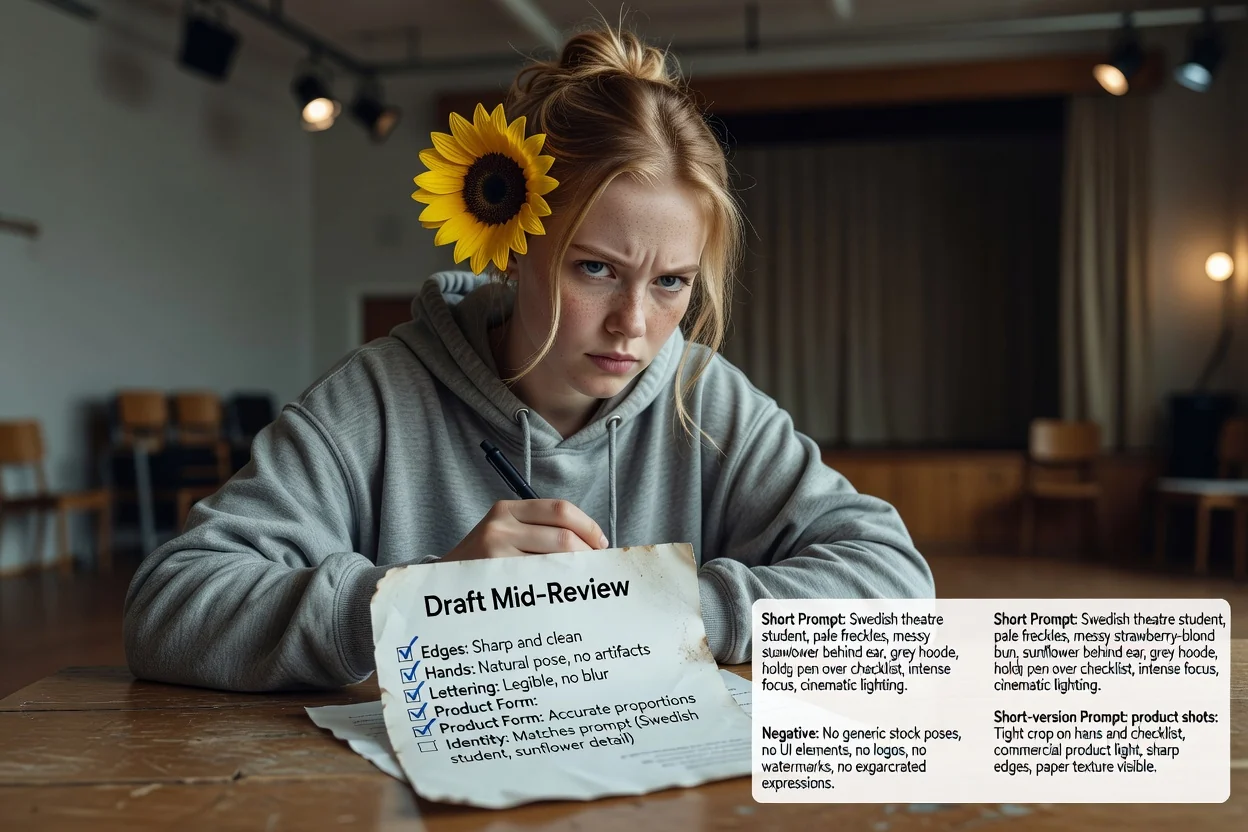
在依赖它之前,值得了解的局限性。
生成图片发生在图像工作流中。此步骤仅生成你将发送到那里的文本。
同一提示词在不同模型和版本间会产生不同结果。请将首次生成结果视为测试。
请求在图像中生成精确文字经常失败。建议在布局阶段添加真实的排版文字。
关于为AI图像模型撰写提示词的常见问题。