AI Video Effects Generator

Describe the video effect you want, from cinematic light leaks to social transitions, and generate short clips with controlled motion and visual style.

Video EffectsTransitionsParticlesCamera Motion
0 / 2000

Video Effect Ideas

Start with a simple scene, then add the effect style, camera behavior, and pacing.

How to create better video effects

A clear base scene plus one strong effect direction usually works better than a crowded prompt.

01

Name the source scene

Describe the subject, setting, shot type, and what the base clip should feel like.

02

Add the effect language

Specify glow, particles, transitions, speed ramps, light leaks, film grain, or stylized camera motion.

03

Keep motion practical

Effects work best when the core action is simple and the camera direction is explicit.

04

Generate variations

Try a few effect strengths and reuse the best direction for social clips, ads, or concept previews.

Effects Built for AI Video

Visual Effects

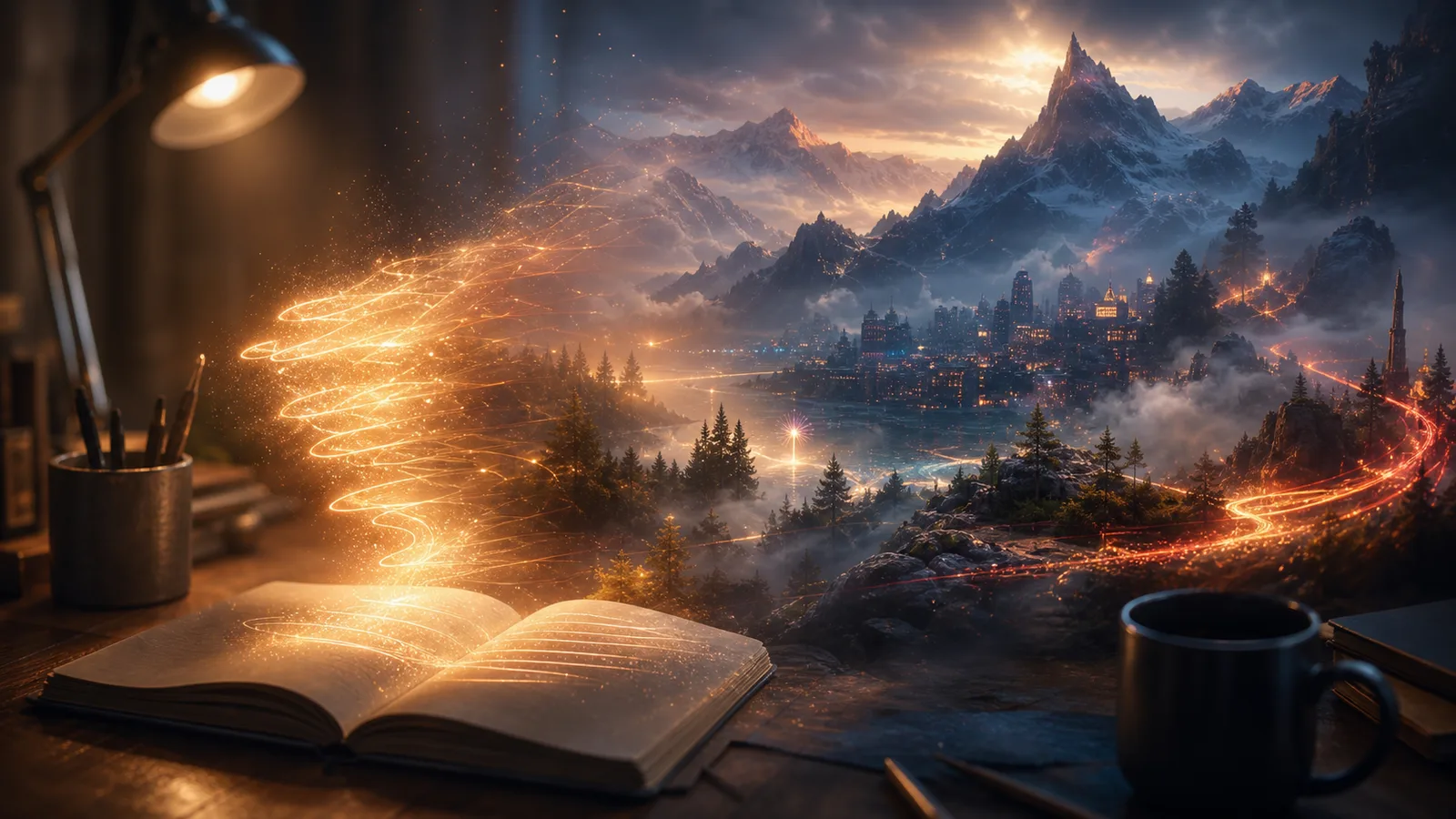
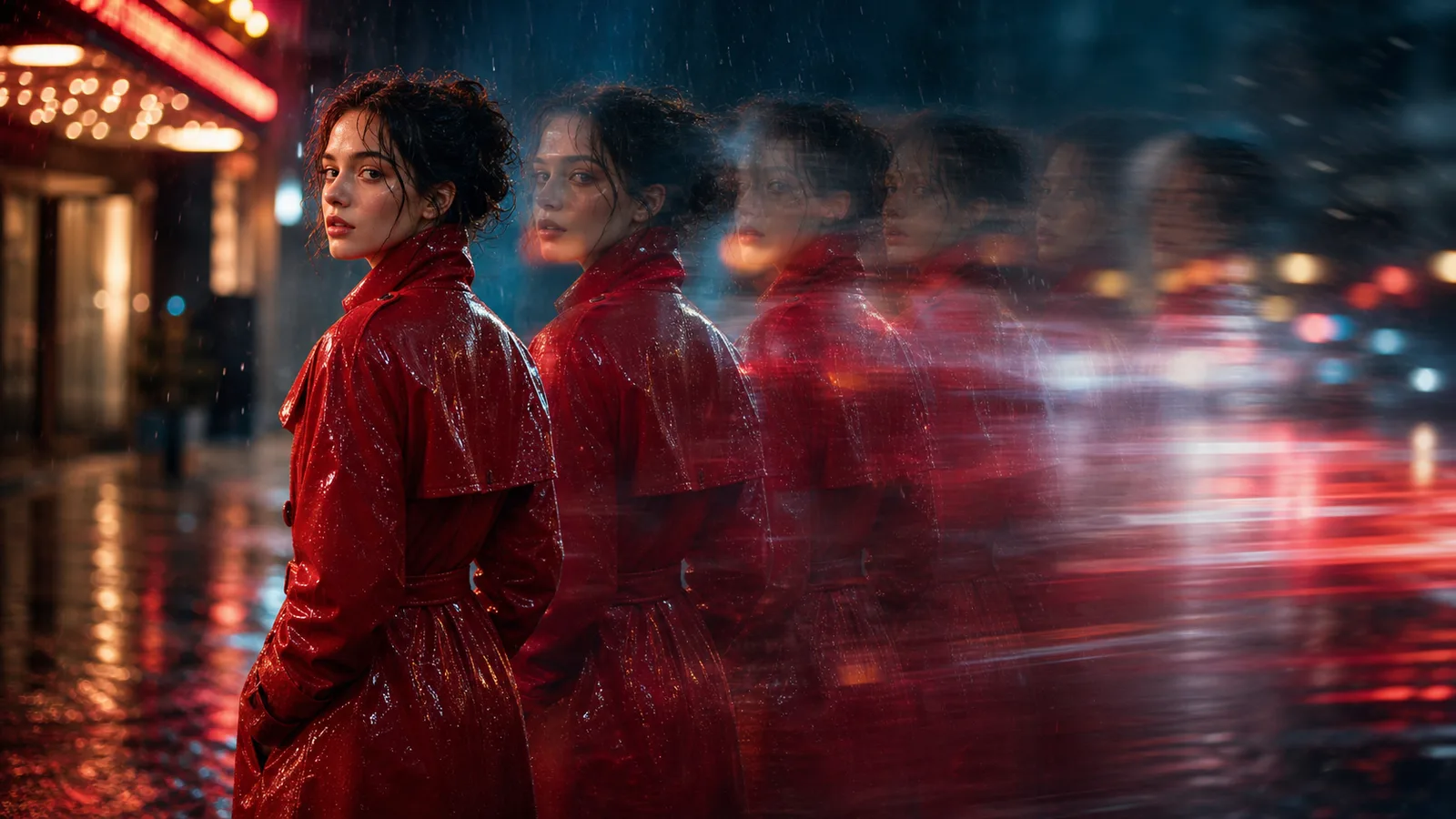
Describe overlays, particles, glow, film looks, camera effects, and stylized motion.

Camera Feel

Guide shake, zoom, dolly, slow motion, handheld movement, and transition energy.

Short-form Ready

Create punchy effects for ads, reels, Shorts, product clips, and visual tests.

Prompt Control

Use clear effect language so each generation follows the mood and motion you want.

Related tools

Move from scripts and base clips into stronger visual effects workflows.

Choose Your Plan

Free images include a watermark. Upgrade for clean outputs, faster generation, and commercial use.

Starter Pack

$9

A one-time credit pack for trying image, music, and short video generation.

  • 600 credits
  • Up to 100 images
  • Up to 7 short videos
  • Credits valid for 30 days
  • No watermarks

Creator

$19/mo

Monthly plan · 1,500 credits renew each month

  • 1,500 credits per month
  • Up to 250 images/month
  • Up to 18 short videos/month
  • Works with ClipCanva Pro and other credit models
  • Priority queue
  • Community support
  • No ads
  • No watermarks

Pro

$39/mo

Monthly plan · 4,000 credits renew each month

  • 4,000 credits per month
  • Up to 660 images/month
  • Up to 50 short videos/month
  • Works with ClipCanva Pro and other credit models
  • Highest priority queue
  • Unlock ClipCanva Pro
  • No ads
  • No watermarks
  • Advanced Refine

Studio

$99/mo

Monthly plan · 12,000 credits renew each month

  • 12,000 credits per month
  • Up to 2,000 images/month
  • Up to 150 short videos/month
  • Works with ClipCanva Pro and other credit models
  • Highest priority queue
  • Full privacy
  • Early access to new features
  • Priority support

Monthly plans renew credits each billing cycle. Yearly plans grant 12 months of credits upfront and save 17%. Usage estimates are based on the lowest-cost supported image and video models; premium models, higher resolutions, longer videos, reference-based generation, and advanced tools use more credits.

Team

For agencies, production teams, and custom volume needs.

Contact us

AI Video Effects FAQ

Common questions before generating a stylized clip.

What kind of effects can I describe?
You can describe glow, particles, film grain, transitions, camera shake, speed changes, light leaks, color mood, and stylized motion.
Should I start from text or an image?
Use text when you want a fresh scene. Use image-to-video when a product shot, poster, or character frame must guide the look.
How do I avoid messy effects?
Keep the subject clear, limit the number of effects, and describe the camera move in simple language.

Create your first video effect

Generate a short AI clip with visual effects in ClipCanva.