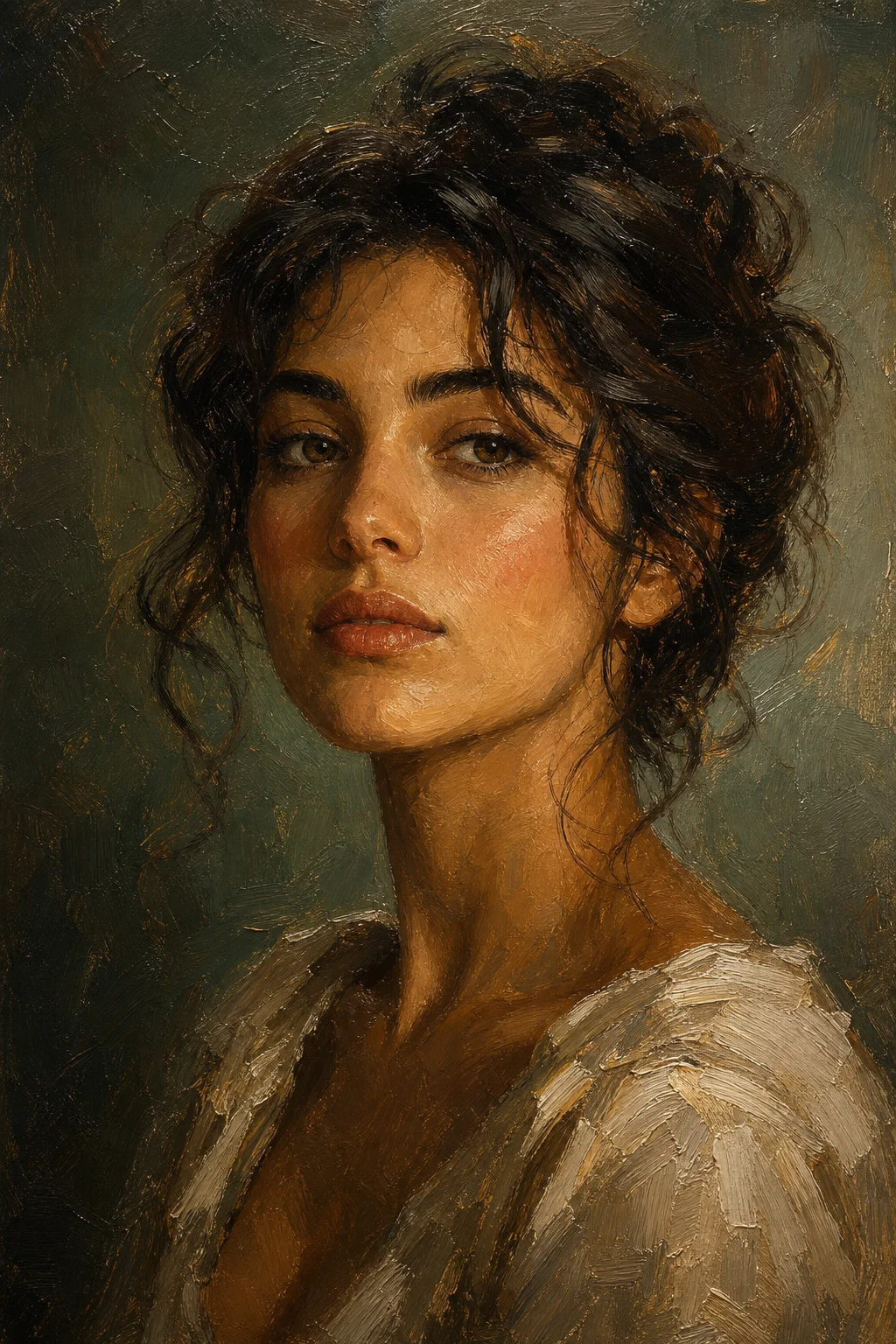
Photo to Painting Converter
Upload a photo and turn it into a painting-style artwork with visible brushwork, richer color, and an art-gallery finish.

Photo to Painting Converter
Apply the Photo to Painting effect to the uploaded image. Preserve the main subject identity or object shape, pose/layout, key colors, and composition. Convert the photo into a painting-style artwork with visible brushwork, richer color, layered texture, refined light and shadow, canvas-like surface detail, and gallery-ready finish. Keep the uploaded subject recognizable through the painting style.

Gallery
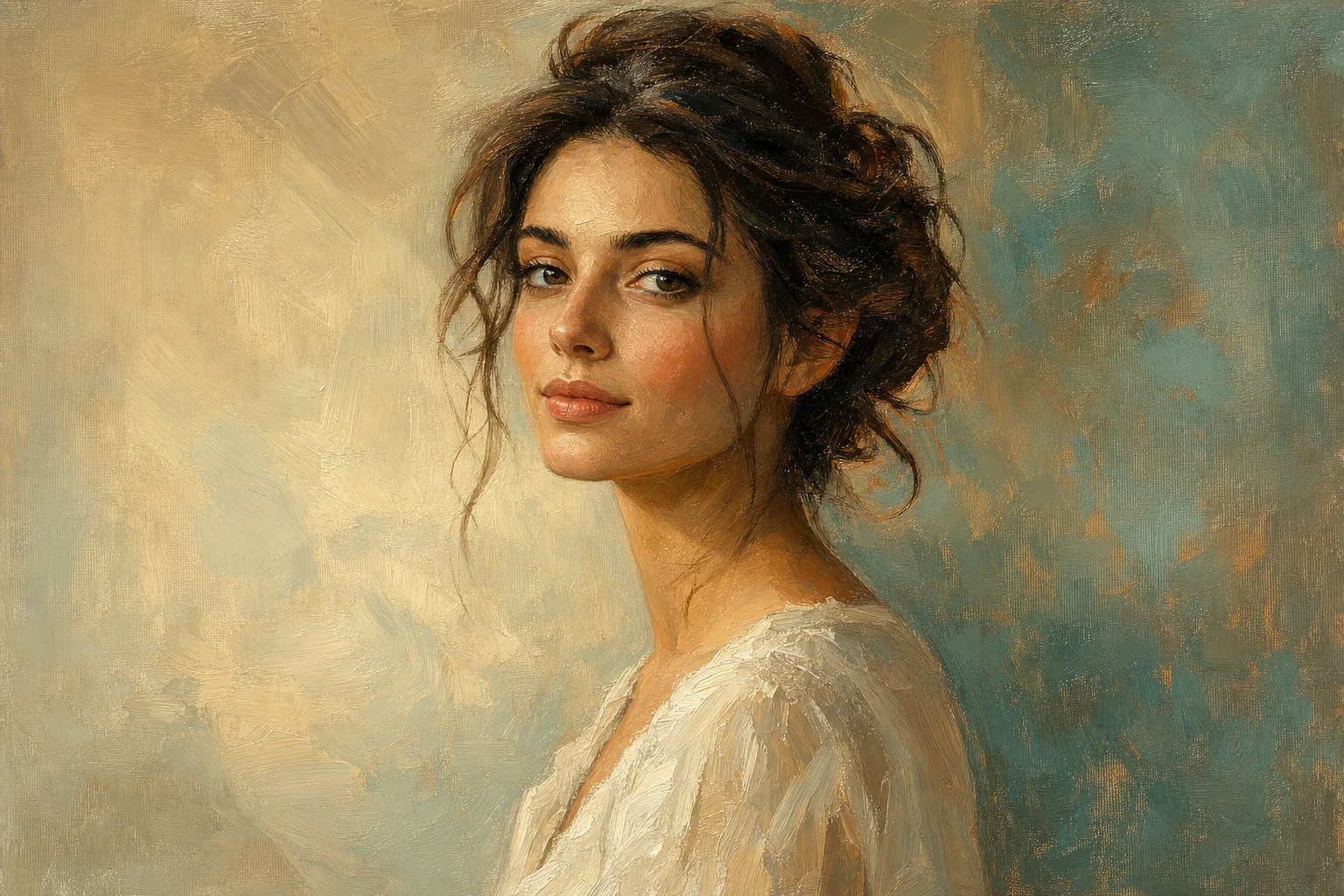
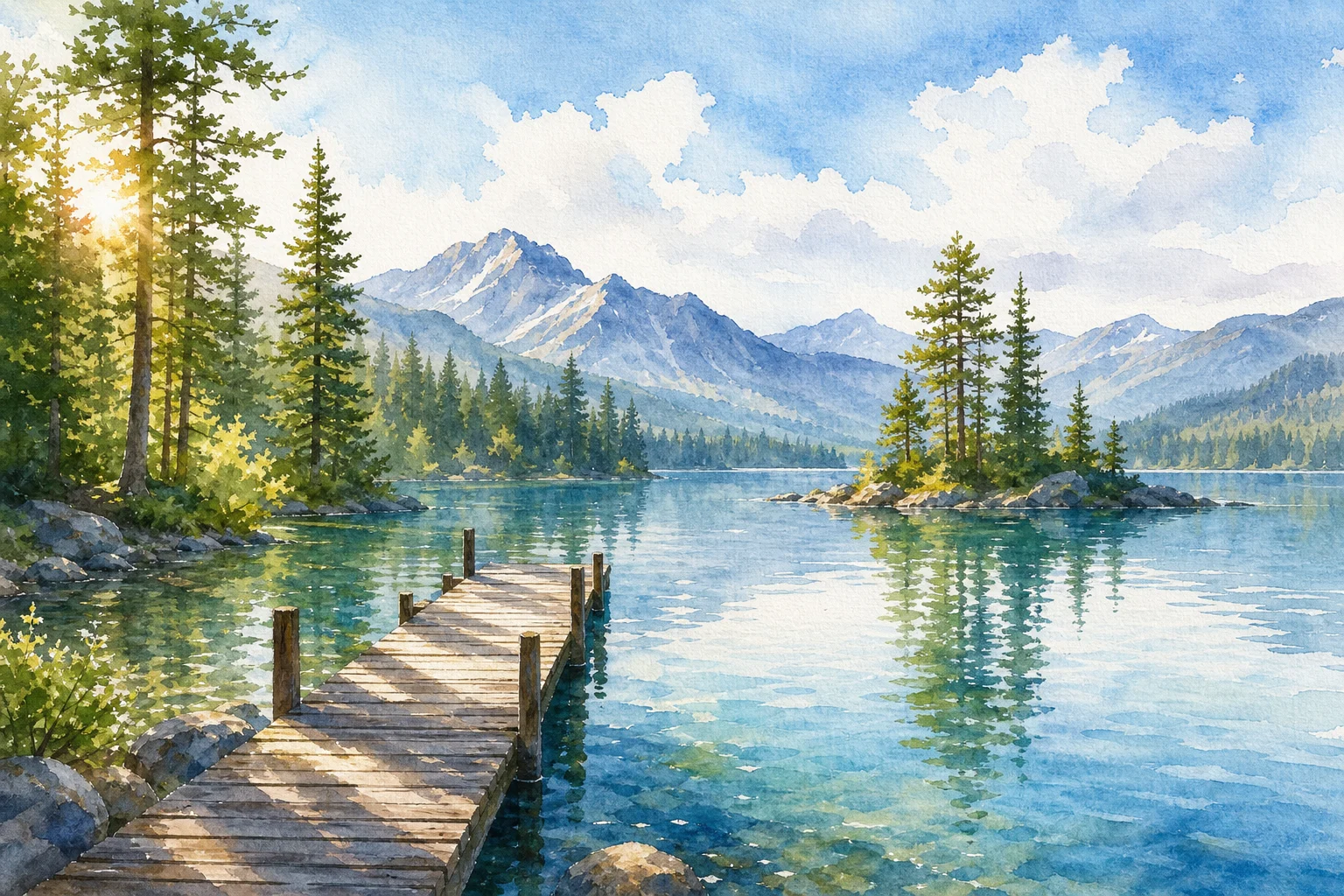
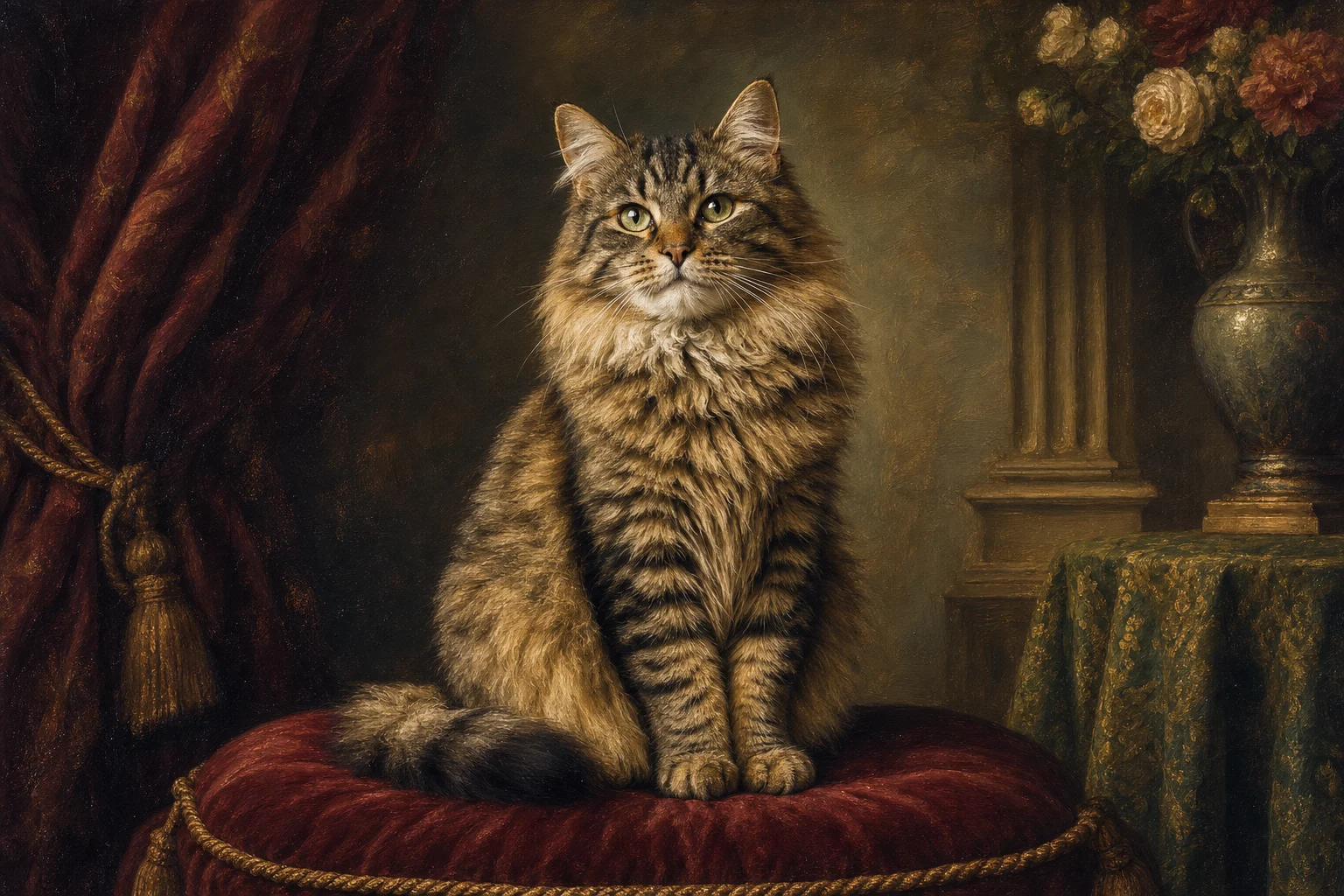
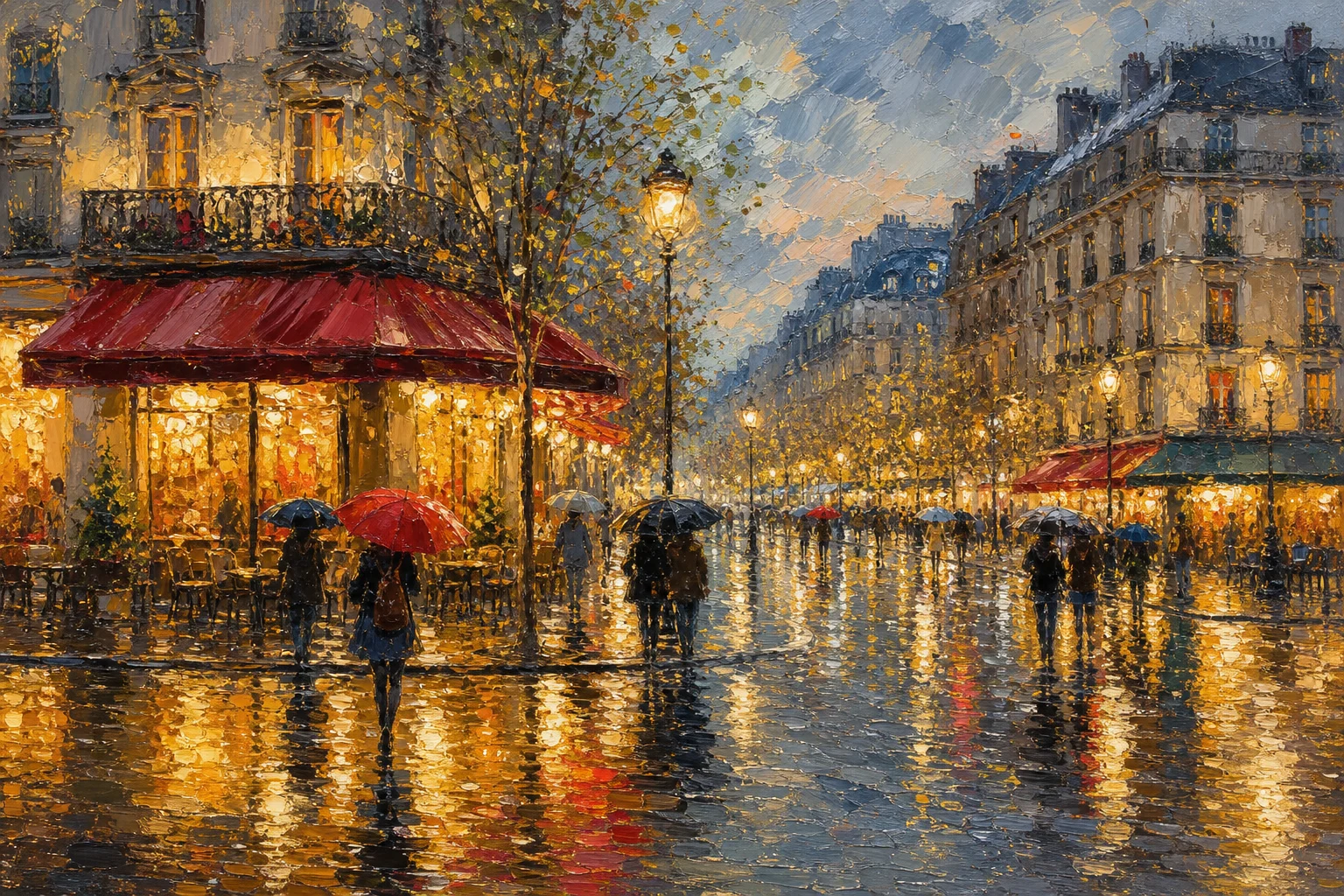
Photo to Painting Converter Examples


Example 2

Example 3

Example 4

Example 5

Example 6
Photo to Painting Converter Features
Tools for converting photos into painting-style artwork with visible brushwork and richer color.
Free to Use
Try the Photo to Painting Converter with free daily credits. No payment details are needed for Photo to Painting Converter.
Brushwork and canvas feel
Adds oil, acrylic, or watercolor-inspired texture while preserving the subject shape, composition, and key colors.
Fast preview loop
Preview the Photo to Painting Converter result before downloading, then rerun with a clearer photo or tighter prompt when needed.
Guided upload flow
Upload a clear image, choose the Photo to Painting Converter effect, and review the result before downloading.
No Watermark
Download watermark-free Photo to Painting Converter images for posts, mockups, references, or client drafts.
Privacy Protected
ClipCanva processes Photo to Painting Converter uploads securely and removes files after generation.
Ways to use Photo to Painting Converter
Use Photo to Painting Converter for quick concept images, social posts, mockups, profile visuals, or creative references.

Create a first version fast
Upload or describe the source image, then generate a polished first version for Photo to Painting Converter without starting from a blank canvas.

Adapt the style to your project
Adjust the subject, mood, background, text space, and composition so the Photo to Painting Converter result fits your project.

Create another version
Reuse the same setup with a new subject, product, or scene when you need more Photo to Painting Converter images in the same direction.
How to Use the Photo to Painting Converter
Create a painting-style artwork in three simple steps.
Upload Your Photo
Upload a clear source image for Photo to Painting Converter; Photo to Painting Converter supports JPG, PNG, and WebP uploads.
Apply the AI Effect
The AI applies the painting style while preserving the key subject details.
Download the Image
Review the Photo to Painting Converter result, download it, or rerun with a stronger source image.
Photo to Painting Converter FAQ
Common questions about the Photo to Painting Converter.
What is the Photo to Painting Converter?
Is the Photo to Painting Converter free?
How do I use the Photo to Painting Converter?
What image formats does the Photo to Painting Converter support?
Can I use painting-style artwork commercially?
What details should I include for Photo to Painting Converter?
What makes Photo to Painting Converter useful?
Create painting-style artwork Free
Use ClipCanva to make painting-style artwork from your photo online. Use free credits to create and download a finished Photo to Painting Converter image.