AI Eyebrow Filter
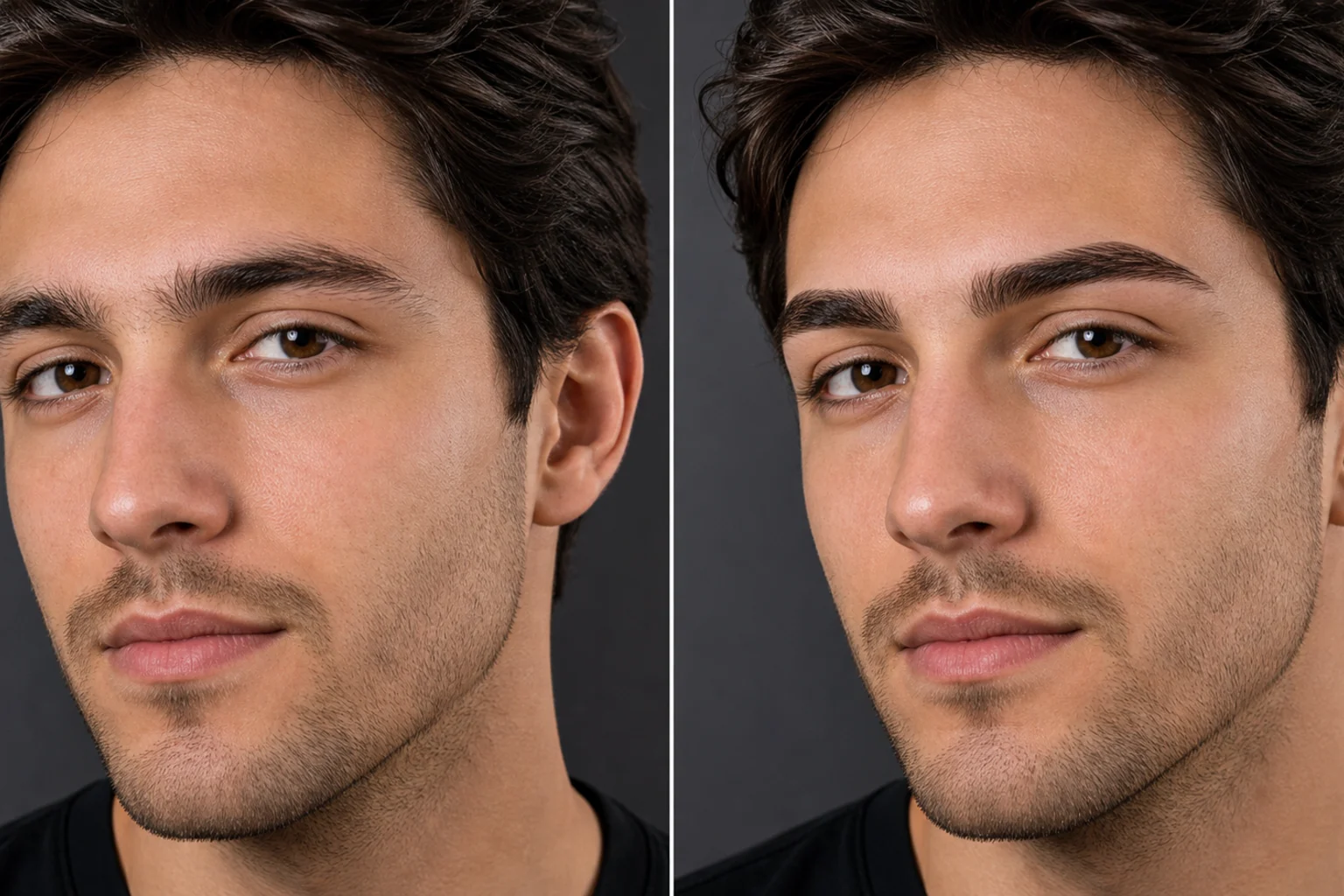
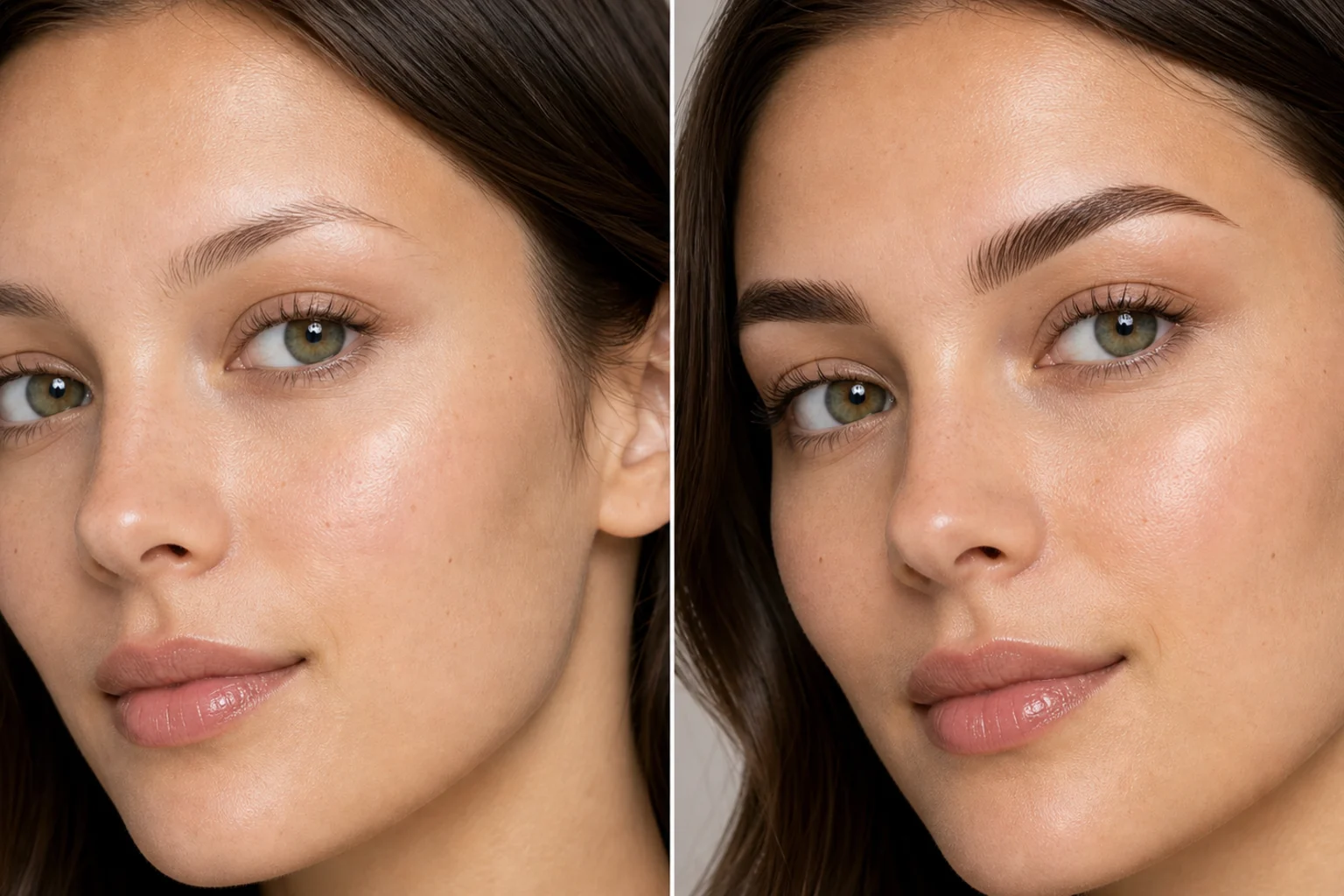
Upload a portrait and preview realistic eyebrow changes, from fuller brows to cleaner arches, without changing your face or expression.

AI Eyebrow Filter
Apply the AI Eyebrow Filter effect to the uploaded portrait. Preserve the same person, face shape, expression, pose, skin tone, makeup, clothing, lighting, camera angle, and background. Change only the eyebrows into the selected or visually coherent style, such as fuller brows, cleaner arches, straighter brows, or softer shaping, with realistic hair texture, shadows, and skin blending. Do not alter other facial features.

Gallery
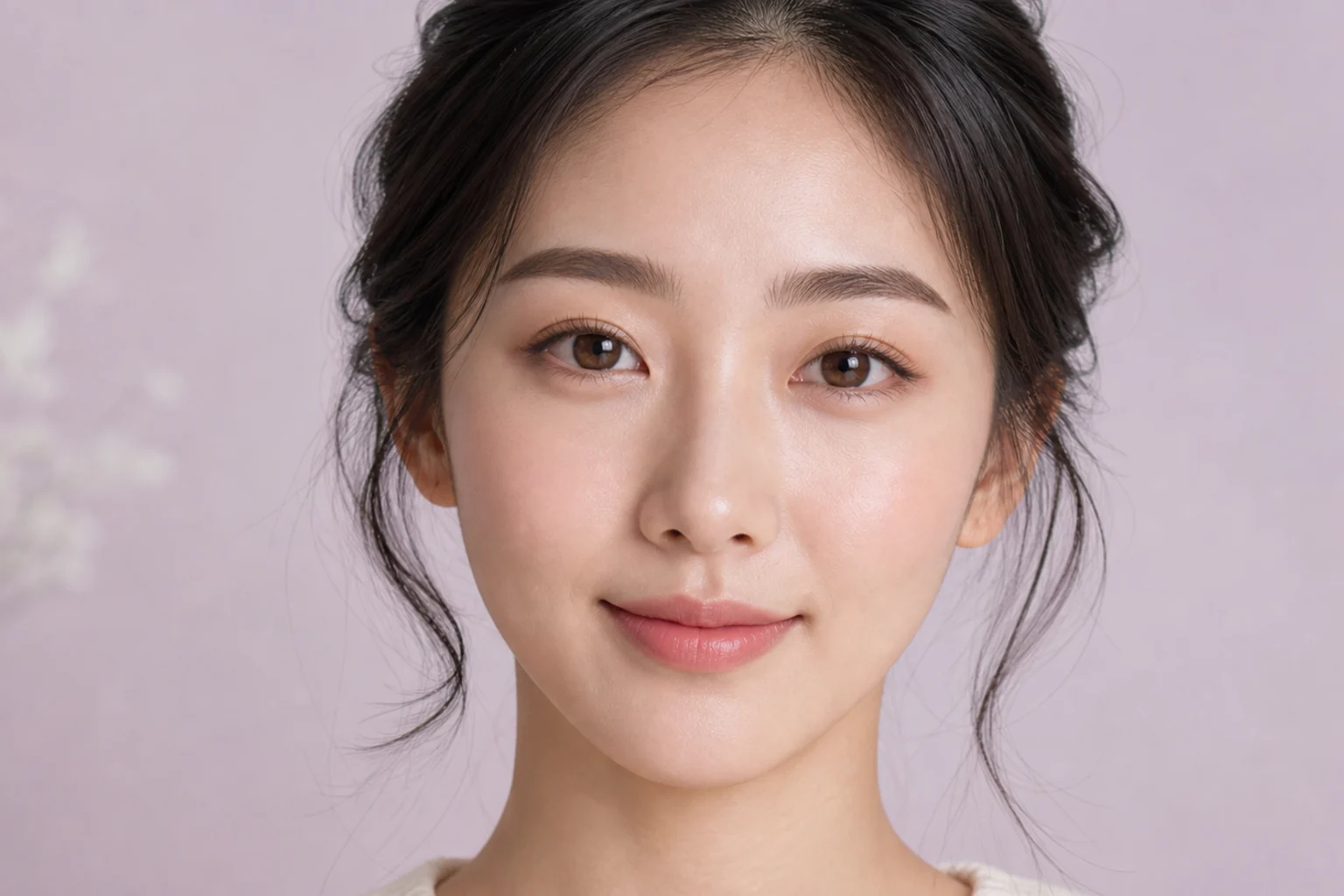
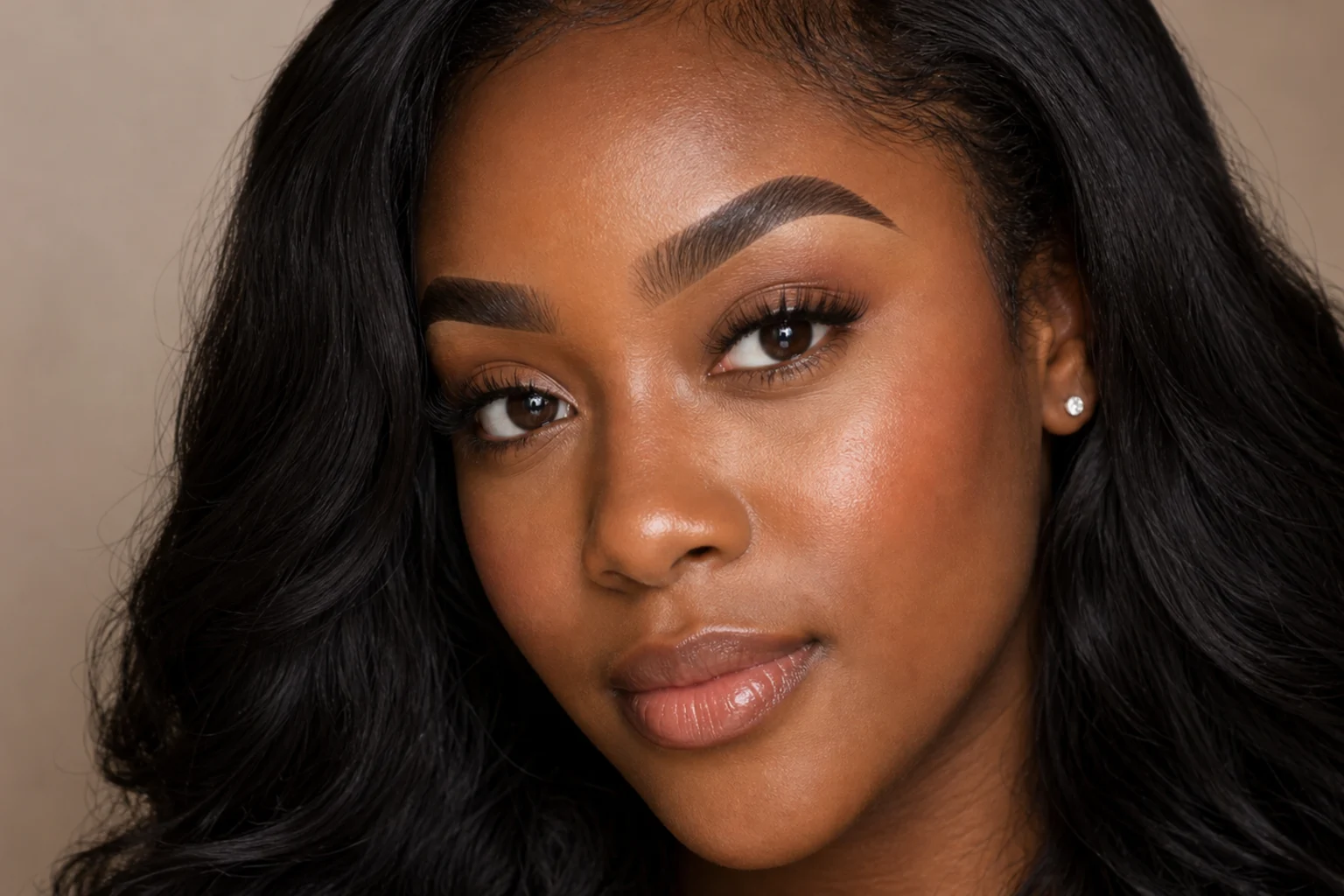
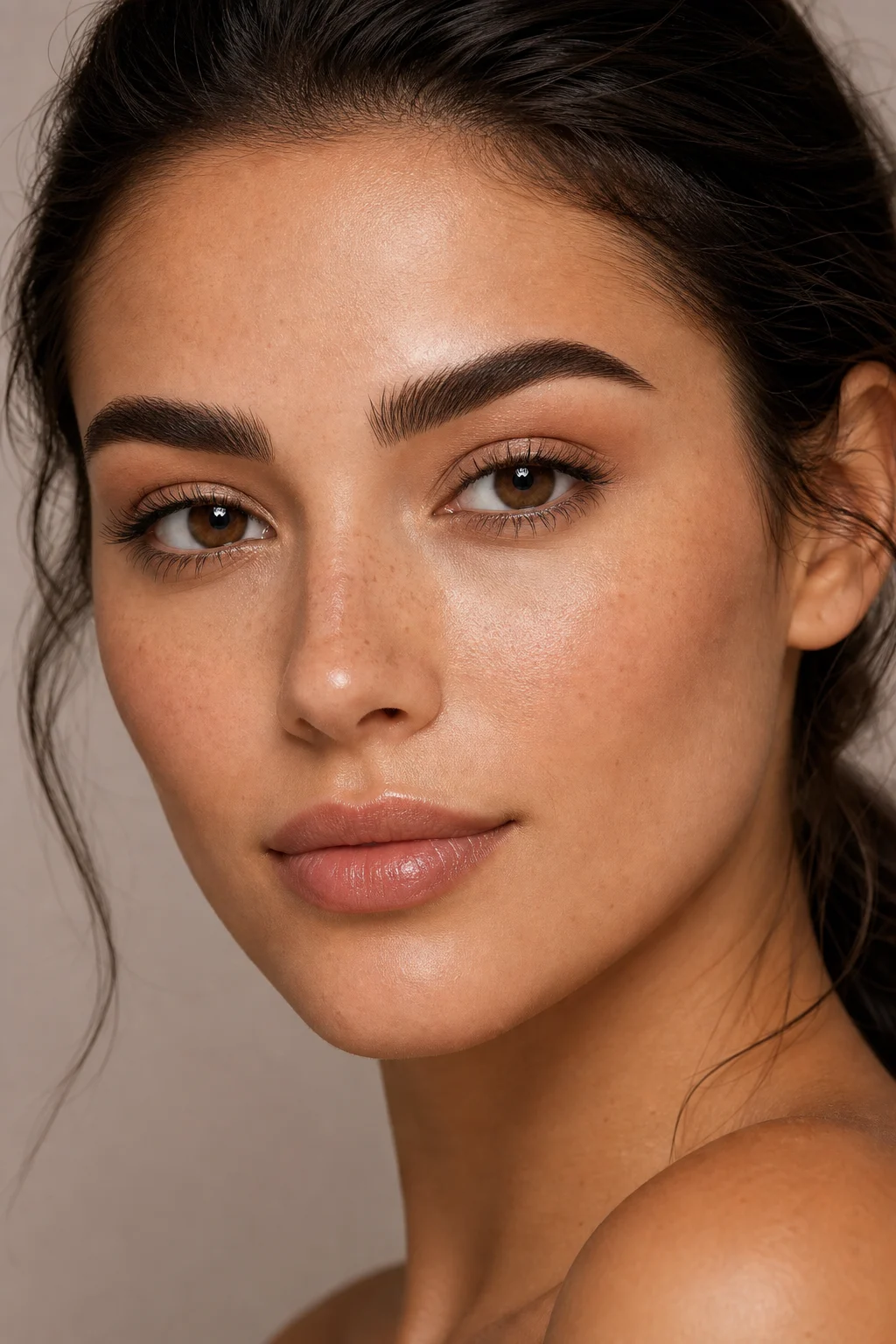
AI Eyebrow Filter Examples


Example 2

Example 3

Example 4

Example 5

Example 6
AI Eyebrow Filter Features
Tools for previewing eyebrow shapes with realistic hair texture, skin blending, and unchanged facial expression.
Free to Use
Try the AI Eyebrow Filter with free daily credits. No payment details are needed for AI Eyebrow Filter.
Brow shape realism
Changes only the brows with natural hair direction, arch shape, density, and lighting that matches the portrait.
Quick before-and-after preview
Preview the AI Eyebrow Filter result before downloading, then rerun with a clearer photo or tighter prompt when needed.
Guided upload flow
Upload a clear image, choose the AI Eyebrow Filter effect, and review the result before downloading.
No Watermark
Download watermark-free AI Eyebrow Filter images for posts, mockups, references, or client drafts.
Privacy Protected
ClipCanva processes AI Eyebrow Filter uploads securely and removes files after generation.
How to Use the AI Eyebrow Filter
Create an eyebrow makeover image in three simple steps.
Upload Your Photo
Upload a clear source image for AI Eyebrow Filter; AI Eyebrow Filter supports JPG, PNG, and WebP uploads.
Apply the AI Effect
The AI applies the eyebrow filter while preserving the key subject details.
Download the Image
Review the AI Eyebrow Filter result, download it, or rerun with a stronger source image.
AI Eyebrow Filter FAQ
Common questions about the AI Eyebrow Filter.
What is the AI Eyebrow Filter?
Is the AI Eyebrow Filter free?
How do I use the AI Eyebrow Filter?
What image formats does the AI Eyebrow Filter support?
Can I use eyebrow makeover image commercially?
Create eyebrow makeover image Free
Use ClipCanva to make eyebrow makeover image from your photo online. Use free credits to create and download a finished AI Eyebrow Filter image.