AI Baroque Art Generator

AI Baroque Art Generator

Transform a portrait or written idea into dramatic Baroque Art with theatrical lighting, deep shadow, rich fabric, and old-master atmosphere.

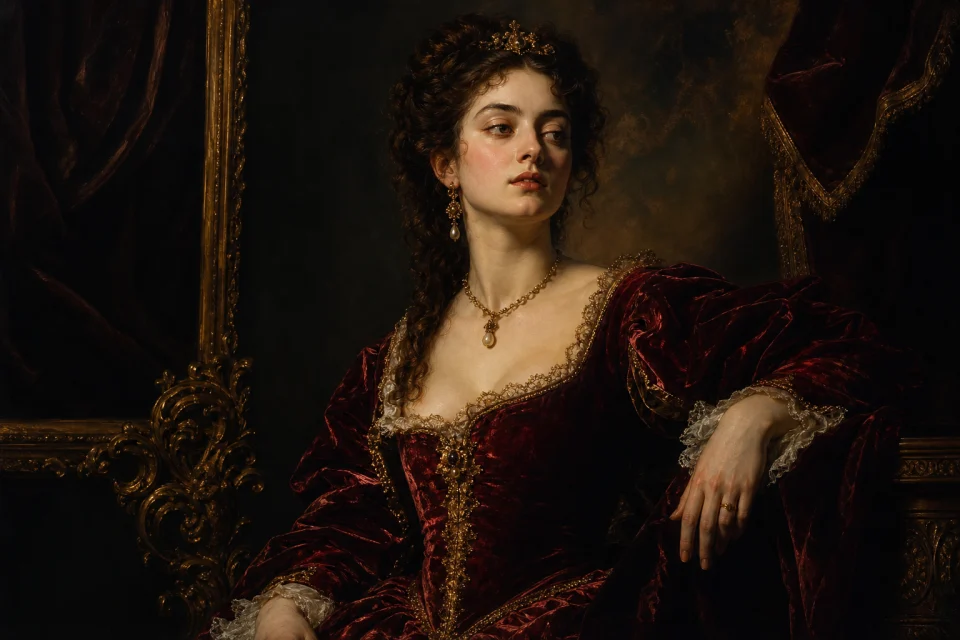
Dramatic Baroque portrait with chiaroscuro lighting
0 / 2000
Template prompt

AI Baroque Art Generator

Transform the uploaded portrait into a dramatic 17th-century Baroque oil painting. Preserve the person's recognizable facial features and pose. Add strong chiaroscuro lighting, deep crimson and gold tones, rich velvet fabric, painterly brushwork, a dark theatrical background, and an ornate museum-quality composition.

Dramatic Baroque portrait with chiaroscuro lighting

Create dramatic Baroque Art from a photo or idea

The AI Baroque Art Generator helps you create images inspired by 17th-century Baroque painting and drawing. It works for portraits, character concepts, still lifes, mythological scenes, and historical visuals, emphasizing strong direction of light, deep shadow, expressive composition, ornate detail, and rich color.

From source image to Baroque composition

This template shifts a modern image or concept into a Baroque visual language built around drama, contrast, richness, and emotional focus.

What can change

  • Turn a portrait or written idea into dramatic Baroque Art, including oil paintings, charcoal drawings, noble portraits, still lifes, and mythological scenes with theatrical lighting and rich detail.
  • Change the light, wardrobe, palette, background, and painting medium while keeping the subject recognizable.
  • Create strong directional light and deep shadow to focus attention and heighten emotion.
  • Choose an oil on canvas, charcoal, chalk, ink, etching, or old-master sketch direction.
What should stay consistent

  • Preserve the person's recognizable facial features and pose.
  • Keep the main subject recognizable from the source image.
  • Maintain coherent defining colors, pose, silhouette, and important subject details.

Simple Baroque creation workflow

Move from a clear source or idea to a refined Baroque composition by choosing the subject, medium, and dramatic treatment.

1

Start with the subject

Upload a sharp portrait or write a concept for a noble portrait, still life, mythological scene, historical figure, or expressive character.

2

Select the medium

Choose the visual direction, such as oil on canvas, charcoal, chalk, ink, etching, or an old-master sketch.

3

Define the Baroque mood

Add details such as chiaroscuro lighting, crimson and gold tones, velvet fabric, dark theatrical backgrounds, or ornate composition.

4

Refine the image

Review the result for identity, pose, hands, edges, lighting consistency, and background transitions, then adjust the source or prompt if needed.

Baroque styles to try

Explore different Baroque directions, from grand mythological scenes to intimate drawings and richly staged portraits.

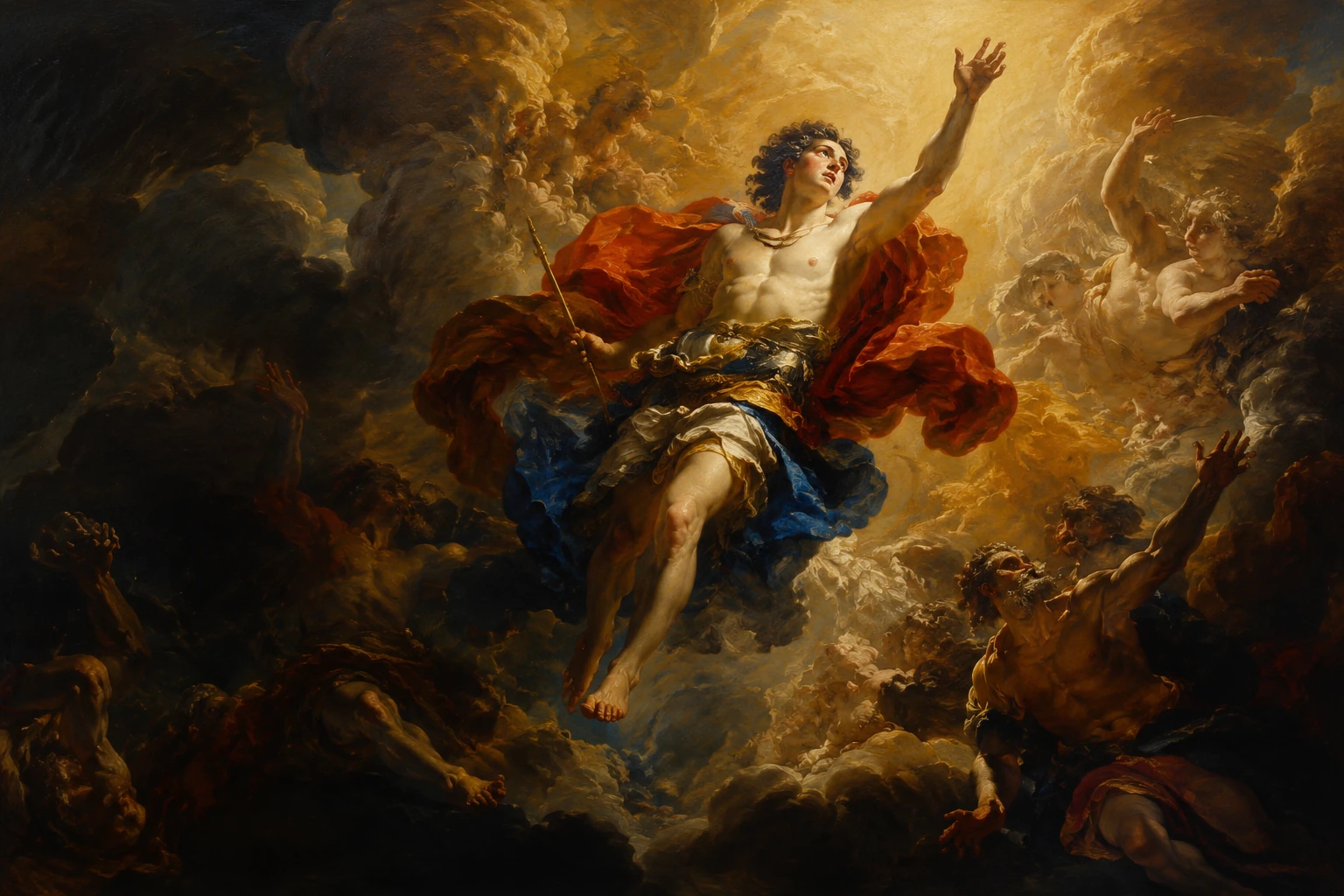
Baroque mythological painting

Mythological Baroque painting

Build a dramatic classical scene with expressive figures, sweeping motion, deep shadow, and glowing highlights.

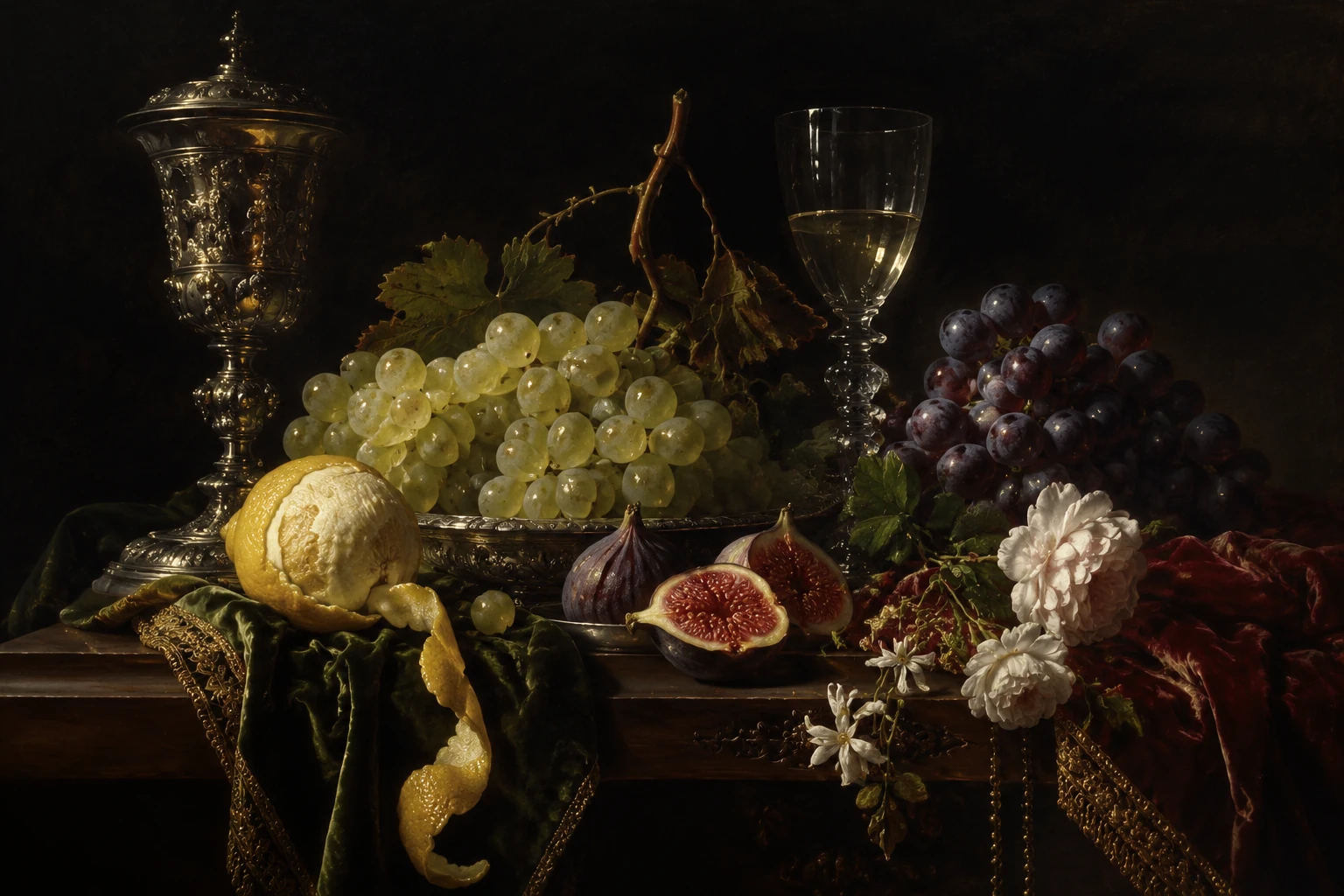
Baroque Dutch still life

Baroque still life

Create a Dutch-inspired still life with fruit, flowers, vessels, dark backgrounds, and carefully staged light.

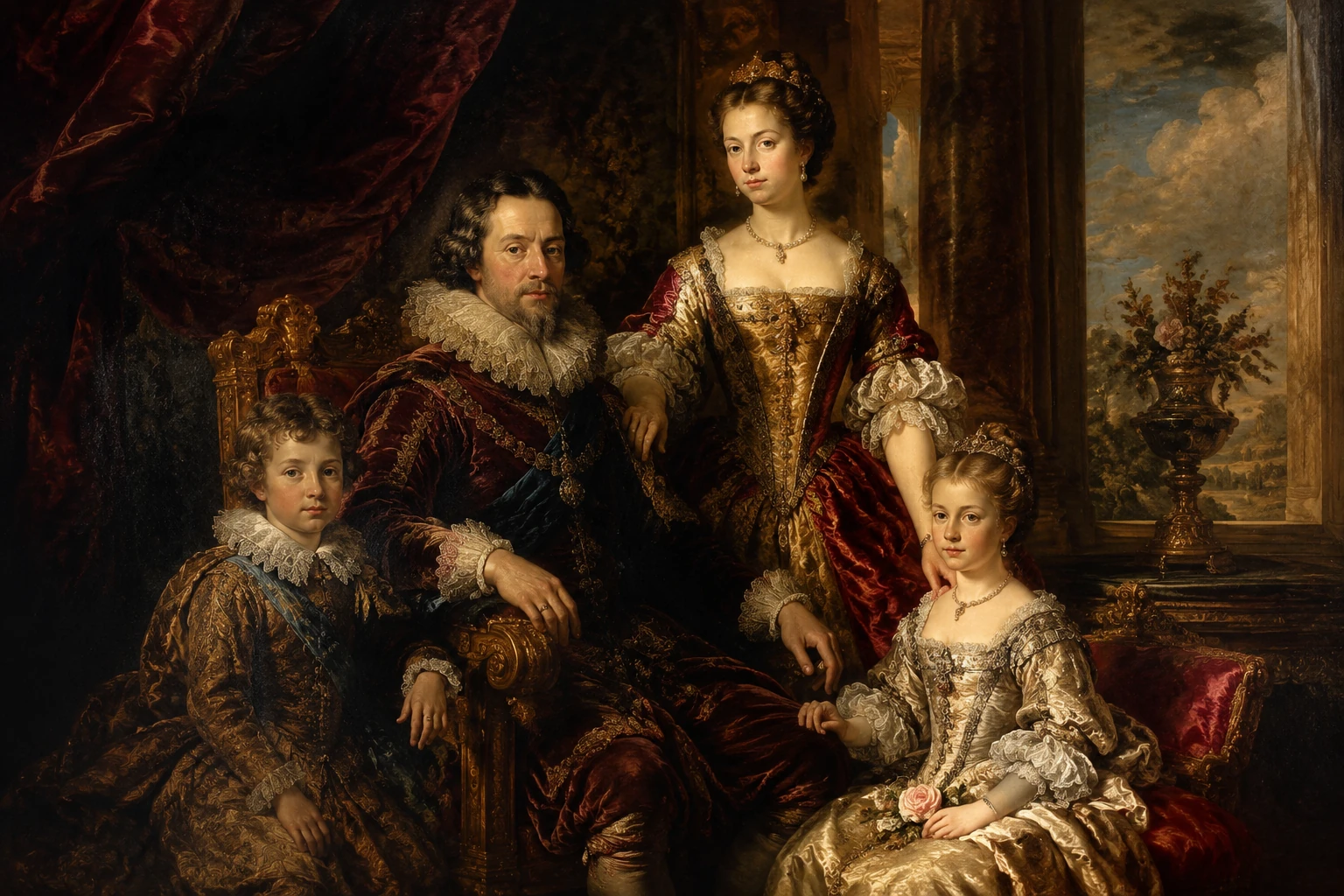
Baroque royal family portrait

Royal family portrait

Turn a group or family portrait into a formal royal composition with ornate fabrics, rich color, and ceremonial presence.

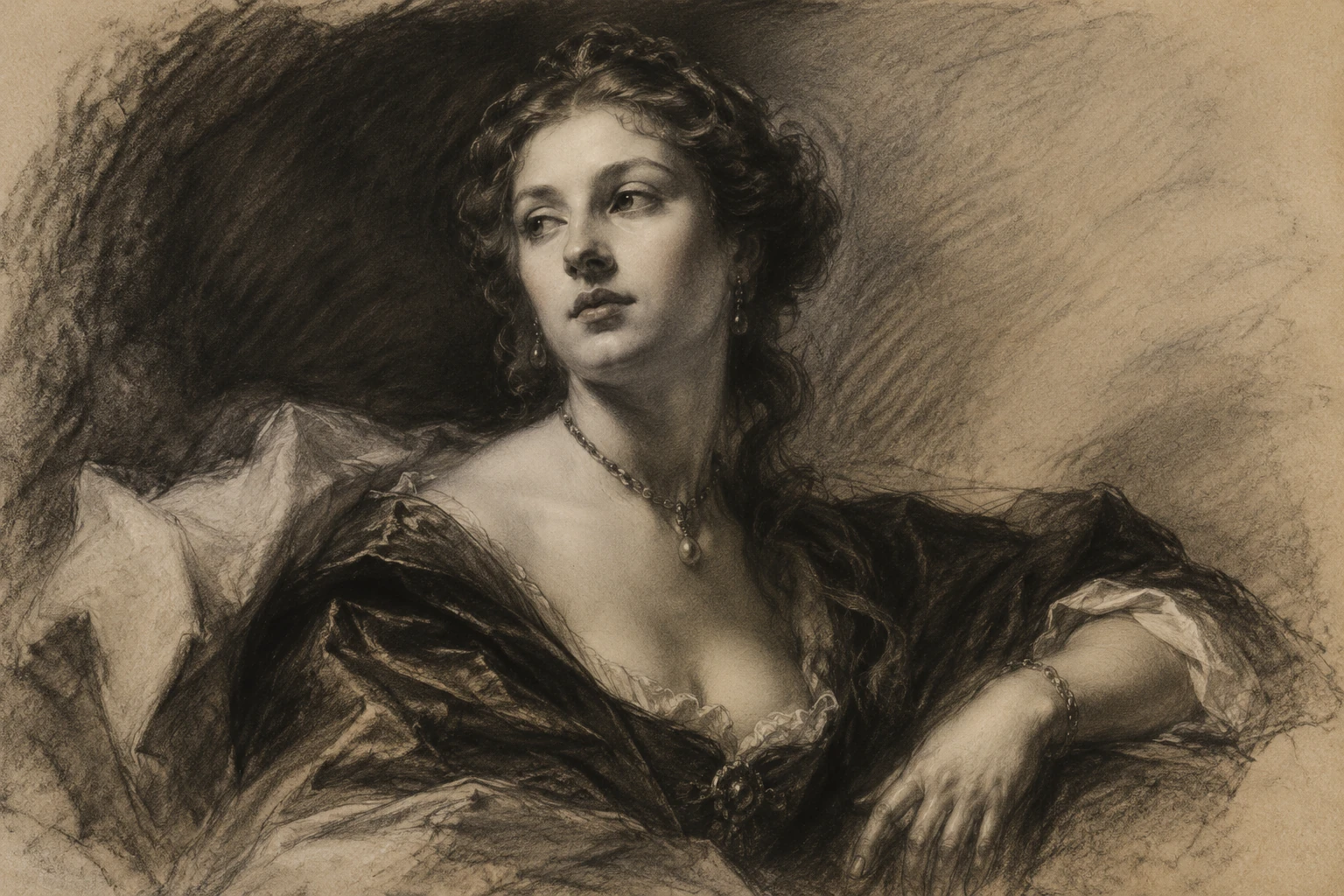
Baroque style charcoal portrait drawing

Charcoal portrait study

Use charcoal-like marks, tonal shading, and old-master study qualities for a restrained Baroque drawing effect.

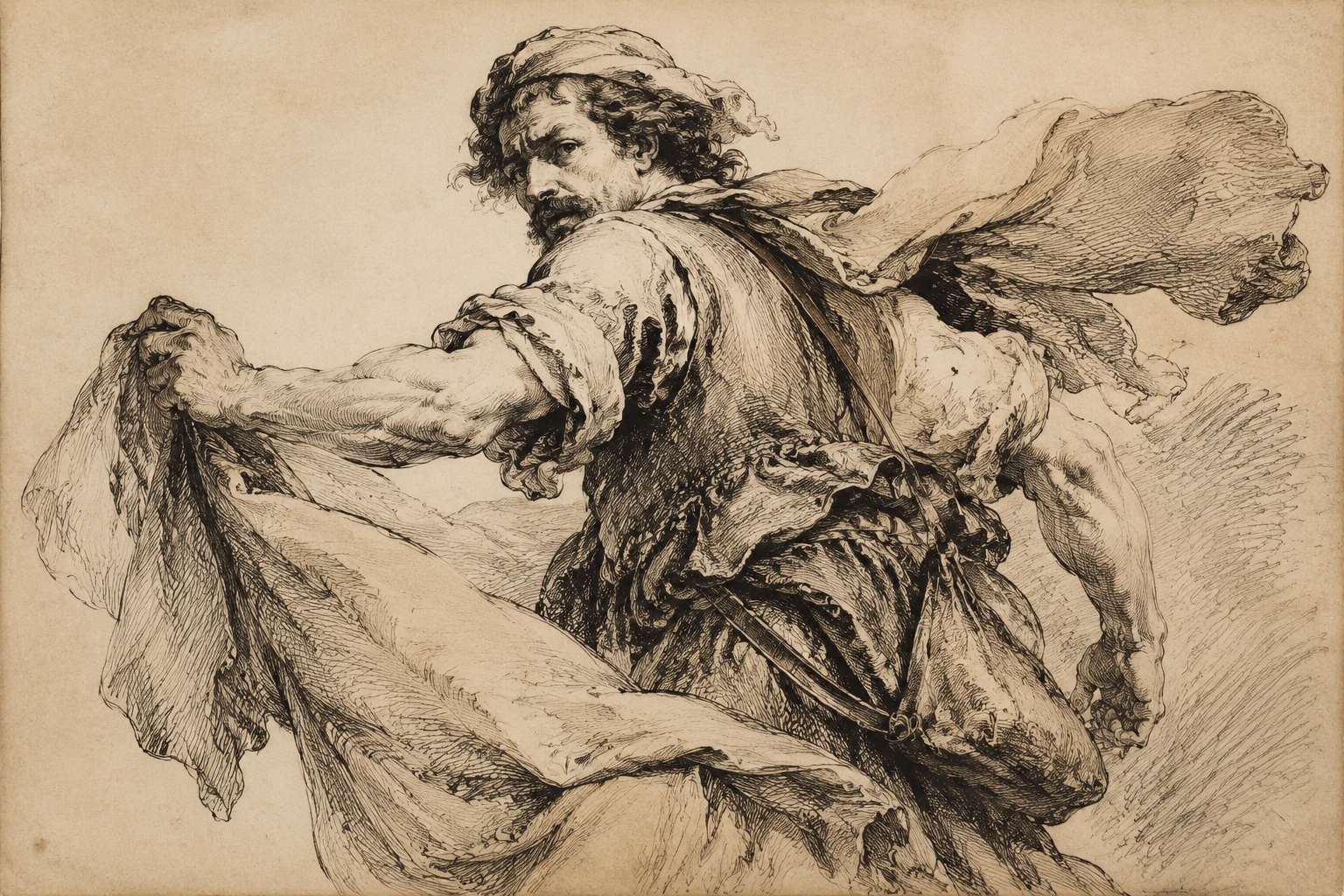
Baroque style ink figure drawing

Ink figure drawing

Create a figure drawing with ink lines, expressive contours, and a historical sketchbook feeling.

Ways to use Baroque Art images

Use the Baroque Art Generator online for personal concepts, creative planning, and visual exploration across historical and dramatic themes.

Custom portraits

Create a dramatic portrait with ornate clothing, shadowed backgrounds, and a museum-like old-master mood.

Character concept Art

Explore heroes, villains, nobles, saints, musicians, or fantasy figures with expressive Baroque lighting and costume detail.

Book covers and posters

Develop atmospheric cover or poster concepts with theatrical contrast and strong central focus.

Historical visual aids

Make visual aids that suggest the mood of a historical era, court setting, or dramatic classical scene.

Decorative print concepts

Plan decorative print ideas with rich color, painterly surfaces, still lifes, or formal portrait compositions.

Project previews

Create a focused AI Baroque Art Generator preview for a personal or creative project before refining the final direction.

How to prepare your Baroque image

A good result starts with a clear subject and a prompt that describes both the scene and the Baroque treatment you want.

Source image checklist

  • Use a sharp source image with the main subject clearly visible.
  • Avoid heavy blur, blocked details, extreme crops, or confusing overlaps.
  • Choose a source whose pose and framing support the intended AI Baroque Art Generator result.

Prompt guidance

Describe the subject, pose, setting, medium, and mood. For example: “Transform this portrait into a 17th-century Baroque oil painting with strong chiaroscuro, crimson and gold tones, velvet clothing, a dark theatrical background, and expressive painterly brushwork.”

Review your result before use

Generated details can vary, so review the finished image as a visual draft and refine the source or prompt if important details need more control.

Check subject recognition

Compare the face, silhouette, pose, and defining details against the original source before using the image in a project.

Review the Baroque treatment

Look for consistent chiaroscuro, rich color, ornate detail, and a believable old-master atmosphere across the whole composition.

Inspect fine details

Inspect faces, hands, edges, small objects, background transitions, and any visible text for distortions or distracting artifacts.

AI Baroque Art Generator FAQ

Quick answers about creating Baroque portraits, paintings, drawings, and historical-style compositions.

What makes an image look Baroque?
Baroque images often use dramatic contrast, strong directional light, deep shadow, rich color, ornate fabrics, expressive poses, and a theatrical sense of movement or emotion.
Can I turn my photo into a Baroque portrait?
Yes. Start with a clear portrait so the face, pose, and defining features can stay recognizable while the lighting, wardrobe, background, palette, and painting surface change.
Can I generate Baroque drawings instead of paintings?
Yes. You can aim for charcoal, chalk, ink, etching, or old-master sketch treatments instead of a full oil painting style.
What is chiaroscuro?
Chiaroscuro is the use of strong light and dark contrast. In Baroque Art, it helps guide the eye, create depth, and make the scene feel more emotional and dramatic.
Which subjects work well in Baroque art?
Portraits, saints, nobles, musicians, mythological figures, dramatic character studies, fruit and flower still lifes, and historical scenes all suit the Baroque look.
Can I imitate a specific historical artist?
You can reference broad qualities such as dramatic lighting, painterly brushwork, rich fabrics, or Flemish-inspired color, but avoid copying a living artist's exact style.
What AI Baroque Art Generator changes should I expect?
It can change the light, background, palette, clothing, surface texture, and medium while keeping the subject's identity, pose, silhouette, and important details coherent.
Which source image works best?
Use a sharp image where the main subject is visible, not heavily blurred, blocked, extremely cropped, or mixed with confusing overlaps.

Create your own Baroque Art image

Use a clear portrait or a vivid written concept to explore oil paintings, charcoal studies, noble portraits, still lifes, and mythological scenes with dramatic Baroque atmosphere.