FreeTry It Free: AI Vintage Filter

AI Vintage Filter

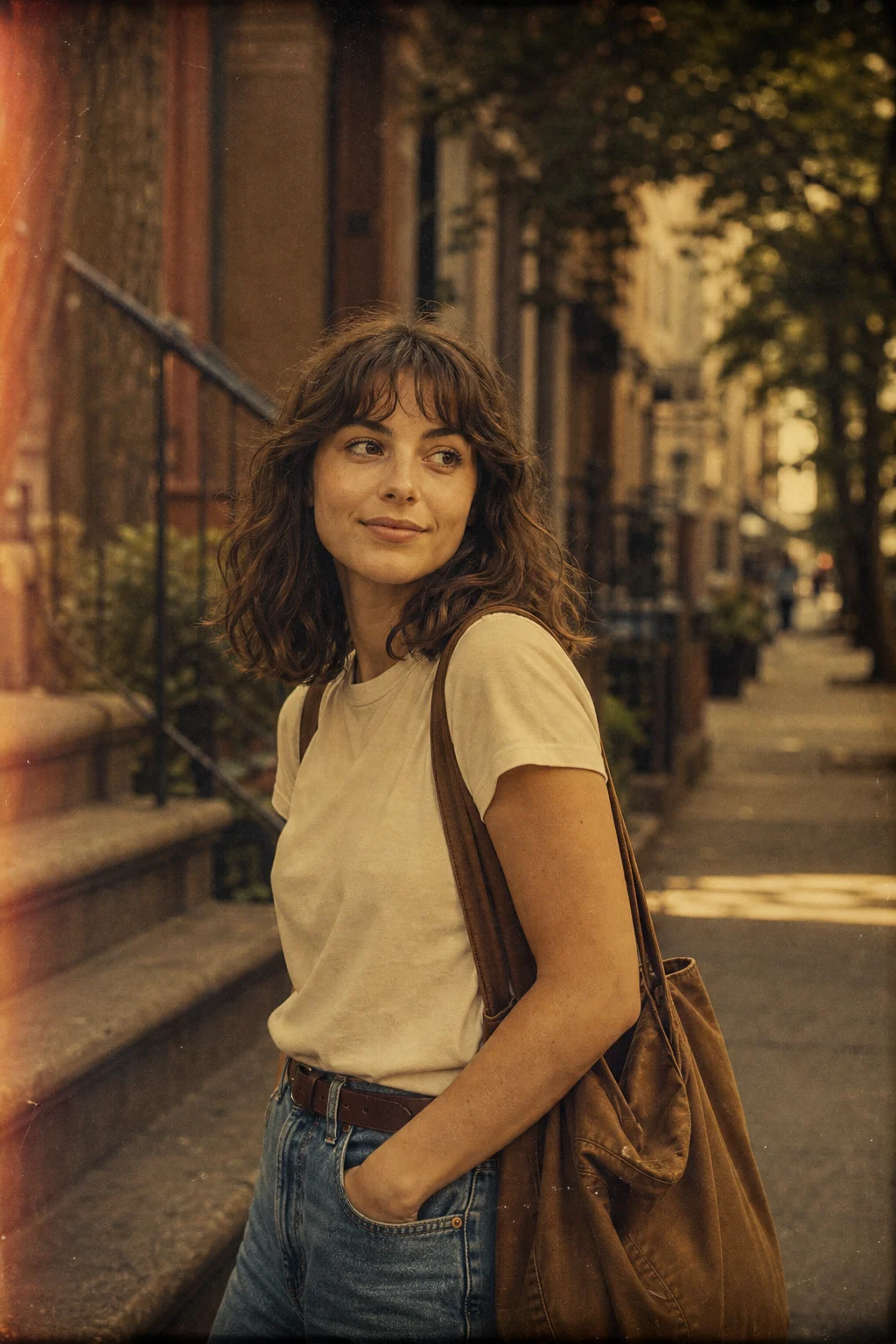
Upload a photo and give it a vintage film look with soft grain, faded tones, retro color, and natural nostalgic texture.

AI Vintage Filter result preview
0 / 2000
Template prompt

AI Vintage Filter

Apply the AI Vintage Filter effect to the uploaded image. Preserve the main subject identity or object shape, pose/layout, composition, and key details. Transform only the photographic style into a vintage film look with soft grain, faded tones, retro color balance, gentle vignette, lowered contrast, analog texture, and natural nostalgic lighting. Do not change the subject or scene content.

AI Vintage Filter result preview

Gallery

Vintage Filter Examples

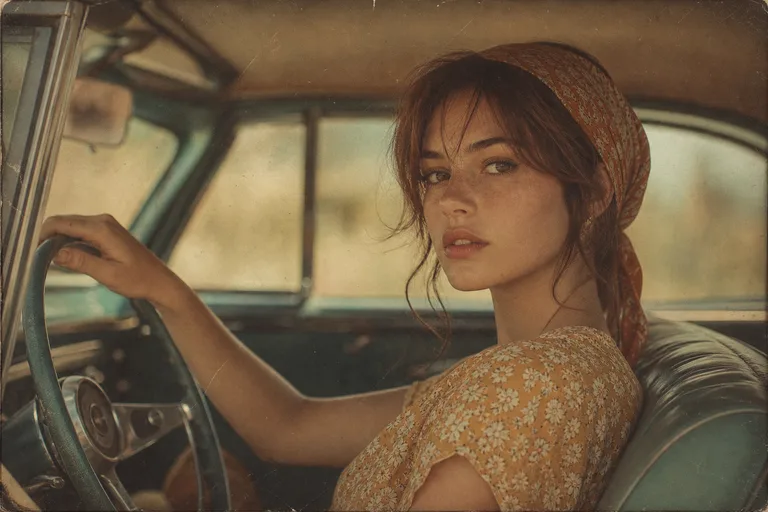
Vintage photo filter generated with retro film tones 1

Example 1

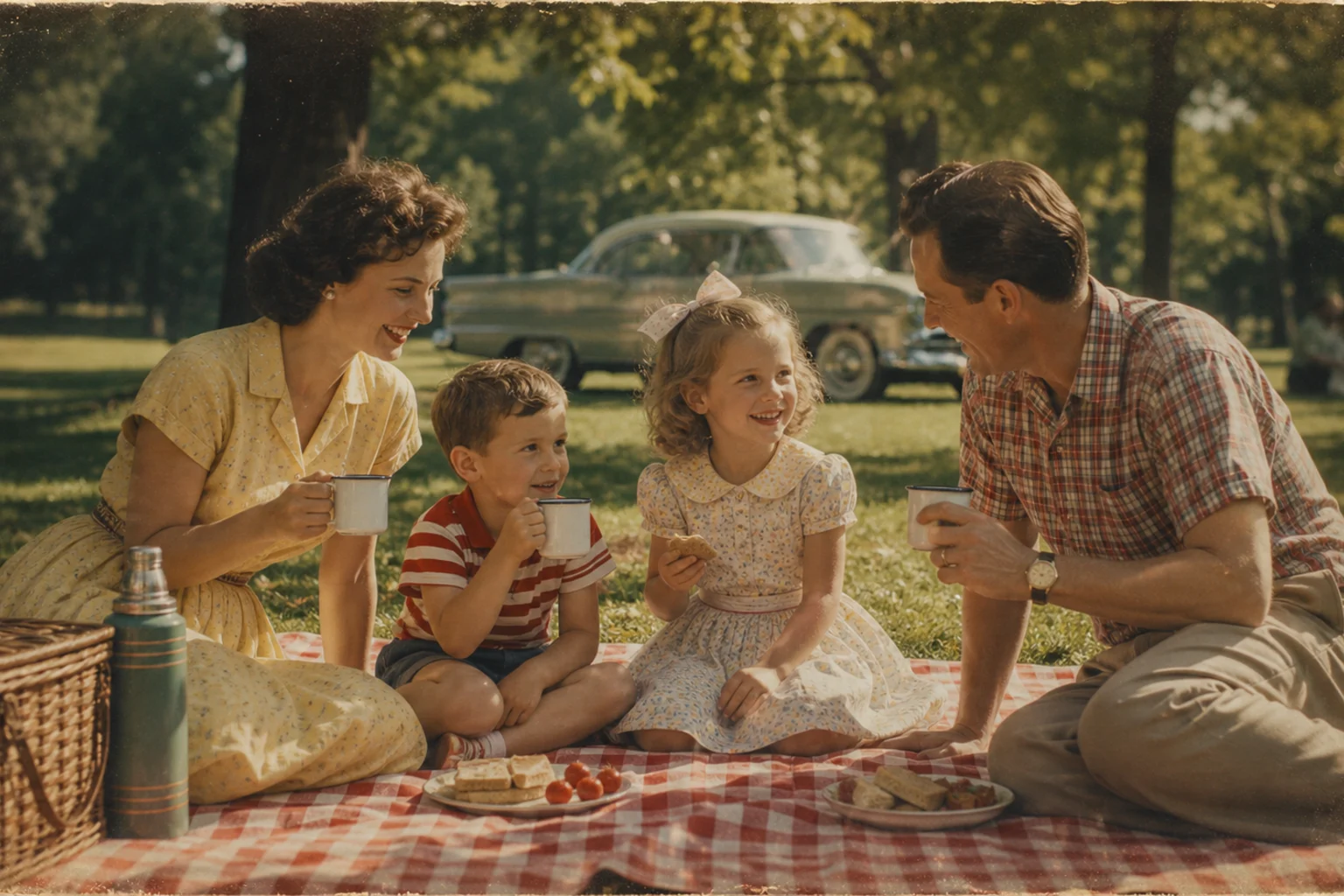
Vintage photo filter generated with retro film tones 2

Example 2

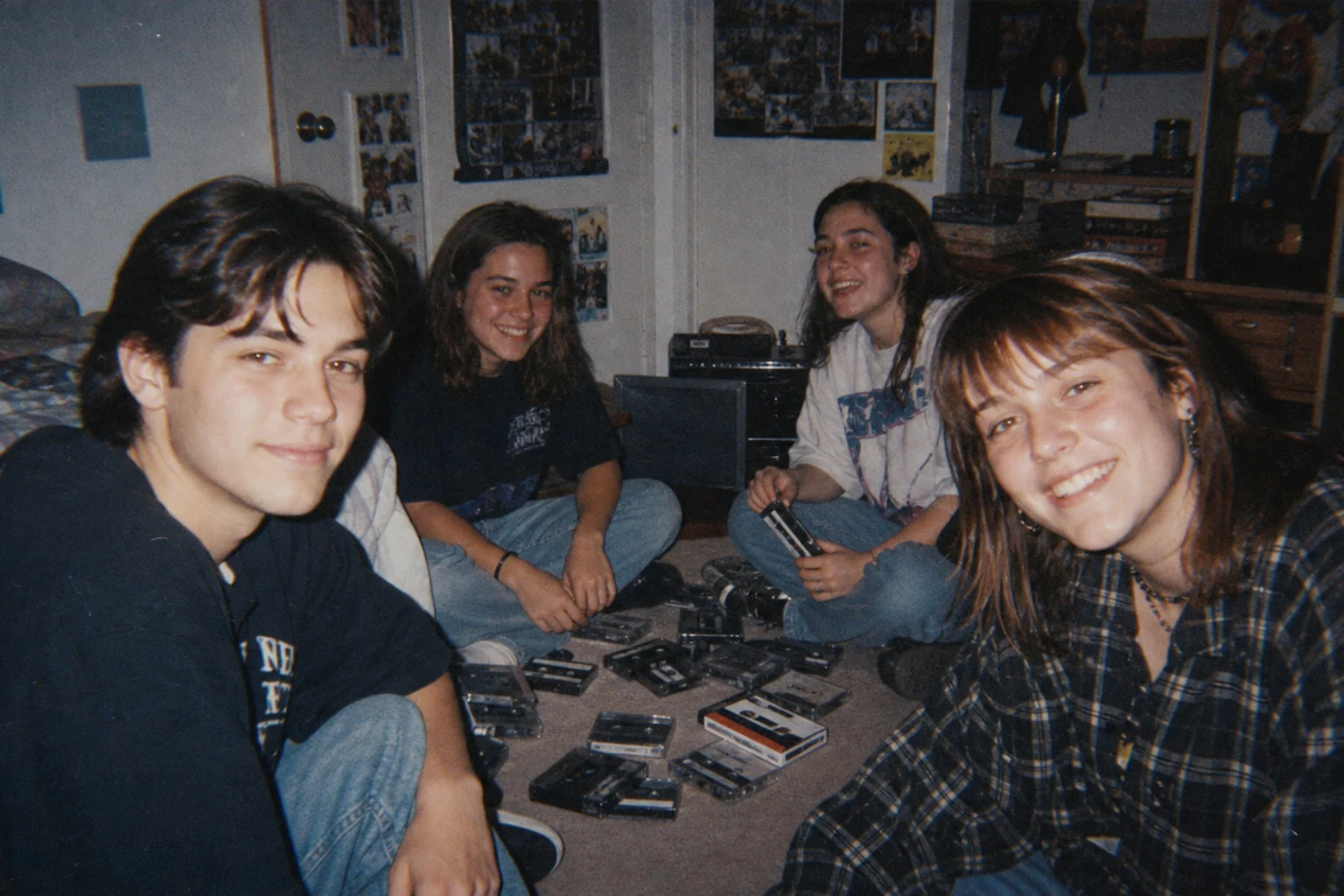
Vintage photo filter generated with retro film tones 3

Example 3

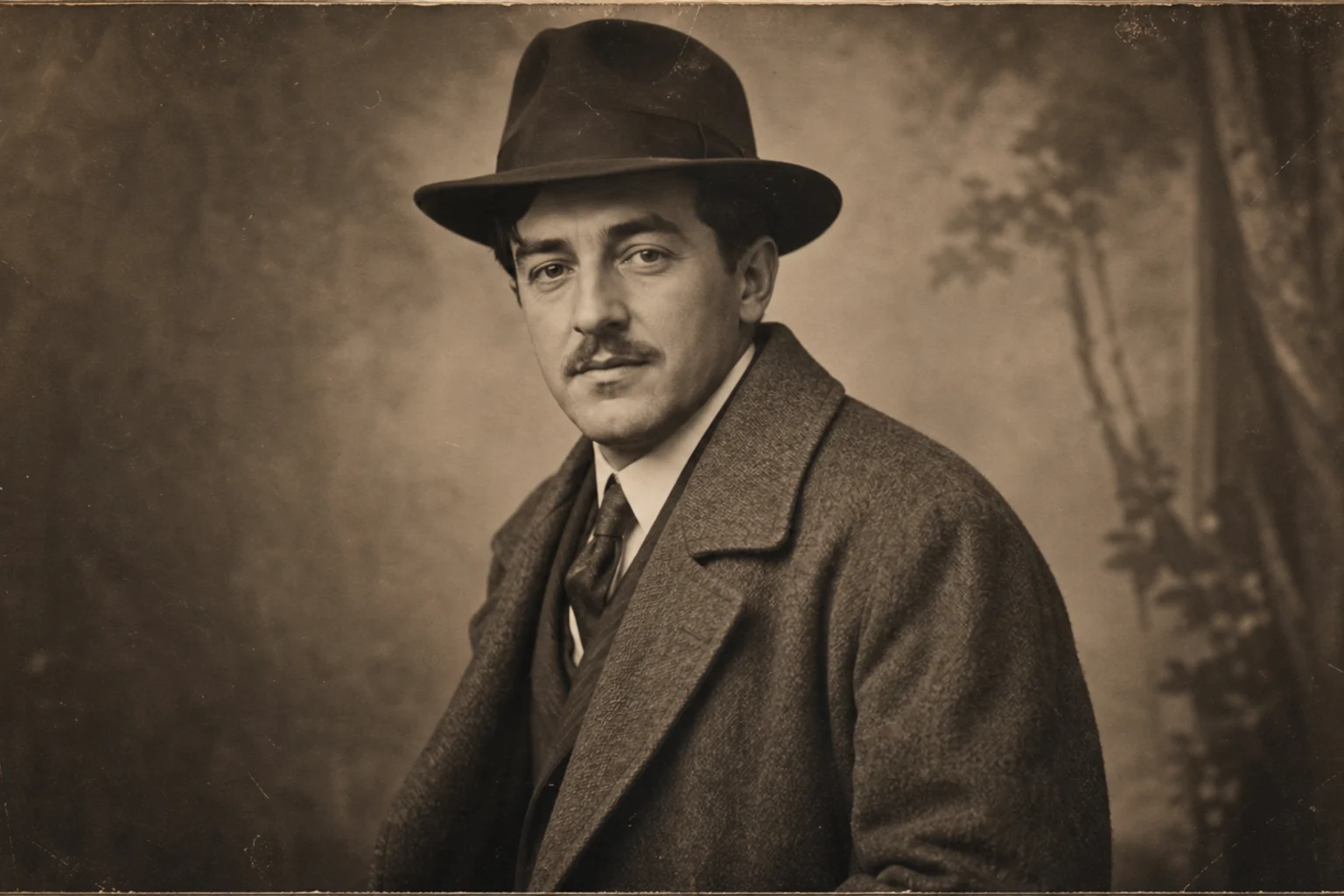
Vintage photo filter generated with retro film tones 4

Example 4

Vintage photo filter generated with retro film tones 5

Example 5

Vintage photo filter generated with retro film tones 6

Example 6

AI Vintage Filter Features

Tools for creating vintage film looks while keeping the photo natural.

Free to Use

Use AI Vintage Filter with free daily credits. No payment details are needed for AI Vintage Filter.

Prompt-Focused Results

AI Vintage Filter creates a focused AI Vintage Filter look instead of applying a generic photo effect.

Fast Generation

Preview the AI Vintage Filter result before downloading, then rerun with a clearer photo or tighter prompt when needed.

Simple upload flow

Upload a clear image to AI Vintage Filter, review the preview, and keep the version that fits your use case.

No Watermark

Download watermark-free AI Vintage Filter images for posts, mockups, references, or client drafts.

Privacy Protected

ClipCanva processes AI Vintage Filter uploads securely and removes files after generation.

How to Apply an AI Vintage Filter

Create a vintage photo look in three quick steps.

1

Upload Your Photo

Upload a clear source image for AI Vintage Filter; AI Vintage Filter supports JPG, PNG, and WebP uploads.

2

AI Creates the Effect

The AI applies vintage color, film grain, faded contrast, and retro texture while preserving the subject and composition.

3

Download the Image

Review the AI Vintage Filter result, download it, or rerun with a stronger source image.

AI Vintage Filter FAQ

Common questions about AI vintage photo effects.

What is AI Vintage Filter?
The AI Vintage Filter turns modern photos into retro-style images with film grain, faded color, soft contrast, and nostalgic texture.
Is AI Vintage Filter free?
Yes. You can use AI Vintage Filter on ClipCanva with free daily credits, and no credit card is required to start.
How do I use AI Vintage Filter?
Open the generator, upload a photo or enter a prompt, choose AI Vintage Filter, generate the image, then download the result.
What image formats does AI Vintage Filter support?
The AI Vintage Filter supports JPG, PNG, and WebP uploads. Vintage filtered images can be downloaded in high resolution.
Can I use AI Vintage Filter results commercially?
Finished images from AI Vintage Filter on ClipCanva can be used commercially, subject to the platform terms of service.

Apply an AI Vintage Filter Free

Give your photo a nostalgic film look with grain, faded tones, and retro color.