AI Tomb Raider Style Card Generator

AI Tomb Raider Style Card Generator

Transform a clear portrait into a rugged adventure character card with explorer styling, cinematic dust, ancient ruins, and dramatic game-inspired presentation.

AI Tomb Raider Style Card Generator result preview
0 / 2000
Template prompt

AI Tomb Raider Style Card Generator

Apply the AI Tomb Raider Style Card effect to the uploaded portrait. Preserve the person identity, face shape, hairstyle, expression cues, and key body silhouette. Rebuild the subject as a rugged adventure character card with explorer outfit, archaeological tools, jungle or ancient-temple setting, cinematic dust and rim lighting, weathered textures, game-card frame, and dramatic action-adventure presentation. Allow outfit, pose, and background changes required by the adventure-card effect while keeping the person recognizable.

AI Tomb Raider Style Card Generator result preview

Create a rugged Tomb Raider Style Card from a portrait

The AI Tomb Raider Style Card Generator turns a portrait into an adventure-themed character card inspired by rugged exploration, relic-hunting atmosphere, cinematic lighting, and bold card-style composition. It is designed for portraits that should feel like a dramatic explorer profile rather than a simple photo filter.

From portrait to cinematic explorer card

This template changes the portrait into a dramatic explorer card while keeping the subject recognizable enough to connect the result back to the source image.

What changes

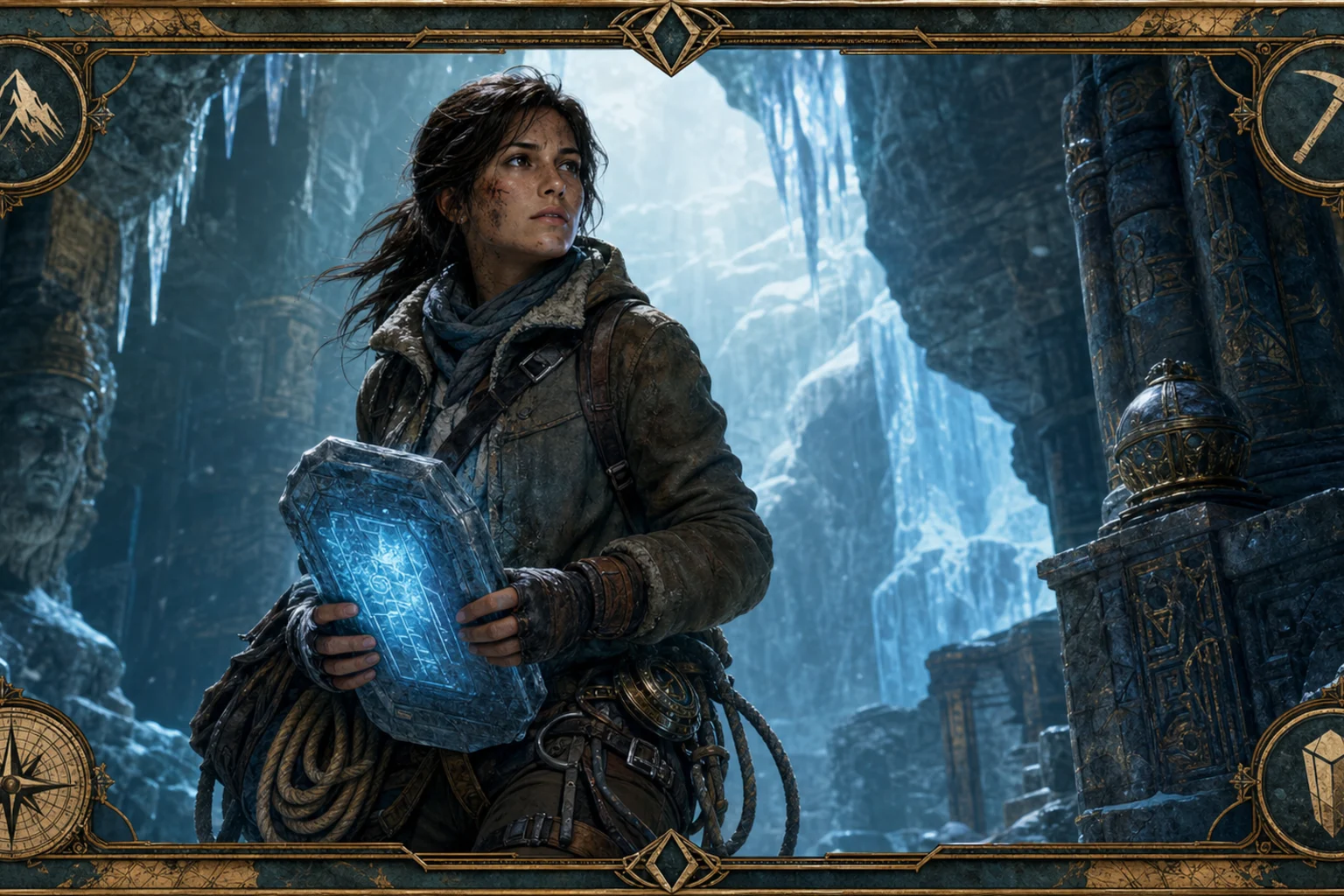
  • Turns a portrait into a rugged adventure character card with cinematic lighting, explorer styling, and game-inspired presentation.
  • Builds a focused Tomb Raider Style Card look instead of a generic photo effect.
  • Adds adventure-card elements such as archaeological tools, ancient ruins, jungle atmosphere, dust, rim lighting, and weathered textures.
  • Supports refinement by letting you review the result and try again with a clearer photo or more specific creative direction.
What stays recognizable

  • The person’s identity, face shape, hairstyle, expression cues, and key body silhouette remain the main reference.
  • Outfit, pose, and background may change to support the adventure-card effect while the person stays recognizable.
  • Defining colors, pose direction, silhouette, and important subject details stay coherent where possible.
  • The main subject remains the focus of the composition.

How the Tomb Raider Style Card workflow works

A clear portrait and a focused direction help the template create a more coherent adventure character card.

1

Upload a clear portrait

Choose a sharp portrait where the subject’s face, hairstyle, expression, and body outline are visible without heavy blur or obstruction.

2

Describe the adventure mood

Add details such as explorer outfit, ancient temple, jungle ruins, relic props, cinematic dust, dramatic rim light, or game-card framing.

3

Review and refine

Compare the result with the source image, then refine with a clearer photo or tighter prompt if the identity, hands, edges, or background need improvement.

Tomb Raider Style Card examples

Explore different adventure-card moods, from dusty ruin portraits to action-ready explorer compositions with bold cinematic lighting.

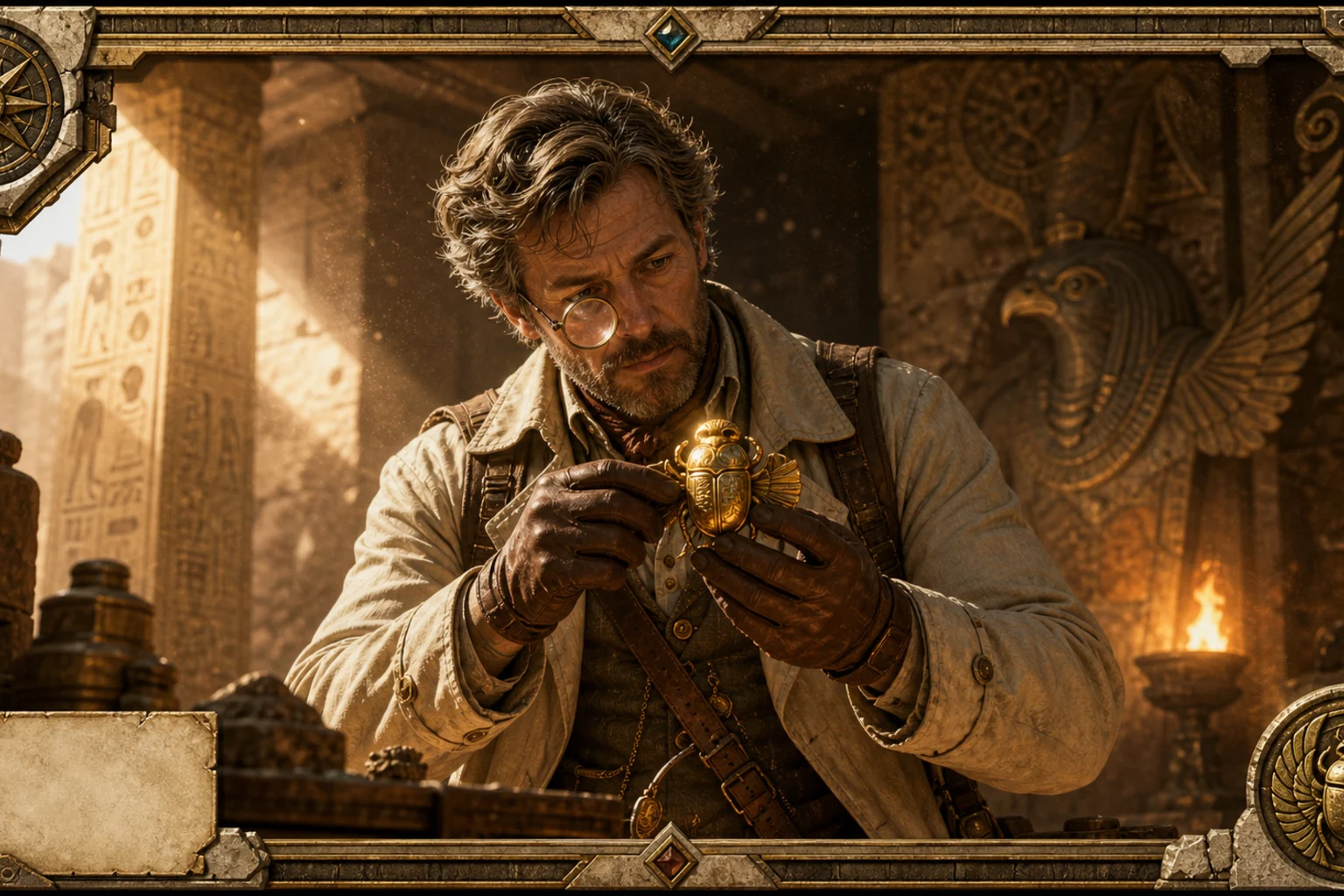
Adventure character card generated from a portrait 1

Cinematic relic hunter card

A dramatic explorer portrait with warm rim light, weathered textures, and a collectible character-card feel.

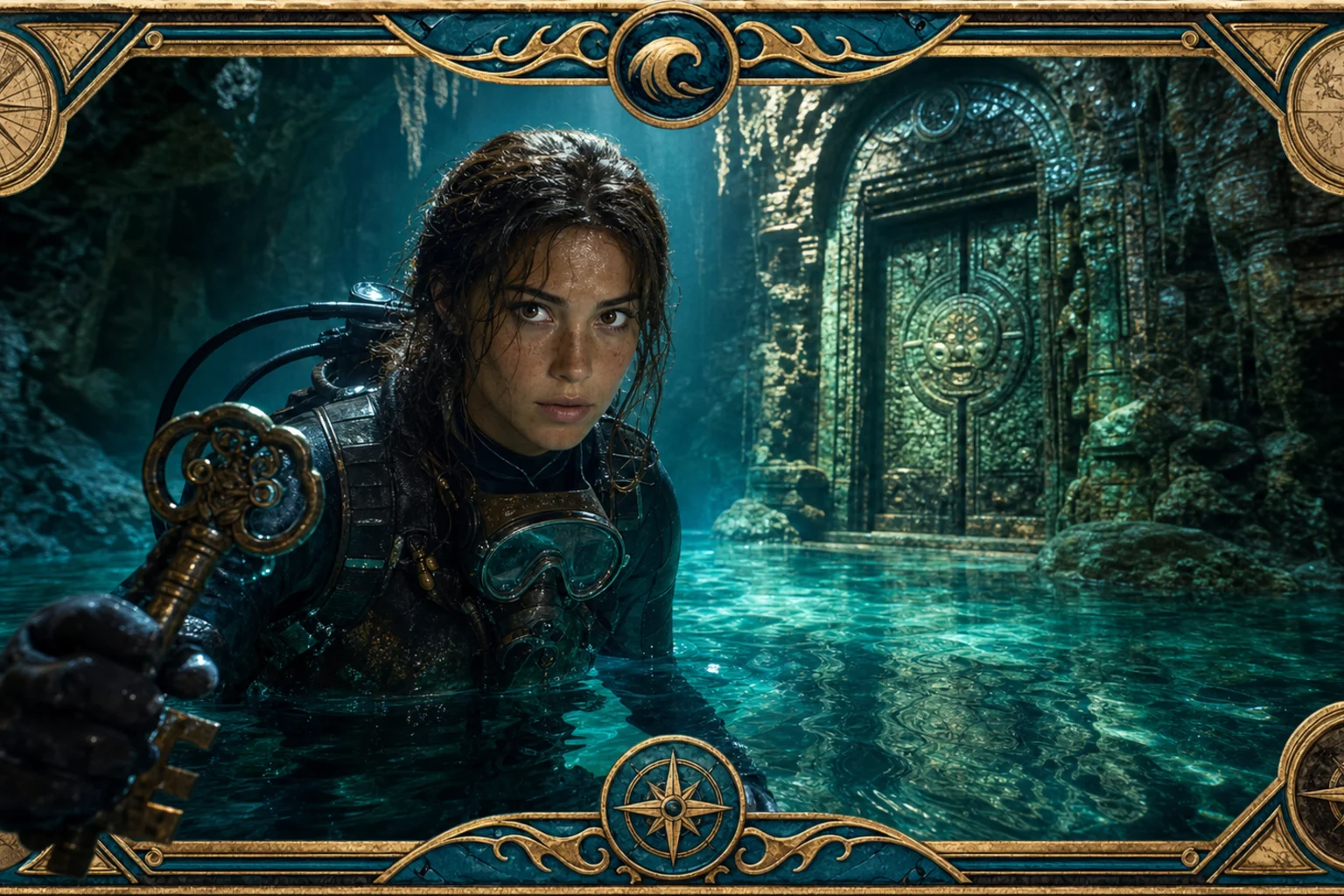
Adventure character card generated from a portrait 2

Ancient ruins explorer look

A rugged Tomb-inspired card layout with ancient-stone atmosphere, survival styling, and a focused portrait composition.

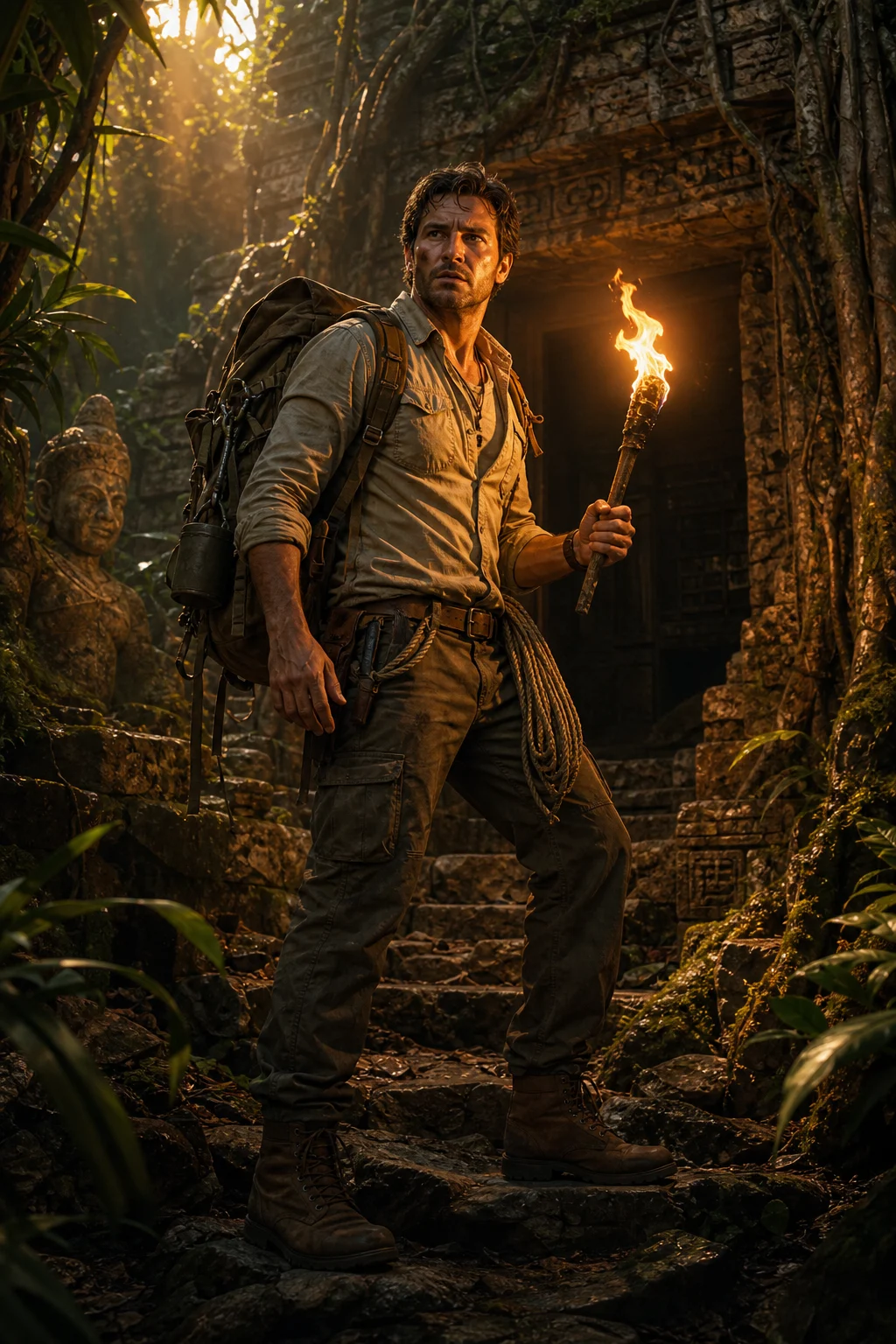
Adventure character card generated from a portrait 3

Action adventure character card

A bold Raider-style adventure image with stronger action energy, dusty lighting, and game-character presentation.

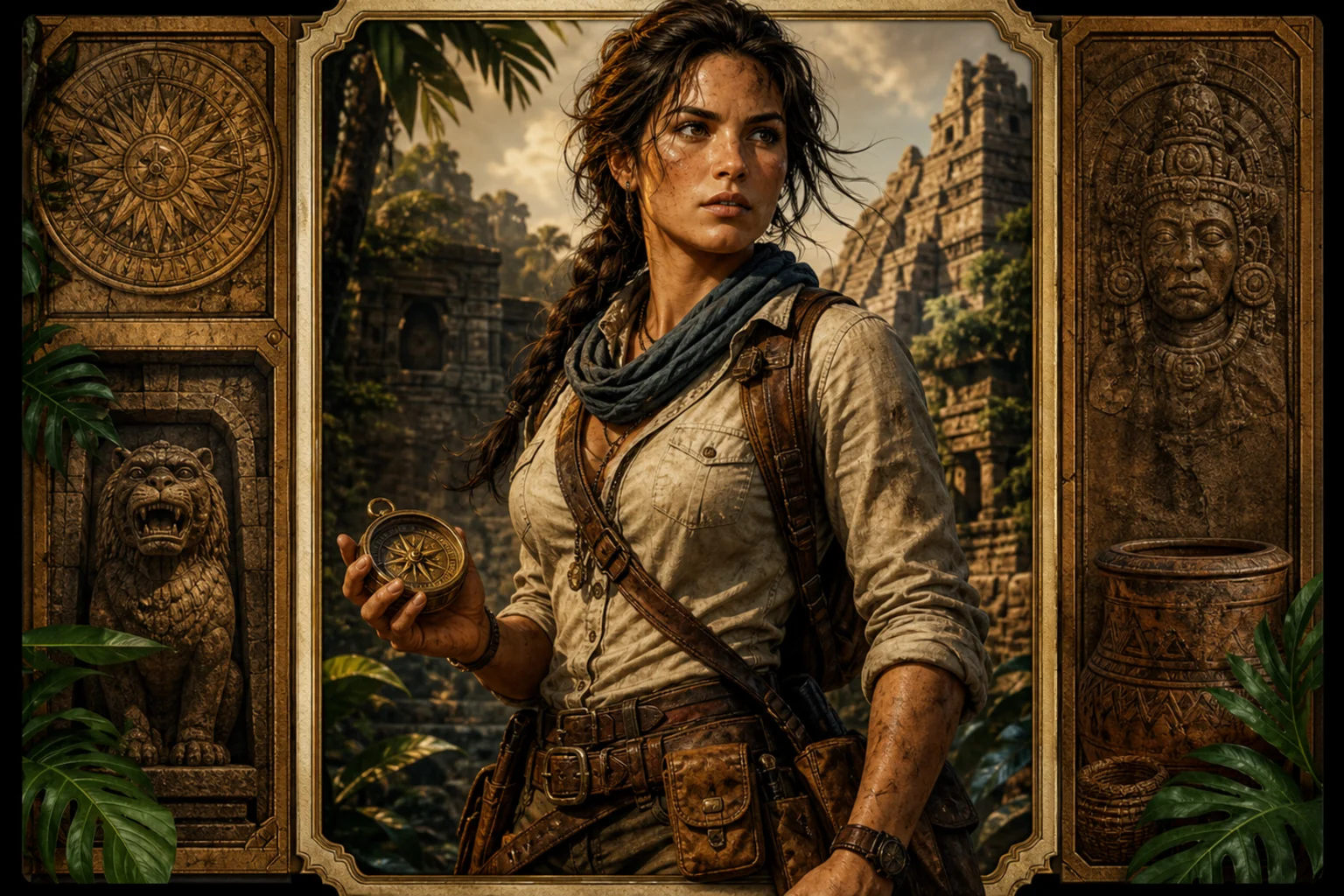
Adventure character card generated from a portrait 4

Weathered explorer profile

A polished Style Card variation with explorer gear, cinematic shadows, and a dramatic backdrop for creative previews.

Ways to use a Tomb Raider Style Card

Use the AI Tomb Raider Style Card Generator when you need a fast visual direction for an adventure-themed portrait, concept preview, or stylized character presentation.

Personal adventure portrait

Turn a personal portrait into a dramatic explorer card for profile art, social posts, mood boards, or creative experiments.

Concept and reference preview

Explore an archaeological action-adventure look before choosing a final direction for a character, campaign, or themed visual set.

Presentation-ready visual draft

Create a polished draft to compare lighting, pose, setting, and card-frame options before refining or sharing the idea.

How to get a better Tomb Raider Style result

A strong source image gives the template more usable detail for identity, pose, and silhouette while still allowing the adventure-card look to reshape clothing, setting, and mood.

Source image checklist

  • Use a sharp source image with the main subject clearly visible.
  • Avoid heavy blur, blocked details, extreme crops, or confusing overlaps.
  • Choose a source whose pose and framing support the intended AI Tomb Raider Style Card Generator result.

Prompt tips for a stronger adventure look

Mention the kind of explorer look you want, such as jungle ruins, ancient temple, relic hunter gear, torchlight, dusty sunlight, weathered leather, dramatic action pose, or collectible game Card framing. Keep the request focused so the final Style stays coherent.

Review the result before you use it

Generated details can vary, so review the image as a visual draft. If the result feels unclear, try a sharper portrait, a simpler crop, or a more specific prompt.

Check identity and silhouette

Compare the face shape, hairstyle, expression cues, pose, and body silhouette with the original portrait to make sure the character still reads as the same person.

Review the visual style

Look for a cohesive Raider-inspired adventure treatment: explorer outfit, archaeological setting, cinematic lighting, weathered textures, and a clear Card composition.

Inspect fine details

Inspect faces, hands, edges, small props, background transitions, and any text-like details for distortions or distracting artifacts before using the image.

AI Tomb Raider Style Card Generator FAQ

Answers to common questions about using this Tomb Raider Style Card Generator online and preparing a source image for a stronger result.

What is AI Tomb Raider Style Card Generator?
It is a portrait transformation template that creates a rugged adventure character card with explorer outfit details, archaeological atmosphere, cinematic lighting, and a game-inspired card presentation.
Is AI Tomb Raider Style Card Generator free?
Availability and access can vary by platform or session. Check the current page interface for any usage details before creating your image.
How do I use AI Tomb Raider Style Card Generator?
Start with a clear portrait, use the template, and describe any preferred explorer mood, ancient-temple setting, relic details, or card style. Review the result and adjust the source image or prompt if needed.
What image formats does AI Tomb Raider Style Card Generator support?
Use a common image format such as JPG, PNG, or WebP when supported by the upload interface. A sharp, well-lit portrait usually gives the clearest adventure-card result.
Can I use AI Tomb Raider Style Card Generator results commercially?
Usage rights can depend on the platform terms and the images you provide. Review the applicable terms and make sure you have permission to use the source portrait and final result for your intended purpose.
What AI Tomb Raider Style Card Generator changes should I expect?
It can add explorer clothing, weathered textures, archaeological props, jungle or ruin backdrops, cinematic rim light, dust, and a dramatic card frame while aiming to keep the person recognizable.
Which source image works best?
Choose a sharp portrait where the face, hairstyle, body outline, and important details are visible. Avoid heavy blur, blocked faces, extreme crops, or crowded overlaps.
How do I keep the subject recognizable?
Use a clear front-facing or three-quarter portrait and avoid hiding the face with accessories or shadows. After creating the result, compare the face shape, expression cues, hairstyle, and silhouette with the source.

Create your Tomb Raider Style Card

Use a clear portrait and build a cinematic Tomb Raider Style Card with explorer details, ancient ruins, dramatic lighting, and a bold character-card finish.