FreeCreate It Free: Stardew Valley Character Generator

Stardew Valley Character Generator

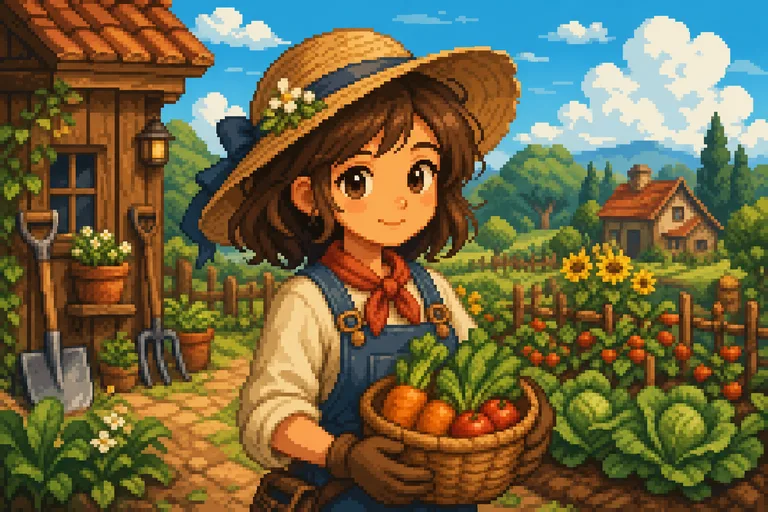
Turn a portrait into a cozy pixel-art character with a soft rural mood, simple readable shapes, and the hairstyle, outfit, and expression preserved.

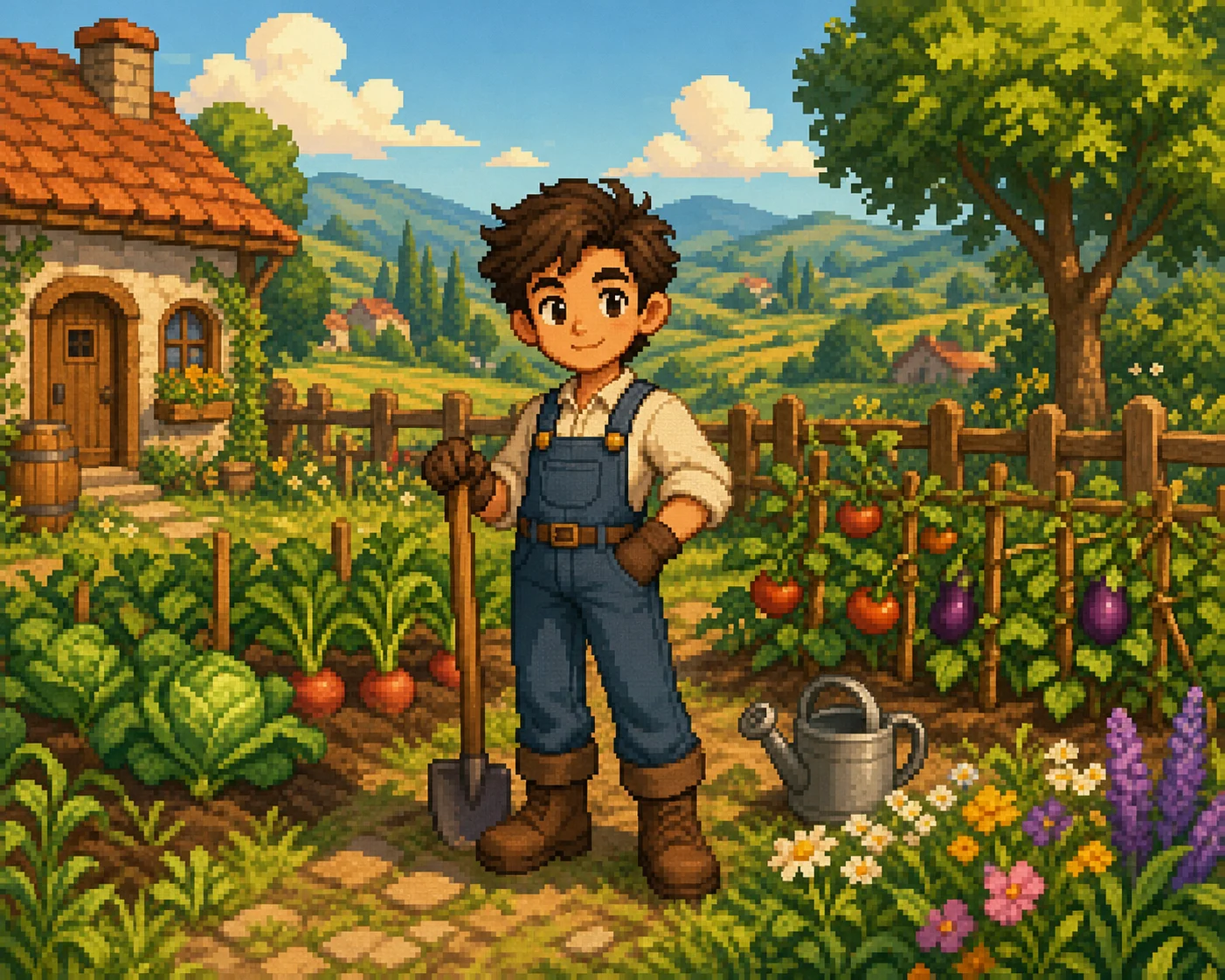
Stardew Valley-style pixel character example
0 / 2000
Template prompt

Stardew Valley Character Generator

Apply the Stardew Valley Character effect to the uploaded portrait or character image. Preserve the subject identity, hairstyle, outfit colors, expression, and key accessories. Rebuild it as a cozy pixel-art farming-game character with cute proportions, soft palette, clean pixel edges, rural or simple background, and charming avatar composition. Keep the uploaded subject recognizable in pixel form.

Stardew Valley-style pixel character example

Gallery

Stardew Valley Character Examples

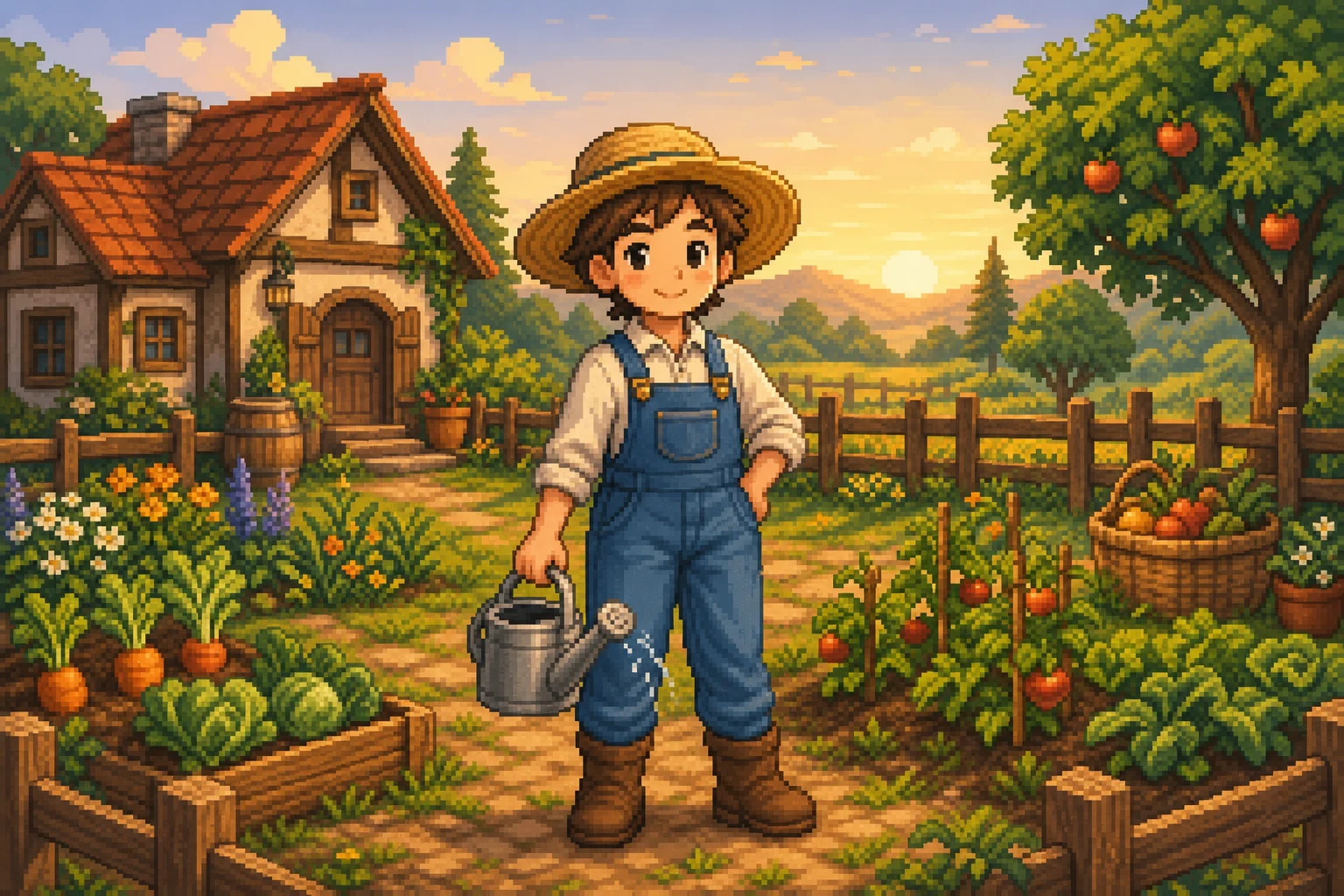
Stardew Valley-style pixel character example 1

Example 1

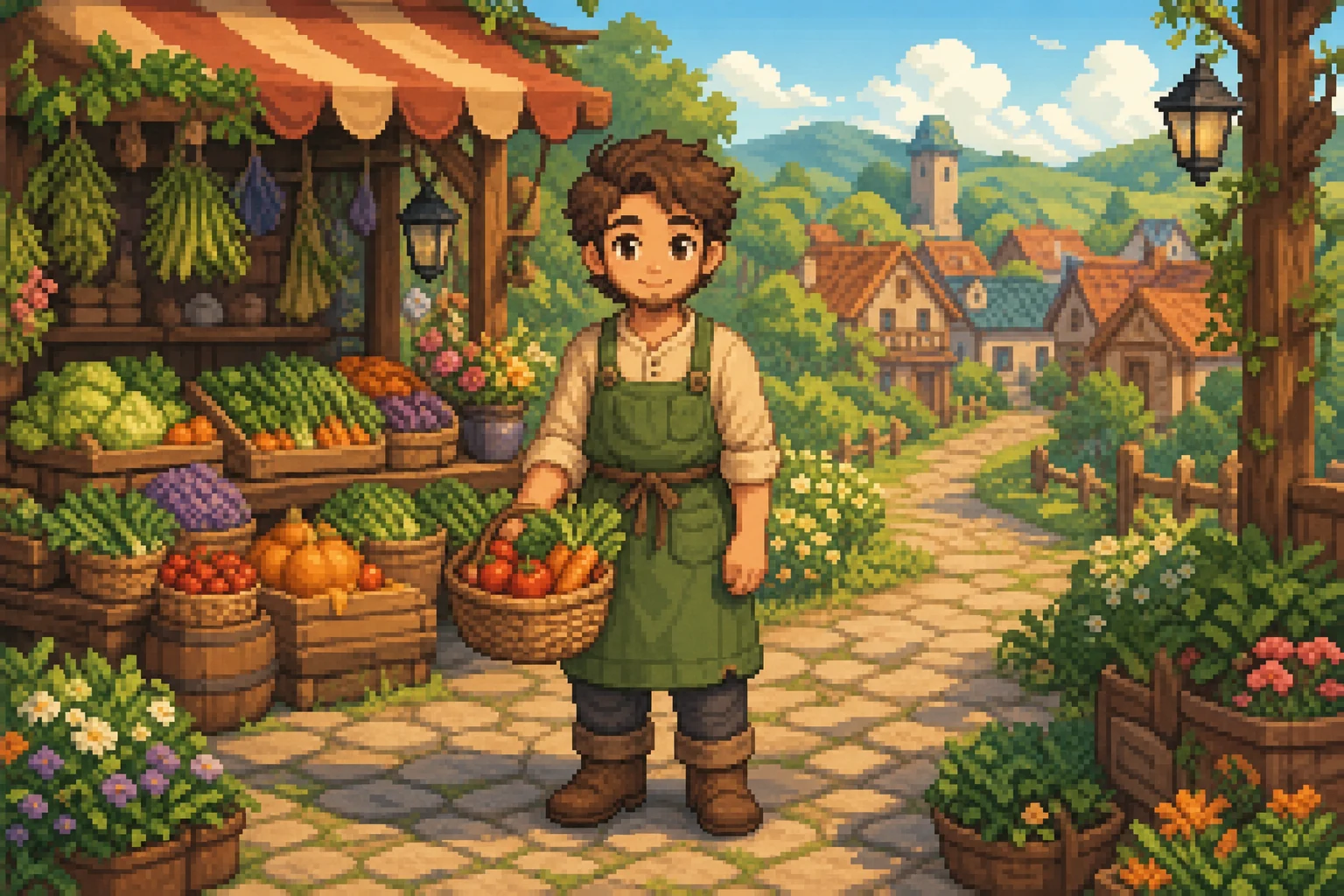
Stardew Valley-style pixel character example 2

Example 2

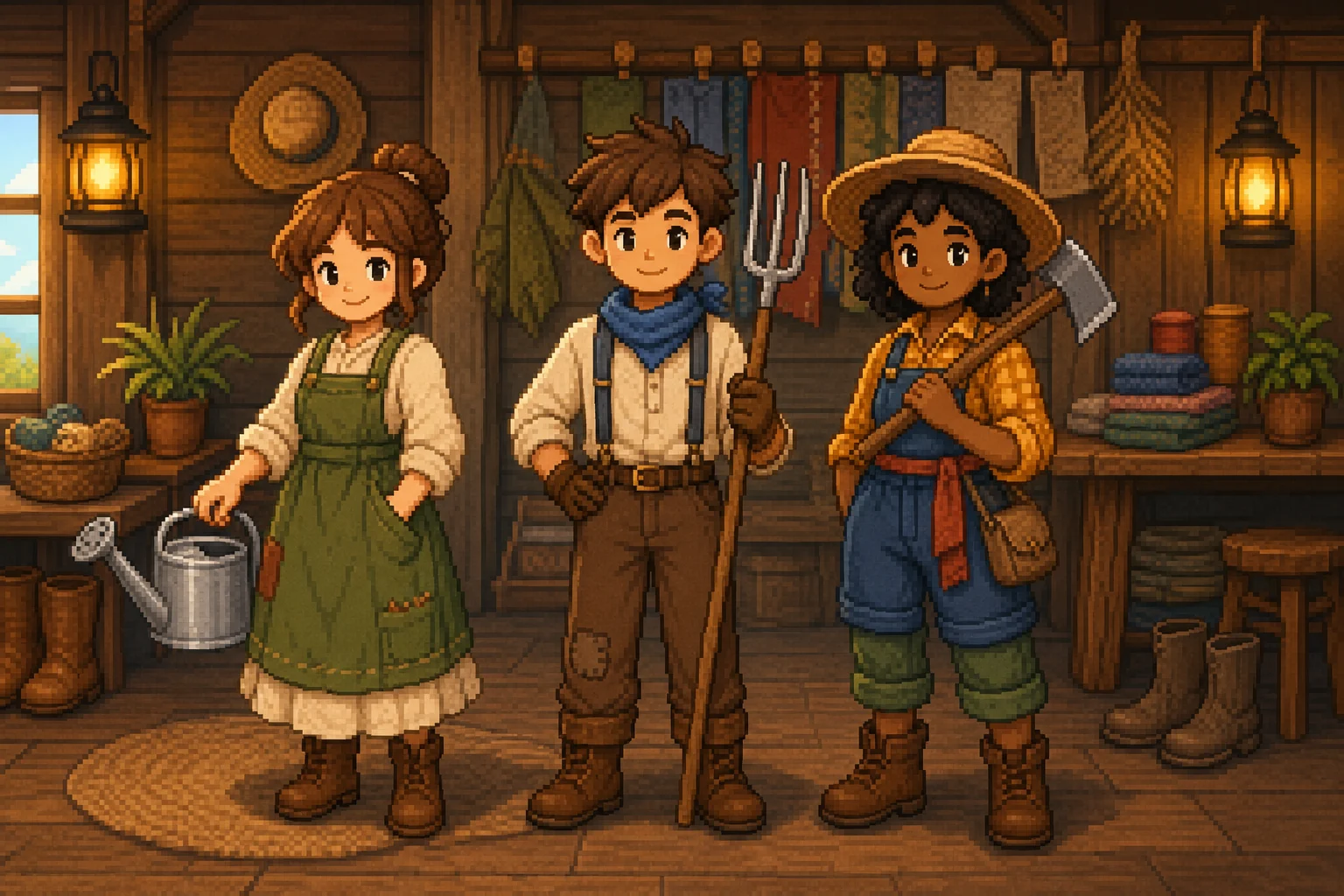
Stardew Valley-style pixel character example 3

Example 3

Stardew Valley-style pixel character example 4

Example 4

Stardew Valley-style pixel character example 5

Example 5

Stardew Valley-style pixel character example 6

Example 6

Stardew Valley Character Generator Features

Create cozy pixel-art characters inspired by farming RPG portraits.

Free to Use

Try Stardew Valley Character Generator with free daily credits before deciding whether you need more generations.

Cozy Pixel Art

Render portraits with soft colors, simple proportions, and a warm farming RPG mood.

Fast preview loop

Preview the Stardew Valley Character Generator result before downloading, then rerun with a clearer photo or tighter prompt when needed.

Simple upload flow

Upload a clear image to Stardew Valley Character Generator, review the preview, and keep the version that fits your use case.

No Watermark

Download watermark-free Stardew Valley Character Generator images for posts, mockups, references, or client drafts.

Privacy Protected

ClipCanva processes Stardew Valley Character Generator uploads securely and removes files after generation.

How to Use Stardew Valley Character Generator

Upload a portrait and generate a cozy pixel character.

1

Upload Your Photo

Upload a clear source image for Stardew Valley Character Generator; Stardew Valley Character Generator supports JPG, PNG, and WebP uploads.

2

AI Creates the Look

Our AI converts the portrait into a cozy pixel-art character while preserving recognizable features.

3

Download the Image

Save the finished image in high resolution and use it where you need it for Stardew Valley Character Generator.

Stardew Valley Character Generator FAQ

Answers about creating Stardew Valley-style characters with AI.

What is a Stardew Valley character generator?
It is an AI tool that turns a portrait into a cozy pixel-art character inspired by the Stardew Valley aesthetic.
Is the Stardew Valley character generator free?
Yes. ClipCanva includes free daily credits so you can create pixel characters without a credit card.
How do I create a Stardew-style character?
Upload a clear portrait, choose this style in the generator, click Generate, and download the pixel-art result.
What kind of style does it create?
It creates a cute farming RPG look with pixel-art detail, soft colors, simple proportions, and a pastoral mood.
Can I use the result commercially?
Generated images can be used under the ClipCanva terms of service, but you must respect any third-party IP and likeness rights.

Try Stardew Valley Character Generator Free

Upload a portrait and create a cozy pixel character with soft colors and farming game charm.