FreeCreate It Free: AI Smile Filter

AI Smile Filter

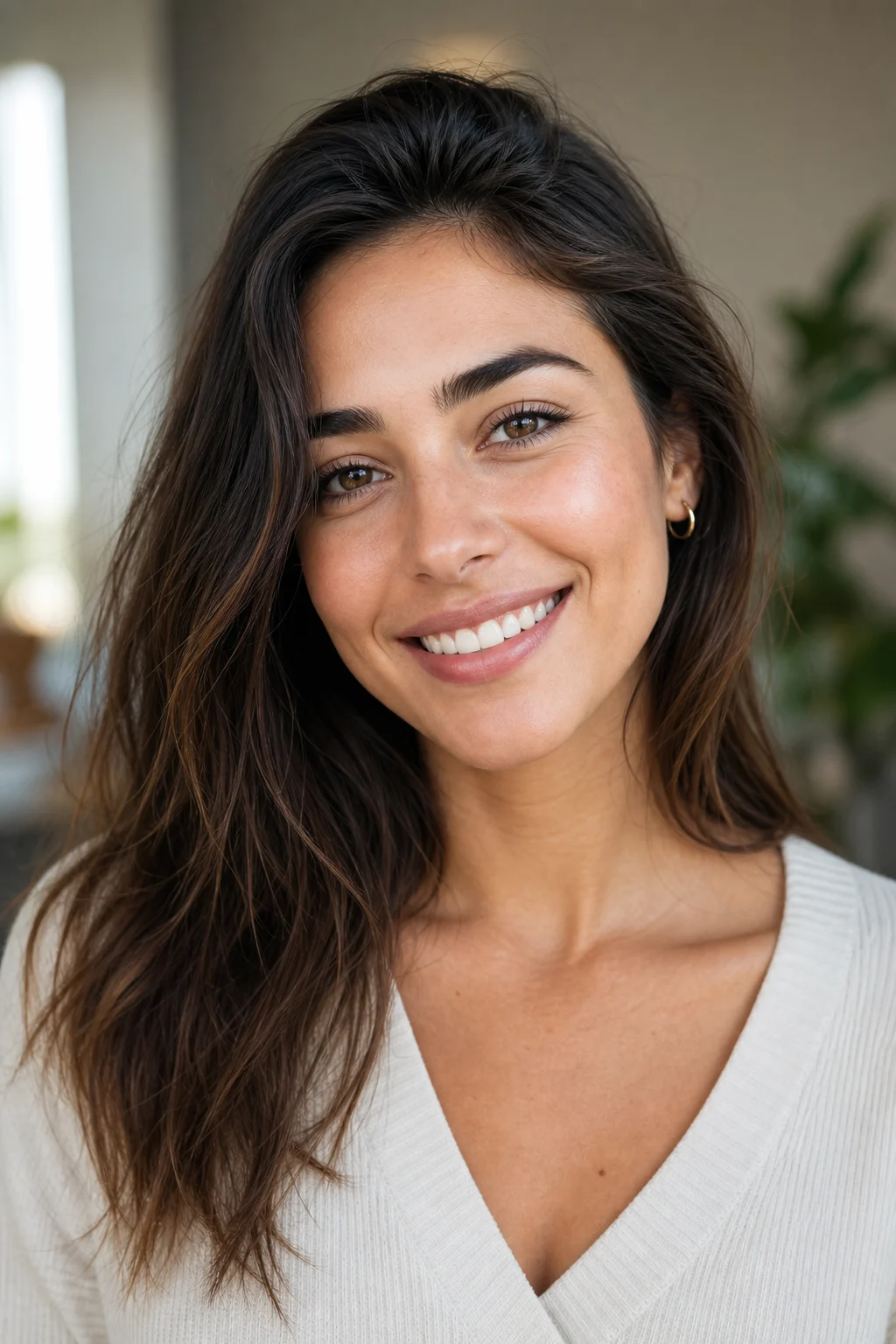
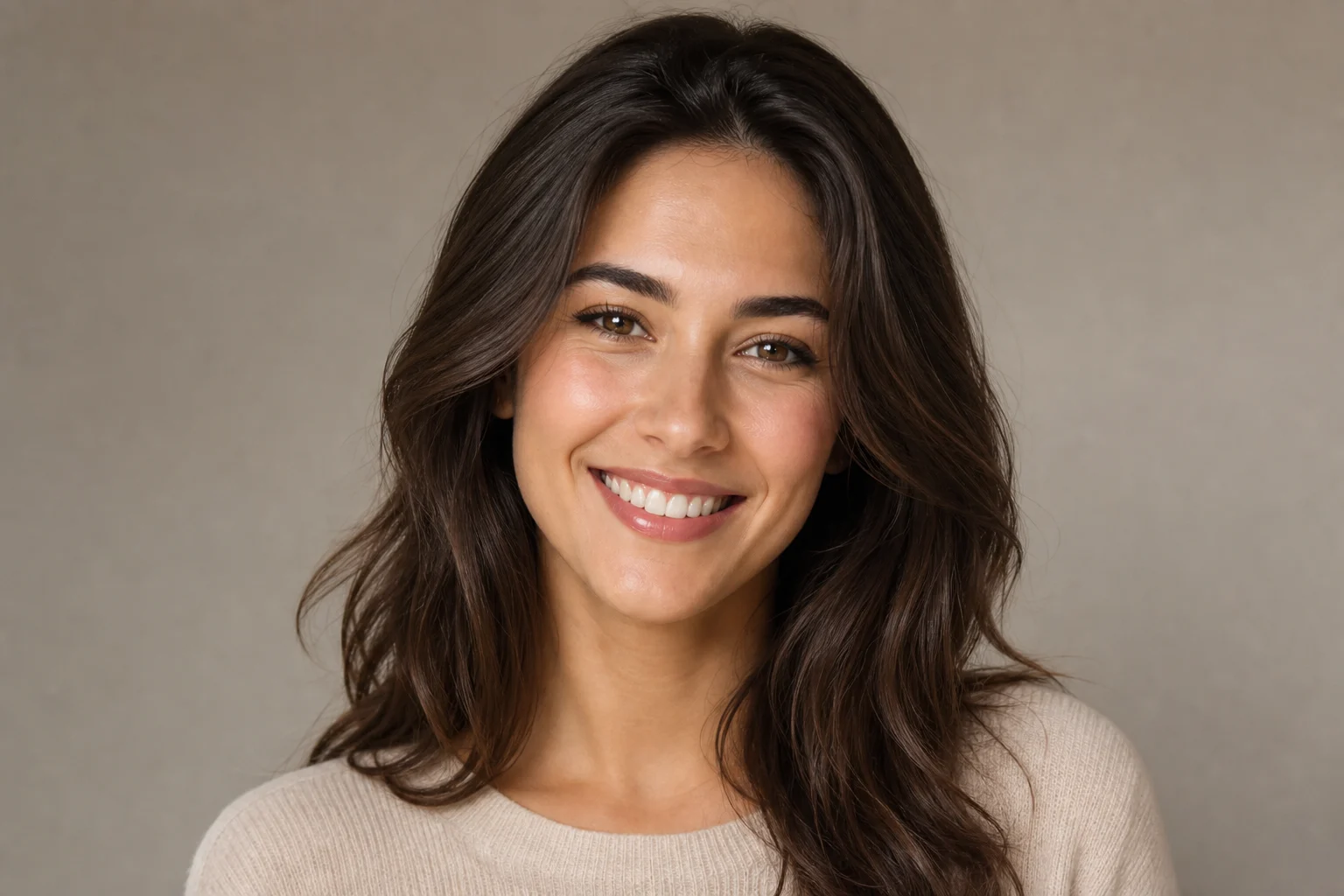
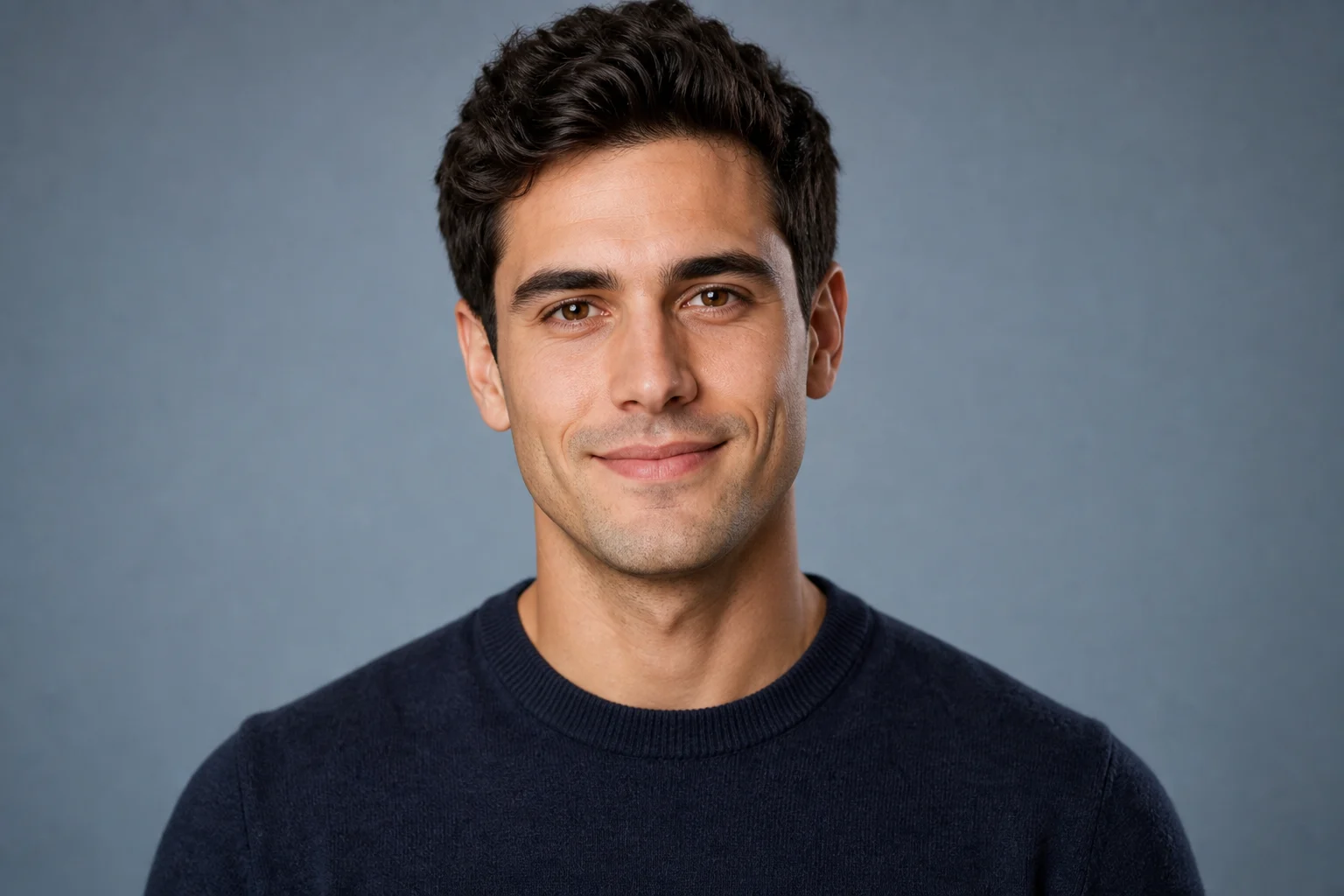
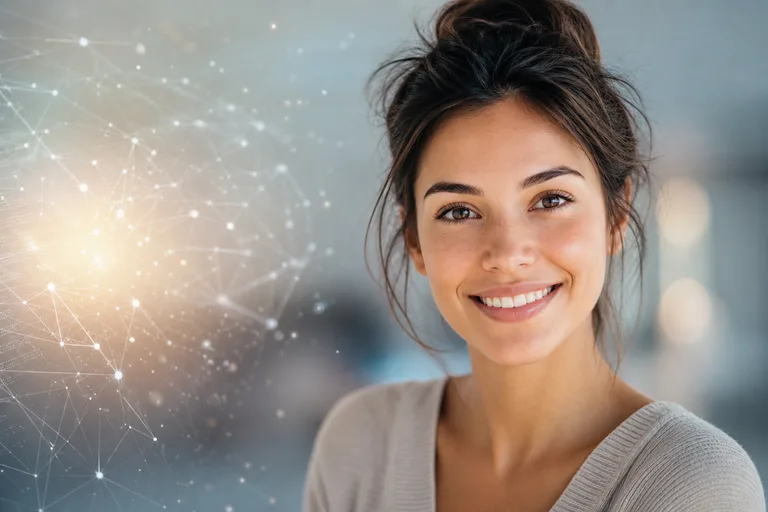
Change only the expression into a warmer natural smile, preserving the person, eyes, cheeks, lighting, background, and original portrait style.

natural smile photo edit example
0 / 2000
Template prompt

AI Smile Filter

Apply the AI Smile Filter effect to the uploaded portrait. Preserve the same person, face shape, eye shape, hairstyle, pose, clothing, lighting, camera angle, and background. Change only the mouth, cheek, and eye-expression details needed for a natural smile, with realistic teeth or closed-mouth smile, skin folds, cheek lift, and facial harmony. Do not change identity or overall face structure.

natural smile photo edit example

Gallery

AI Smile Filter Examples

natural smile photo edit example 1

Example 1

natural smile photo edit example 2

Example 2

natural smile photo edit example 3

Example 3

natural smile photo edit example 4

Example 4

natural smile photo edit example 5

Example 5

natural smile photo edit example 6

Example 6

AI Smile Filter Features

Create warmer portrait expressions without changing identity.

Free to Use

Try AI Smile Filter with free daily credits before deciding whether you need more generations.

Natural Expression

Add a friendly smile while preserving face shape, features, skin texture, and lighting.

Quick before-and-after preview

Preview the AI Smile Filter result before downloading, then rerun with a clearer photo or tighter prompt when needed.

Simple upload flow

Upload a clear image to AI Smile Filter, review the preview, and keep the version that fits your use case.

No Watermark

Download watermark-free AI Smile Filter images for posts, mockups, references, or client drafts.

Privacy Protected

ClipCanva processes AI Smile Filter uploads securely and removes files after generation.

How to Use AI Smile Filter

Upload a portrait and generate a natural smile edit.

1

Upload Your Photo

Upload a clear source image for AI Smile Filter; AI Smile Filter supports JPG, PNG, and WebP uploads.

2

AI Creates the Look

Our AI adjusts the expression into a natural smile while keeping identity and photo style intact.

3

Download the Image

Save the finished image in high resolution and use it where you need it for AI Smile Filter.

AI Smile Filter FAQ

Answers about adding smiles to photos with AI.

What is an AI smile filter?
It is an AI photo tool that adds a natural-looking smile to a portrait while preserving the person's identity and original image style.
Is the AI smile filter free?
Yes. ClipCanva includes free daily credits so you can try smile edits without a credit card.
How do I add a smile to a photo?
Upload a clear portrait, select this AI smile filter template, click Generate, and download the smiling version.
Will the edited photo still look natural?
The template is designed to keep the same face, lighting, skin texture, and pose while adjusting only the expression.
Can I use AI smile filter results commercially?
Generated images can be used commercially under the ClipCanva terms of service and the rights for your uploaded photo.

Try AI Smile Filter Free

Upload a portrait and create a natural smiling version that still looks like the original person.