FreeCreate It Free: AI Skinny Filter

AI Skinny Filter

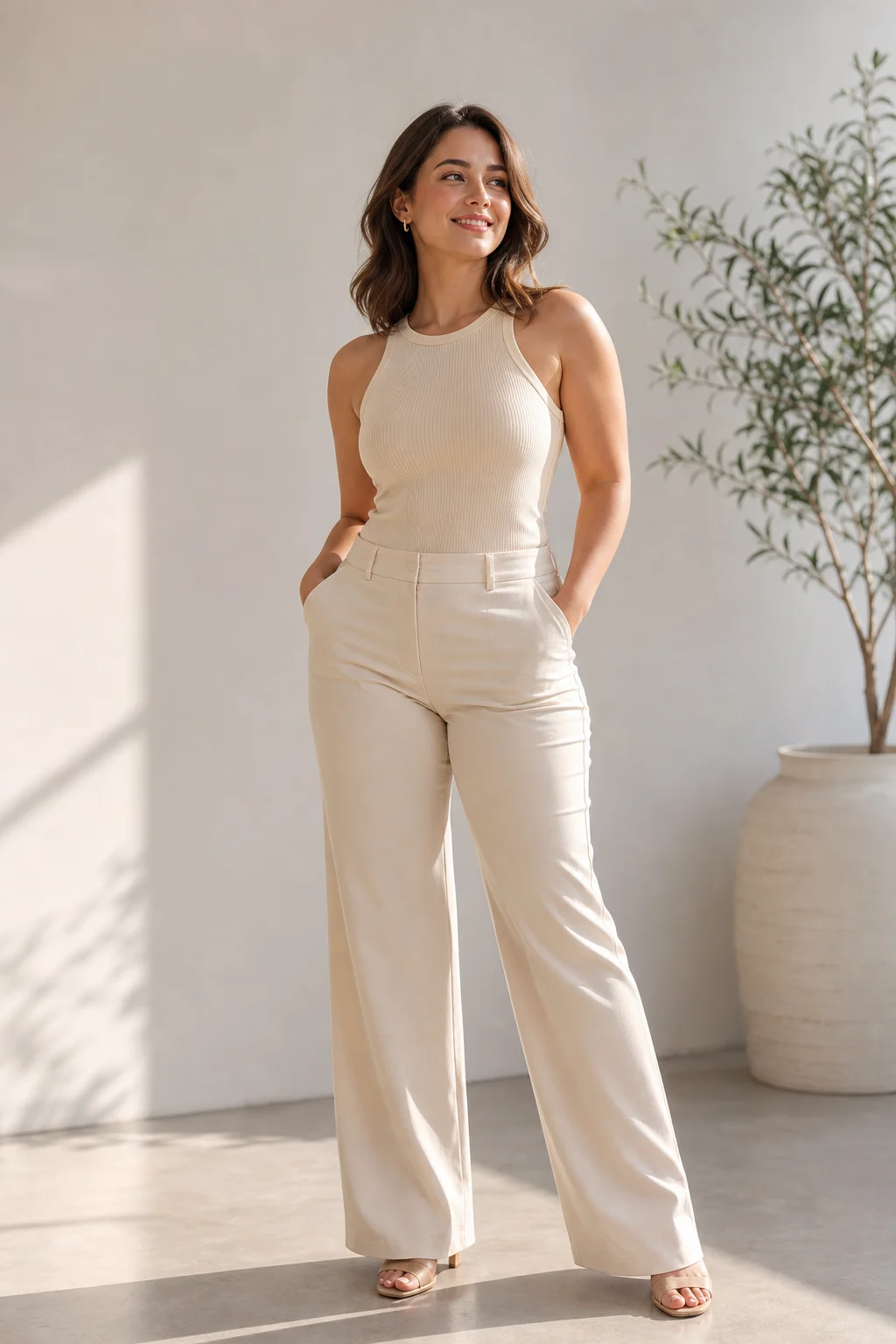
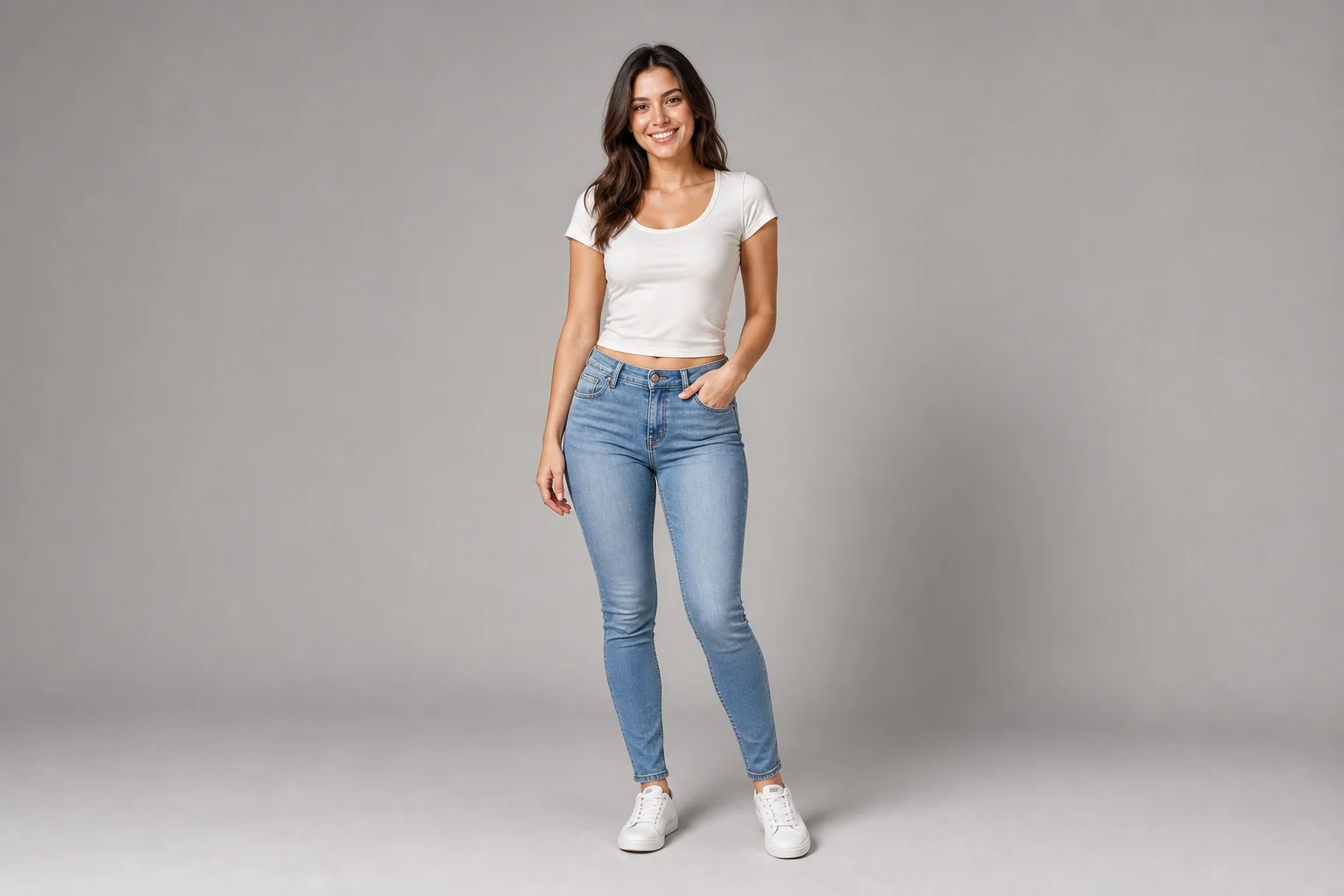
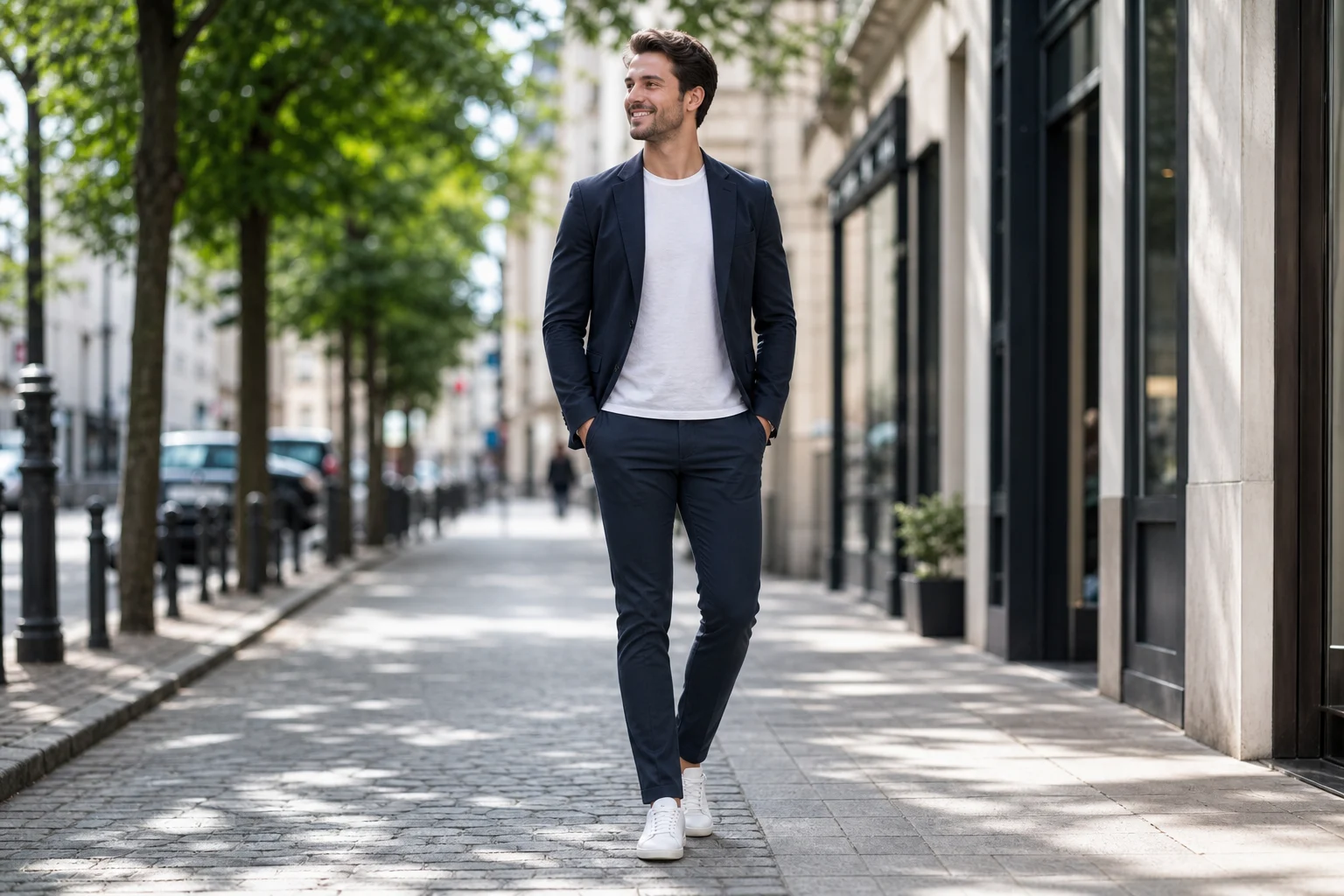
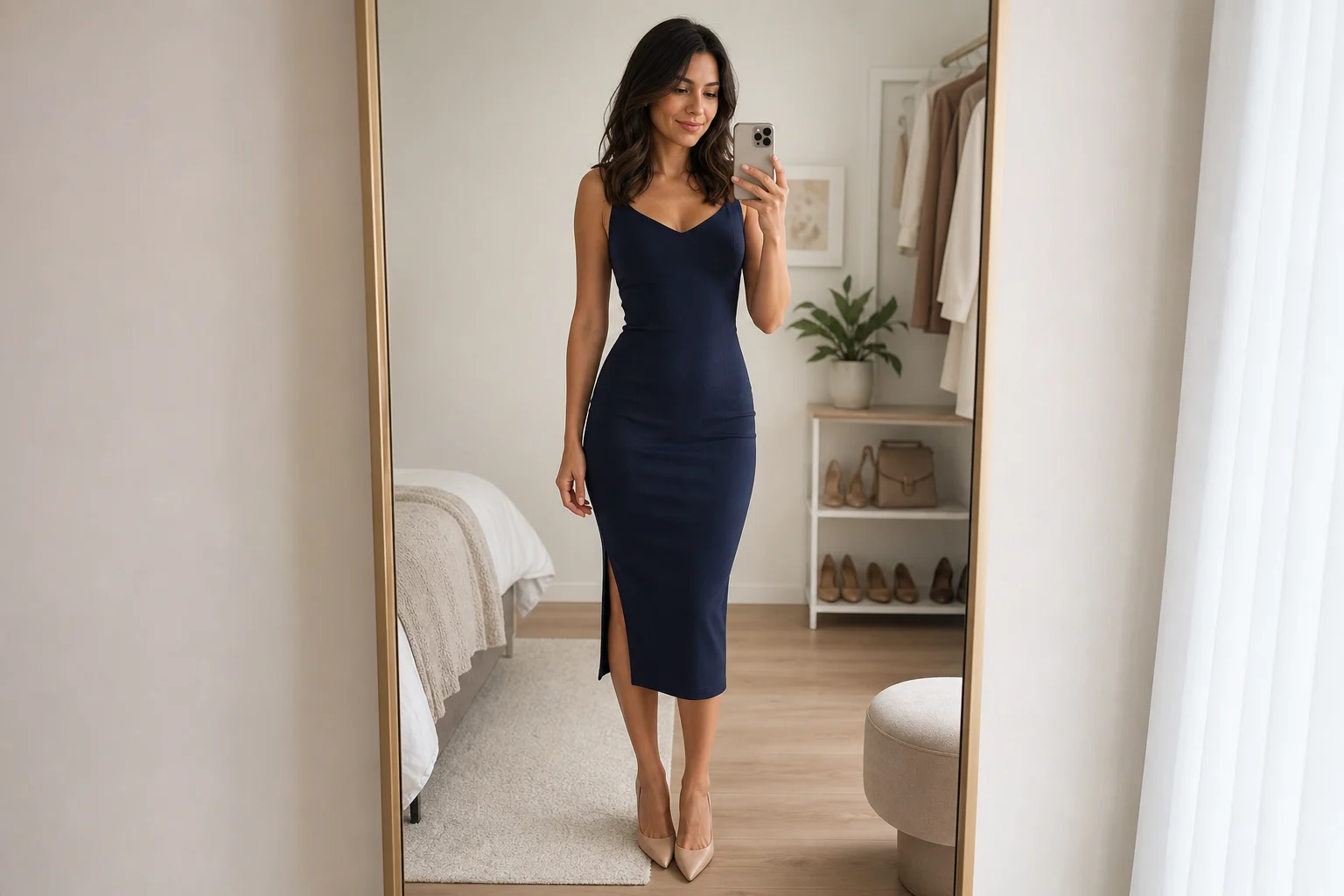
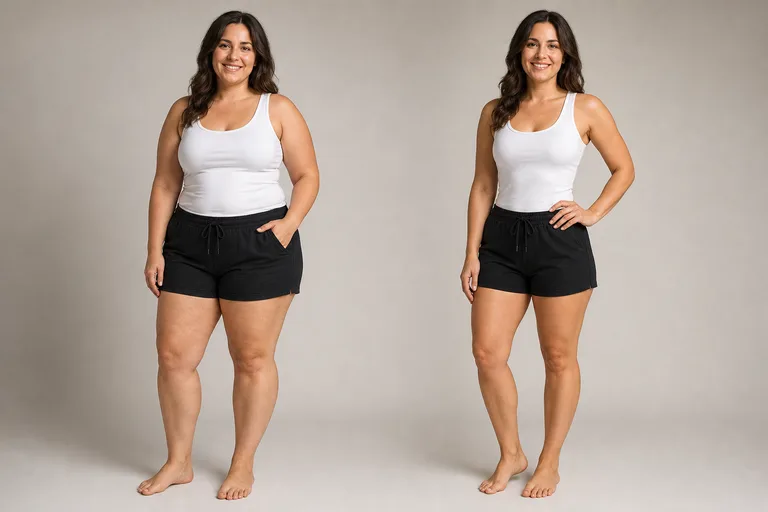
Preview a slimmer version of a portrait or body photo while keeping identity, pose, clothing, lighting, and anatomy believable.

natural slimmer photo edit example
0 / 2000
Template prompt

AI Skinny Filter

Apply the AI Slimmer Body Preview effect to the uploaded portrait or full-body photo. Preserve the same person, identity, face structure, expression, pose direction, clothing style, lighting, and background. Adjust only body or face fullness into a realistic slimmer version with natural anatomy, fabric behavior, shadows, and proportions. Keep the result respectful, photorealistic, and clearly recognizable as the same person.

natural slimmer photo edit example

Gallery

AI Skinny Filter Examples

natural slimmer photo edit example 1

Example 1

natural slimmer photo edit example 2

Example 2

natural slimmer photo edit example 3

Example 3

natural slimmer photo edit example 4

Example 4

natural slimmer photo edit example 5

Example 5

natural slimmer photo edit example 6

Example 6

AI Skinny Filter Features

Preview a respectful slimmer photo edit with realistic detail.

Free to Use

Try AI Skinny Filter with free daily credits before deciding whether you need more generations.

Natural Proportions

Adjust face and body shape subtly while preserving identity, clothing, and lighting.

Quick before-and-after preview

Preview the AI Skinny Filter result before downloading, then rerun with a clearer photo or tighter prompt when needed.

Simple upload flow

Upload a clear image to AI Skinny Filter, review the preview, and keep the version that fits your use case.

No Watermark

Download watermark-free AI Skinny Filter images for posts, mockups, references, or client drafts.

Privacy Protected

ClipCanva processes AI Skinny Filter uploads securely and removes files after generation.

How to Use AI Skinny Filter

Upload a photo and generate a natural slimmer-looking edit.

1

Upload Your Photo

Upload a clear source image for AI Skinny Filter; AI Skinny Filter supports JPG, PNG, and WebP uploads.

2

AI Creates the Look

Our AI creates a slimmer-looking edit while keeping the original person recognizable.

3

Download the Image

Save the finished image in high resolution and use it where you need it for AI Skinny Filter.

AI Skinny Filter FAQ

Answers about using the AI skinny filter.

What is an AI skinny filter?
It is an AI photo tool that creates a slimmer-looking portrait or body edit while preserving the person's identity and the original photo style.
Is the AI skinny filter free?
Yes. ClipCanva provides free daily credits so you can try the AI skinny filter without a credit card.
How do I use the AI skinny filter?
Upload a clear portrait or full-body photo, choose this template, generate the edit, and download the result.
Will the result still look like me?
The prompt is designed to preserve core facial features, expression, clothing, lighting, and background while changing proportions.
Can I use AI skinny filter images commercially?
Generated images may be used commercially under the ClipCanva terms of service and any rights attached to your uploaded photo.

Try AI Skinny Filter Free

Upload a portrait or full-body photo and preview a slimmer-looking edit with natural proportions.