Photo to portraitUse a clear side-profile photo for the strongest likeness

AI Silhouette Portrait Maker

Upload a side-profile photo and create a classic black paper-cut portrait with recognizable facial details, elegant negative space, and an optional vintage oval frame.

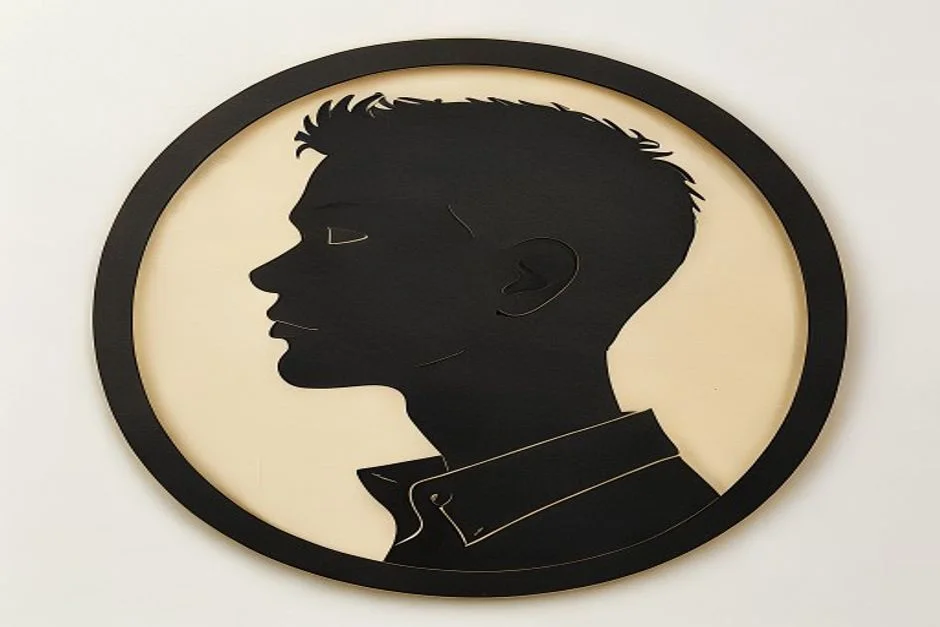
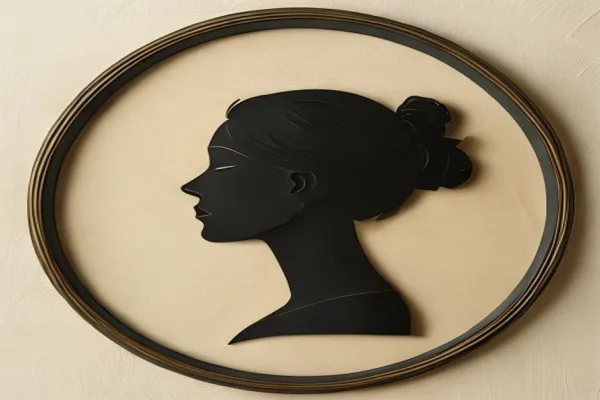
Vintage black paper-cut silhouette portrait in an oval frame
0 / 2000
Template prompt

Create a Classic Profile Keepsake

Transform the uploaded side-profile portrait into an original, handcrafted black paper-cut silhouette. Preserve the subject's recognizable forehead, nose, lips, chin, hairstyle, accessories, neckline, pose, and overall proportions. Use crisp cut-paper edges, balanced negative space, a warm ivory paper background, and an elegant vintage oval frame with a subtle gold inner accent. Keep the composition simple, centered, and suitable as a personal keepsake. Do not add text, logos, castles, theme-park landmarks, copyrighted characters, character costumes, or recognizable franchise elements.

Vintage black paper-cut silhouette portrait in an oval frame

Profile keepsake gallery

Silhouette Portrait Examples

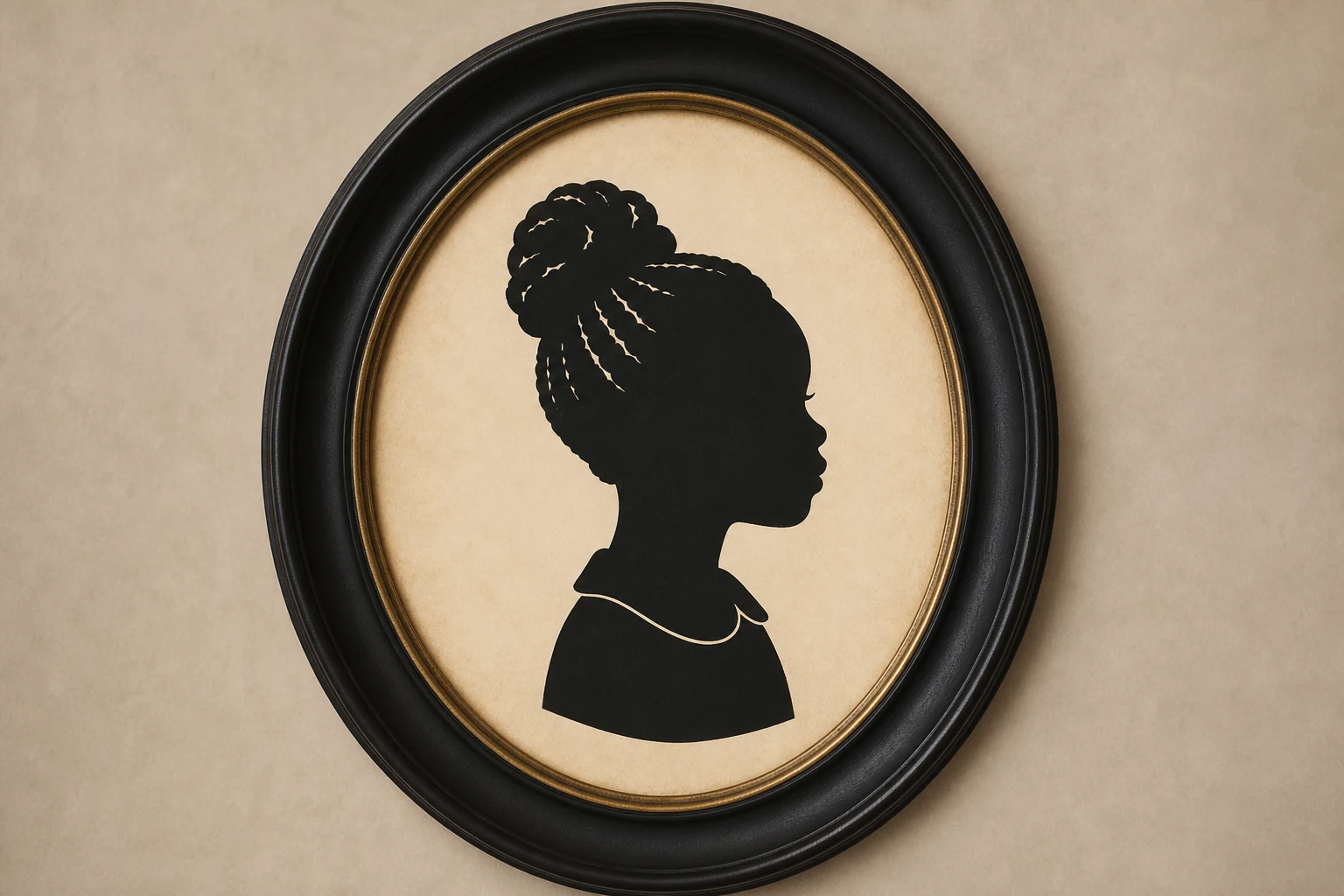
Black paper-cut silhouette portrait of a child in profile

Child profile keepsake

A clear side profile with the hairstyle and facial outline preserved in cut-paper detail.

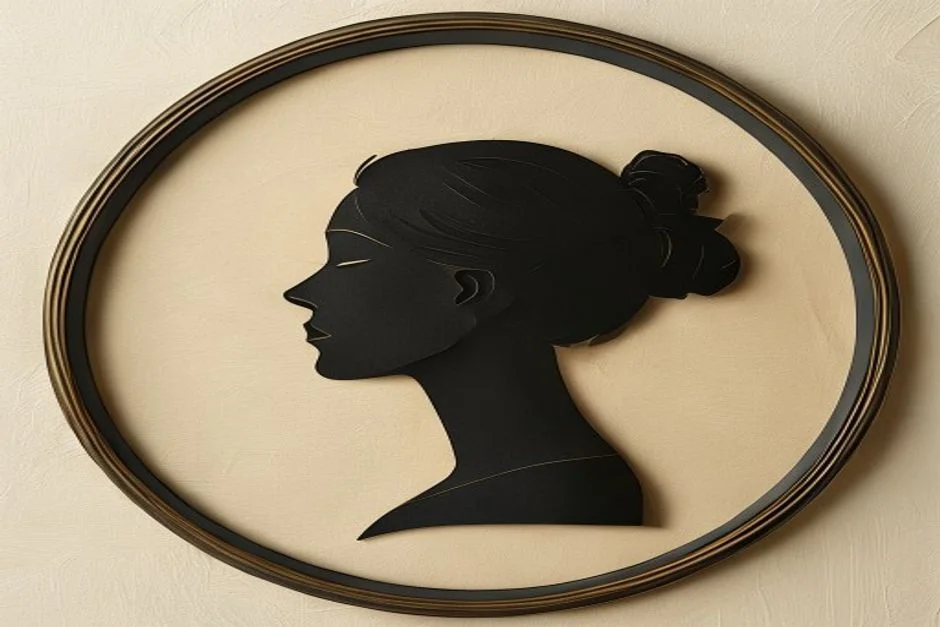
Vintage framed silhouette portrait of an adult

Adult vintage portrait

A refined single-subject silhouette with balanced negative space and an oval frame.

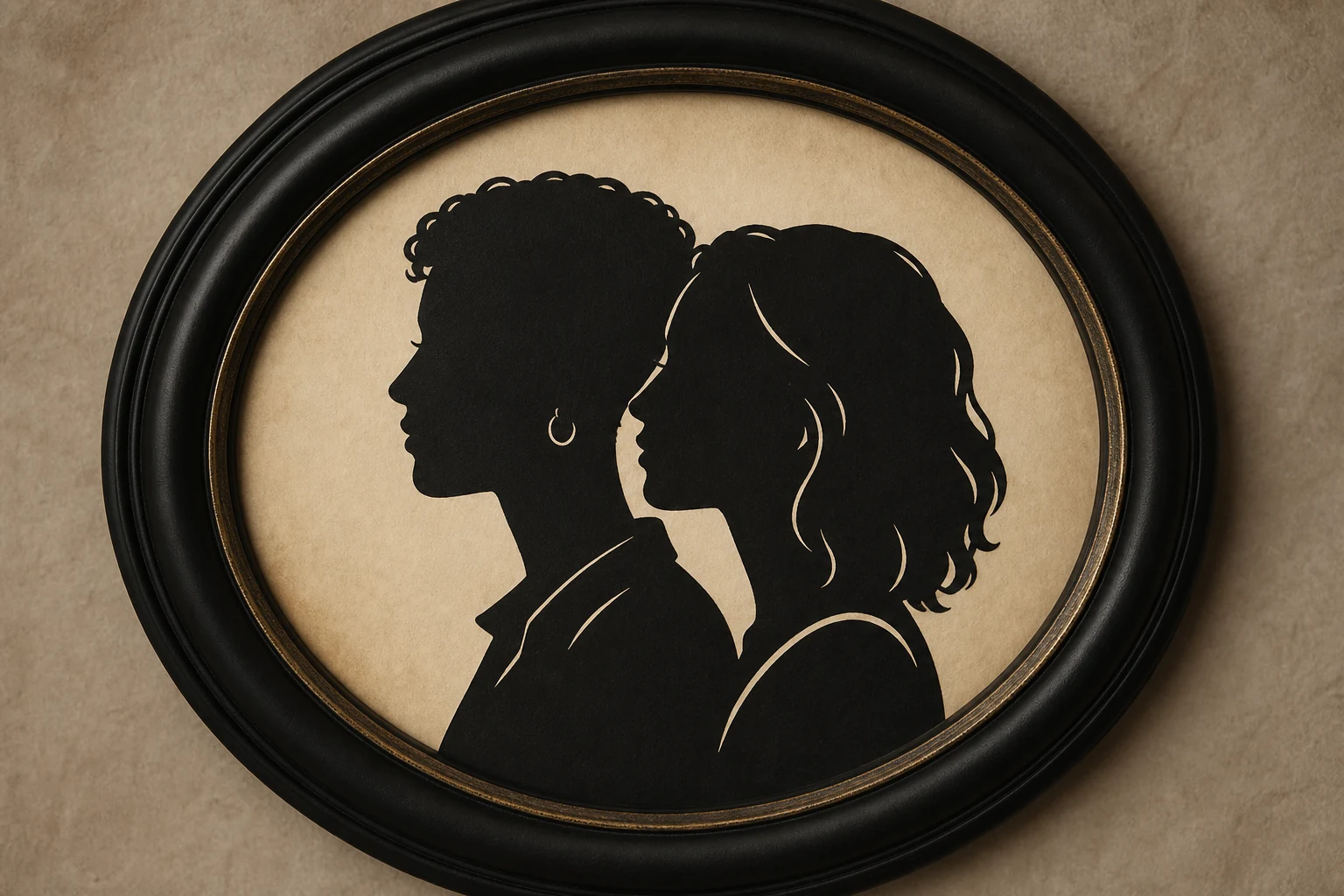
Coordinated black silhouette portraits of a couple

Facing couple portraits

Two coordinated side profiles arranged as a personal anniversary keepsake.

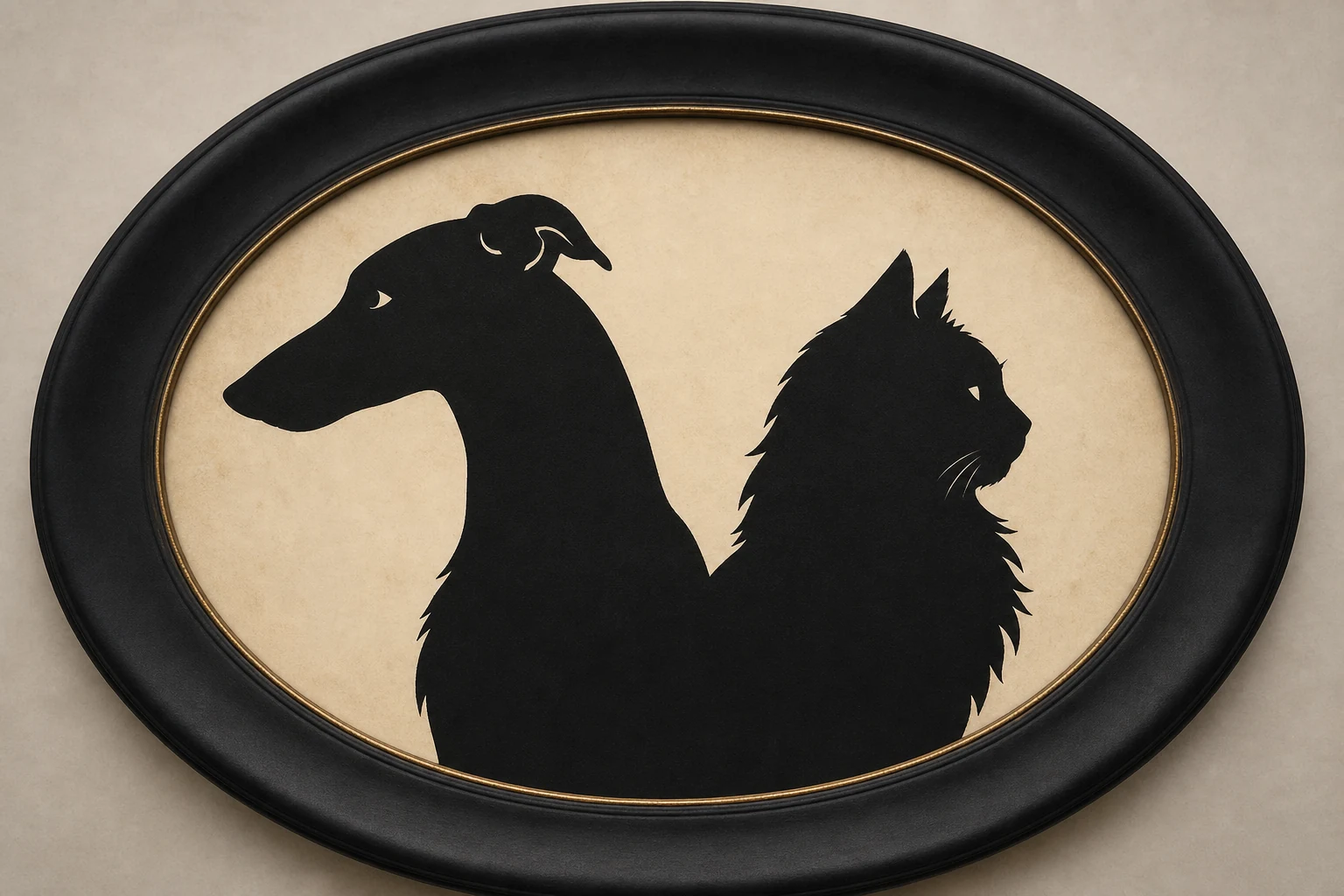
Vintage paper-cut silhouette portrait of a pet

Pet silhouette

Distinctive ears, fur shape, collar, and posture preserved as a clean profile cutout.

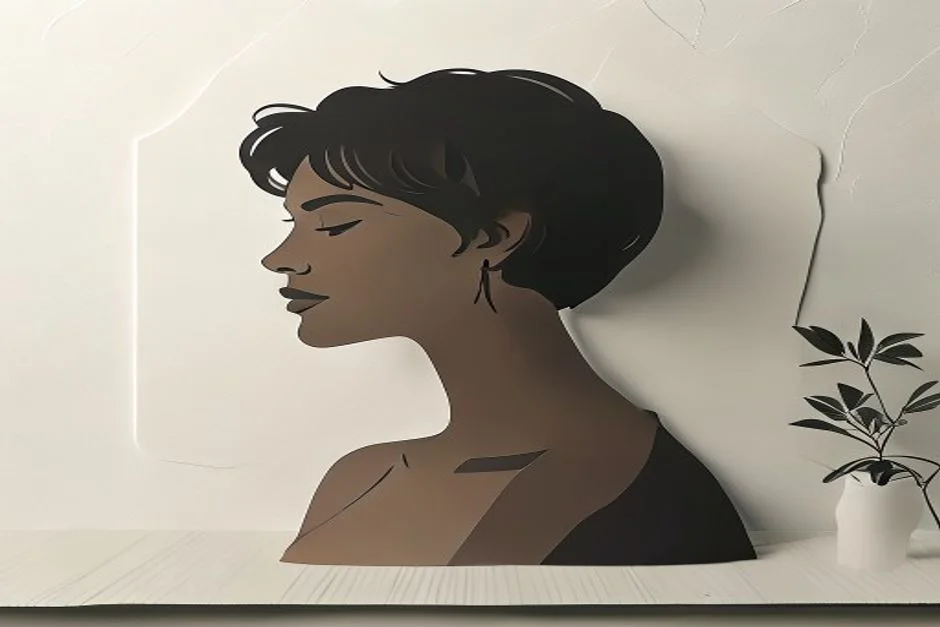
Minimal black paper-cut profile silhouette on ivory paper

Minimal paper cutout

A frameless black silhouette for cards, scrapbook layouts, and simple artwork.

Oval framed silhouette portrait with a subtle gold accent

Oval framed keepsake

A warm ivory composition with a classic oval border and restrained gold accent.

Details That Make the Portrait Recognizable

The result focuses on the profile cues that matter instead of applying a generic dark-photo effect.

Preserve profile details

Keep the forehead, nose, lips, chin, hairstyle, neckline, and accessories readable in the final silhouette.

Create clean paper-cut edges

Turn the photo into a confident black cutout with crisp contours and controlled negative space.

Build a timeless composition

Use warm paper texture and an optional oval frame without distracting text, logos, or background clutter.
Personal Ways to Use a Silhouette Portrait

Create a visual keepsake for a person, couple, pet, or special occasion.

Family silhouette portrait keepsake

Family keepsakes

Create individual profile portraits that can be arranged into a coordinated family set.

Couple silhouette portrait gift concept

Couple and anniversary gifts

Pair two facing profiles for an engagement, wedding, or anniversary concept.

Pet silhouette memorial portrait

Pet memorial portraits

Preserve a pet's recognizable ears, fur outline, collar, and posture in a simple keepsake.

Framed silhouette wall-art preview

Invitations and wall-art previews

Explore a classic portrait direction for invitations, scrapbook pages, or framed display concepts.

How to Make a Silhouette Portrait from a Photo

Start with a readable profile, generate the paper-cut portrait, then review the outline before saving it.

1

Upload a clear profile photo

Use a side-profile or strong three-quarter view with the nose, lips, chin, hairstyle, and neckline visible against a simple background.

2

Generate the silhouette

ClipCanva converts the recognizable profile into a black paper-cut portrait with clean edges and a vintage keepsake composition.

3

Review the outline

Check the facial contour, hair, accessories, and frame. Try a clearer source photo if an important detail is missing.

Silhouette Portrait Maker FAQ

Answers about source photos, subjects, framing, and original artwork.

What photo works best for a silhouette portrait?
Use a clear side-profile photo with even lighting and a simple background. Keep the forehead, nose, lips, chin, hairstyle, and neckline fully visible.
Can I use a front-facing photo?
A front-facing photo may work, but a side profile or strong three-quarter view usually produces a more recognizable cut-paper outline.
Can I create a couple or family portrait?
You can upload a photo containing more than one clear profile, or create individual portraits and arrange the results as a coordinated set.
Does the silhouette portrait maker work with pets?
Yes. Use a pet photo with a readable side outline so the ears, muzzle, fur shape, collar, and posture remain distinctive.
Can I remove the oval frame?
Yes. Add a short instruction such as 'no frame, plain ivory background' before generating the portrait.
Is this an official theme-park portrait tool?
No. ClipCanva creates original vintage silhouette artwork from your uploaded photo and is not affiliated with or endorsed by any theme-park or entertainment brand.

Create a Personal Silhouette Portrait

Upload a clear profile photo and turn its most recognizable contours into a classic paper-cut keepsake.