AI Short Hair Filter for Realistic Short Hair Previews

AI Short Hair Filter for Realistic Short Hair Previews

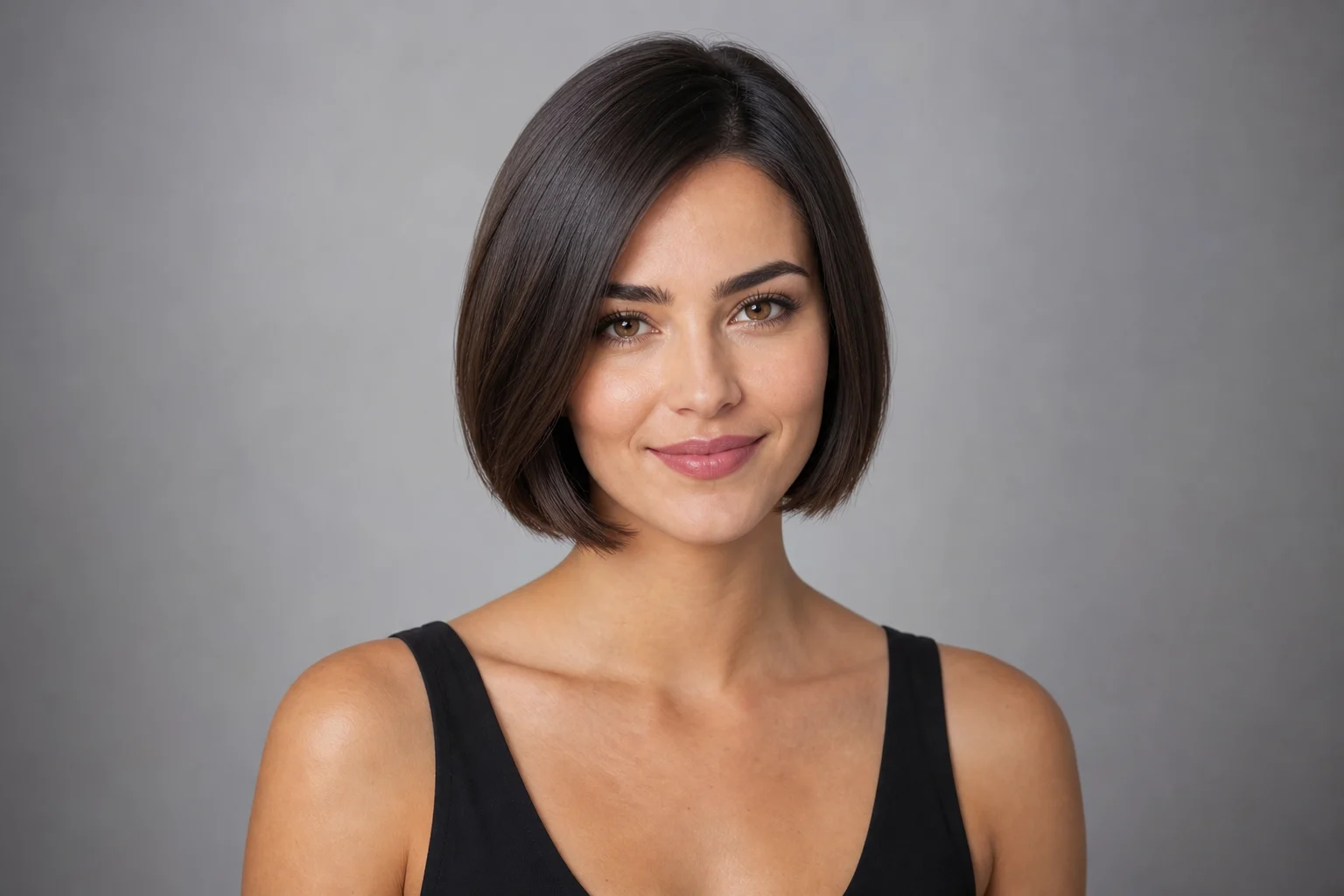
Preview a shorter haircut on your own portrait while keeping your face, expression, pose, lighting, and background consistent. Use the Short Hair Filter to explore a realistic cut with natural volume, texture, shadows, and edges.

short hairstyle preview generated with AI Short Hair Filter
0 / 2000
Template prompt

AI Short Hair Filter for Realistic Short Hair Previews

Apply the AI Short Hair Filter effect to the uploaded portrait. Preserve the same person, face shape, expression, pose, clothing, lighting, camera angle, and background. Change only the hairstyle into a realistic shorter cut with natural hairline fit, volume, texture, shadows, and face-framing shape. Keep identity and all non-hair details unchanged.

short hairstyle preview generated with AI Short Hair Filter

What is AI Short Hair Filter?

AI Short Hair Filter is a portrait editing template for previewing a shorter hairstyle on your own image. It focuses the change on the hair while preserving the same person, face shape, expression, clothing, camera angle, lighting, and background, so the result feels like a believable haircut preview rather than a full portrait remake.

What the Short Hair Filter edits

This template is designed to change the hairstyle direction while leaving the rest of the portrait stable. The main visual edit is a Short haircut with natural shape, texture, and shadow behavior that fits the original lighting and camera angle.

What changes

  • Preview a shorter haircut on your own portrait with believable volume, shadows, and edges while keeping your face, expression, and lighting unchanged.
  • Apply realistic short hairstyle editing while keeping the subject recognizable and usable.
  • Generate a polished short hair filter result in seconds for quick previews.
  • Download your short hairstyle preview as a clean finished image.
What stays the same

  • Preserve the same person, face shape, expression, pose, clothing, lighting, camera angle, and background.
  • Keep identity and all non-hair details unchanged.
  • The main subject remains recognizable from the source image.
  • Defining colors, pose, silhouette, and important subject details stay coherent.

How to use the AI Short Hair Filter

Create a short hairstyle preview with a simple portrait-focused workflow.

1

Upload a clear portrait

Choose a sharp portrait where the face, hairline, and overall hairstyle are visible. Good lighting and minimal obstructions help the shorter cut fit the subject more naturally.

2

Apply the short hair edit

Use the AI Short Hair Filter with instructions that change only the Hair into a realistic shorter cut while preserving the same person, expression, pose, clothing, lighting, camera angle, and background.

3

Review and save the result

Compare the output with the source image. Check identity, Hair edges, shadows, face-framing shape, and any small background details before downloading or refining the preview.

Short Hair Filter style variations

Explore different short hairstyle directions while keeping the portrait grounded in the original subject and lighting.

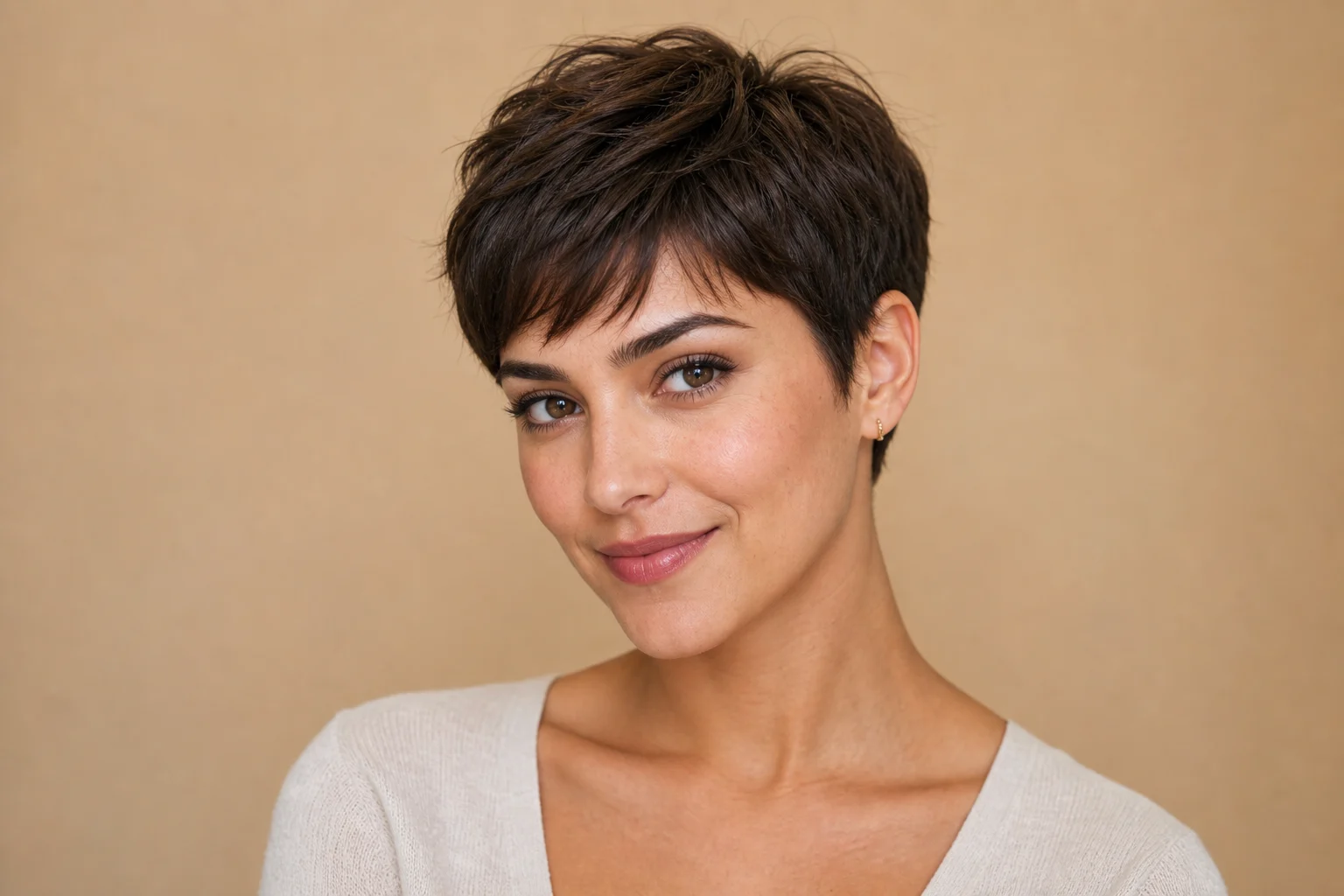
short hairstyle preview example 1

Clean short cut preview

A neat short hairstyle preview with natural face framing and a polished everyday look.

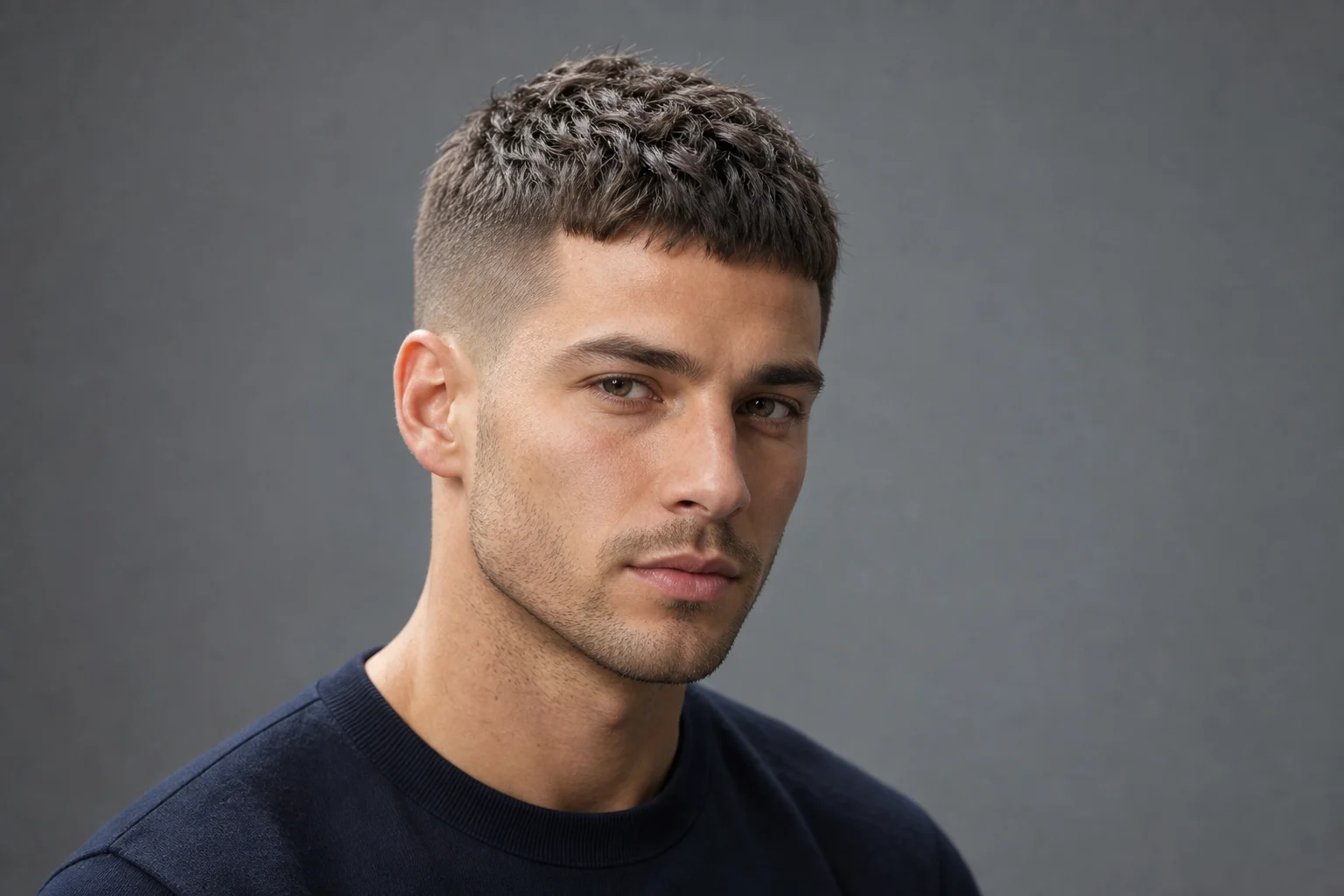
short hairstyle preview example 2

Soft cropped style

A soft short Hair direction with believable volume and blended edges around the face.

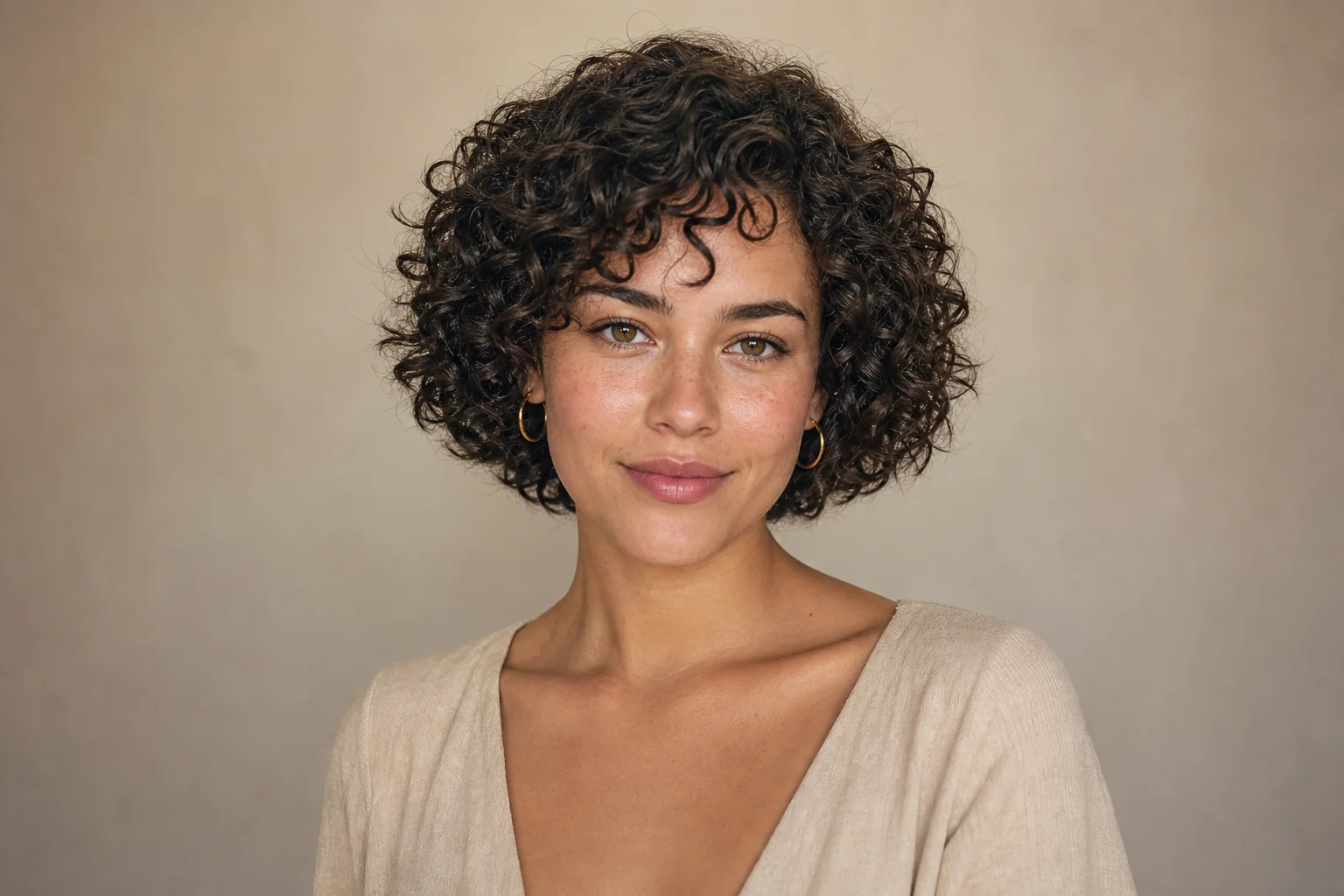
short hairstyle preview example 3

Textured short hairstyle

A more defined Short haircut preview with clearer texture, shape, and shadow detail.

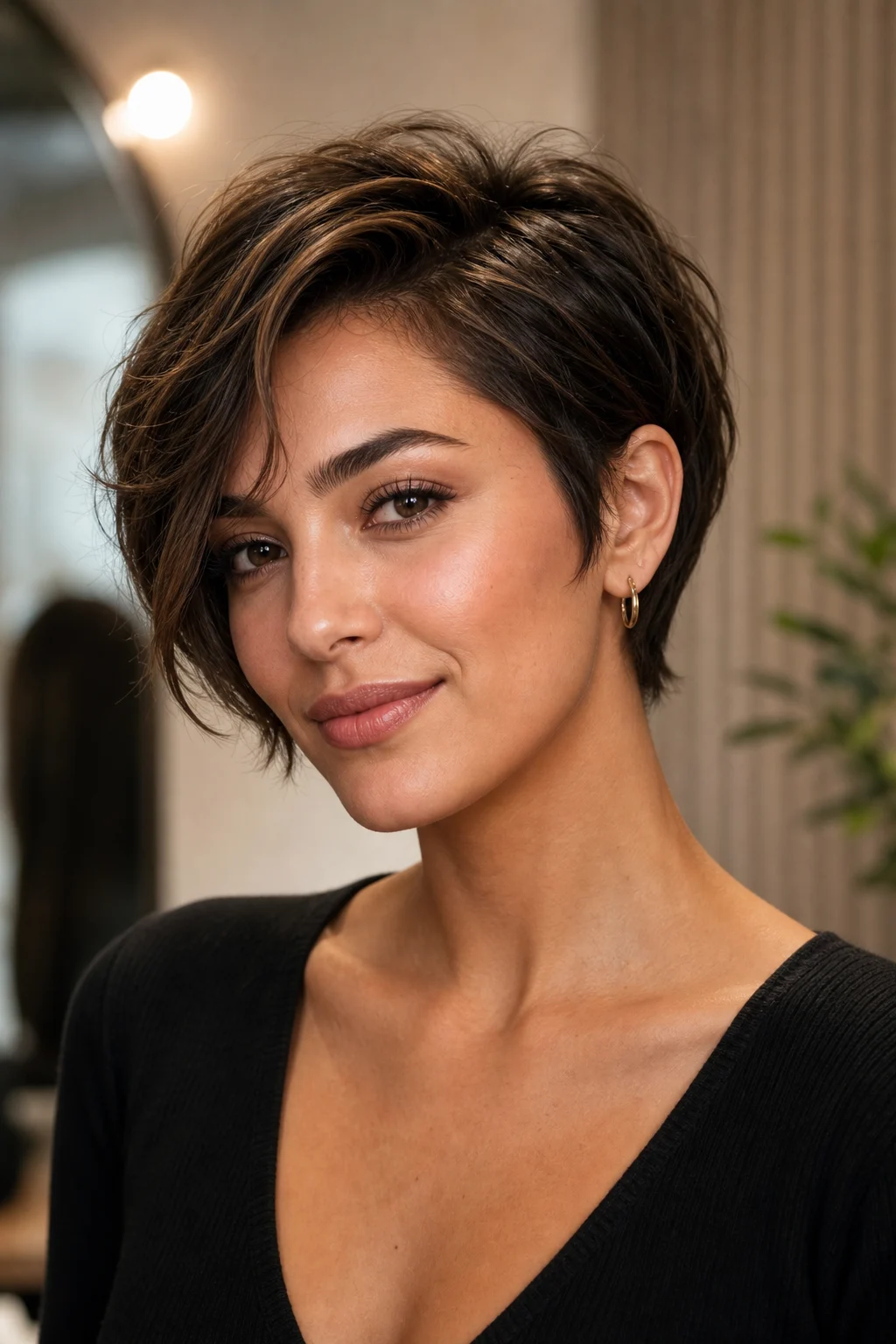
short hairstyle preview example 4

Subtle short restyle

A refined short hair filter result suited for comparing a subtle but noticeable restyle.

Ways to use AI Short Hair Filter

Use the AI Short Hair Filter when you want a quick visual direction for a shorter haircut without changing the rest of the portrait.

Preview a new haircut idea

Create a focused AI Short Hair Filter preview for a personal or creative project, such as comparing a bob, crop, pixie-inspired shape, or other shorter style direction.

Compare before you decide

Compare the visual direction before refining, sharing, or presenting the result, especially when you want to keep the same expression, lighting, and background for a clear before-and-after view.

How to get a better short hair result

A strong source image and a focused instruction help the Short Hair Filter produce a more believable result. Keep the request centered on the haircut and avoid asking for unrelated changes to the person or scene.

Source image checks

  • Use a sharp source image with the main subject clearly visible.
  • Avoid heavy blur, blocked details, extreme crops, or confusing overlaps.
  • Choose a source whose pose and framing support the intended AI Short Hair Filter result.

Prompt guidance

Ask for a realistic shorter hairstyle with a natural hairline fit, believable volume, visible texture, soft shadows, and face-framing edges. Specify that the same person, face shape, expression, pose, clothing, lighting, camera angle, and background should remain unchanged.

Review your AI Short Hair Filter result

Generated details can vary between runs, so review the short hairstyle preview before sharing, refining, or presenting it. A clearer source image or more specific wording may improve a visual draft that feels inconsistent.

Check identity and pose

Compare the edited image with the source to confirm the same person, face shape, expression, pose, clothing, and overall silhouette are still recognizable.

Inspect hair edges and shadows

Look closely at the Hairline, side edges, forehead, ears, neck, and face-framing areas to make sure the shorter cut blends naturally with the portrait.

Review the full image

Review faces, hands, text, small objects, and background transitions for artifacts or accidental changes before using the final preview.

AI Short Hair Filter FAQ

Common questions about using a Short Hair Filter online for realistic haircut previews.

What is AI Short Hair Filter?
AI Short Hair Filter is a template that edits a portrait to show the subject with a shorter hairstyle. It aims to keep the person recognizable while changing only the Hair into a realistic Short cut with matching texture, volume, shadows, and face-framing shape.
Is AI Short Hair Filter free?
Availability and access can vary by product experience. Open the template page to see the current options for creating your short hairstyle preview.
How do I use AI Short Hair Filter?
Upload a clear portrait, check that the face and Hair are visible, then use the template to create a short hairstyle preview. Review the result for identity, edges, texture, and background consistency before downloading or sharing it.
What image formats does AI Short Hair Filter support?
Image support depends on the upload flow you are using. For best results, use a common, high-quality portrait file with clear focus, good lighting, and enough visible hair detail.
Can I use AI Short Hair Filter results commercially?
Usage rights can depend on the source image, the platform terms, and how you plan to use the result. Review the applicable terms and make sure you have the rights to the portrait you upload.
What AI Short Hair Filter changes?
The template changes the hairstyle into a shorter cut. It is designed to preserve the face, expression, pose, clothing, lighting, camera angle, and background while updating hair length, shape, texture, and shadows.
Which source image works best?
A sharp portrait with the subject clearly visible works best. Avoid heavy blur, blocked hair, extreme cropping, confusing overlaps, or lighting that hides the hairline and facial edges.
How do I keep the subject recognizable?
Start with a clear image and keep the prompt focused on changing only the Hair. After generation, compare the face shape, expression, pose, clothing, and background with the original portrait to catch unwanted changes.

Try the AI Short Hair Filter on your portrait

Upload a clear portrait and preview a realistic shorter haircut while keeping the rest of the image familiar and consistent.