AI Celebrity Selfie Generator for realistic fan selfies

AI Celebrity Selfie Generator for realistic fan selfies

Turn a clear portrait into a believable fan-style Celebrity Selfie scene with matching lighting, close-up framing, and recognizable facial details from your upload.

celebrity selfie image generated with AI Celebrity Selfie Generator
0 / 2000
Template prompt

AI Celebrity Selfie Generator for realistic fan selfies

Apply the AI Celebrity Selfie effect to the uploaded portrait. Preserve the uploaded person's identity, face shape, hairstyle, expression, skin tone, and selfie-like perspective. Recompose the image as a realistic casual selfie beside a celebrity-inspired companion or famous-person-style subject, with coherent lighting, matching camera angle, believable proximity, natural phone-camera texture, and social-media framing. Do not change the uploaded person into the celebrity.

celebrity selfie image generated with AI Celebrity Selfie Generator

What is the AI Celebrity Selfie Generator?

The AI Celebrity Selfie Generator helps you create a casual selfie-style image where your uploaded portrait appears beside a celebrity-inspired companion. It focuses on keeping your identity recognizable while adapting the scene to a phone-camera look, close framing, believable distance, and coherent lighting.

How the portrait is transformed

This template changes a standard portrait into a casual fan-style selfie while keeping the uploaded person as the main recognizable subject.

What changes

  • Create a believable fan-selfie scene using your portrait, matching the selfie perspective, lighting, distance, and facial details from the upload.
  • Apply realistic fan selfie composition while keeping the subject recognizable and usable.
  • Generate a polished celebrity selfie result for quick previews.
  • Download your celebrity selfie image cleanly for sharing, saving, or further review.
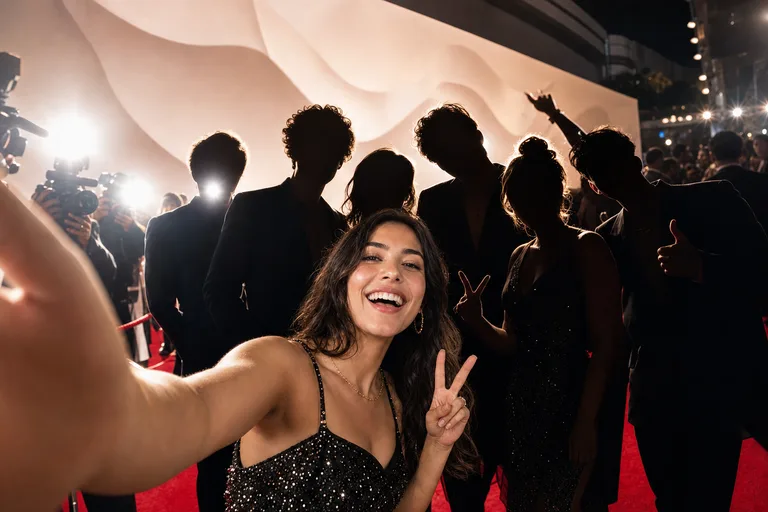
What stays recognizable

  • Preserve the uploaded person's identity, face shape, hairstyle, expression, skin tone, and selfie-like perspective.
  • The main subject remains recognizable from the source image.
  • Defining colors, pose, silhouette, and important subject details stay coherent.

How it works

Create a celebrity selfie draft in a simple portrait-to-selfie workflow.

1

Upload a clear portrait

Choose a sharp photo where the face, hairstyle, expression, and pose are easy to see.

2

Set the selfie direction

Use a prompt that asks for a casual fan selfie beside a celebrity-inspired companion with matching light, angle, and distance.

3

Preview and inspect

Review whether the subject remains recognizable and whether the scene feels like one coherent phone photo.

4

Download or refine

Save the version that best matches your intended selfie style, or try a clearer source and more specific prompt if needed.

Celebrity Selfie style examples

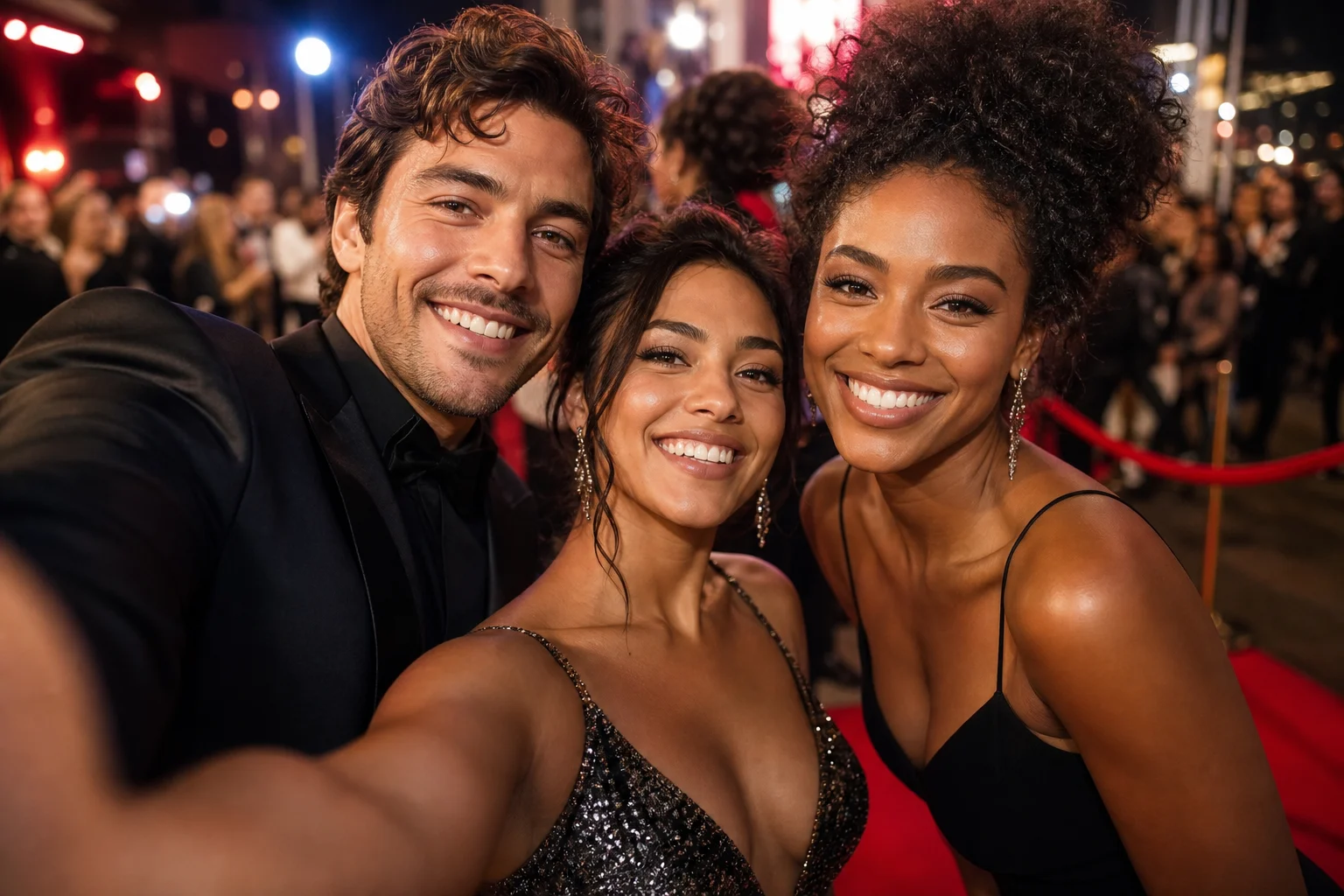
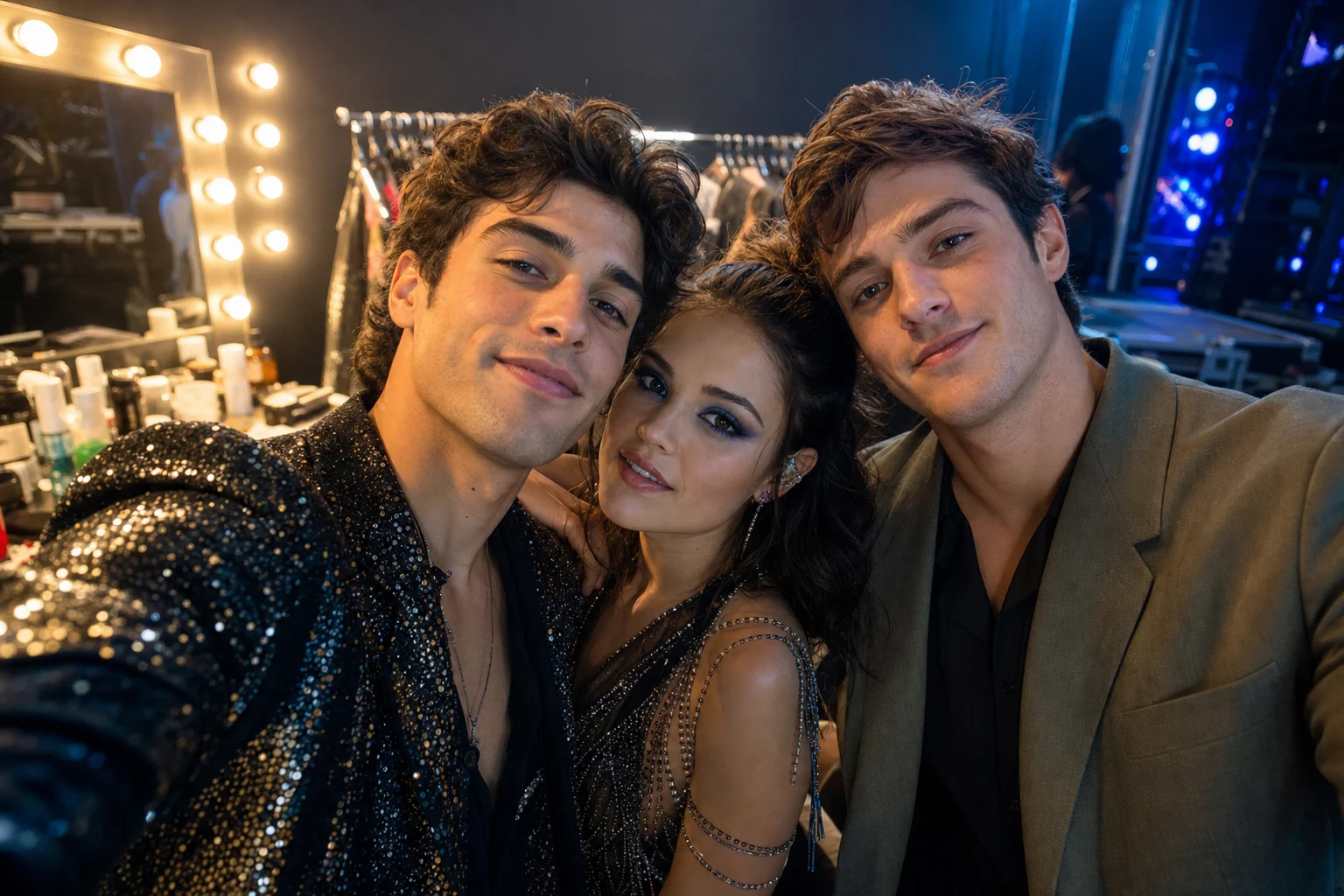
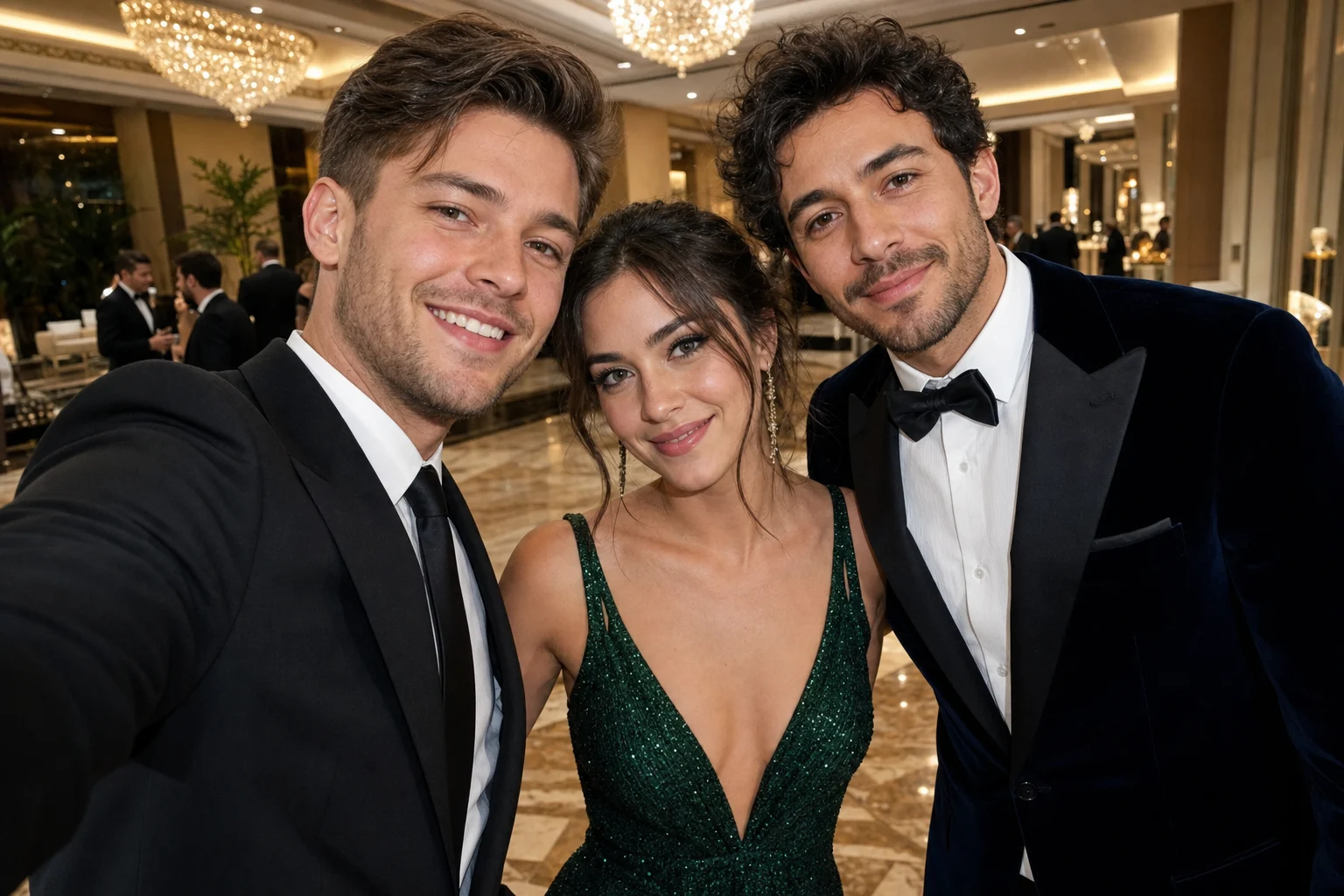
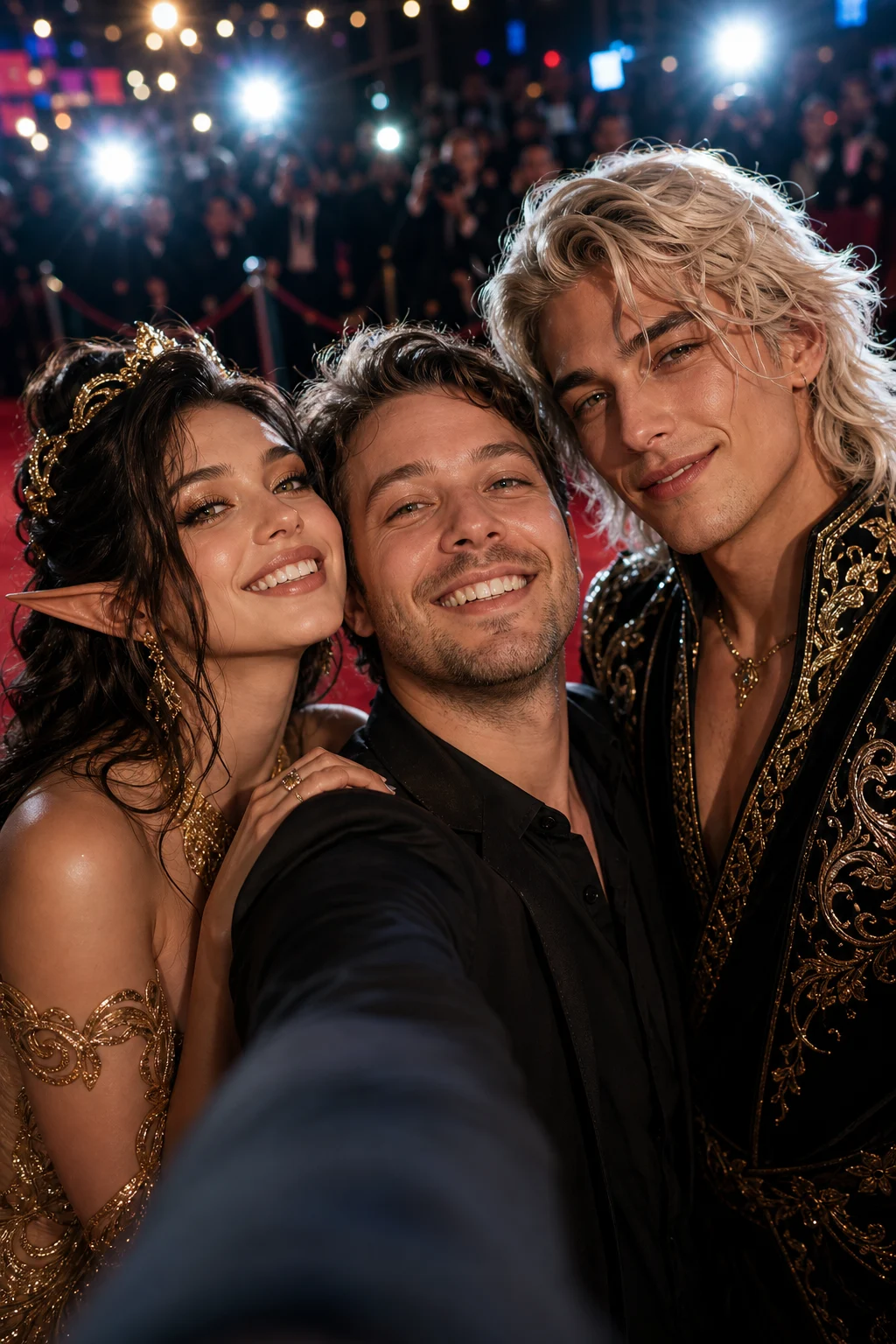
Explore different celebrity selfie examples with close framing, social-media composition, and realistic portrait treatment.

celebrity selfie background preview

Casual close-up selfie

A polished celebrity selfie preview with close-up framing and a casual fan-photo feel.

celebrity selfie image example 1

Natural fan-photo style

A Celebrity Selfie example designed around believable proximity, matching light, and a natural phone-camera look.

celebrity selfie image example 2

Recognizable portrait selfie

A selfie-style composition that keeps the portrait subject recognizable while adding a celebrity-inspired companion.

celebrity selfie image example 3

Polished social preview

A social-media-ready selfie preview with balanced framing, coherent lighting, and a polished scene.

Popular ways to use it

Use this template when you want a quick visual direction for a realistic-looking celebrity selfie concept.

Personal creative previews

Create a focused AI Celebrity Selfie Generator preview for a personal moodboard, social concept, profile idea, or creative project.

Direction and style checks

Compare the visual direction before refining, sharing, or presenting the result to someone else for feedback.

How to get a stronger selfie result

A strong source image and a clear prompt help the final selfie feel natural rather than pasted together.

Source image checklist

  • Use a sharp source image with the main subject clearly visible.
  • Avoid heavy blur, blocked details, extreme crops, or confusing overlaps.
  • Choose a source whose pose and framing support the intended AI Celebrity Selfie Generator result.

Prompt guidance

Describe the scene as a casual close-up fan selfie beside a celebrity-inspired companion. Mention matching lighting, phone-camera texture, believable proximity, and the need to keep the uploaded person’s identity, hairstyle, expression, and skin tone intact.

Review before you use the image

Generated details can vary, so review the image carefully before using it as a final visual.

Check identity and likeness

Compare the face shape, hairstyle, expression, skin tone, silhouette, and pose with the original portrait.

Review the selfie realism

Make sure the Celebrity Selfie composition uses believable distance, matching lighting, and a consistent camera angle across both people.

Look for visual artifacts

Inspect faces, hands, edges, small objects, background transitions, and any text-like details for visible artifacts.

AI Celebrity Selfie Generator FAQ

Common questions about creating a Celebrity Selfie image from your portrait.

What is AI Celebrity Selfie Generator?
AI Celebrity Selfie Generator is a template for turning your portrait into a realistic fan-style selfie scene beside a celebrity-inspired or famous-person-style companion while keeping you recognizable.
Is AI Celebrity Selfie Generator free?
Access and usage options can change, so check the current page or account interface for the latest availability before creating your image.
How do I use AI Celebrity Selfie Generator?
Upload a clear portrait, use the selfie prompt direction, preview the result, and review the face, lighting, pose, and background before downloading or refining it.
What image formats does AI Celebrity Selfie Generator support?
Use a common image format supported by the upload tool, such as a standard photo file from your phone or computer. For best results, choose a sharp image with the subject clearly visible.
Can I use AI Celebrity Selfie Generator results commercially?
Usage rights can depend on the source image, the generated result, and the platform terms. Review the current terms and make sure you have the rights you need before using an image commercially.
What AI Celebrity Selfie Generator changes can I expect?
It changes the scene into a polished fan selfie composition with closer framing, matching camera angle, natural phone-camera texture, and a celebrity-inspired companion while preserving the uploaded person’s key features.
Which source image works best?
A sharp, front-facing or slightly angled portrait works best. Avoid heavy blur, blocked facial details, extreme crops, and confusing overlaps that make identity or pose hard to read.
How do I keep the subject recognizable?
Start with a clear portrait and review whether the face shape, hairstyle, expression, skin tone, silhouette, and pose still match the original upload after the selfie transformation.

Create your AI celebrity selfie

Upload a clear portrait and create a believable selfie-style image with a celebrity-inspired companion, social-media framing, and recognizable personal details.