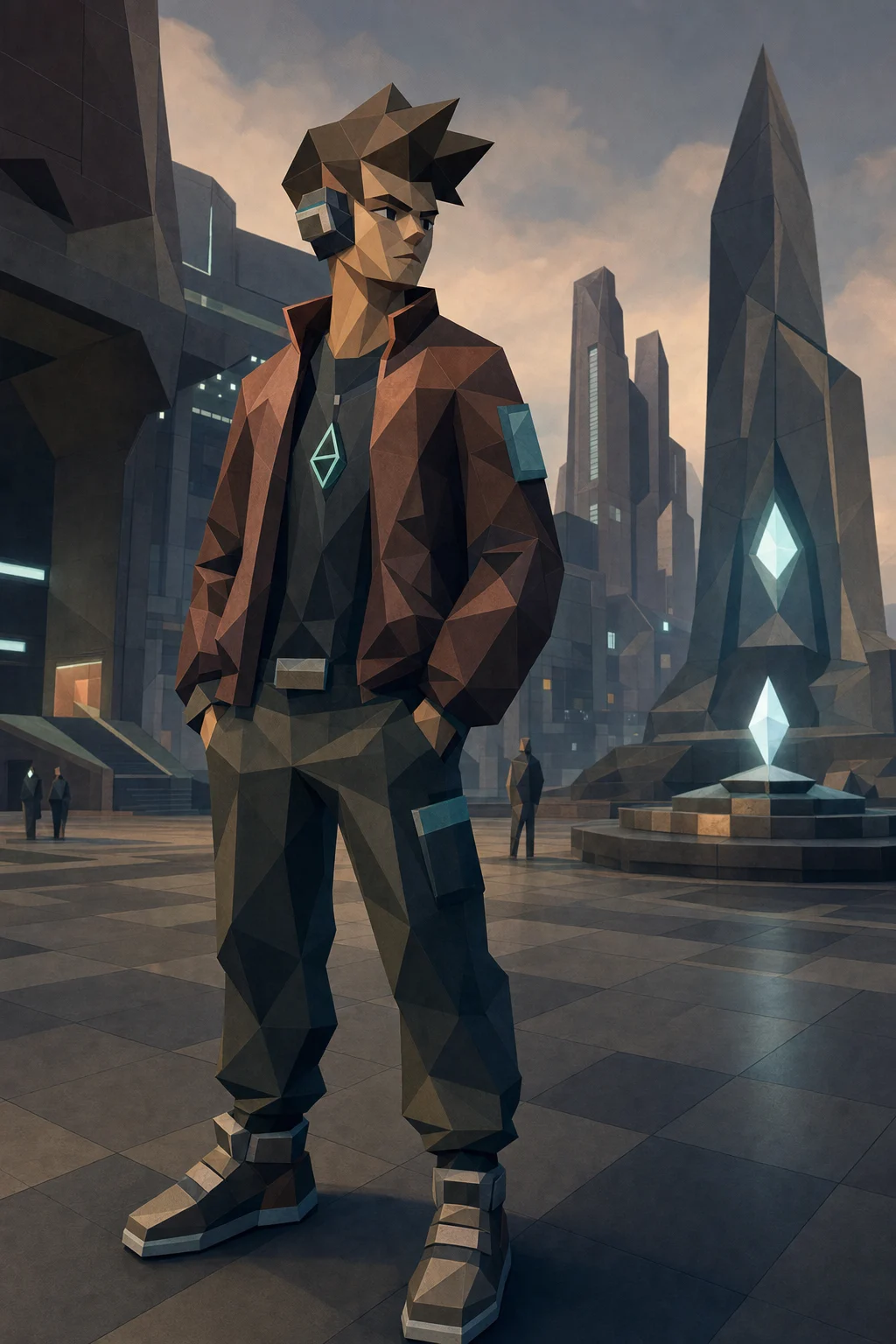
AI PS2 Filter
Recreate your photo as an early-2000s console-style image with low-poly shapes, nostalgic texture, moody lighting, and clear subject identity.

PS2 Game Style
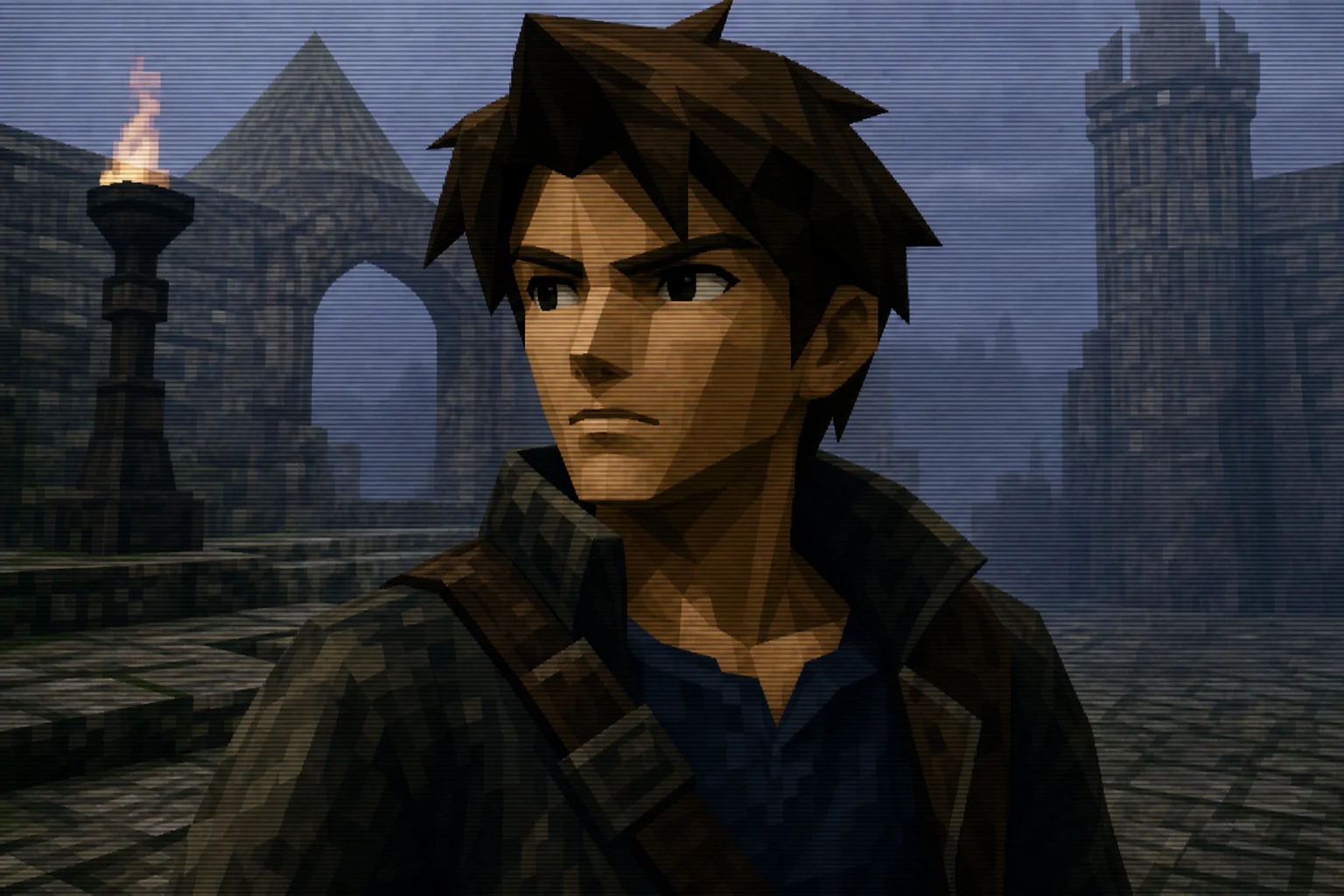
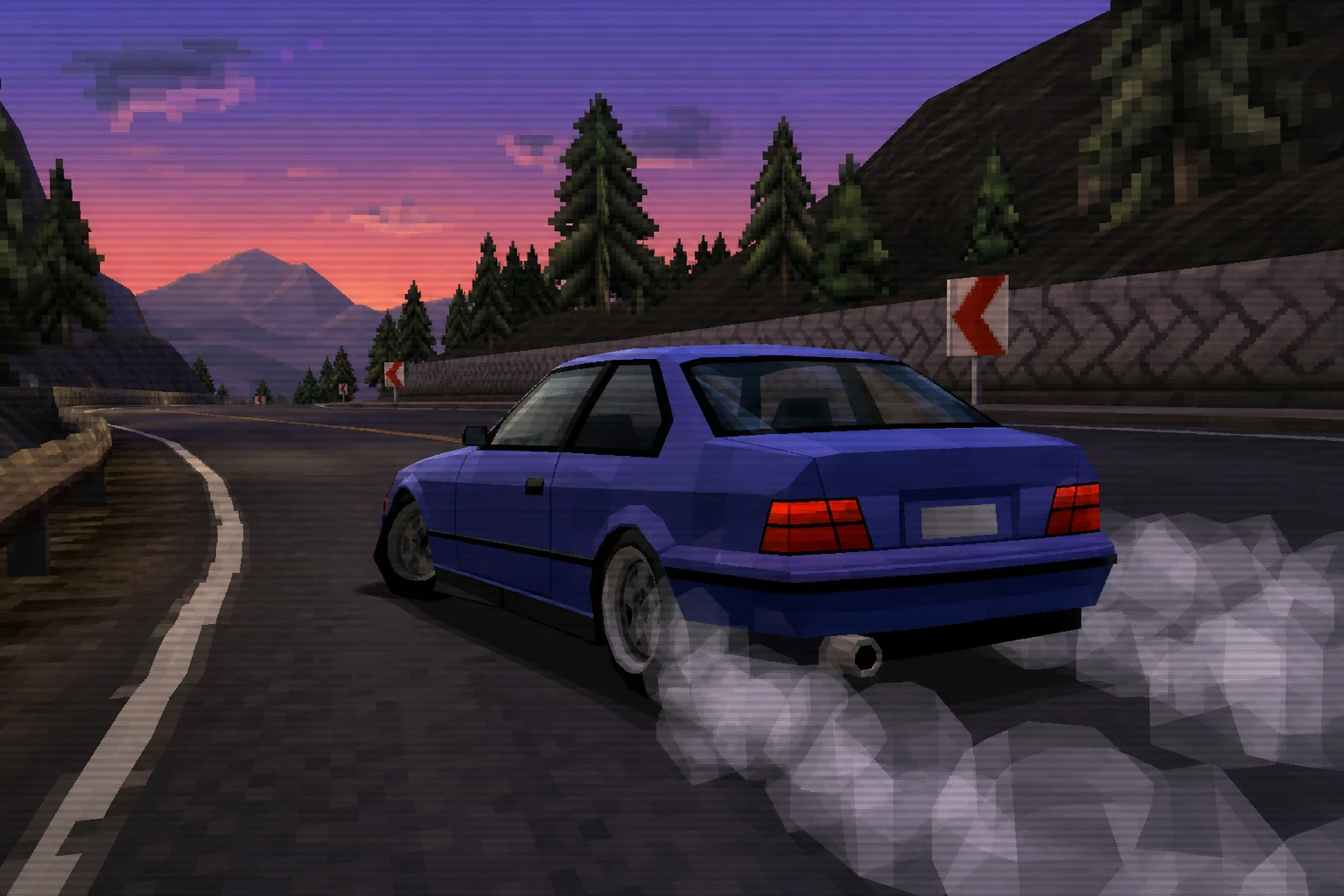
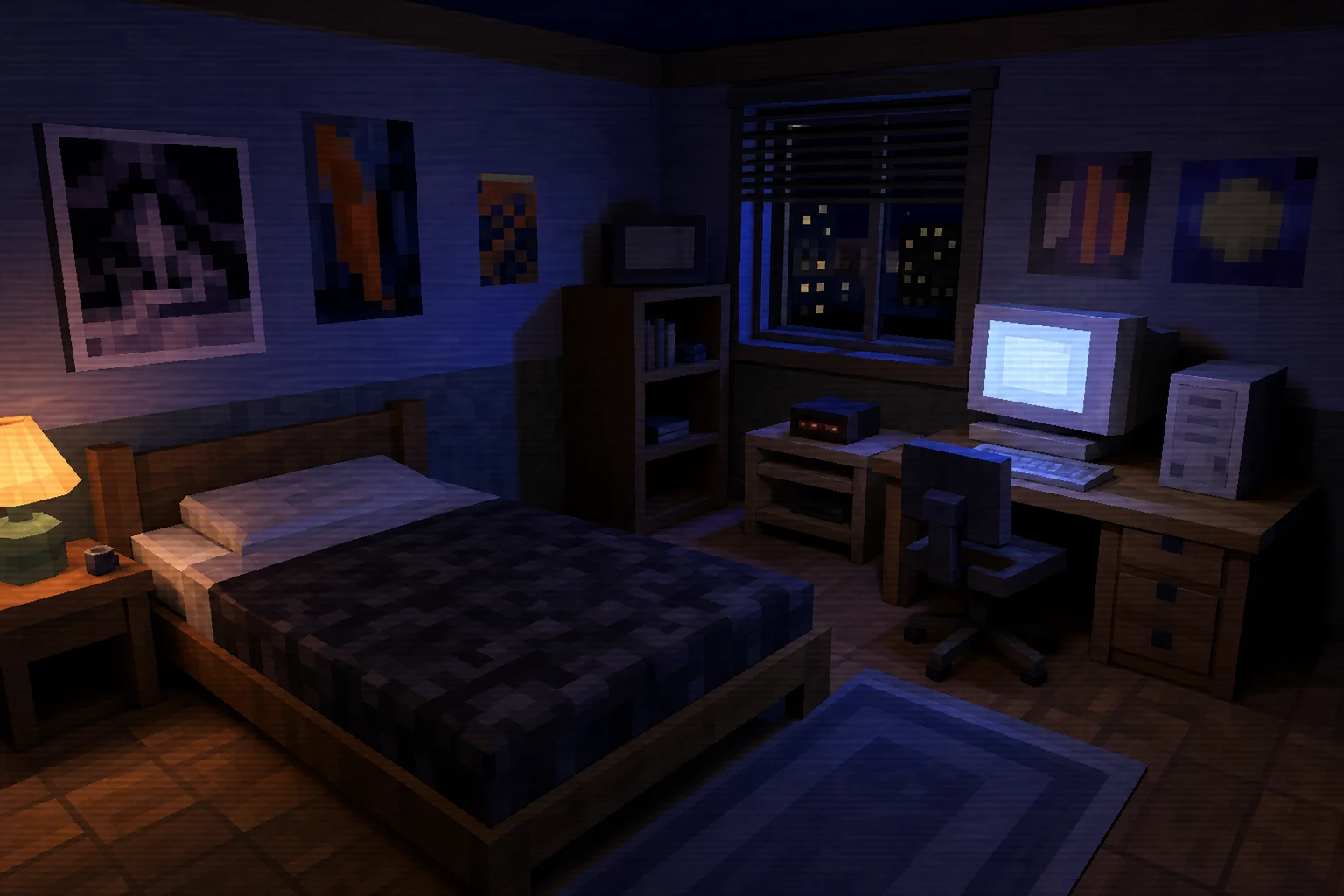
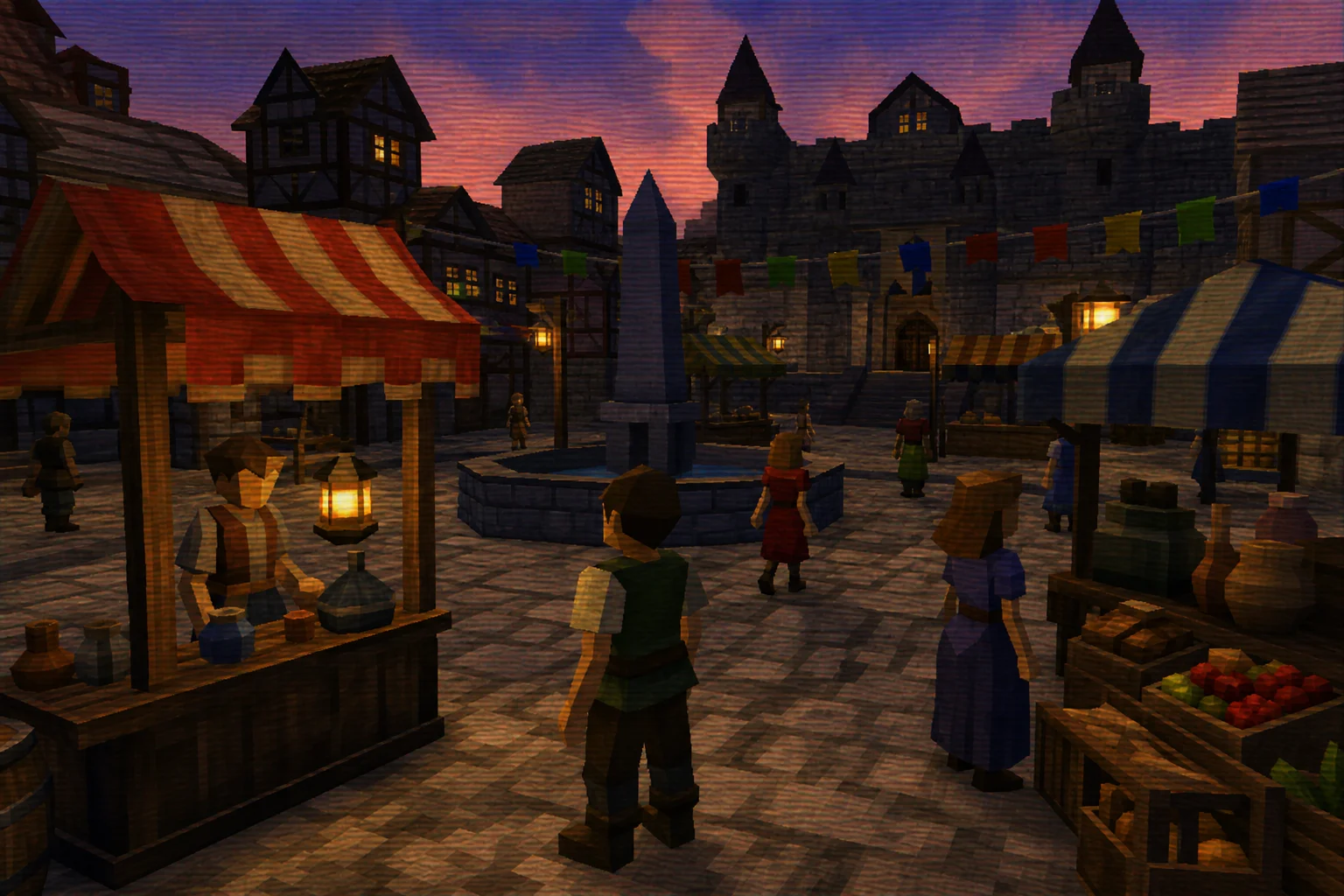
Apply the AI PS2 Filter effect to the uploaded image. Preserve the main subject identity or object shape, pose/layout, key colors, and recognizable details. Rebuild it as a PlayStation 2 era character or scene render with low-poly geometry, soft compressed textures, early-2000s game lighting, slight jagged edges, nostalgic menu or game atmosphere, and authentic retro console composition. Keep the uploaded subject identifiable.

Gallery
AI PS2 Filter Examples


Example 2

Example 3

Example 4

Example 5

Example 6
AI PS2 Filter Features
Tools for creating PS2 game-style render without generic photo effects.
Free to Use
Start creating PS2 game-style render with free daily credits and no credit card.
Style-Focused Output
Apply early-2000s low-poly game styling while keeping the subject recognizable and usable.
Fast Generation
Generate a polished PS2 filter result in seconds for quick previews.
Simple upload flow
Upload a clear image to AI PS2 Filter, review the preview, and keep the version that fits your use case.
No Watermark
Download your PS2 game-style render cleanly, without a watermark on the image.
Privacy Protected
ClipCanva processes AI PS2 Filter uploads securely and removes files after generation.
How to Use AI PS2 Filter
Create PS2 game-style render in three simple steps.
Upload Your Photo
Upload a clear source image for AI PS2 Filter; AI PS2 Filter supports JPG, PNG, and WebP uploads.
Choose the Style
The AI applies early-2000s low-poly game styling and balances the result for the page intent.
Download the Image
Save the finished PS2 filter image and use it for profiles, posts, or creative projects.
AI PS2 Filter FAQ
Common questions about creating PS2 game-style render.
What is AI PS2 Filter?
Is AI PS2 Filter free?
How do I use AI PS2 Filter?
What image formats does AI PS2 Filter support?
Can I use AI PS2 Filter results commercially?
Create PS2 game-style render Now
Use AI PS2 Filter to generate a focused PS2 filter result from your photo. Start AI PS2 Filter free on ClipCanva.