FreeTry Pop Art Portrait Generator free today

Pop Art Portrait Generator

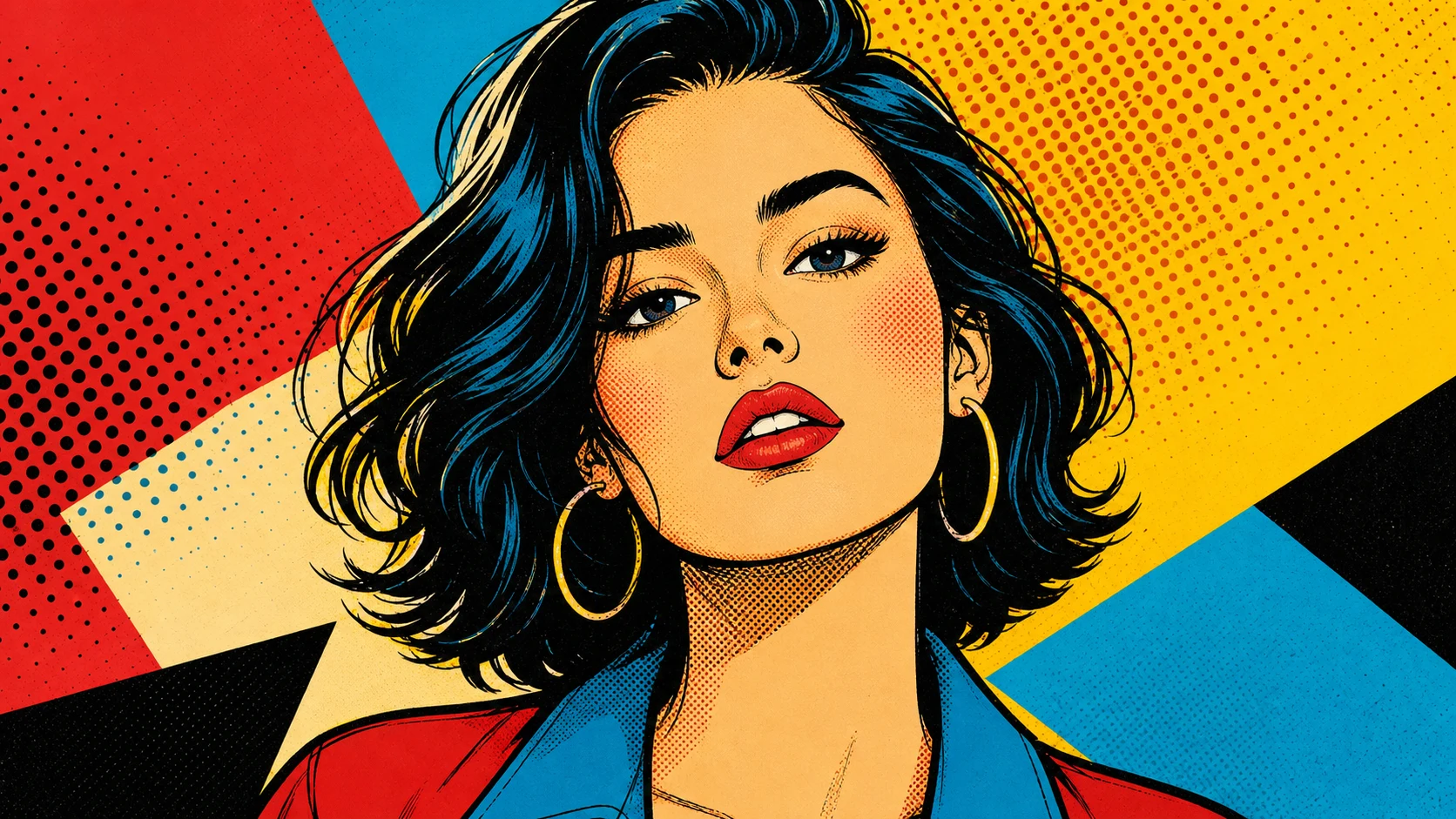
Turn a portrait into vivid pop art with high-contrast color, clean graphic shapes, retro print energy, and recognizable facial features.

Pop Art Portrait Generator example result
0 / 2000
Template prompt

Pop Art Portrait Generator

Apply the Pop Art Portrait effect to the uploaded portrait. Preserve the person identity, expression, hairstyle, pose, and key facial traits. Recreate the image as a bold pop-art portrait with saturated color blocks, halftone dot texture, crisp black outlines, strong contrast, screen-print feel, and polished poster composition. Keep the portrait clearly recognizable.

Pop Art Portrait Generator example result

Gallery

Pop Art Portrait Generator Examples

Pop Art Portrait Generator Example 1

Example 1

Pop Art Portrait Generator Example 2

Example 2

Pop Art Portrait Generator Features

Free to Use

Try Pop Art Portrait Generator with free daily credits. No payment details are needed for Pop Art Portrait Generator.

Graphic portrait color

Uses high-contrast color planes, clean shapes, retro print energy, and clear facial structure.

Fast preview loop

Preview the Pop Art Portrait Generator result before downloading, then rerun with a clearer photo or tighter prompt when needed.

Simple upload flow

Upload a clear image to Pop Art Portrait Generator, review the preview, and keep the version that fits your use case.

Watermark-free downloads

Download watermark-free Pop Art Portrait Generator images for posts, mockups, references, or client drafts.

Privacy Protected

ClipCanva processes Pop Art Portrait Generator uploads securely and removes files after generation.

How to Use Pop Art Portrait Generator

Upload a portrait, apply the pop-art portrait look, then download a graphic poster image.

1

Upload Your Photo

Upload a clear source image for Pop Art Portrait Generator; Pop Art Portrait Generator supports JPG, PNG, and WebP uploads.

2

Apply the Effect

The edit keeps the face and expression while converting the portrait into vivid pop-art color blocks.

3

Download the Image

Review the Pop Art Portrait Generator result, download it, or rerun with a stronger source image.

Pop Art Portrait Generator FAQ

Answers about using Pop Art Portrait Generator with your own photos.

What is Pop Art Portrait Generator?
Pop Art Portrait Generator helps you turn a portrait into vivid pop art with high-contrast color, clean graphic shapes, retro print energy, and recognizable facial features.
Is Pop Art Portrait Generator free?
Yes! You can use Pop Art Portrait Generator for free on ClipCanva. Free daily credits are available for trying the tool. No credit card required to start.
How do I use Pop Art Portrait Generator?
1) Go to the generator page, 2) Upload your photo or enter a text prompt, 3) Click Generate, 4) Download the final image. You can rerun the edit if you want another version.
What image formats does Pop Art Portrait Generator support?
Pop Art Portrait Generator supports JPG, PNG, and WebP uploads. Use a clear image with the main subject visible for the best preview.
Can I use Pop Art Portrait Generator results commercially?
Yes. Finished images from Pop Art Portrait Generator on ClipCanva can be used for commercial purposes. Check our terms of service for full details on usage rights.

Try Pop Art Portrait Generator free today

Create a pop-art portrait from your photo with bold color and poster-ready contrast.