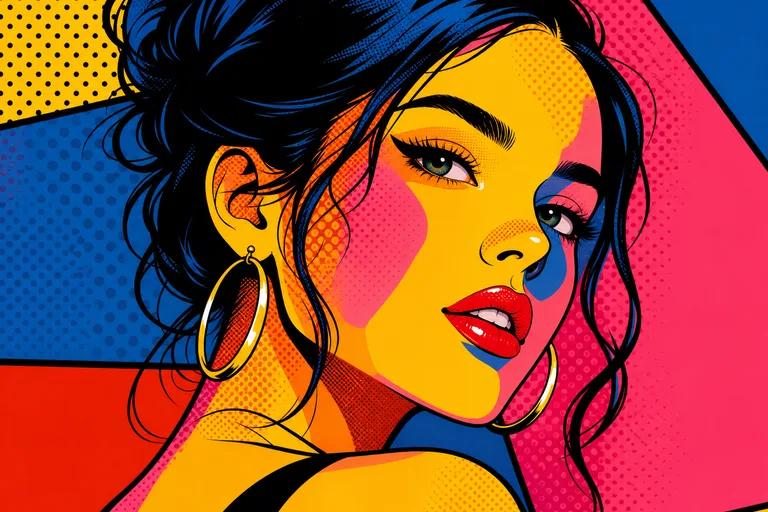
AI Pop Art Filter
Convert a portrait into pop art with bold color blocks, strong contrast, graphic print texture, and a poster-ready composition.

AI Pop Art Filter
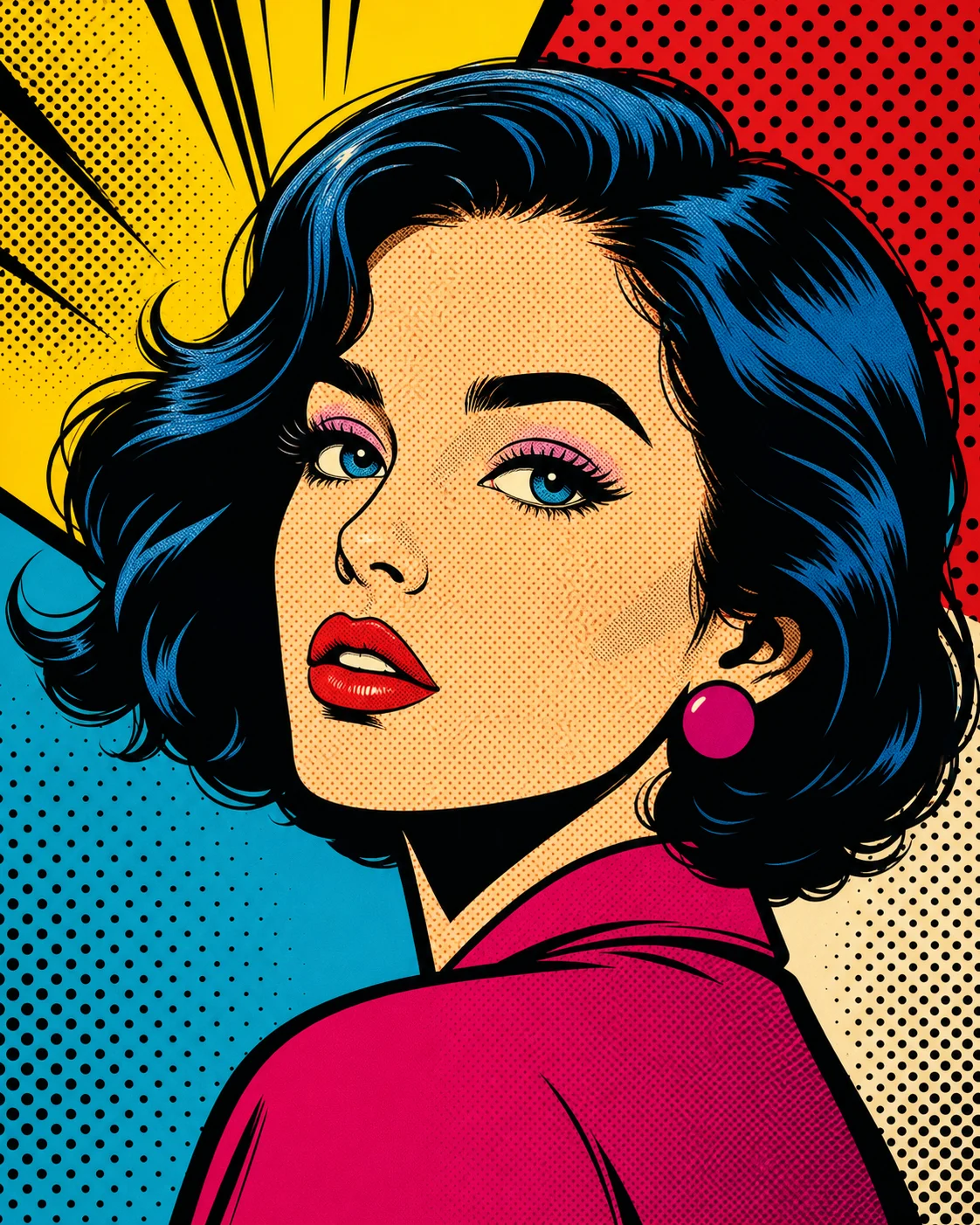
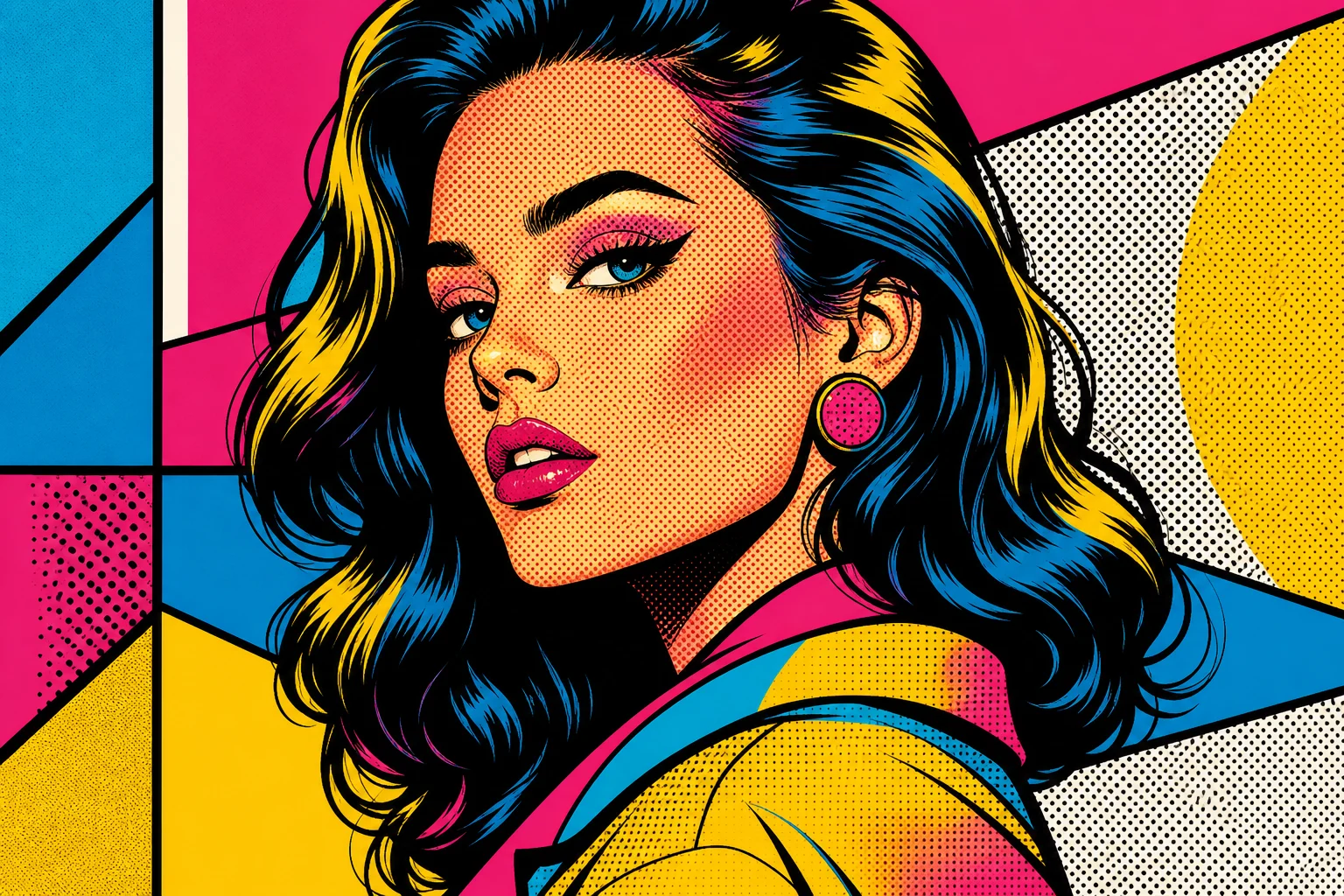
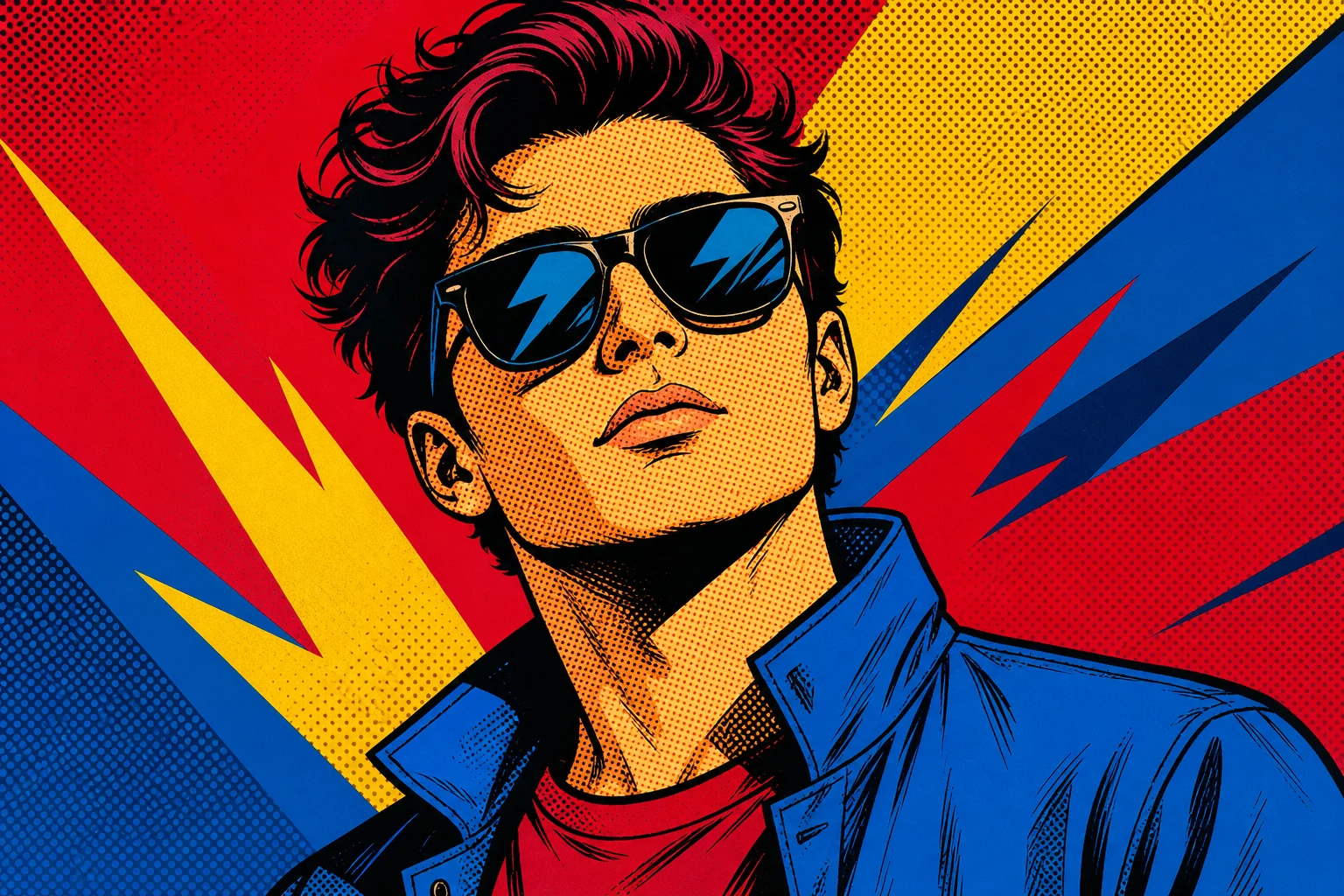
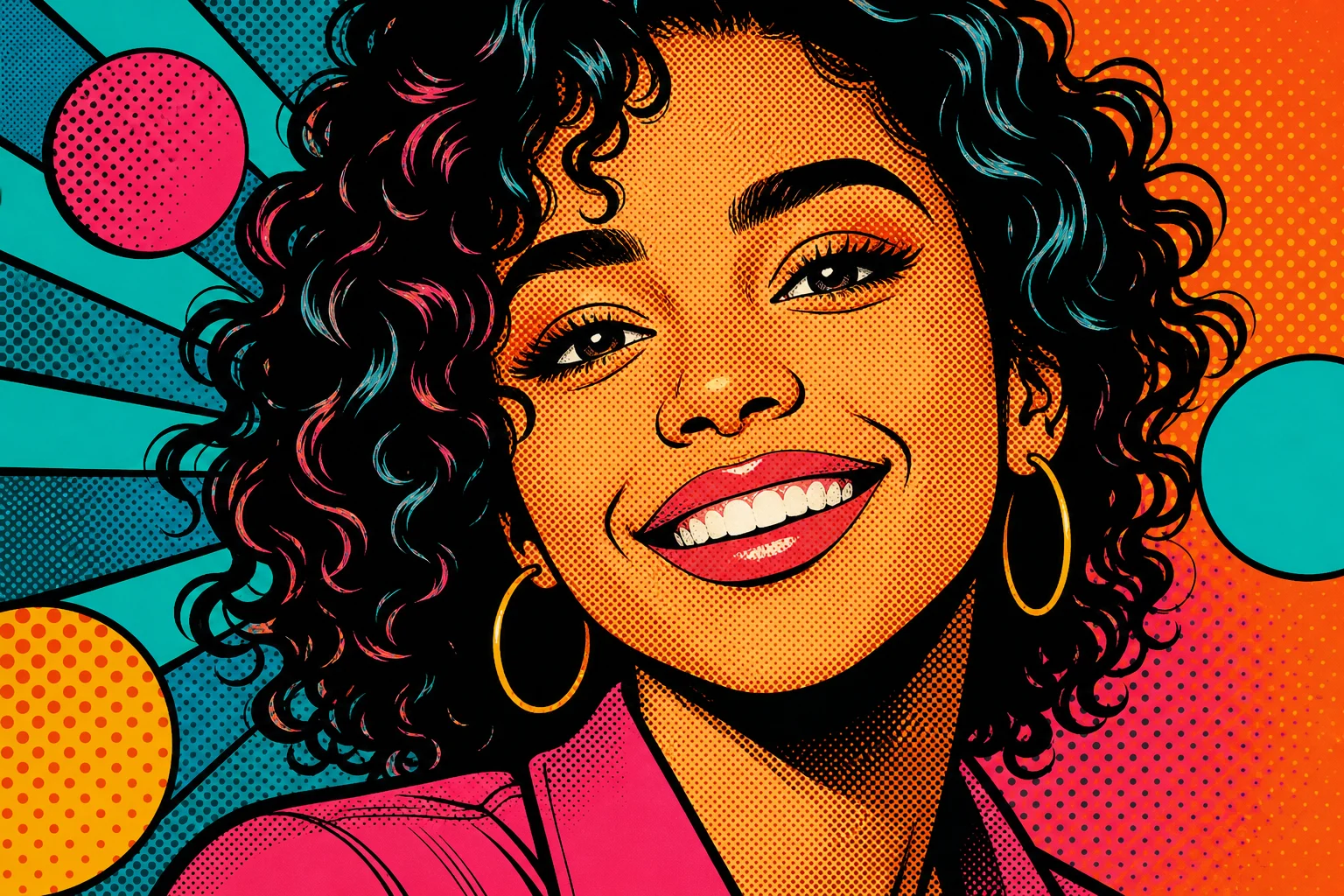
Apply the AI Pop Art Filter effect to the uploaded image. Preserve the main subject identity or object shape, pose/layout, expression, and key details. Convert the image into bold pop art with bright color blocks, halftone dots, strong black outlines, high contrast, Warhol-inspired repetition or poster energy when appropriate, and clean graphic composition. Keep the uploaded subject recognizable through the stylization.

Gallery
Pop Art Filter Examples


Example 2

Example 3

Example 4

Example 5

Example 6
AI Pop Art Filter Features
Tools for turning portraits into bold pop art with bright color blocks, retro print texture, and poster contrast.
Free to Use
Use AI Pop Art Filter with free daily credits. No payment details are needed for AI Pop Art Filter.
Bold pop-art contrast
Adds bright color blocks, high-contrast shapes, retro print texture, and poster-ready composition.
Quick before-and-after preview
Preview the AI Pop Art Filter result before downloading, then rerun with a clearer photo or tighter prompt when needed.
Simple upload flow
Upload a clear image to AI Pop Art Filter, review the preview, and keep the version that fits your use case.
Watermark-free downloads
Download watermark-free AI Pop Art Filter images for posts, mockups, references, or client drafts.
Privacy Protected
ClipCanva processes AI Pop Art Filter uploads securely and removes files after generation.
How to Use AI Pop Art Filter
Create a bold pop art portrait effect in three quick steps.
Upload Your Photo
Upload a clear source image for AI Pop Art Filter; AI Pop Art Filter supports JPG, PNG, and WebP uploads.
Apply the Effect
Our AI applies a bold pop art portrait effect while preserving the important details of your photo.
Download the Image
Review the AI Pop Art Filter result, download it, or rerun with a stronger source image.
AI Pop Art Filter FAQ
Common questions about creating bold pop art portraits and poster-style edits.
What is AI Pop Art Filter?
Is AI Pop Art Filter free?
How do I use AI Pop Art Filter?
What image formats does AI Pop Art Filter support?
Can I use AI Pop Art Filter results commercially?
Create AI Pop Art Filter Images Free
Start with your own photo and generate bold pop art portraits and poster-style edits on ClipCanva without a credit card.