FreeMake a Polaroid photo effect with 20 free daily credits — no credit card

AI Polaroid Maker with 20 Free Credits

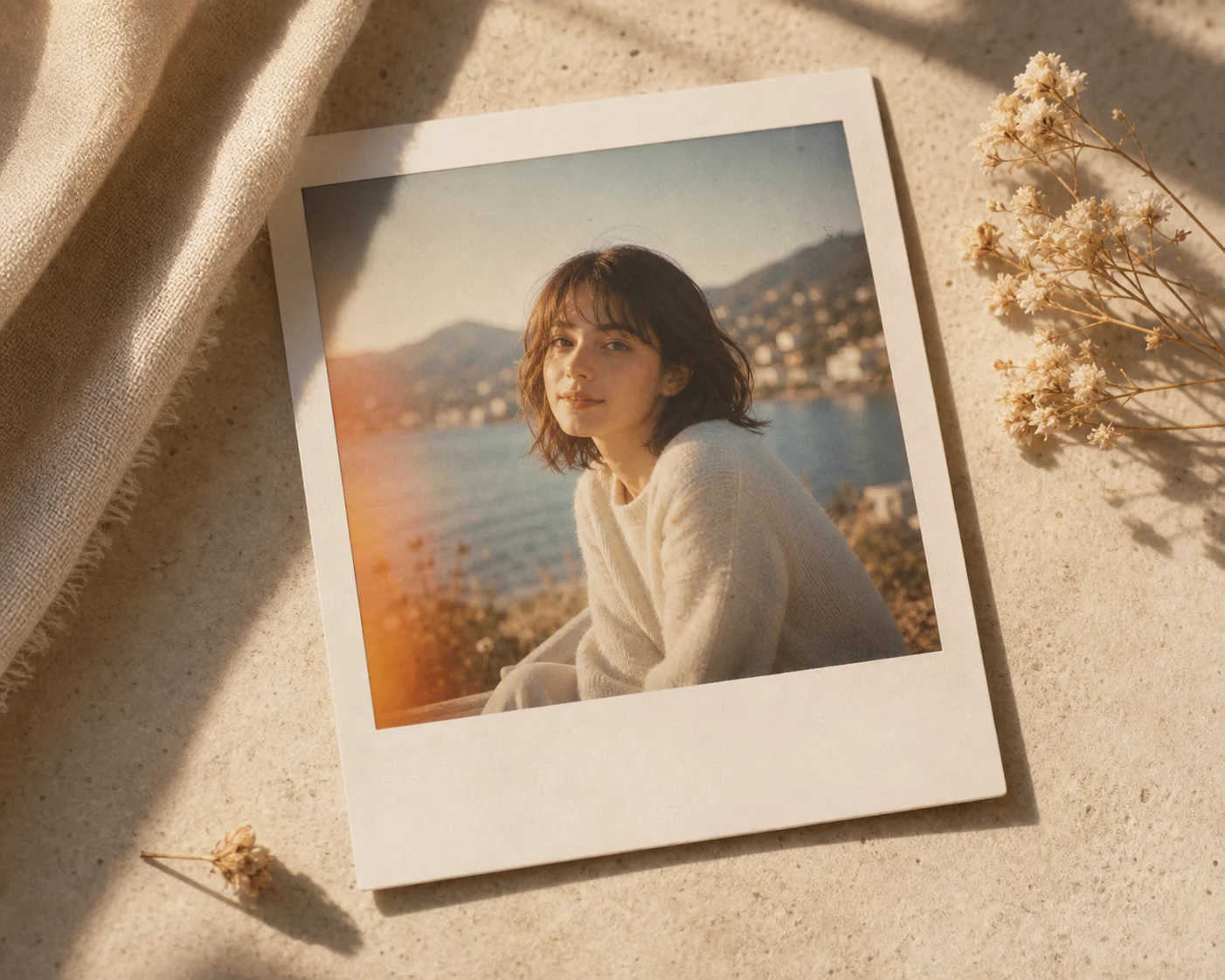
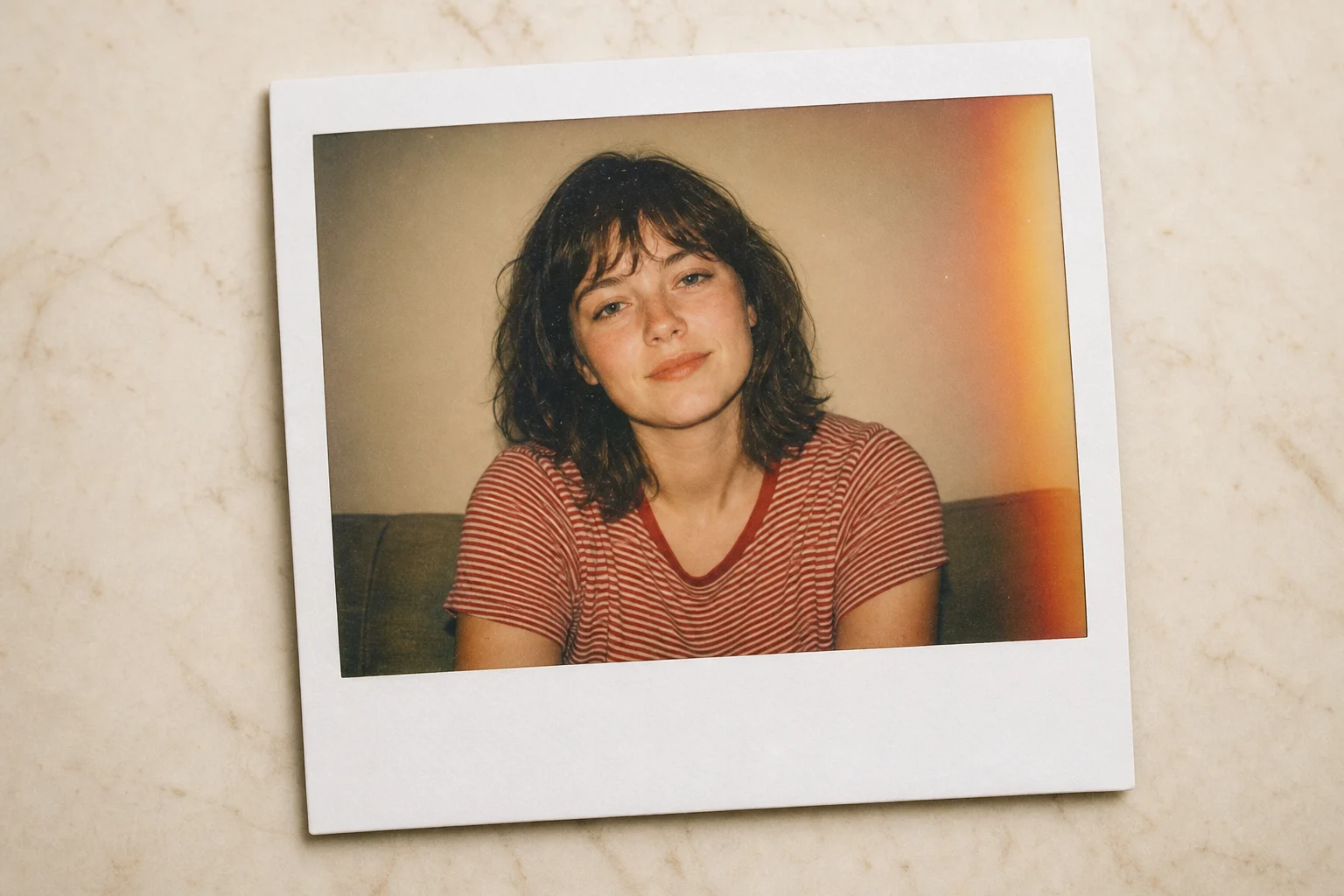
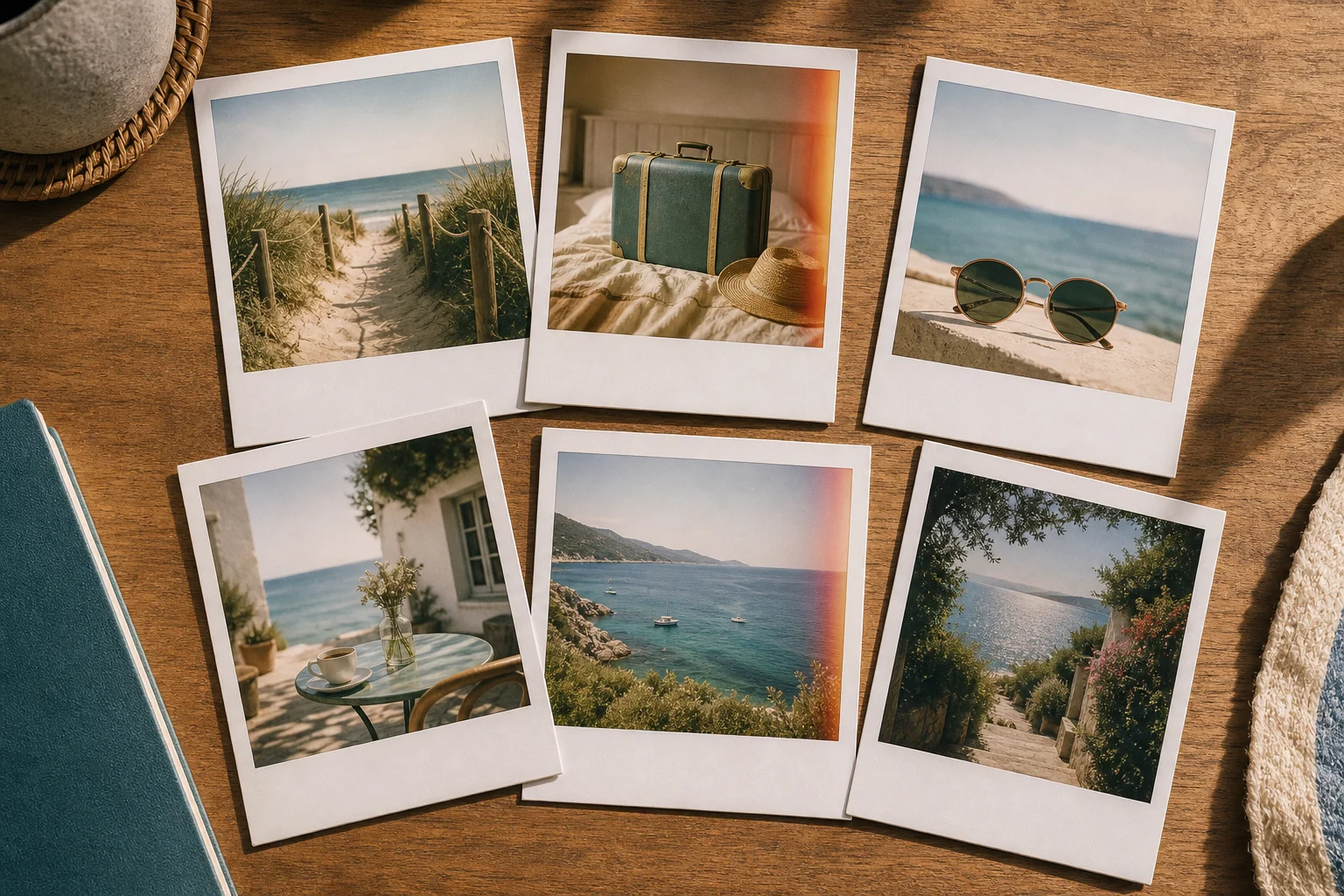
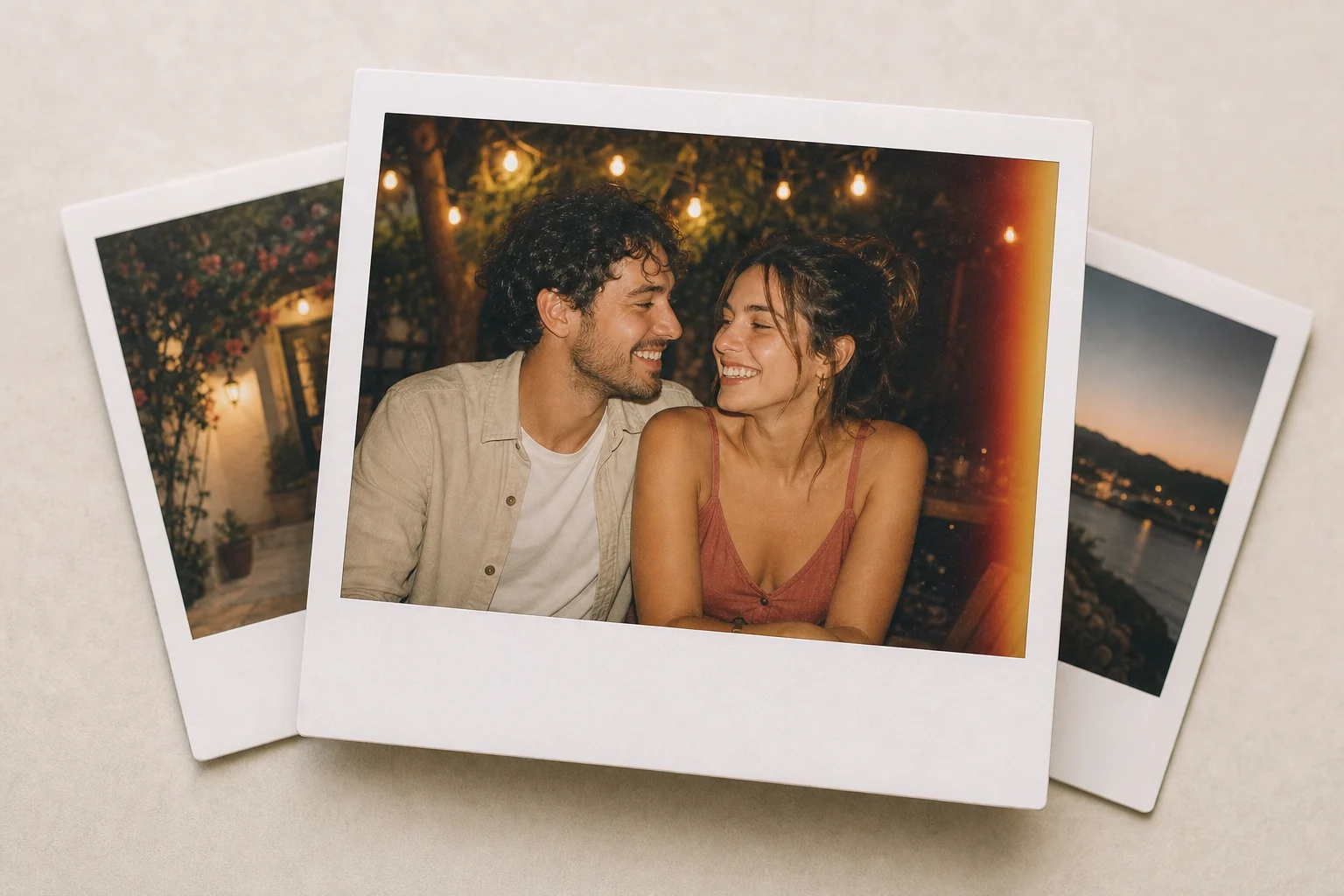
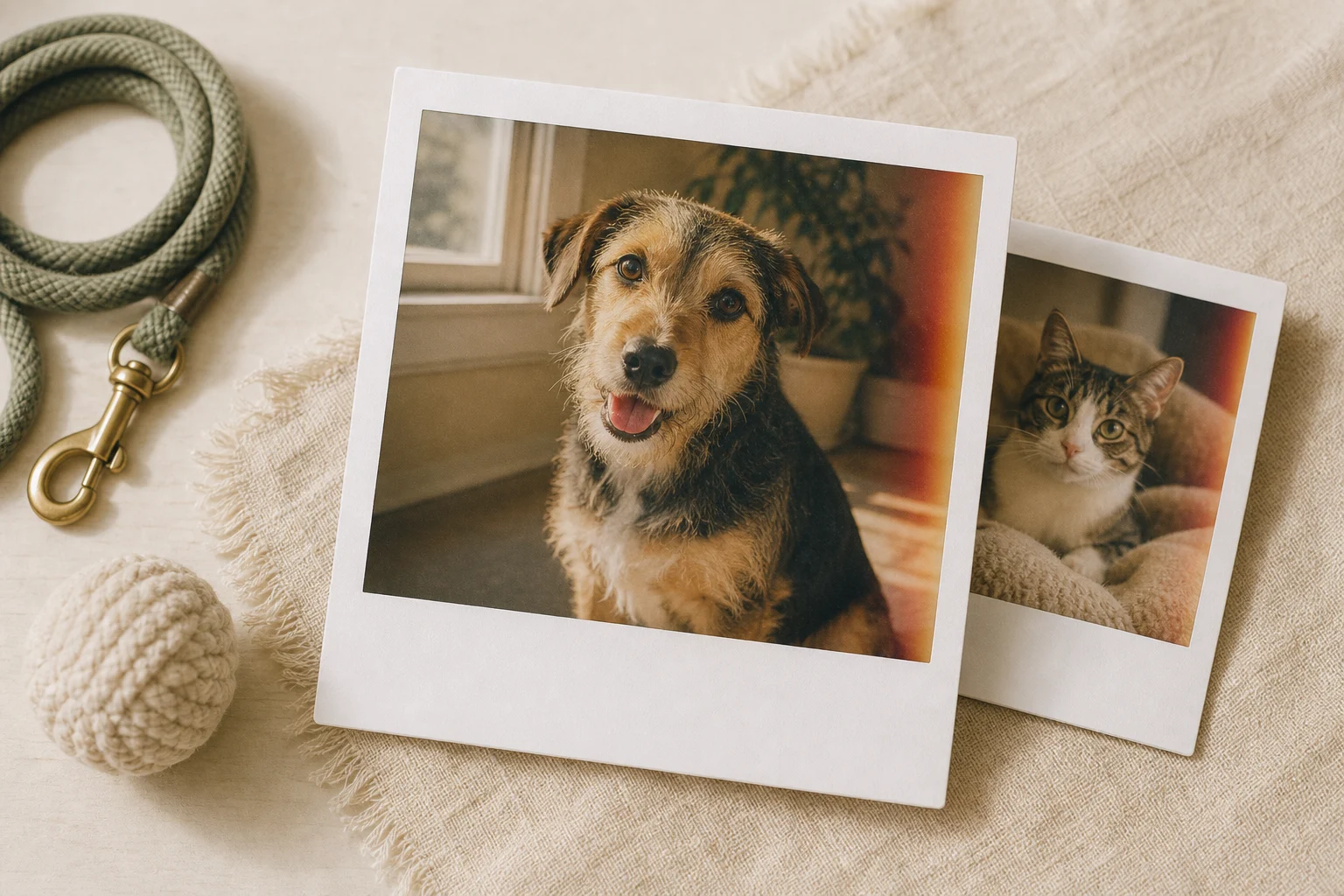
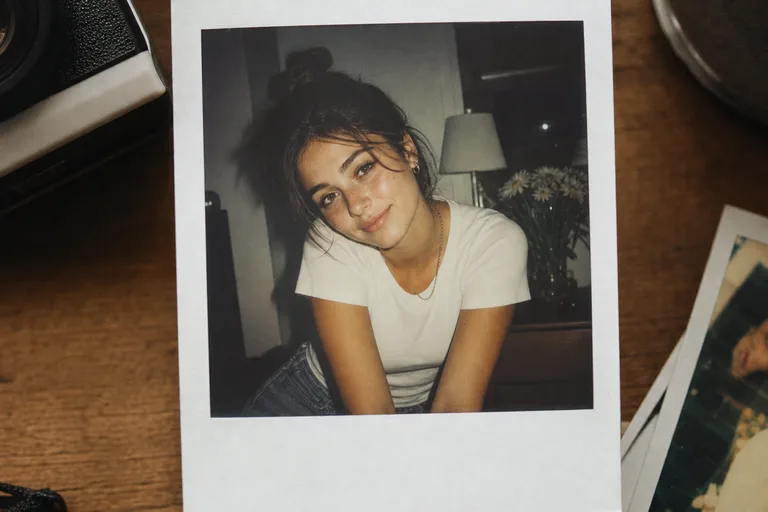
Create a realistic Polaroid photo effect from any image. Add the instant-film white border, warm faded color, film grain, light leaks, soft vignette, and handwritten caption area while keeping the original subject recognizable.

AI Polaroid Maker example
0 / 2000
Template prompt

AI Polaroid Maker

Apply the AI Polaroid Maker effect to the uploaded image. Preserve the subject identity or object shape, pose/layout, lighting direction, and key details. Transform only the photo presentation into a realistic vintage instant-film print with white Polaroid border, warm faded color, subtle film grain, soft vignette, light leaks, slight paper texture, and caption space at the bottom. Do not change the subject or scene content.

AI Polaroid Maker example

Before-and-after Polaroid inspiration

AI Polaroid Maker Examples: Vintage Instant-Film Looks

AI Polaroid Maker example 1

Example 1: AI Polaroid Maker

AI Polaroid Maker example 2

Example 2: AI Polaroid Maker

AI Polaroid Maker example 3

Example 3: AI Polaroid Maker

AI Polaroid Maker example 4

Example 4: AI Polaroid Maker

AI Polaroid Maker example 5

Example 5: AI Polaroid Maker

AI Polaroid Maker example 6

Example 6: AI Polaroid Maker

Why Use This Free AI Polaroid Maker

Built for high-intent searches like Polaroid photo effect, instant film frame, vintage photo filter, and editable AI image prompt workflow.

20 free daily credits

Start with 20 free daily credits and create Polaroid-style images before upgrading for heavier use.

Real Polaroid frame details

Add a white instant-film border, bottom caption space, subtle grain, faded tones, and soft light leaks.

Subject-preserving edits

The prompt is designed to keep faces, pets, outfits, pose, and the main scene recognizable.

Portrait, pet, travel, and couple photos

Use the effect for profile pictures, scrapbook pages, mood boards, travel memories, or social posts.

Prompt-controlled vintage style

Adjust decade, border width, caption text, film grain, vignette, mood, or background details.

Share-ready downloads

Export clean nostalgic images for Instagram, TikTok, invitations, creative campaigns, and personal projects.

Ways to use AI Polaroid Maker with 20 Free Credits

Use AI Polaroid Maker with 20 Free Credits for quick concept images, social posts, mockups, profile visuals, or creative references.

AI Polaroid Maker with 20 Free Credits - AI Polaroid Maker with 20 Free Credits

Create a first version fast

Upload or describe the source image, then generate a polished first version for AI Polaroid Maker with 20 Free Credits without starting from a blank canvas.

AI Polaroid Maker with 20 Free Credits style example

Adapt the style to your project

Adjust the subject, mood, background, text space, and composition so the AI Polaroid Maker with 20 Free Credits result fits your project.

AI Polaroid Maker with 20 Free Credits variation example

Create another version

Reuse the same setup with a new subject, product, or scene when you need more AI Polaroid Maker with 20 Free Credits images in the same direction.

How to Make a Polaroid Photo Effect Online

Upload a photo, generate the instant-film look, then refine the vintage details with prompt edits.

1

Upload a clear photo

Choose a portrait, couple photo, pet photo, product lifestyle shot, or travel image in JPG, PNG, or WebP format.

2

Generate the Polaroid look

The AI applies the white frame, faded color, grain, light leaks, and caption space while preserving the subject.

3

Refine and download

Regenerate with a shorter caption, softer grain, warmer color, wider border, or stronger vintage mood, then download the final image.

AI Polaroid Maker FAQ

Answers about free credits, no-card use, prompt editing, subject preservation, and commercial usage.

Is this AI Polaroid maker free?
Yes. You can start with 20 free daily credits and no credit card. Paid plans are only needed for heavier generation volume.
Do I need a real Polaroid camera?
No. Upload a normal digital photo and the AI adds the instant-film frame, faded color, grain, light leaks, and caption area.
What photos work best?
Clear portraits, couple photos, pets, travel shots, fashion photos, and lifestyle product images work best. Avoid very dark or blurry photos.
Will it preserve the person or pet in my photo?
The template is written to preserve identity, face shape, expression, pose, clothing, and important subject details while changing the photo style.
Can I edit the prompt?
Yes. Change the caption, decade, border width, grain level, mood, lighting, or background while keeping the subject preservation instruction.
Can I use the generated Polaroid image commercially?
You may use generated images for personal or commercial projects subject to the terms of service and your rights to the uploaded photo, likeness, and brands shown.
Is this better than a simple photo filter?
A normal filter changes color globally. This AI workflow can recreate the frame, film texture, caption space, lighting mood, and composition details together.
What details should I include for AI Polaroid Maker with 20 Free Credits?
Describe the subject, the style you want, and any details that should stay recognizable, such as face shape, outfit, colors, background, and final use.
What makes AI Polaroid Maker with 20 Free Credits useful?
It gives you a focused starting point for the AI Polaroid Maker with 20 Free Credits look, so you can create a first version without building the scene from scratch.

Make a Polaroid Photo Effect Free Online

Upload a photo and create a nostalgic instant-film image with a white frame, grain, caption space, and 20 free daily credits.