FreeTry the AI mugshot maker free — no credit card required

AI Mugshot Maker

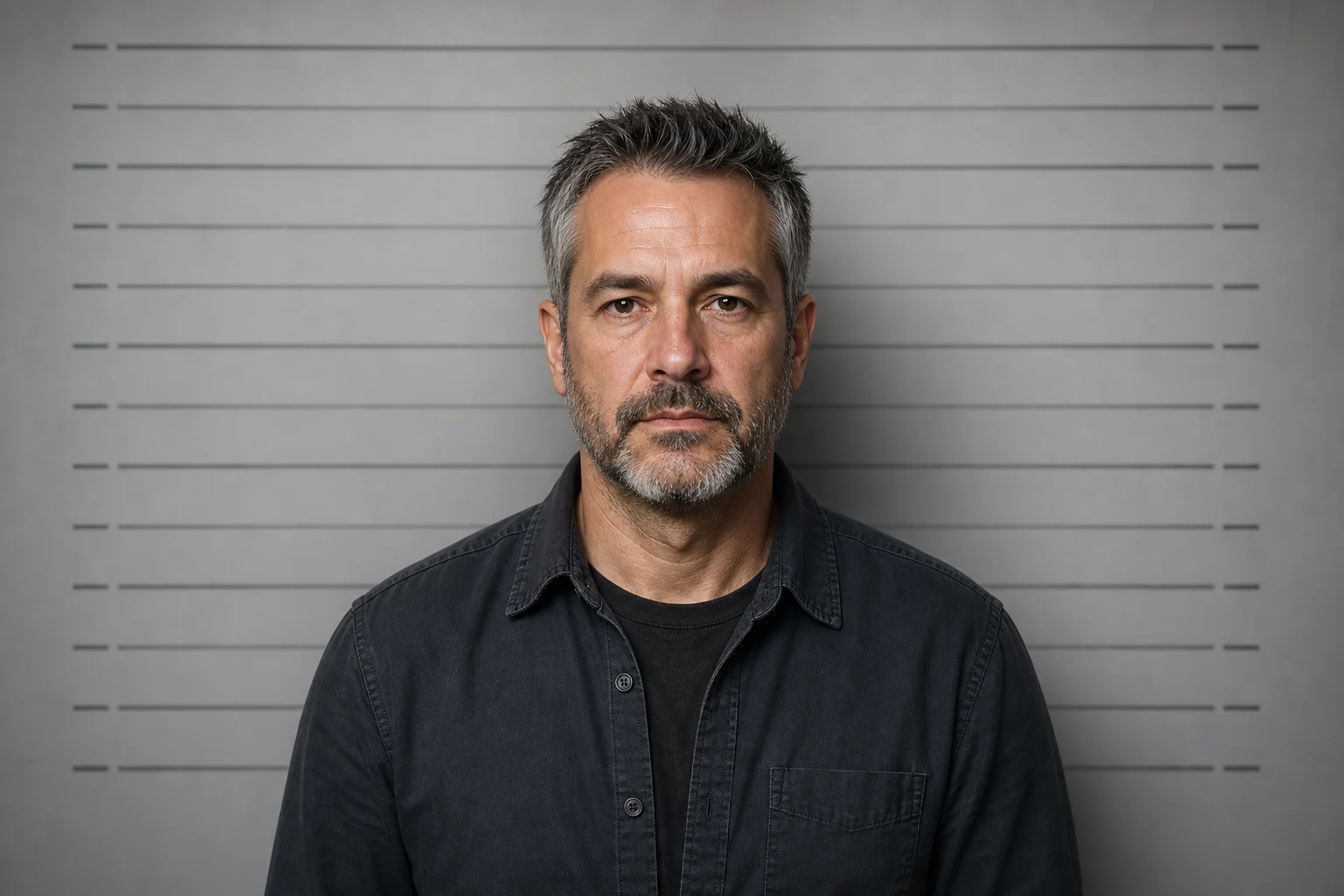
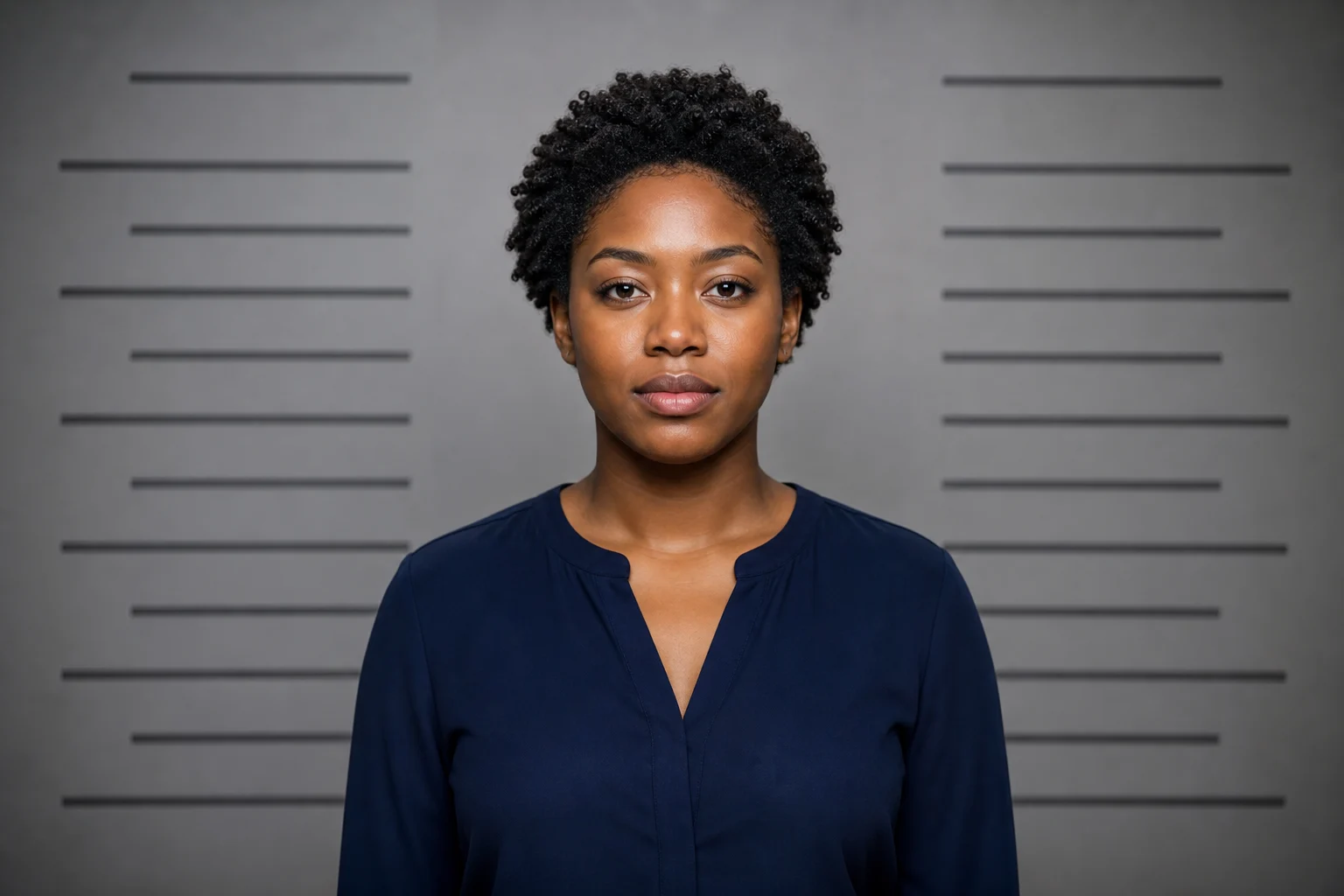
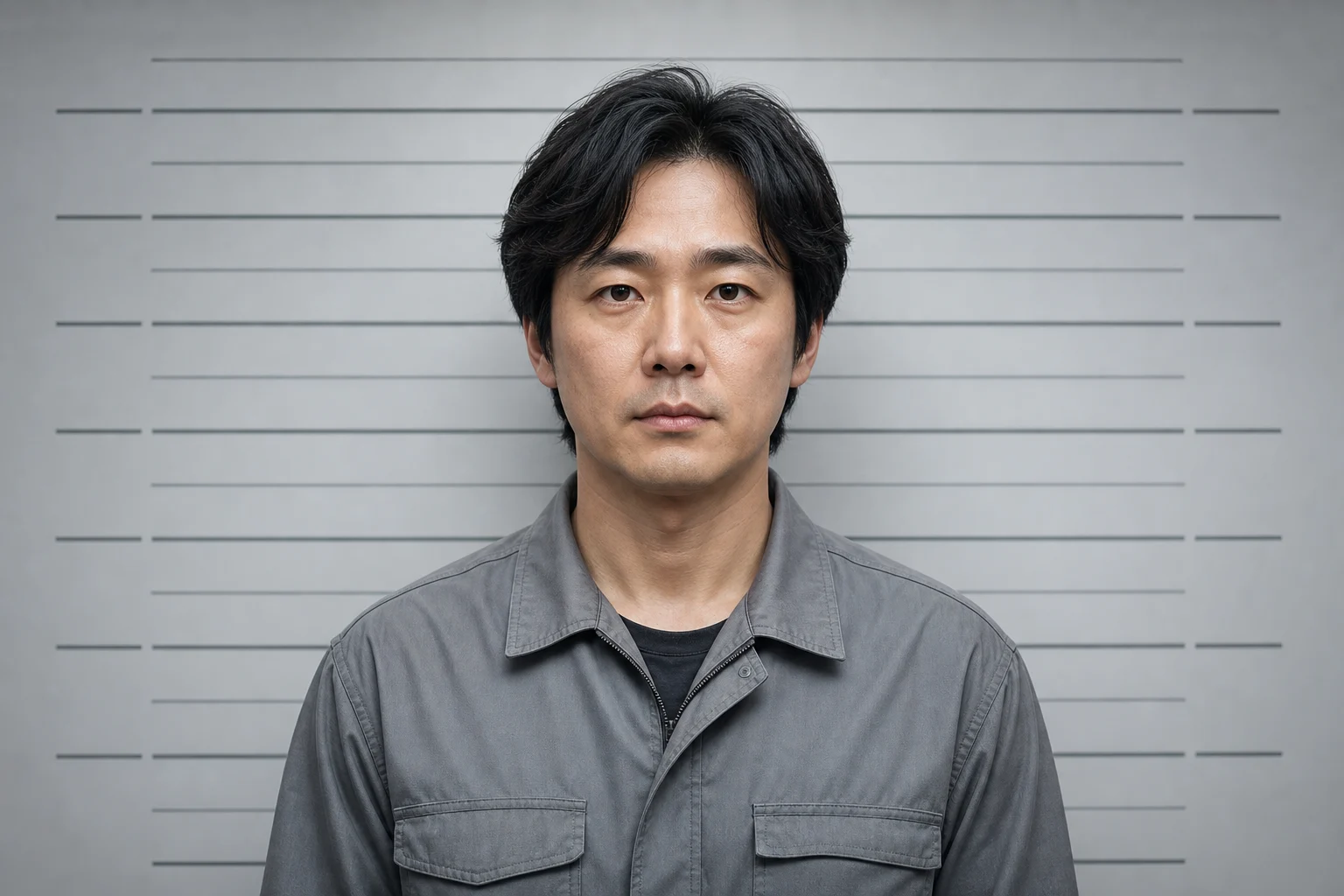
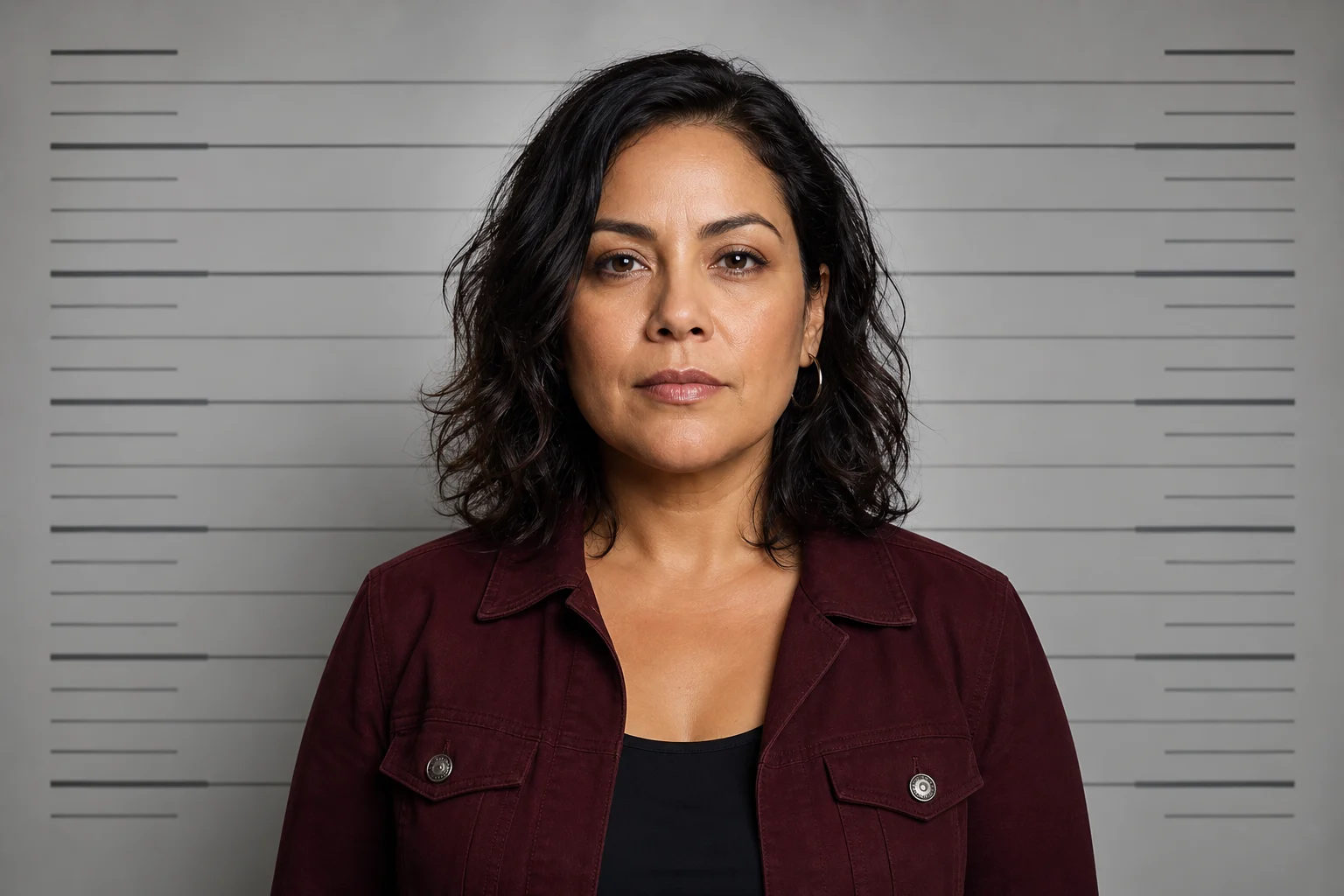
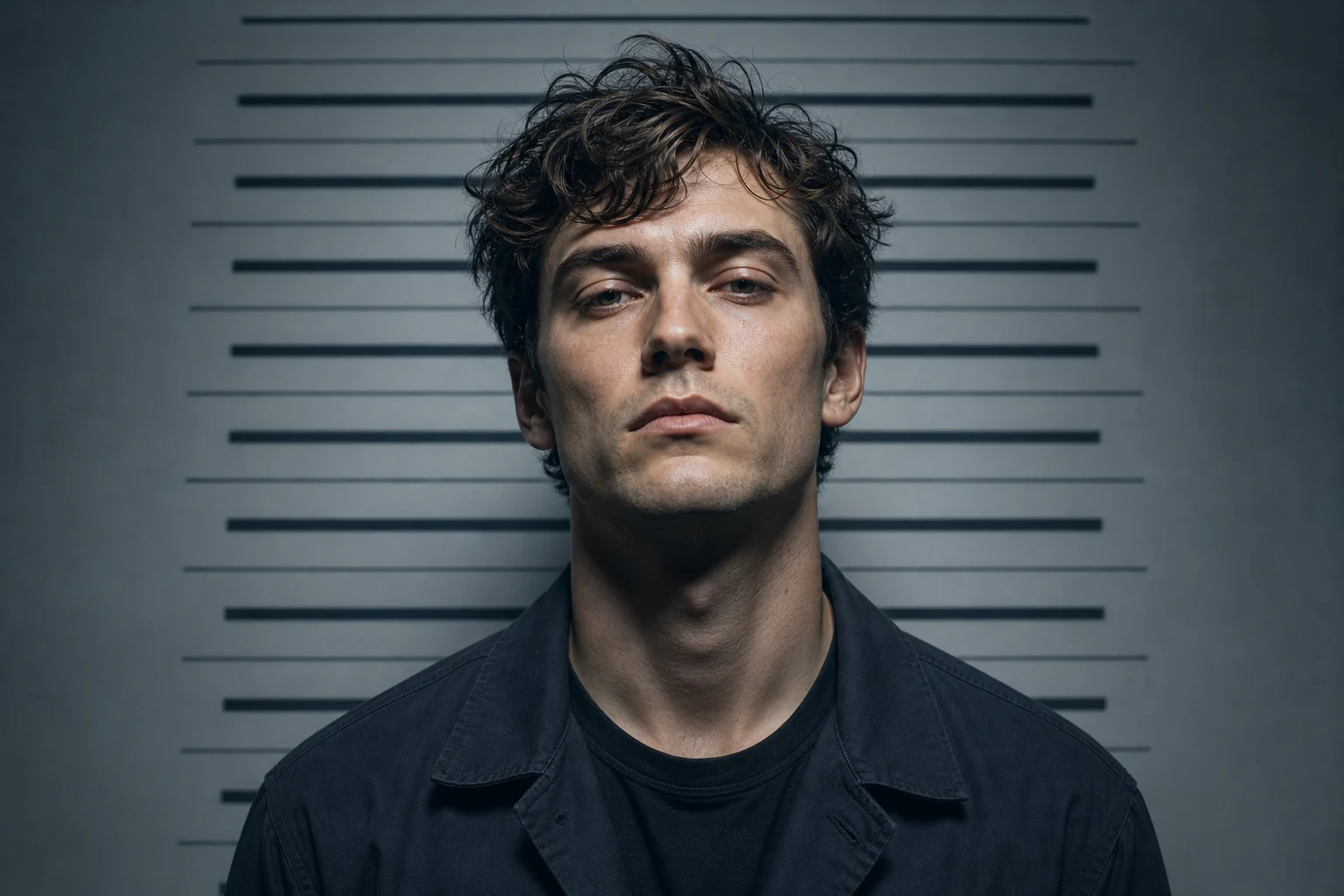
Turn a portrait into a stylized mugshot image with clean frontal framing, controlled lighting, and the same face, expression, and clothing cues.

AI mugshot maker booking-style portrait
0 / 2000
Template prompt

AI mugshot maker

Apply the AI Mugshot Maker effect to the uploaded portrait. Preserve the person identity, facial features, hairstyle, expression mood, and clothing cues. Recompose it as a cinematic police-booking style mugshot with front-facing or paired front/side framing, neutral institutional backdrop, height chart, placard or label area, harsh flash lighting, documentary realism, and controlled shadows. Allow pose/framing changes required by the mugshot format while keeping the subject recognizable.
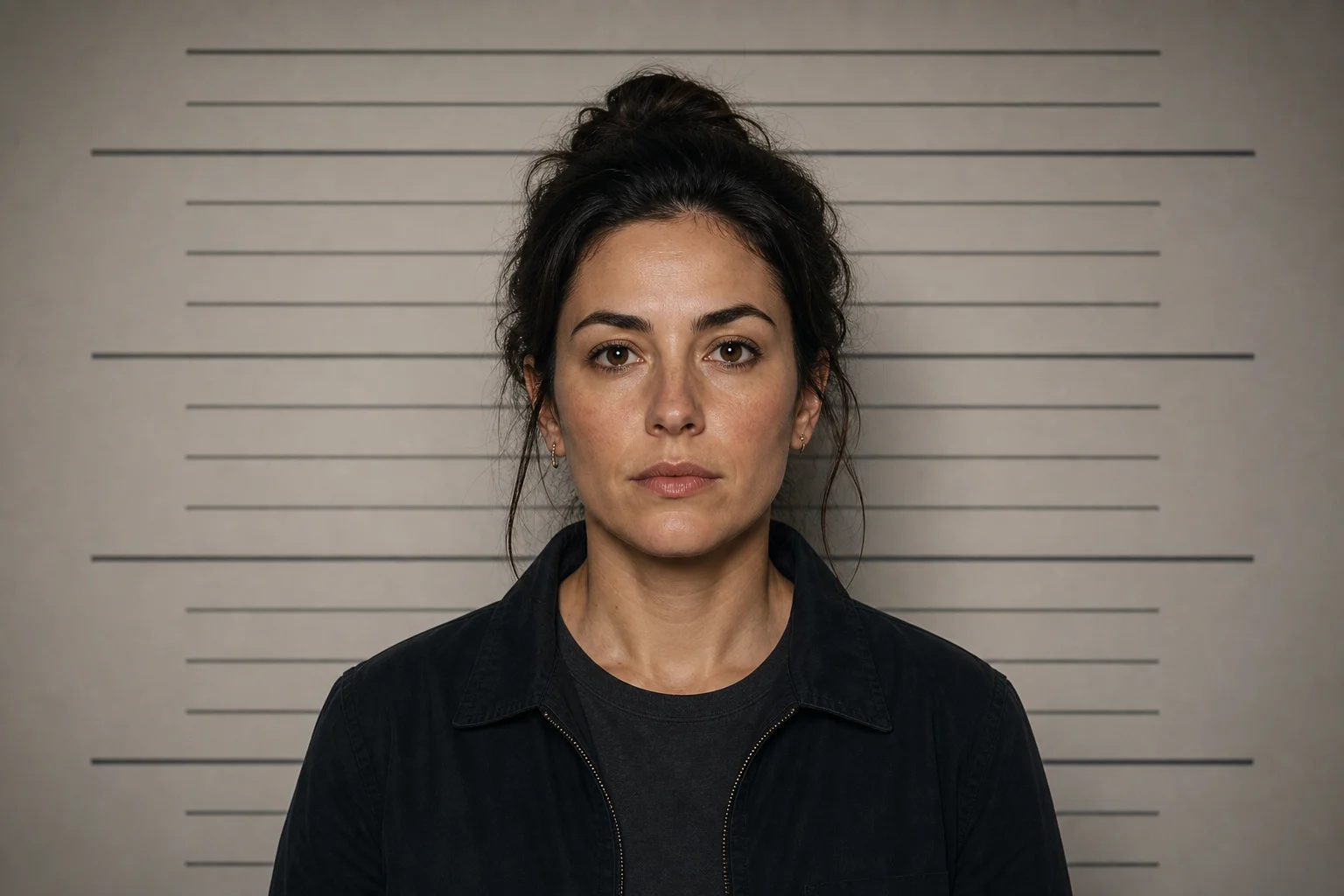
AI mugshot maker booking-style portrait

Gallery

AI Mugshot Maker Examples

Cinematic AI mugshot-style portrait 1

Example 1

Cinematic AI mugshot-style portrait 2

Example 2

Cinematic AI mugshot-style portrait 3

Example 3

Cinematic AI mugshot-style portrait 4

Example 4

Cinematic AI mugshot-style portrait 5

Example 5

Cinematic AI mugshot-style portrait 6

Example 6

AI Mugshot Maker Features

Generate realistic booking-style portraits for edits, characters, profiles, or visual concepts.

Free to Use

Try AI Mugshot Maker with free daily credits before deciding whether you need more generations.

Style-Focused Output

Create front-facing mugshot-style portraits with neutral lighting, placard detail, measured framing, and preserved identity.

Quick before-and-after preview

Preview the AI Mugshot Maker result before downloading, then rerun with a clearer photo or tighter prompt when needed.

Simple upload flow

Upload a clear image to AI Mugshot Maker, review the preview, and keep the version that fits your use case.

Watermark-free downloads

Download watermark-free AI Mugshot Maker images for posts, mockups, references, or client drafts.

Privacy Protected

ClipCanva processes AI Mugshot Maker uploads securely and removes files after generation.

How to Use the AI Mugshot Maker

Create a mugshot-style portrait from your photo in three steps.

1

Upload Your Photo

Upload a clear source image for AI Mugshot Maker; AI Mugshot Maker supports JPG, PNG, and WebP uploads.

2

Apply the AI Effect

The AI applies booking-photo composition, neutral lighting, and placard styling while keeping the subject recognizable.

3

Download Your Image

Save the finished high-resolution image and use it wherever you need for AI Mugshot Maker.

AI Mugshot Maker FAQ

Common questions about creating mugshot-style portraits with AI.

What does the AI mugshot maker create?
It creates a cinematic police booking-style portrait with front-facing framing, neutral lighting, and optional placard-style detail.
Is the AI mugshot maker free?
Yes. ClipCanva lets you try it with free daily credits and no credit card required.
What photos work best?
A clear headshot or portrait with the face visible works best. Avoid heavy blur, extreme angles, or covered facial features.
Does it change the person’s identity?
The generation prompt is designed to preserve the original face and expression while changing only the mugshot-style setting.
Can I use the result for creative projects?
Yes, you can use generated images for creative projects, subject to ClipCanva terms and rights in the original photo.

Create a Mugshot-Style Portrait

Upload a photo and generate a cinematic booking-style portrait with AI.