FreeTry the AI Mount Rushmore generator free — no credit card required

AI Mount Rushmore Generator

Create a monument-inspired stone carving from your image while keeping the key facial features, grouping, and composition readable.

AI Mount Rushmore generator stone monument result
0 / 2000
Template prompt

AI Mount Rushmore generator

Apply the AI Mount Rushmore effect to the uploaded portrait. Preserve the person identity, face shape, expression, hairstyle cues, and distinctive facial traits. Rebuild the face as a monumental granite sculpture carved into a mountainside, with rough chisel marks, weathered stone texture, dramatic sky, landmark scale, cinematic lighting, and epic landscape composition. Keep the carved face recognizable as the uploaded person.
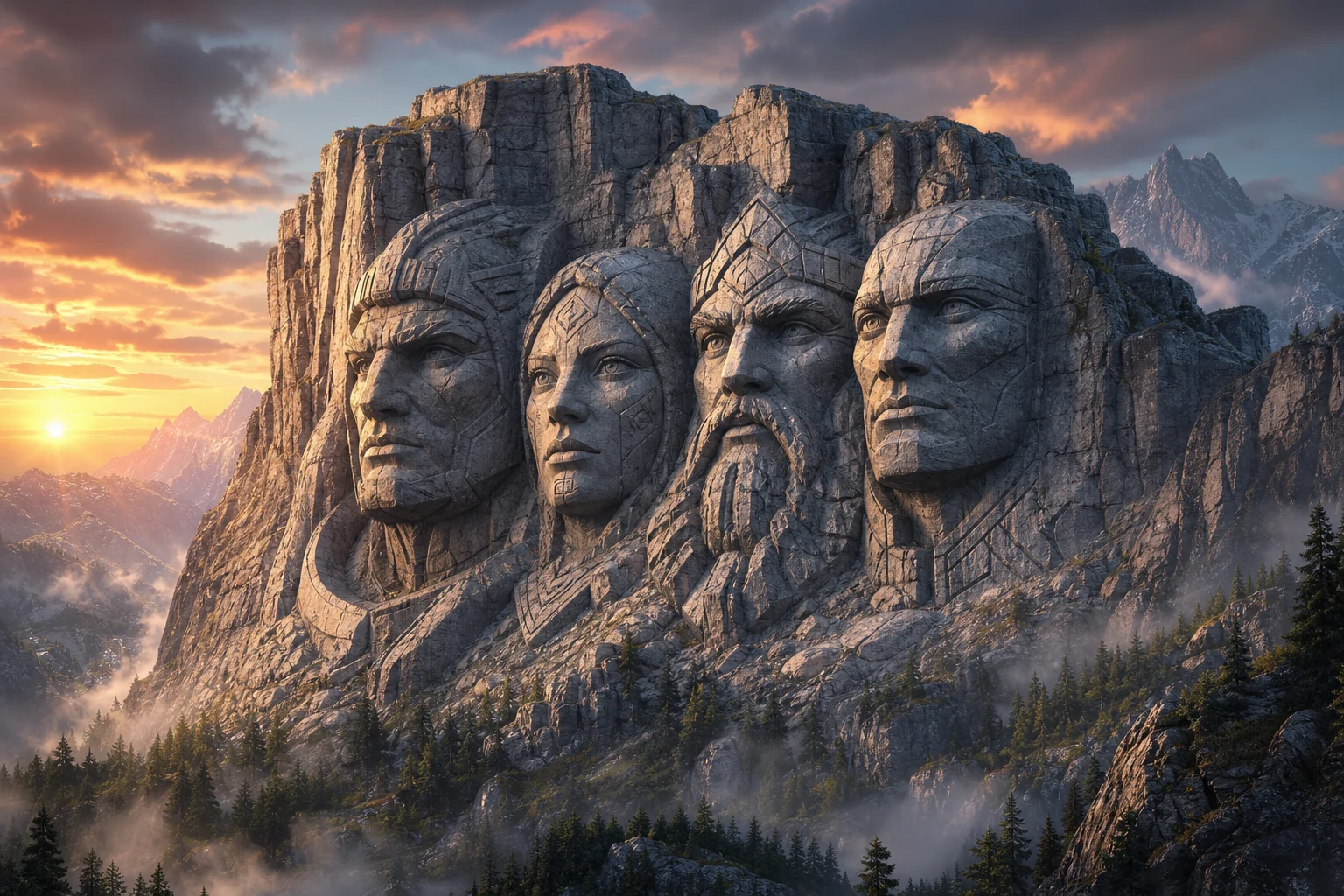
AI Mount Rushmore generator stone monument result

Gallery

AI Mount Rushmore Generator Examples

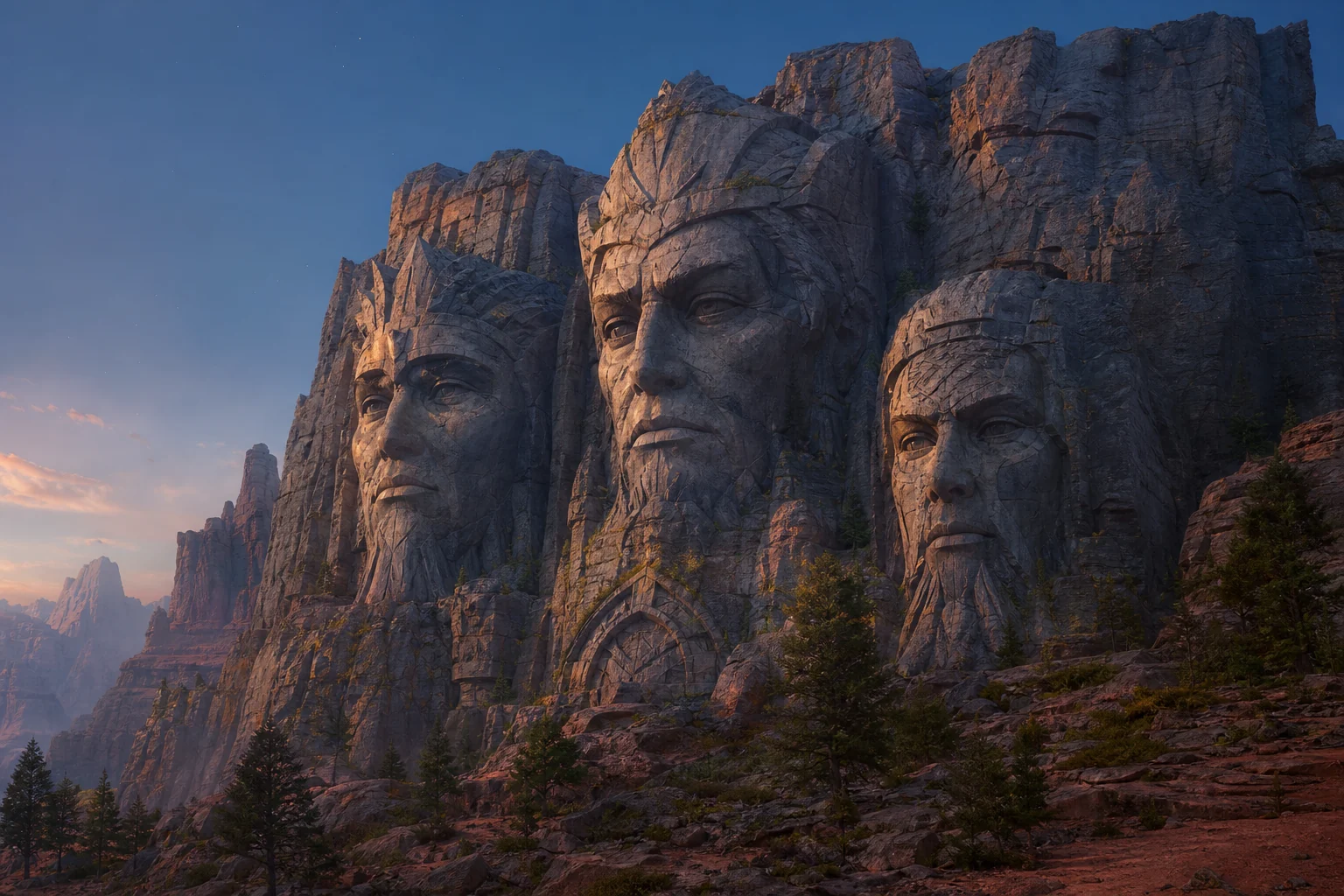
Mount Rushmore-style carved stone portrait 1

Example 1

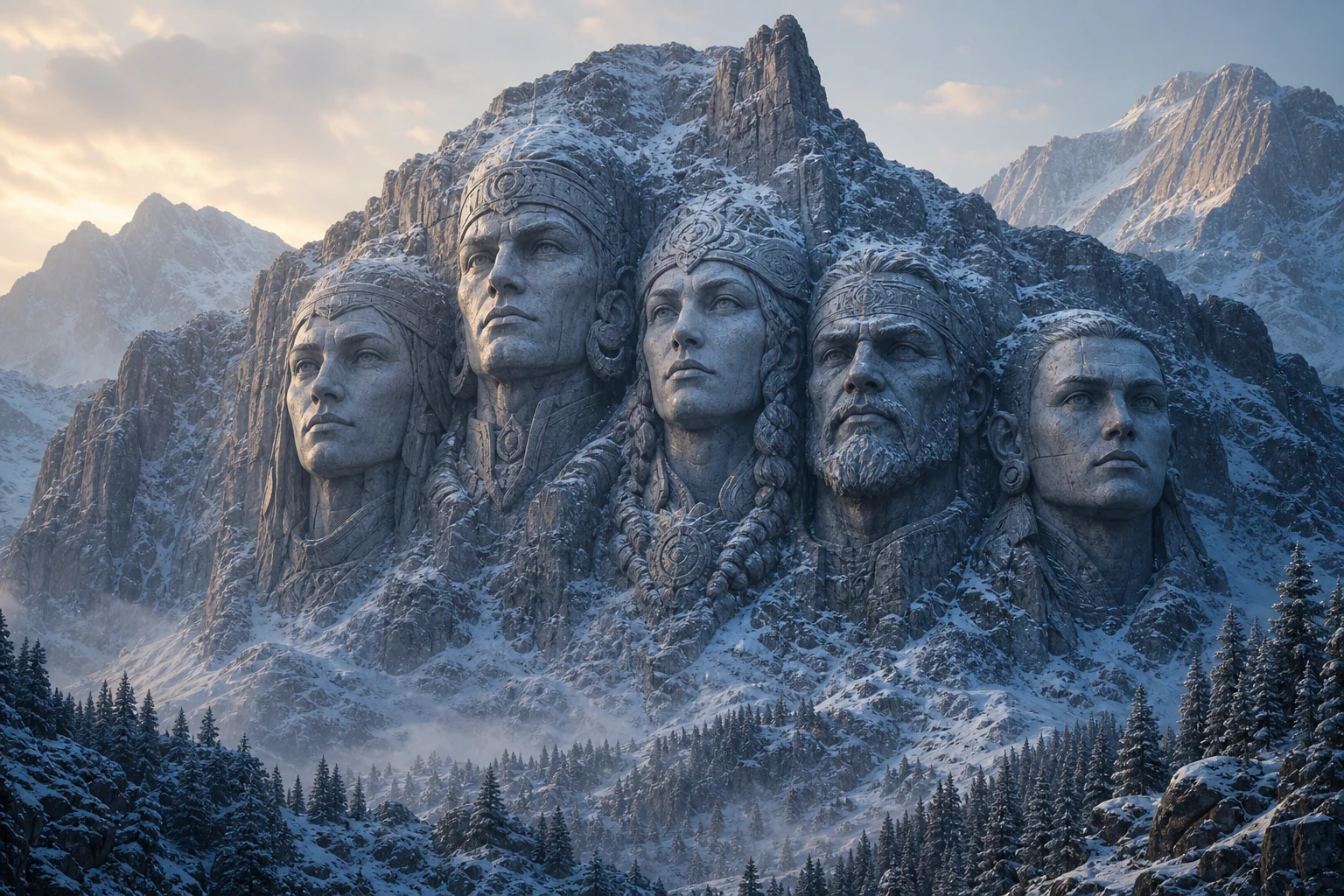
Mount Rushmore-style carved stone portrait 2

Example 2

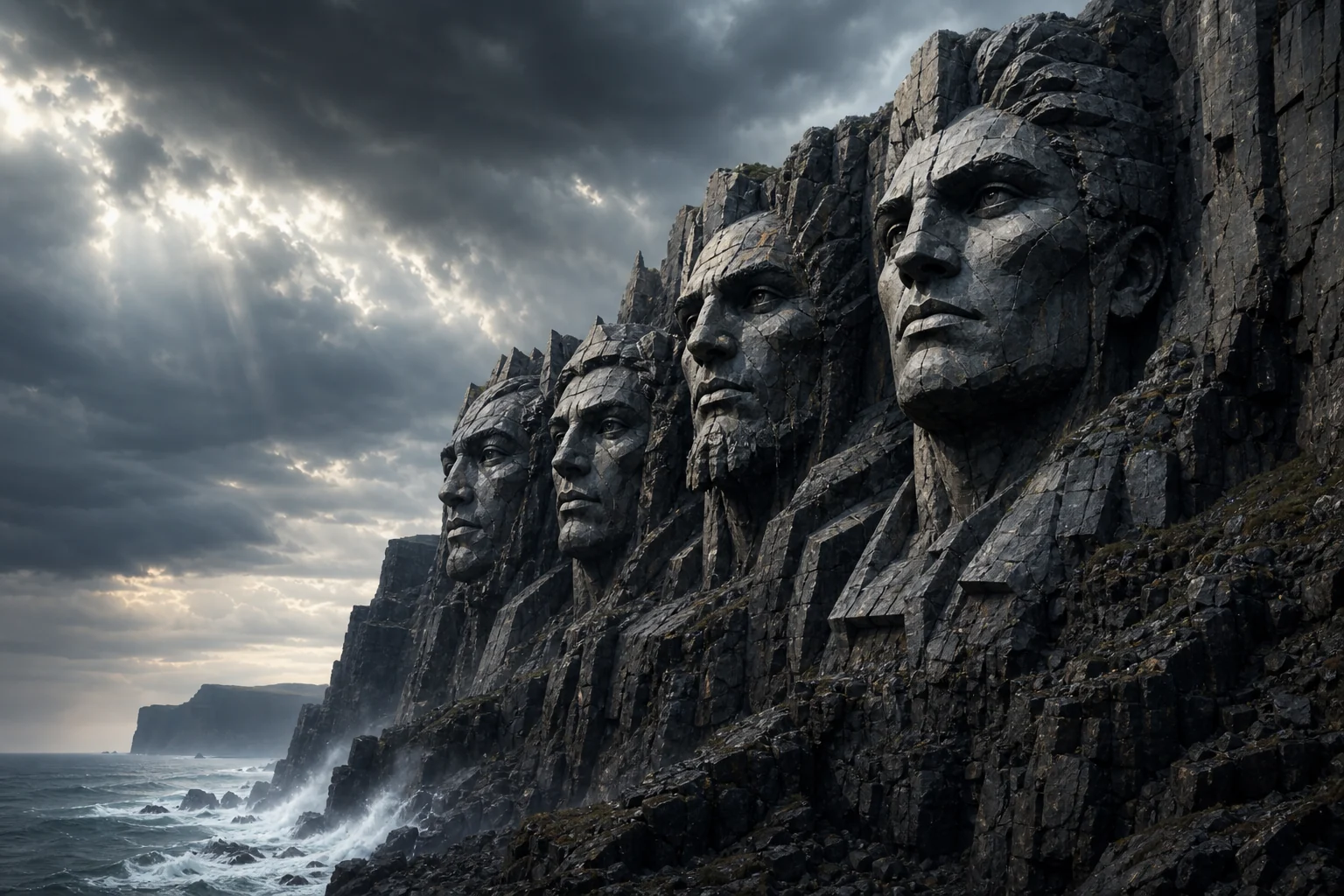
Mount Rushmore-style carved stone portrait 3

Example 3

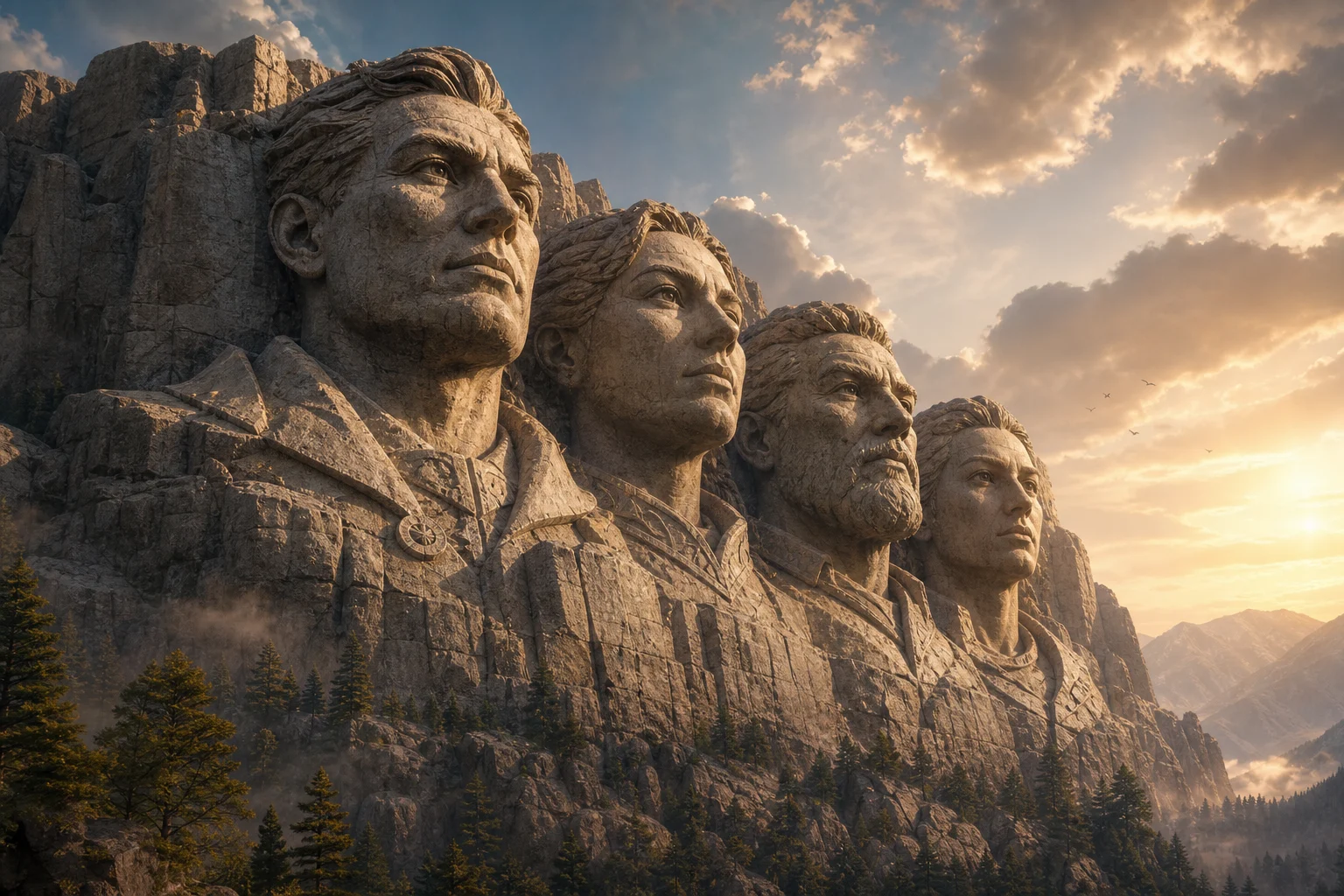
Mount Rushmore-style carved stone portrait 4

Example 4

Mount Rushmore-style carved stone portrait 5

Example 5

Mount Rushmore-style carved stone portrait 6

Example 6

AI Mount Rushmore Generator Features

Create monument-style images with recognizable carved faces and realistic stone texture.

Free to Use

Try AI Mount Rushmore Generator with free daily credits before deciding whether you need more generations.

Style-Focused Output

Convert faces into a granite monument scene with carved stone detail, mountain scale, shadows, and landmark composition.

Fast preview loop

Preview the AI Mount Rushmore Generator result before downloading, then rerun with a clearer photo or tighter prompt when needed.

Simple upload flow

Upload a clear image to AI Mount Rushmore Generator, review the preview, and keep the version that fits your use case.

Watermark-free downloads

Download watermark-free AI Mount Rushmore Generator images for posts, mockups, references, or client drafts.

Privacy Protected

ClipCanva processes AI Mount Rushmore Generator uploads securely and removes files after generation.

How to Use the AI Mount Rushmore Generator

Create a carved monument image from portraits in three steps.

1

Upload Your Photo

Upload a clear source image for AI Mount Rushmore Generator; AI Mount Rushmore Generator supports JPG, PNG, and WebP uploads.

2

Apply the AI Effect

The AI places the subject into a Mount Rushmore-style granite carving with realistic texture and dramatic depth.

3

Download Your Image

Save the finished high-resolution image and use it wherever you need for AI Mount Rushmore Generator.

AI Mount Rushmore Generator FAQ

Common questions about making carved monument images with AI.

What does the AI Mount Rushmore generator do?
It turns uploaded faces into a Mount Rushmore-style stone monument image with carved granite texture and landmark-scale composition.
Is the AI Mount Rushmore generator free?
Yes. You can generate images with free daily credits on ClipCanva, and no credit card is required to begin.
Can I use multiple faces?
If your uploaded image includes multiple clear faces, the AI can create a group monument look. Clear, front-facing faces give the best result.
Will the faces still be recognizable?
The prompt is designed to preserve key facial features while translating them into carved stone monument detail.
Can I download the monument image?
Yes. Generated images can be downloaded in high resolution without a watermark.

Create a Mount Rushmore-Style Image

Upload a portrait and generate a dramatic carved stone monument with AI.