FreeTry the AI Minecraft generator free — no credit card required

AI Minecraft Generator

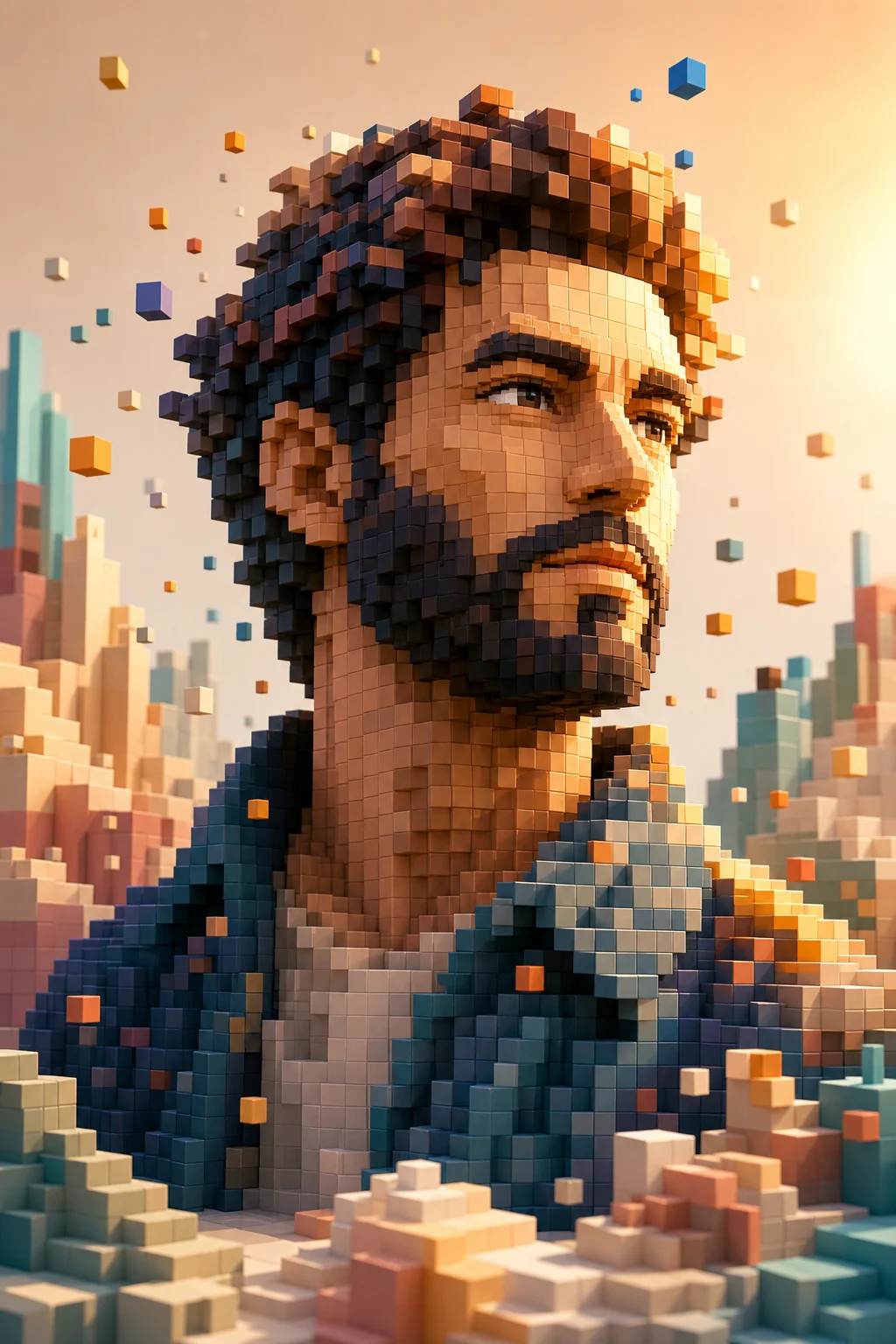
Rebuild your subject with blocky voxel forms, pixel textures, simple lighting, and the same pose or layout clearly carried over from the photo.

AI Minecraft generator voxel-style result
0 / 2000
Template prompt

AI Minecraft generator

Apply the AI Minecraft-style effect to the uploaded image. Preserve the main subject identity or object shape, pose/layout, key colors, and important scene details. Rebuild the image as a blocky voxel-style character, object, or scene with square textures, pixel detail, chunky geometry, playful game-world lighting, and recognizable Minecraft-inspired composition. Keep the uploaded subject identifiable in voxel form.

AI Minecraft generator voxel-style result

Gallery

AI Minecraft Generator Examples

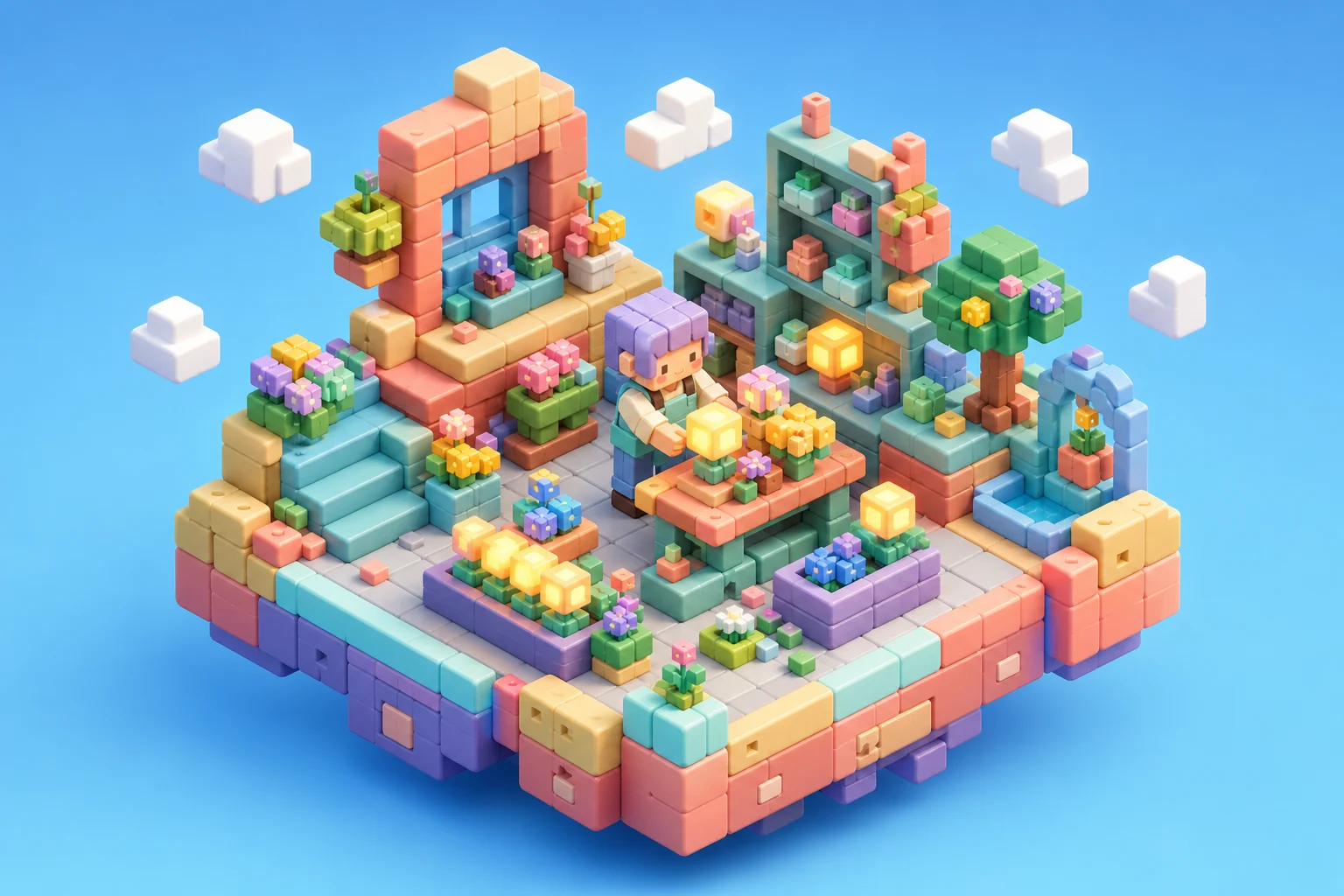
Blocky voxel-style AI image result 1

Example 1

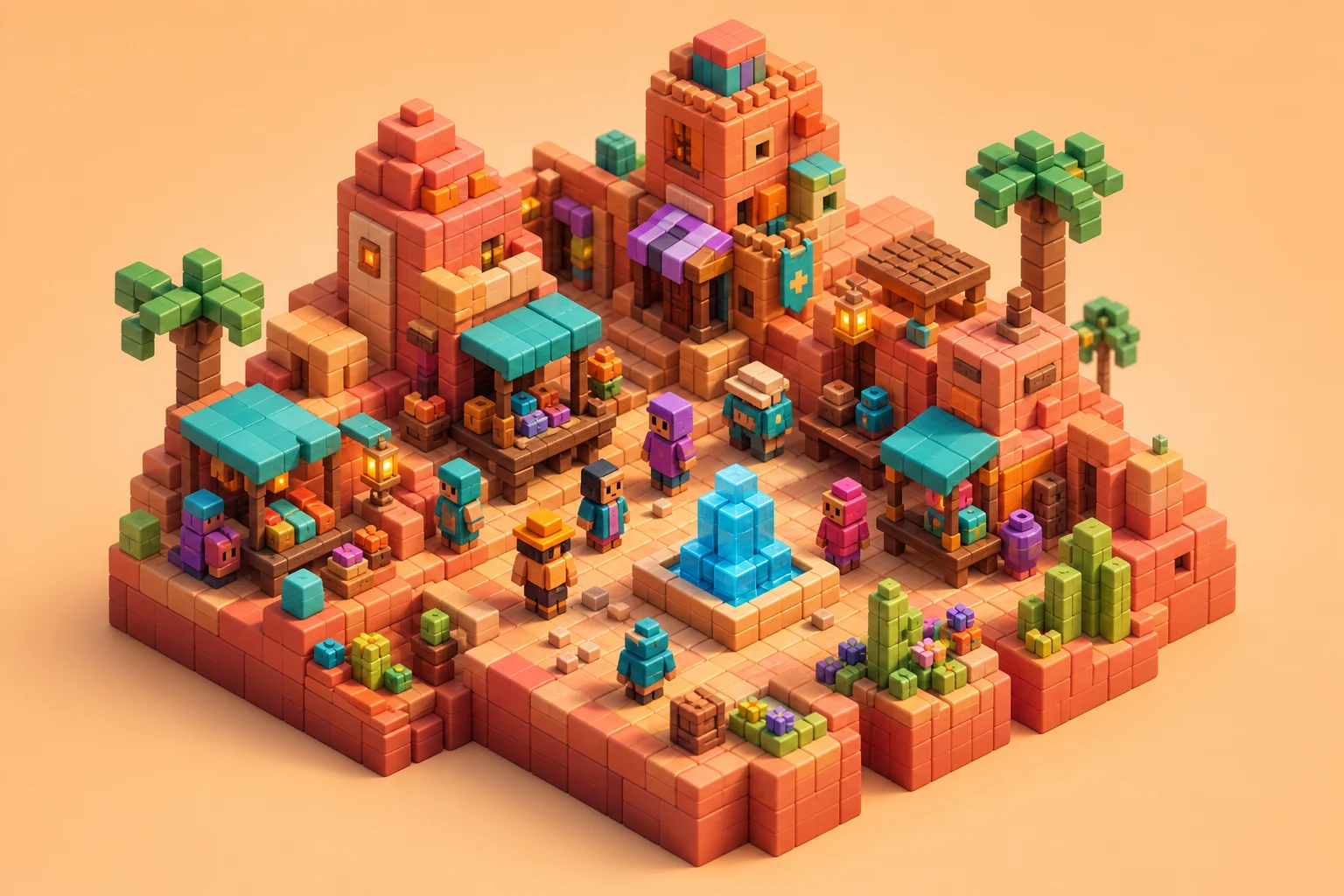
Blocky voxel-style AI image result 2

Example 2

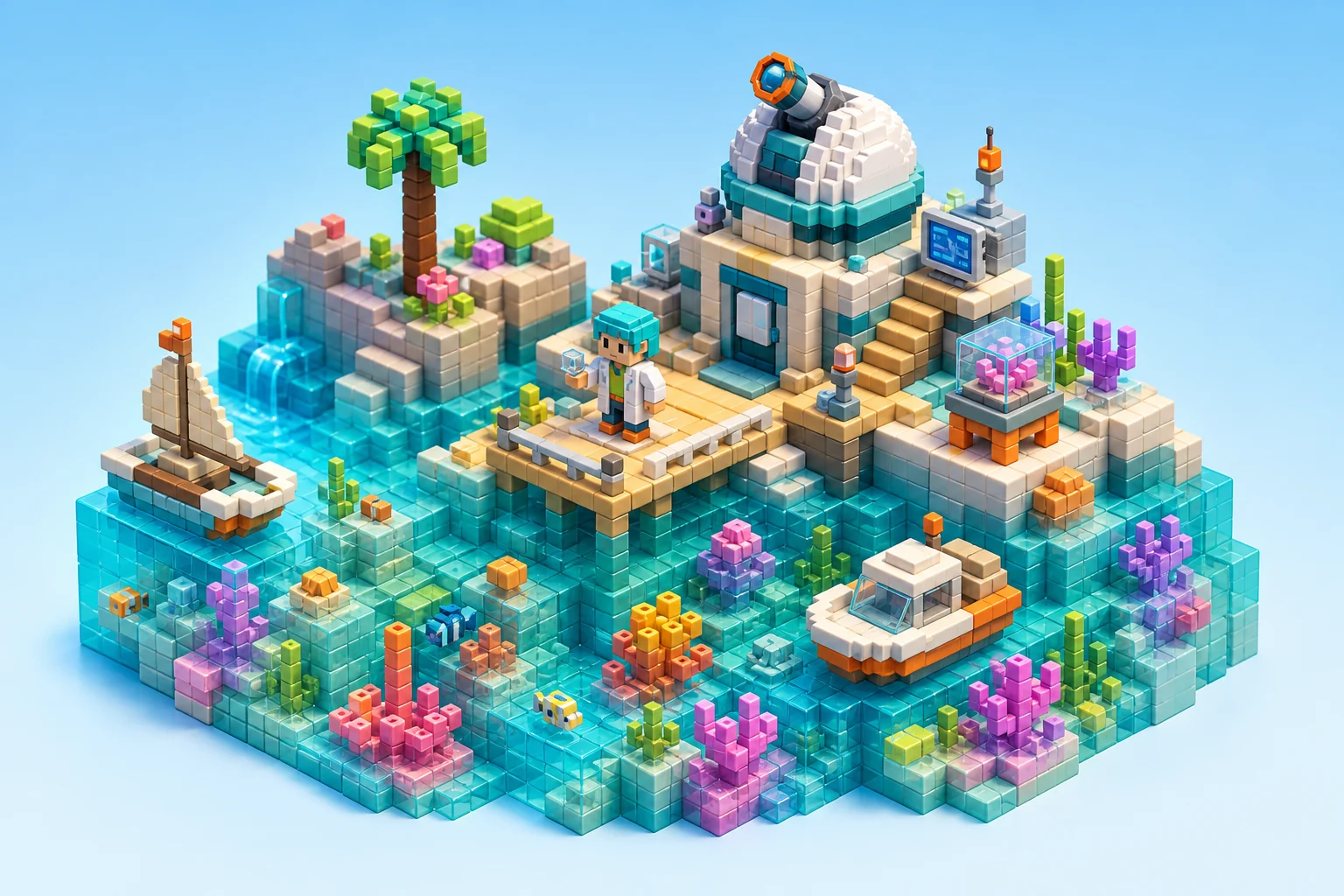
Blocky voxel-style AI image result 3

Example 3

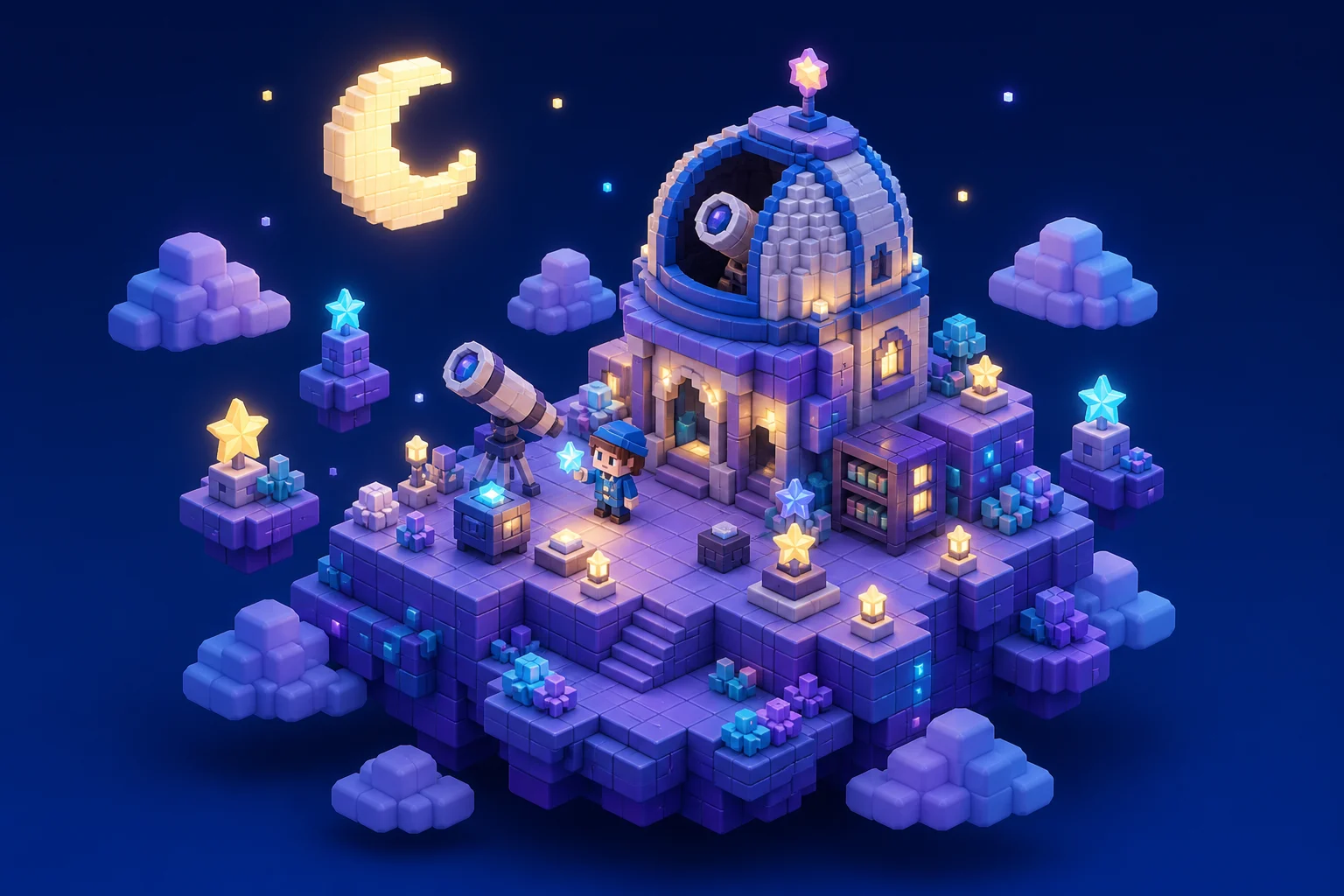
Blocky voxel-style AI image result 4

Example 4

Blocky voxel-style AI image result 5

Example 5

Blocky voxel-style AI image result 6

Example 6

AI Minecraft Generator Features

Create playful voxel-style images with recognizable subjects and crisp block detail.

Free to Use

Try AI Minecraft Generator with free daily credits before deciding whether you need more generations.

Style-Focused Output

Turn portraits or prompts into blocky voxel art with square textures, pixel detail, and Minecraft-inspired scenery.

Fast preview loop

Preview the AI Minecraft Generator result before downloading, then rerun with a clearer photo or tighter prompt when needed.

Simple upload flow

Upload a clear image to AI Minecraft Generator, review the preview, and keep the version that fits your use case.

Watermark-free downloads

Download watermark-free AI Minecraft Generator images for posts, mockups, references, or client drafts.

Privacy Protected

ClipCanva processes AI Minecraft Generator uploads securely and removes files after generation.

How to Use the AI Minecraft Generator

Make a Minecraft-style image from a photo or prompt in three steps.

1

Upload Your Photo

Upload a clear source image for AI Minecraft Generator; AI Minecraft Generator supports JPG, PNG, and WebP uploads.

2

Apply the AI Effect

The AI rebuilds your image as voxel-style art with block textures, pixel-like edges, and playful game-world lighting.

3

Download Your Image

Save the finished high-resolution image and use it wherever you need for AI Minecraft Generator.

AI Minecraft Generator FAQ

Common questions about creating voxel-style AI images.

What does the AI Minecraft generator create?
It creates blocky voxel-style images inspired by Minecraft aesthetics, including character portraits, avatars, and scene concepts.
Is the AI Minecraft generator free?
Yes. ClipCanva provides free daily credits so you can generate images without a credit card.
Can I use a selfie or portrait?
Yes. Upload a clear photo to turn the subject into a blocky voxel-style character while keeping key facial and outfit details.
Can I create a Minecraft-style scene from text?
Yes. You can describe a scene or upload a photo, then generate a voxel-style result from that input.
Are the results watermarked?
No. You can download your generated image in high resolution without a watermark.

Create a Minecraft-Style Image

Upload a photo or enter a prompt and generate a blocky voxel-style image with AI.