FreeTry the AI manga filter free — no credit card required

AI Manga Filter

Turn a photo into a manga-inspired portrait with clean black lines, stylized shading, dramatic eyes, and the same person still recognizable.

AI manga filter portrait illustration
0 / 2000
Template prompt

AI manga filter

Apply the AI Manga Filter effect to the uploaded portrait. Preserve the person identity, face shape, hairstyle, expression, pose silhouette, and clothing color cues. Convert the image into manga-style illustration with clean ink lines, screentone texture, dramatic shadows, stylized eyes, crisp black-and-white or limited-color treatment, and polished panel-ready composition. Keep the original subject recognizable.

AI manga filter portrait illustration

Gallery

AI Manga Filter Examples

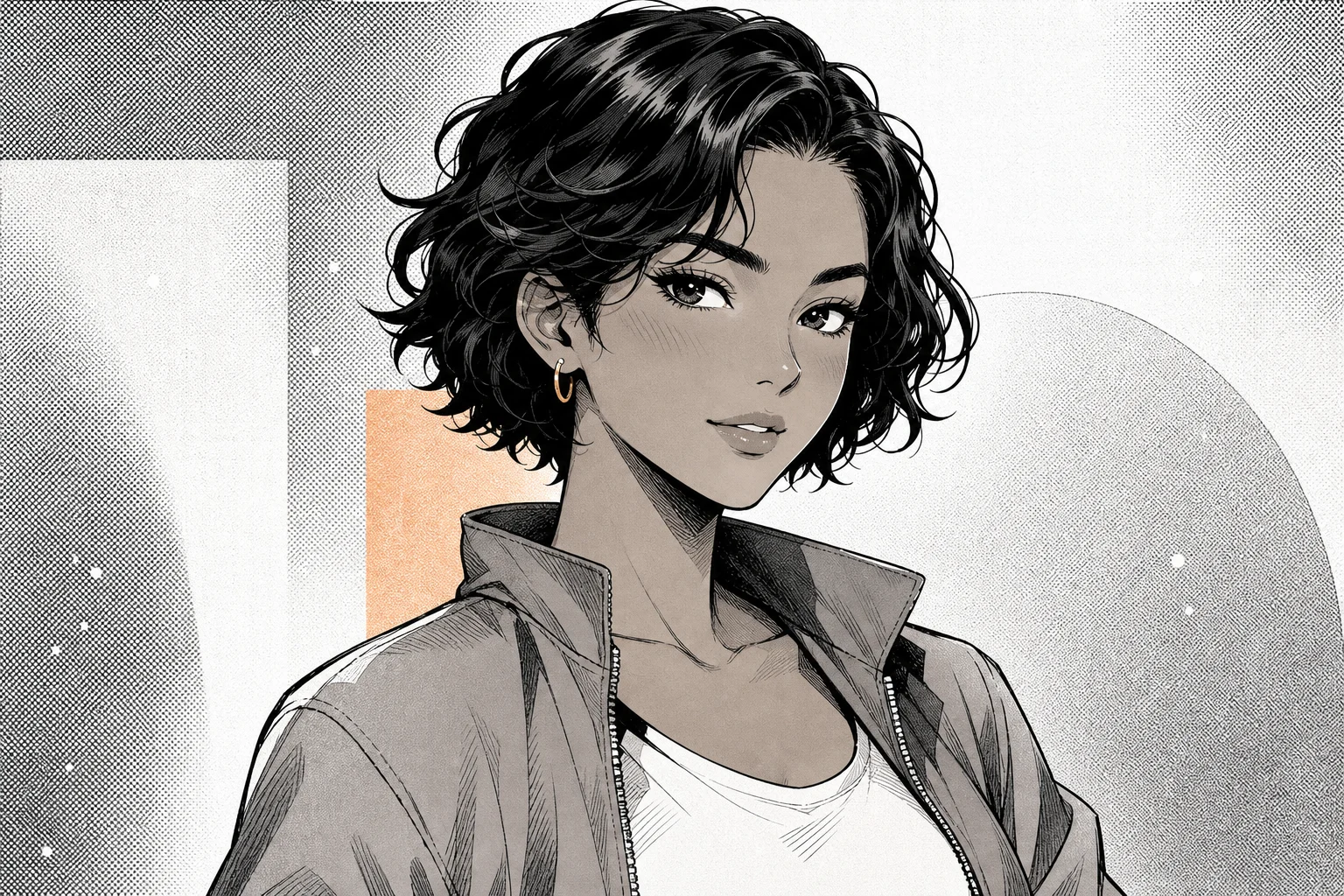
Manga portrait with ink lines and screentones 1

Example 1

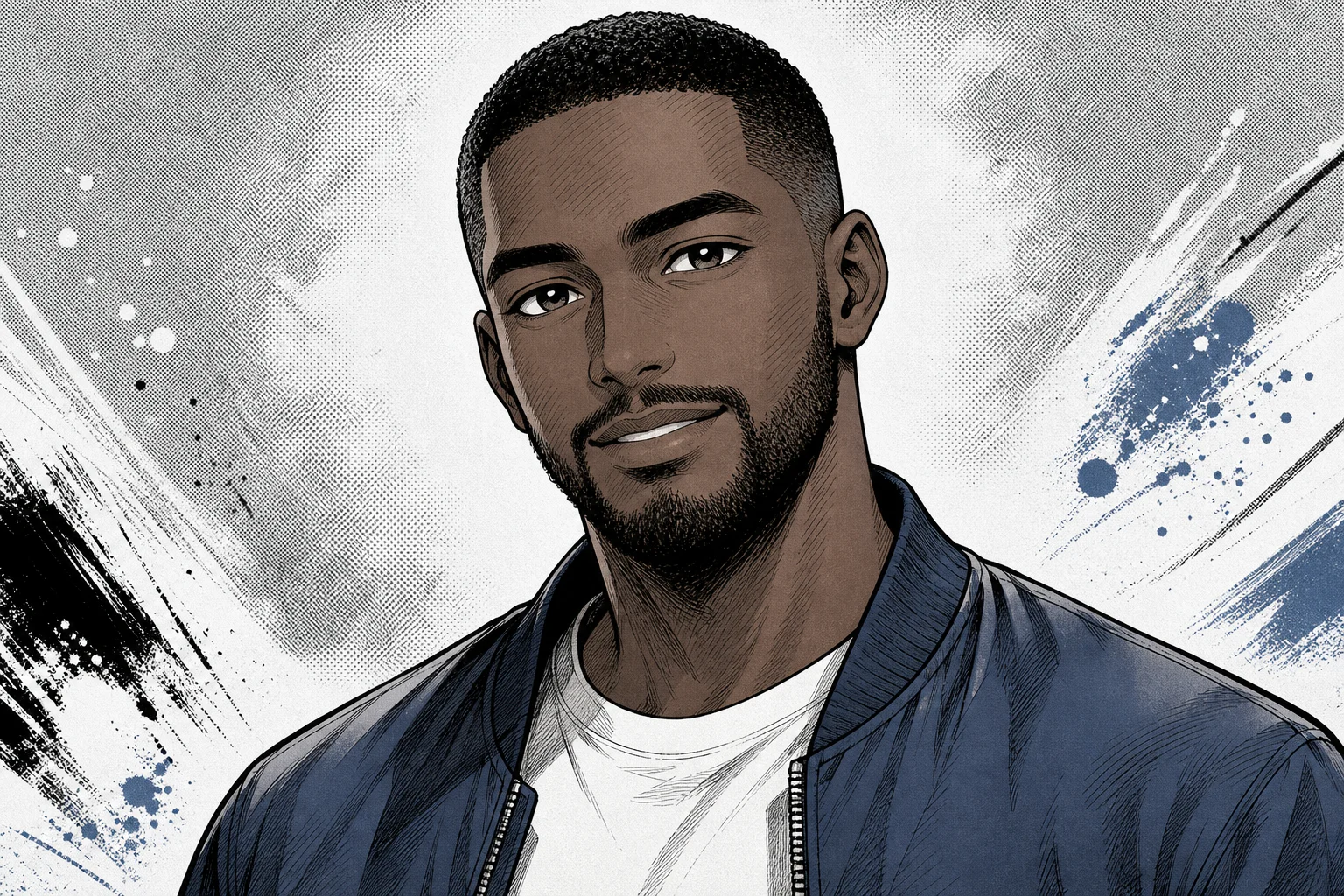
Manga portrait with ink lines and screentones 2

Example 2

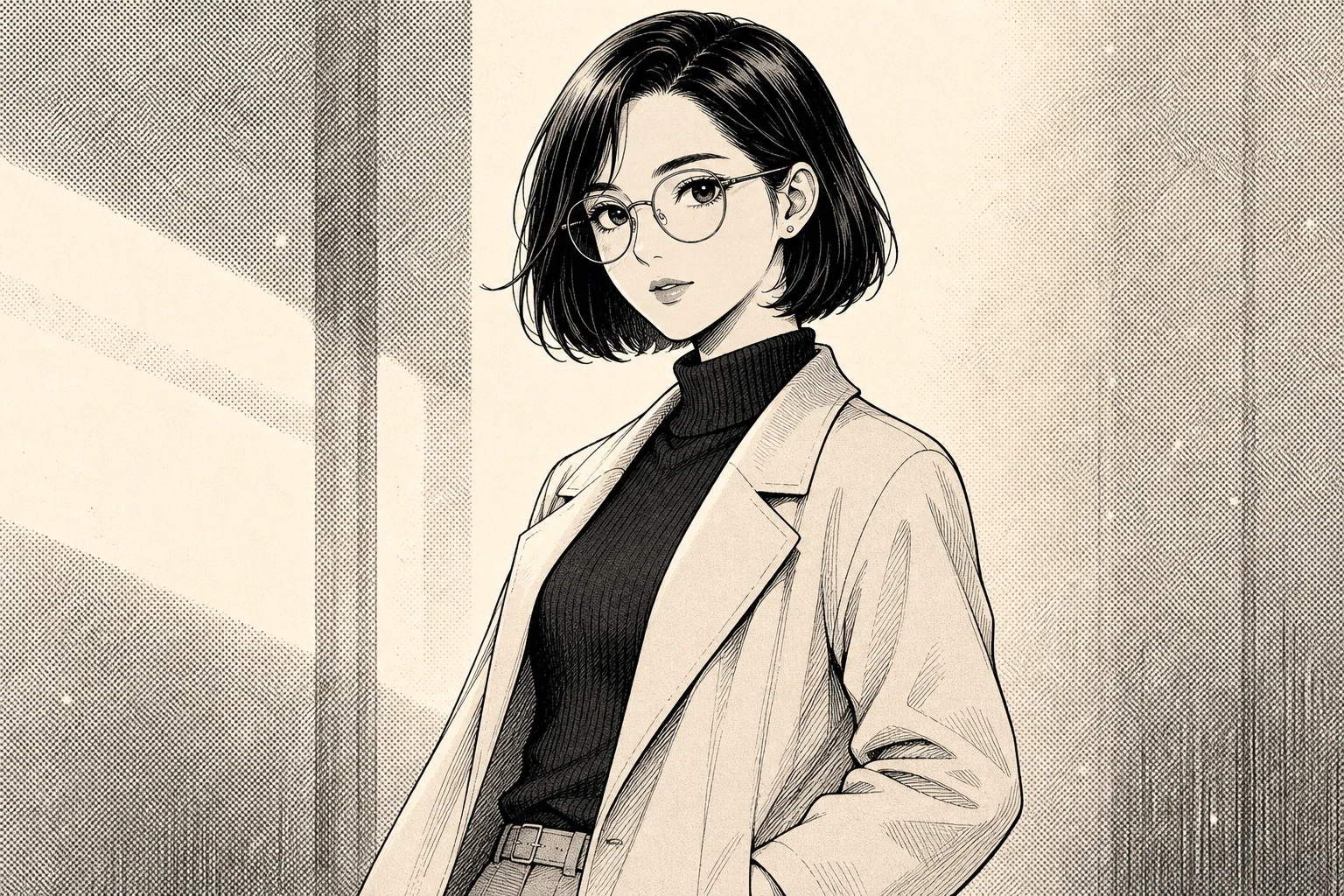
Manga portrait with ink lines and screentones 3

Example 3

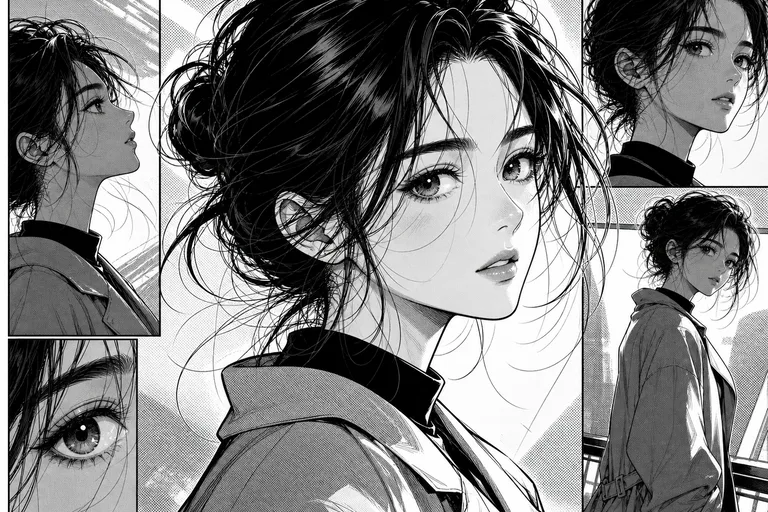
Manga portrait with ink lines and screentones 4

Example 4

Manga portrait with ink lines and screentones 5

Example 5

Manga portrait with ink lines and screentones 6

Example 6

AI Manga Filter Features

Create manga portraits that keep the subject recognizable while adding authentic comic detail.

Free to Use

Try AI Manga Filter with free daily credits before deciding whether you need more generations.

Style-Focused Output

Convert photos into manga-style portraits with inking, screentones, bold shadows, and expressive eyes.

Quick before-and-after preview

Preview the AI Manga Filter result before downloading, then rerun with a clearer photo or tighter prompt when needed.

Simple upload flow

Upload a clear image to AI Manga Filter, review the preview, and keep the version that fits your use case.

Watermark-free downloads

Download watermark-free AI Manga Filter images for posts, mockups, references, or client drafts.

Privacy Protected

ClipCanva processes AI Manga Filter uploads securely and removes files after generation.

How to Use the AI Manga Filter

Create a manga portrait from your photo in three steps.

1

Upload Your Photo

Upload a clear source image for AI Manga Filter; AI Manga Filter supports JPG, PNG, and WebP uploads.

2

Apply the AI Effect

The AI redraws the portrait with manga linework, tones, and character detail while preserving likeness.

3

Download Your Image

Save the finished high-resolution image and use it wherever you need for AI Manga Filter.

AI Manga Filter FAQ

Common questions about making manga portraits with AI.

What does the AI manga filter do?
It converts an uploaded portrait into a Japanese manga-style illustration with inked outlines, screentone texture, expressive eyes, and preserved facial likeness.
Is the AI manga filter free?
Yes. You can try it free on ClipCanva with daily credits, and no credit card is required to start.
What photos work best for manga portraits?
Clear selfies or portraits with visible facial features work best. Front-facing or three-quarter photos usually produce the most recognizable manga result.
Can I download the manga image without a watermark?
Yes. Generated images can be downloaded in high resolution without a watermark.
Can I use AI manga filter results commercially?
Finished images on ClipCanva can be used commercially, subject to the platform terms of service and any rights in your uploaded photo.

Create a Manga Portrait Now

Upload a portrait and generate a clean manga-style version with AI online.